Centurion Ships
Java resource pack listed for Minecraft 1.16–1.19. Download on the author's site.
⬇ Download on CurseForge 
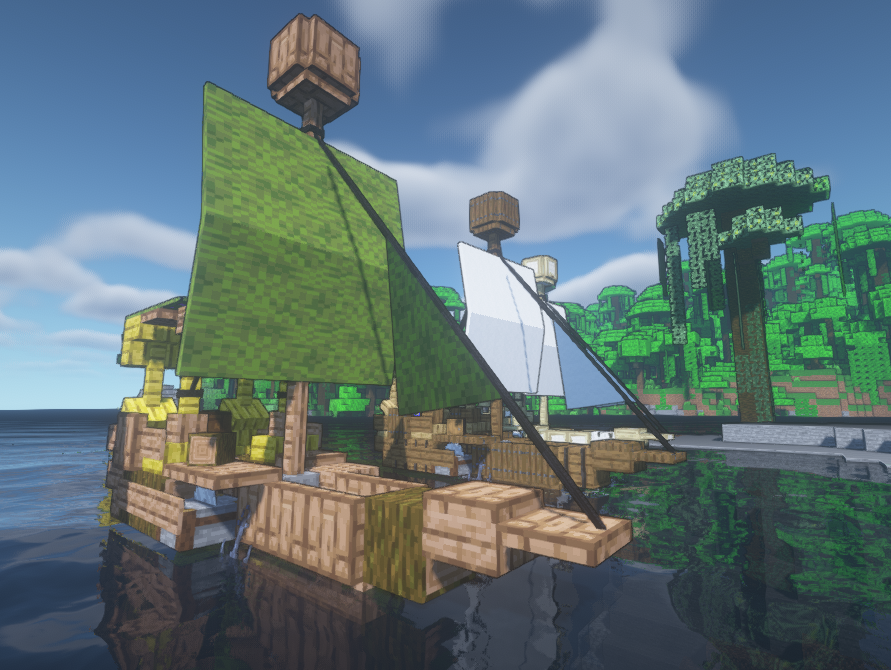
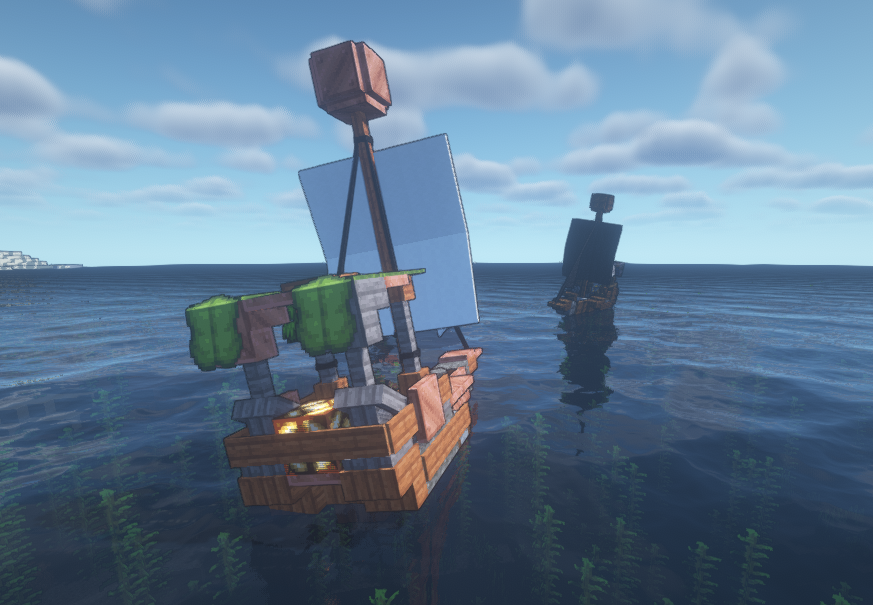
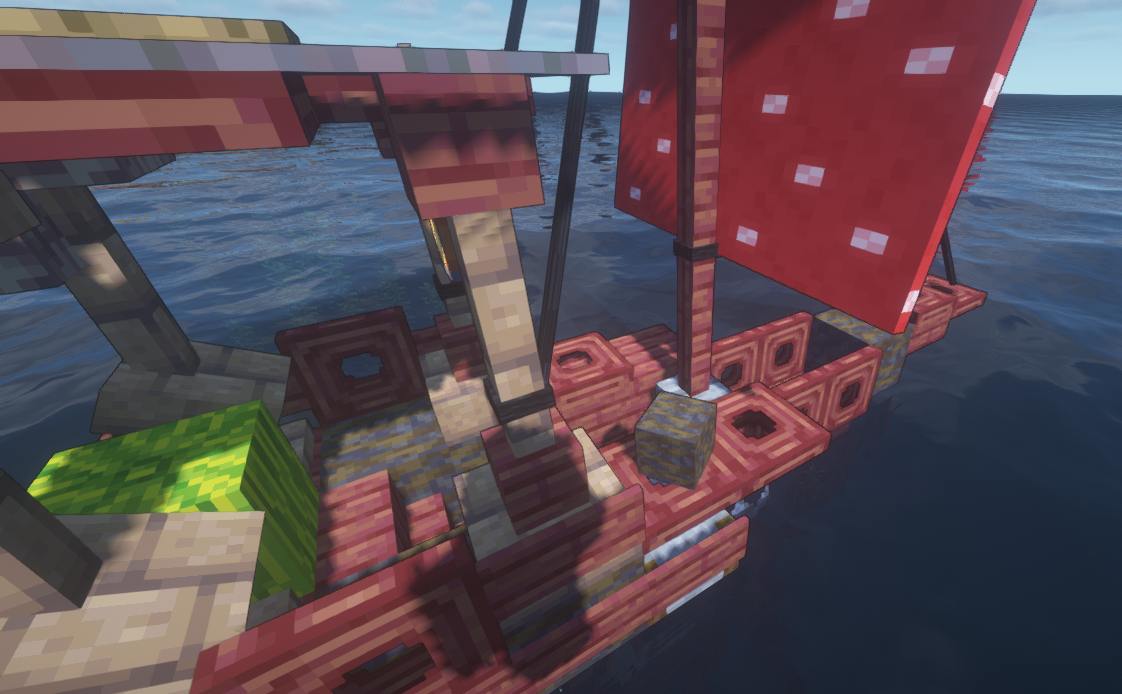
Turn boats into custom ships ready for the adventure!
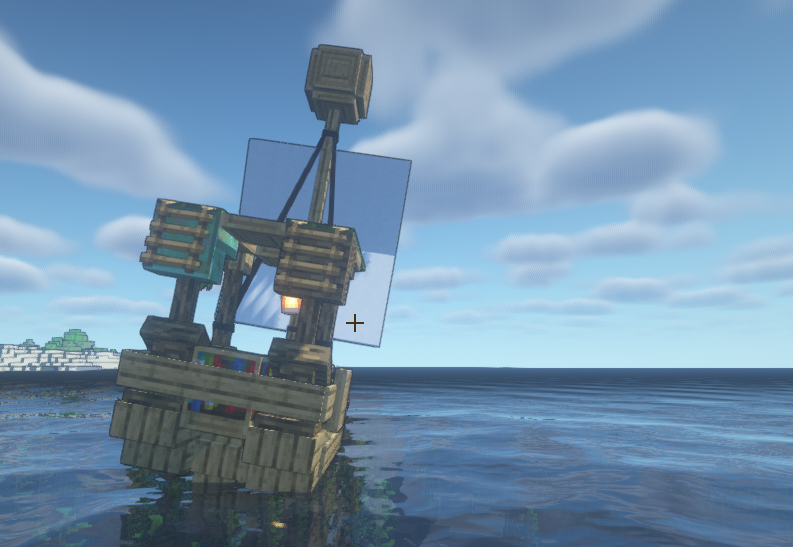
The design is based on a MoreTrixyBlock's build!
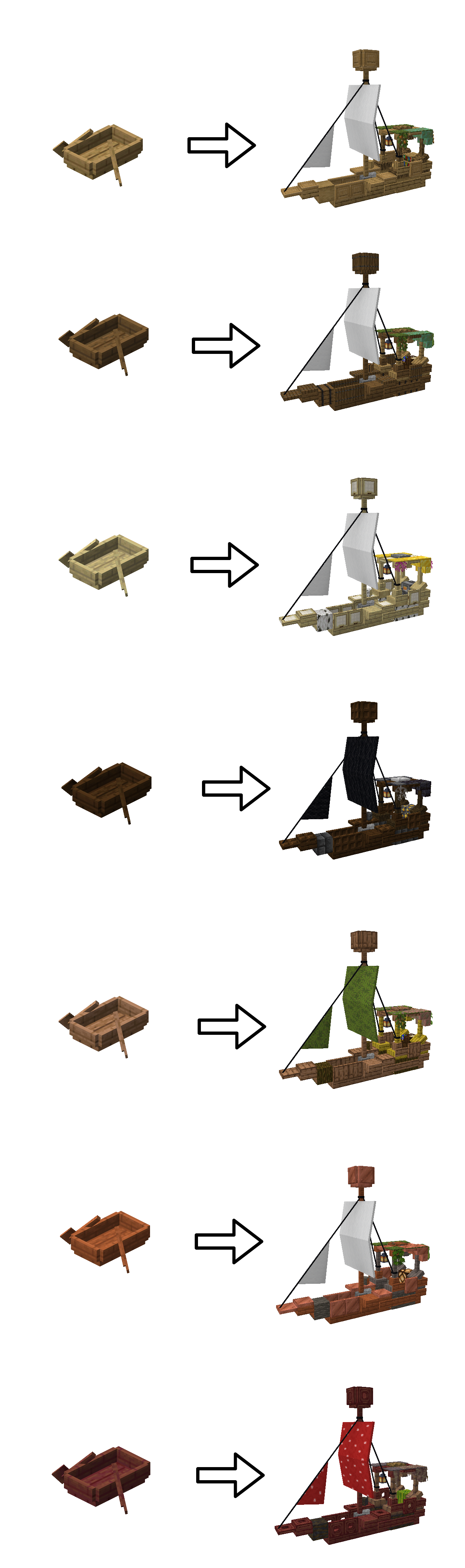
The Ship's design keeps them vanilla-style, as they seem to have been built with actual blocks.
How to install:
1 Put the .zip file inside the Resourcepacks folder.
2 In order to see the models, you need Optifine installed.
3 Go to the menu -> Options -> Resourcepacks and select the Centurion Ships Resourcepack.
Optional:
1 I personally recommend using the Shoulder Surfing Reloaded Mod in order to see the boat from further away.
2 Go to .minecraft/config/shouldersurfing.toml and edit it.
Scroll down until you find "[perspective.offset.limits]".
Change the value "unlimited_offset_z" to "true".
Change the value "unlimited_offset_y" to "true".
Change the value "unlimited_offset_x" to "true".
3 In game, once you have installed Optifine, Shoulder Surfing Reloaded and this Resourcepack, adjust your view to your liking.

- Edition: Minecraft Java
- File type: .zip (resource pack)
- Minecraft versions listed: 1.17.1, 1.16.3, 1.16.1
- How to install: Download the .zip resource pack — do not unzip it. → Put it in .minecraft/resourcepacks. → Enable it in Options → Resource Packs.
- Where to get it: Opens on CurseForge — not every file is mirrored on our own servers.
Install steps are the general flow for this file type — How to install Minecraft Java resource packs walks through it step by step.
Centurion Ships is a free Minecraft Java resourcepack. Compatible with Minecraft 1.17.1, 1.16.3, 1.16.1, 1.18.1 and newer. Downloaded 12,434 times (via CurseForge). Download it and open it directly in the game.