FTB Quests Mod (26.1.2, 1.20.1) – Build a Story for Your Team
Java mod listed for Minecraft 1.20. Downloads from the MC Java Mods app on Android.
⬇ Download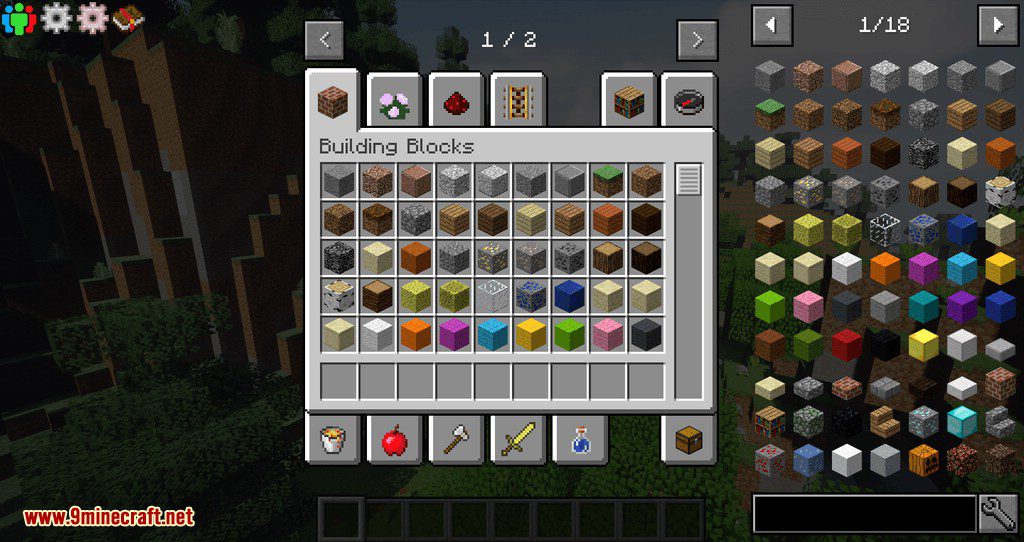
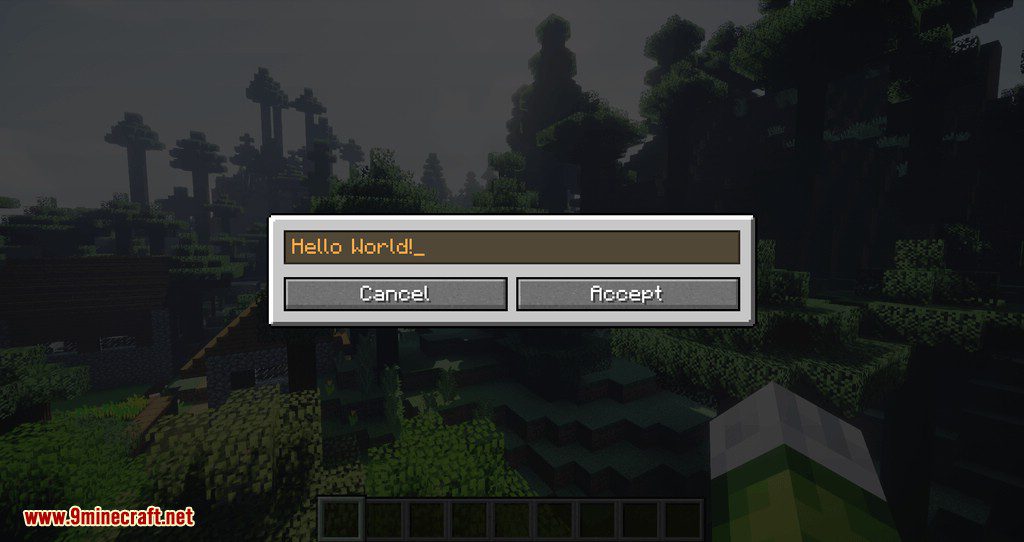
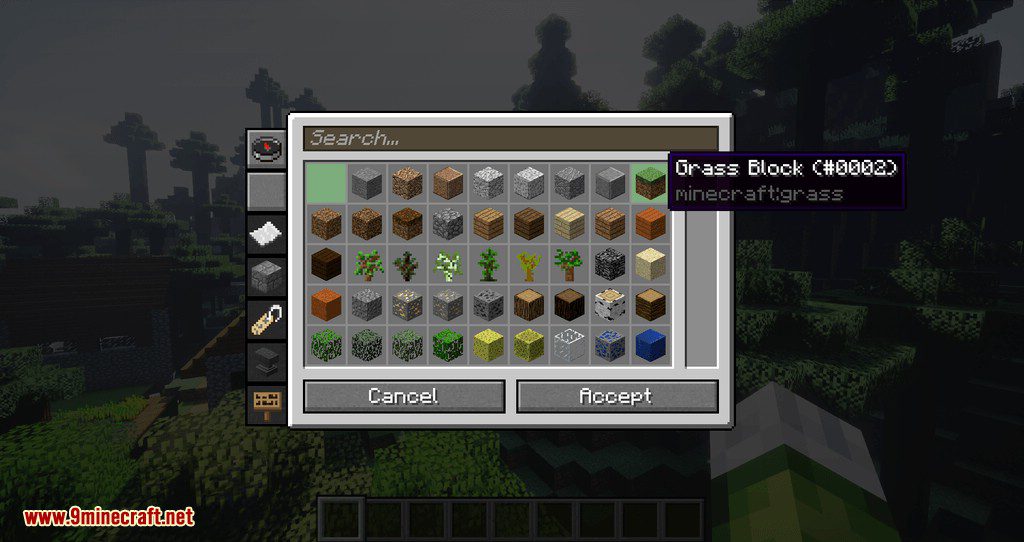
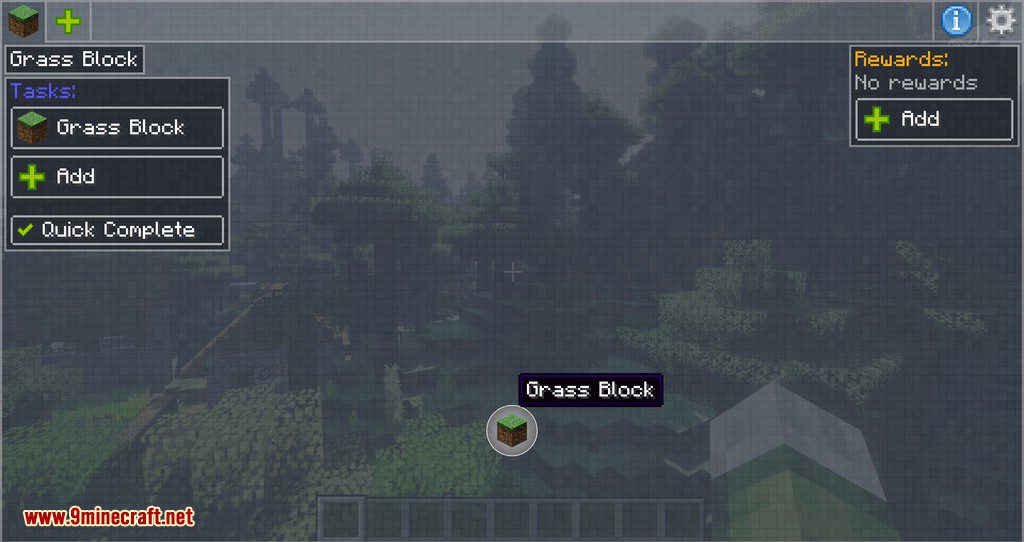
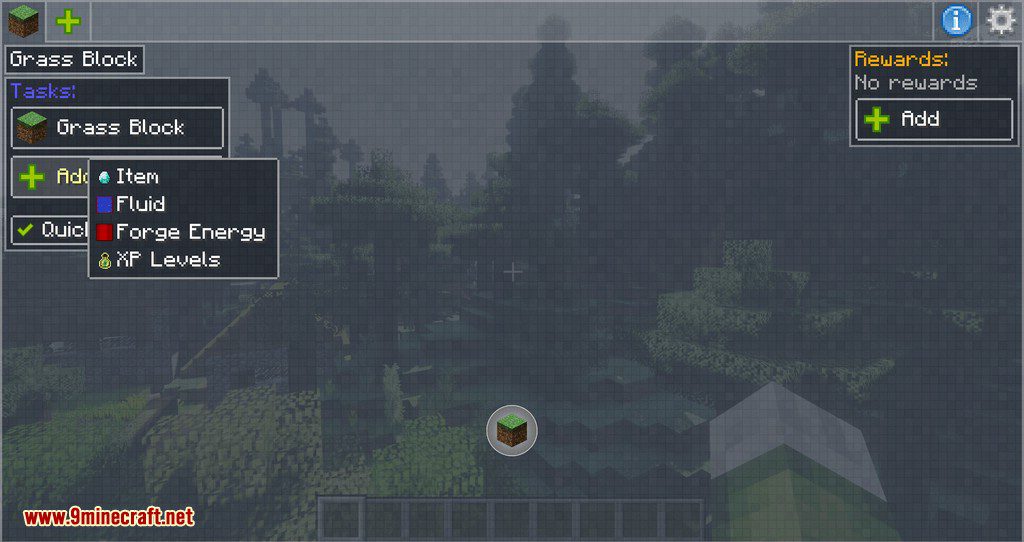
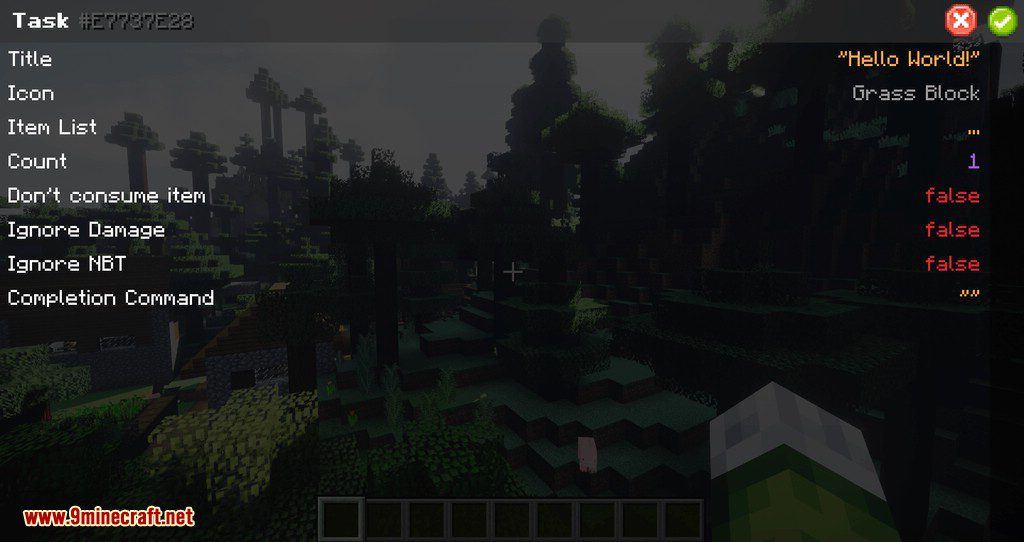
FTB Quests Mod adds a simple and lightweight questing system to Minecraft. It’s designed for teams, allowing you and your friends to complete quests together. The mod is easy to use, so you can start creating or playing through quests right away.
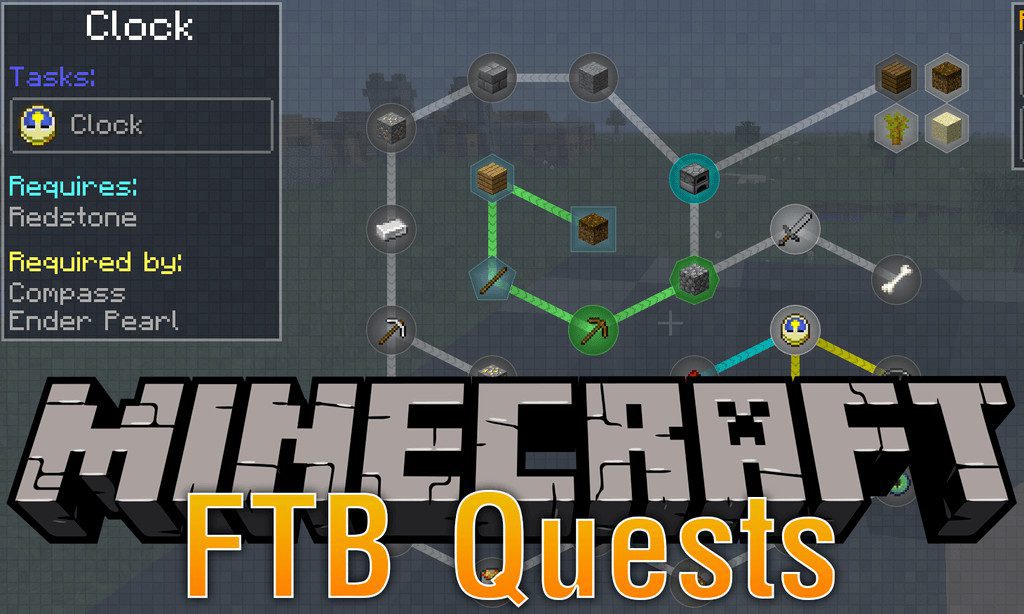
Features:
- Create and play through custom quests with your friends.
- Organize quests into different chapters for better progression.
- Set up dependencies, requiring players to complete one quest before starting another.
- Define specific tasks, like collecting items or energy, to complete quests.
- Offer unique rewards for completing quests, which can be claimed by one player or the whole team.
- Use the Task Screen block to display quest progress and automate certain tasks.
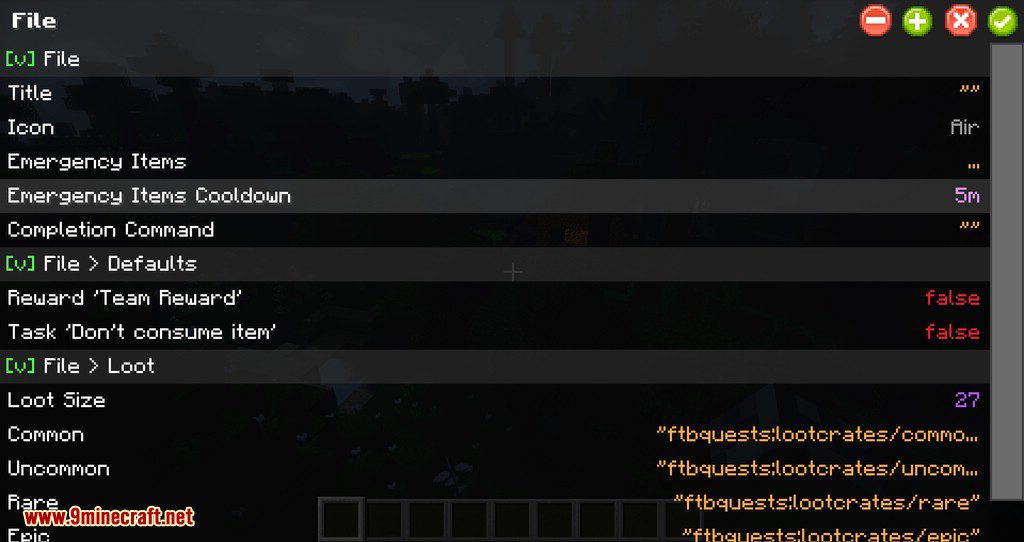
- An in-game editor lets you create and modify quests directly in Minecraft.
Commands:
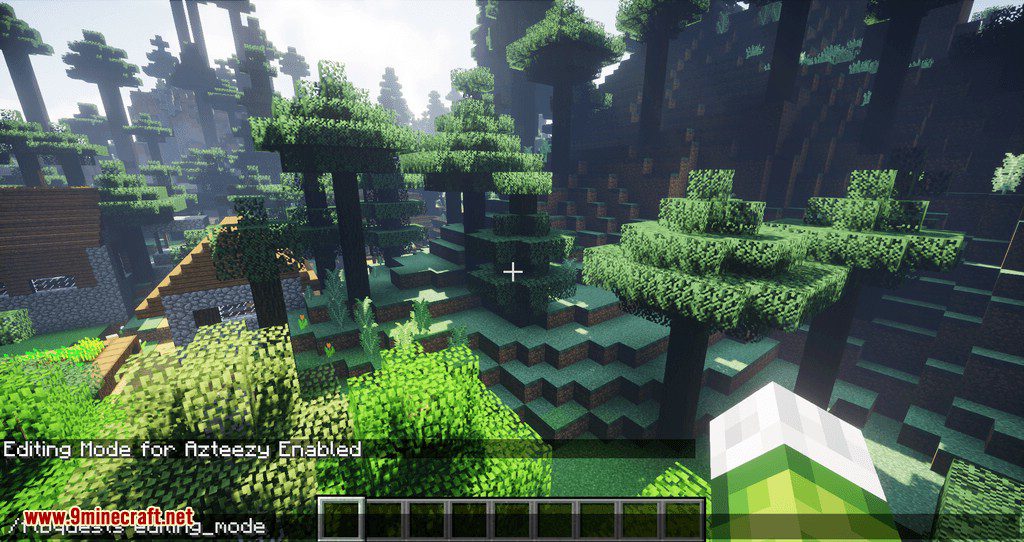
To start creating or editing quests, you need to turn on editing mode. You can do this with the following command, even without cheats enabled in singleplayer:
/ftbquests editing_mode– Toggles the quest editing mode on or off.
Once in editing mode, new buttons will appear in the quest GUI. You can right-click on quests, chapters, tasks, or rewards to edit them.
Shortcuts:
- Hold Ctrl+Shift and hover over a quest object to see its ID.
- Middle-click on a quest to move it.
How to Use:
- First, join or create a team by clicking the “My Team” button in the top-left corner of your inventory. If you are playing singleplayer, you can skip this step.
- Open the main quest interface by clicking the “Quests” button next to the team button.
- Inside the quest menu, you can switch between different chapters by clicking the tabs on the left or by pressing the Tab key.
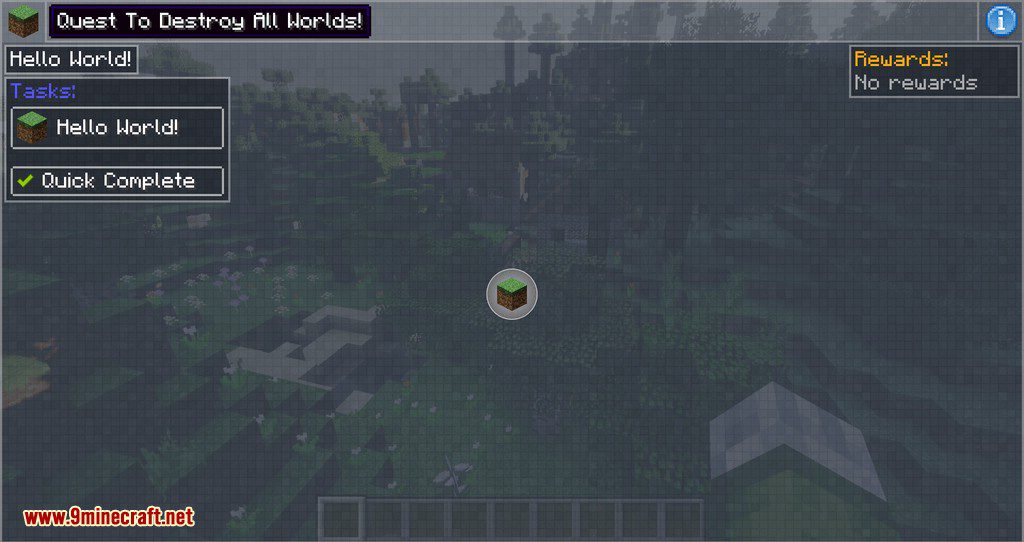
- Click on any quest to view its tasks and the rewards you’ll get for completing it.
- To complete a task that requires items, click the “Task” button to submit them from your inventory.
- Once a quest is complete, click the “Reward” button to claim your prize. If a reward name is blue, only one person on the team can claim it.
- For certain tasks, like submitting energy, you may need to use a Task Screen block in the world.
Screenshots:
FTB Quests Mod Download Links
- Edition: Minecraft Java
- File type: .jar
- Minecraft version listed: 1.20.1
- How to install: Install the matching mod loader (Forge, Fabric or NeoForge) for your Minecraft version. → Download the .jar. → Put it in the .minecraft/mods folder and launch that loader profile.
- Where to get it: In MC Java Mods, or directly above on this page.
Install steps are the general flow for this file type — How to install Minecraft Java mods & modpacks walks through it step by step.
- Downloads as 2404.mcaddon
- Download size: 1.4 MB
- Download link checked 22 Sept 2026 — working
- Mirrored on our own servers — the download does not depend on the original host
These come from our own check of the pack file, not from the source page.