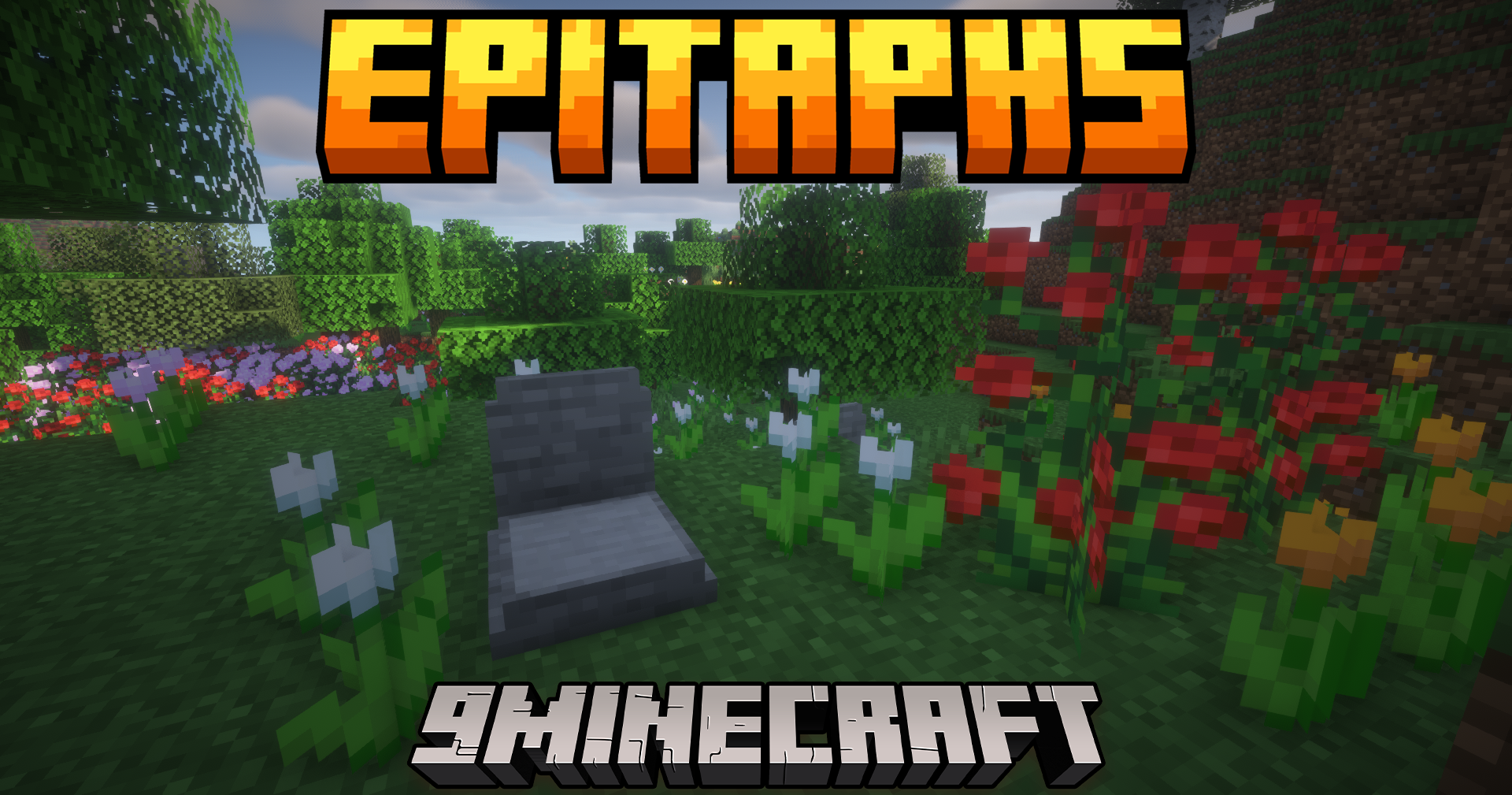
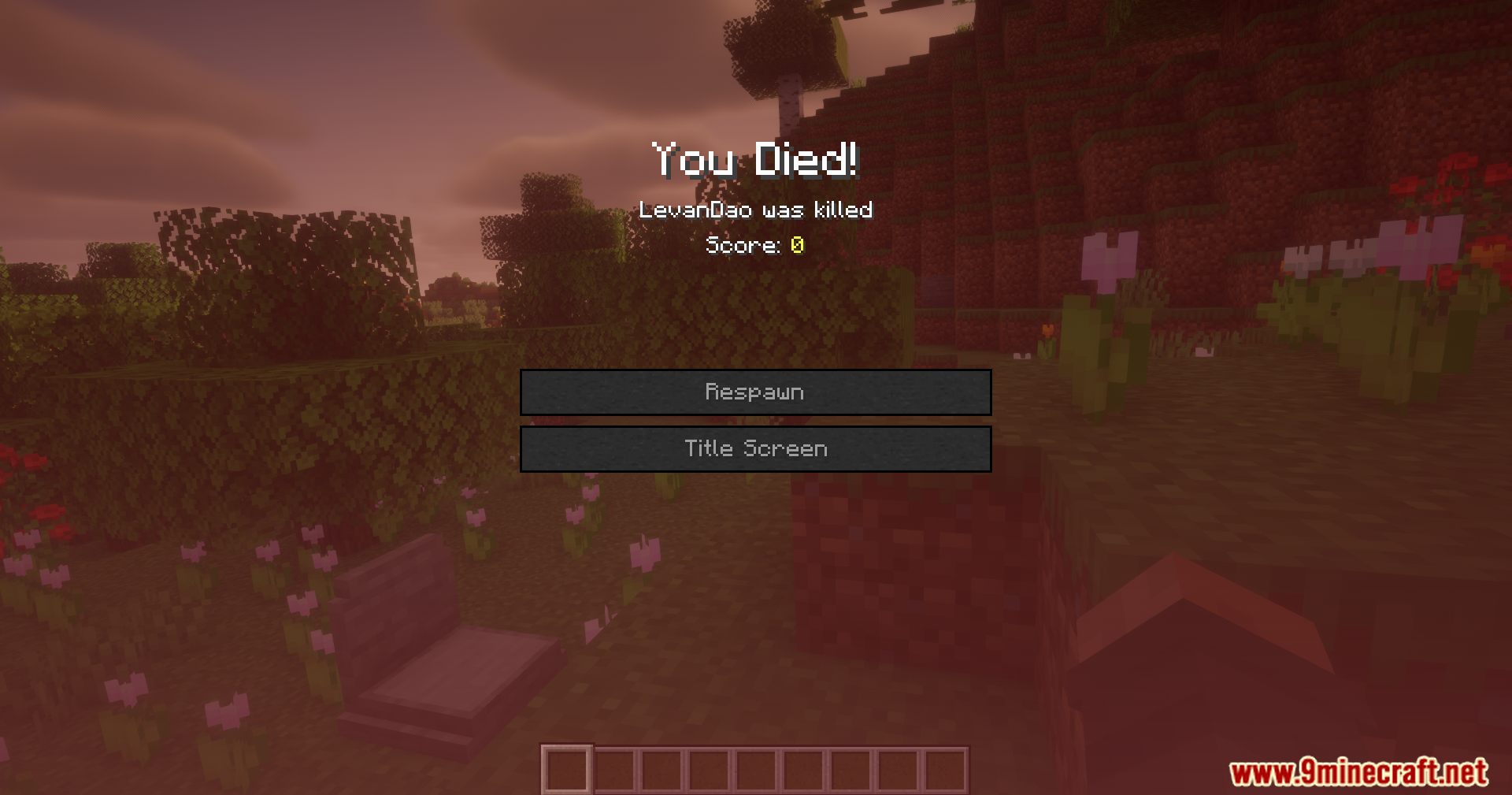
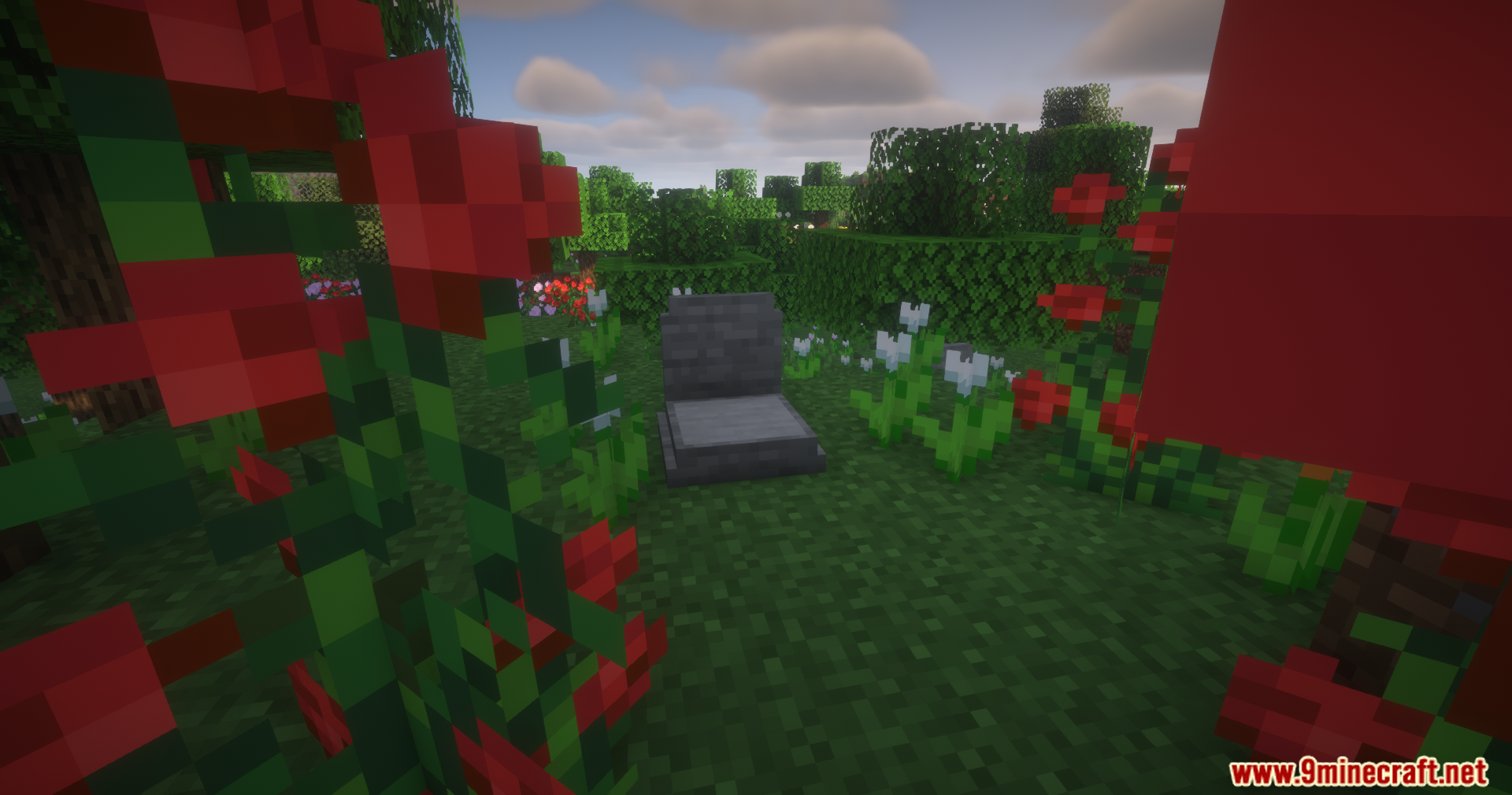
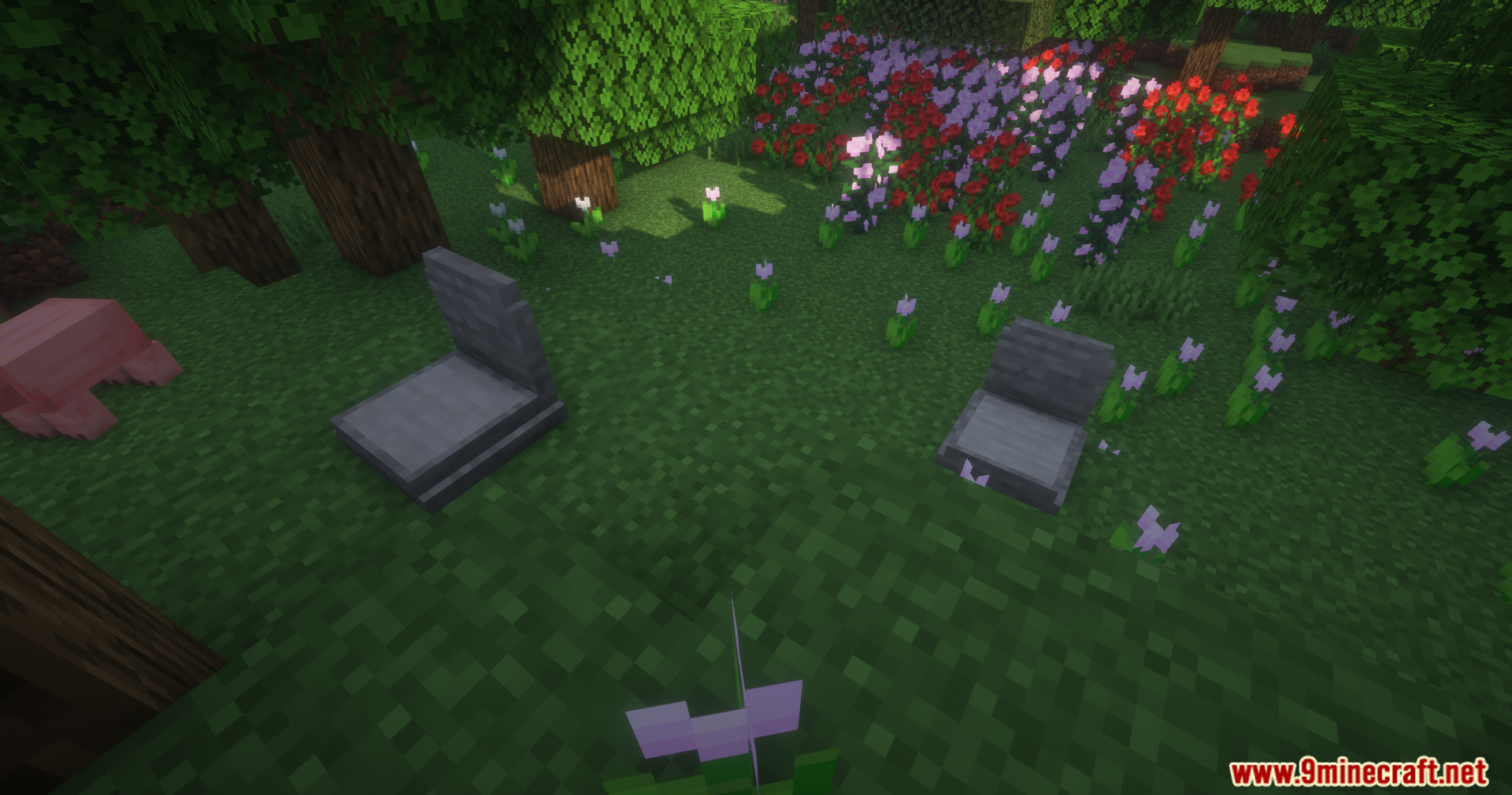
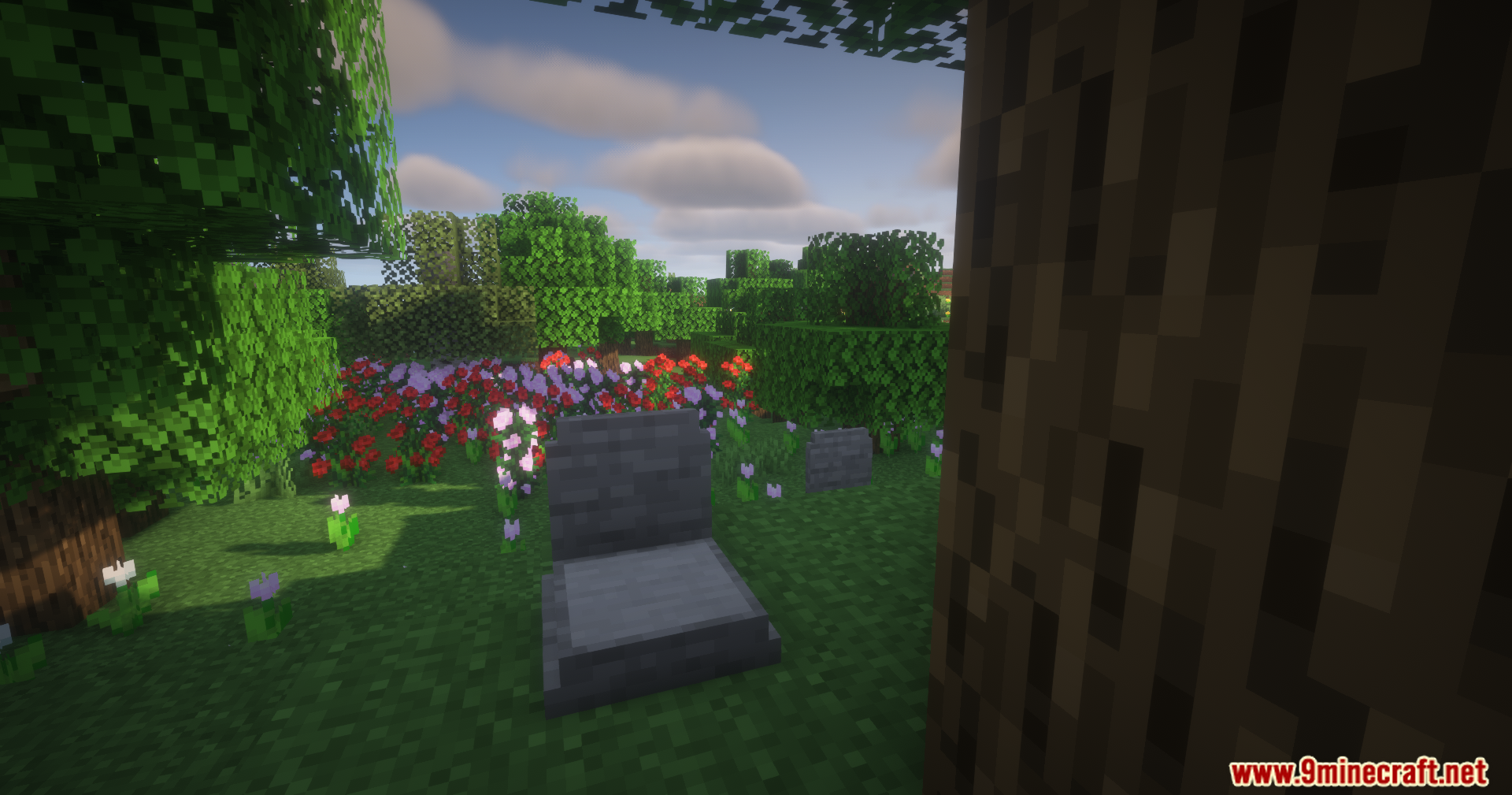
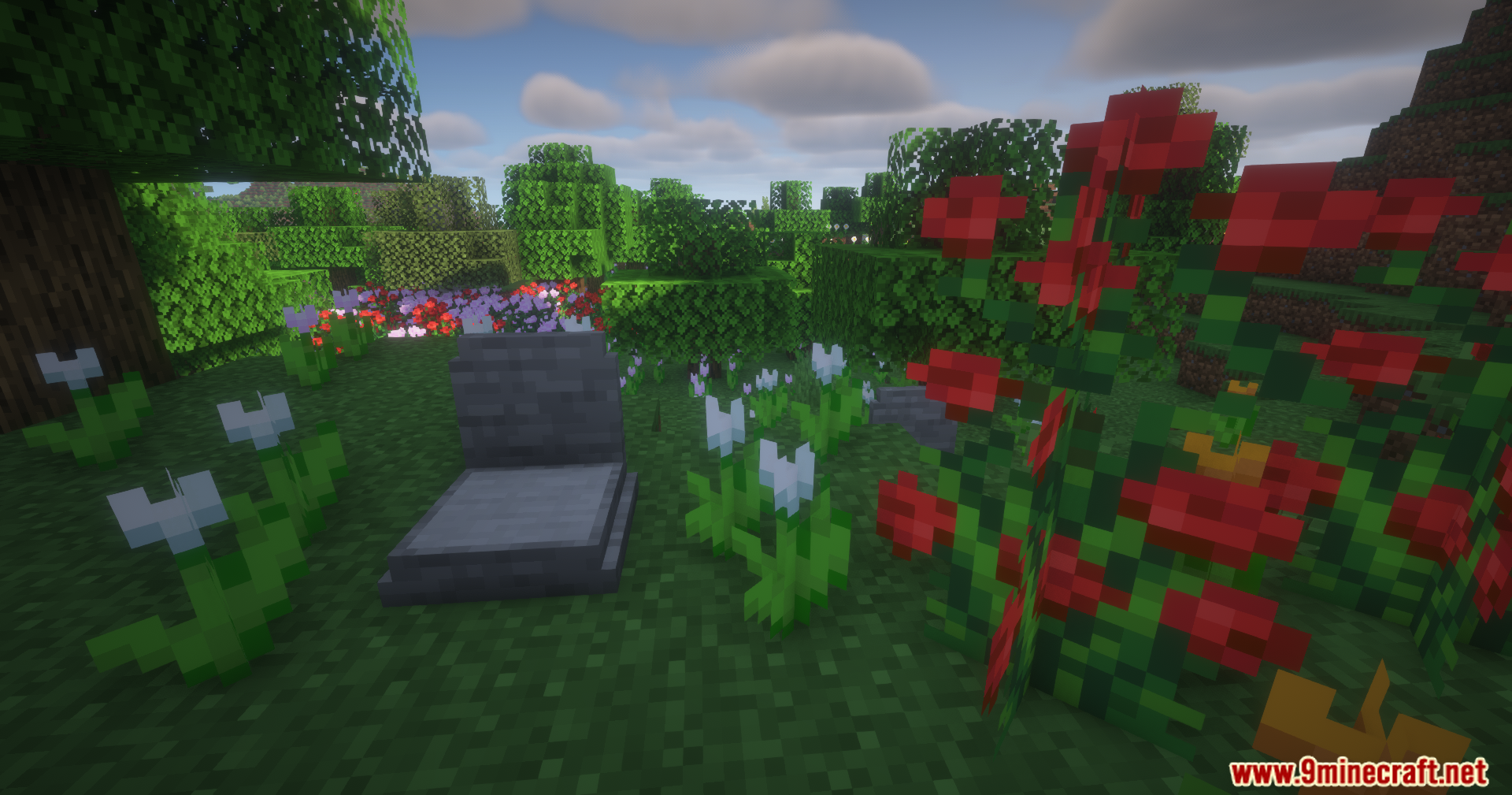
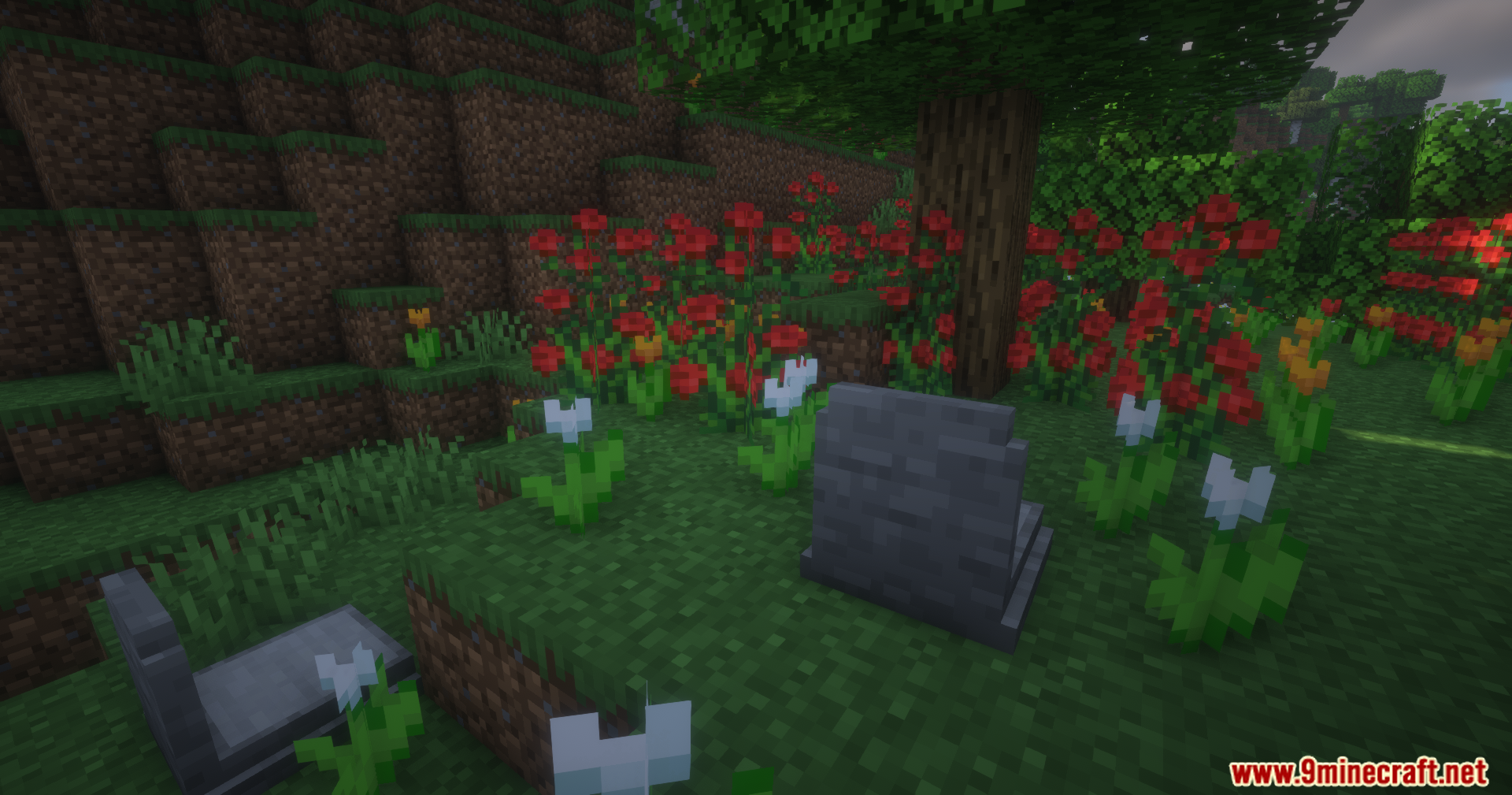
Epitaphs Mod spawns a safe grave where you die to protect your items. This addition makes sure your hard-earned gear stays safe from disappearing or falling into the wrong hands until you return to pick it up.
Features:
- Safe Item Storage: Creates a protected grave at your exact death spot that holds all your items and tools.
- Tries to place the grave on solid ground so it does not float in the air or fall into the void.
- Sends a handy chat message with exact coordinates right after you die so you know exactly where to go.
- Puts your gear back into the exact same inventory slots you had them in when you open the grave.
- Locks the grave so only you can open it, keeping other players from stealing your stuff.
- Shows a helpful box when you look at a grave, telling you who owns it and the exact time they died.
- Bypasses claimed land and spawn protections to make sure the grave always appears.
Special Items and Magic:
- Right-click a grave with an empty bottle to get a Soul in a Bottle.
- Drink the Soul in a Bottle to teleport straight back to your last death spot.
- Combine the bottle with gear in an anvil to get the Soulbound enchantment, which keeps that item with you through death.
- Add an experience bottle to Soulbound armor to get Experience Soulbound, saving a quarter of your XP per armor piece.
Commands:
/epitaphs listshows all your current grave spots./epitaphs highlight latestdraws a glowing outline around your newest grave so you can see it through walls./epitaphs highlight clearturns off the glowing outline./epitaphs savelets server admins manually back up a player’s data./epitaphs recoverhelps admins give a player their lost items back if something goes wrong.
How to Use:
- Play the game normally until you run out of health and die.
- Check your chat box for the exact coordinates of your new grave.
- Walk back to the coordinates shown in the chat.
- If you cannot find it, type
/epitaphs highlight latestto see it glowing through blocks. - Interact with the grave to get all your items back in their original slots.
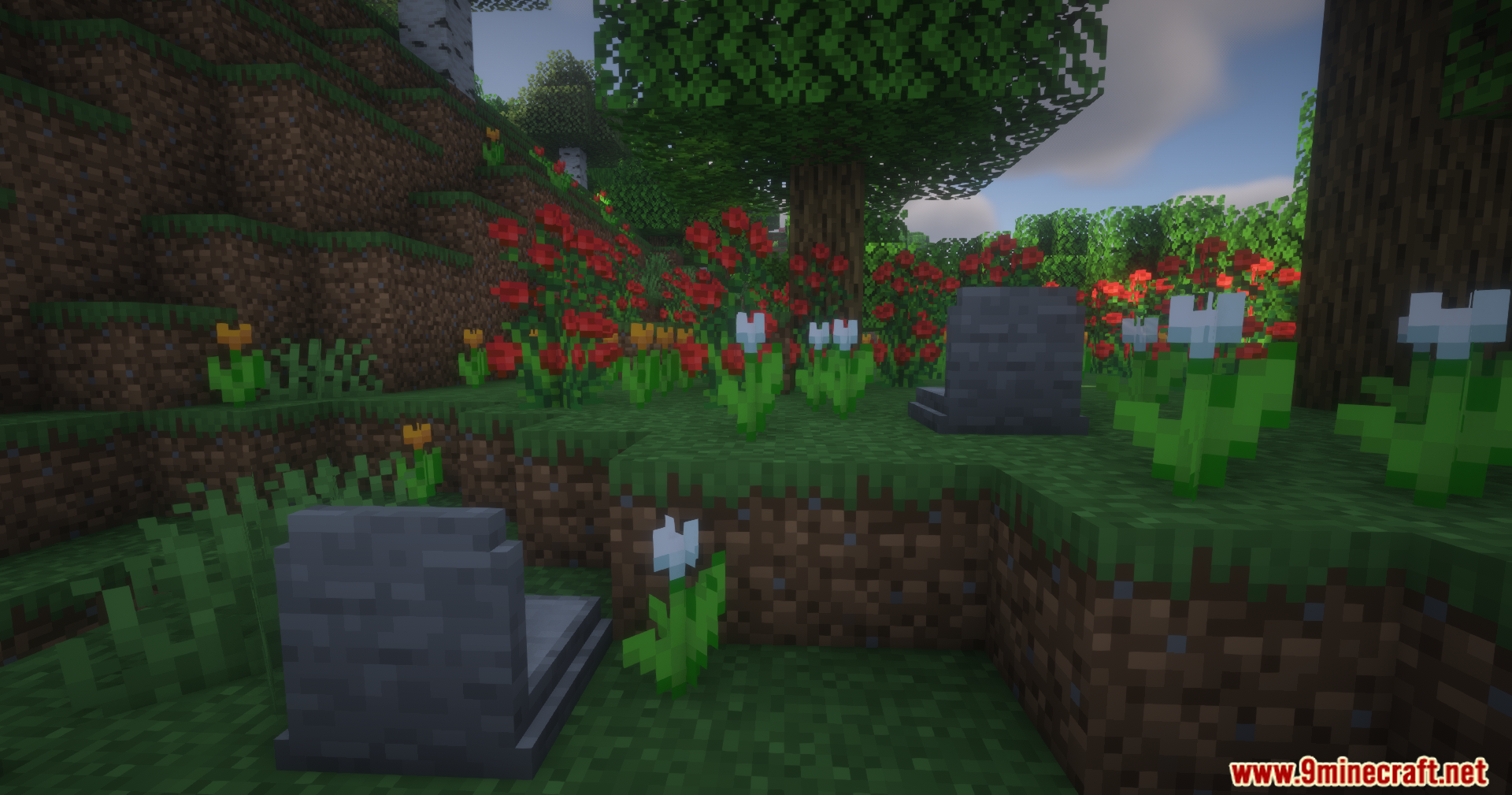
Screenshots:

Epitaphs Mod Download Links
Quick facts
- Edition: Minecraft Java
- File type: .jar
- Minecraft version listed: 1.21.1
- How to install: Install the matching mod loader (Forge, Fabric or NeoForge) for your Minecraft version. → Download the .jar. → Put it in the .minecraft/mods folder and launch that loader profile.
- Where to get it: In MC Java Mods, or directly above on this page.
Install steps are the general flow for this file type — How to install Minecraft Java mods & modpacks walks through it step by step.
Verified by MCModsHub
- Downloads as 2411.mcaddon
- Download size: 548 KB
- Download link checked 24 Sept 2026 — working
- Mirrored on our own servers — the download does not depend on the original host
These come from our own check of the pack file, not from the source page.