

For the Latest Minecraft Versions
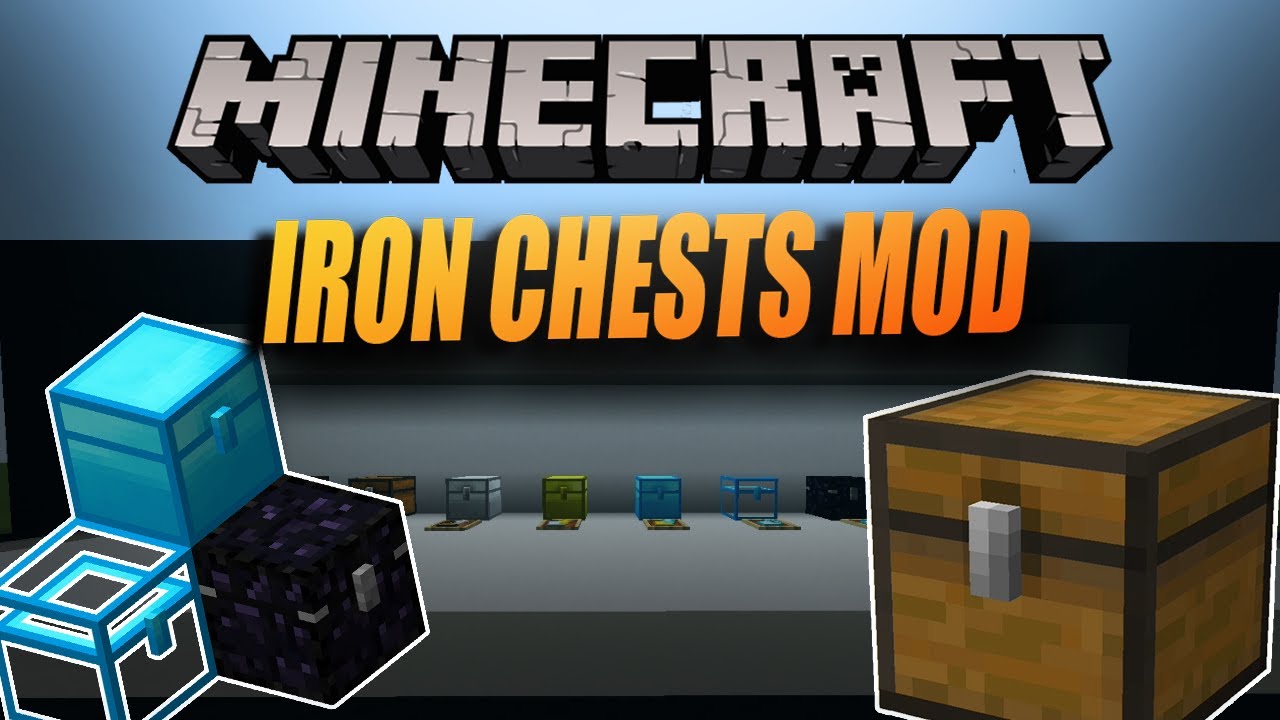
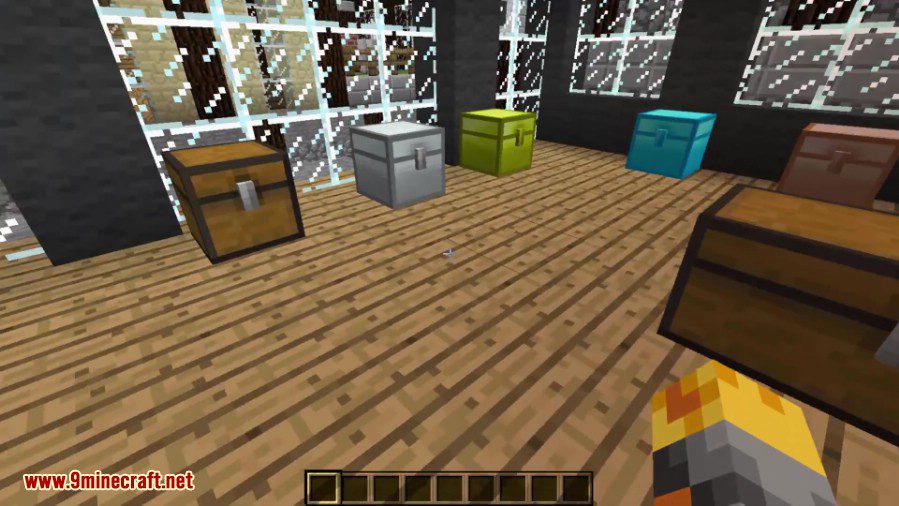
Iron Chests Mod adds a variety of new chests made from different materials like iron, gold, and diamond. These chests have much more storage space than a regular wooden chest. You can also place them right next to each other, and they will stay as single chests, which helps save a lot of room. Some chests even have special abilities, like the Obsidian Chest, which is resistant to explosions.
Features:
- Adds several new tiers of chests, each holding more items than the last.
- Place chests side-by-side without them combining into a double chest.
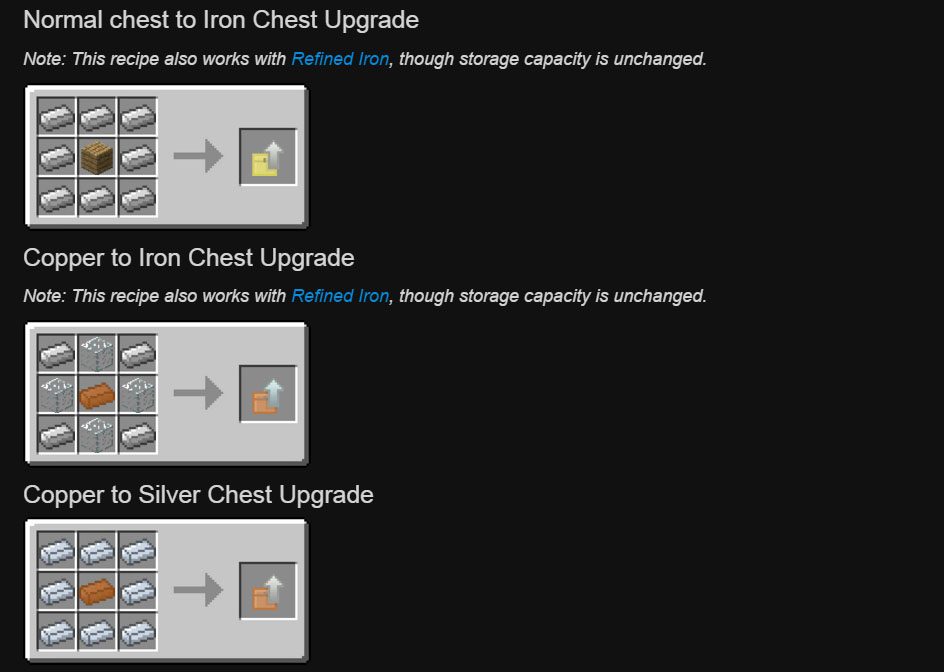
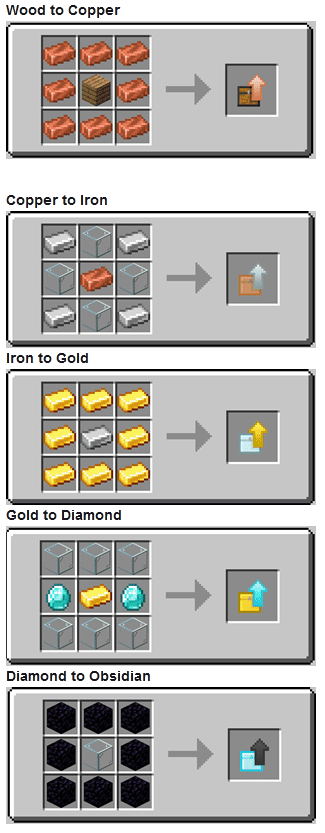
- Upgrade an existing chest to the next tier without having to break it and move all the items.
- Includes special chests with unique properties.
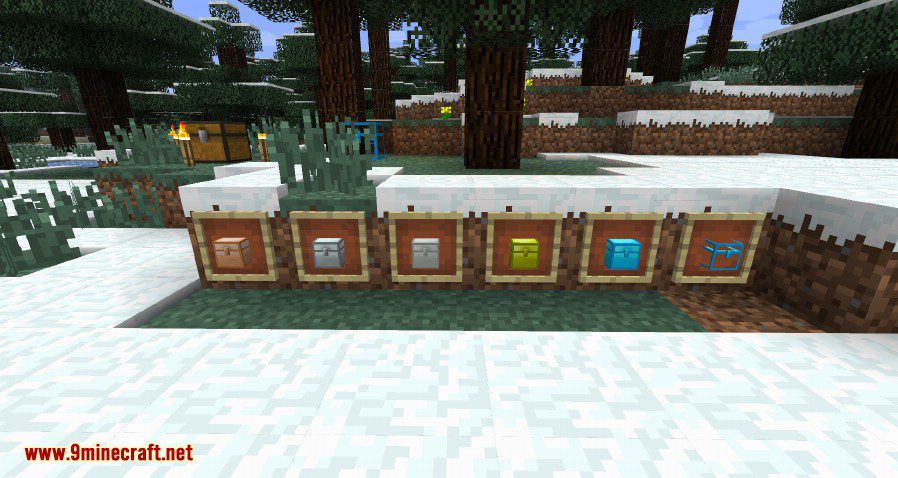
Chest Tiers and Special Chests
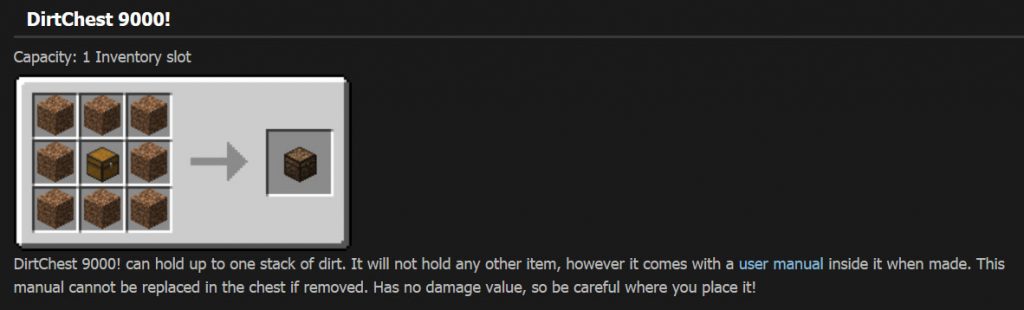
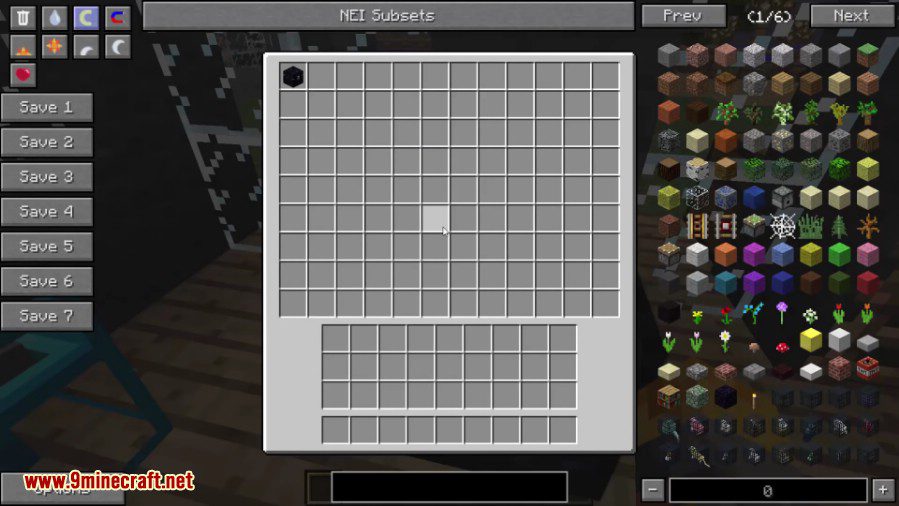
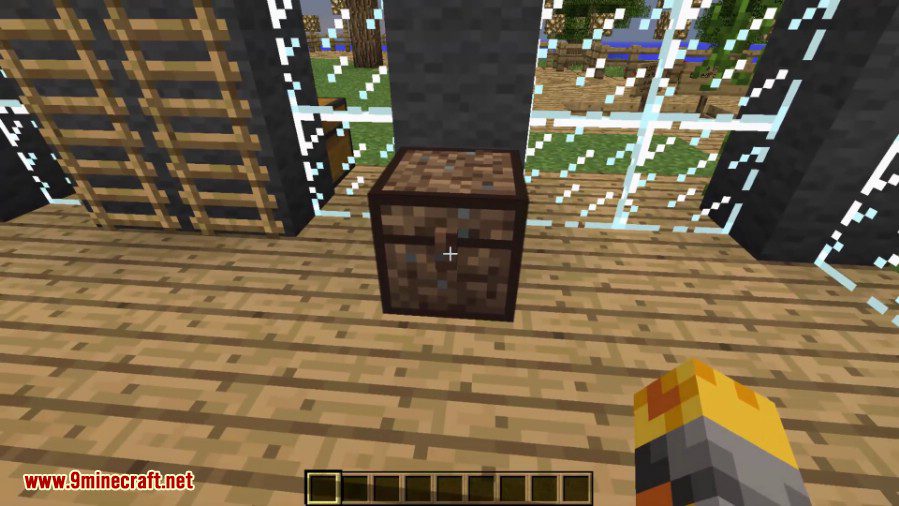
- DirtChest 9000!: A joke chest with only one slot that can only hold dirt.
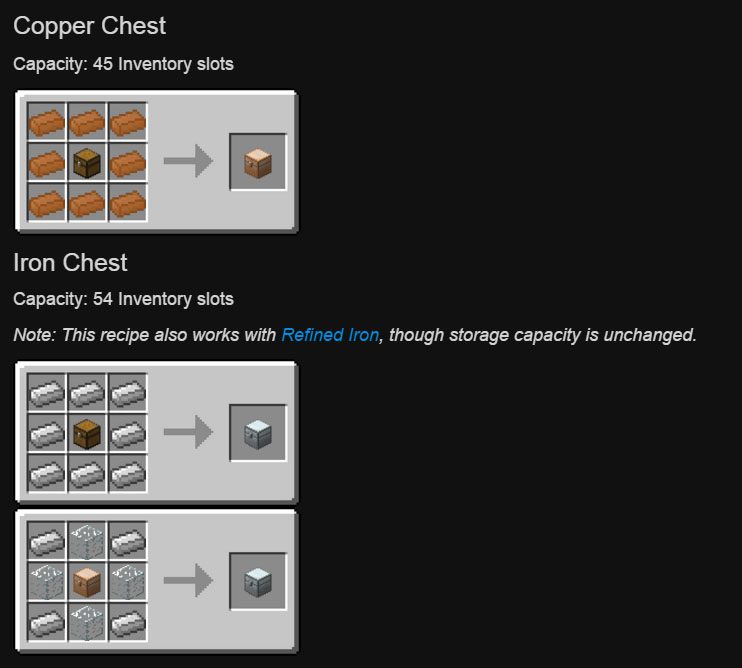
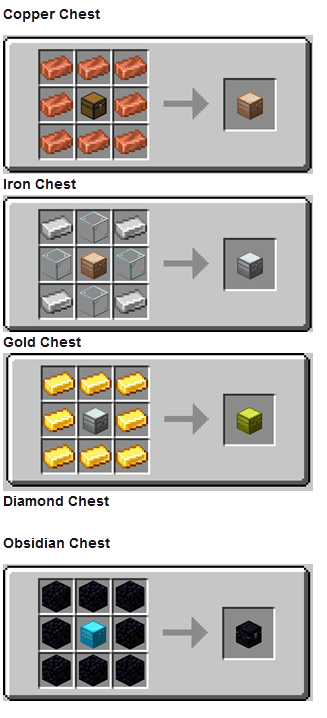
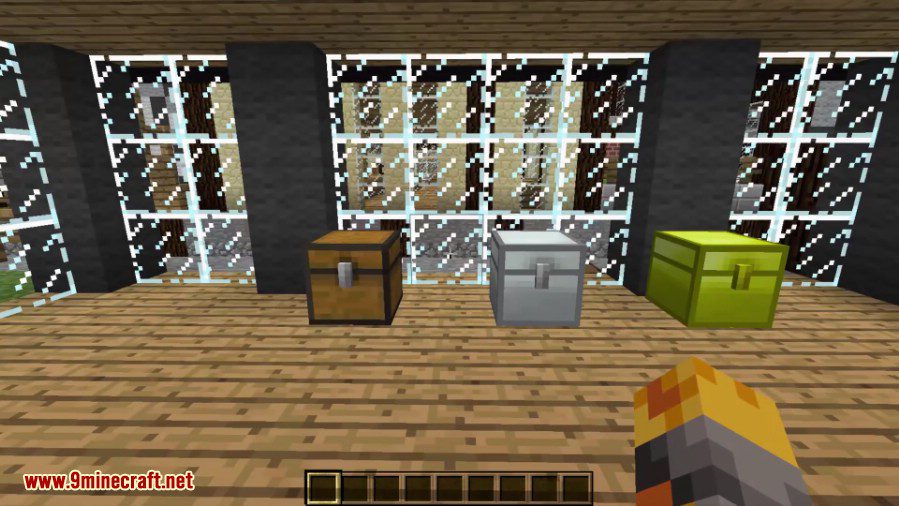
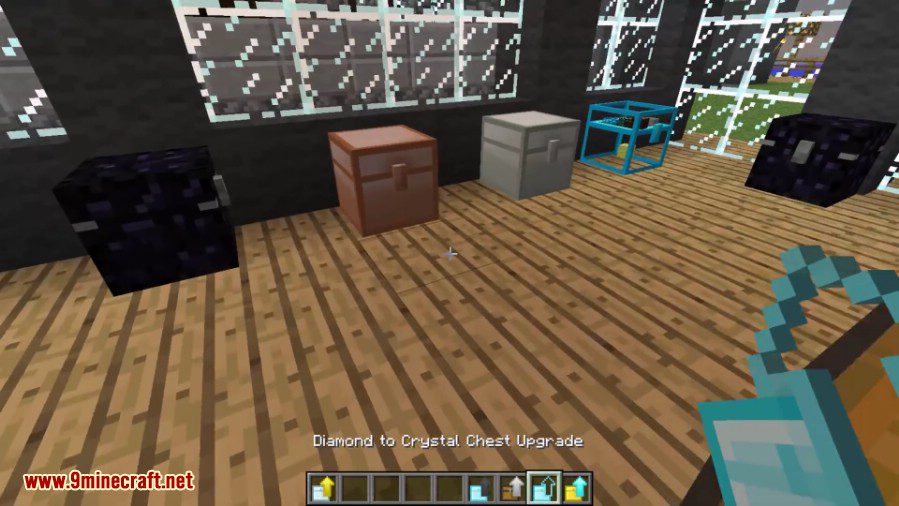
- Copper Chest: Holds 45 item stacks.
- Iron Chest: Holds 54 item stacks, the same as a vanilla double chest.
- Silver Chest: Holds 72 item stacks.
- Gold Chest: Holds 81 item stacks.
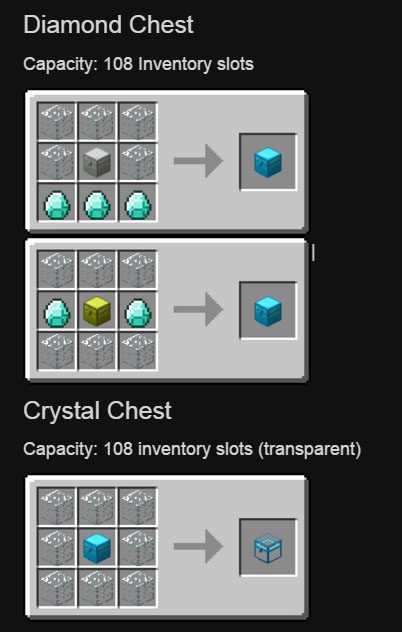
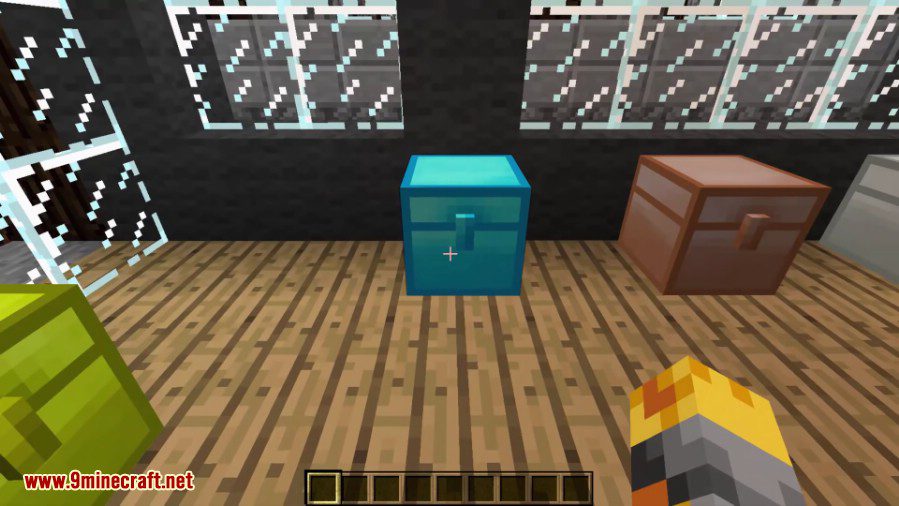
- Diamond Chest: Holds 108 item stacks.
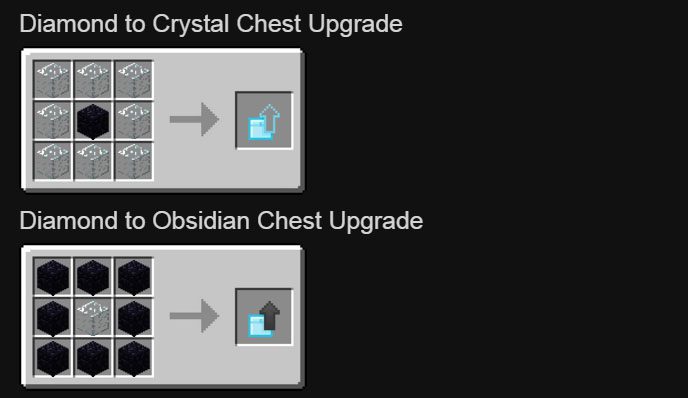
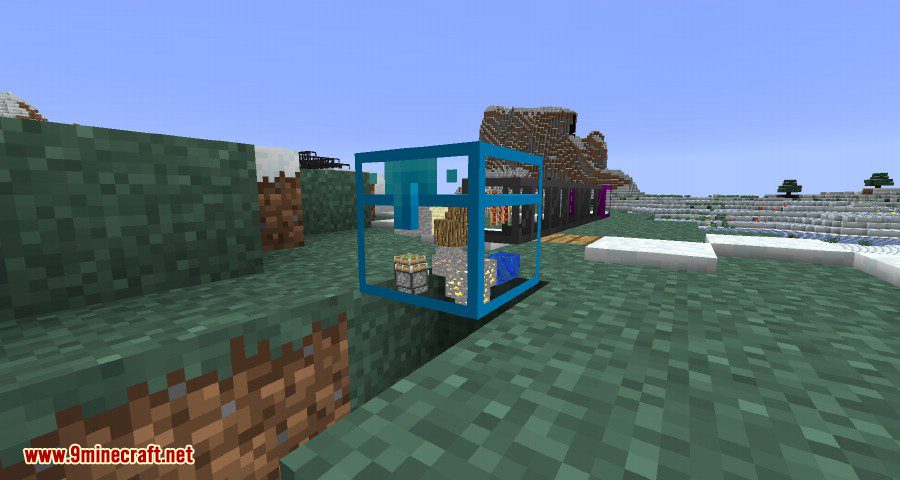
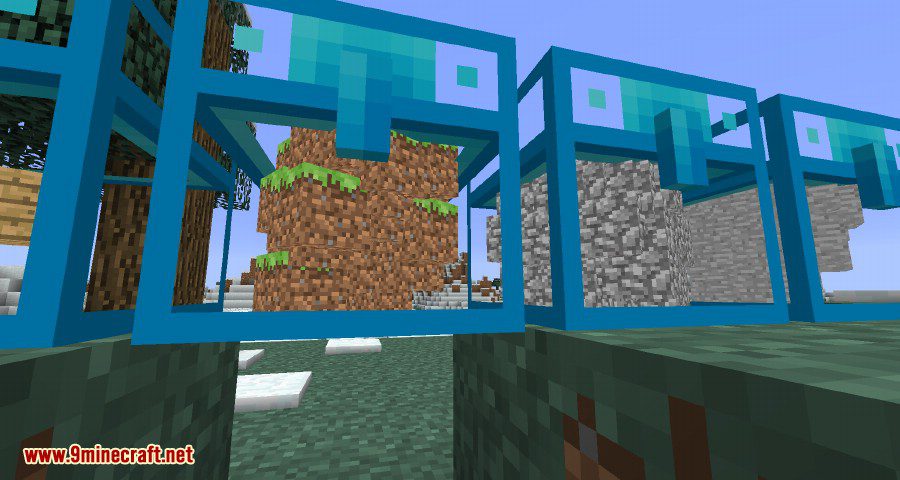
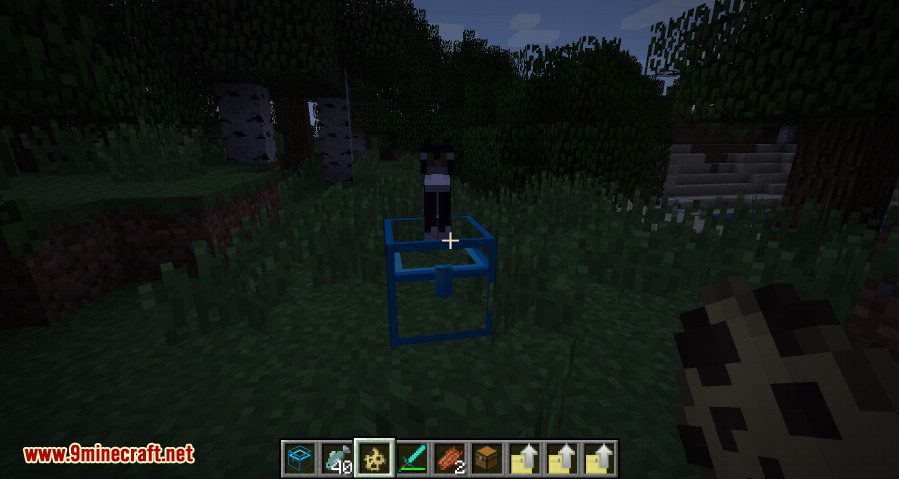
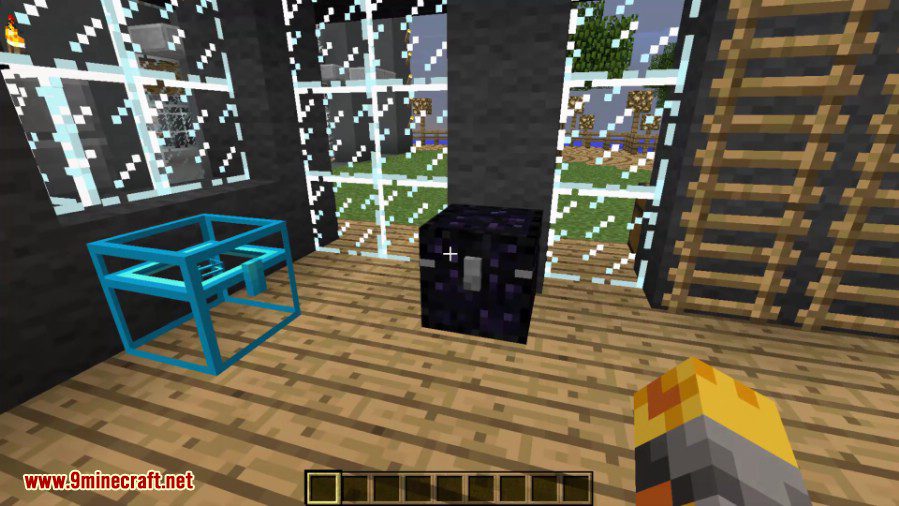
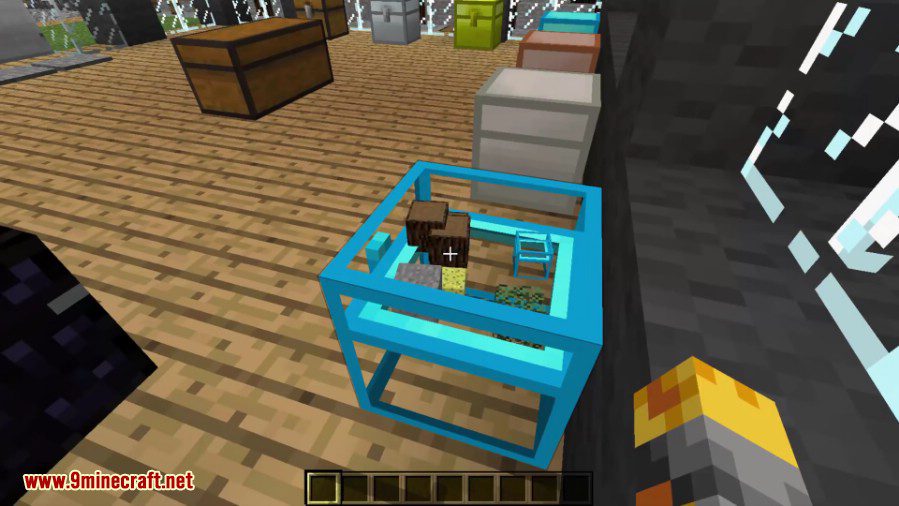
- Crystal Chest: Has 108 slots and is transparent, letting you see the items inside without opening it.
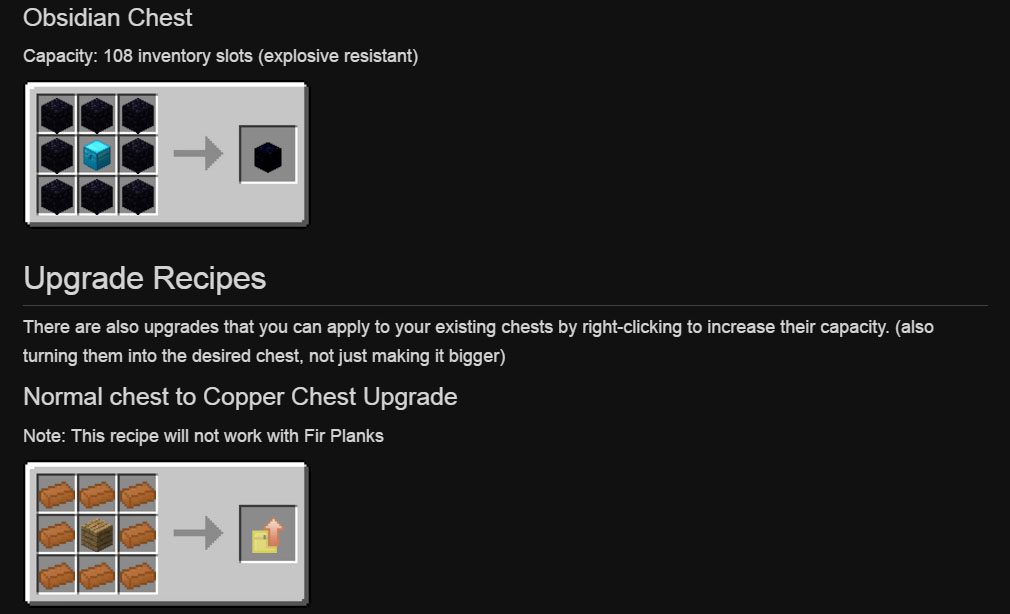
- Obsidian Chest: Also has 108 slots but is blast-resistant, protecting your items from explosions.
How to Use:
- Gather materials like Copper, Iron, Gold, or Diamonds to craft new chests.
- You can start with a basic chest and upgrade it over time.
- To upgrade a chest, craft a special upgrade item (for example, an Iron to Gold upgrade).
- Hold the upgrade item in your hand and right-click on the chest you want to improve. The chest will instantly transform into the next tier.
Crafting Recipes:
Iron Chests Mod (Fabric Version) Crafting Recipes:
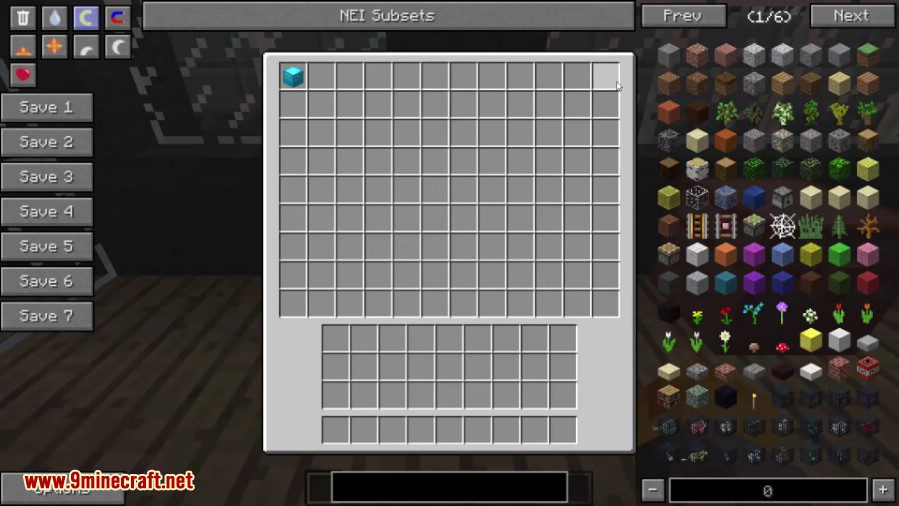
Screenshots:
Iron Chests Mod Download Links
Quick facts
- Edition: Minecraft Java
- File type: .jar
- Minecraft version listed: 1.20.1
- How to install: Install the matching mod loader (Forge, Fabric or NeoForge) for your Minecraft version. → Download the .jar. → Put it in the .minecraft/mods folder and launch that loader profile.
- Where to get it: In MC Java Mods, or directly above on this page.
Install steps are the general flow for this file type — How to install Minecraft Java mods & modpacks walks through it step by step.
Verified by MCModsHub
- Downloads as 2417.mcaddon
- Download size: 234 KB
- Download link checked 22 Sept 2026 — working
- Mirrored on our own servers — the download does not depend on the original host
These come from our own check of the pack file, not from the source page.