
ModsJava
Scholar Mod (26.1.2, 1.20.1) – Two-page Book Viewing and Editing UI
Java mod listed for Minecraft 1.20. Downloads from the MC Java Mods app on Android.
⬇ Download
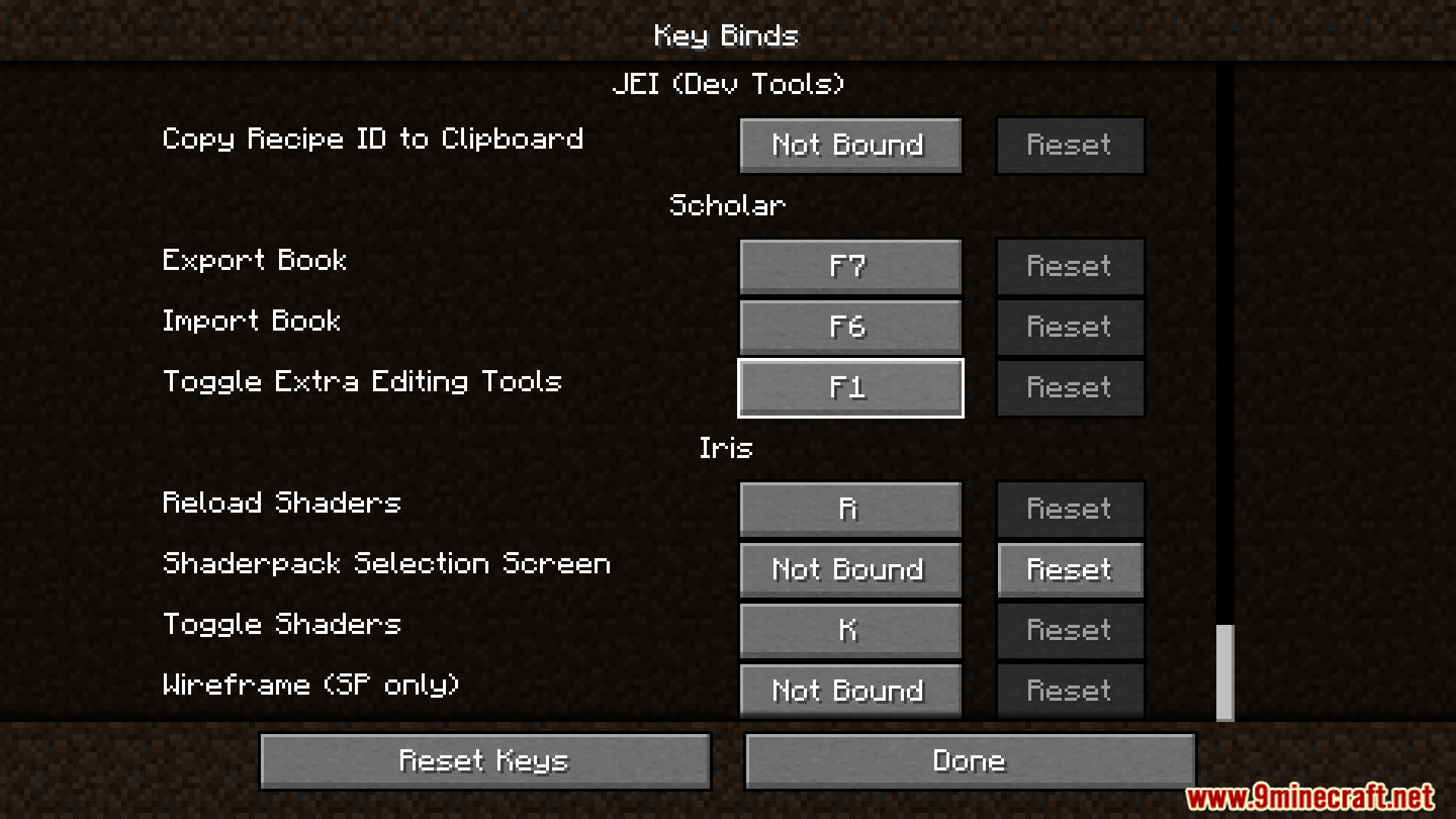
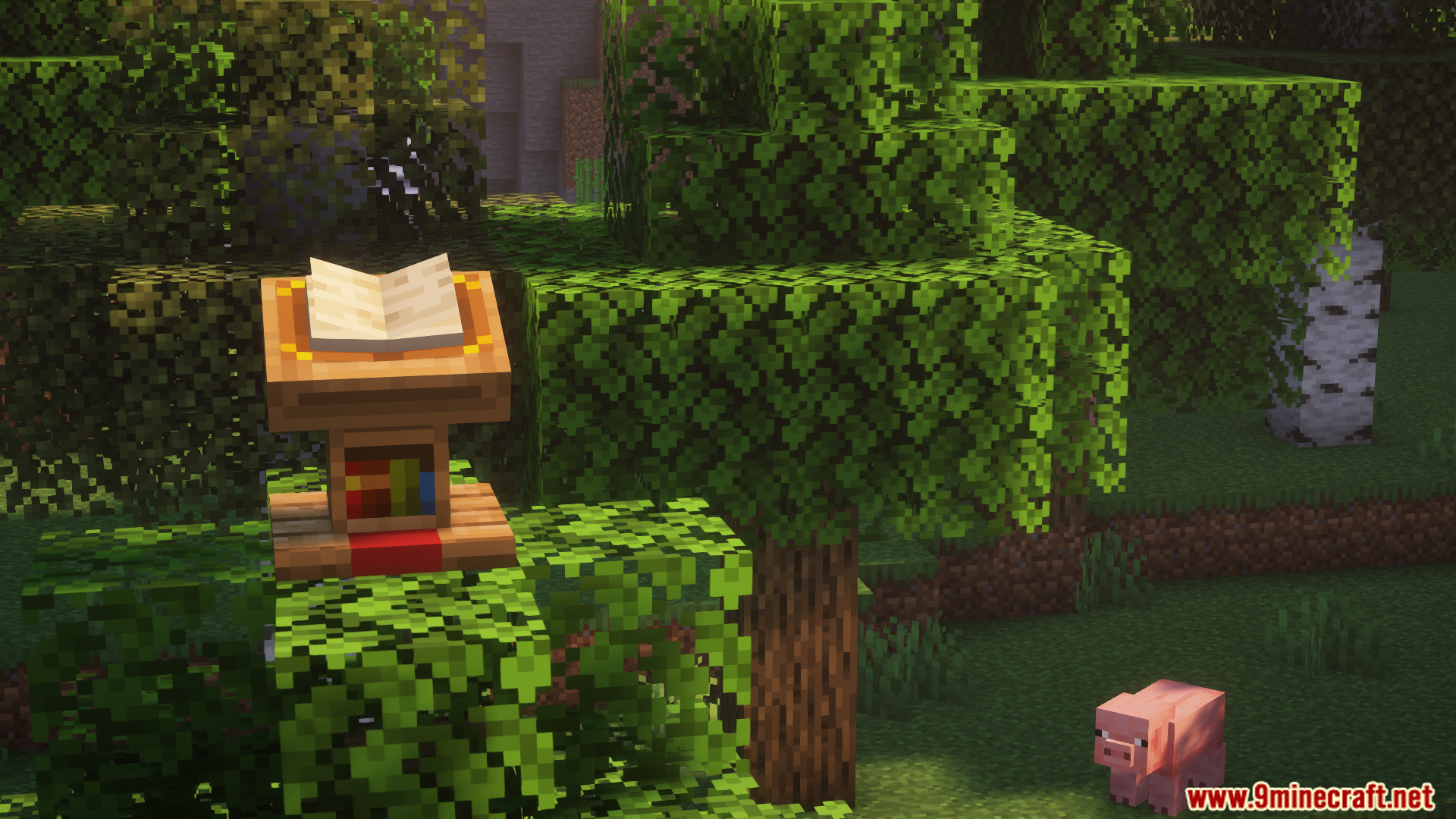
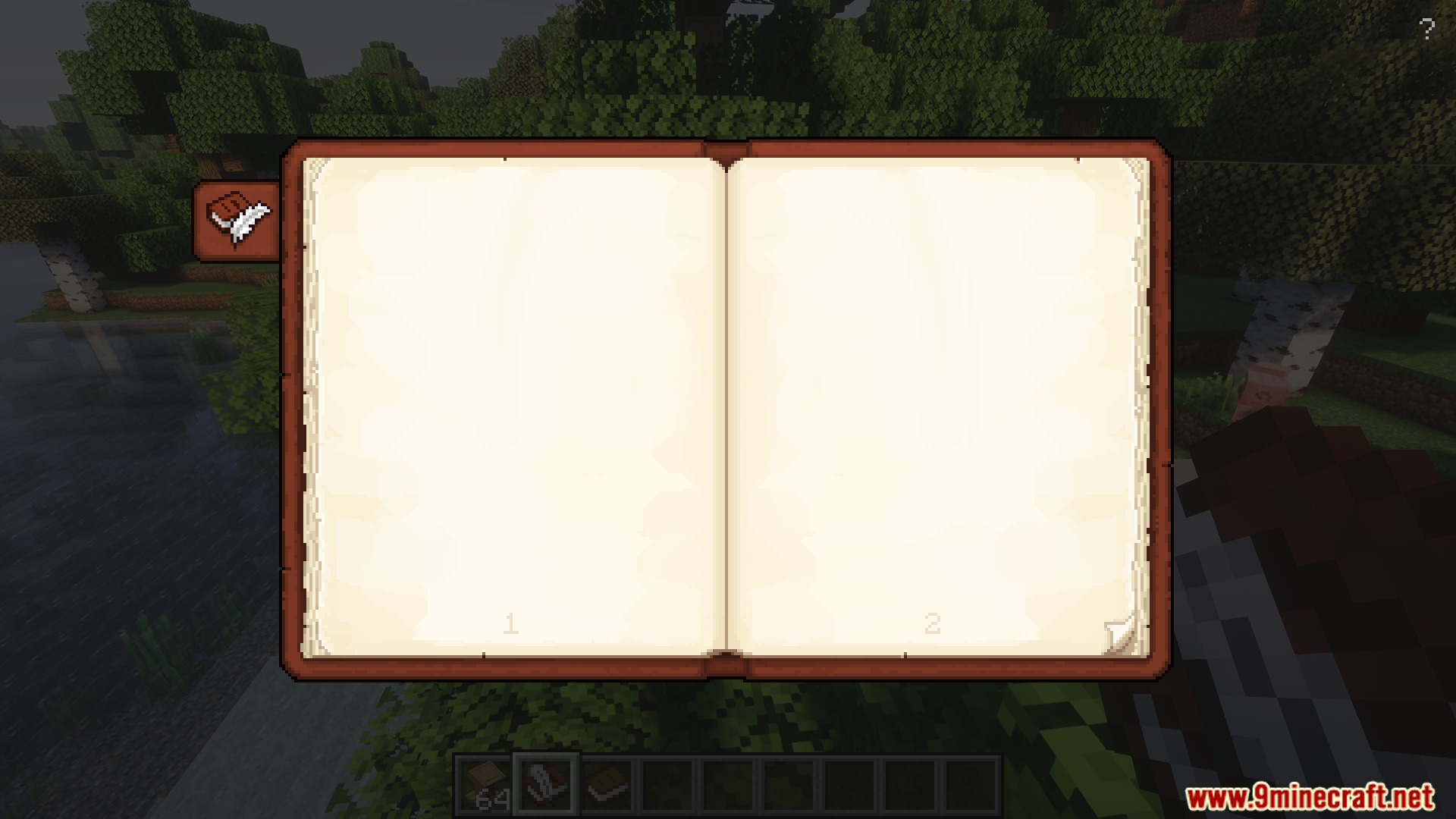
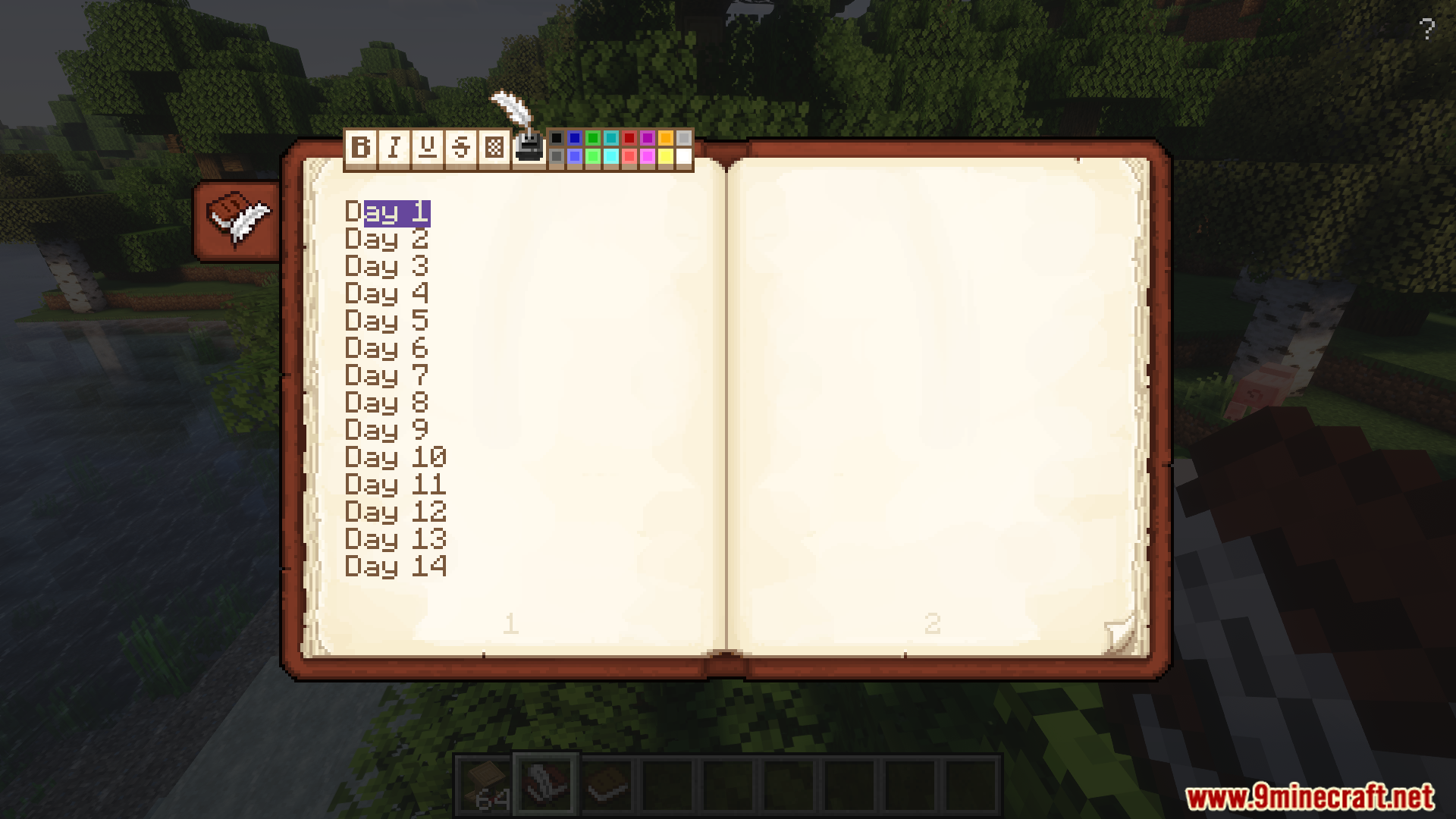
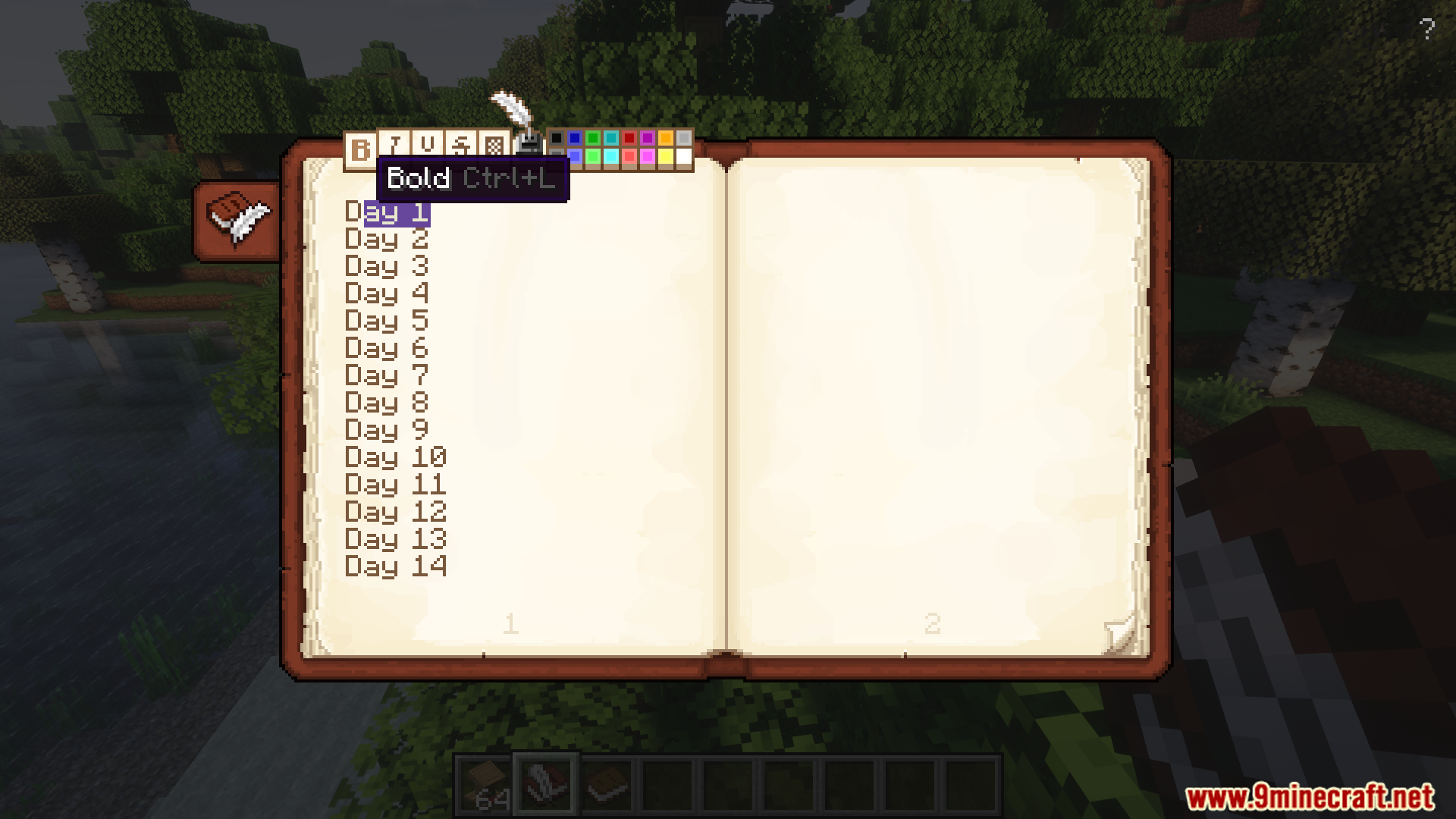
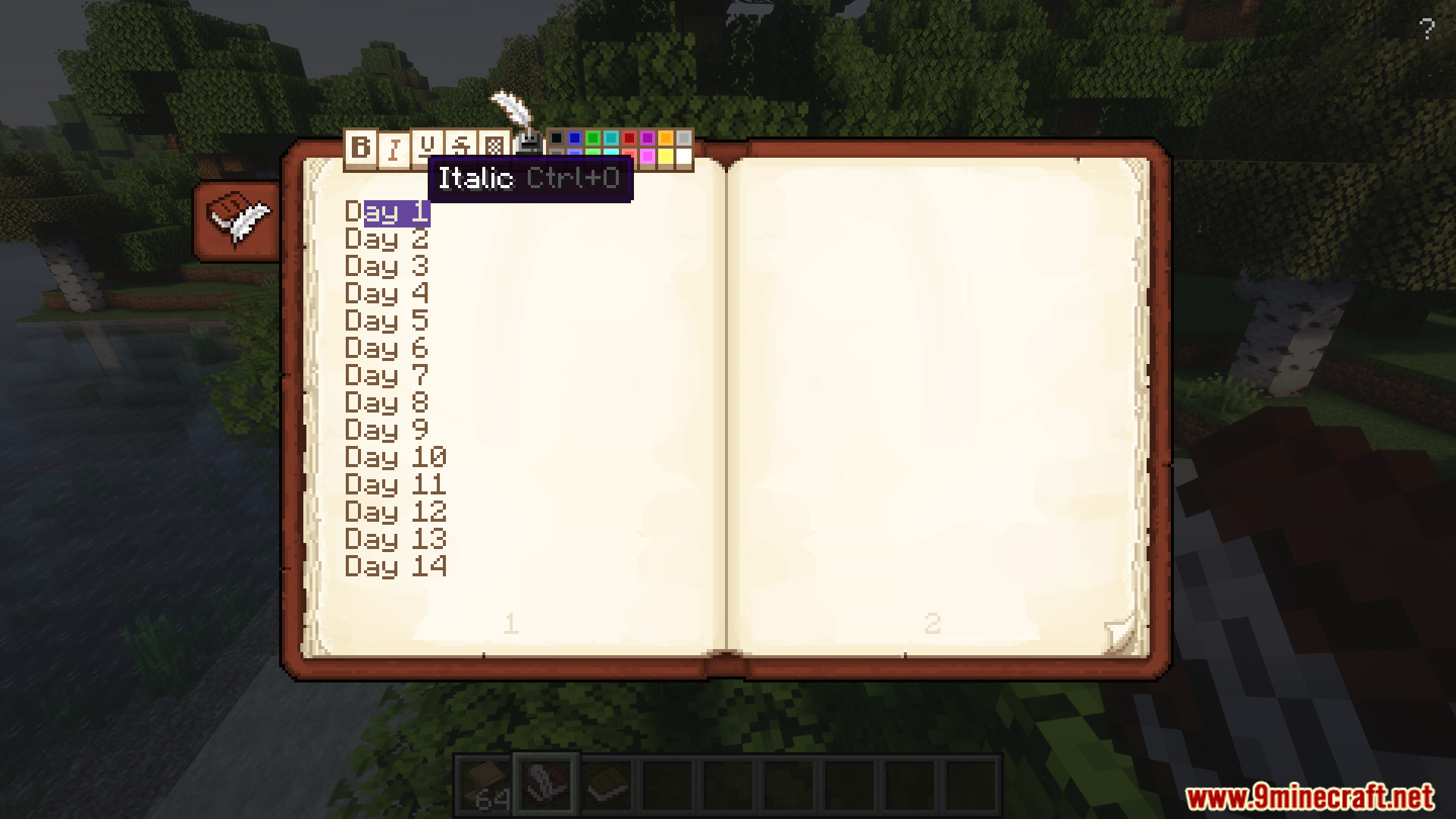
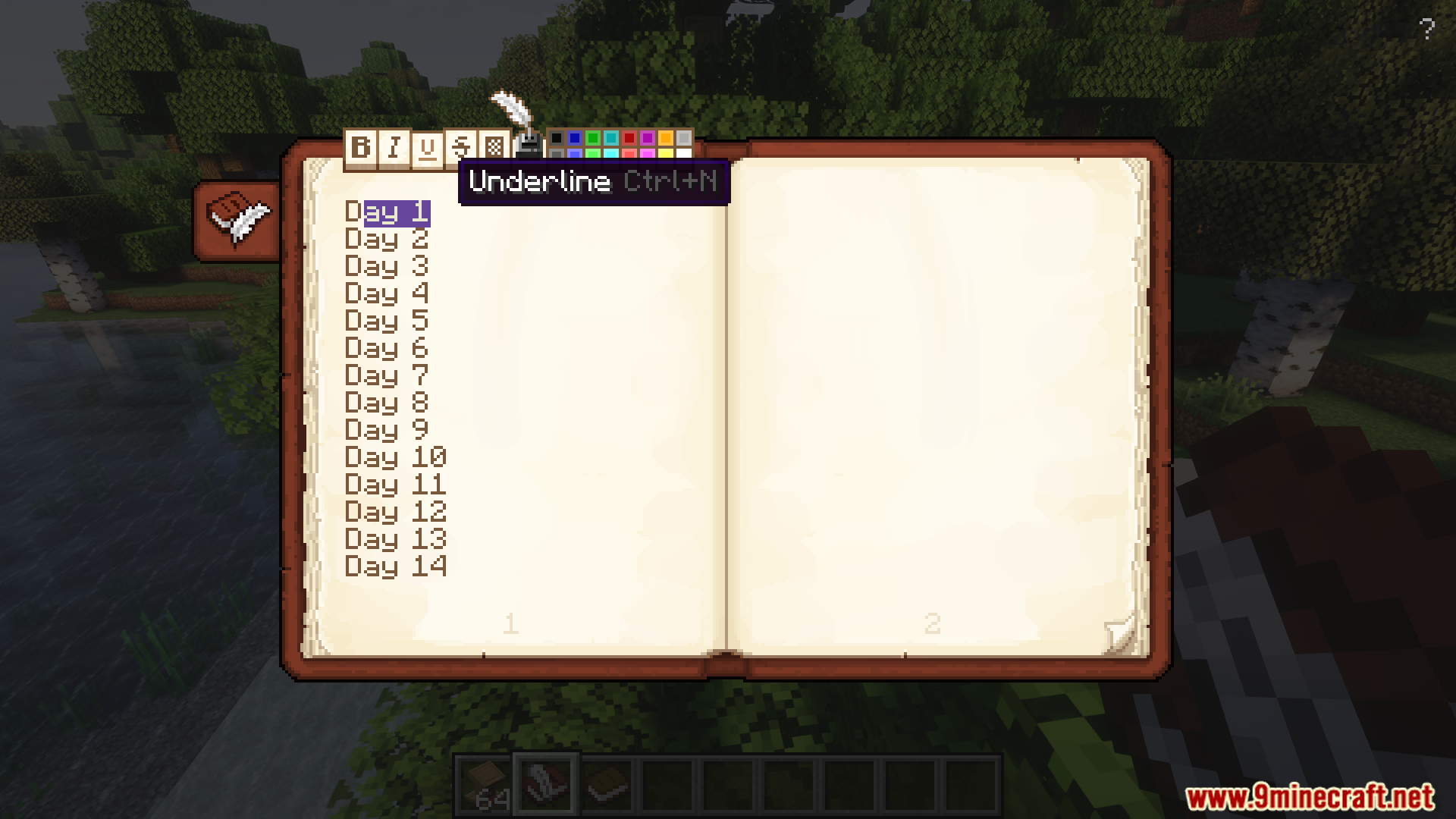
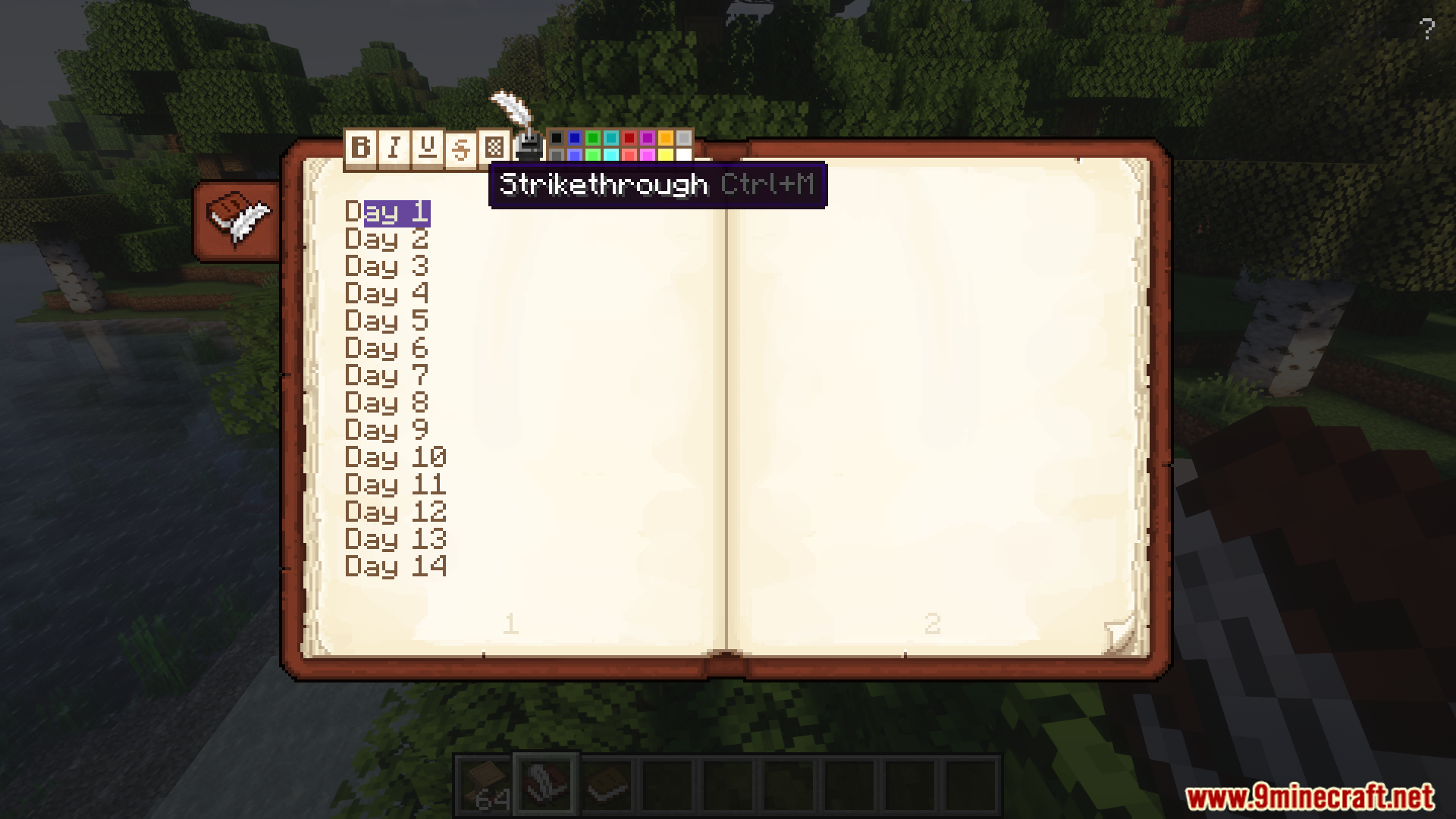
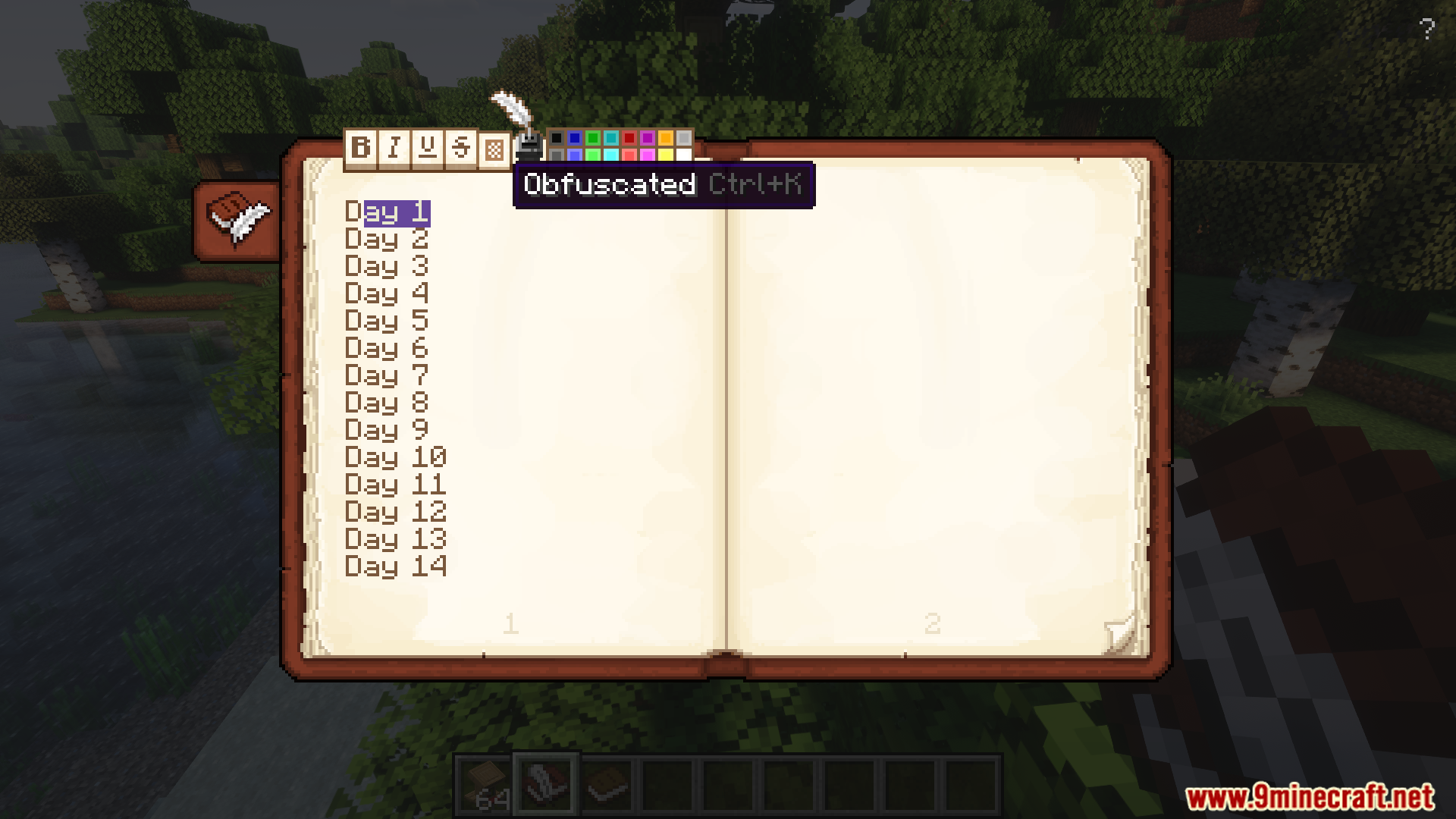
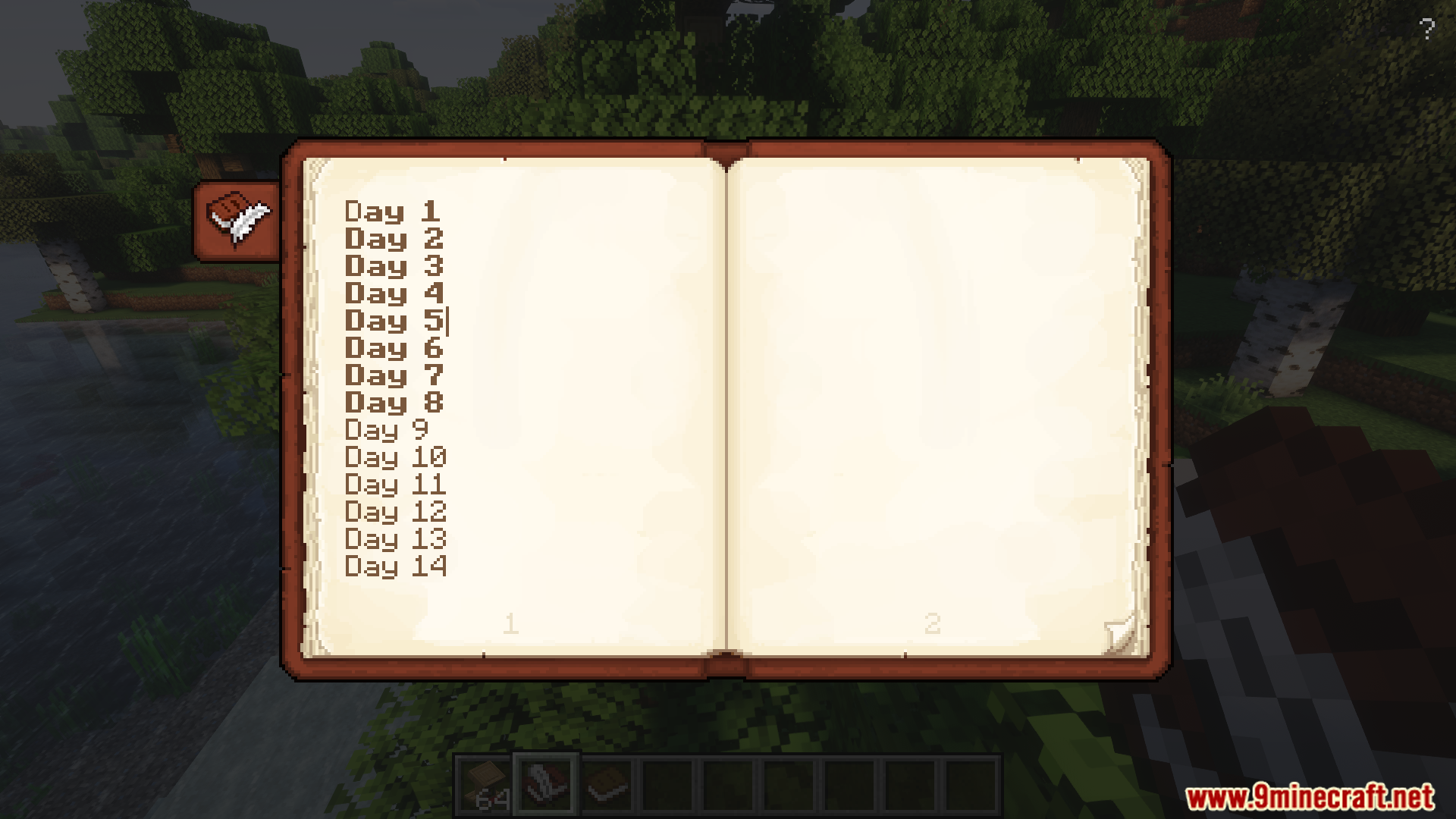
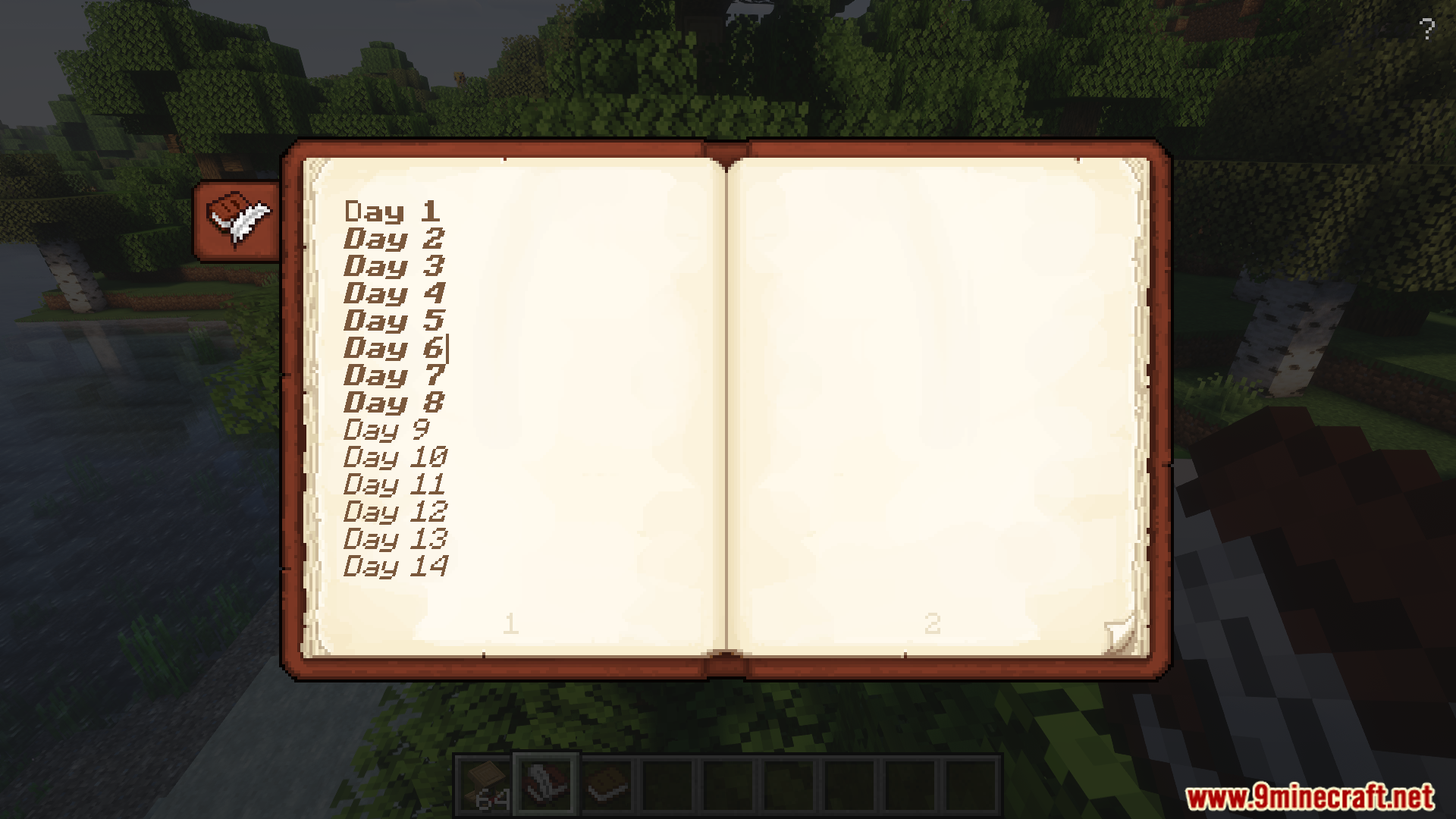
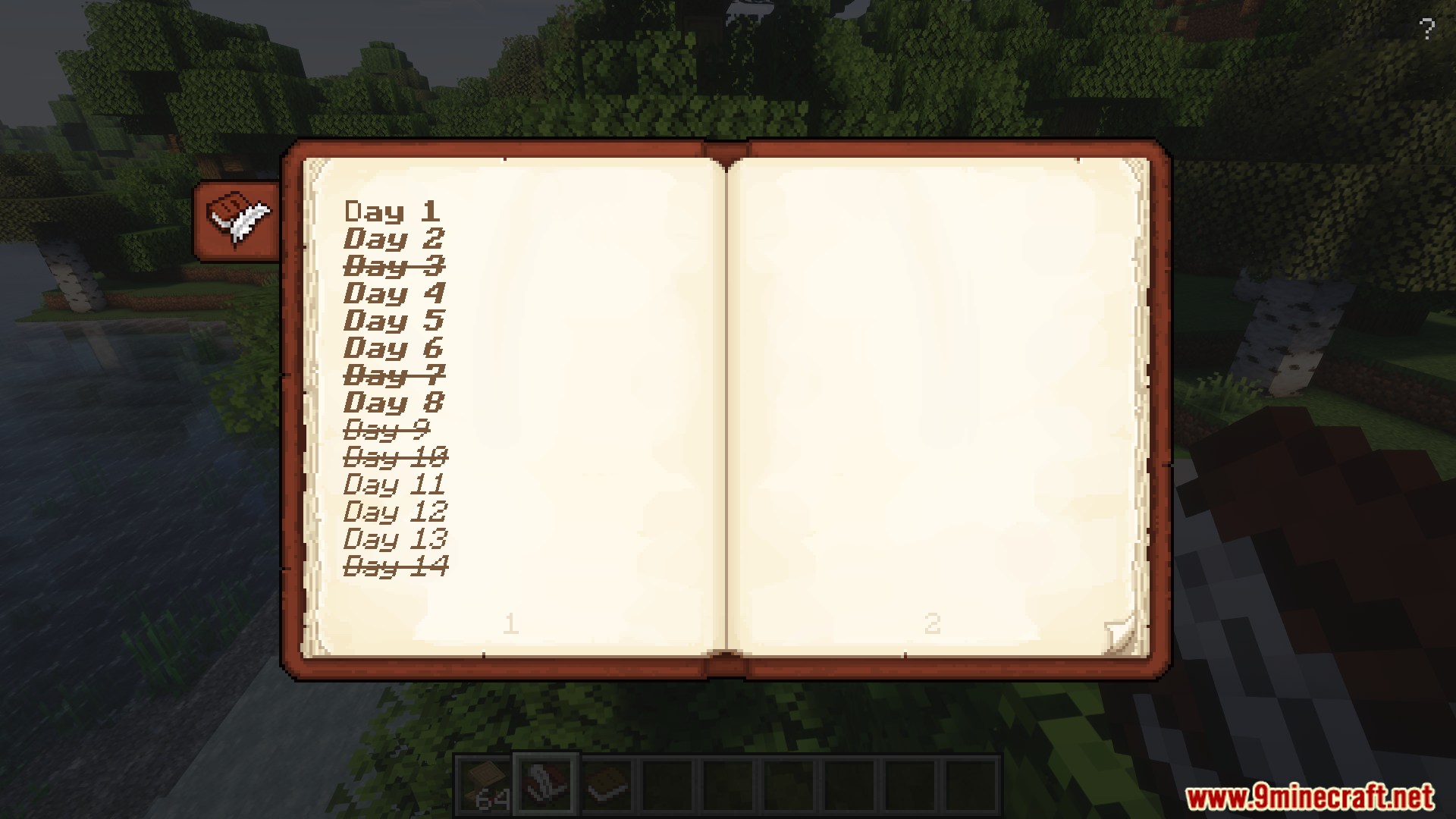
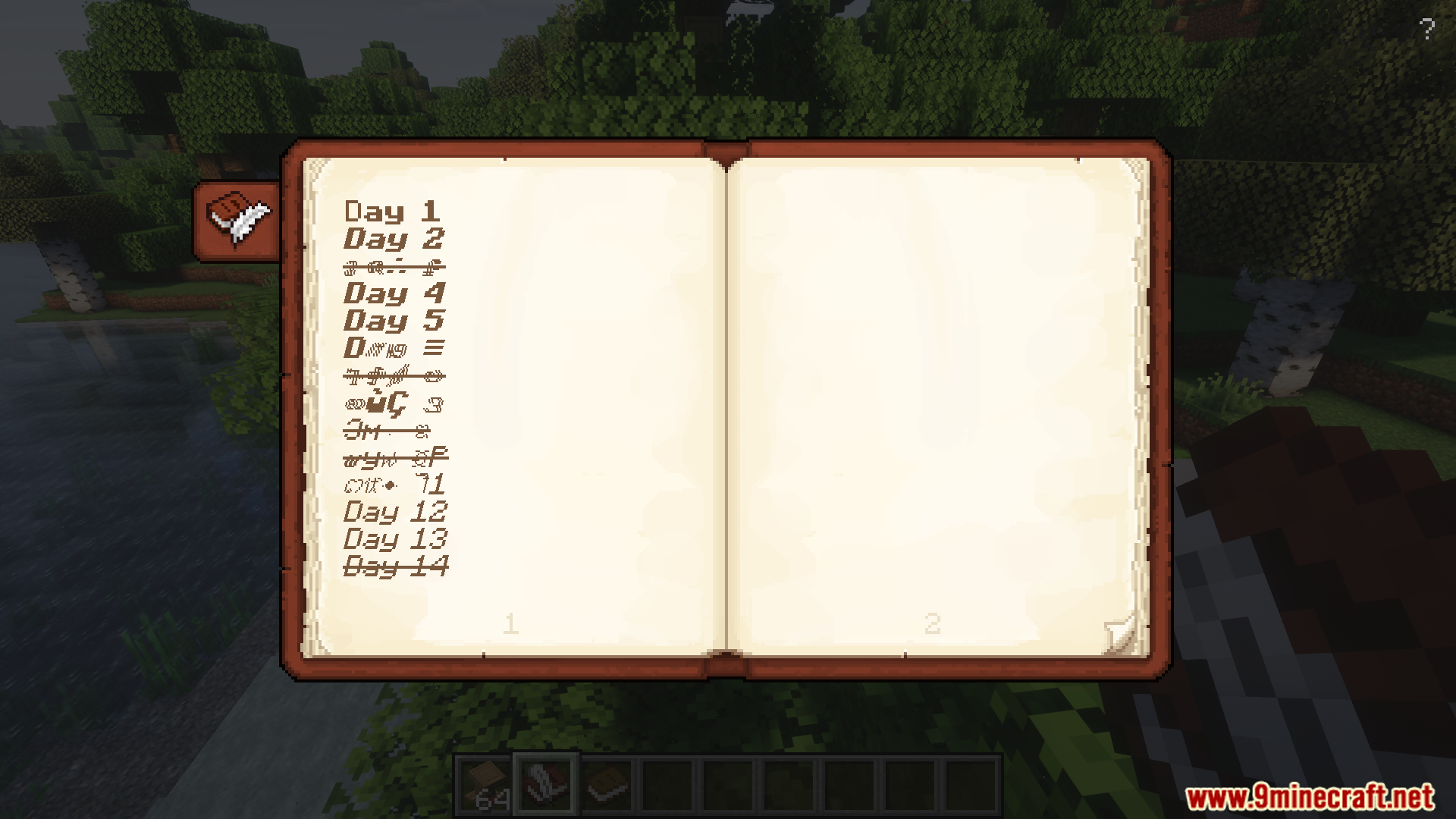
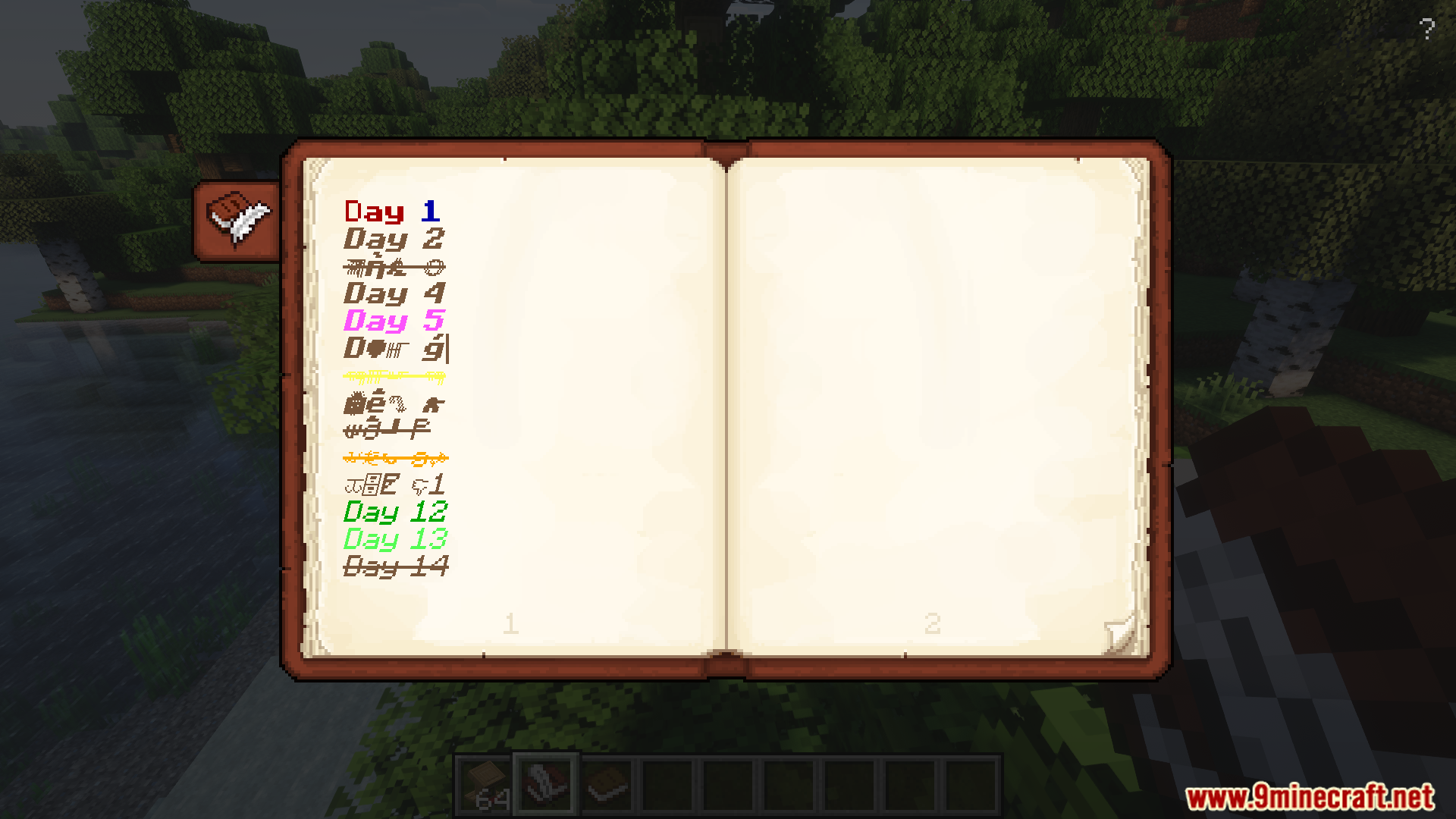
Scholar Mod enhances the book mechanics, offering players viewing, editing, and organizing books. It introduces advanced text formatting and improved interfaces for signing and storing books. This mod also adds customization options, allowing players to configure their books.
Features:
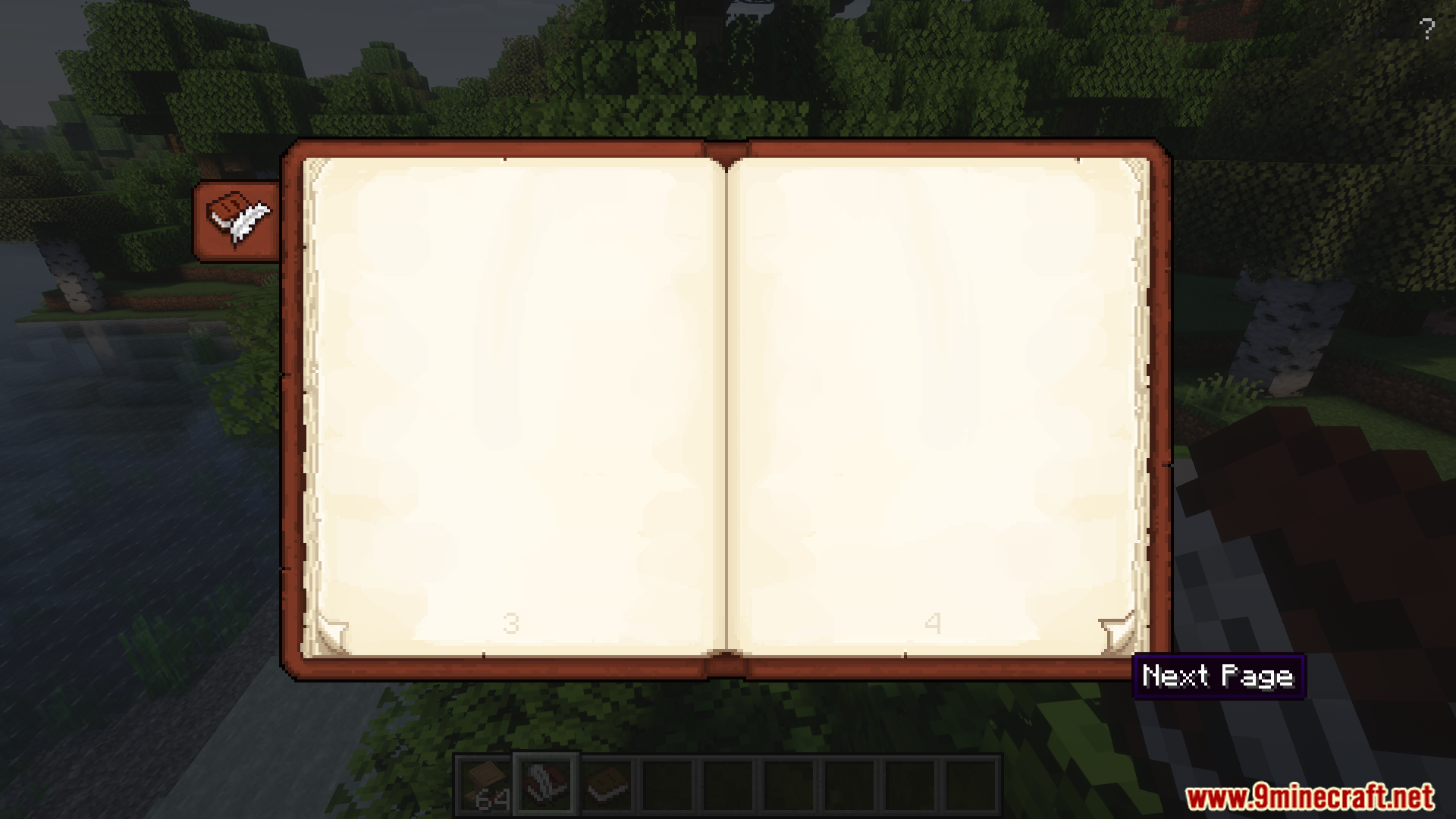
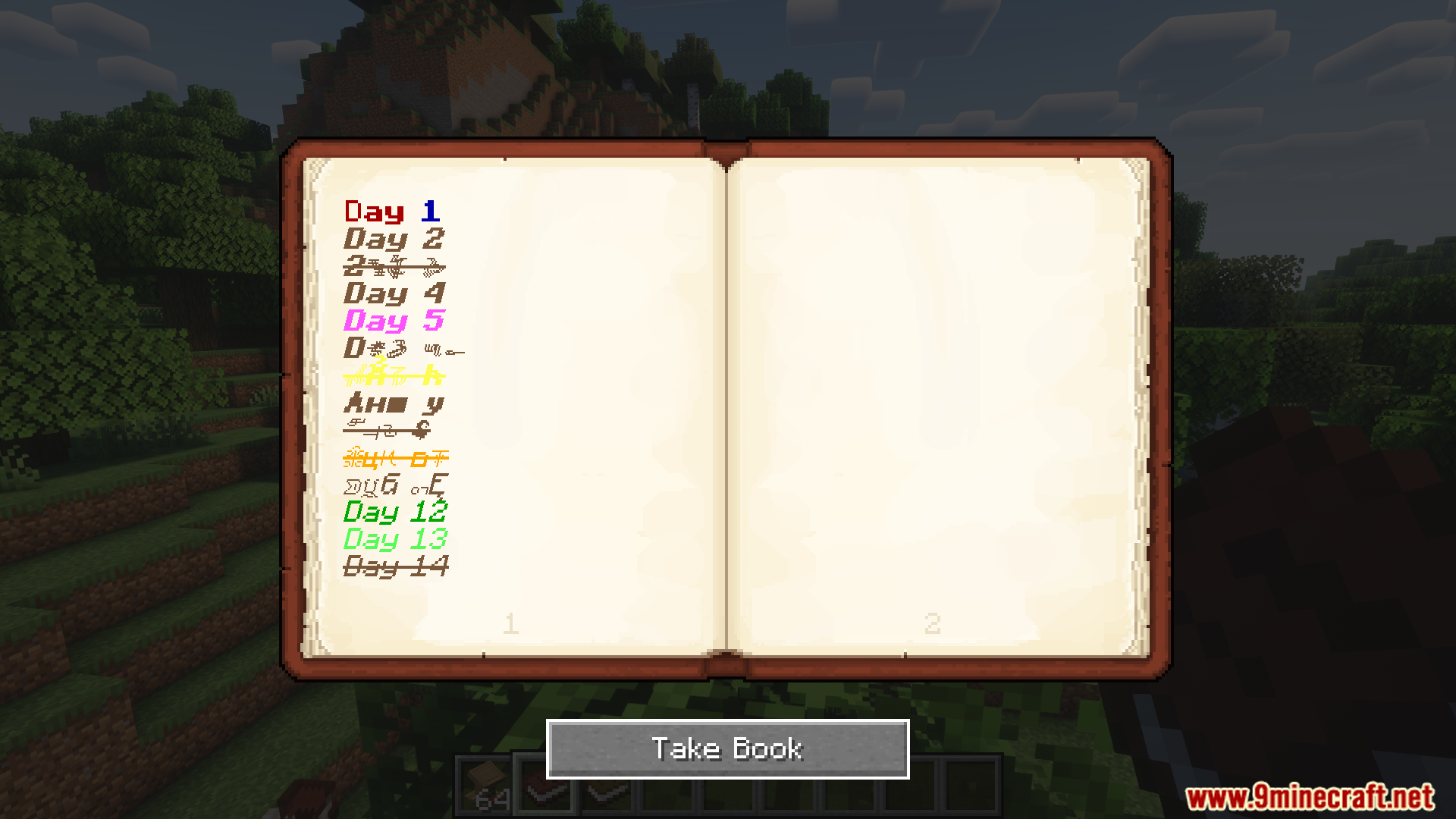
- Two-page book viewing and editing UI.
- Advanced text formatting for books.
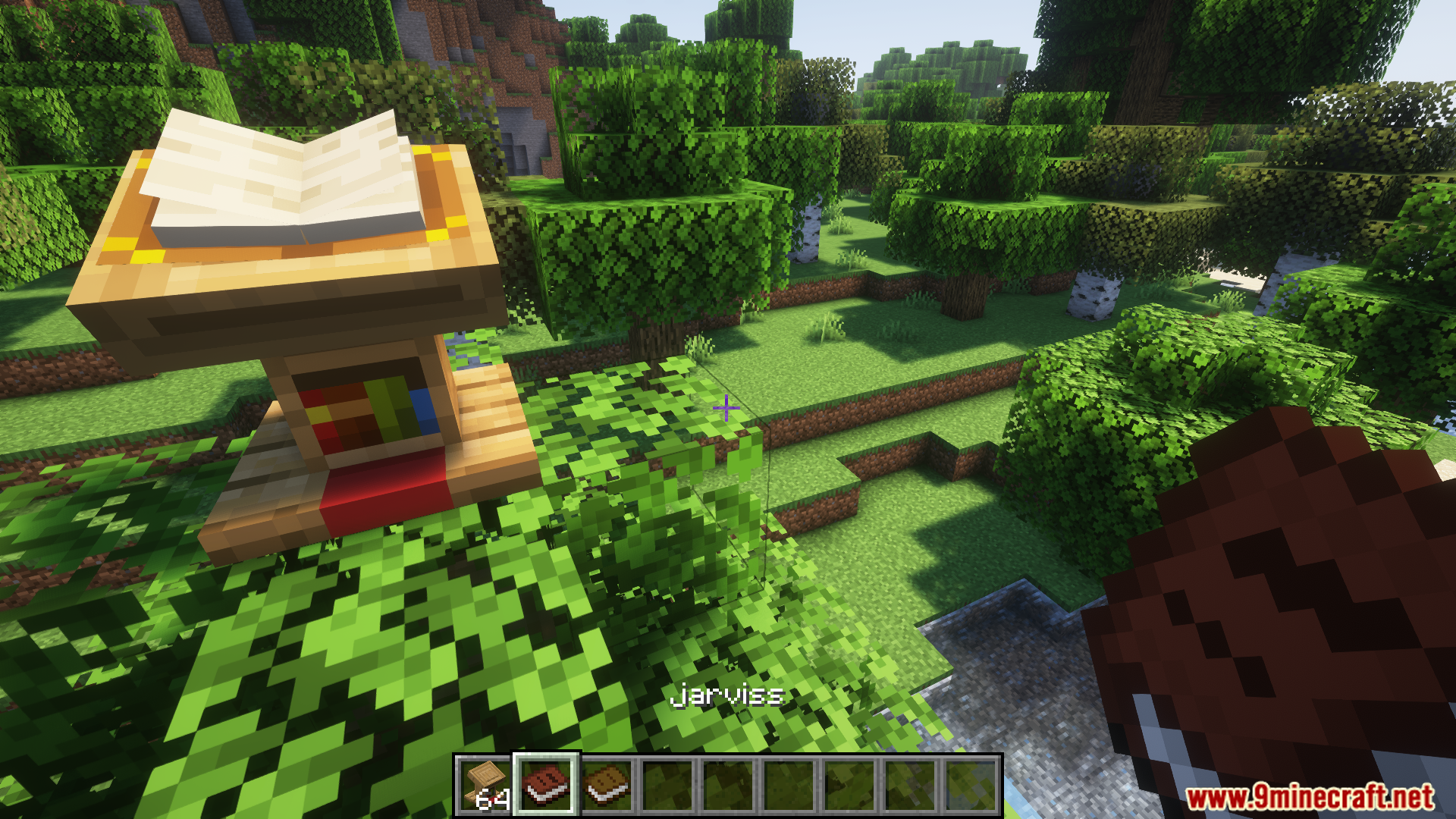
- Book editing functionality on a Lectern.
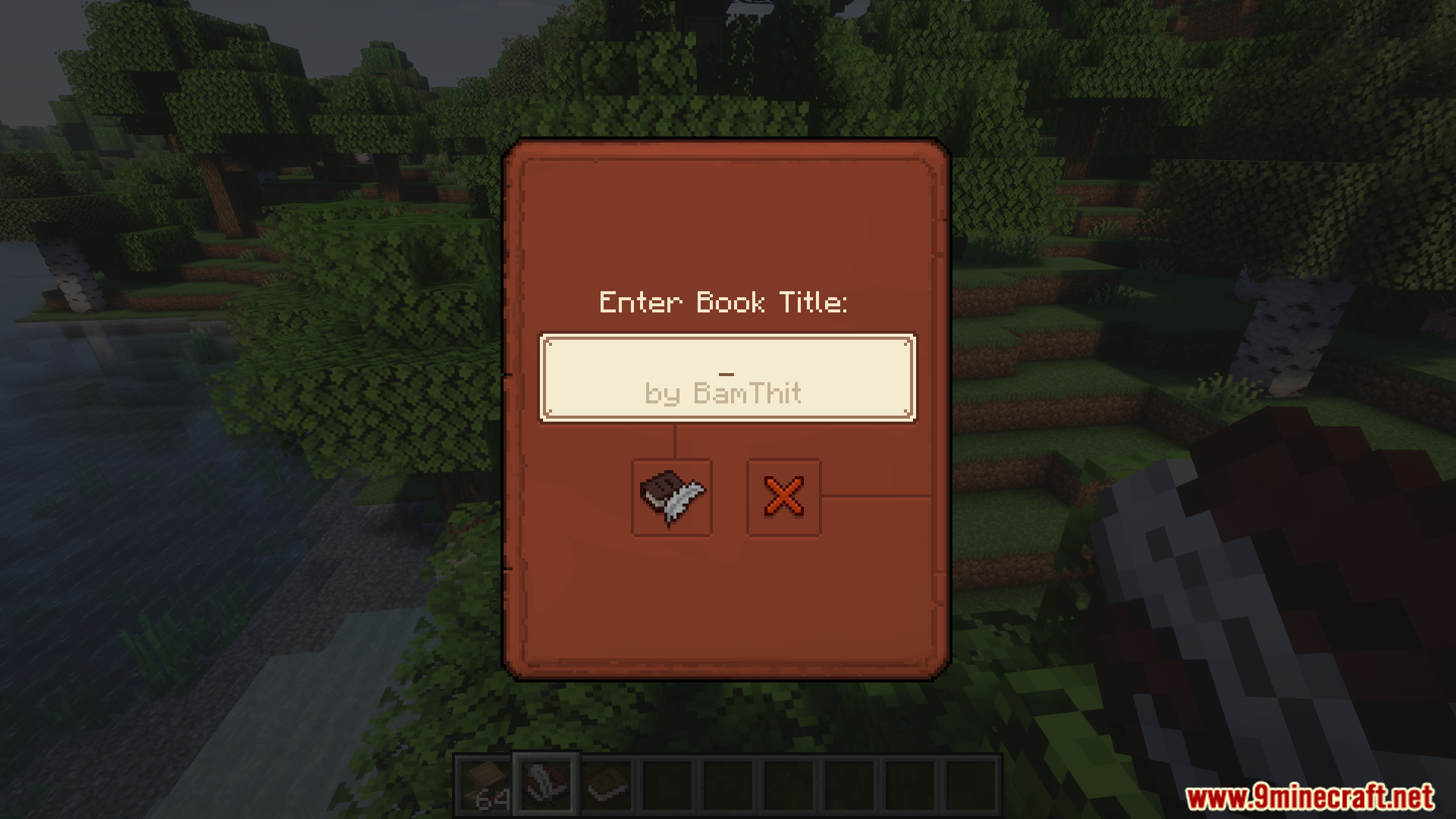
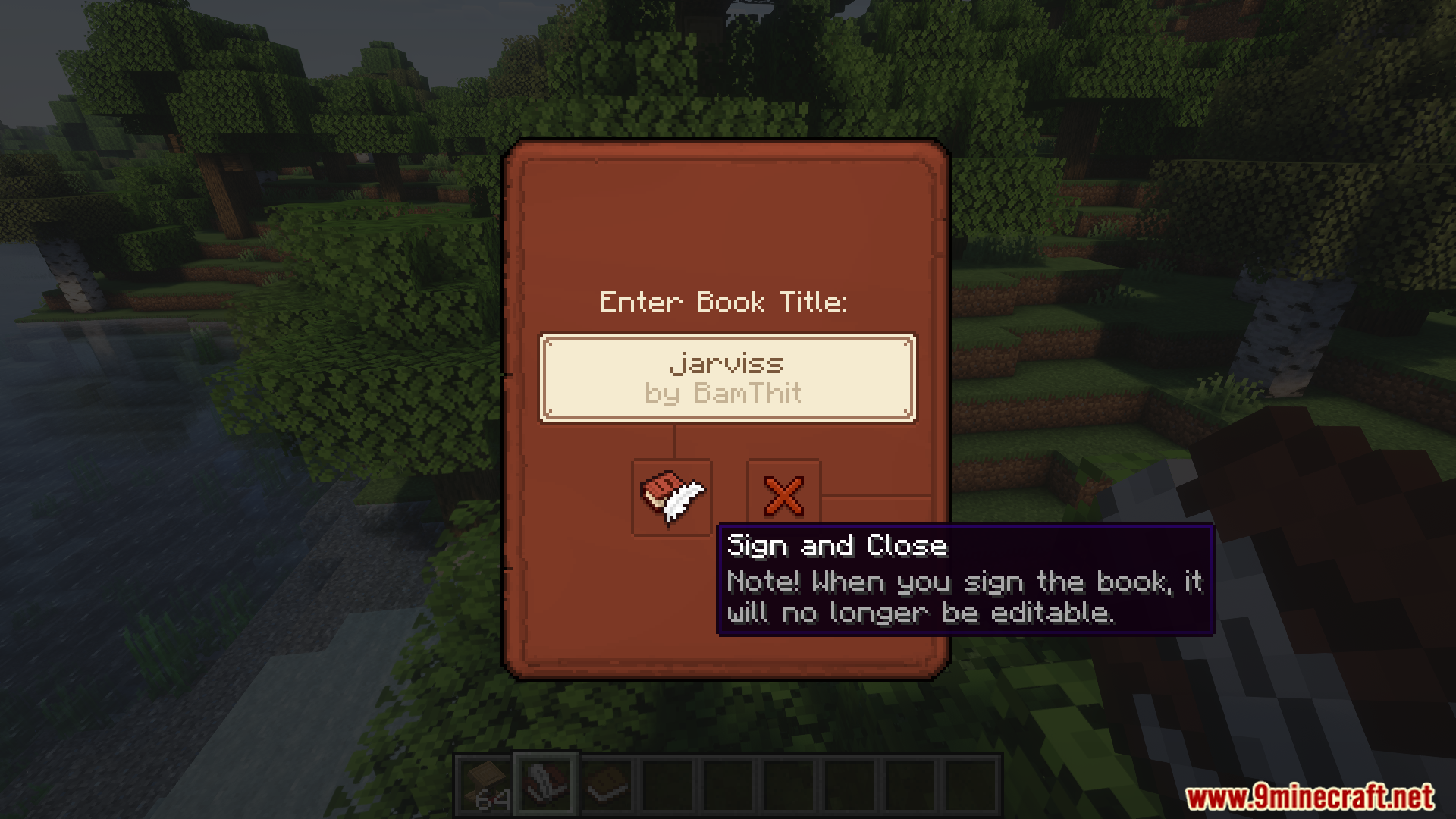
- Enhanced book signing UI.
- Customizable colored books.
- Chiseled Bookshelf tooltip for easy navigation.
- Matching Chiseled Bookshelf colors to stored books.
- Quality-of-life improvements like removal of enchanted glint and unpaused book UI in singleplayer mode.
- Fully configurable settings.
Screenshots:
Scholar Mod Download Links
Quick facts
- Edition: Minecraft Java
- File type: .jar
- Minecraft version listed: 1.20.1
- How to install: Install the matching mod loader (Forge, Fabric or NeoForge) for your Minecraft version. → Download the .jar. → Put it in the .minecraft/mods folder and launch that loader profile.
- Where to get it: In MC Java Mods, or directly above on this page.
Install steps are the general flow for this file type — How to install Minecraft Java mods & modpacks walks through it step by step.
File checked by MCModsHub
- Downloads as 2420.mcaddon
- Download size: 725 KB
- Download link checked 23 Sept 2026 — working
- Mirrored on our own servers — the download does not depend on the original host
These come from our own check of the pack file, not from the source page.