


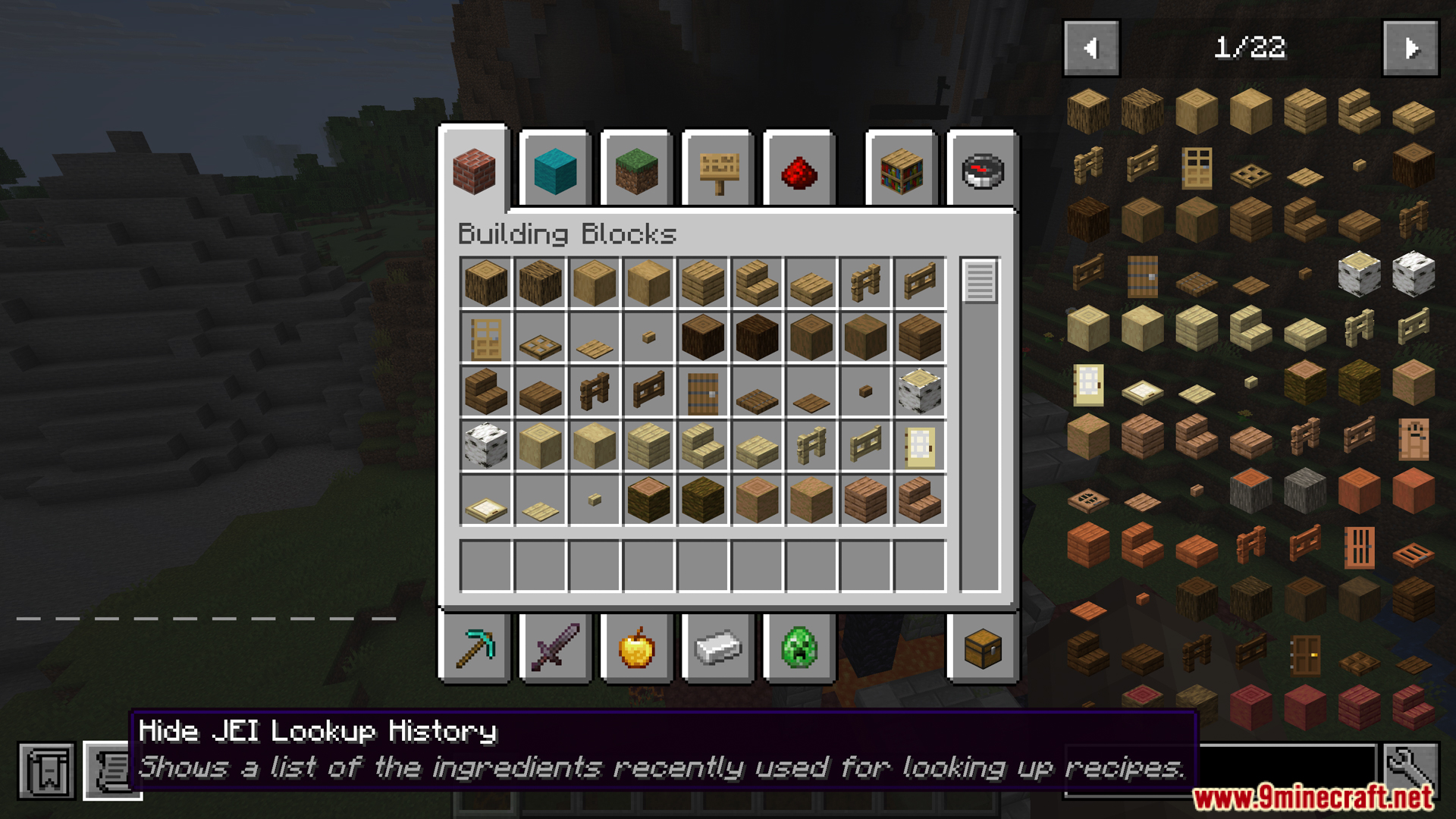
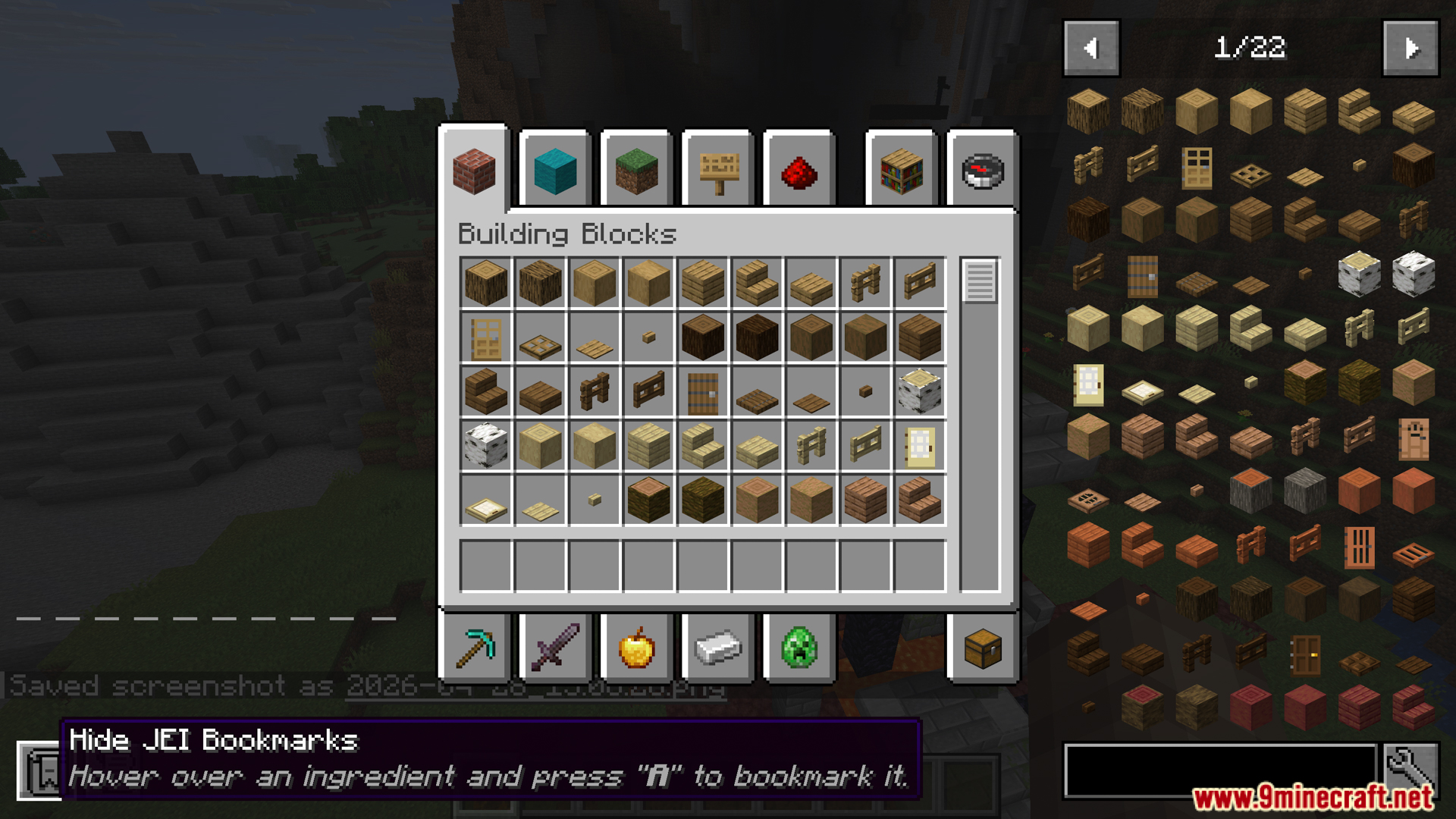
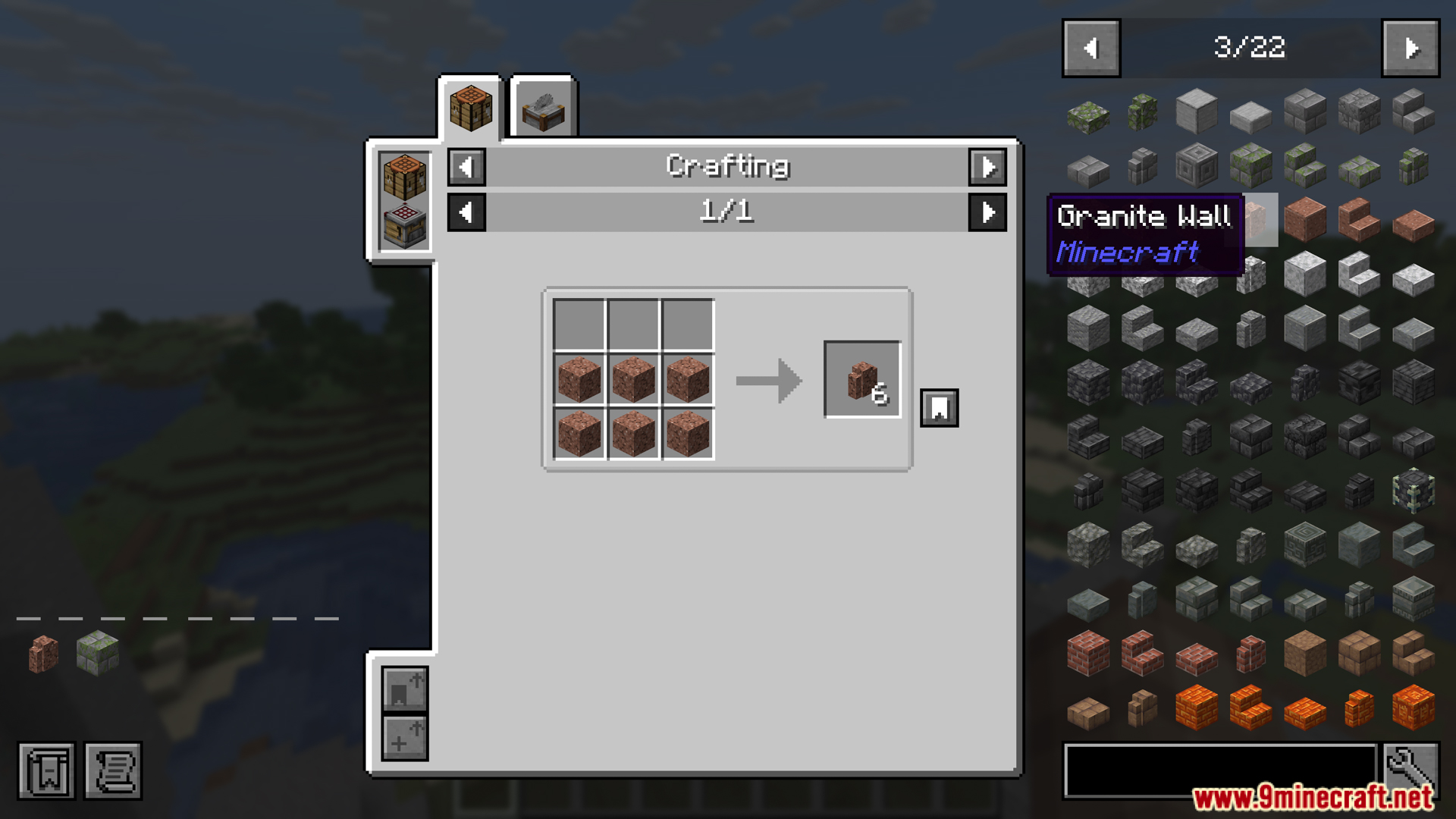
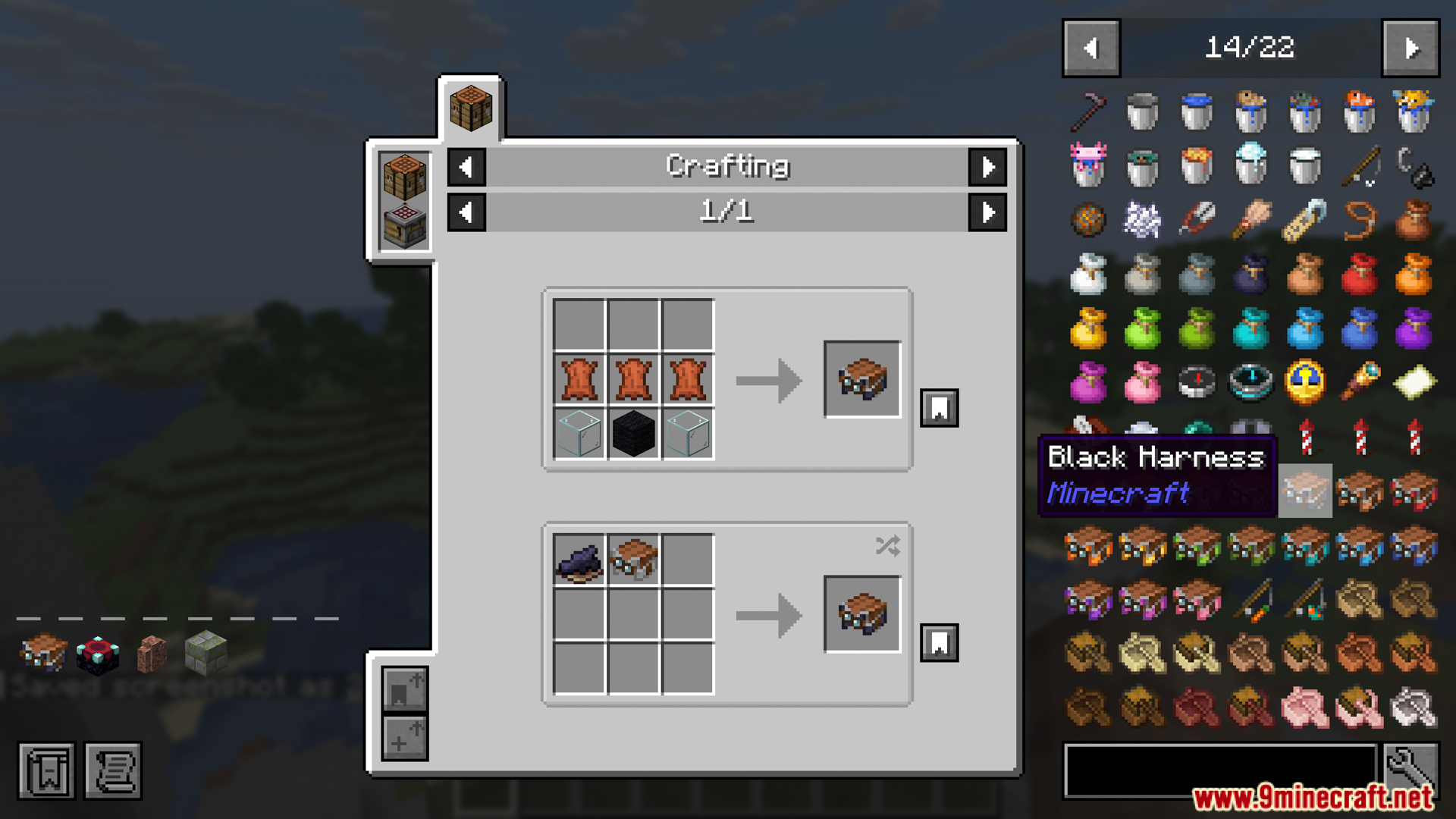
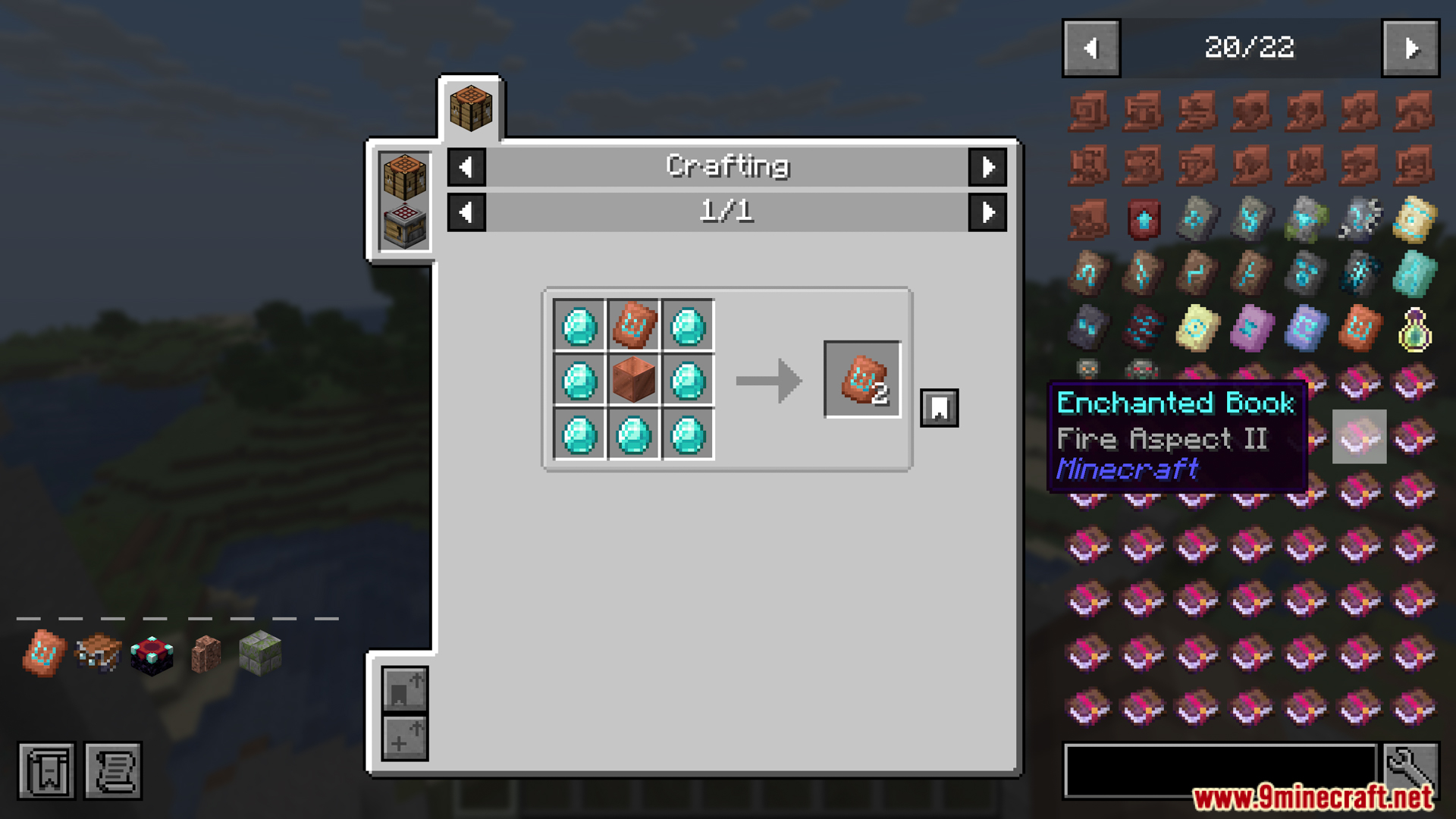
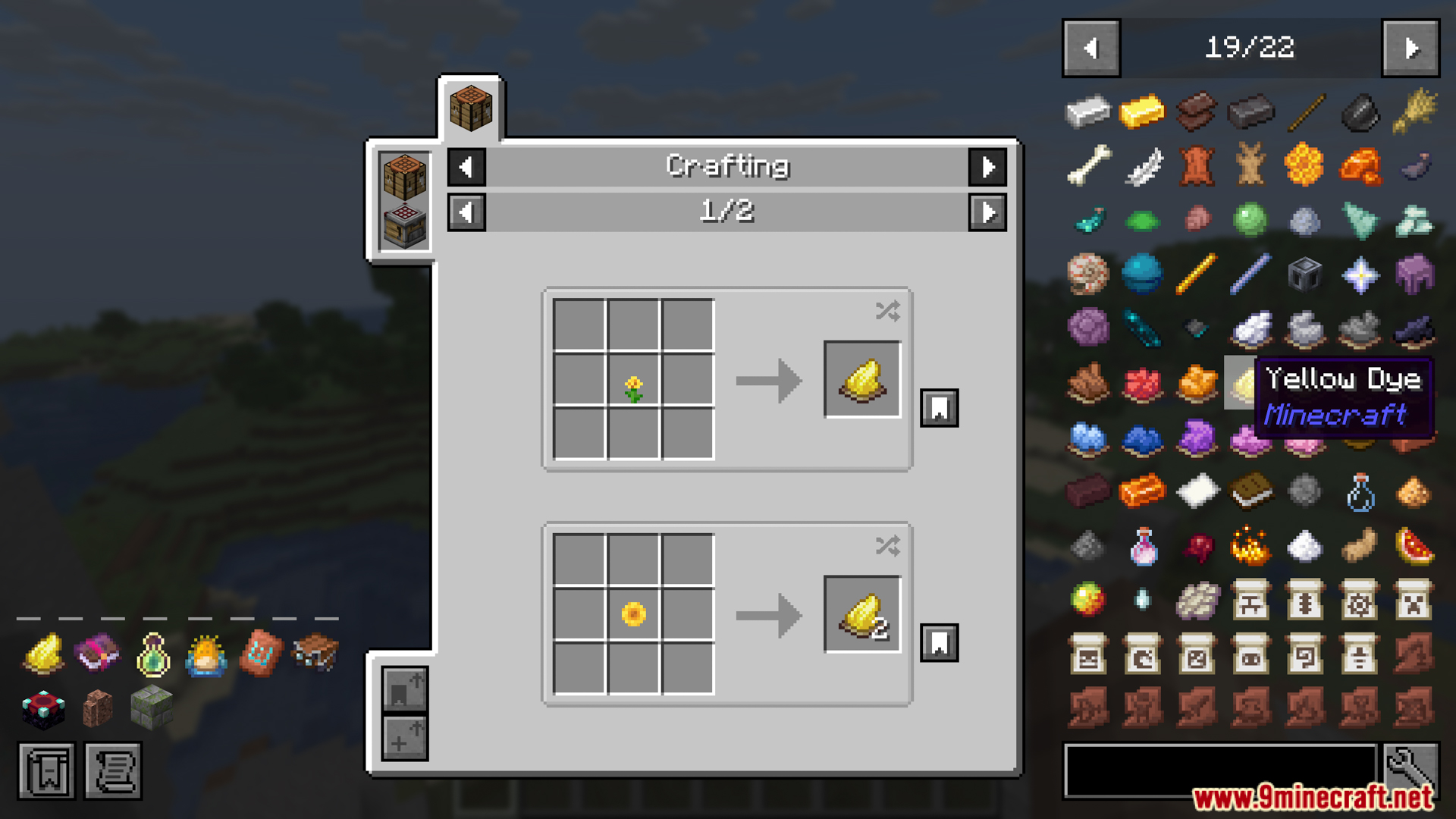
Search on Mcmod Mod lets you quickly find information about any item in your game. It connects your screen directly to the mcmod website. You just point at a block or tool in your inventory to learn more about it. The mod opens your web browser to show you all the details. This saves you time when you need to read up on new blocks or confusing items.
Features:
- Instant Lookup: Press a button to open a web page about the item you are looking at.
- Works Everywhere: You can point at items in your normal inventory or in lists from other mods.
- Smart Searching: If the exact page is not found, it runs a normal search on the website for you.
- Custom Key: You can change the button used for searching in your game settings.
How to Use:
- Move your mouse pointer over an item in your inventory or a mod list.
- Press the “B” key on your keyboard.
- Look at your web browser to read the page that opens.
Screenshots:

Search on Mcmod Mod Download Links
Quick facts
- Edition: Minecraft Java
- File type: .jar
- Minecraft version listed: 1.20.1
- How to install: Install the matching mod loader (Forge, Fabric or NeoForge) for your Minecraft version. → Download the .jar. → Put it in the .minecraft/mods folder and launch that loader profile.
- Where to get it: In MC Java Mods, or directly above on this page.
Install steps are the general flow for this file type — How to install Minecraft Java mods & modpacks walks through it step by step.
Verified by MCModsHub
- Downloads as 2422.mcaddon
- Download size: 26 KB
- Download link checked 23 Sept 2026 — working
- Mirrored on our own servers — the download does not depend on the original host
These come from our own check of the pack file, not from the source page.