Home›Java›Mods›Roughly Enough Items Mod (26.2, 1.20.1) – Look Up Any Recipe Without a Wiki
Roughly Enough Items Mod (26.2, 1.20.1) – Look Up Any Recipe Without a Wiki
ModsJava

Roughly Enough Items Mod (26.2, 1.20.1) – Look Up Any Recipe Without a Wiki

by Moon

⬇ Download
Roughly Enough Items Mod (26.2, 1.20.1) – Look Up Any Recipe Without a Wiki — screenshot 1Roughly Enough Items Mod (26.2, 1.20.1) – Look Up Any Recipe Without a Wiki — screenshot 2Roughly Enough Items Mod (26.2, 1.20.1) – Look Up Any Recipe Without a Wiki — screenshot 3Roughly Enough Items Mod (26.2, 1.20.1) – Look Up Any Recipe Without a Wiki — screenshot 4Roughly Enough Items Mod (26.2, 1.20.1) – Look Up Any Recipe Without a Wiki — screenshot 5Roughly Enough Items Mod (26.2, 1.20.1) – Look Up Any Recipe Without a Wiki — screenshot 6Roughly Enough Items Mod (26.2, 1.20.1) – Look Up Any Recipe Without a Wiki — screenshot 7Roughly Enough Items Mod (26.2, 1.20.1) – Look Up Any Recipe Without a Wiki — screenshot 8

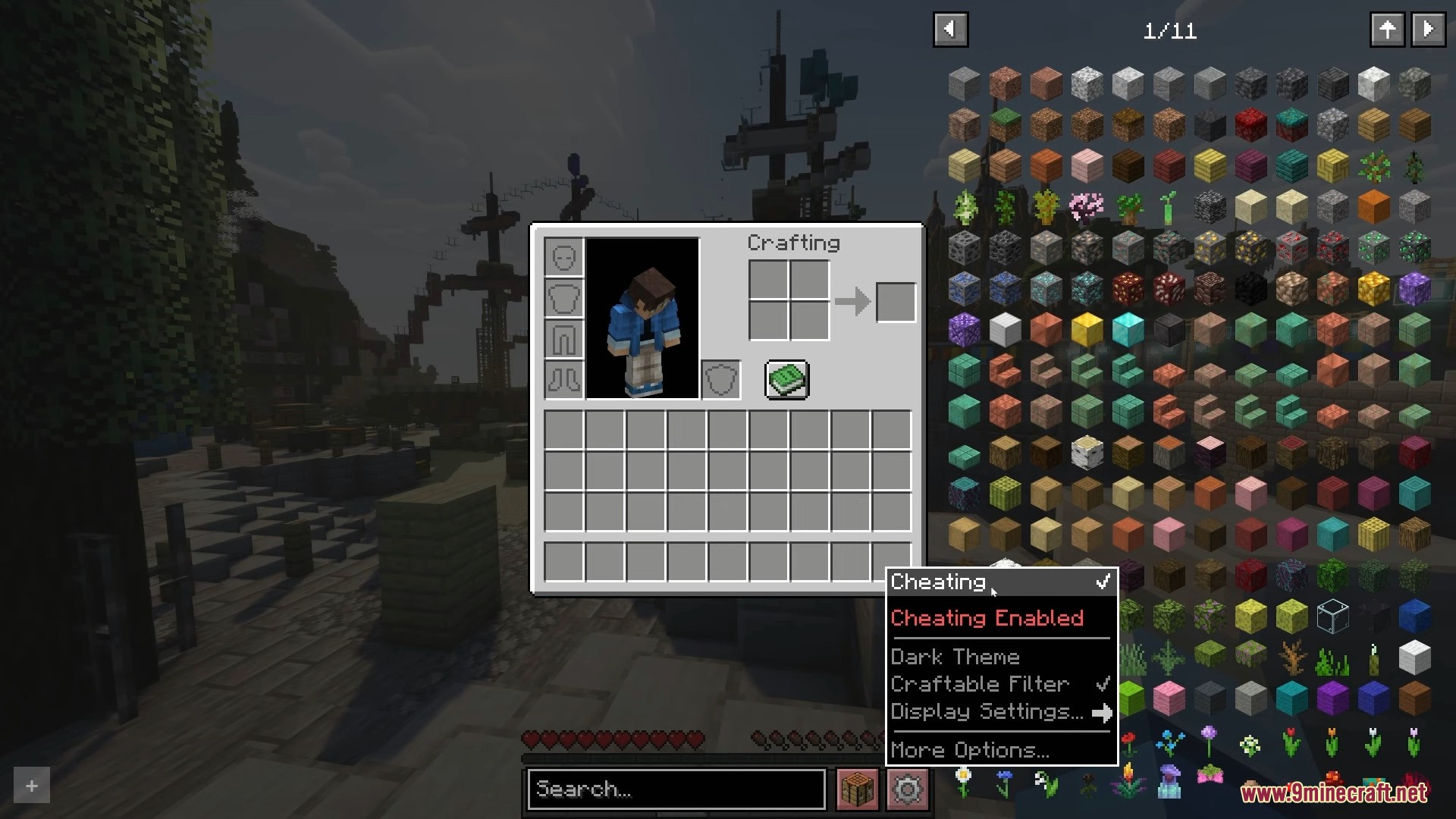
Roughly Enough Items Mod helps you see recipes for any item in Minecraft. It works much like the Just Enough Items mod, showing you how to craft items from the main game and other mods you have installed. You can browse a big list of items on the side of your screen or use the search bar to find exactly what you need. The mod also adds buttons to turn on cheat mode, which lets you grab any item, and to open a menu to change its settings.

Features:

How to Use:

  1. To bookmark an item, hover your mouse over it and press the A key.
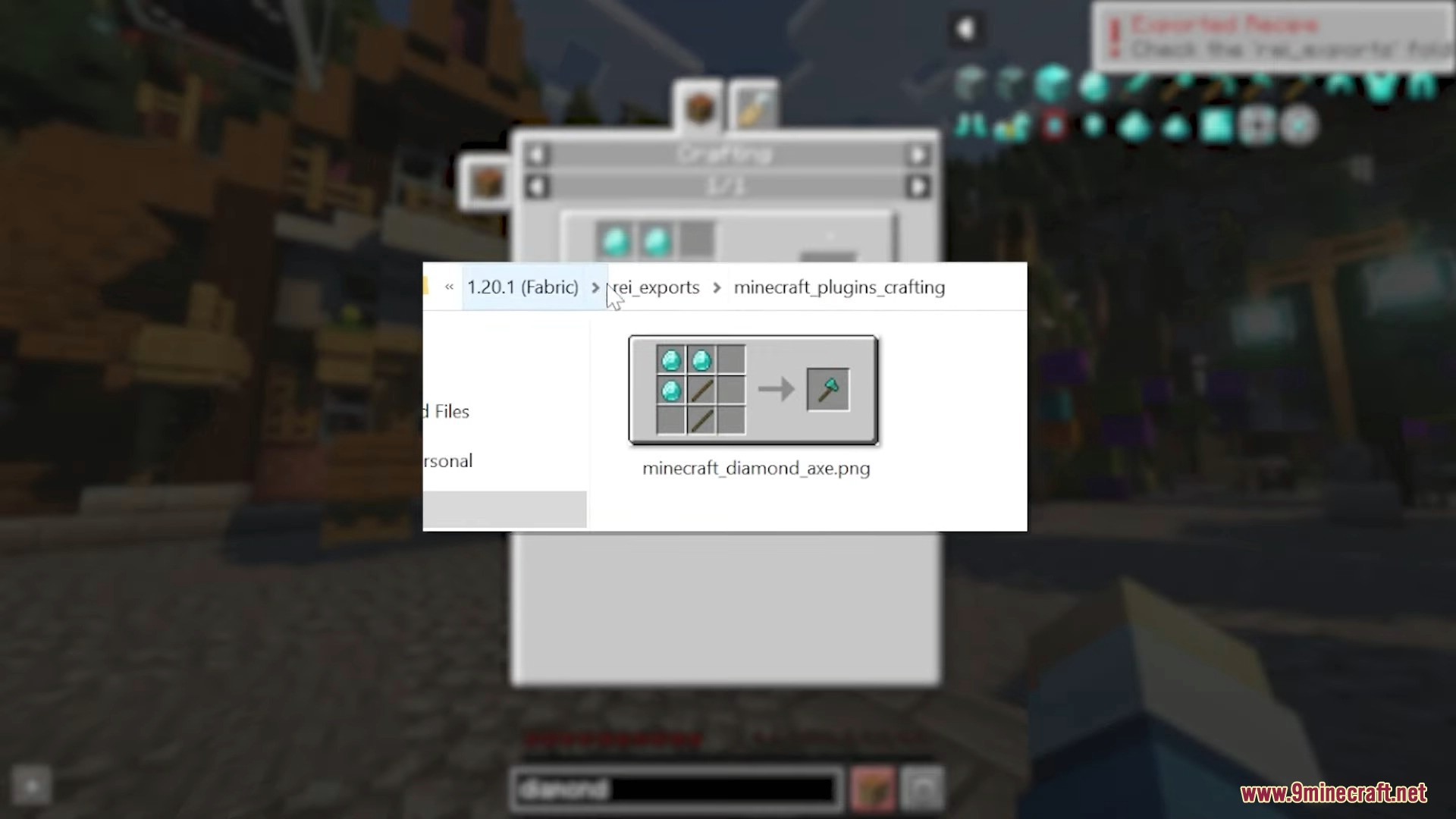
  2. To export a recipe, you must first set a key for it in the game’s controls menu.
  3. To show or hide the mod’s interface, press CTRL + O.

Screenshots:
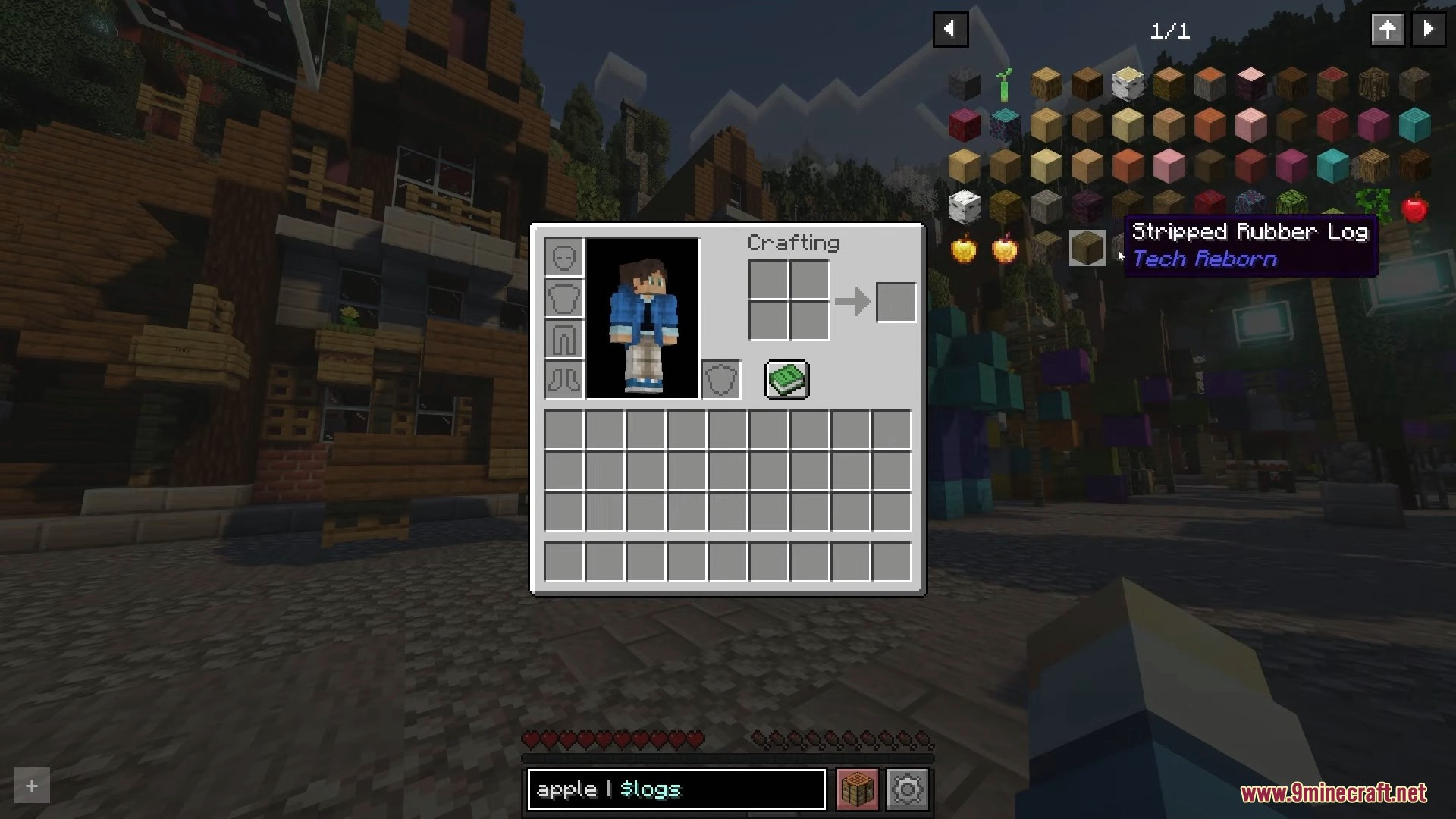
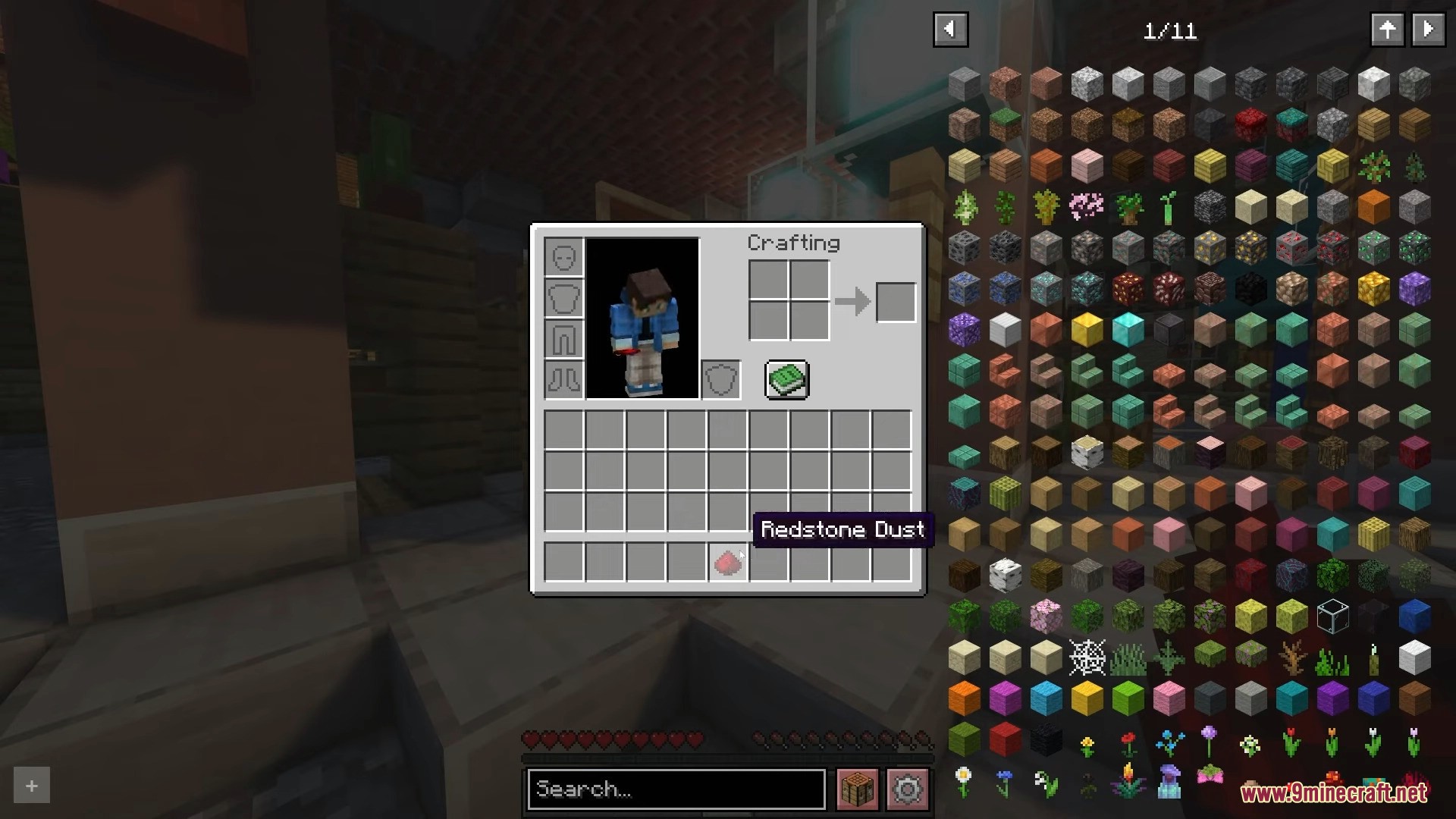
Player browsing through a comprehensive list of game items in the inventory menu
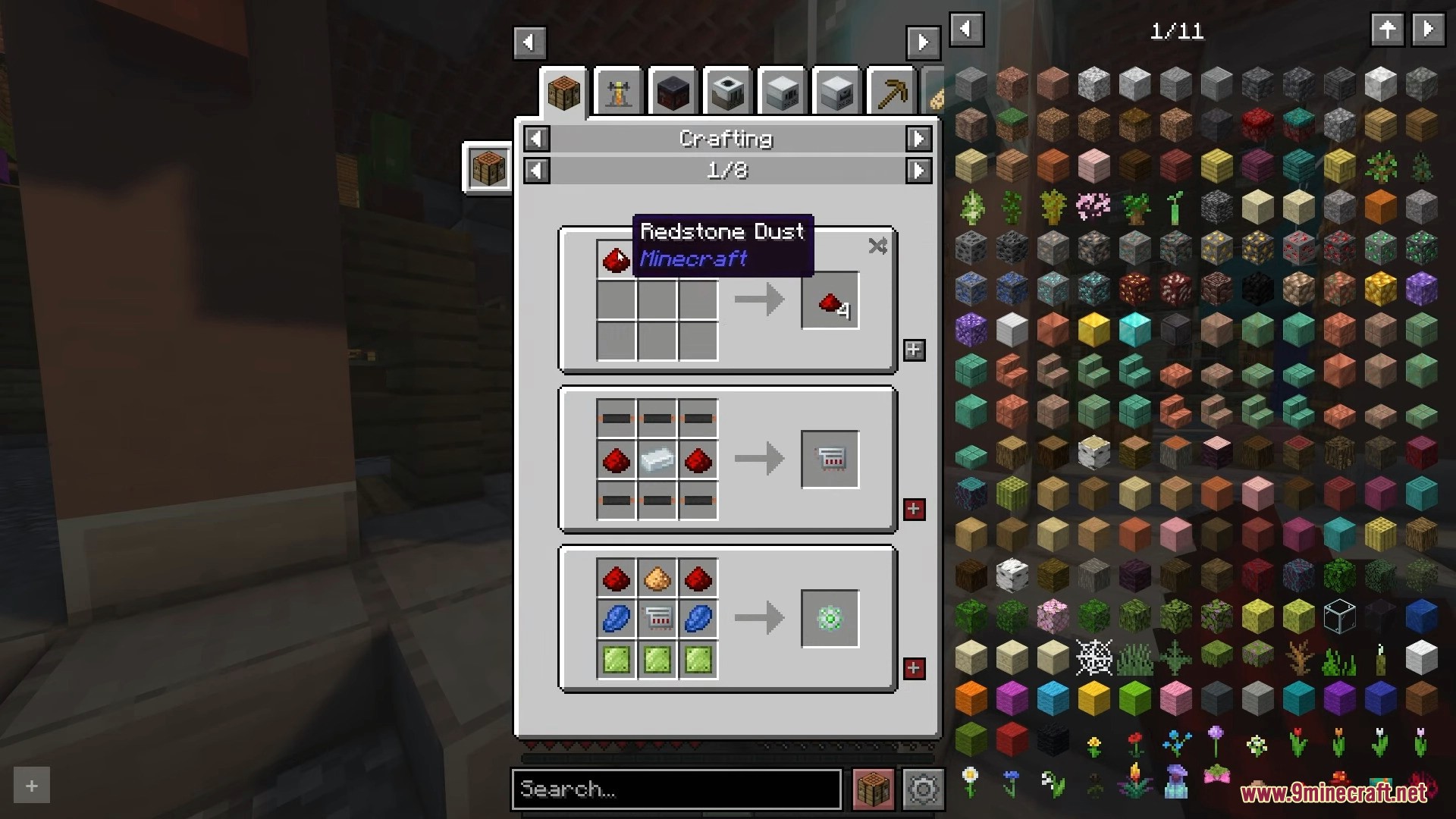
Roughly Enough Items mod interface showing multiple crafting recipes for game items
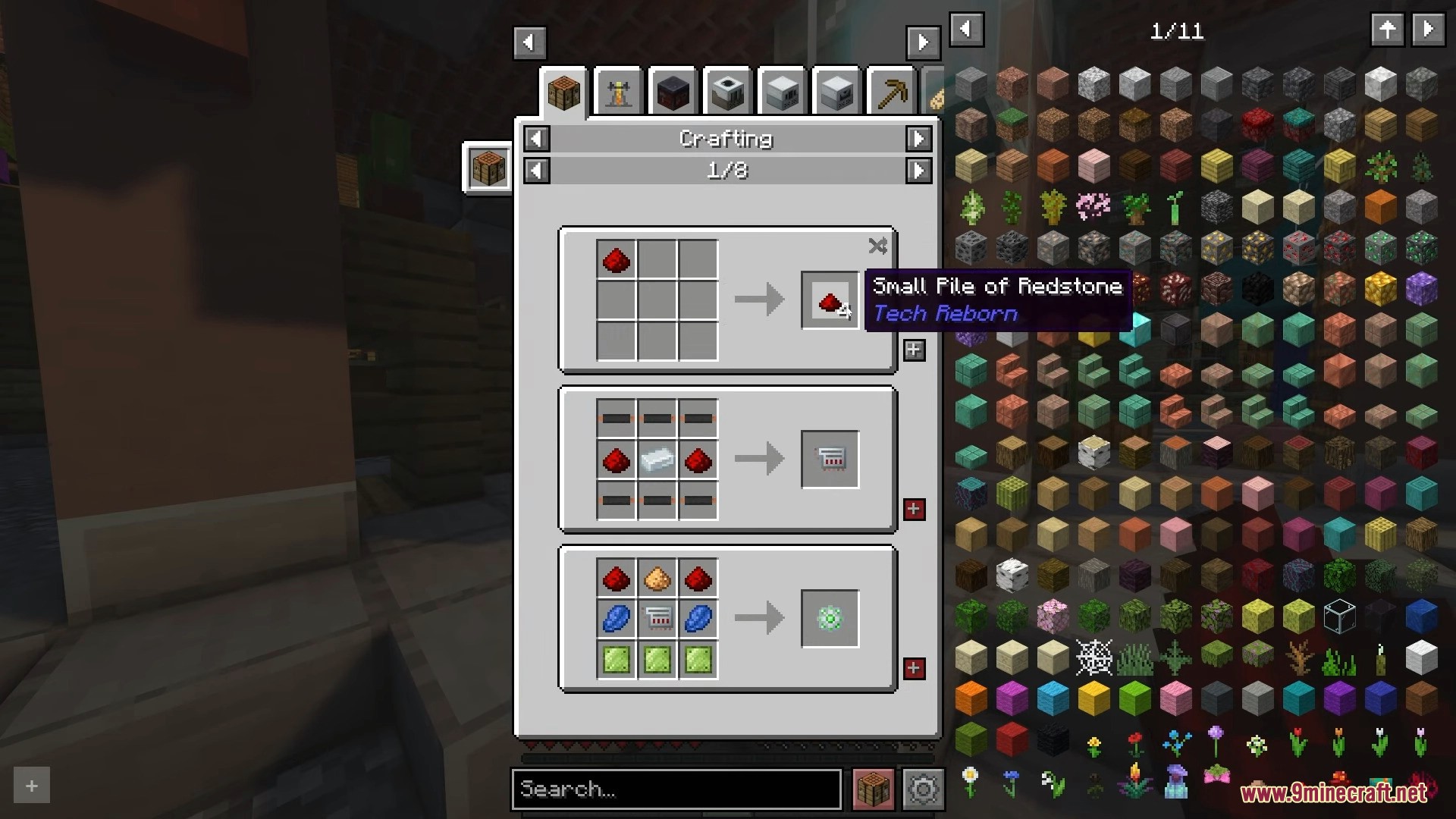
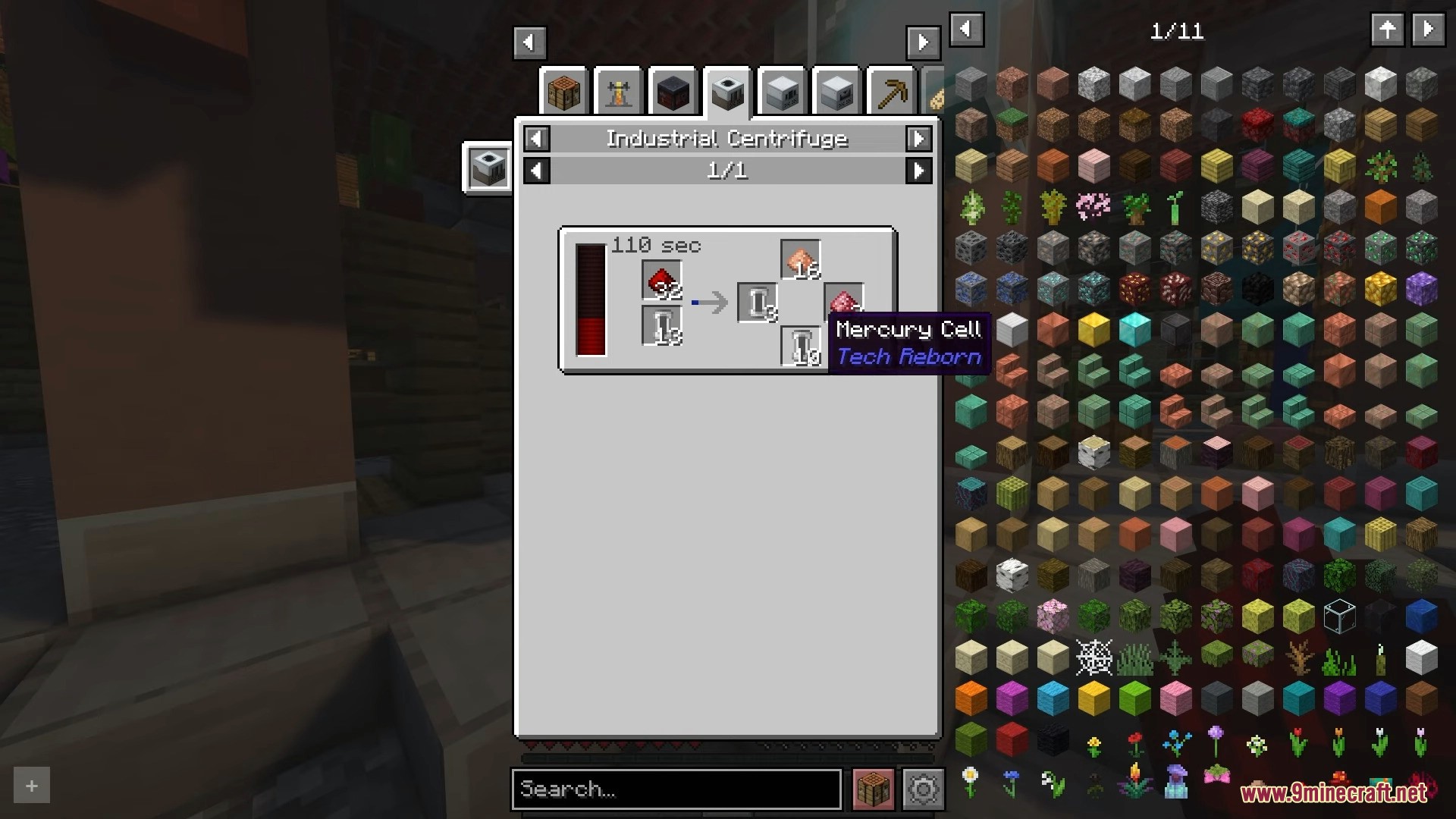
Roughly Enough Items interface displaying crafting recipes for various technical components
Industrial Centrifuge menu displaying processing recipes for redstone and mercury cells
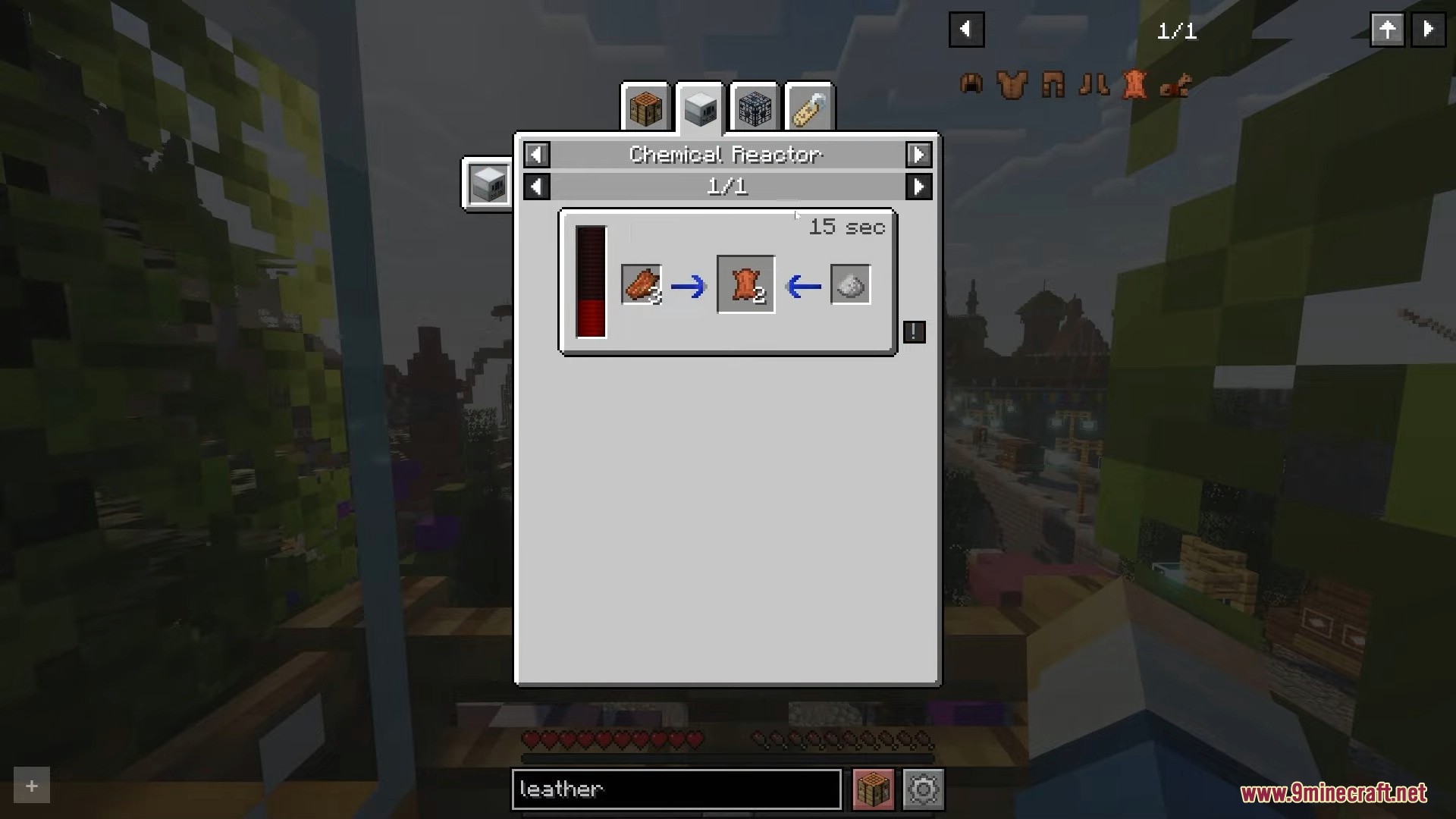
Chemical Reactor recipe for leather in Roughly Enough Items mod
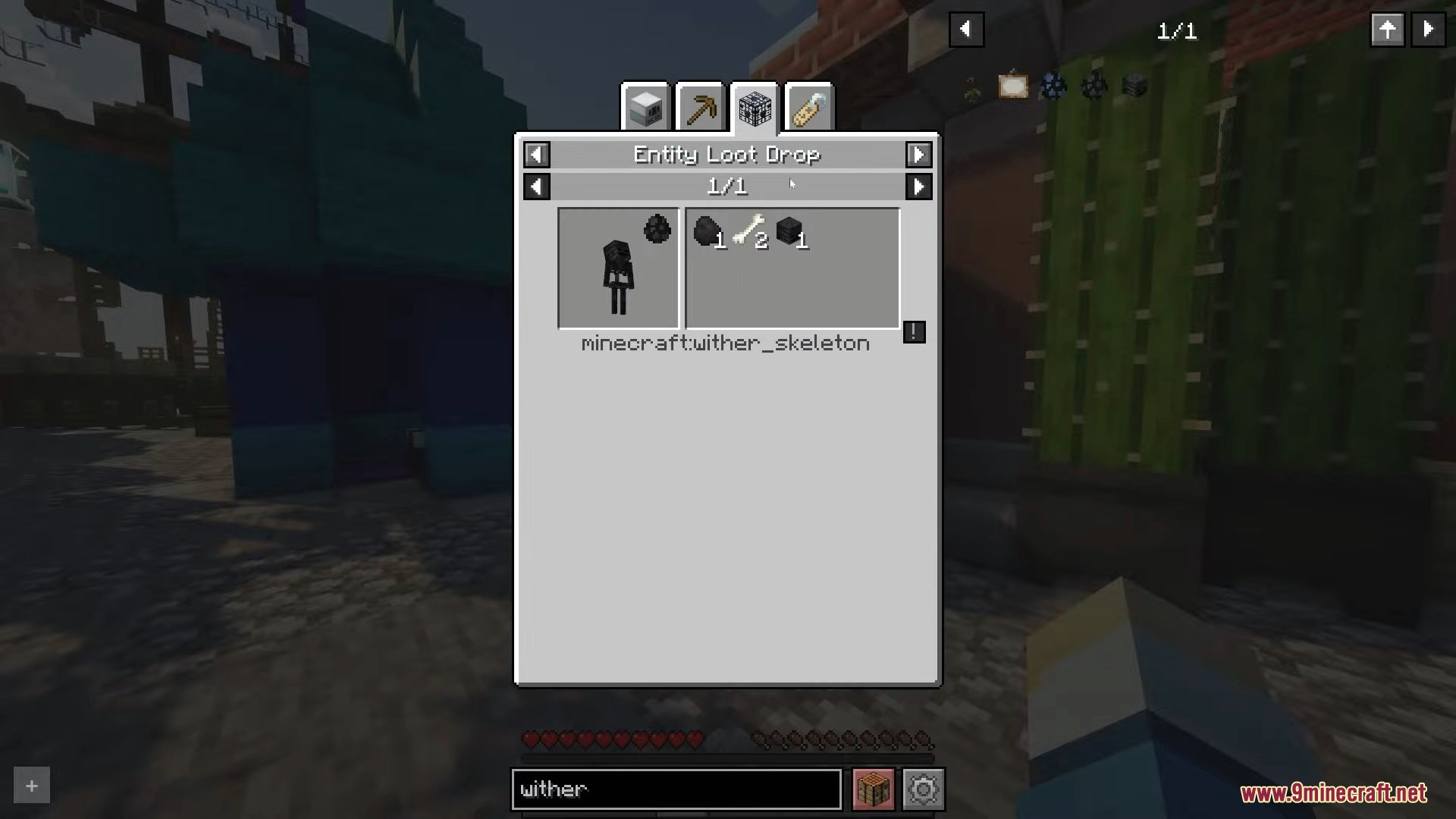
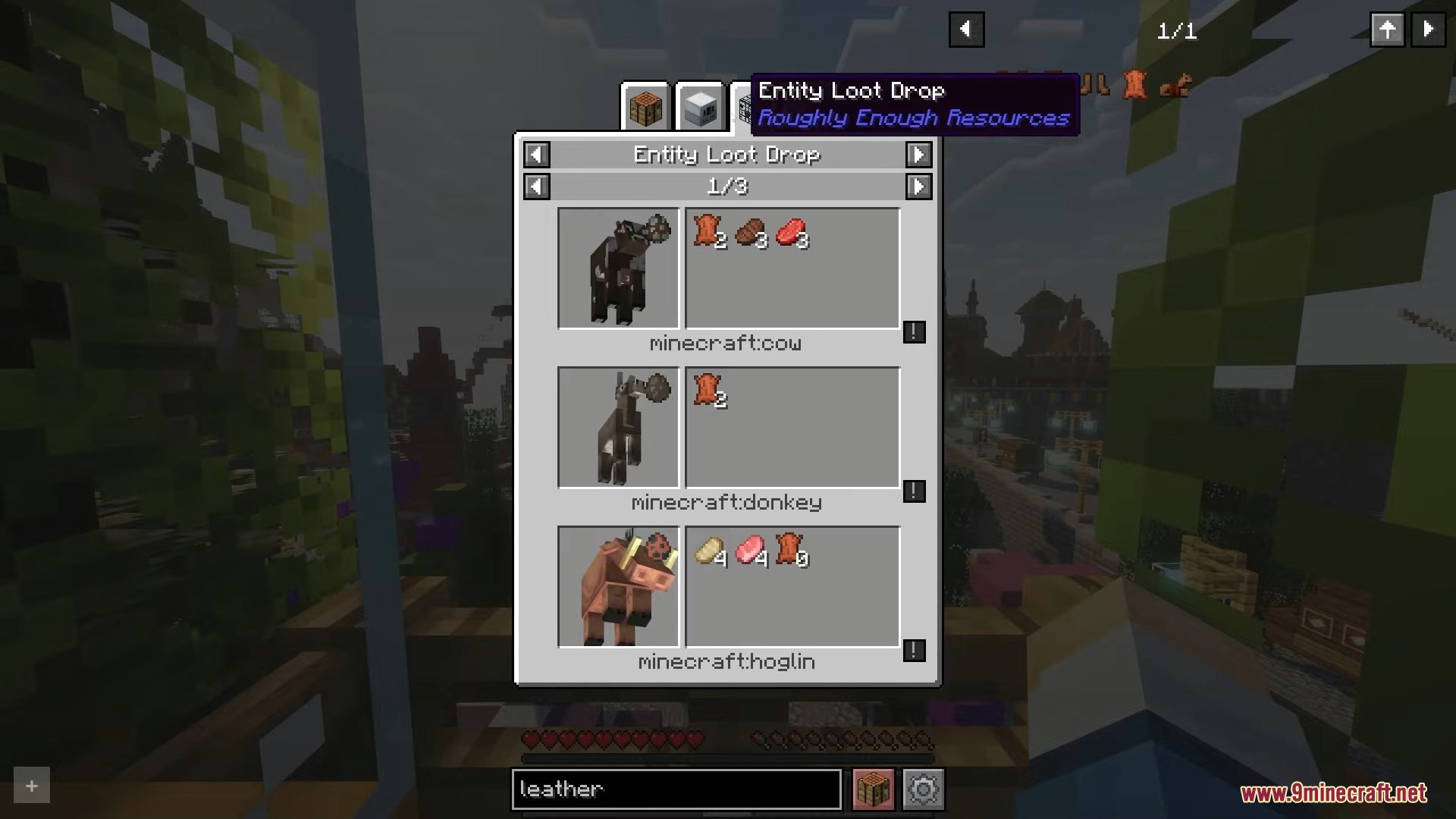
Entity Loot Drop menu displaying items dropped by different mobs
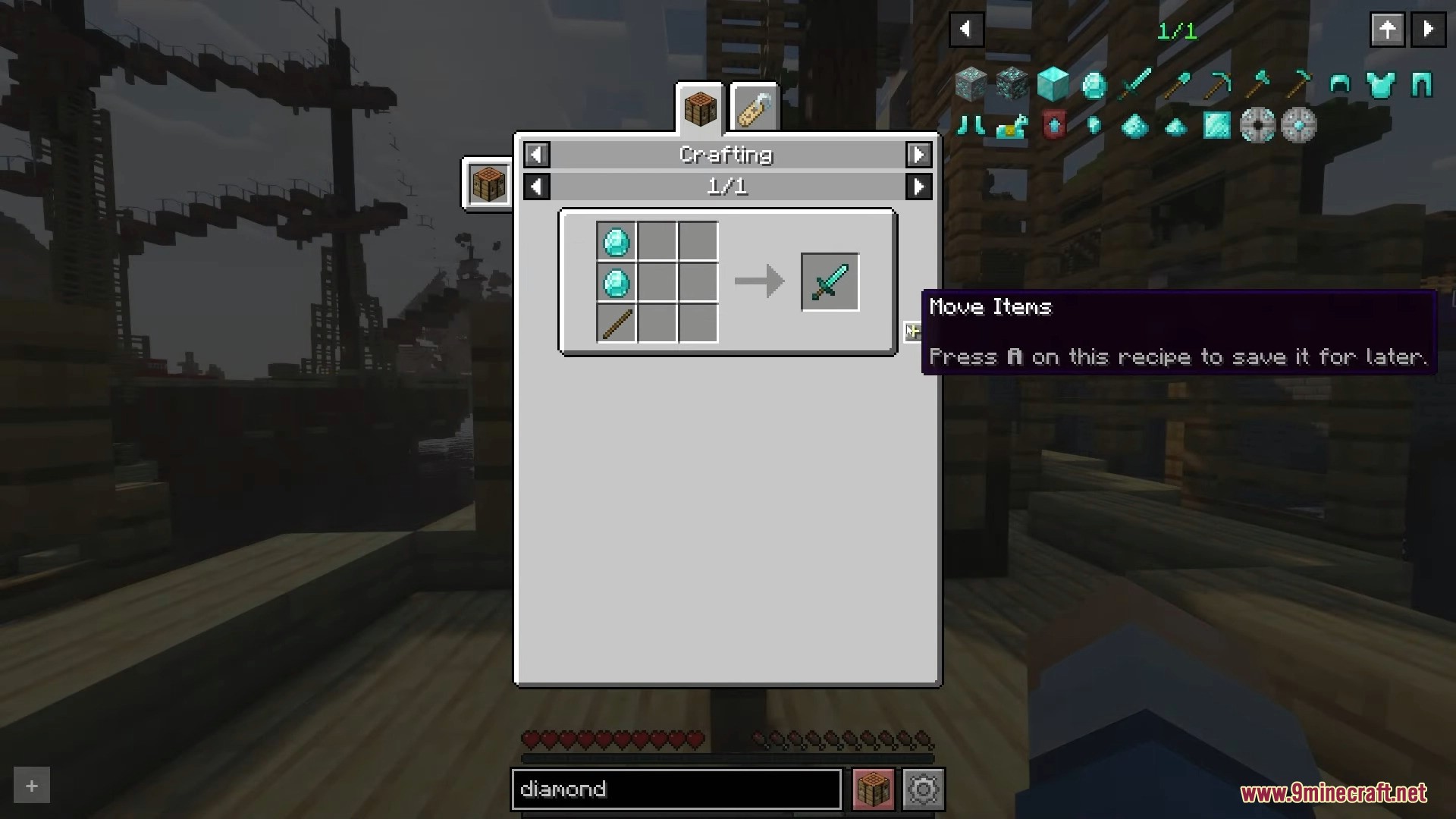
Player views the diamond sword recipe with the Roughly Enough Items interface
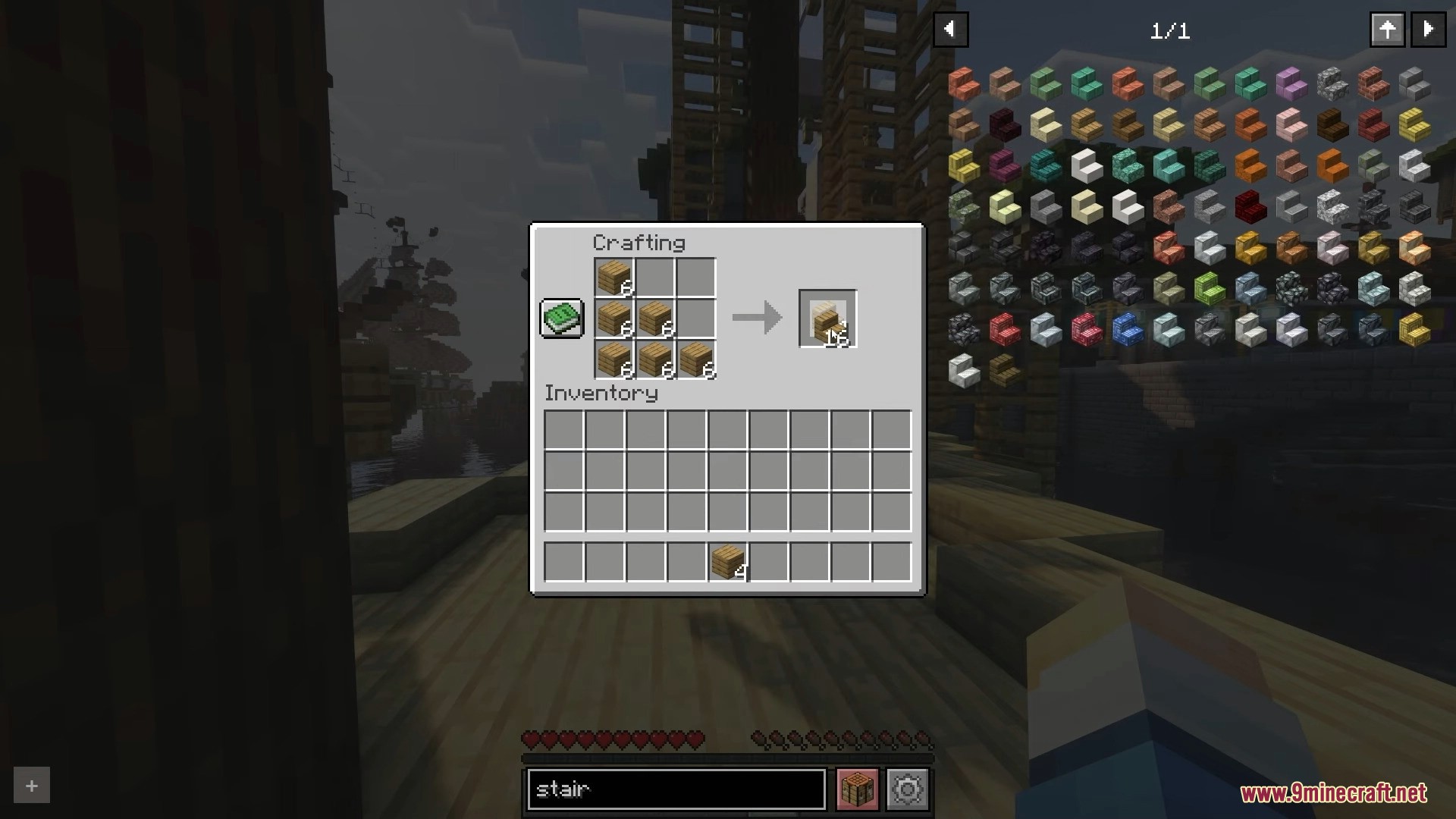
Searching for stair recipes and crafting wooden stairs in the inventory screen
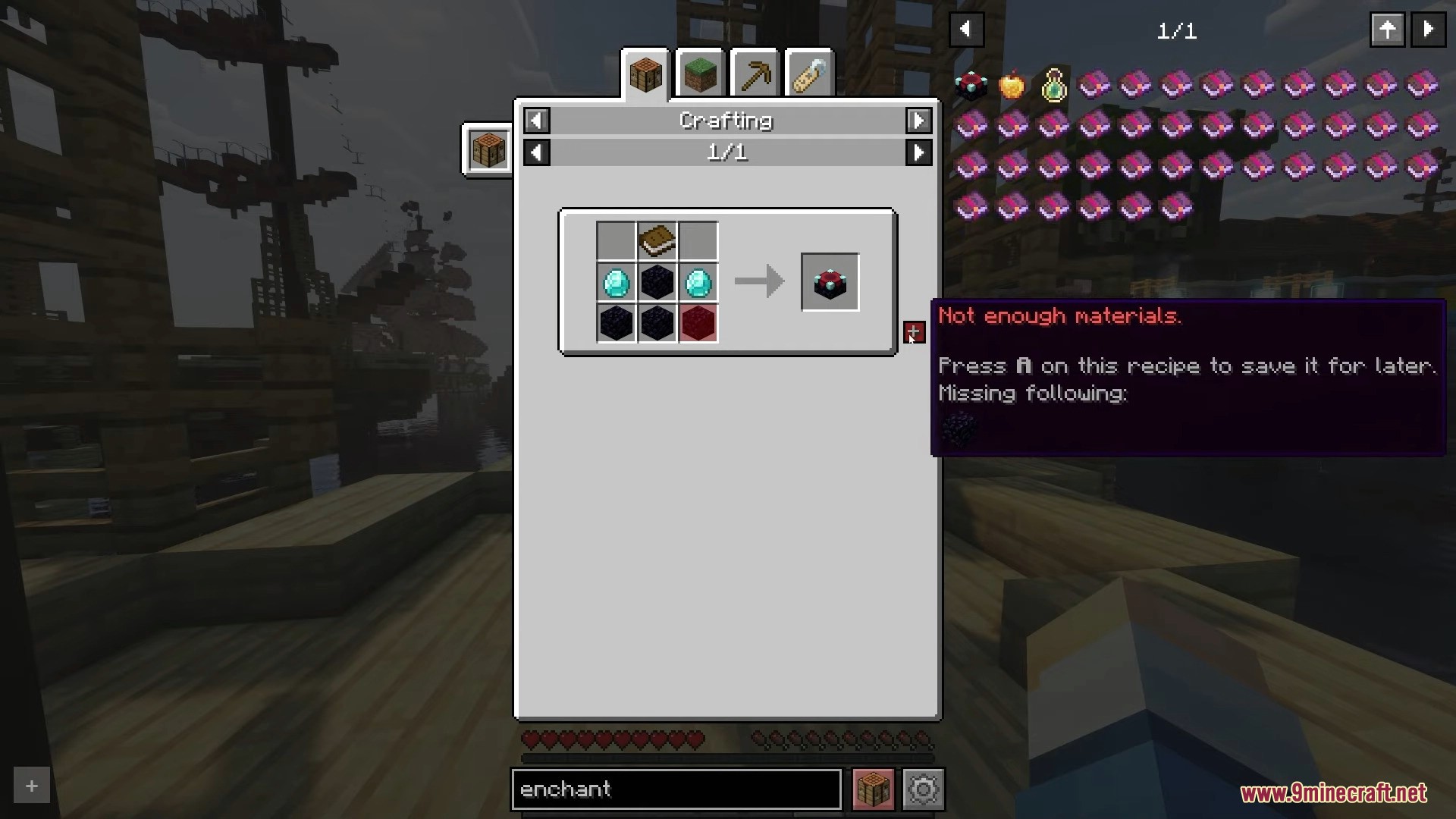
Crafting interface showing missing materials for an enchanting table recipe
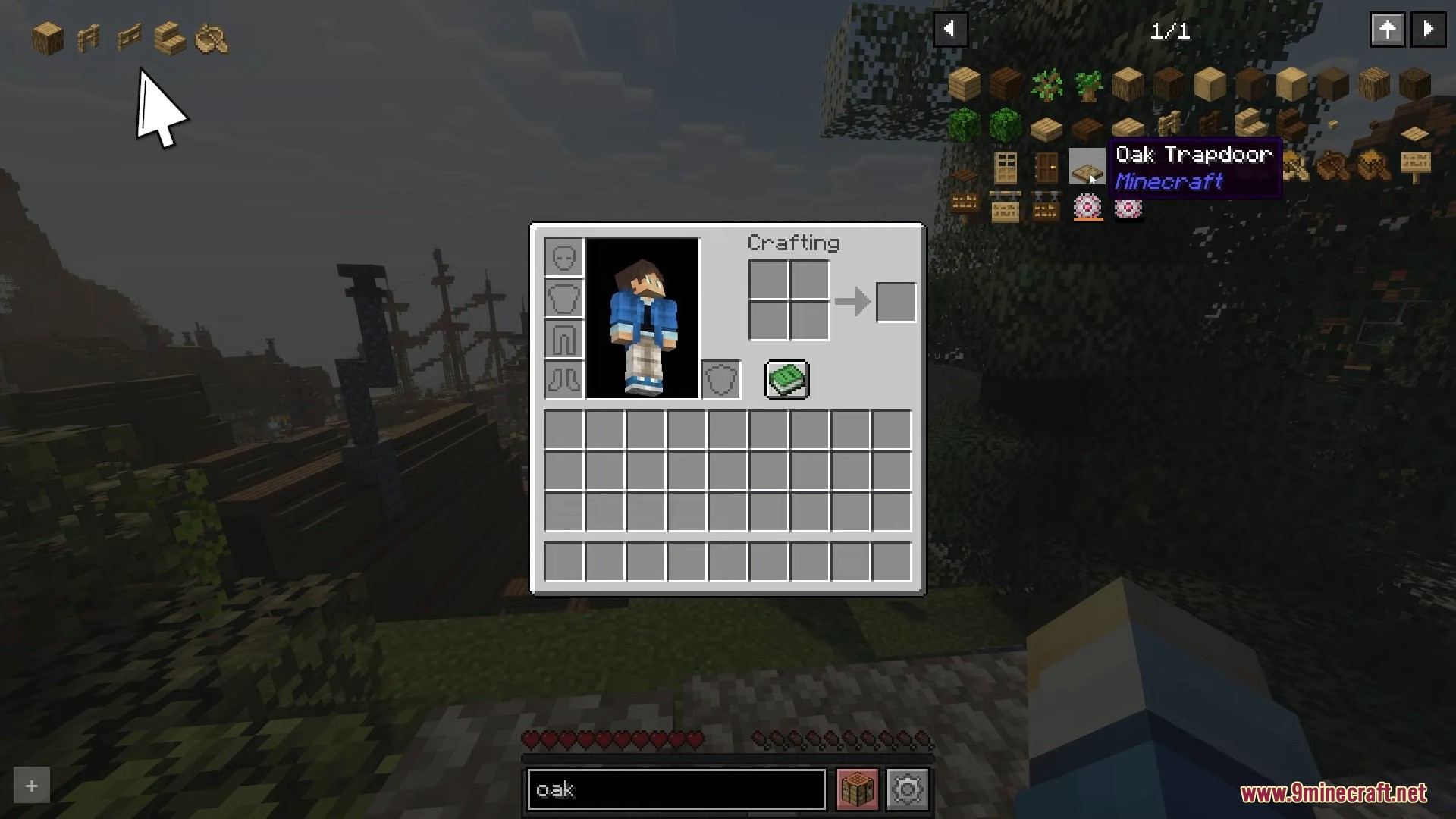
Searching for oak items using the Roughly Enough Items mod search bar
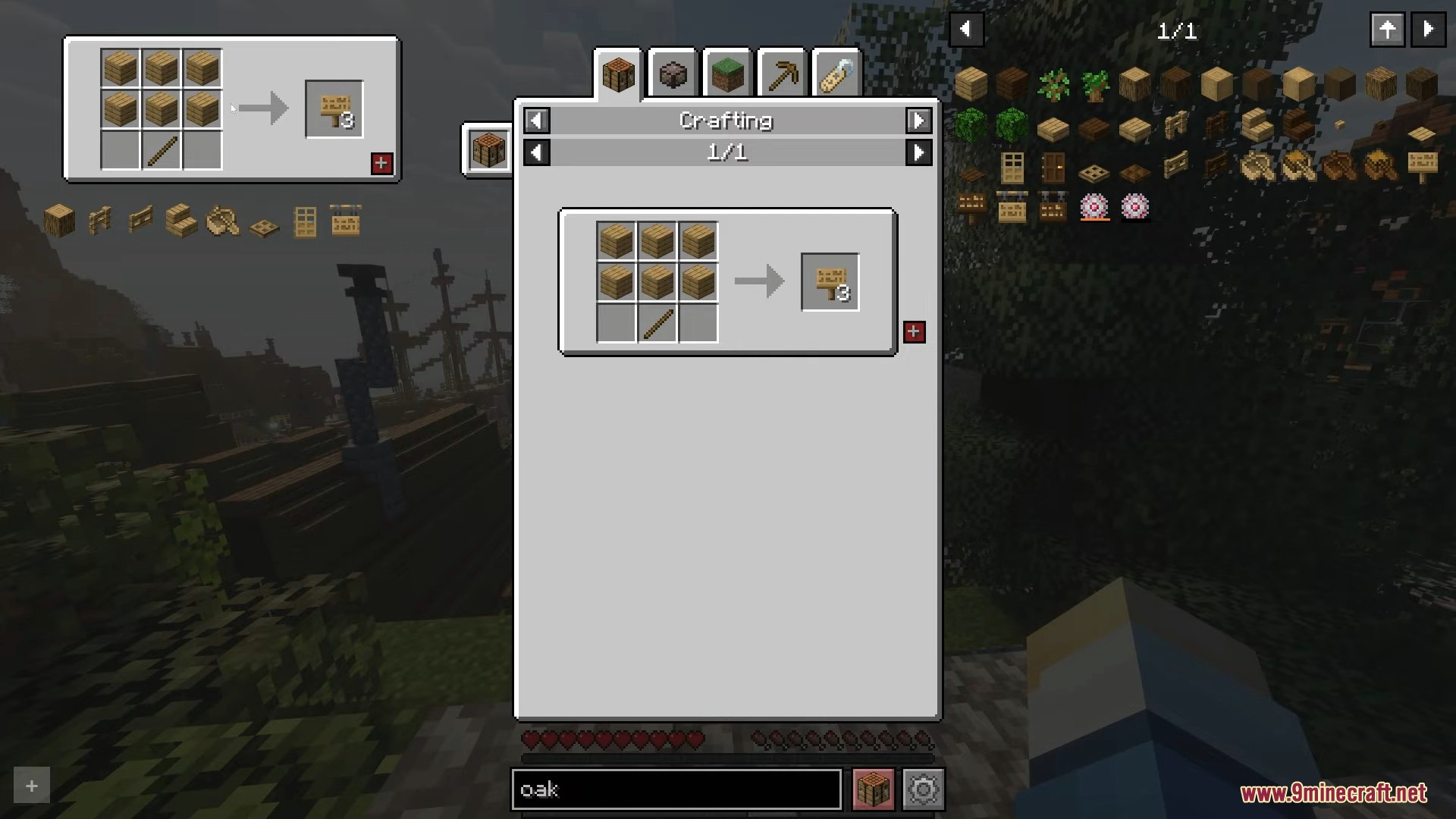
Crafting recipe for oak signs displayed in the Roughly Enough Items interface
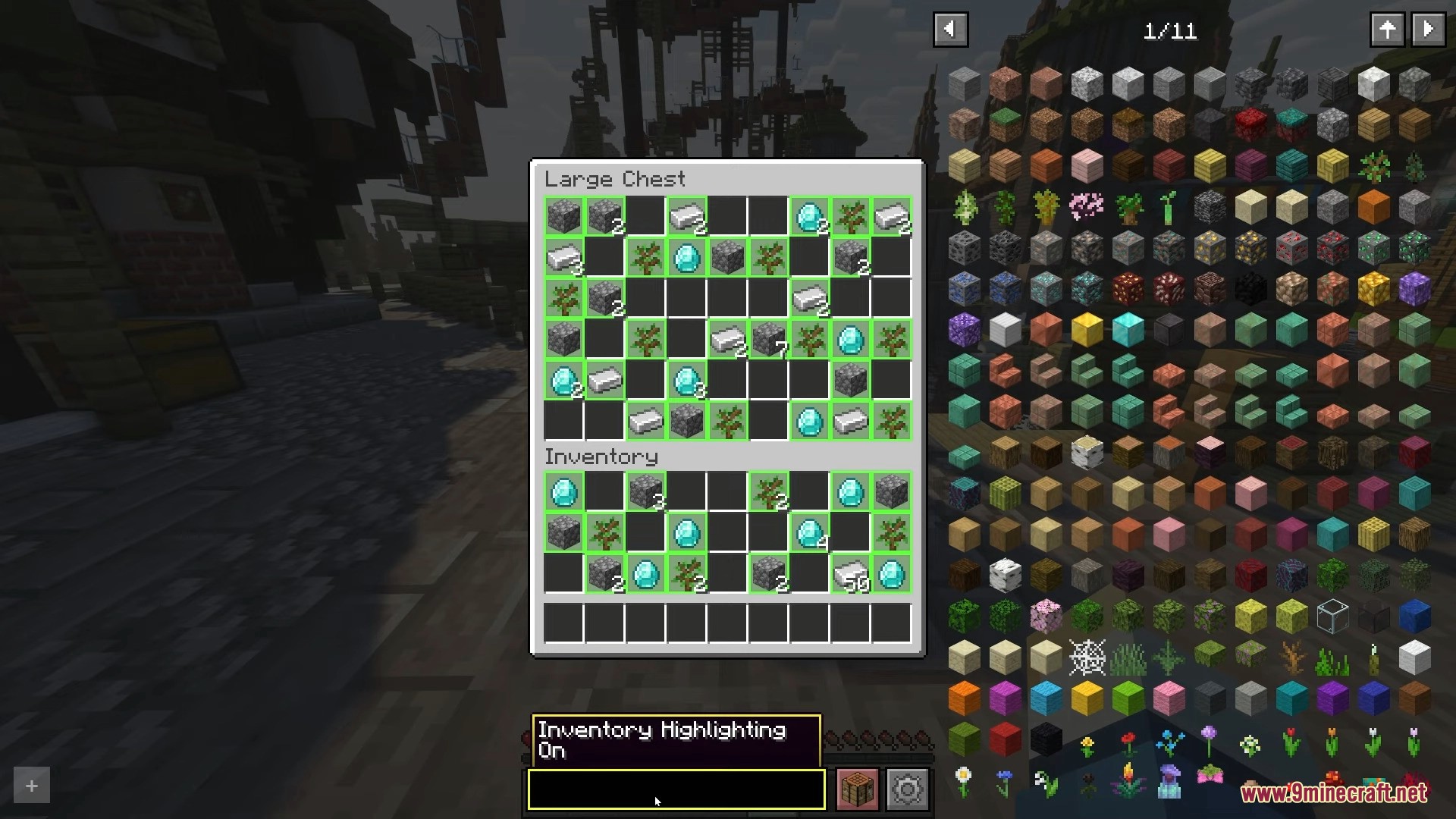
Inventory highlighting feature active while searching for items in a large chest
Minecraft inventory screen showing the CTRL and O shortcut to toggle interface
Using the search bar to find specific blocks in the item browser
A file explorer window showing an exported diamond axe crafting recipe
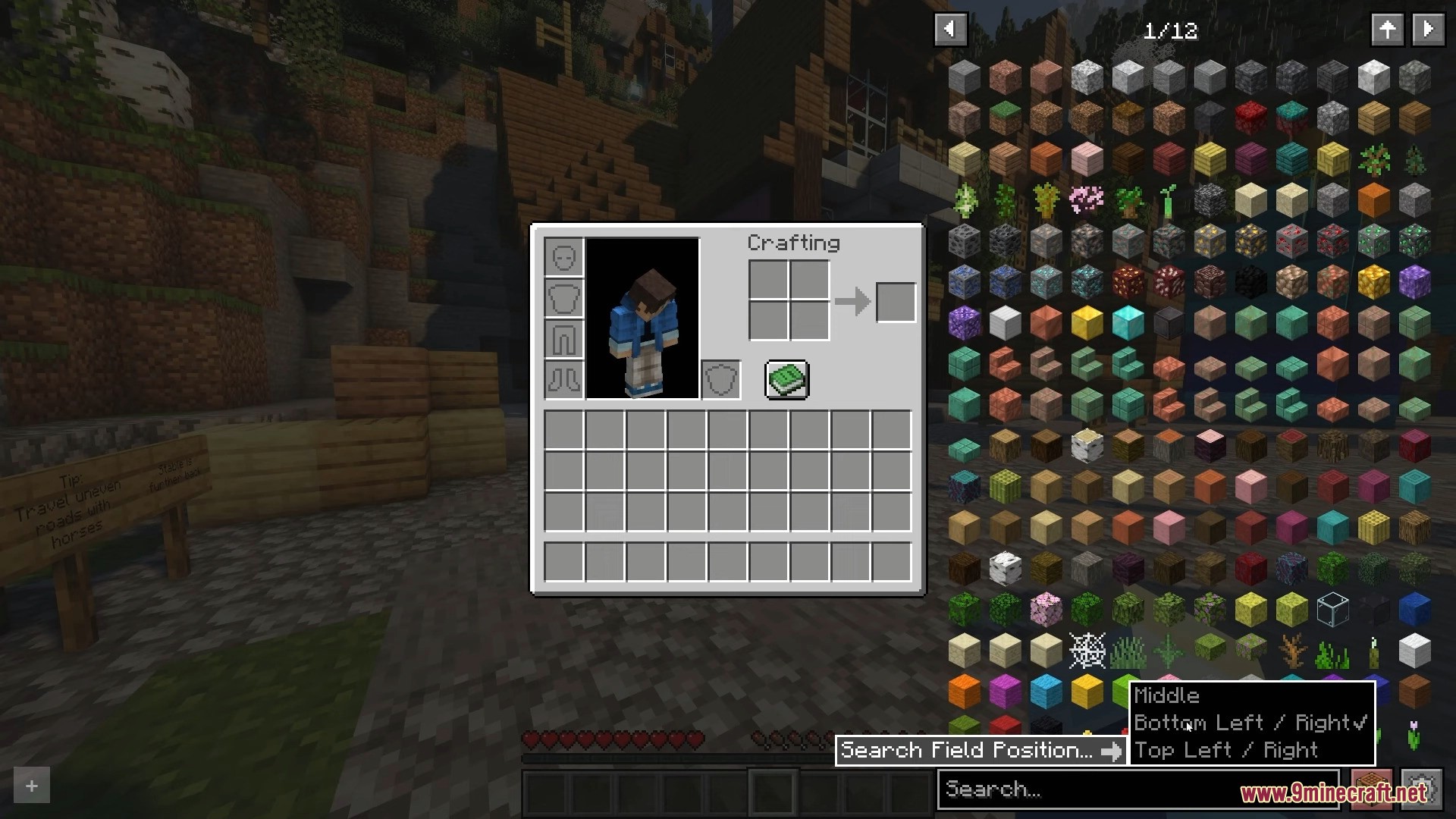
Selecting the search field position from a dropdown menu in Minecraft
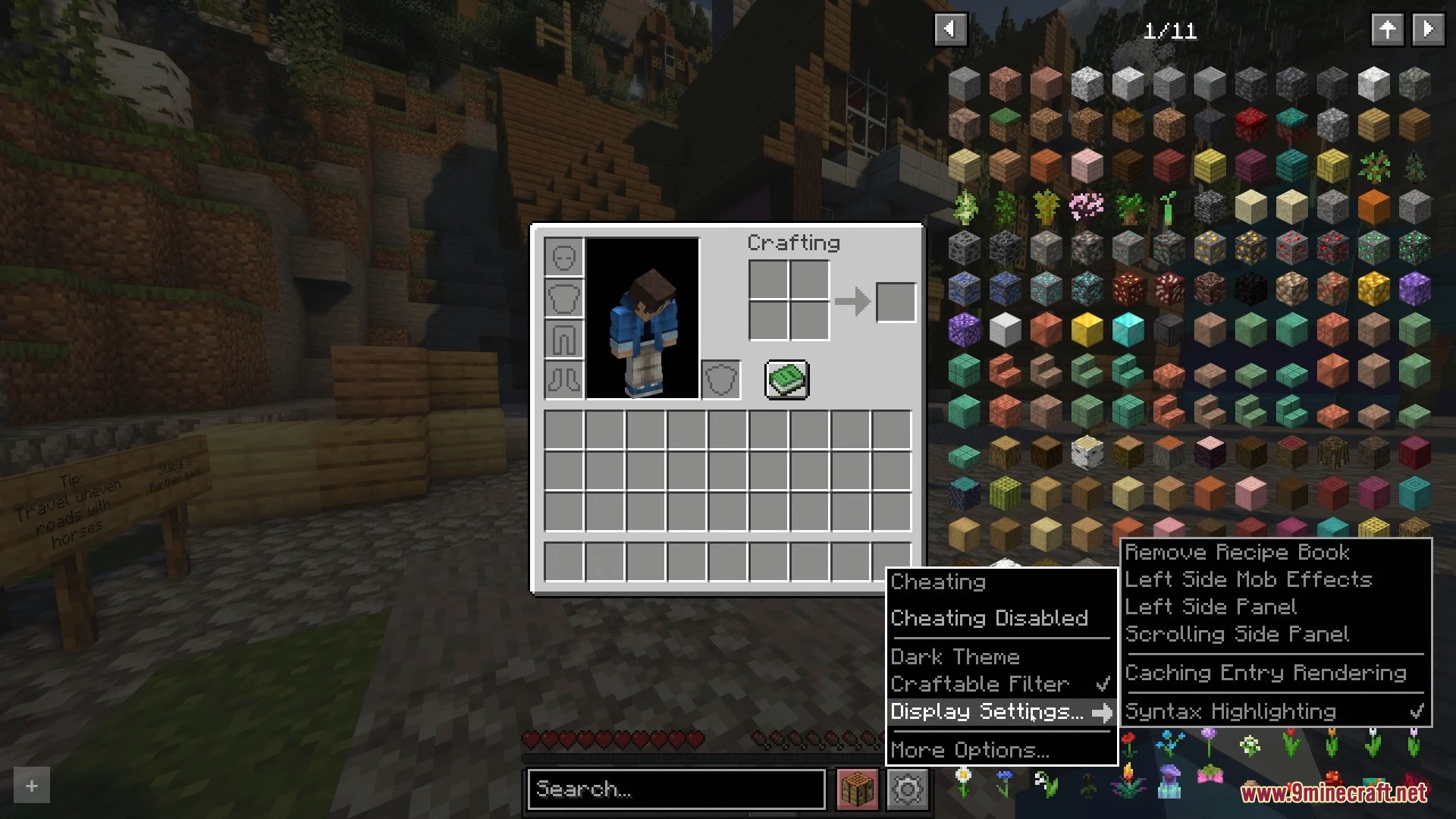
Minecraft inventory screen showing the mod interface and display settings menu
Enabling cheat mode within the Roughly Enough Items mod settings menu
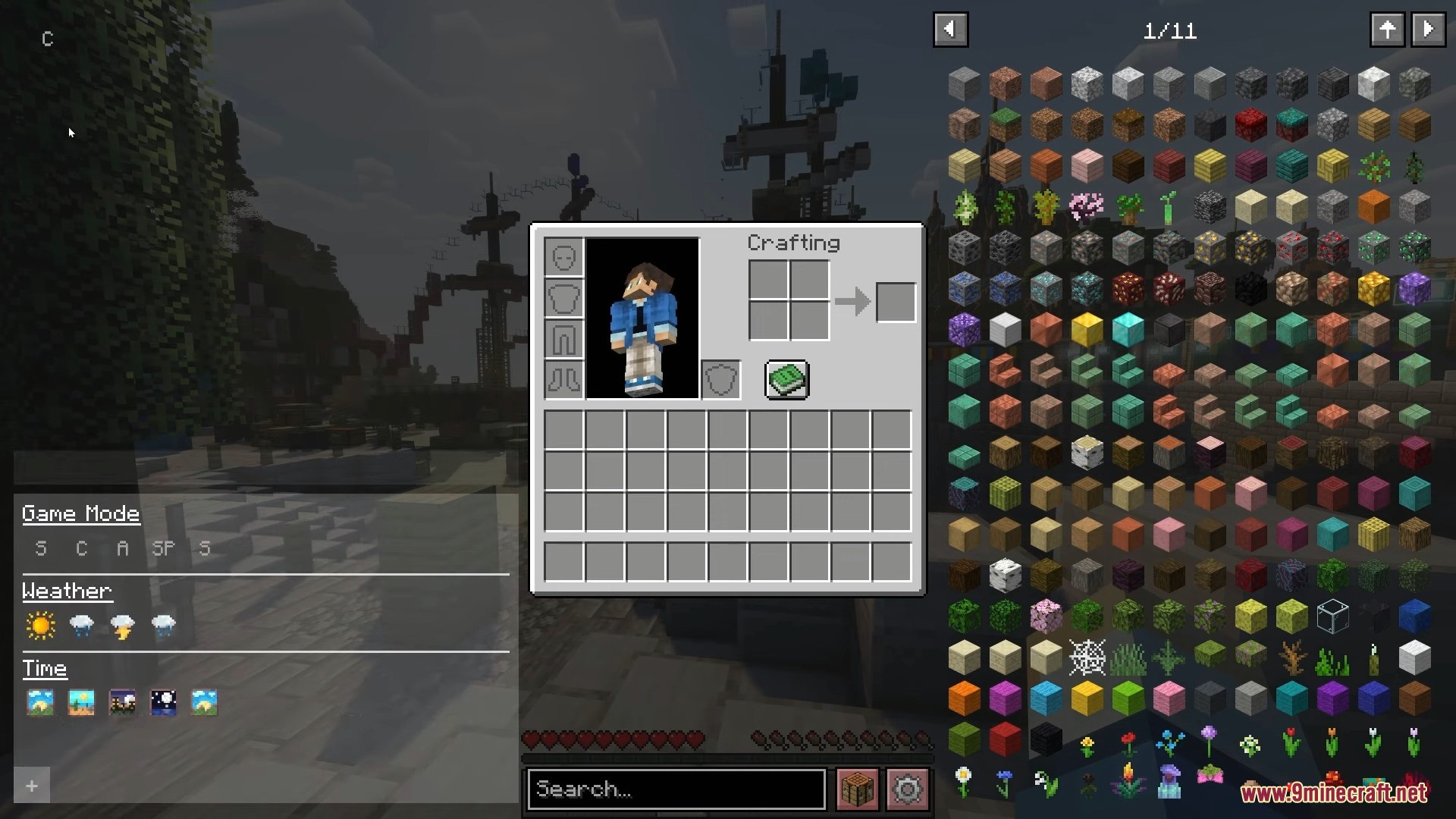
Minecraft inventory screen with a sidebar for item search and game settings
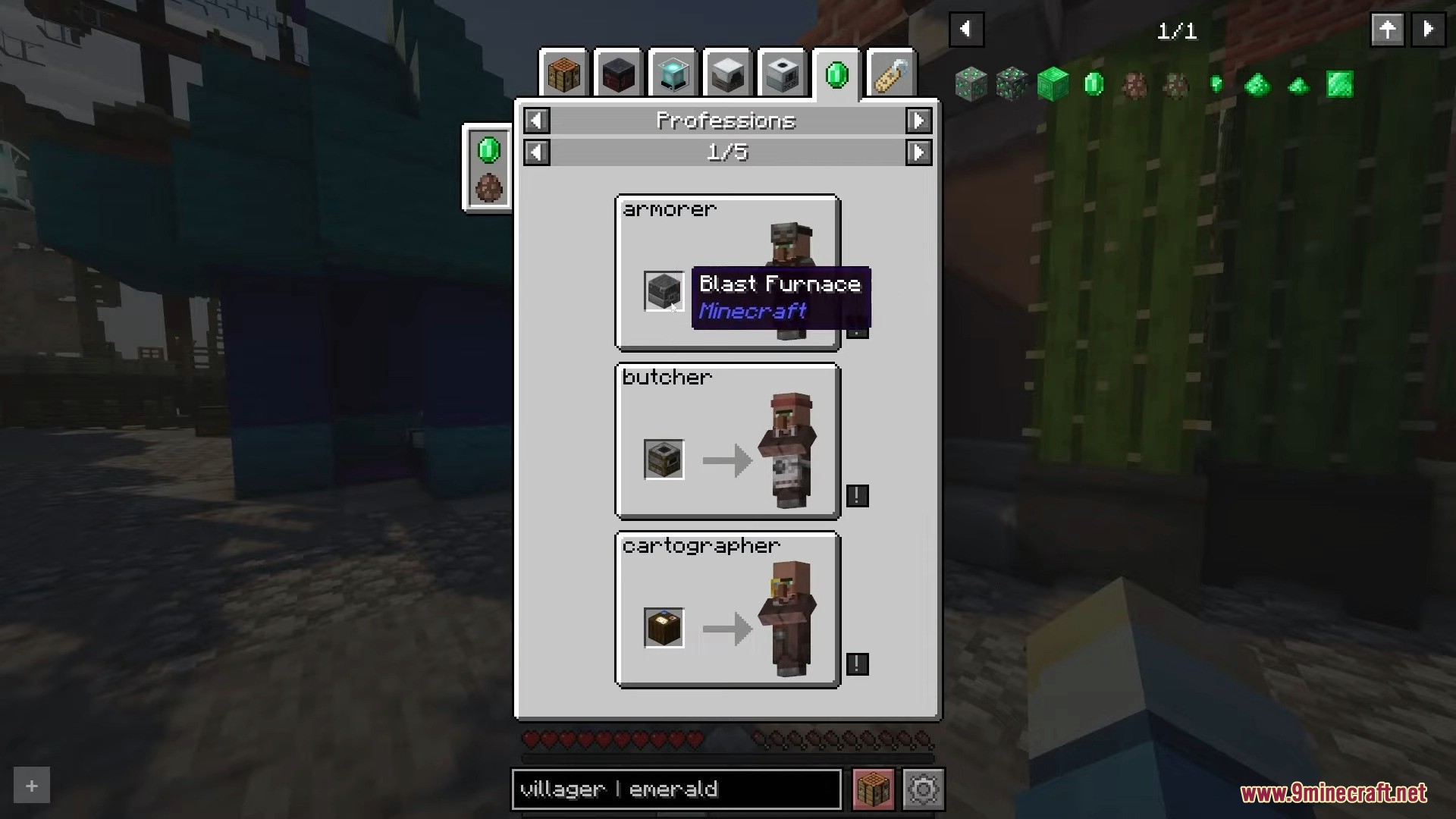
Roughly Enough Items interface showing villager professions and their required workstations
Roughly Enough Items mod interface displaying loot drops for a wither skeleton

Roughly Enough Items Mod Download Links

Quick facts

Install steps are the general flow for this file type — How to install Minecraft Java mods & modpacks walks through it step by step.

Verified by MCModsHub

These come from our own check of the pack file, not from the source page.

Explore more