ModsJava
SchematicPreview Mod (26.2, 1.21.1) – Never Load the Wrong Schematic Again
Java mod listed for Minecraft 1.21. Downloads from the MC Java Mods app on Android.
⬇ Download
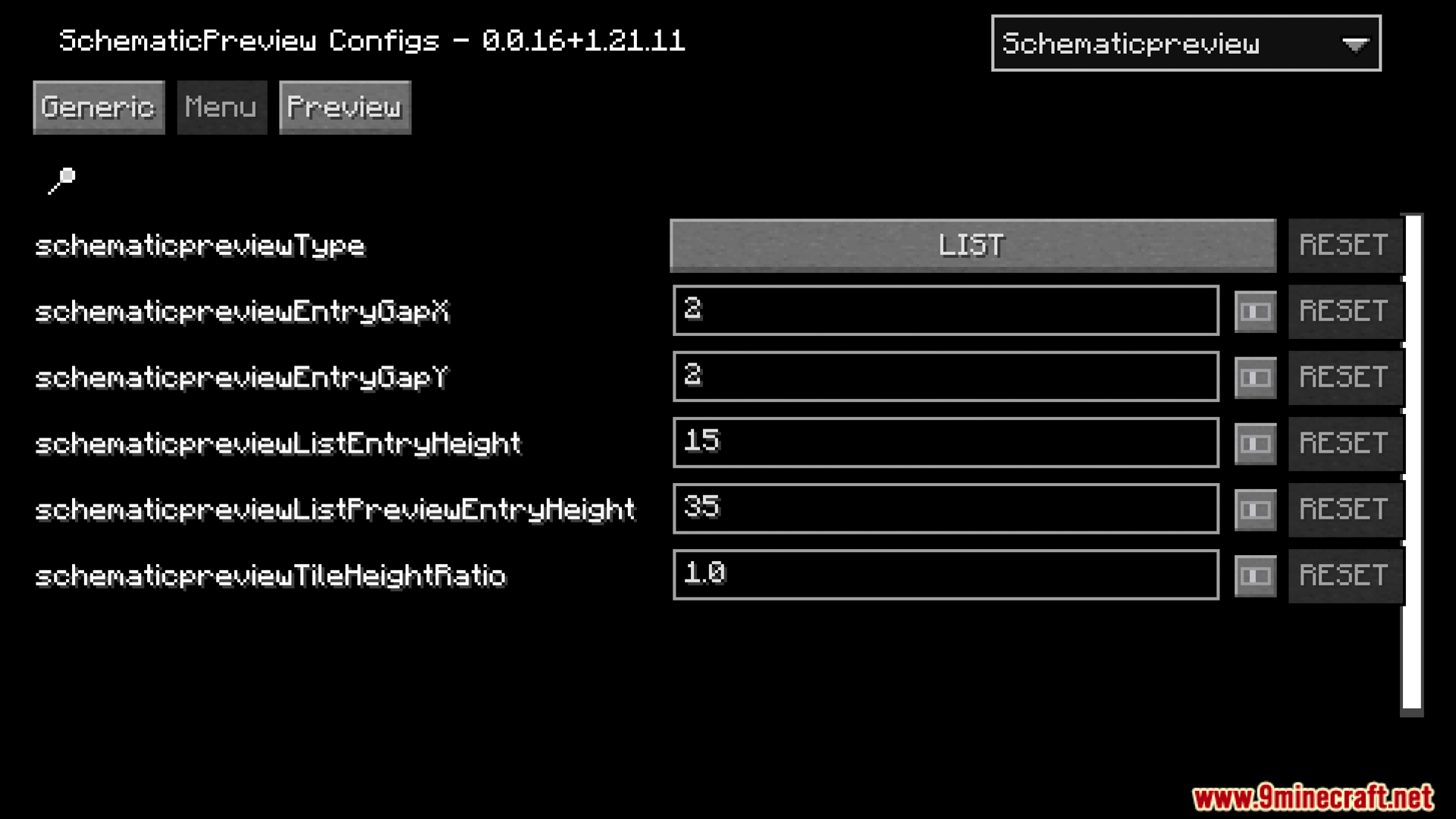
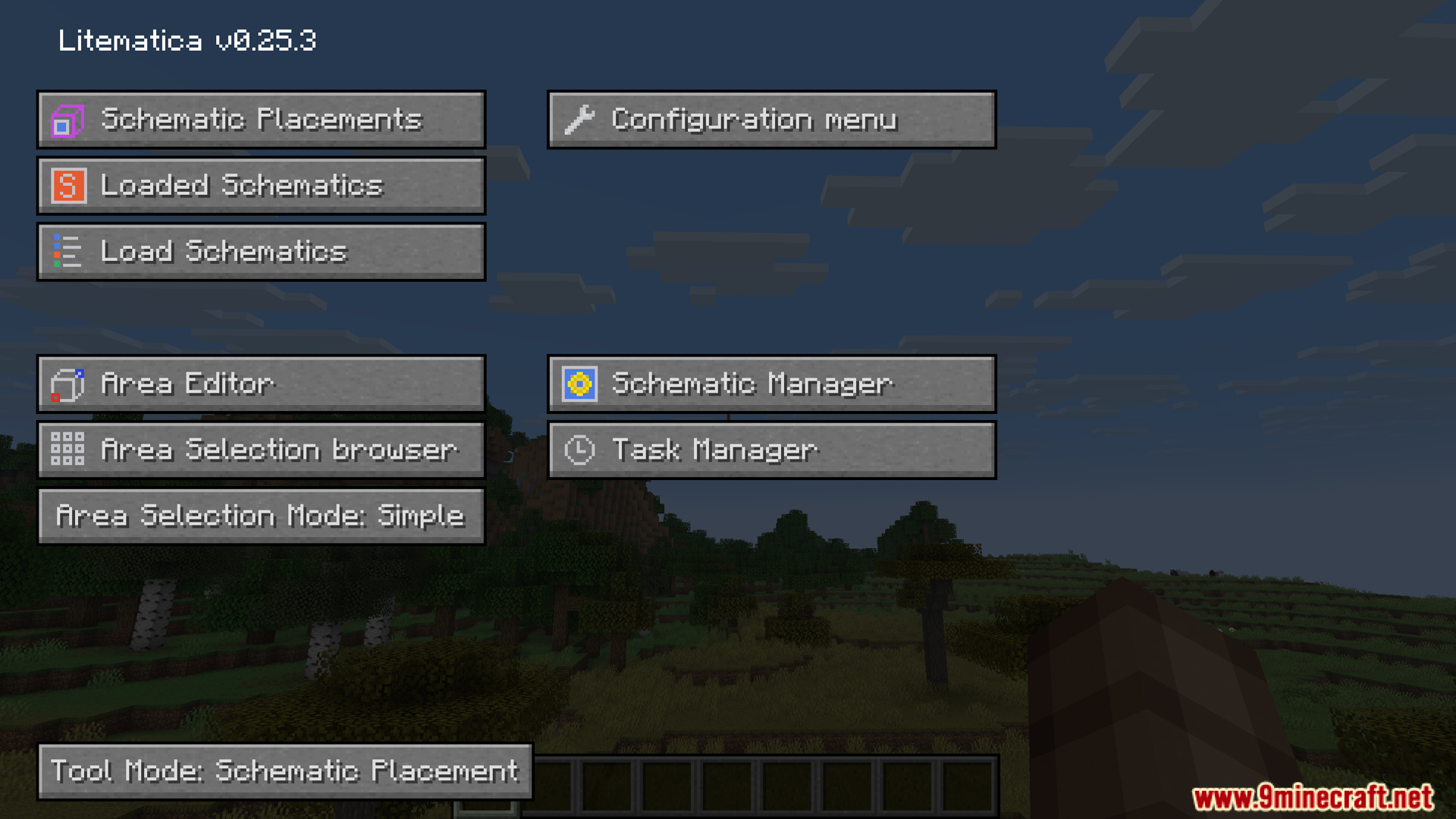
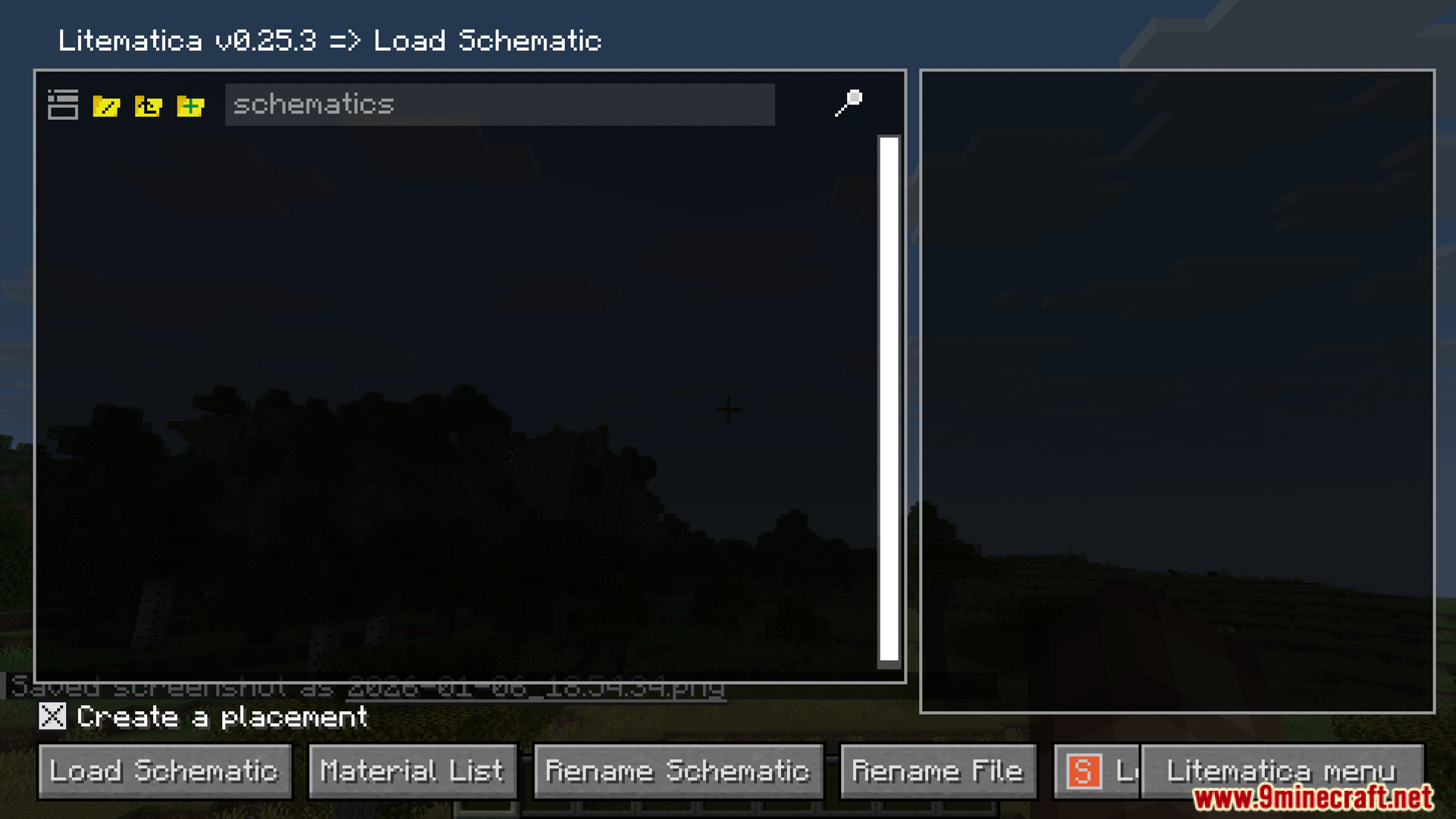
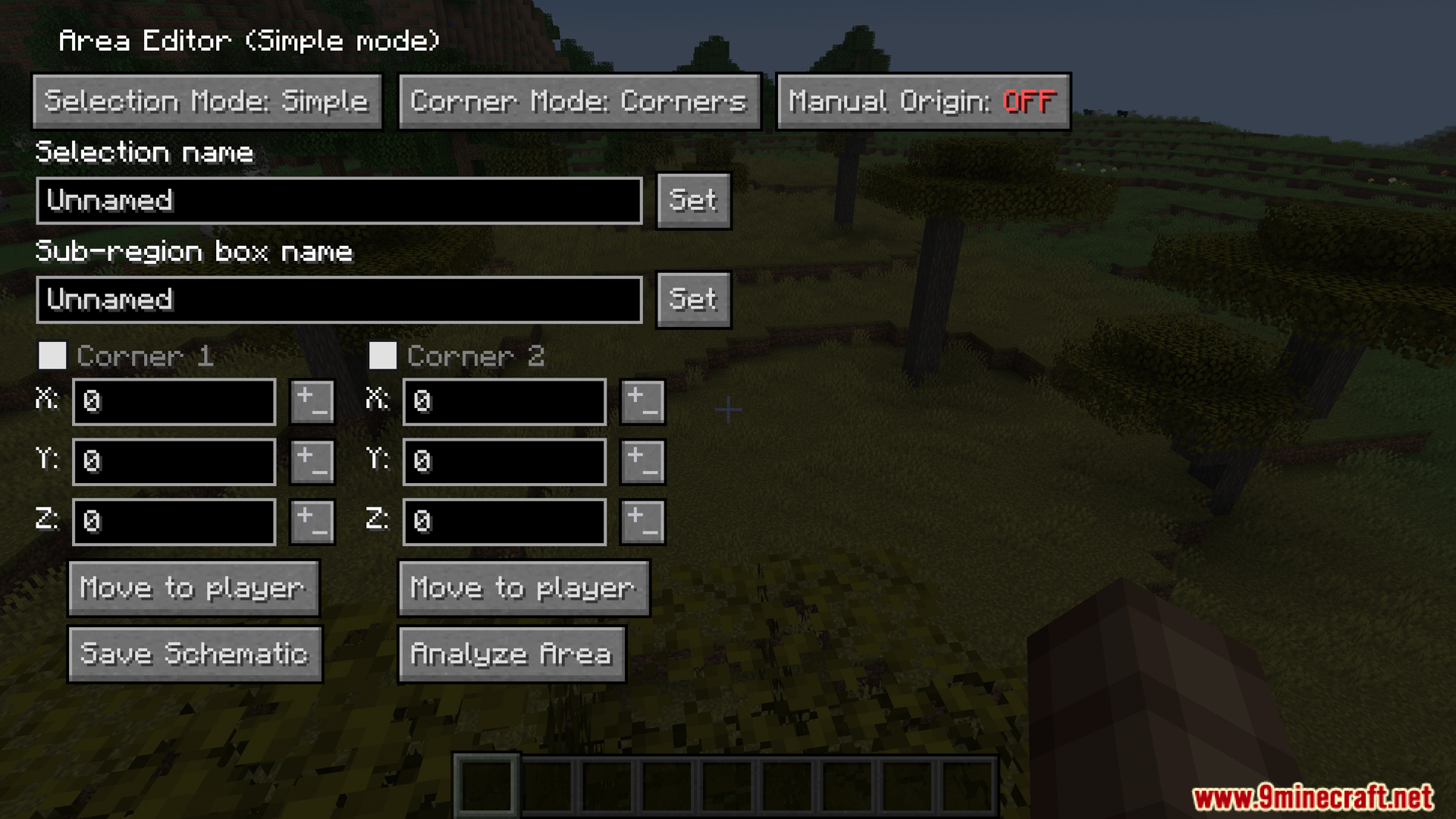
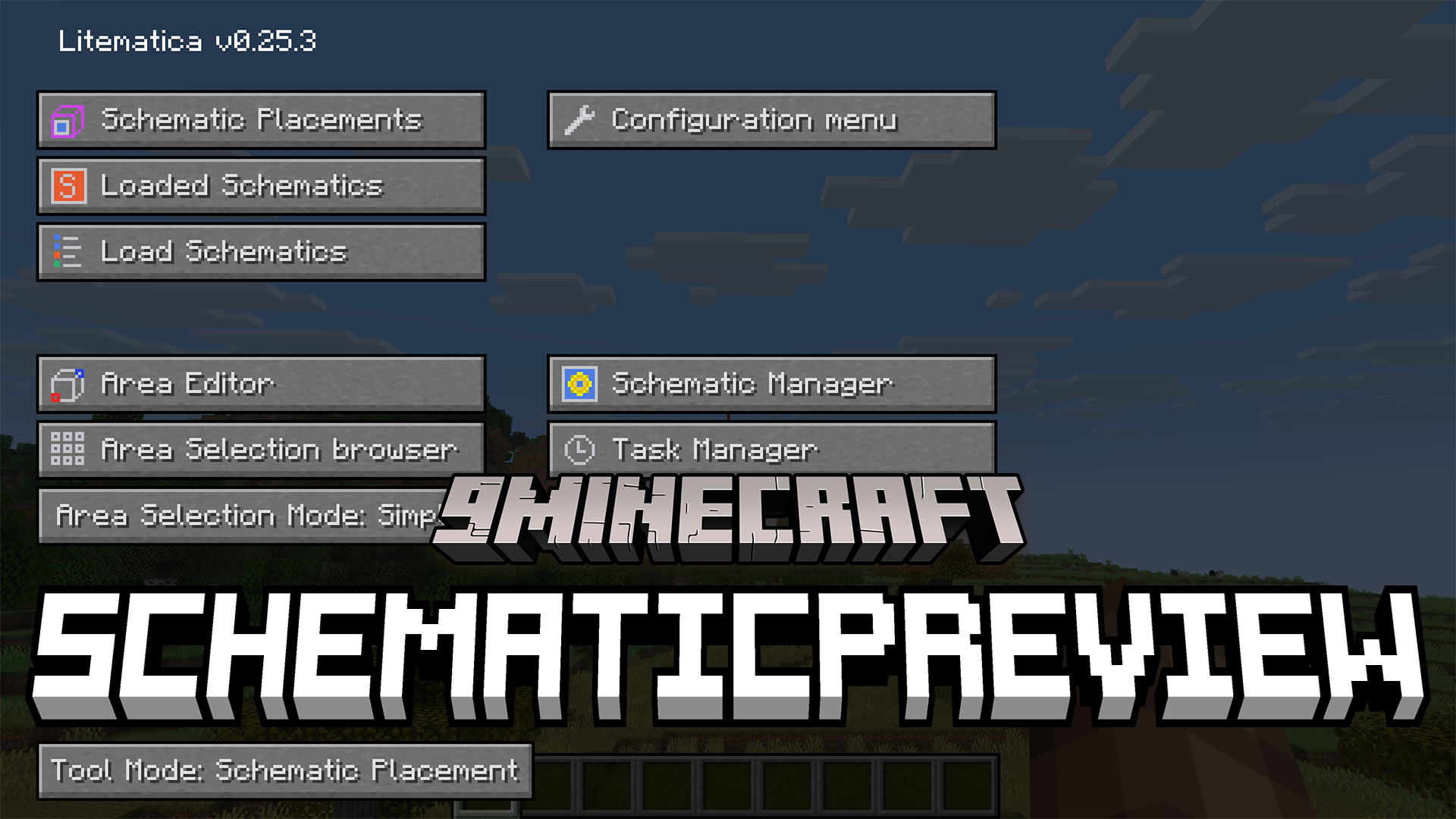
SchematicPreview Mod extends Litematica with helpful visual features. It shows a 3D picture of your saved building before you load it into the world. This mod also puts custom icons on your folders so you can find your files faster. It even adds a handy button to swap out blocks right inside the material list. This makes managing large blueprints much simpler.
Features:
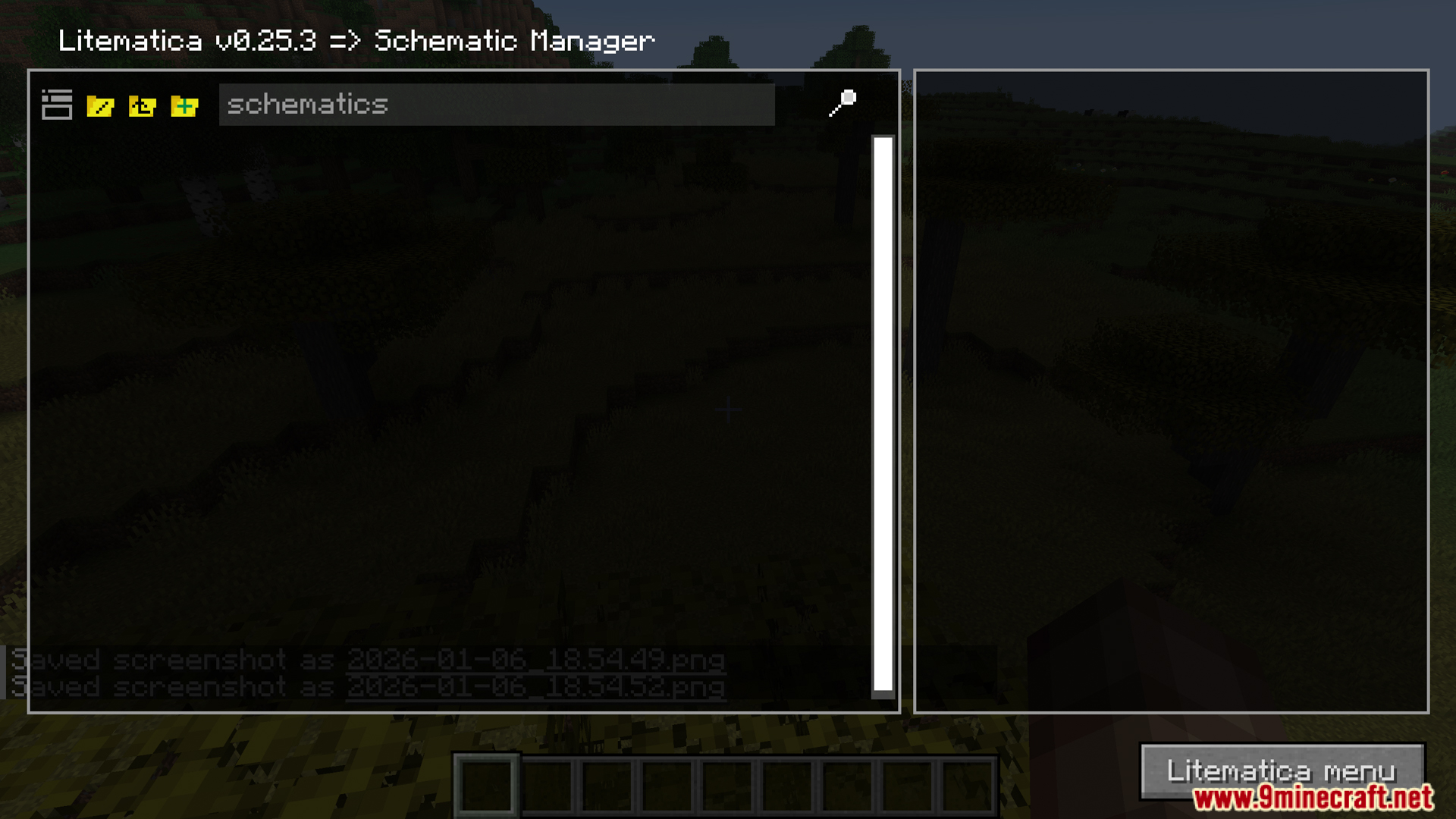
- 3D Previews: The SchematicPreview mod shows a clear 3D picture of your saved blueprints right in the file menu before you load them into your world.
- Adds custom icons next to your folders and files so you can spot the right builds faster.
- Gives you a replace button inside the material list to swap out blocks quickly.
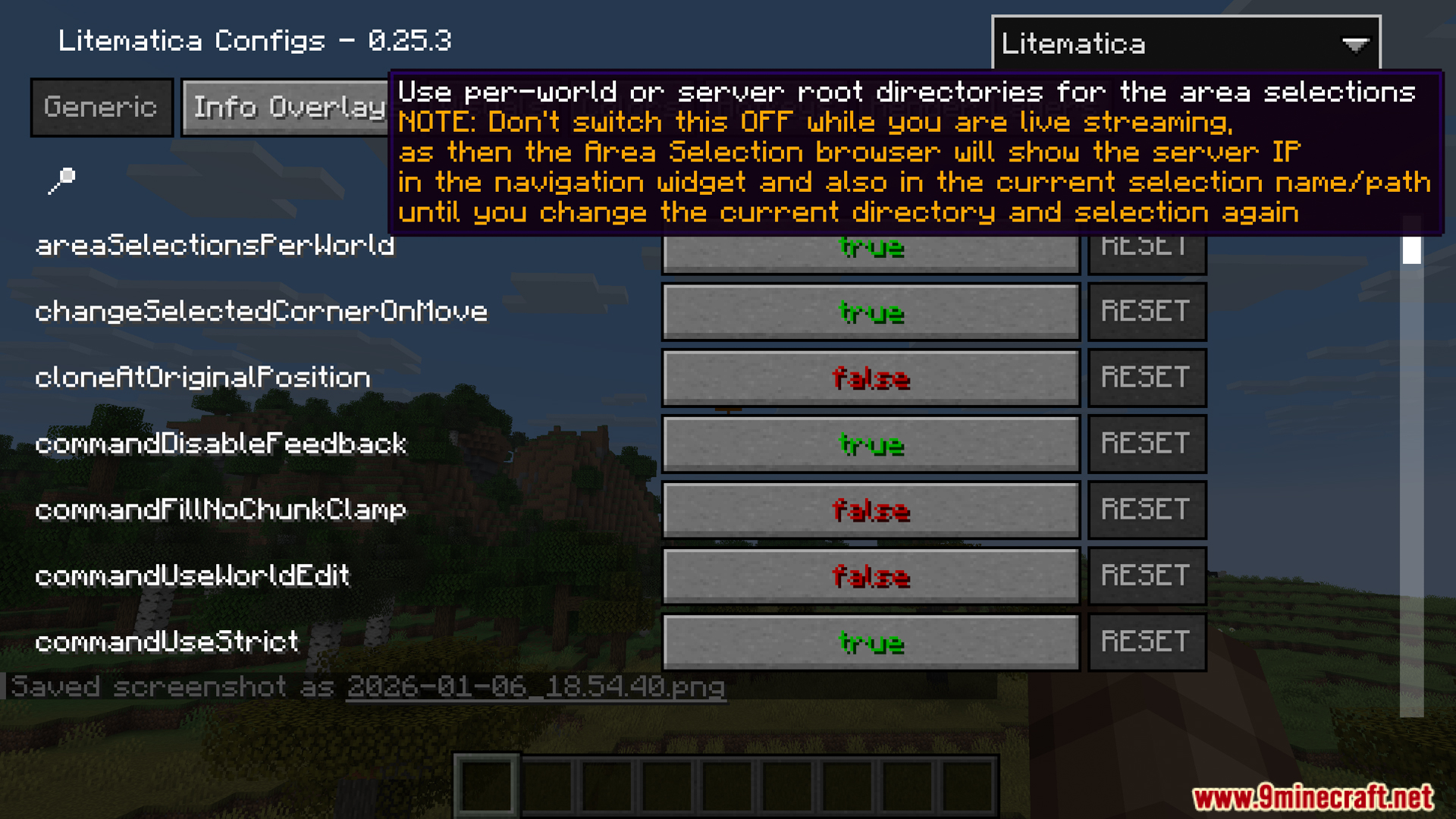
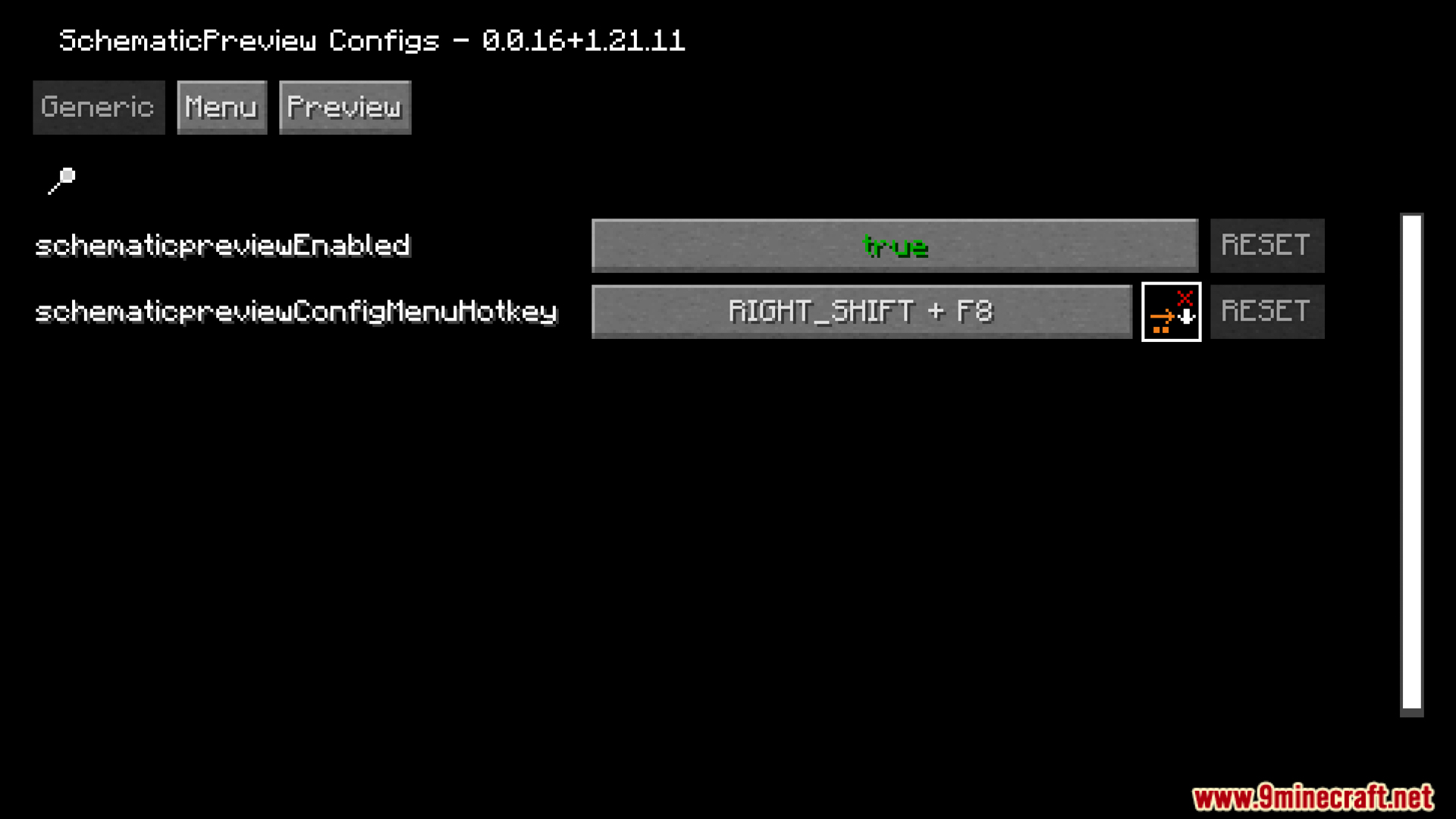
- You can change how the tools work and set up custom hotkeys through the settings menu.
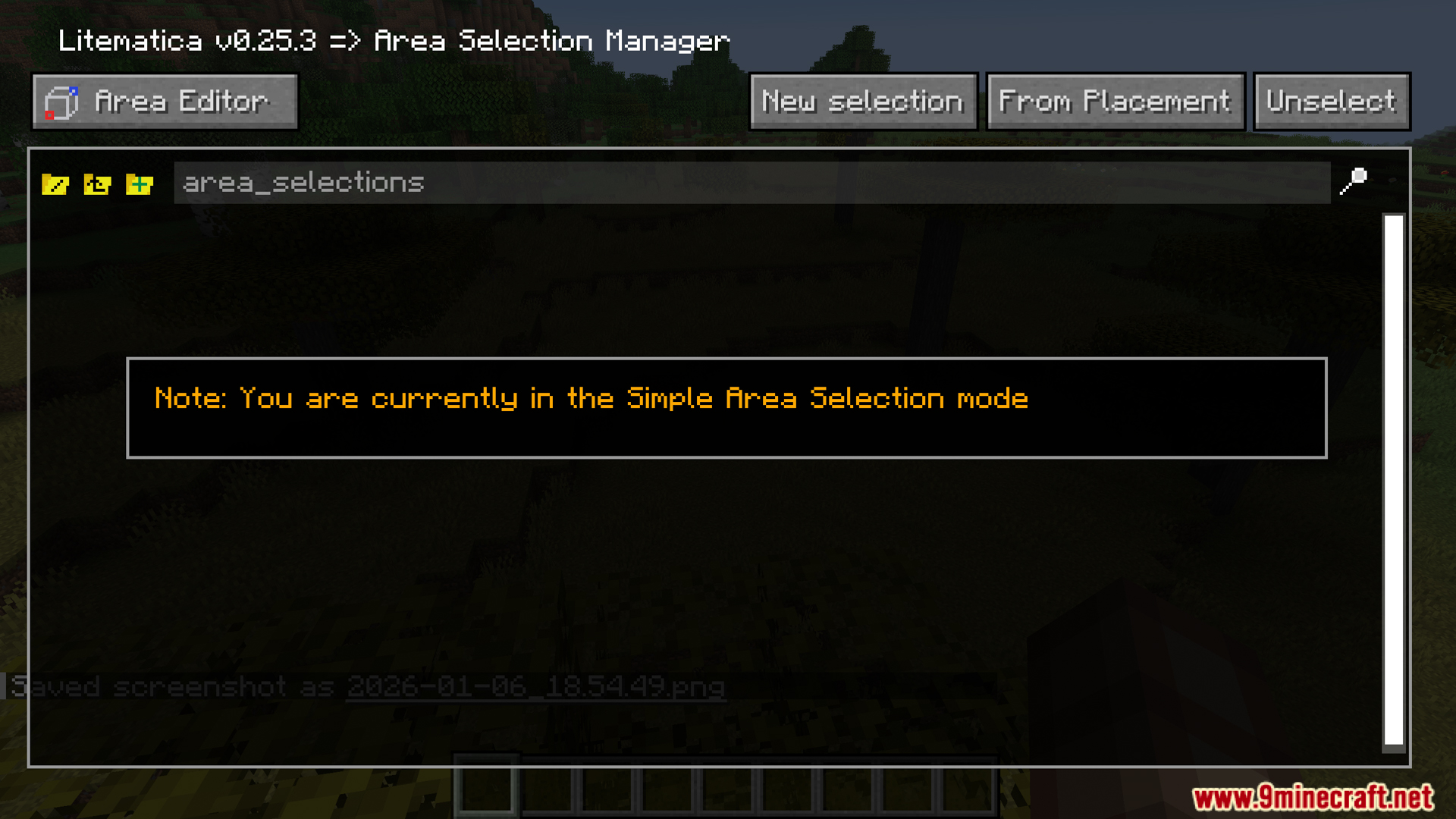
- Works directly with the main Litematica menus like the Area Editor and Schematic Manager.
Screenshots:
SchematicPreview Mod Download Links
Quick facts
- Edition: Minecraft Java
- File type: .jar
- Minecraft version listed: 1.21.1
- How to install: Install the matching mod loader (Forge, Fabric or NeoForge) for your Minecraft version. → Download the .jar. → Put it in the .minecraft/mods folder and launch that loader profile.
- Where to get it: In MC Java Mods, or directly above on this page.
Install steps are the general flow for this file type — How to install Minecraft Java mods & modpacks walks through it step by step.
File checked by MCModsHub
- Downloads as 2431.mcaddon
- Download size: 105 KB
- Download link checked 24 Sept 2026 — working
- Mirrored on our own servers — the download does not depend on the original host
These come from our own check of the pack file, not from the source page.