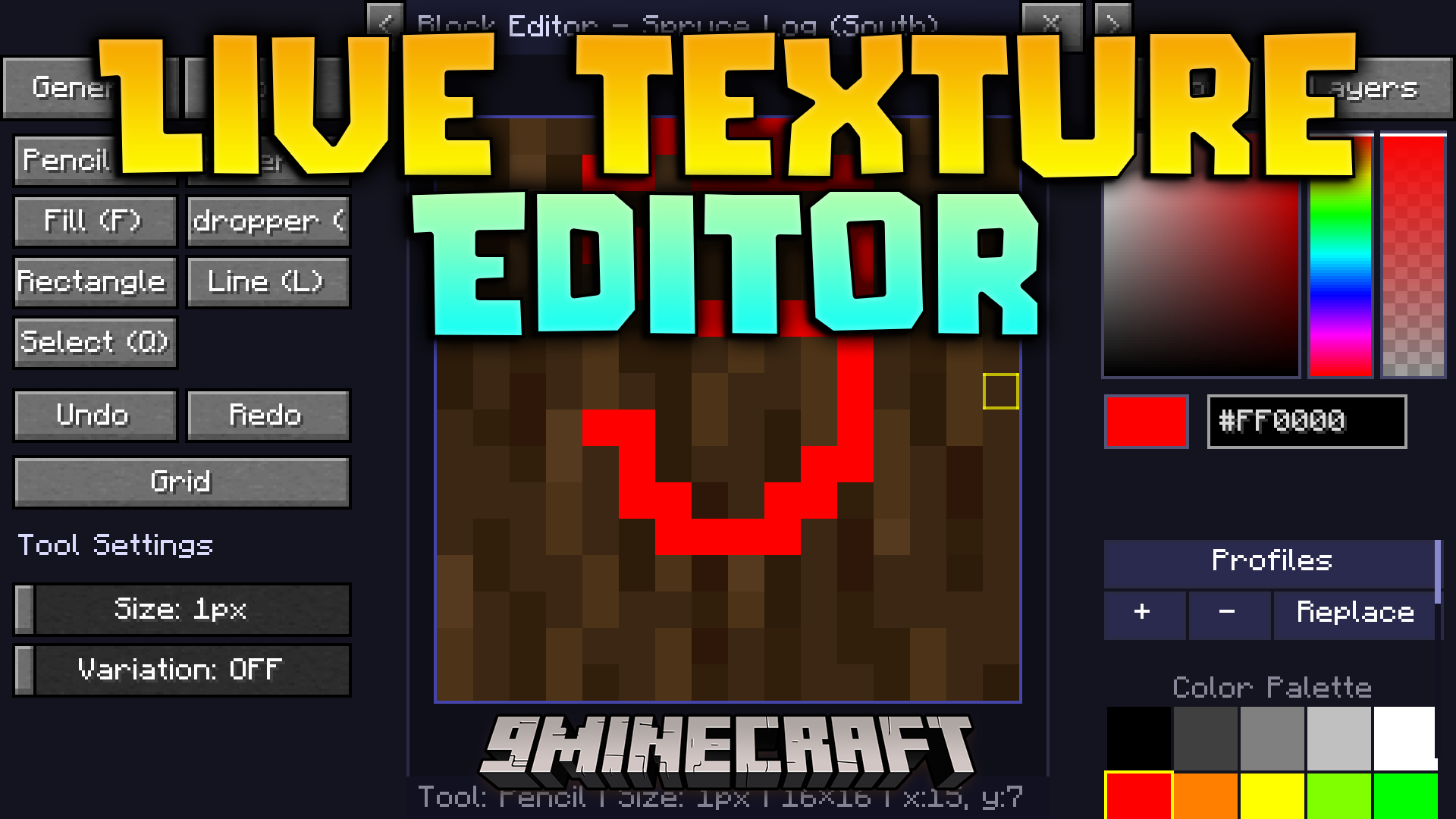
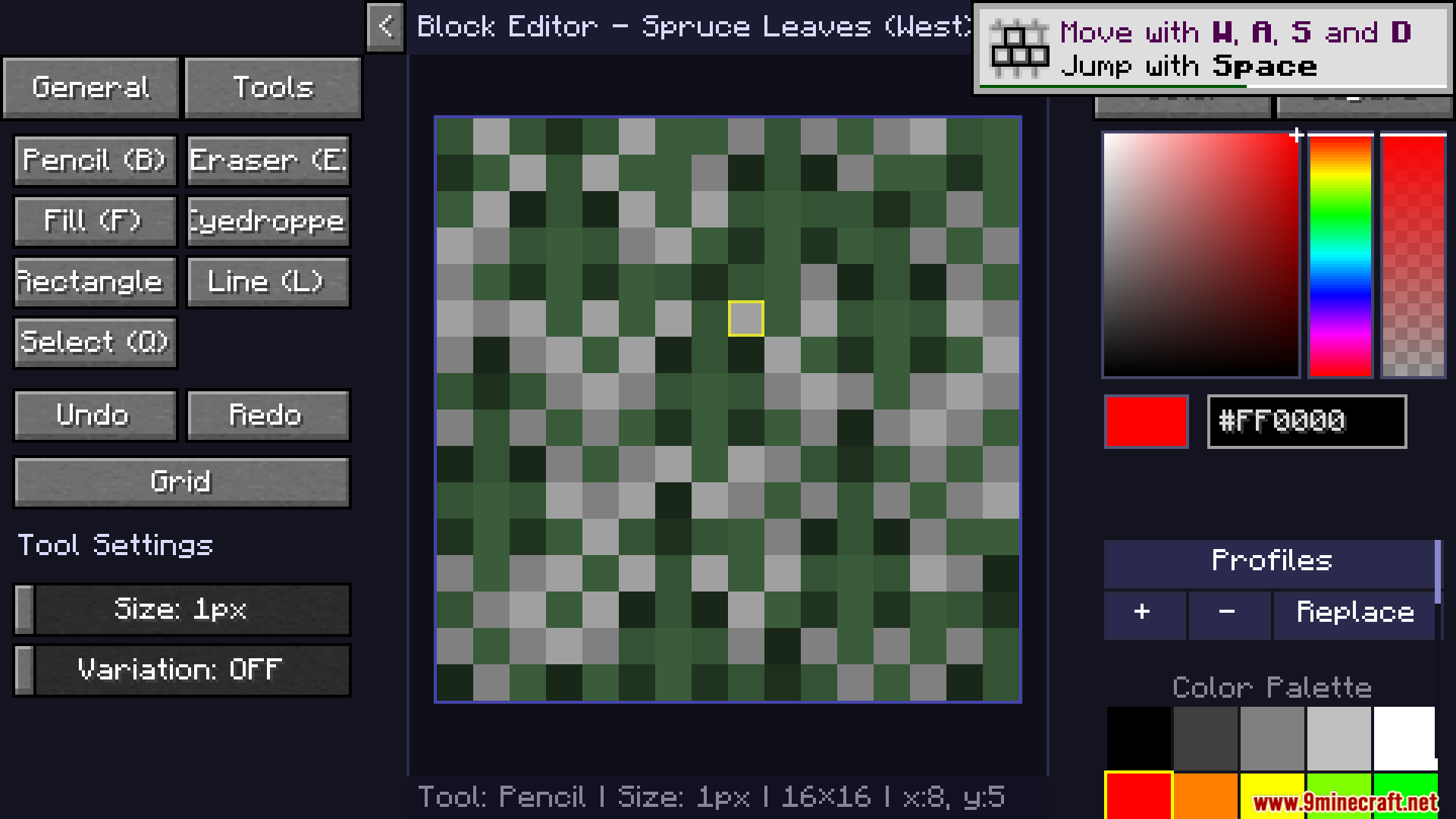
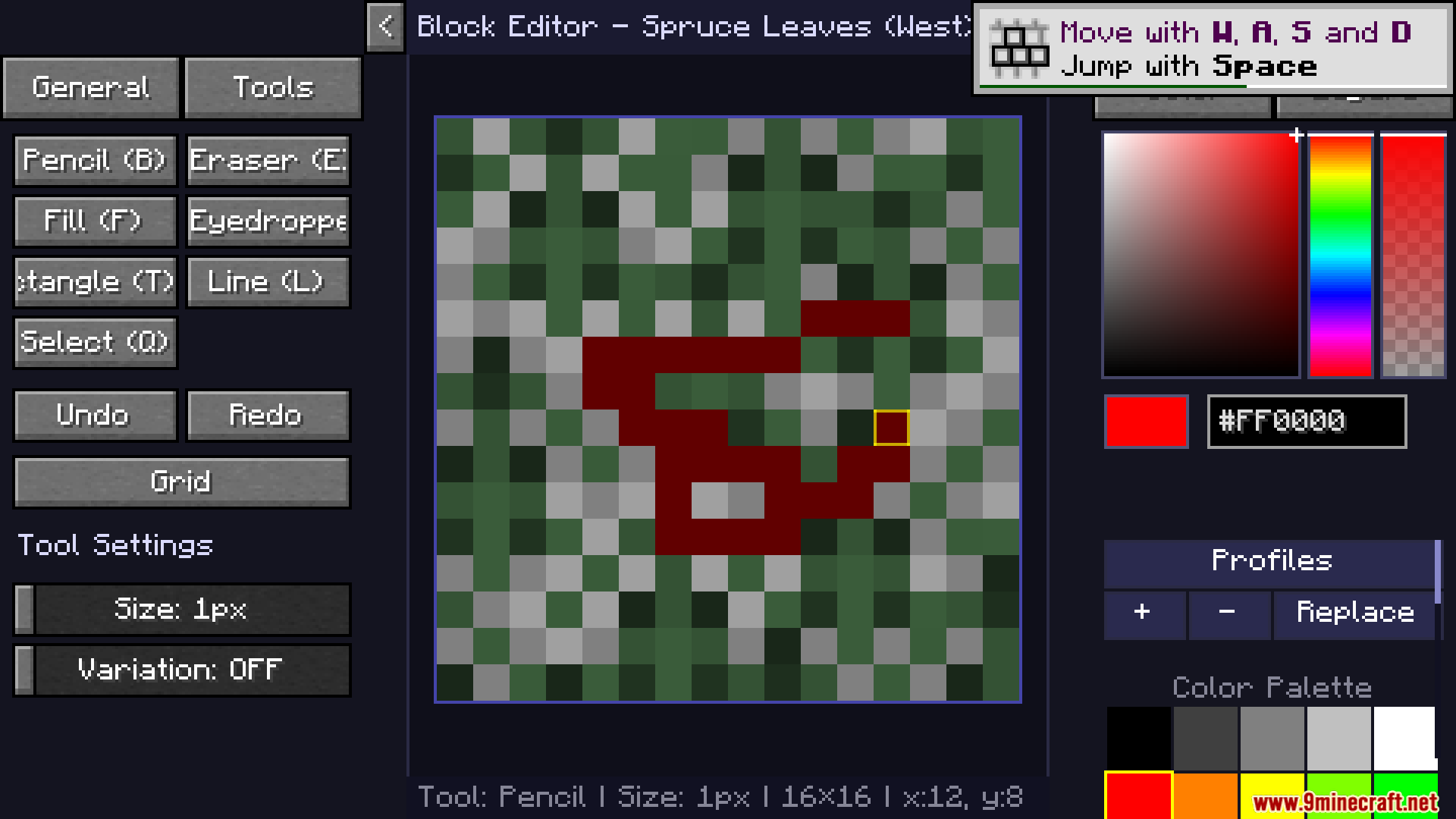
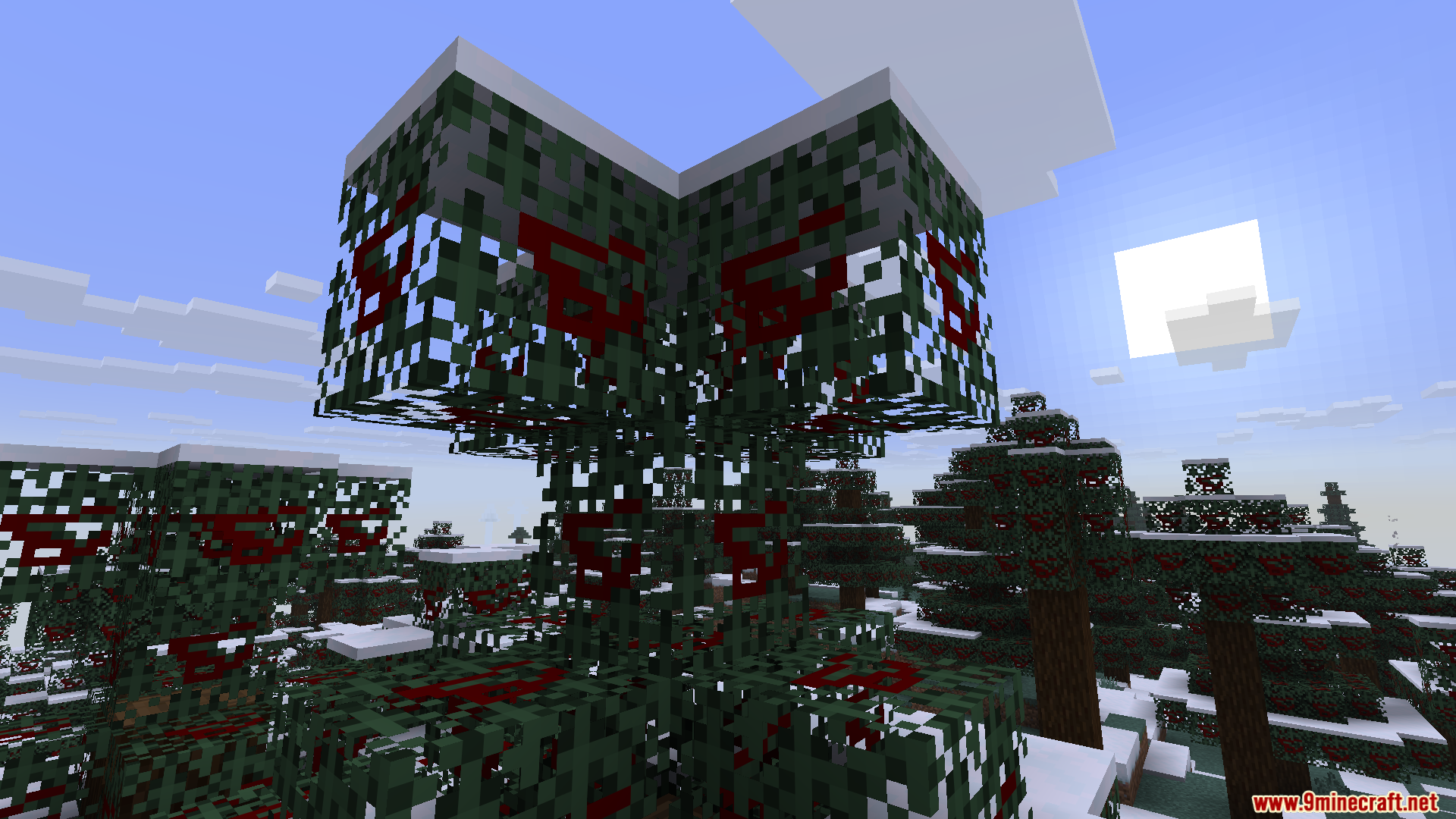
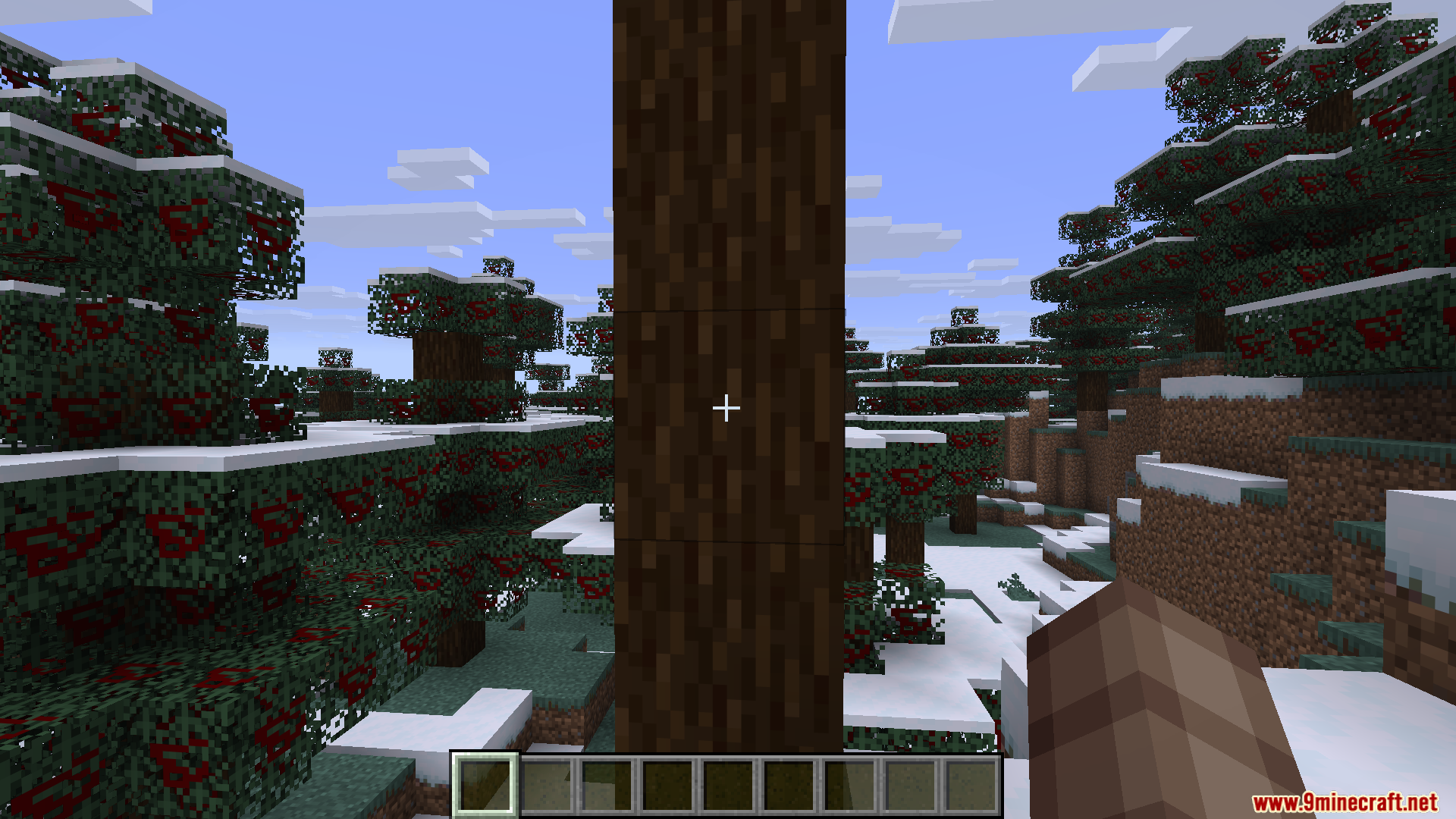
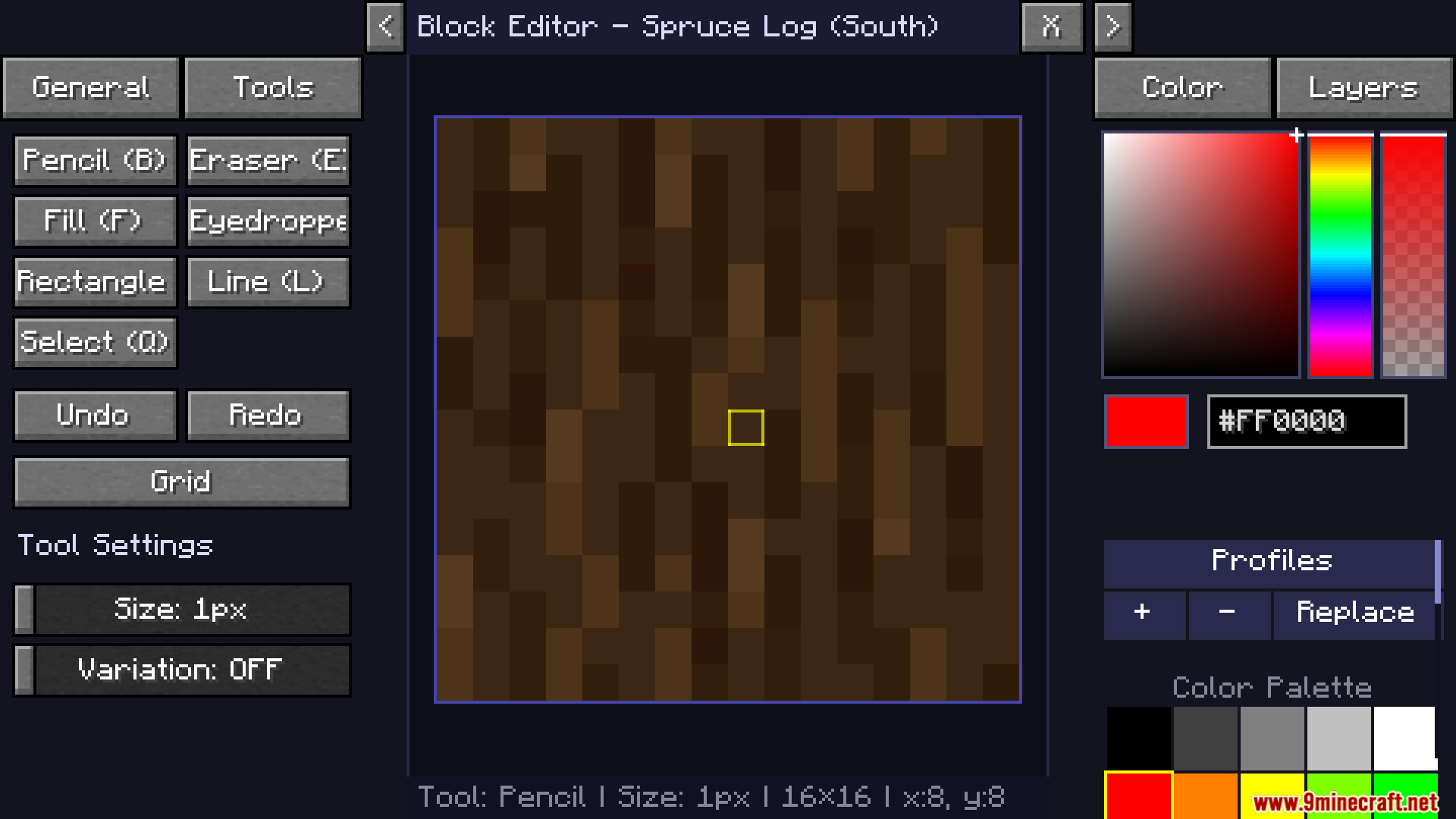
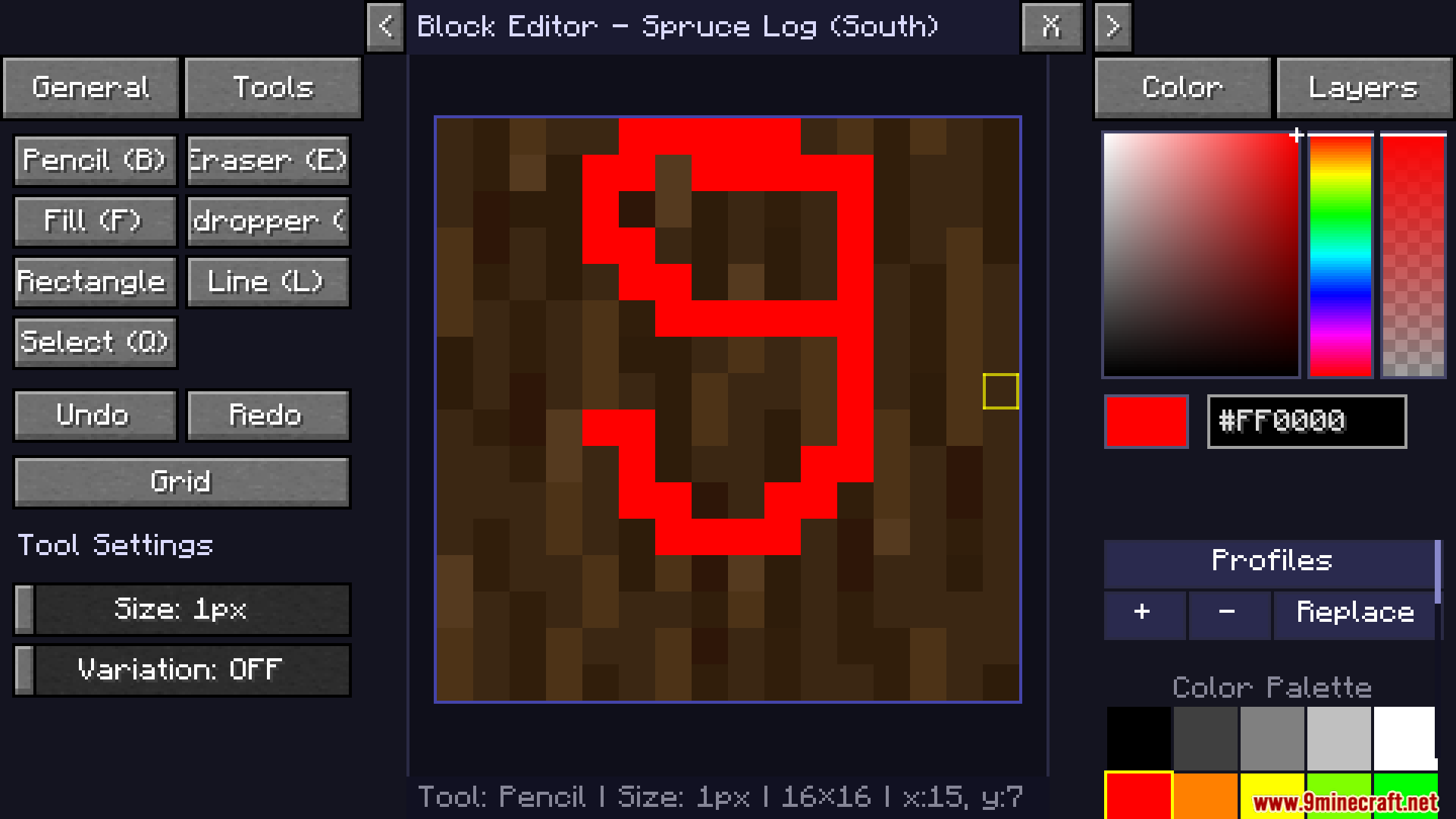
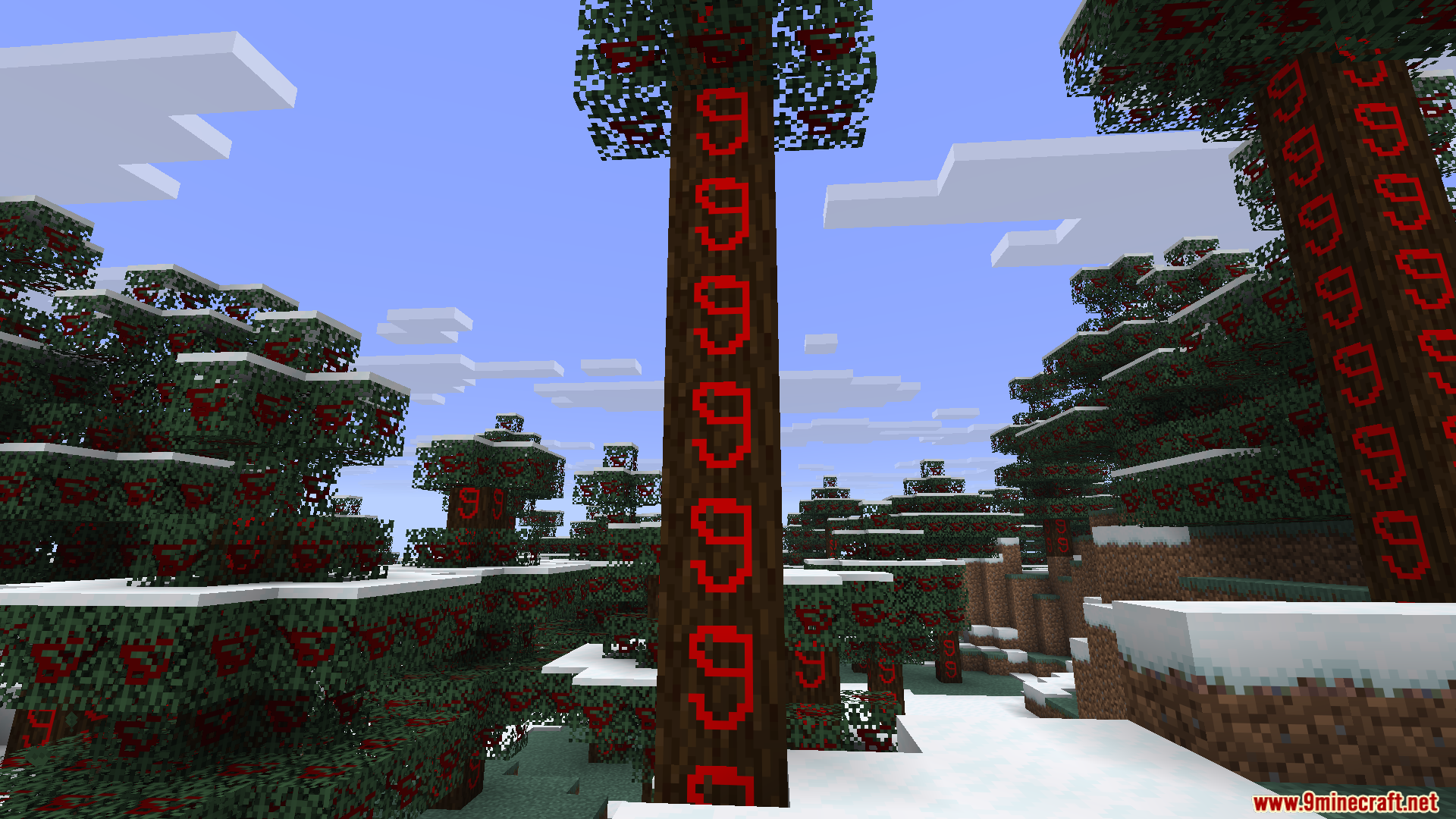
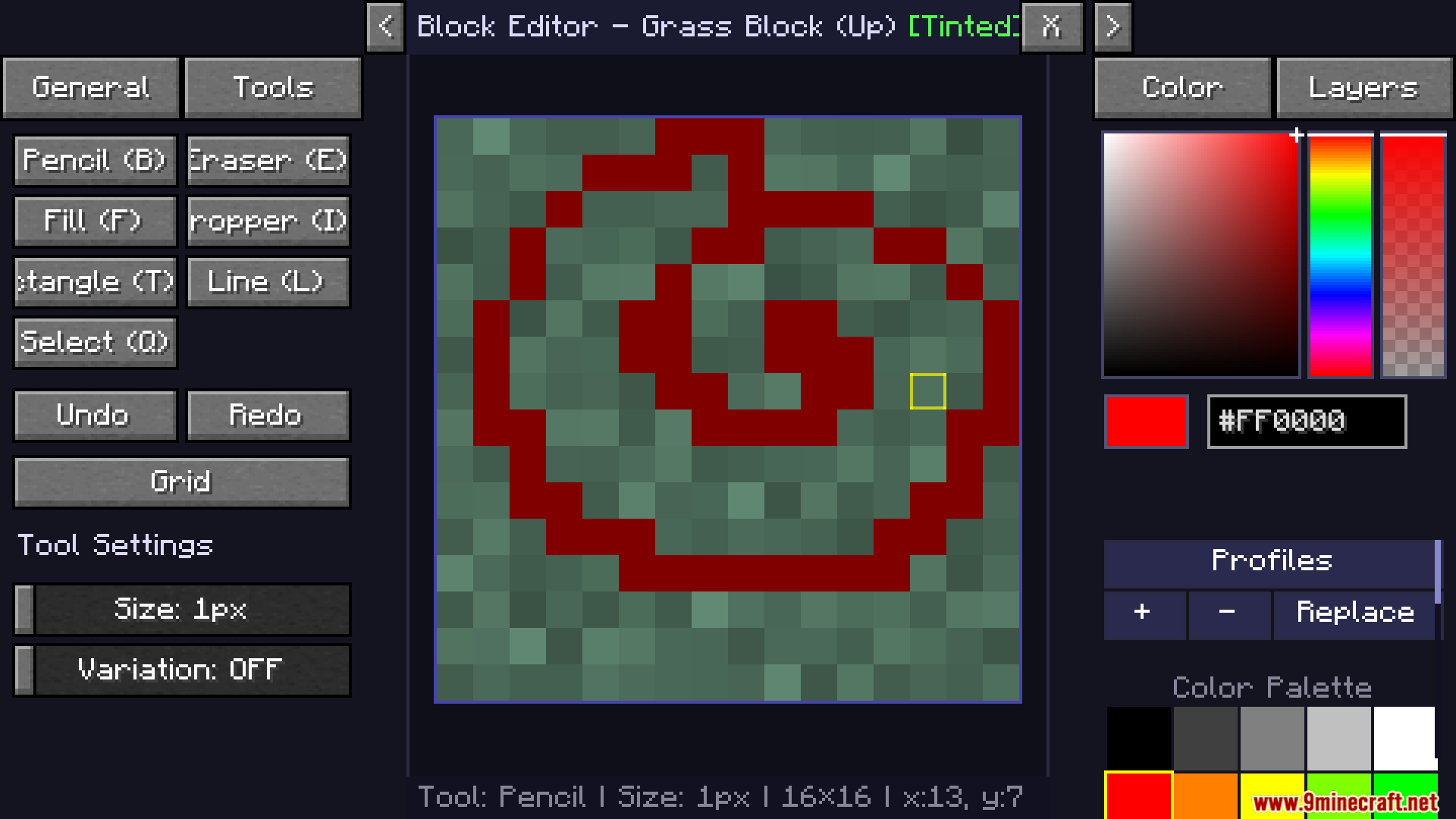
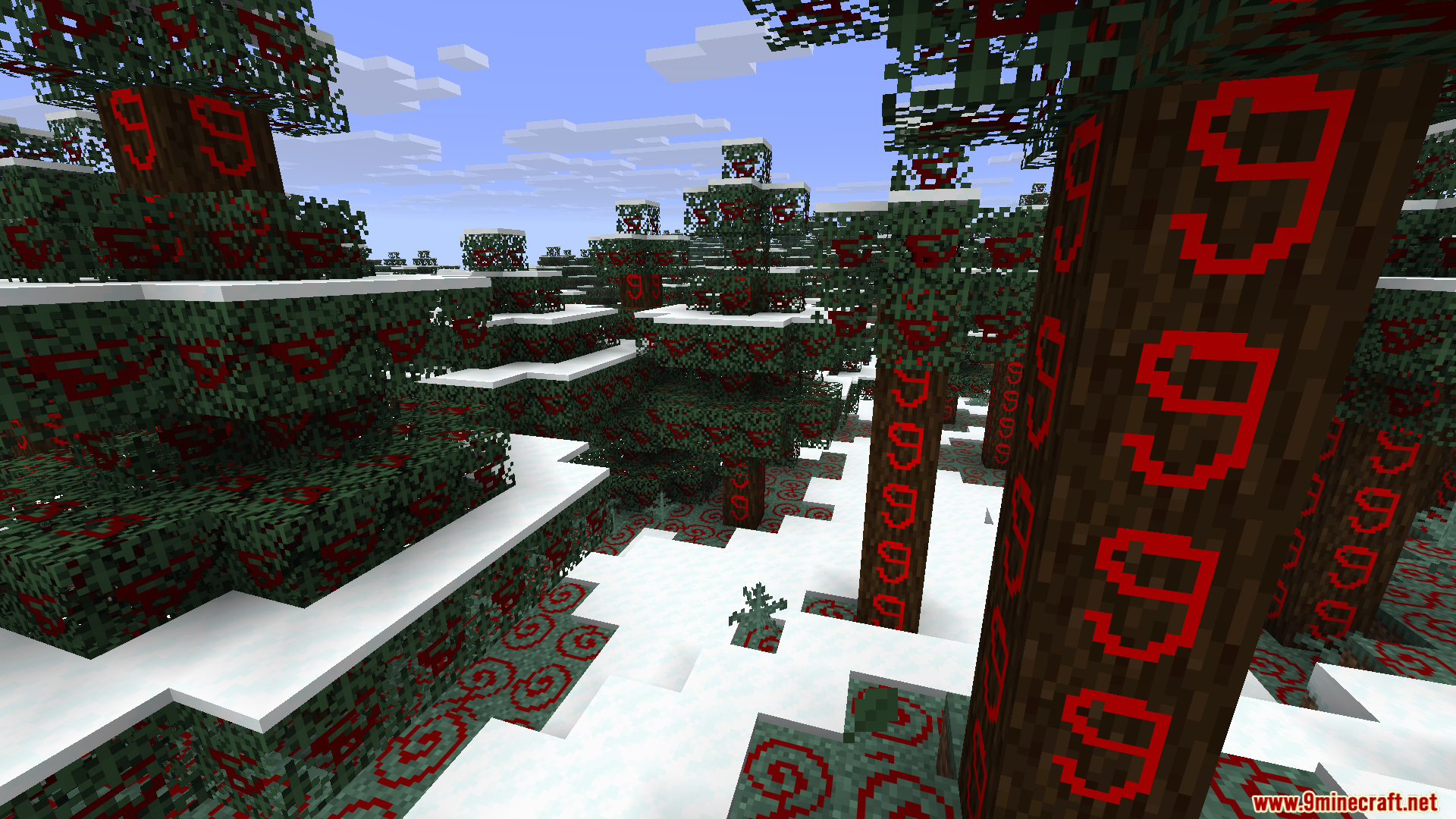
Live Texture Editor Mod lets you change the look of blocks, items, and mobs right inside your game. You do not need to close the game or open a separate painting program to make a custom resource pack. You just look at a block, press a key, and start painting new colors on it. The changes show up right away in your world so you can see exactly how your art looks while you play.
Features:
- Instant Block Painting: Look at any standard cube block in your world and open a painting menu to change its top, bottom, or sides.
- Mob and Item Editing: Click on a zombie, creeper, or any item to redraw its pixels exactly how you want them.
- Menu Customization: Change the way your health hearts, hunger bar, crosshair, and inventory screens look.
- Gives you classic drawing tools like a pencil, brush, eraser, flood fill bucket, and color picker.
- Lets you zoom in with your mouse wheel and move around the canvas to fix tiny pixel details.
- Saves all your hard work into a ready-to-use resource pack file with just one click.
- Keeps the original game files safe because it makes a new pack instead of overwriting old files.
- Reads your currently active resource pack so you can add new changes on top of it.
How to Use:
- Press J to turn the editor mode on.
- Look directly at a block, mob, or item you want to change and press R to open the painting screen.
- Use your left mouse button to draw and your right mouse button to drag the canvas around.
- Press G to turn on a grid if you need help counting pixels.
- Hold down X while playing to hide your changes and see what the world looked like before.
- Click the export button in the menu to turn your new drawings into a zip file.
Screenshots:
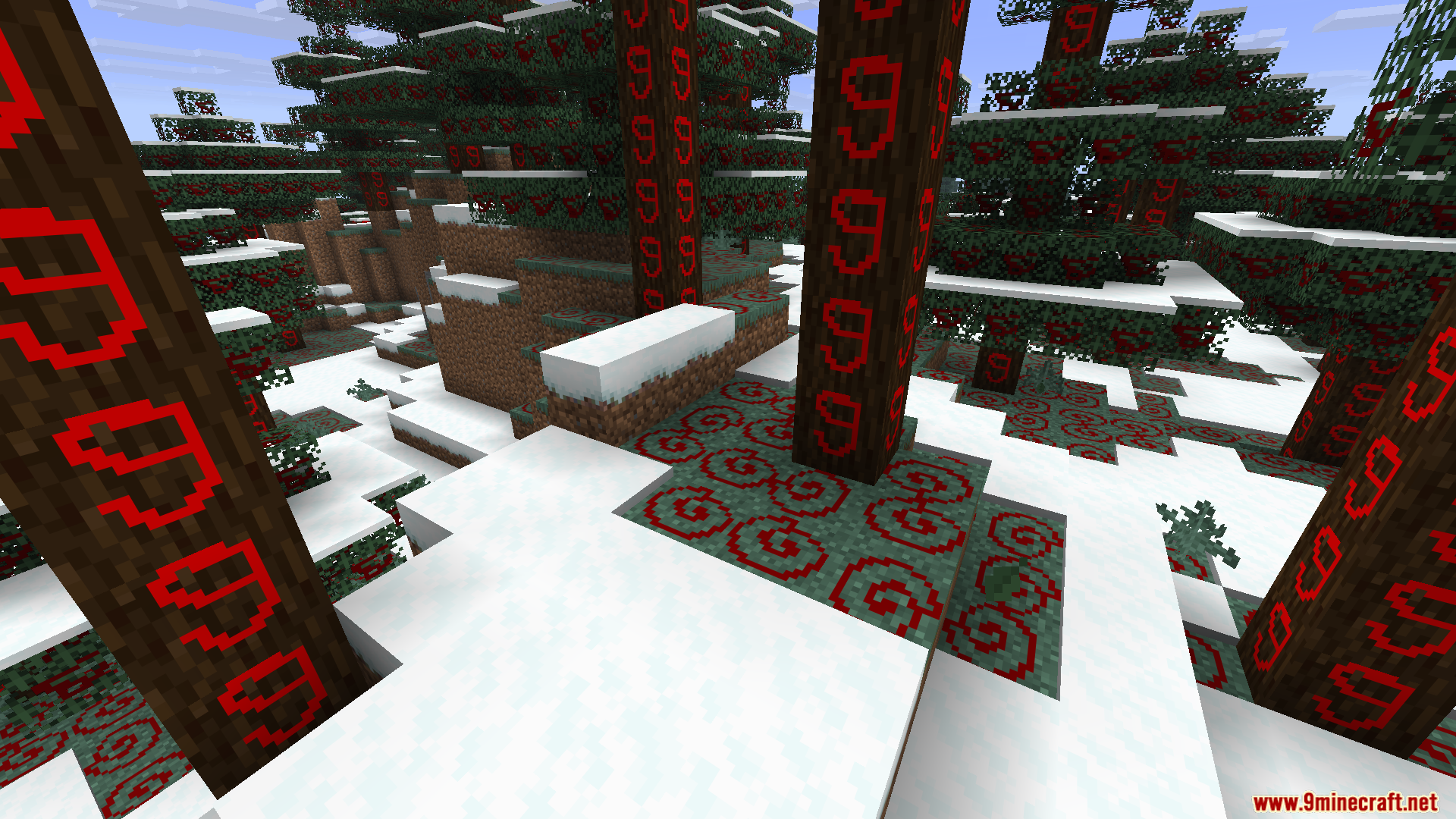
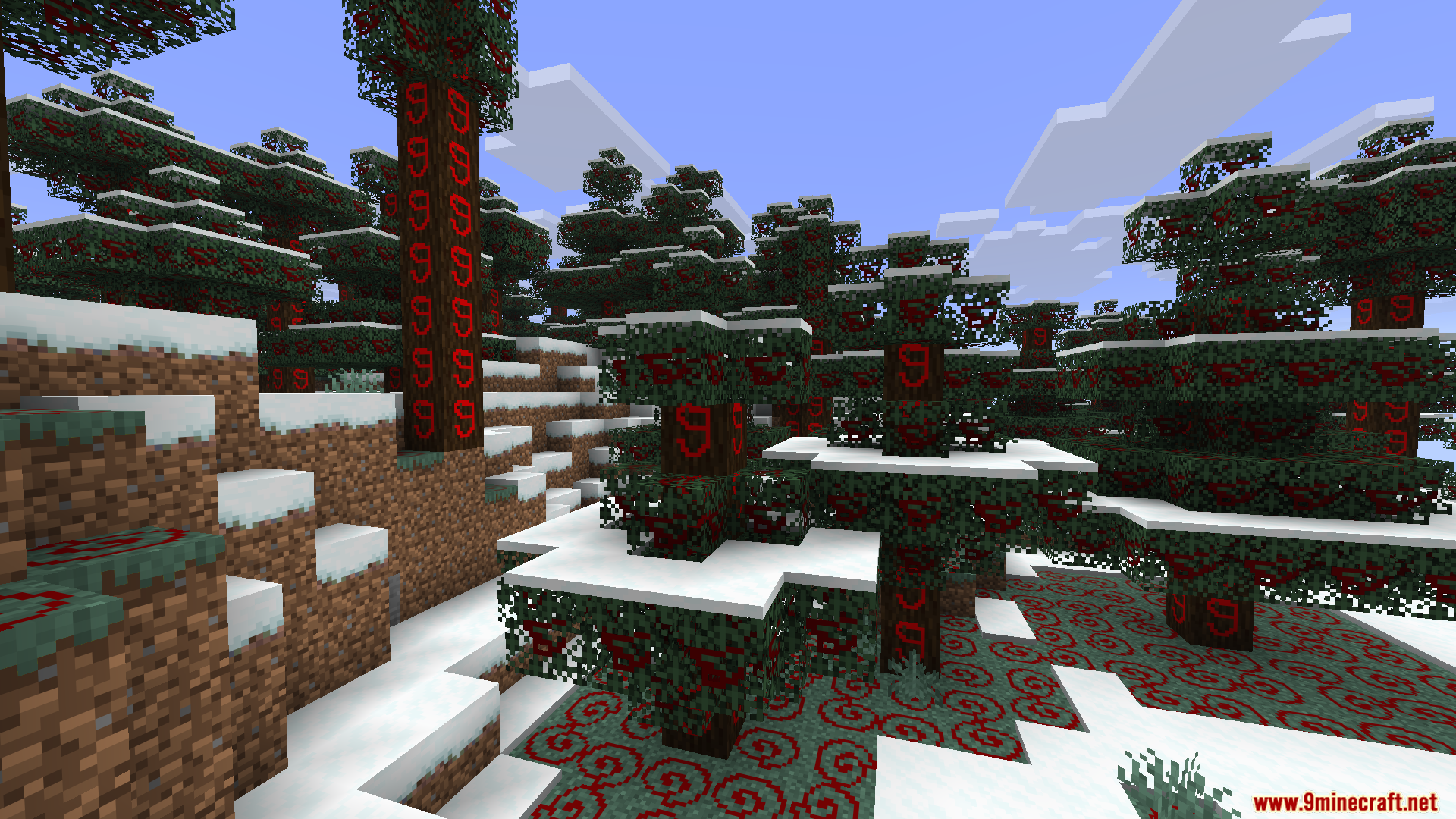
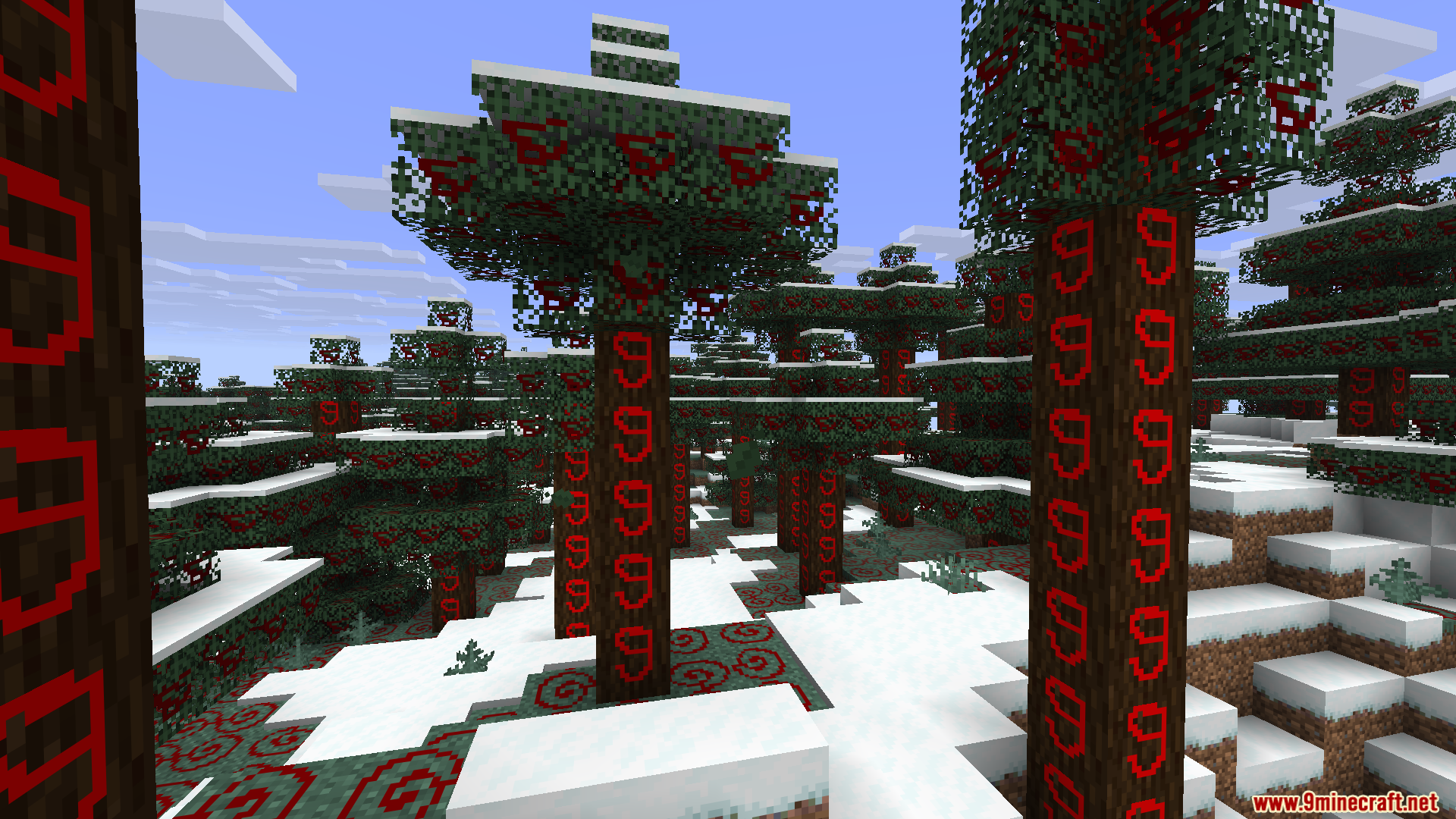
Live Texture Editor Mod Download Links
Quick facts
- Edition: Minecraft Java
- File type: .jar
- Minecraft version listed: 1.21.11
- How to install: Install the matching mod loader (Forge, Fabric or NeoForge) for your Minecraft version. → Download the .jar. → Put it in the .minecraft/mods folder and launch that loader profile.
- Where to get it: Opens on the file's original source — not every file is mirrored on our own servers.
Install steps are the general flow for this file type — How to install Minecraft Java mods & modpacks walks through it step by step.
Live Texture Editor Mod (1.21.11) – Paint Custom Textures Directly in Your World is a free Minecraft Java mod. Compatible with Minecraft 1.21.11. Download it and open it directly in the game.