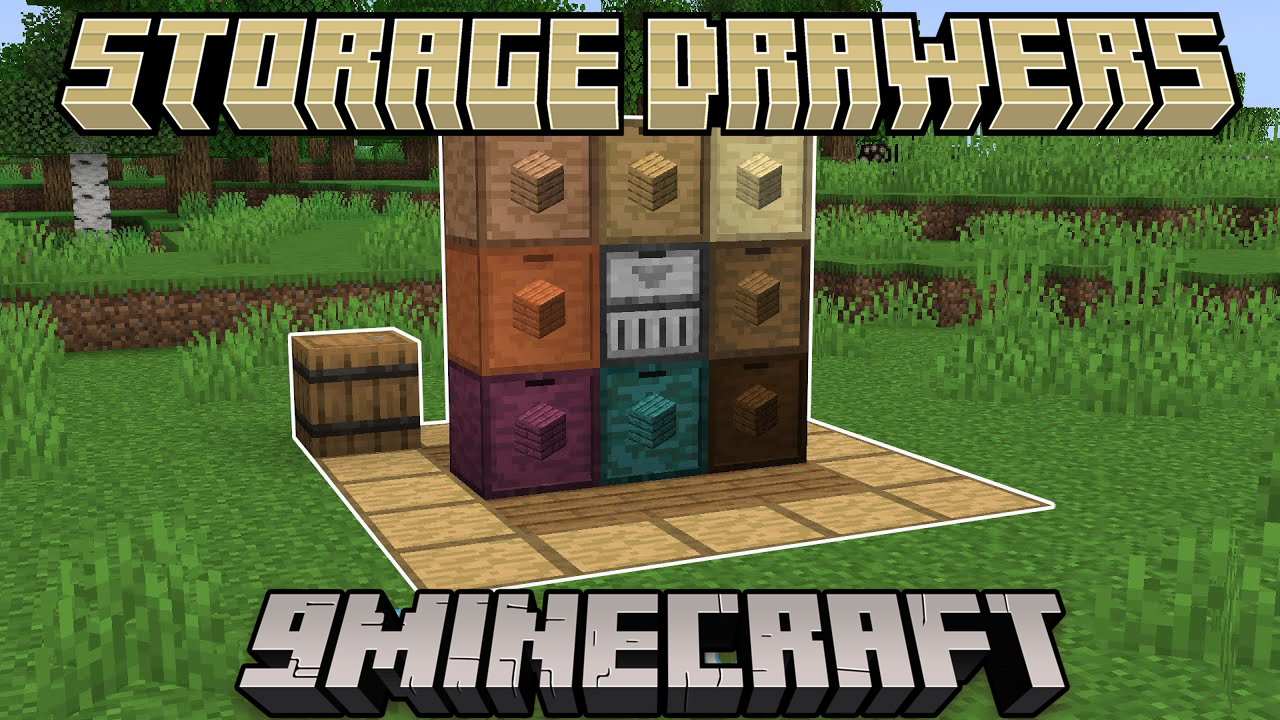
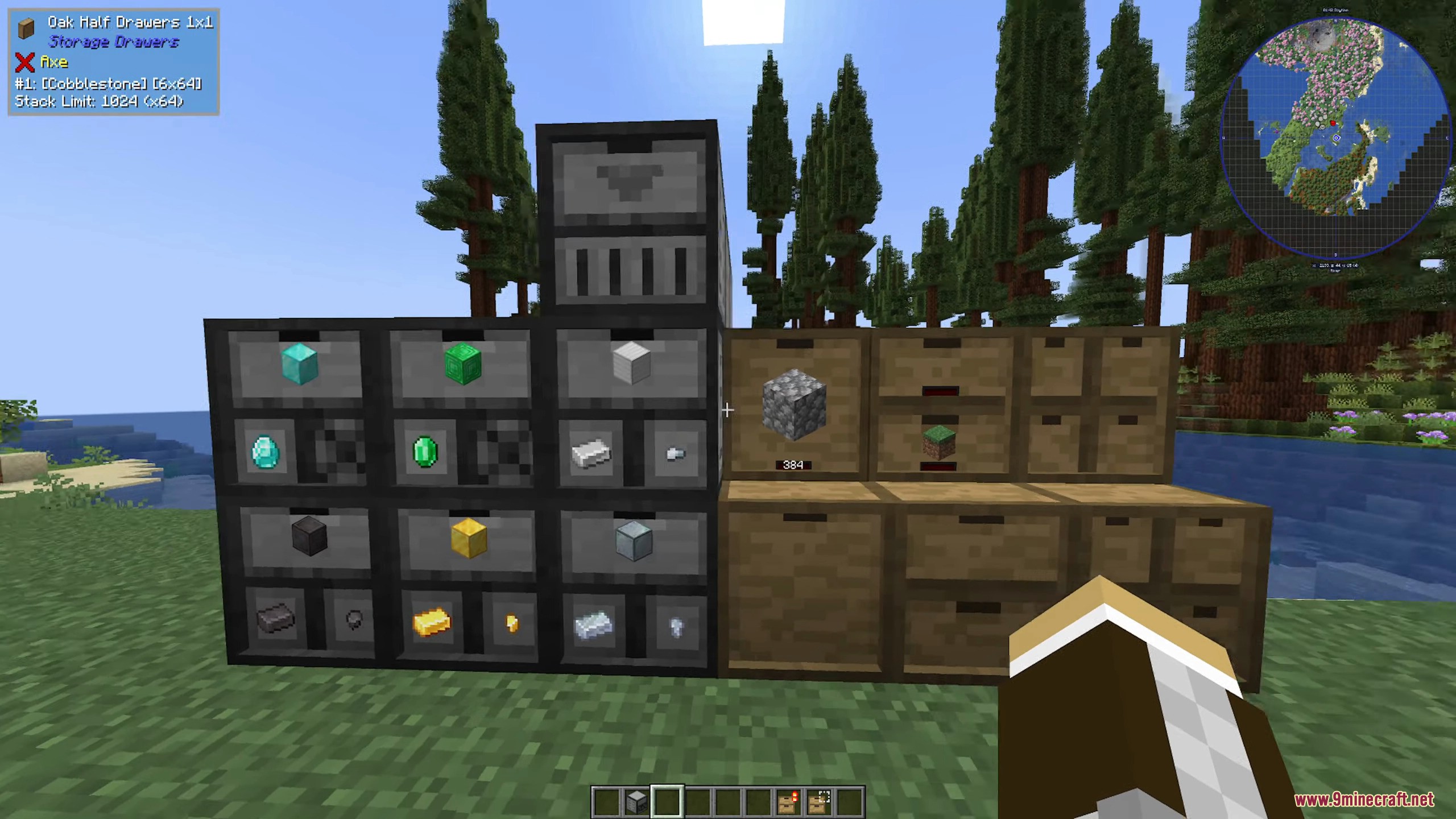
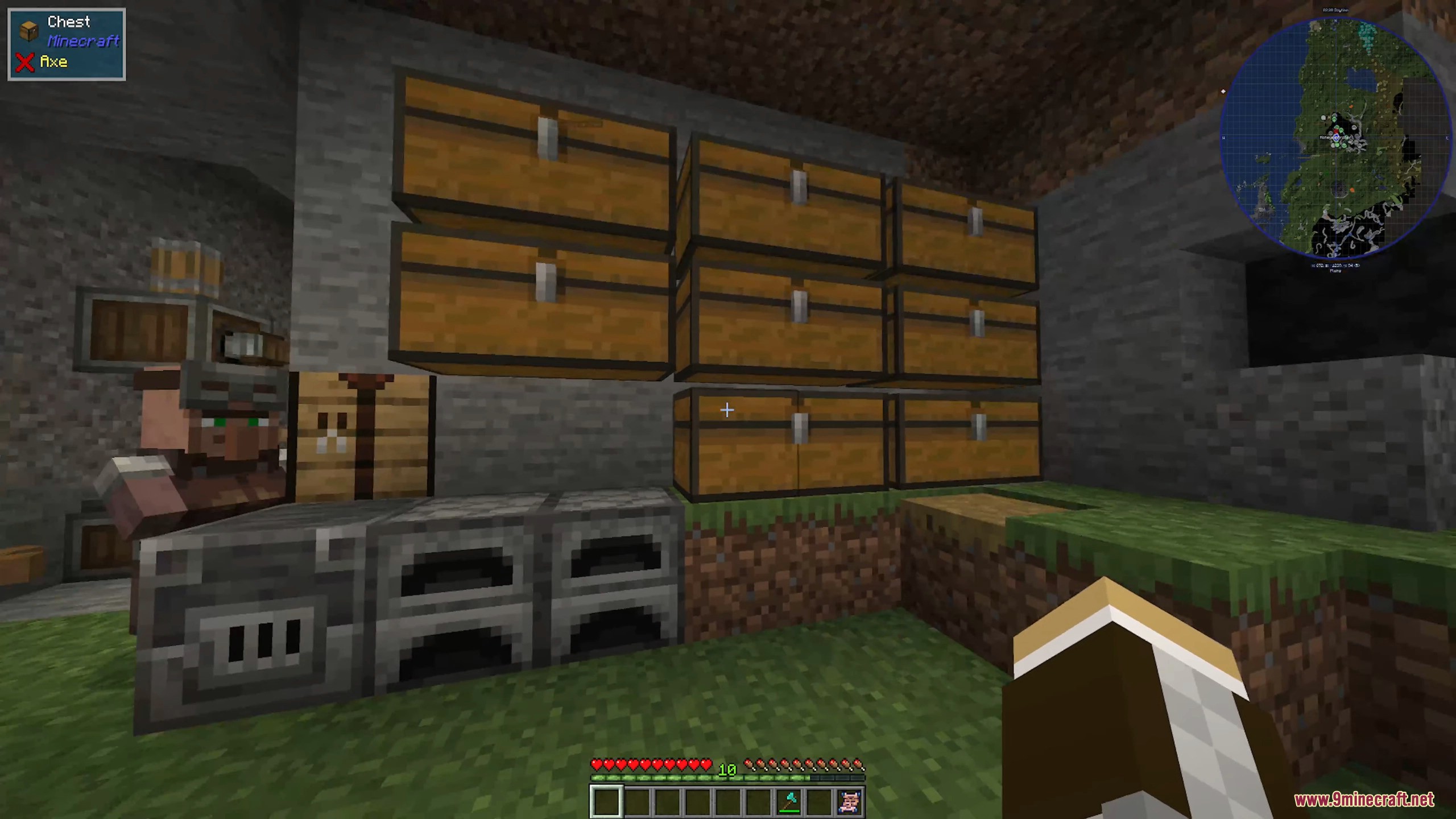
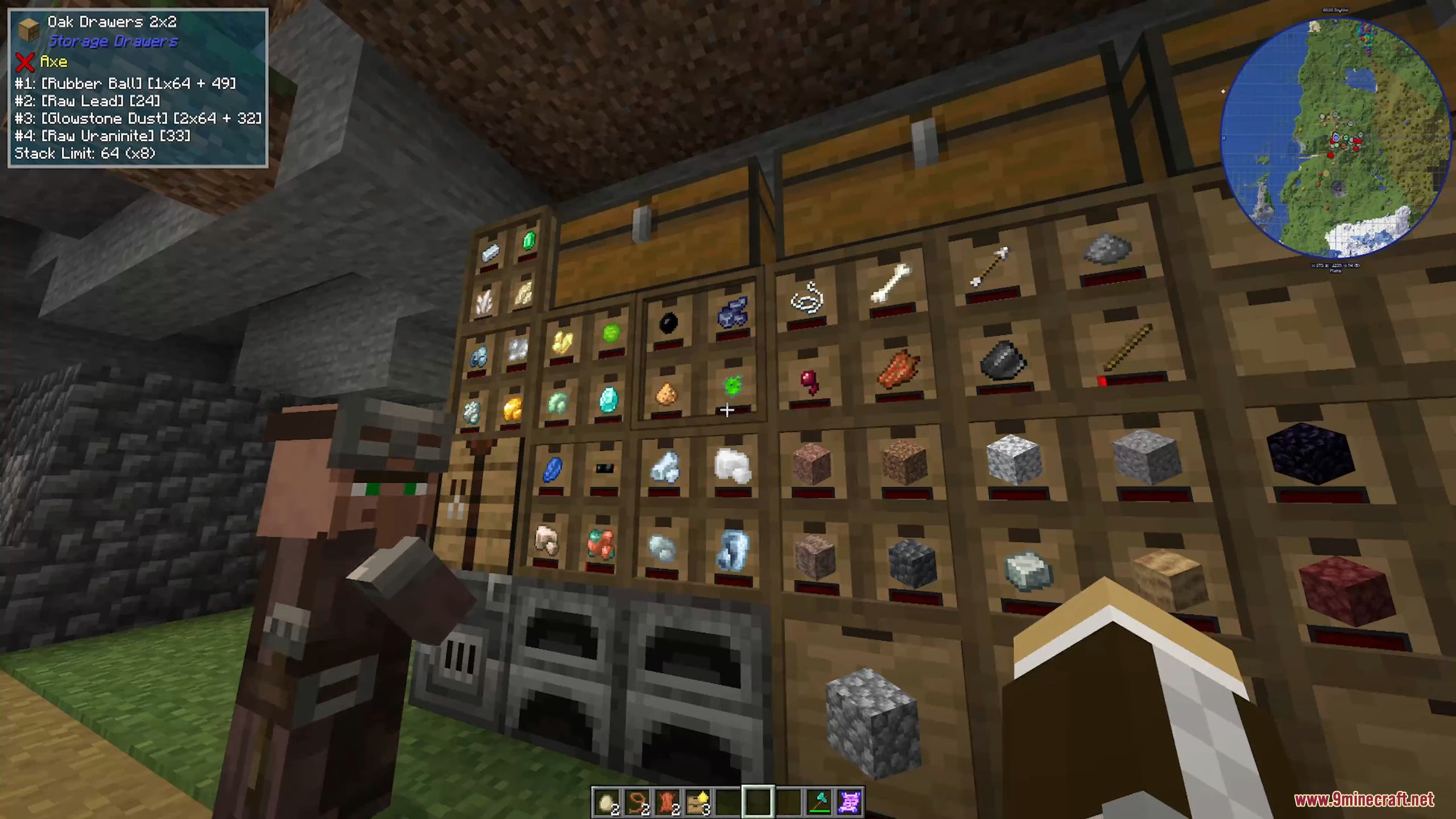
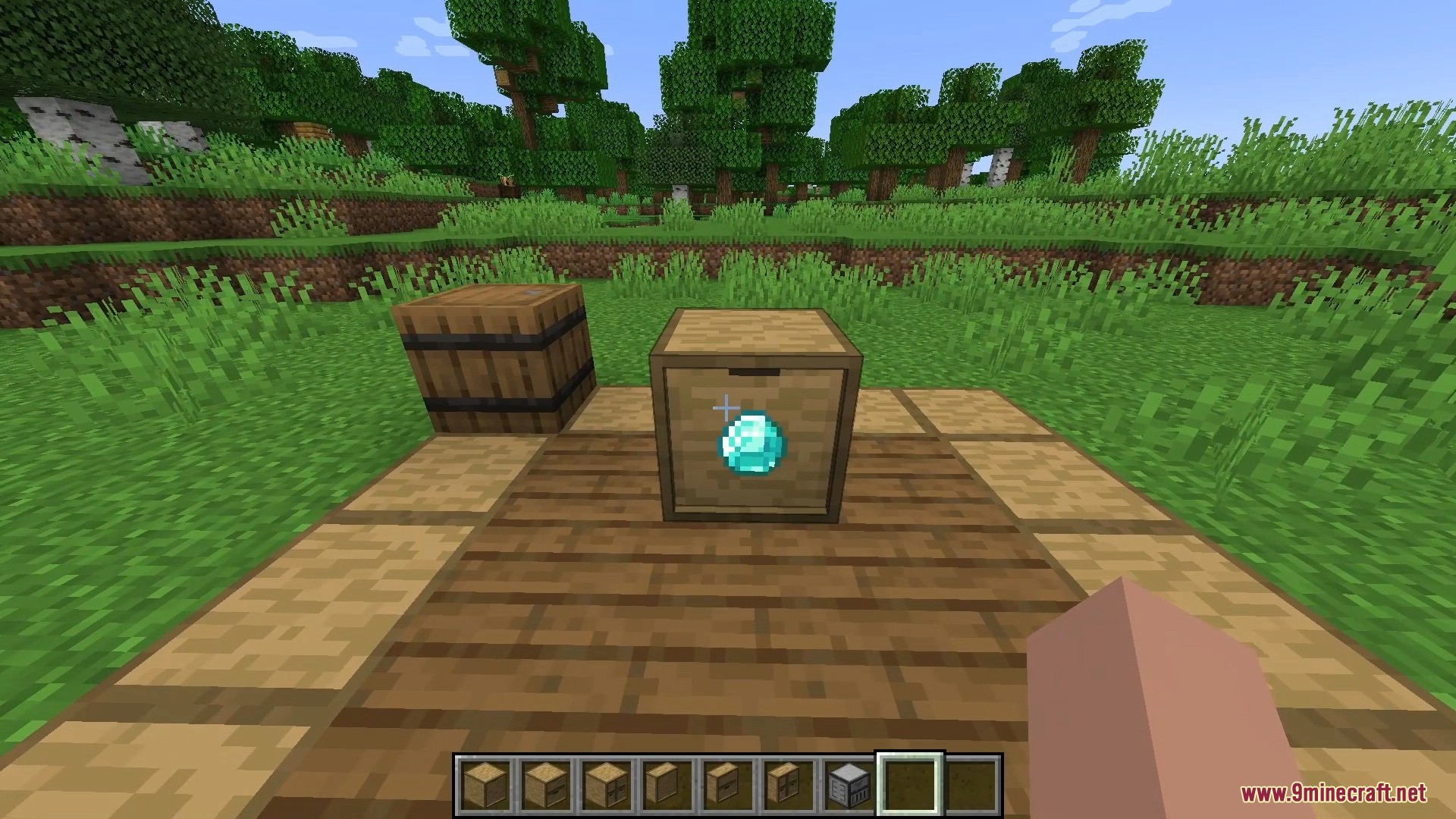
Storage Drawers 9minecraft Mod turns messy chest rooms into a clean, compact wall of drawers that each hold a huge stack of a single item, with the item icon and a live count shown right on the drawer face so you always know what is inside at a glance. It is the tidy, space-saving storage upgrade every big base eventually needs.
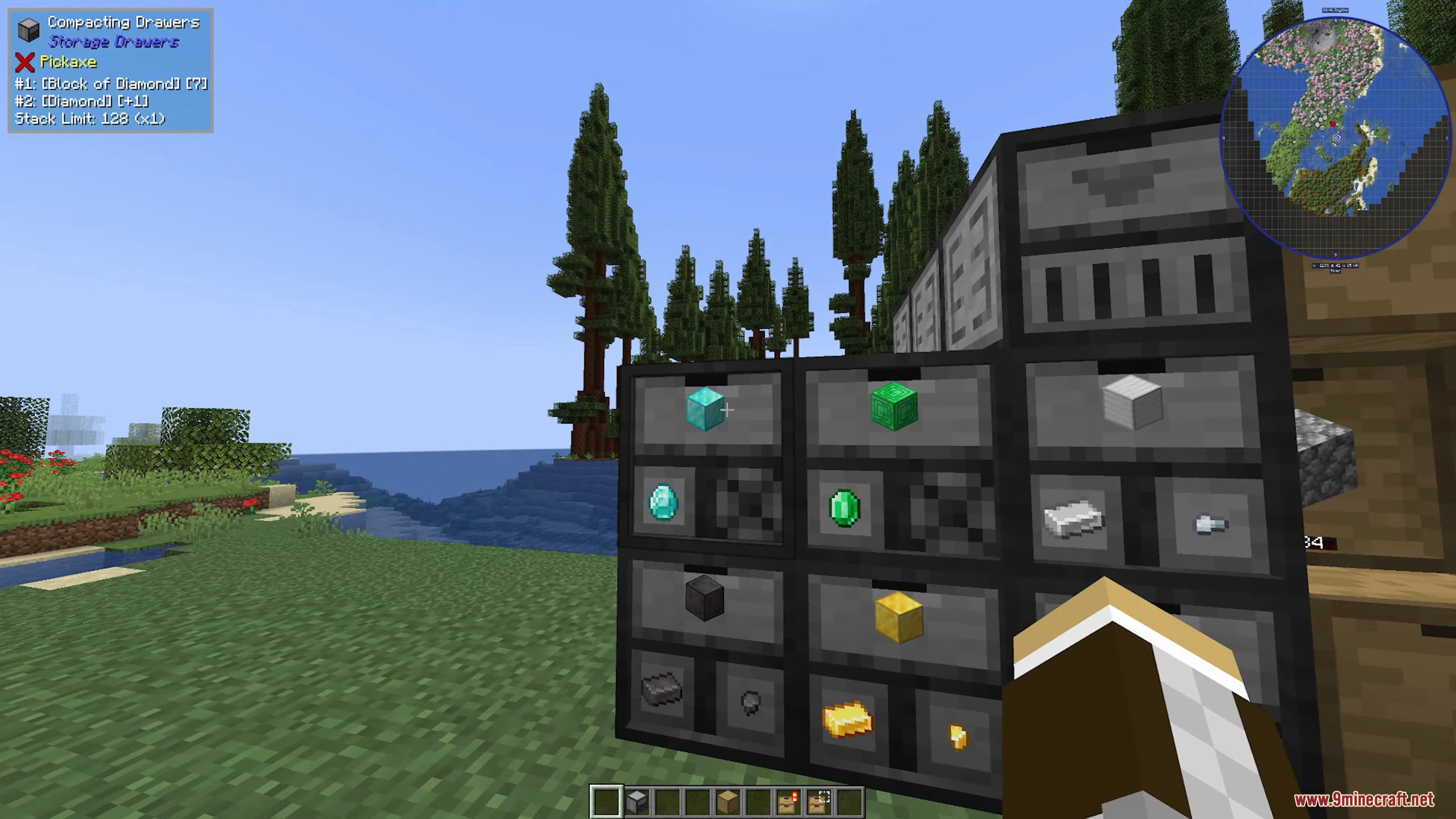
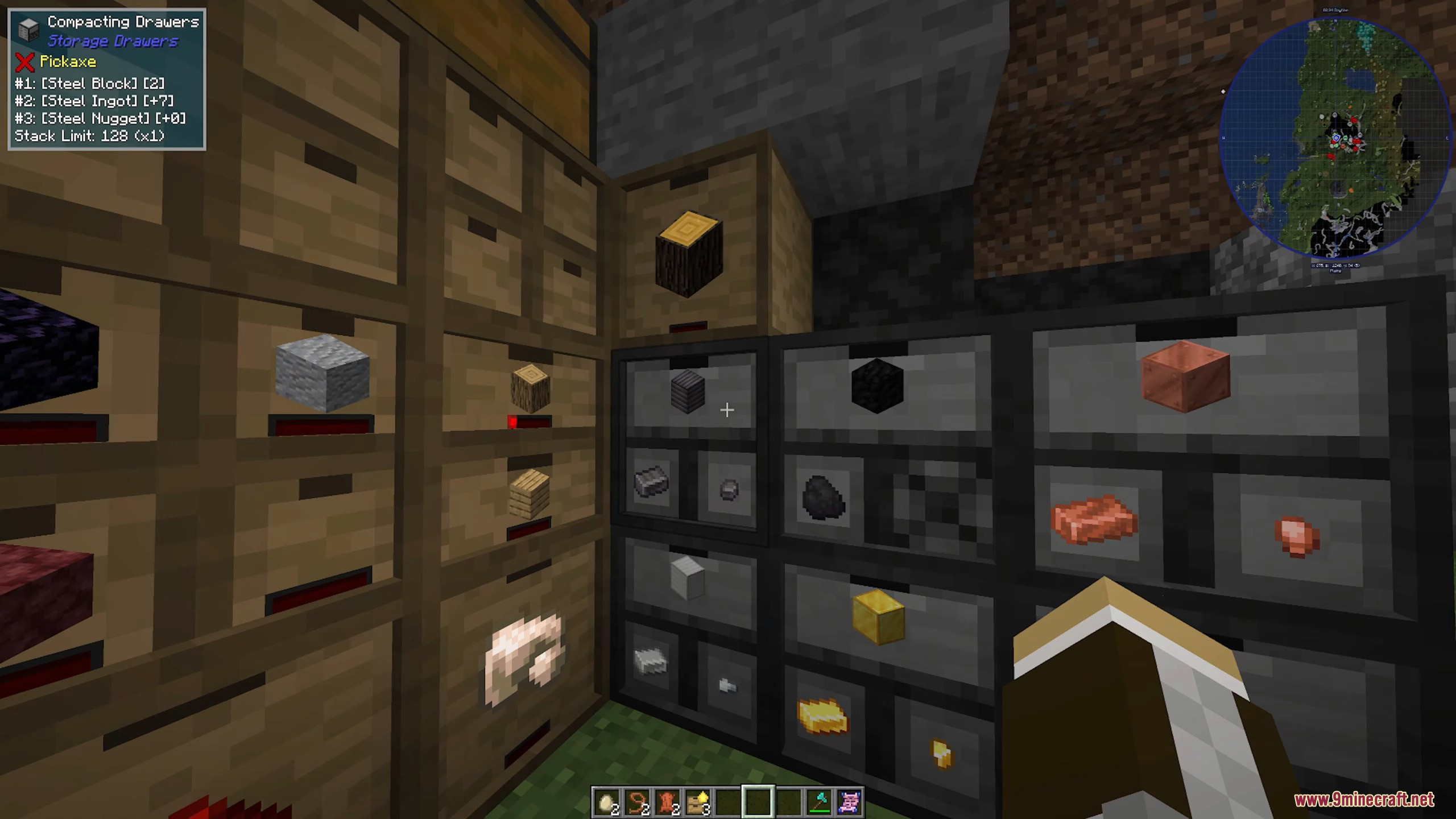
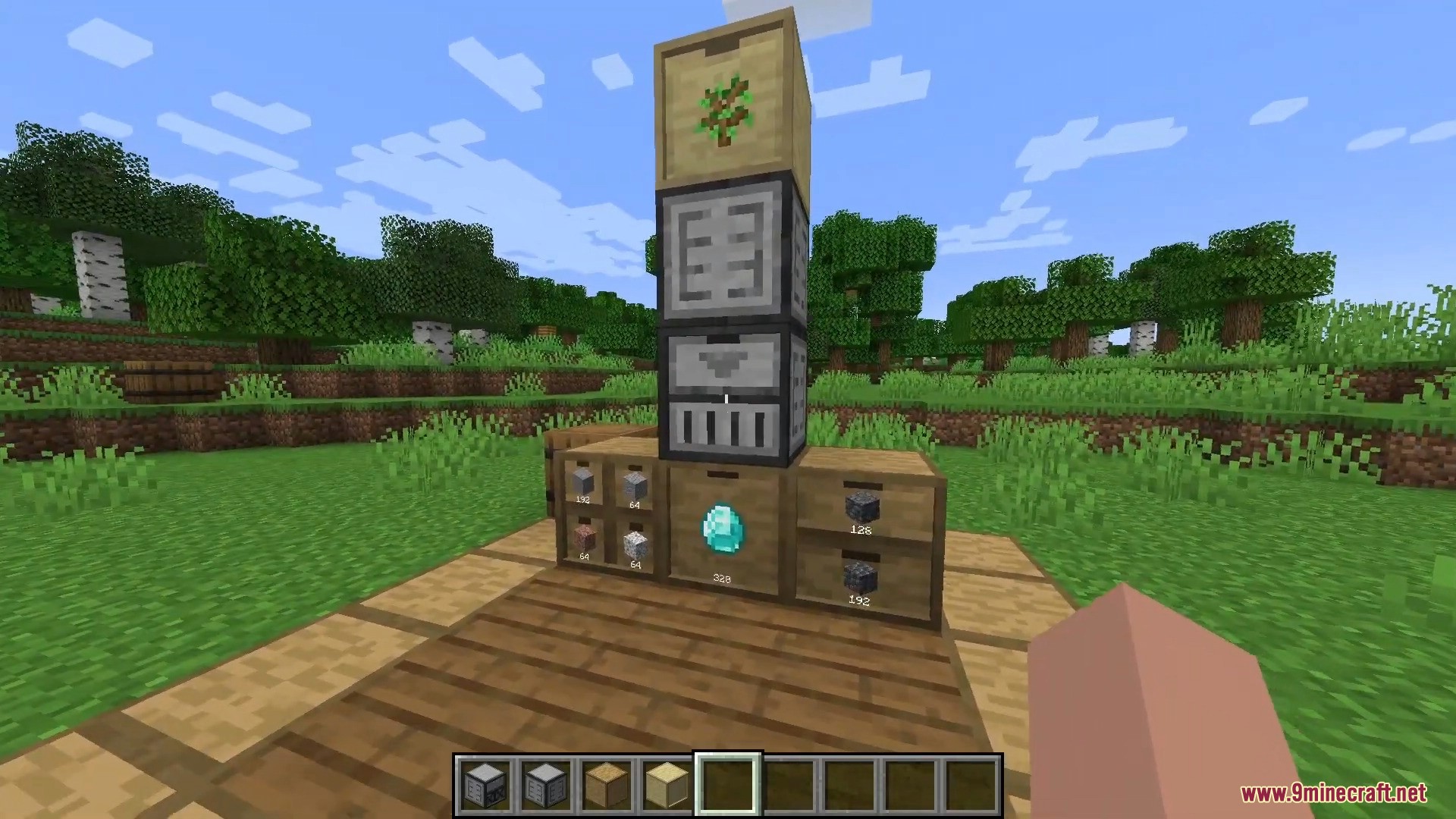
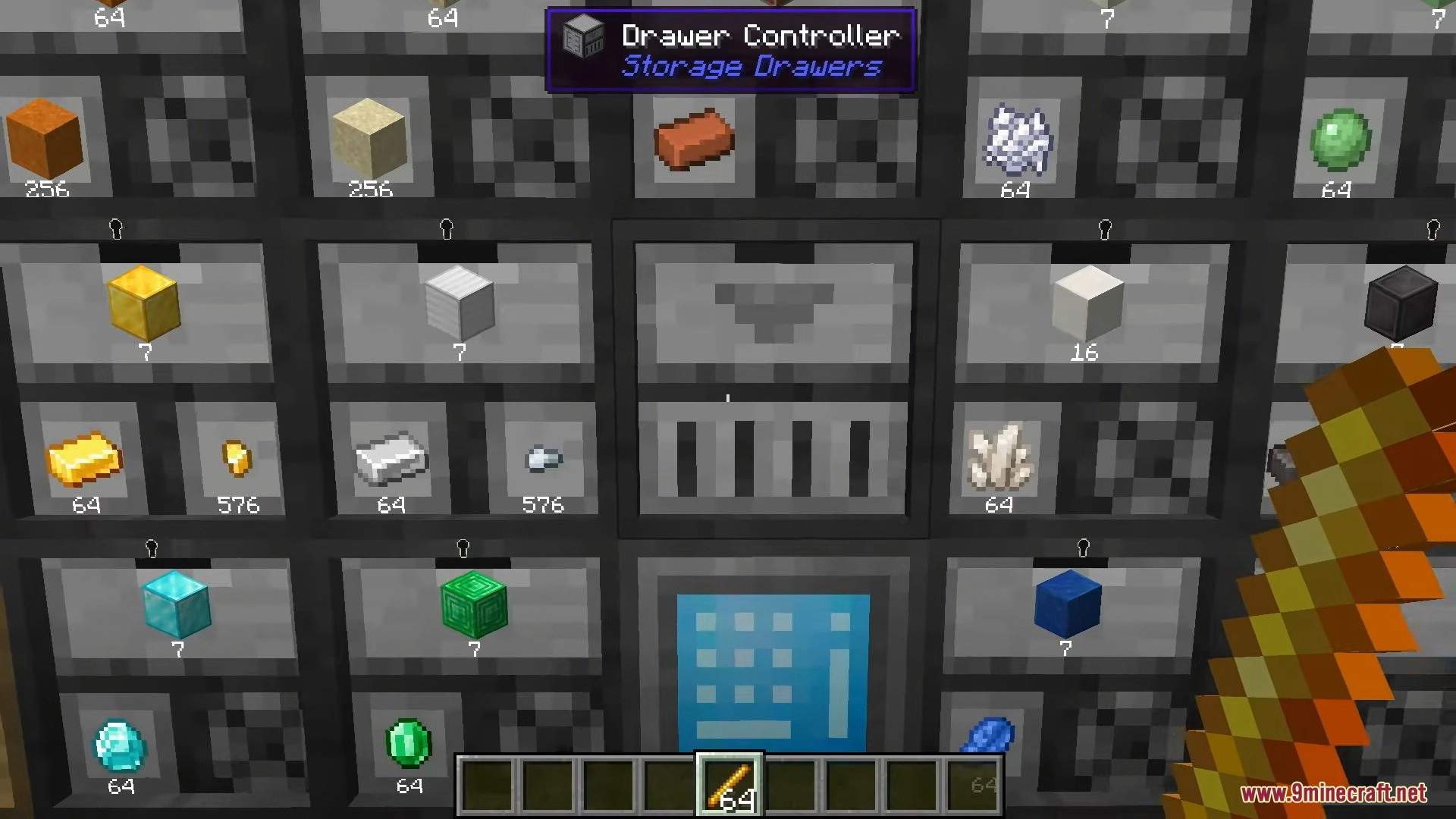
Pack one, two, or four slots into a single block, then stack drawers side by side to sort an entire inventory along one wall. Compacting drawers automatically convert nuggets, ingots, and blocks between each other, while framed drawers let you re-skin any drawer with the texture of almost any block so your storage blends perfectly into the build. Capacity upgrades, void and locking options, and fill indicators round out a storage system that scales from a starter shack to a megabase.
Features:
- Compact drawers that each store a huge stack of one item, shown with its icon and live count.
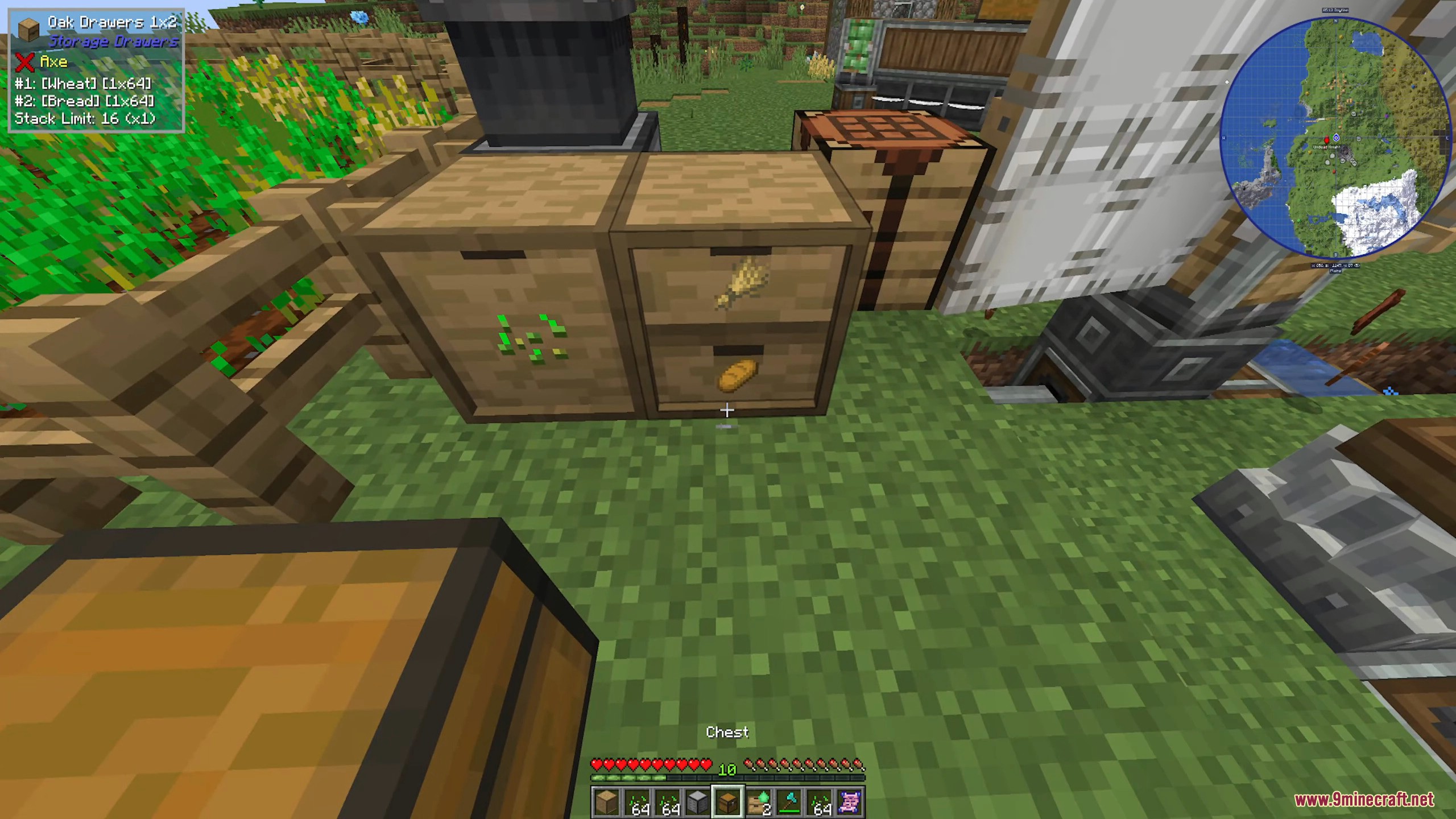
- 1, 2, and 4-slot drawers plus half-depth variants to fit any wall.
- Compacting drawers auto-convert nuggets, ingots, and blocks between each other.
- Framed drawers re-skin to almost any block texture so storage matches your build.
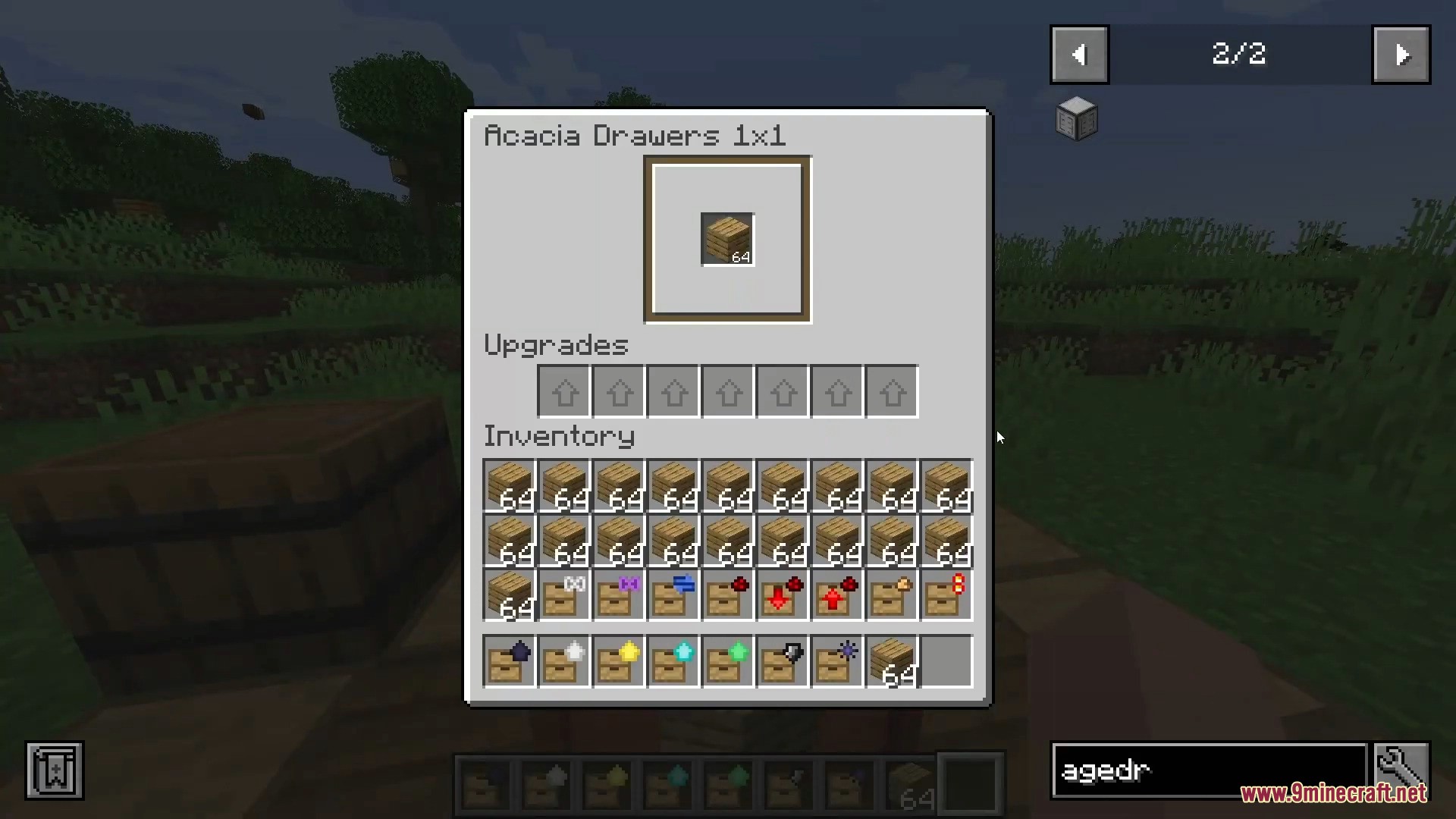
- Capacity upgrades, void, locking, and fill-level indicators for total control.
- Quick deposit and withdraw, with double-tap to dump every matching item at once.
- A clean, satisfying way to organize a whole storage room at a glance.
How to Use:
- Place a drawer, then right-click it with an item to store that item; right-click again to add more.
- Left-click to pull out one item, or double-tap your use key to deposit every matching stack at once.
- Craft a framed drawer and use the Framing Table to apply any block as its surface, trim, and front.
- Add storage upgrades to multiply capacity, and toggle void or lock on a drawer as needed.
Screenshots:
Storage Drawers 9minecraft Mod Download Links
- Edition: Minecraft Java
- File type: .jar
- How to install: Install the matching mod loader (Forge, Fabric or NeoForge) for your Minecraft version. → Download the .jar. → Put it in the .minecraft/mods folder and launch that loader profile.
- Where to get it: In MC Java Mods, or directly above on this page.
Install steps are the general flow for this file type — How to install Minecraft Java mods & modpacks walks through it step by step.
- Downloads as 2438.mcaddon
- Download size: 1.2 MB
- Download link checked 22 Sept 2026 — working
- Mirrored on our own servers — the download does not depend on the original host
These come from our own check of the pack file, not from the source page.