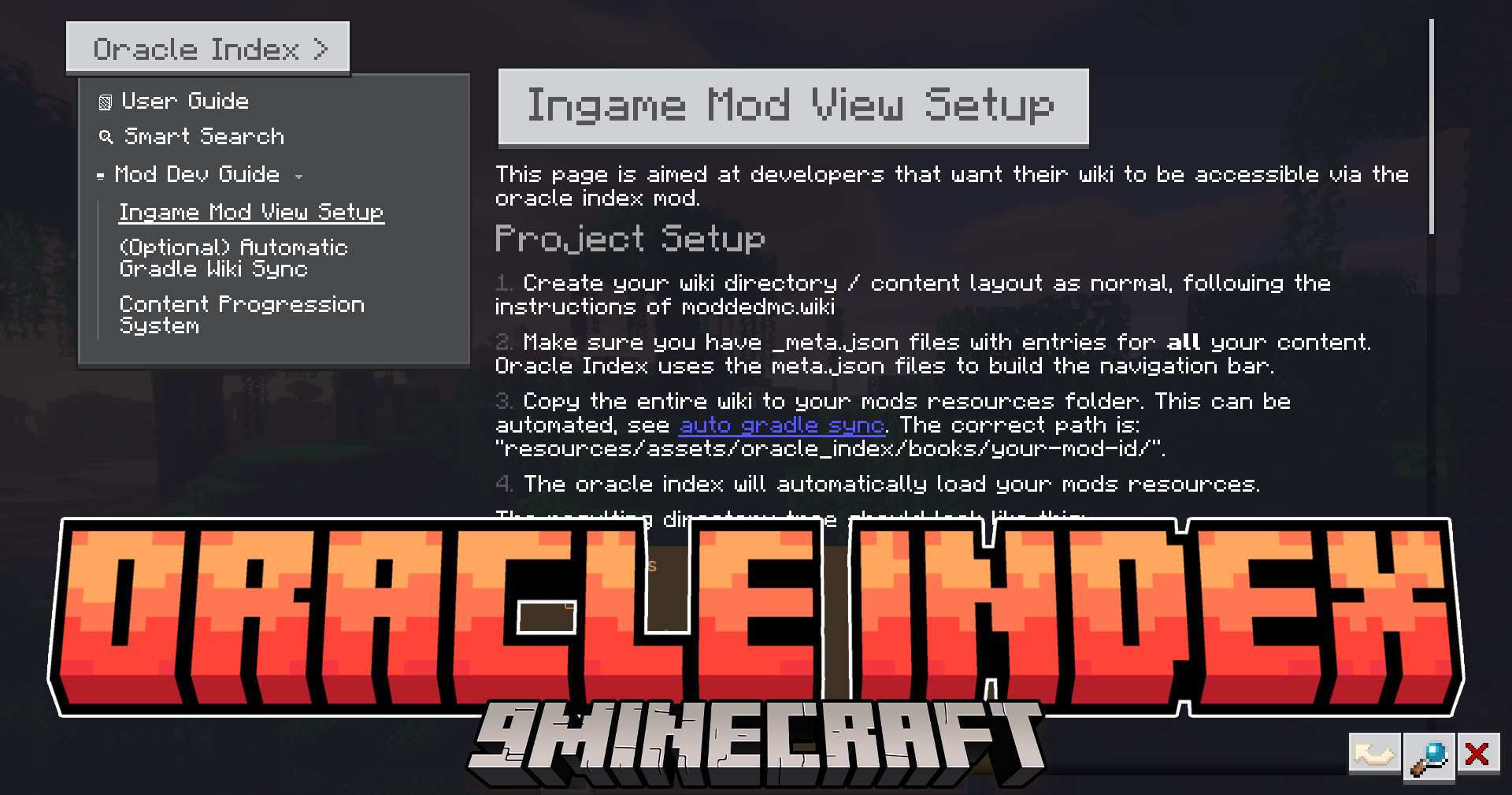
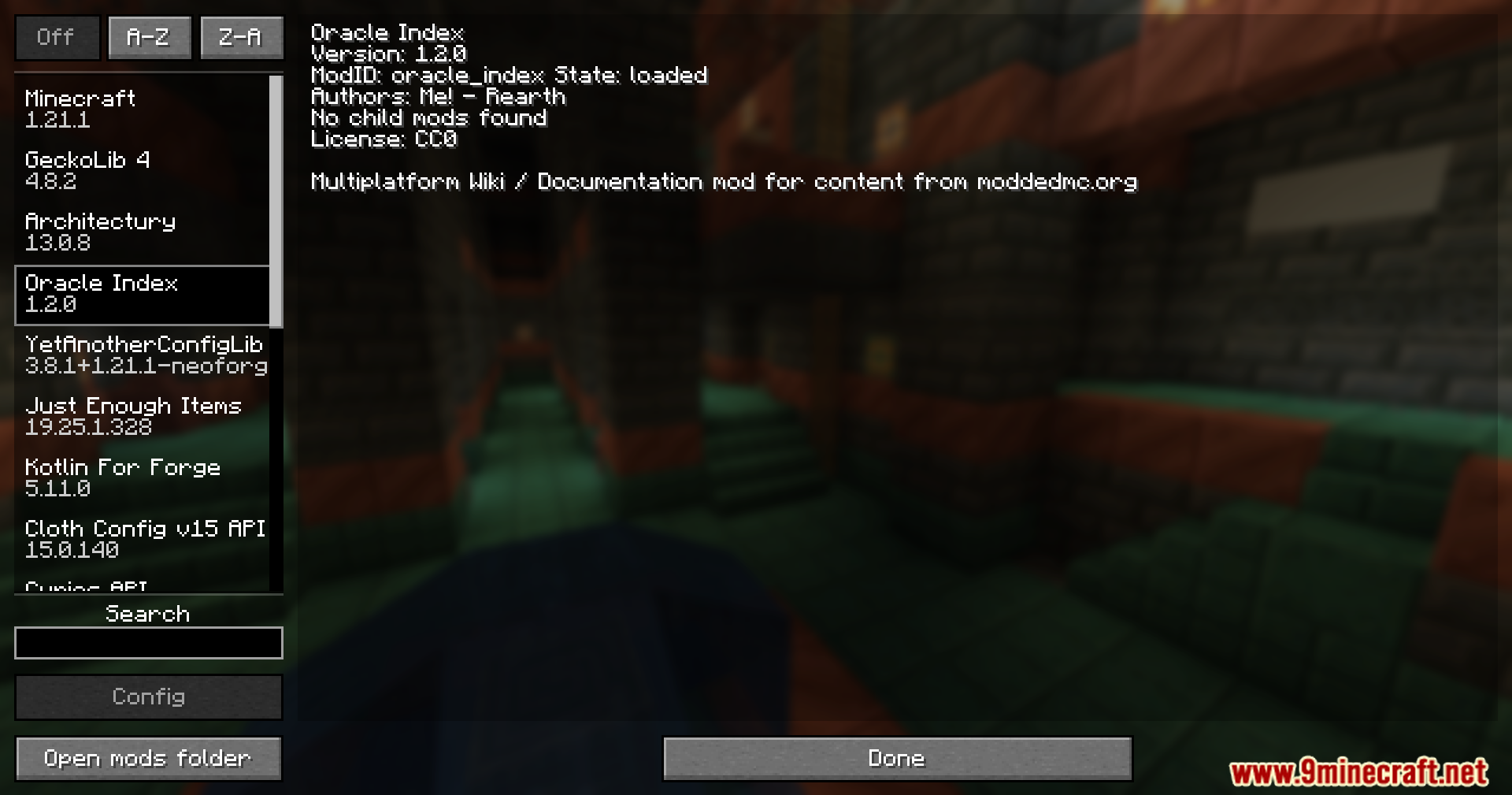
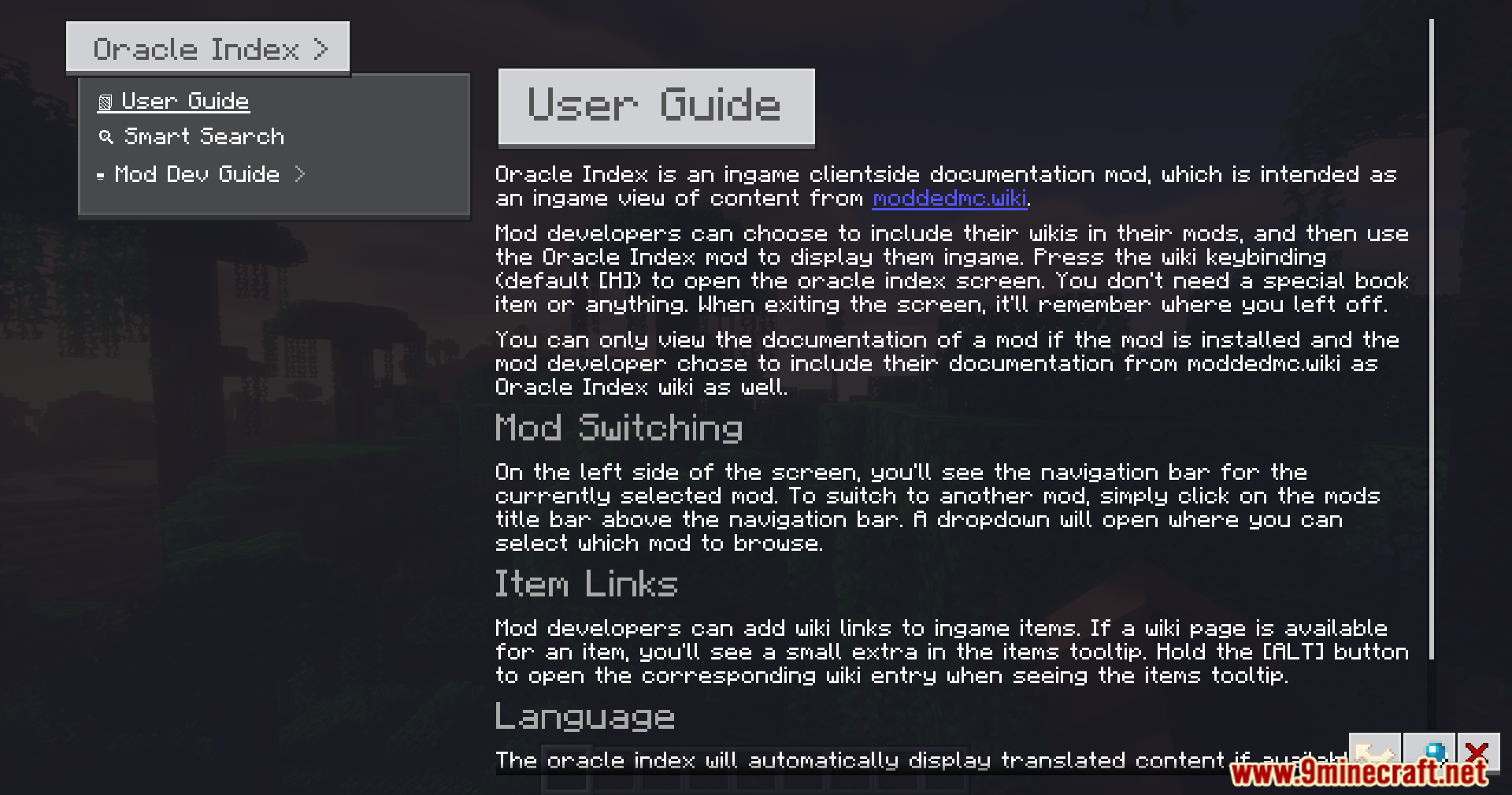
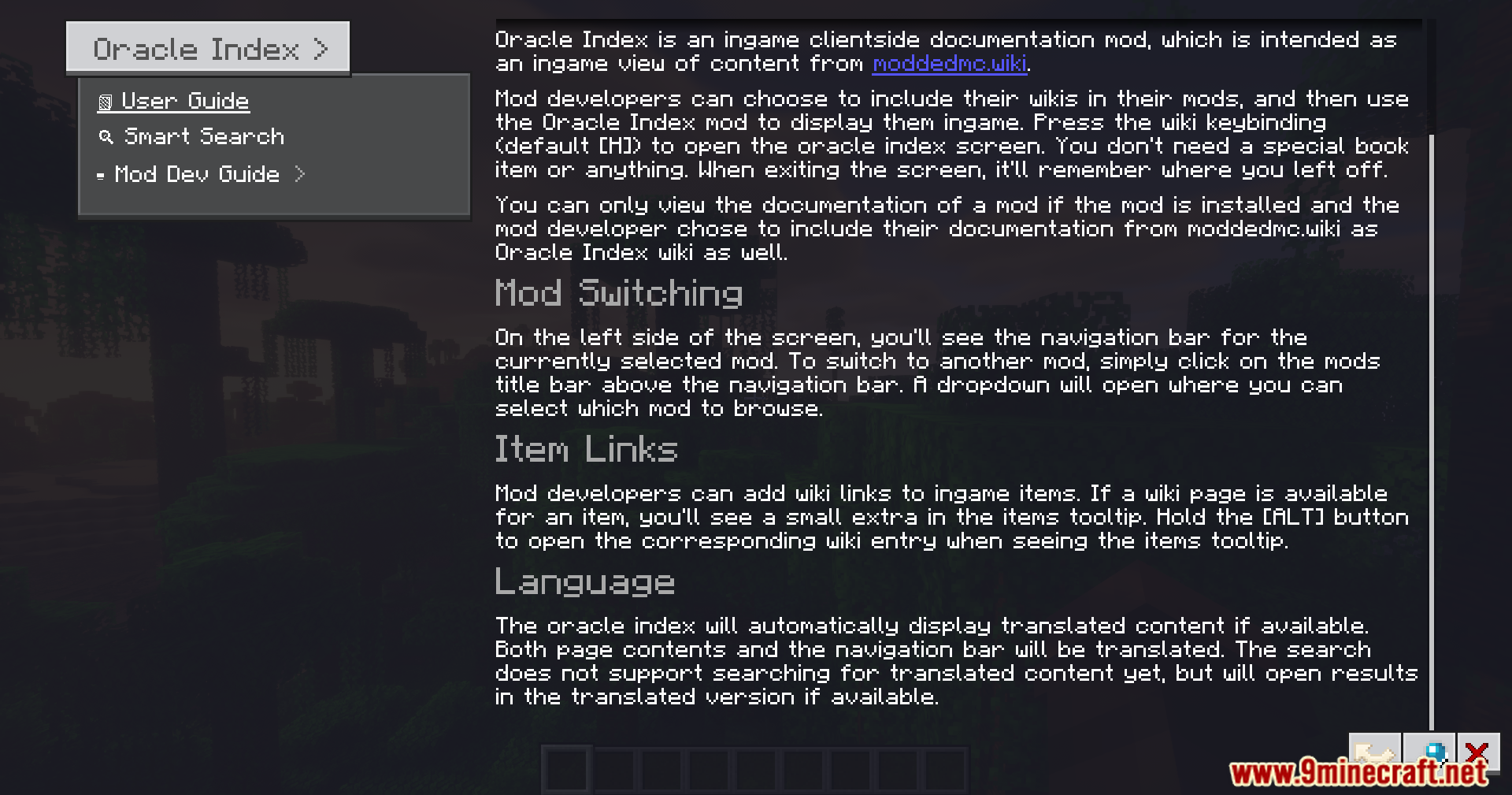
Oracle Index Mod puts mod wikis and guides directly inside your Minecraft world. It stops you from having to close or minimize your game just to look up a recipe or read about a new item. The mod adds a clean, easy-to-read menu where you can search for information about other mods you have installed. It links directly to items in your inventory, making it simple to figure out how things work while you play.
Features:
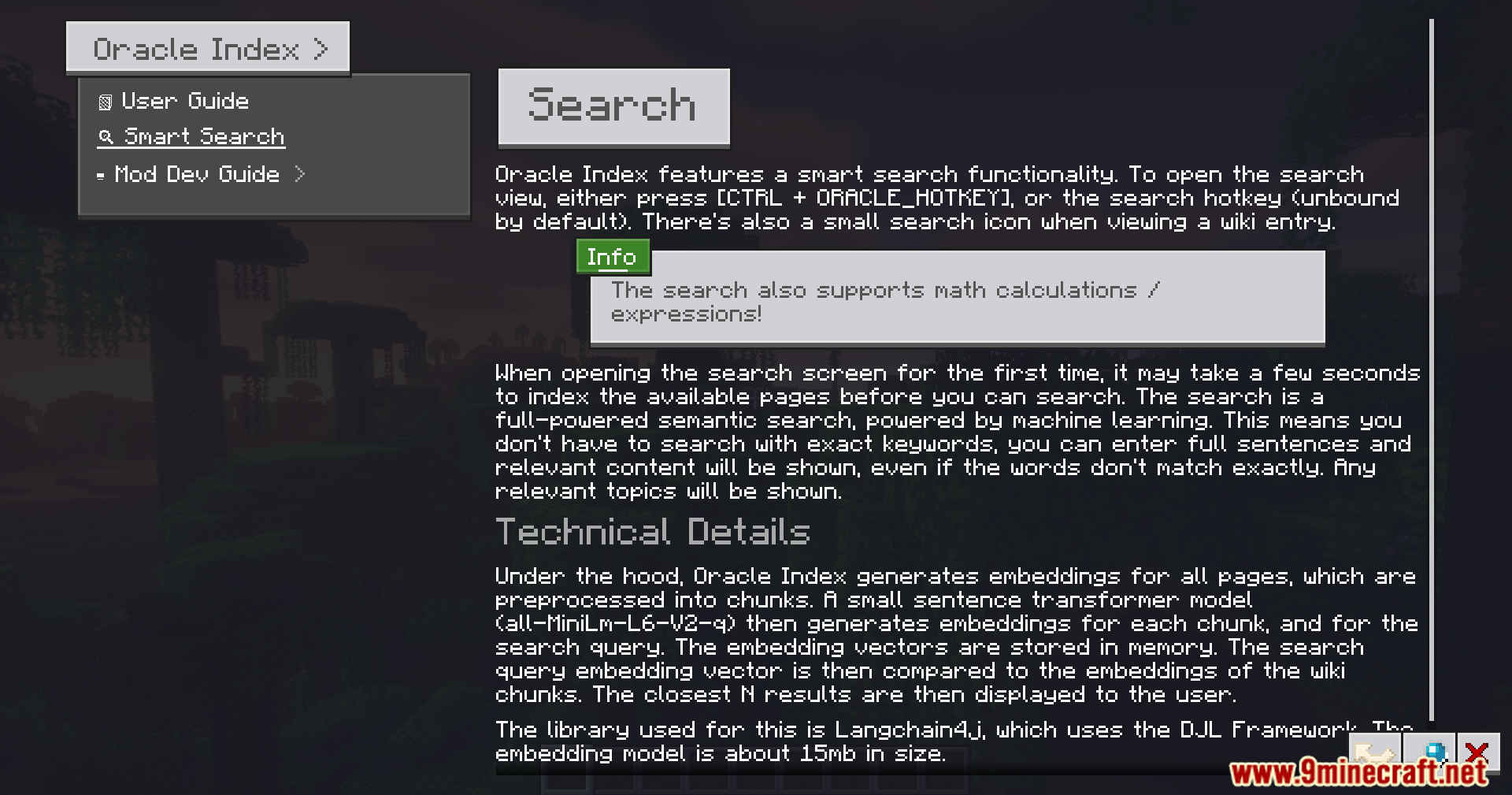
- Smart Search: Includes a search bar that understands what you type and can even solve math problems.
- Item Tooltips: Lets you hover over an item in your inventory and hold the ALT key to instantly open its guide page.
- Adds a smooth menu with nice scrolling that fits any screen size.
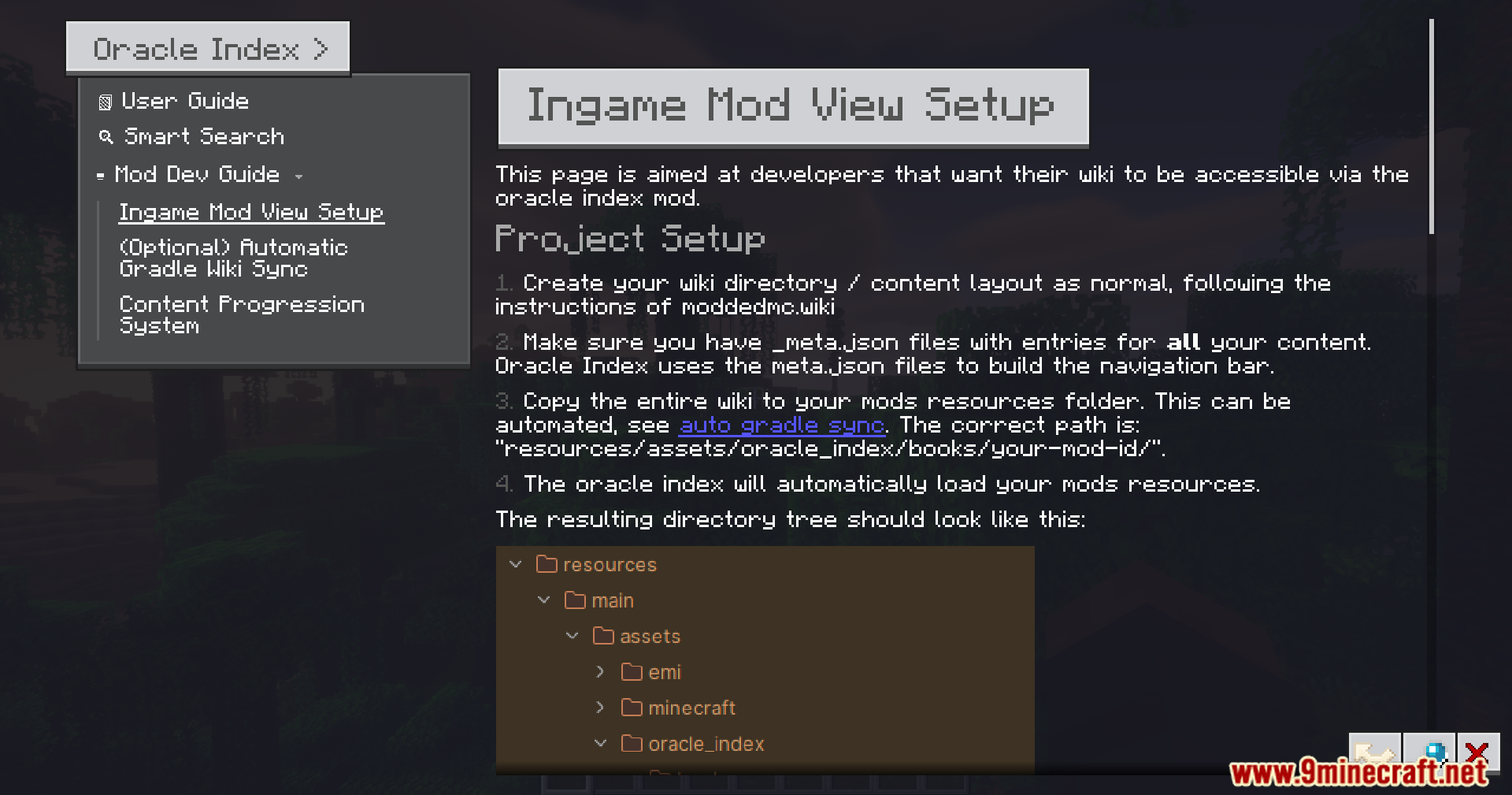
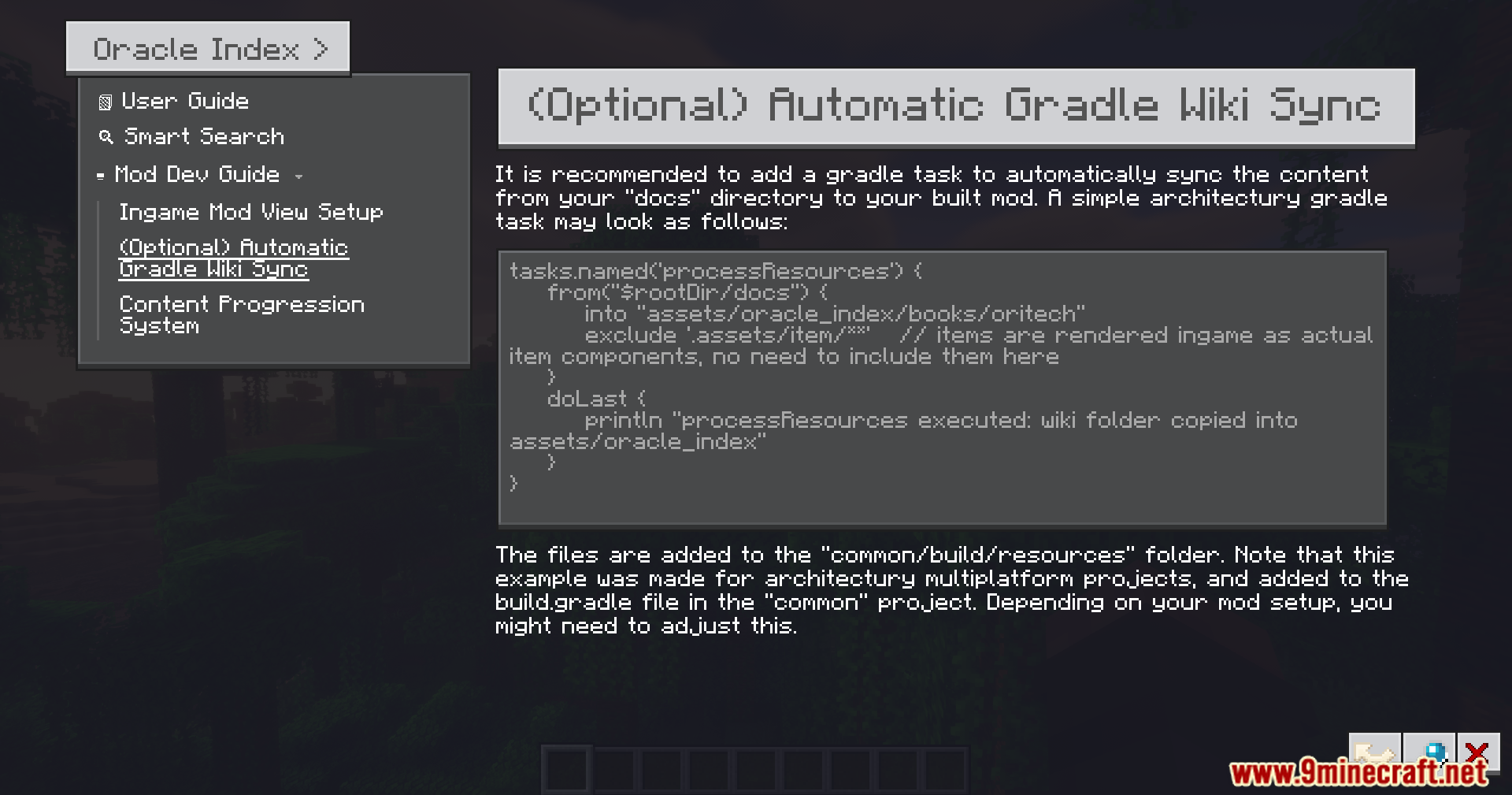
- Reads text files from your computer so you can load custom guides into the game.
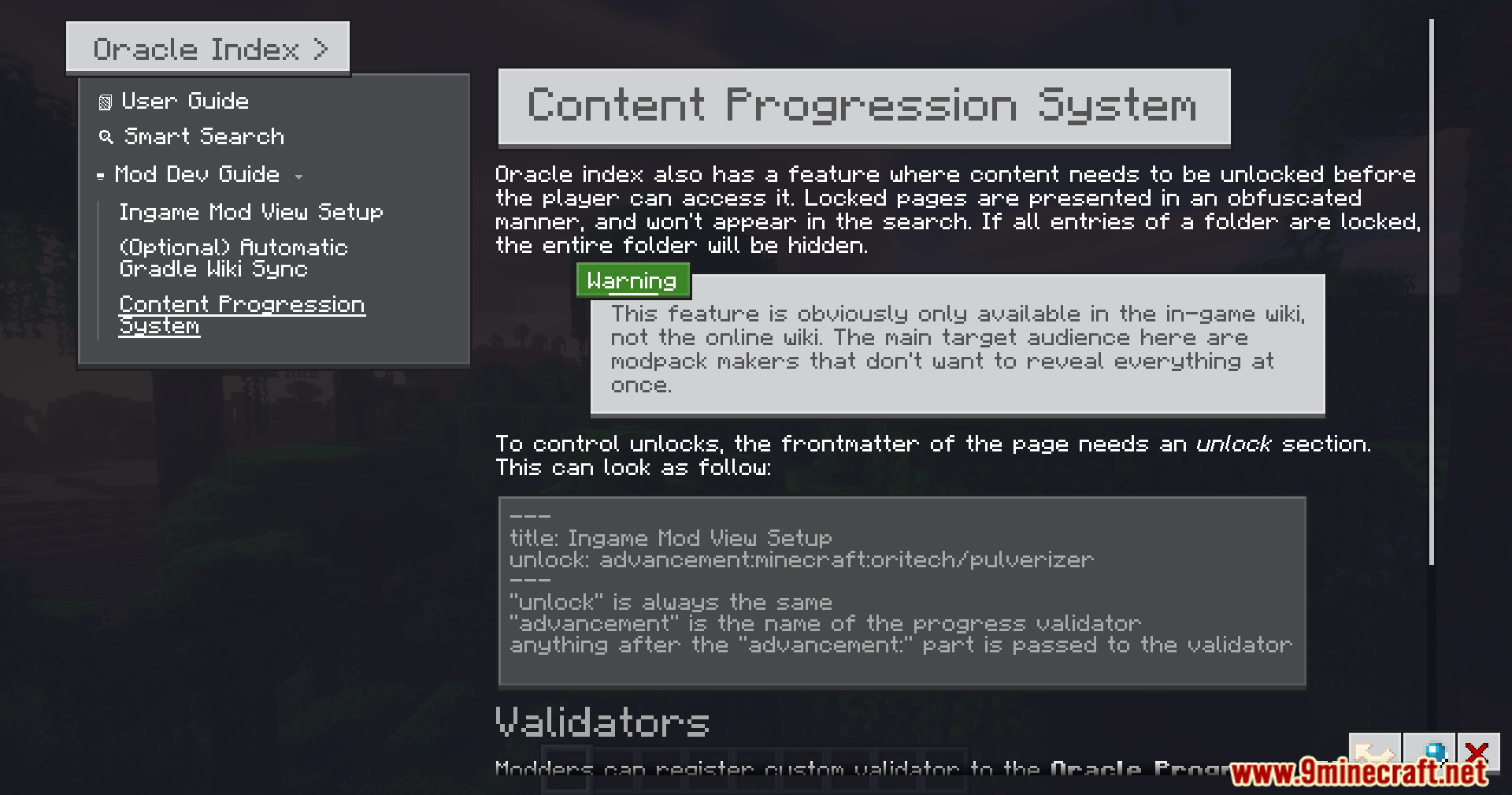
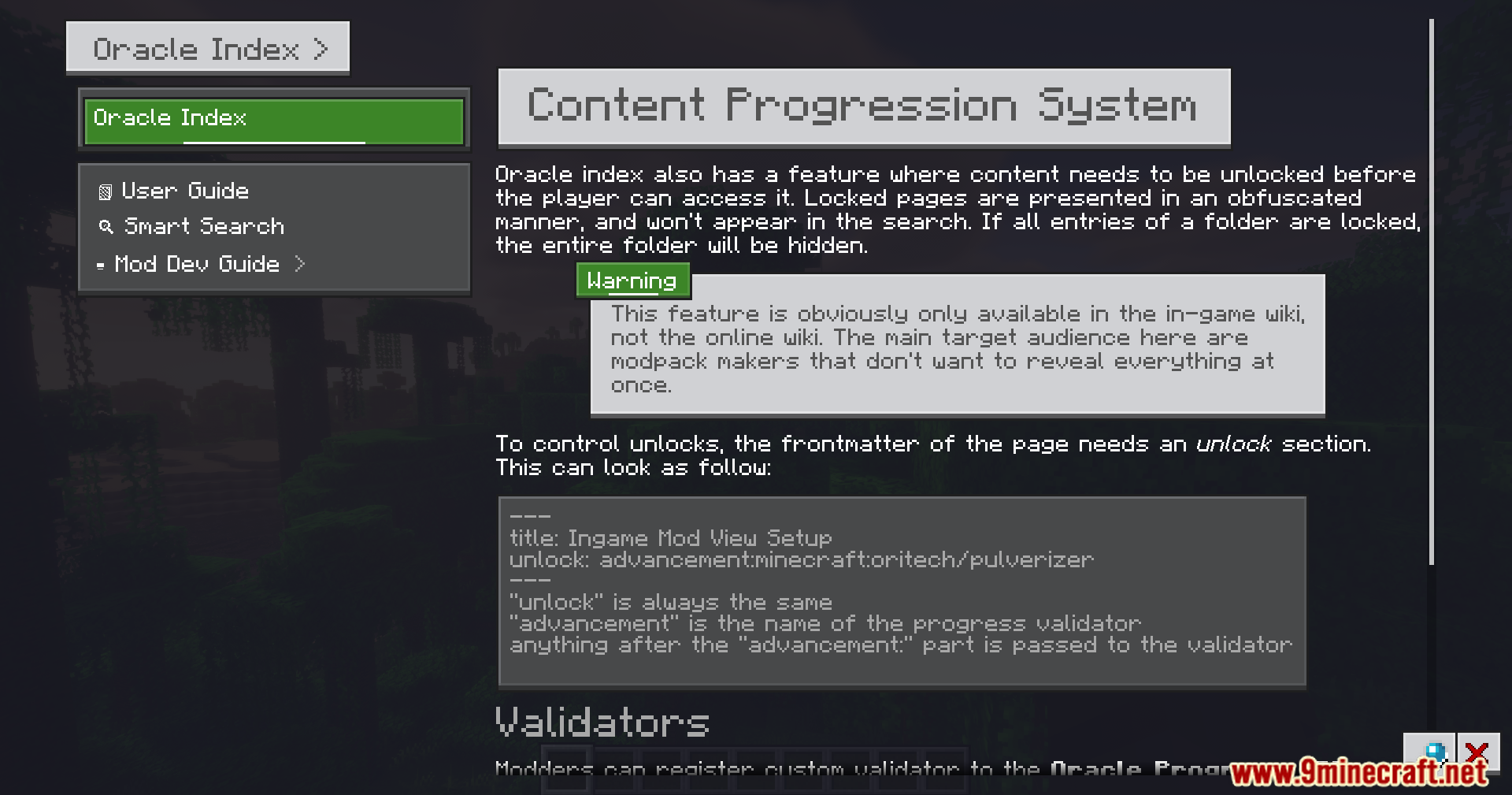
- Hides certain secret pages until you unlock them while playing.
- Lets you click links inside the text to jump straight to other pages or items.
- Removes the need to craft or carry around a special guide book in your inventory.
How to Use:
- Hover your mouse over an item in your inventory.
- Hold the ALT key to open the wiki page for that specific item.
- Press the custom hotkey to open the main guide menu at any time.
- Type what you need to know into the search bar to find answers quickly.
Screenshots:
Oracle Index Mod Download Links
Quick facts
- Edition: Minecraft Java
- File type: .jar
- Minecraft version listed: 1.21.1
- How to install: Install the matching mod loader (Forge, Fabric or NeoForge) for your Minecraft version. → Download the .jar. → Put it in the .minecraft/mods folder and launch that loader profile.
- Where to get it: In MC Java Mods, or directly above on this page.
Install steps are the general flow for this file type — How to install Minecraft Java mods & modpacks walks through it step by step.
Verified by MCModsHub
- Downloads as 2452.mcaddon
- Download size: 28.2 MB
- Download link checked 26 Sept 2026 — working
- Mirrored on our own servers — the download does not depend on the original host
These come from our own check of the pack file, not from the source page.