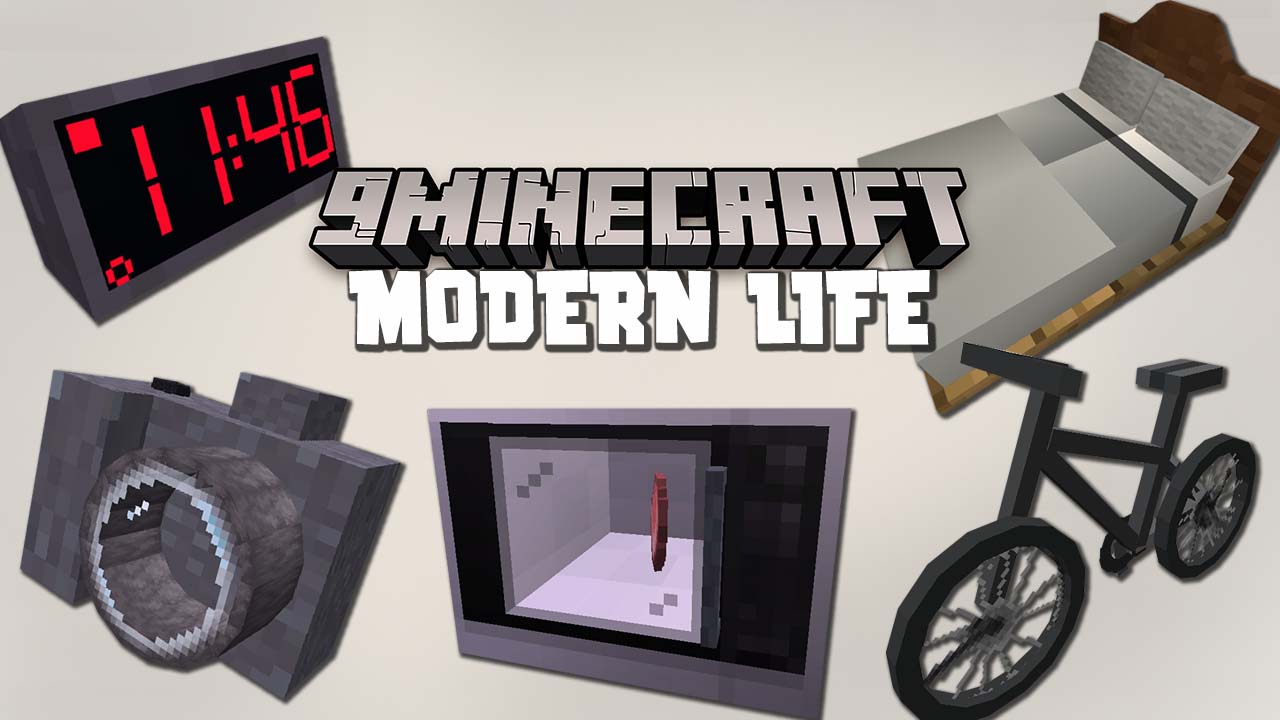
Modern Life Mod (1.21.1, 1.20.1) – Utility Blocks
Java mod listed for Minecraft 1.20–1.21. Downloads from the MC Java Mods app on Android.
⬇ Download
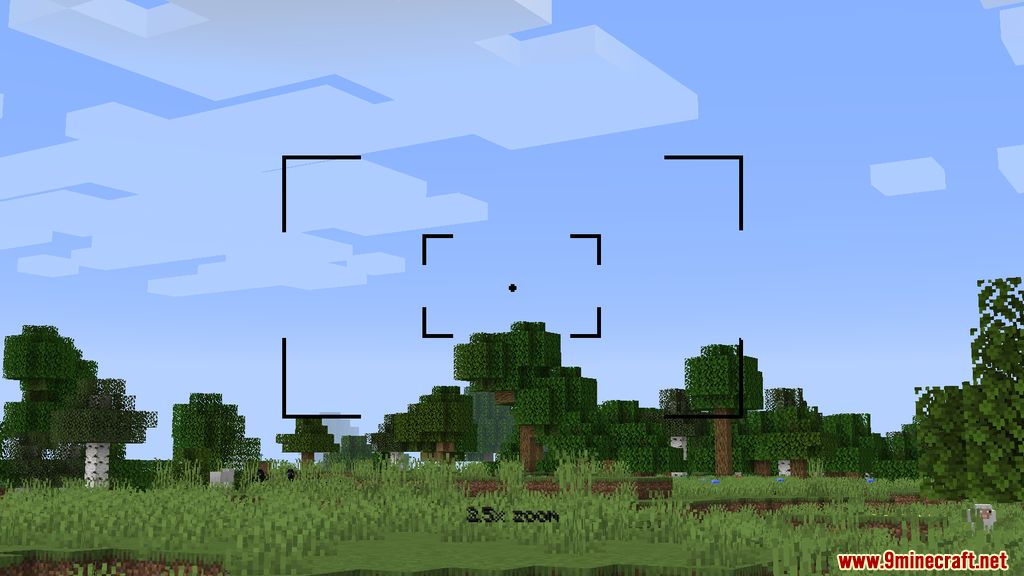

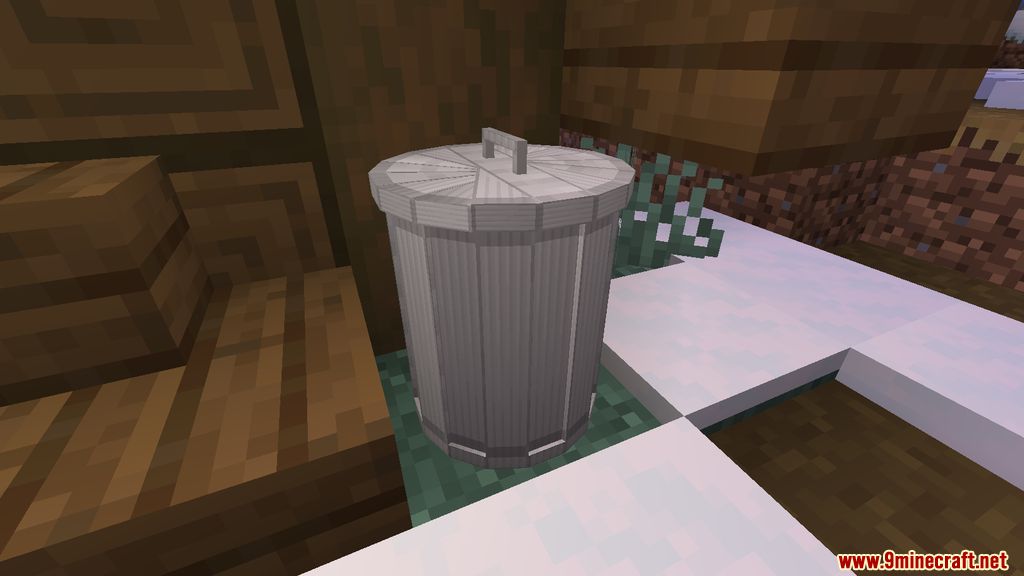
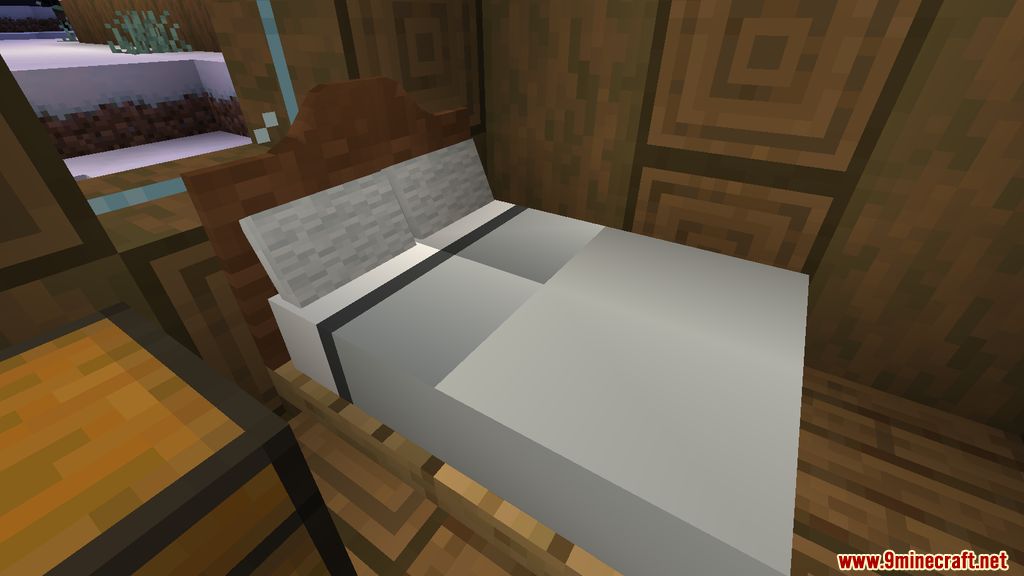
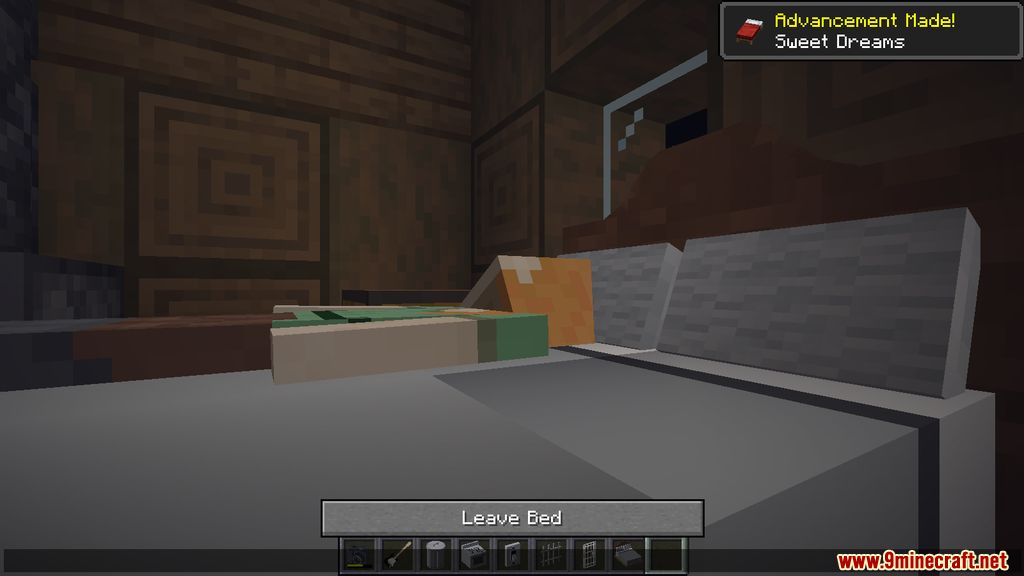

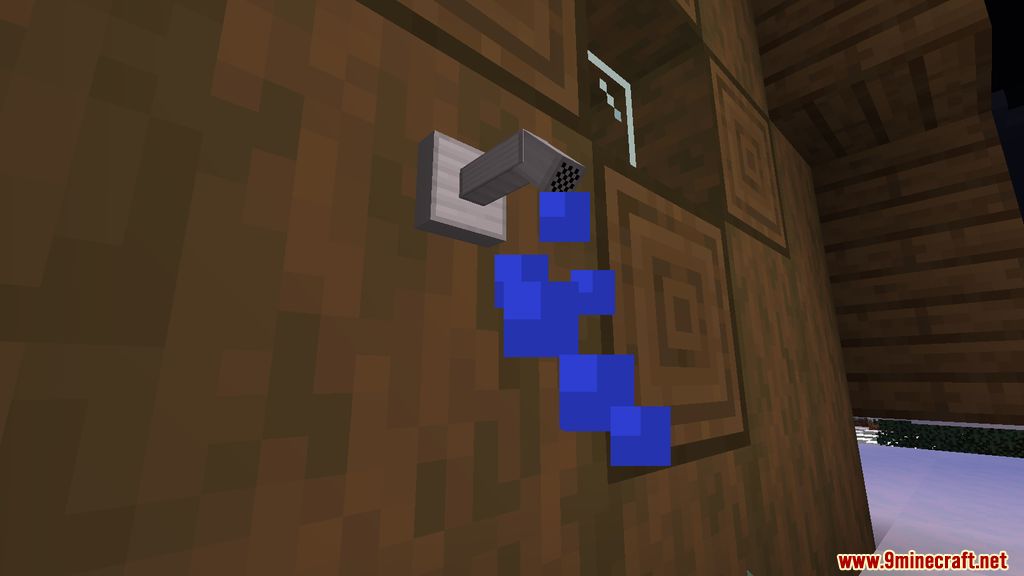
Modern Life Mod introduces into the game a multitude of modern utility blocks, which gives players a sense of familiarity and concomitant benefits. The technology behind redstone is too difficult for ones to learn as it demands prerequisite knowledge and endeavors. Such ineluctably has led to many turning away from the science aspect of the game, thus hindering many attempts to progress through the game. Many wish that they could just bring their real life furnitures and technologies into the game to facilitate the game. With Modern Life, such prospect will be made veritable as with rudimentary materials, players can craft cutting-edge technologies.
Features:
- A Plethora of New Technology Blocks was introduced.
Screenshots:
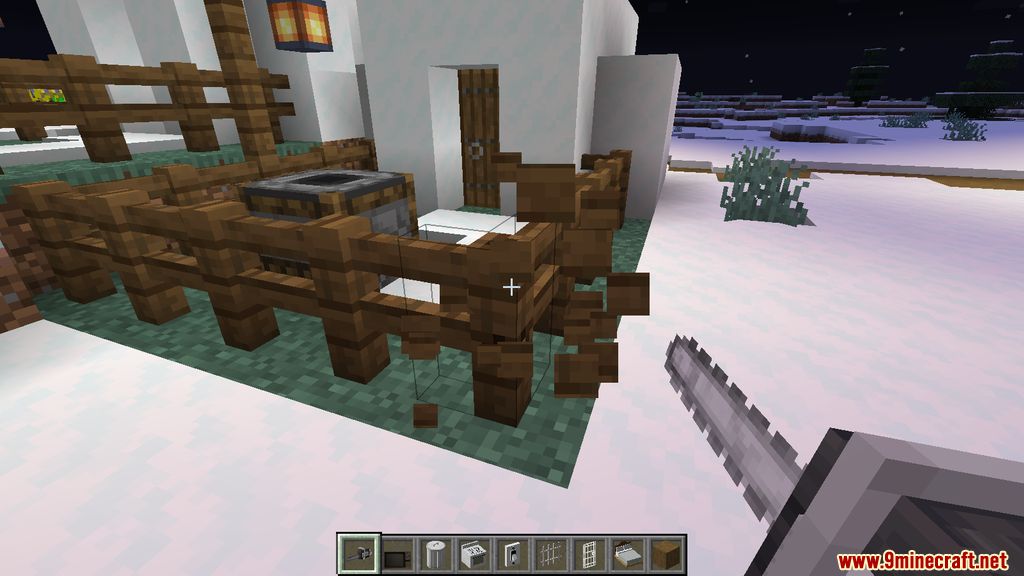
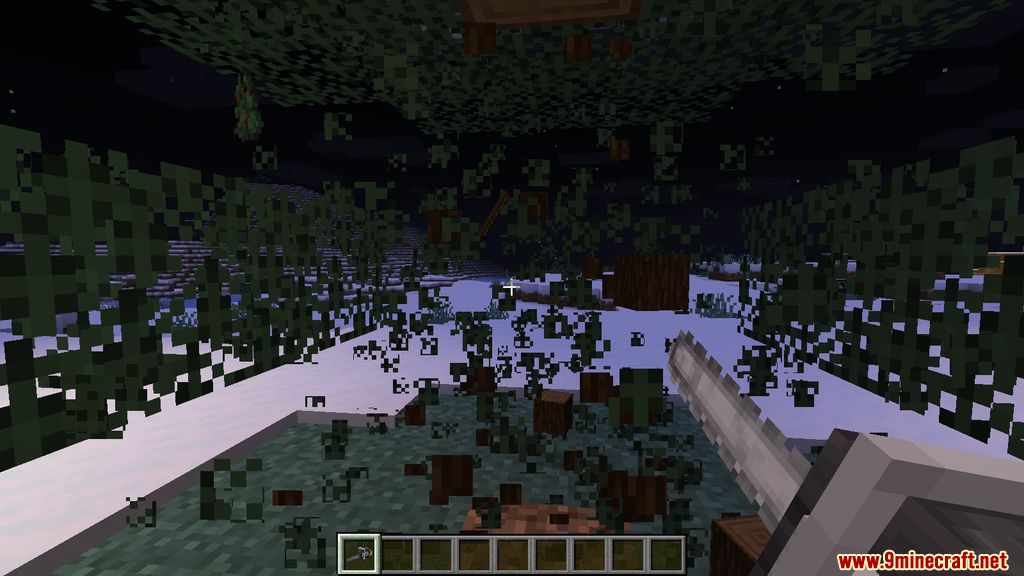
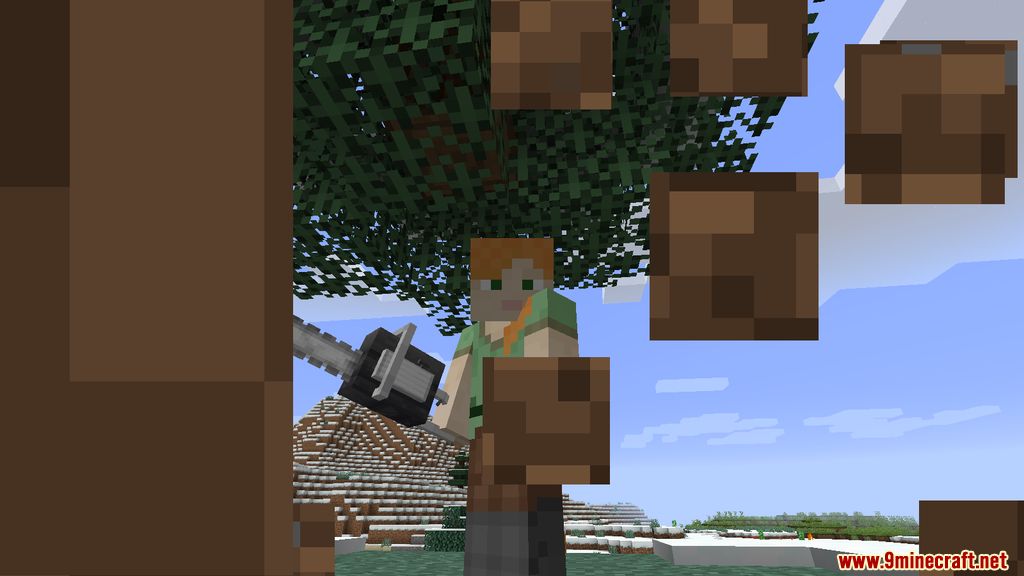
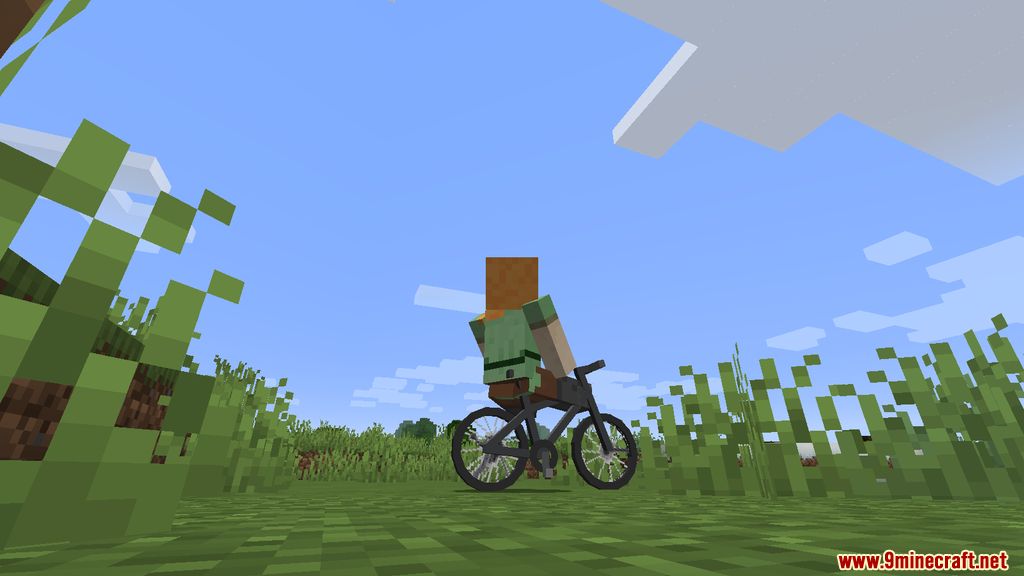
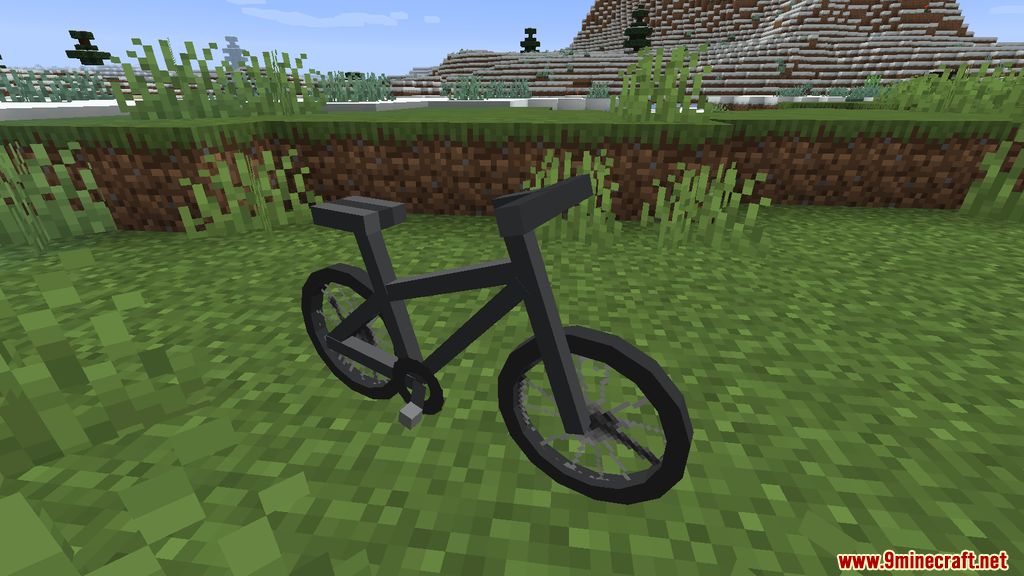
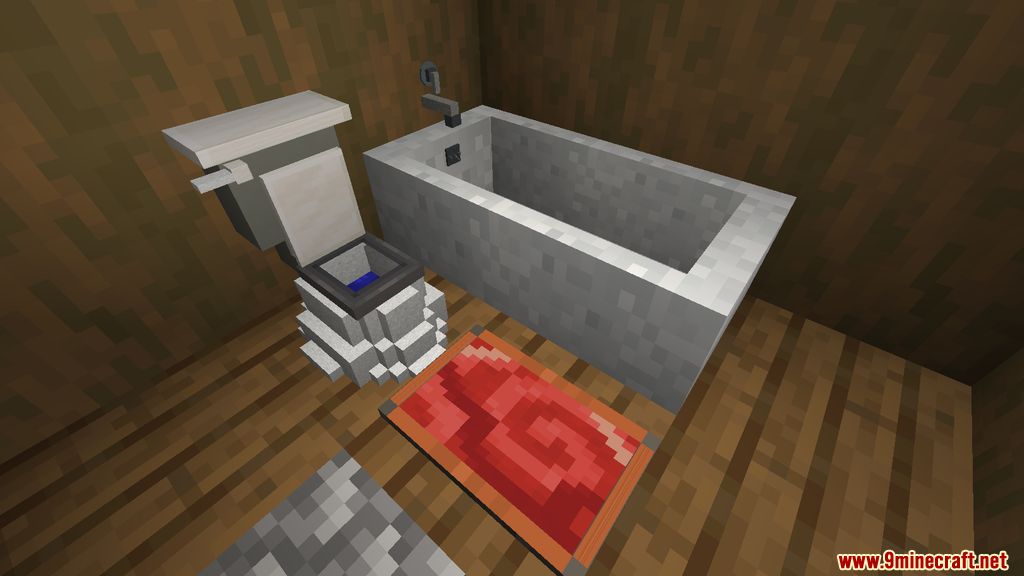
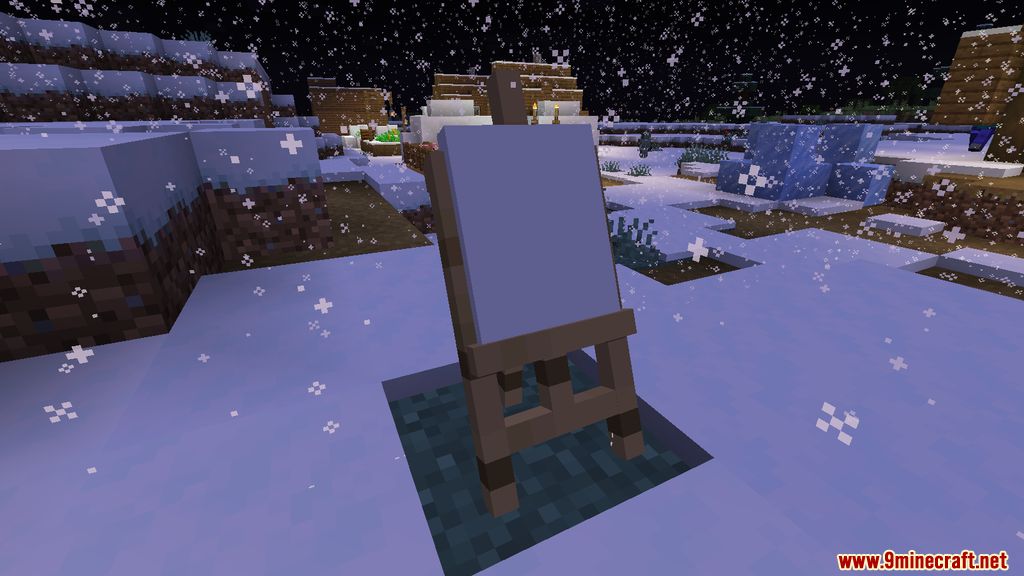

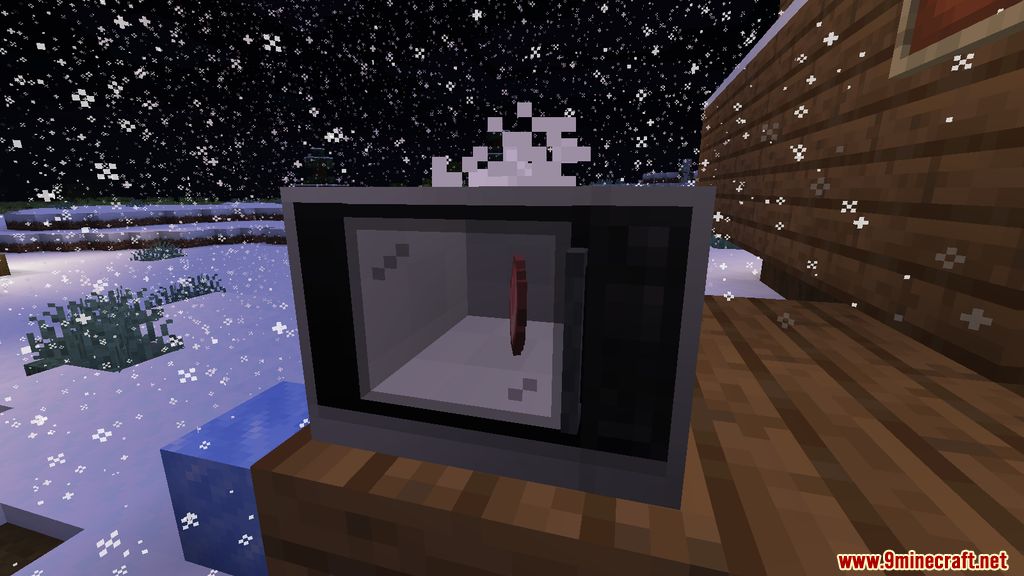

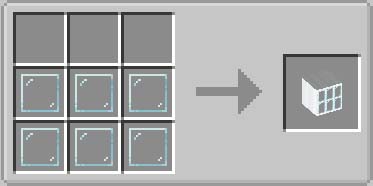
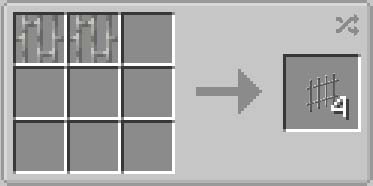
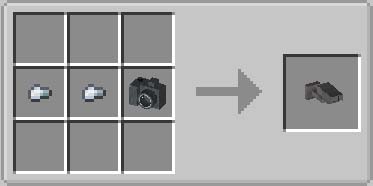
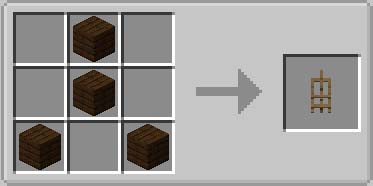
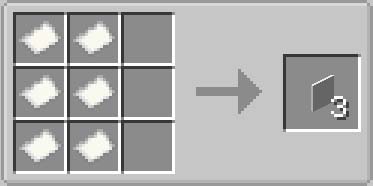
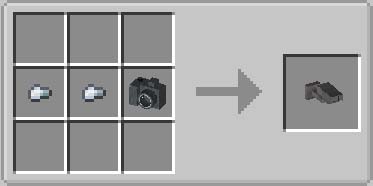
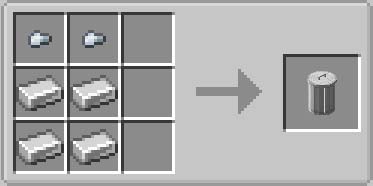
Crafting Recipes:
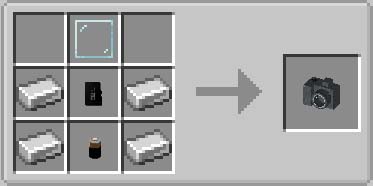
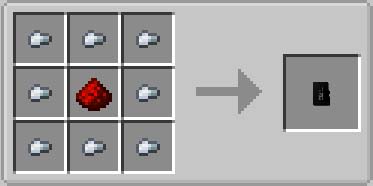
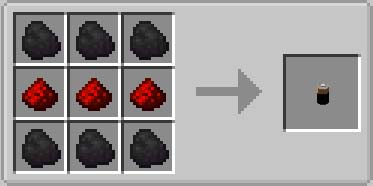
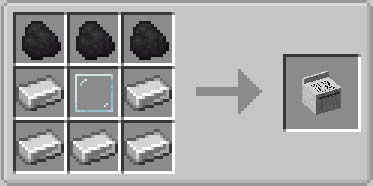
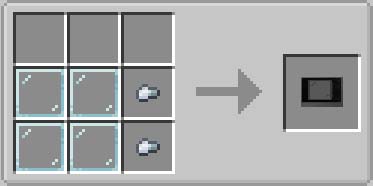
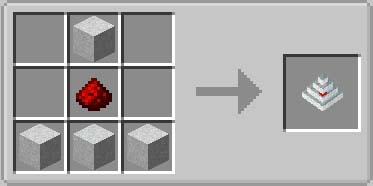
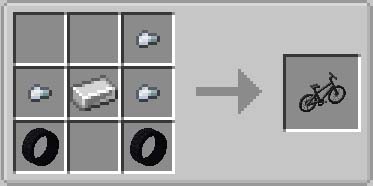
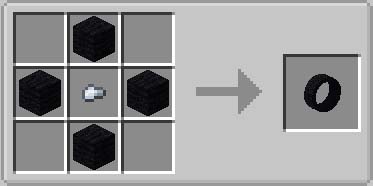
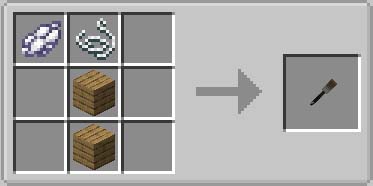
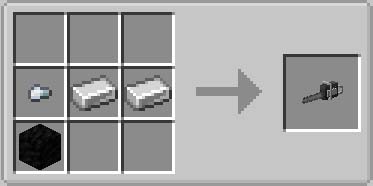
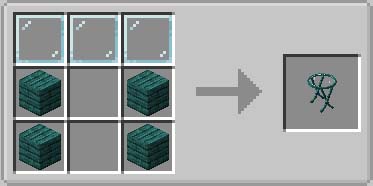
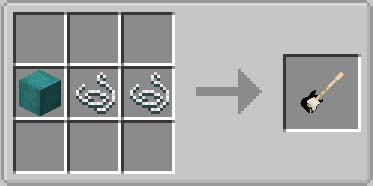
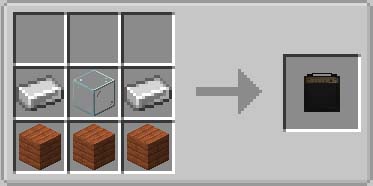
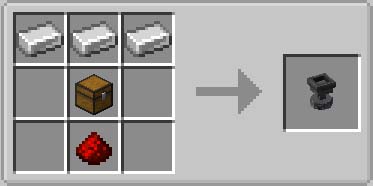
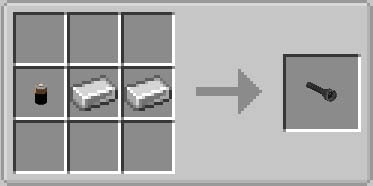
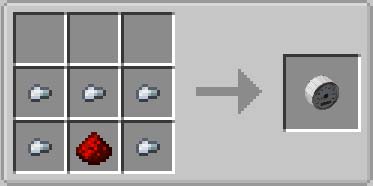
Modern Life Mod Download Links
- Edition: Minecraft Java
- File type: .jar
- Minecraft versions listed: 1.21.1, 1.20.1
- How to install: Install the matching mod loader (Forge, Fabric or NeoForge) for your Minecraft version. → Download the .jar. → Put it in the .minecraft/mods folder and launch that loader profile.
- Where to get it: In MC Java Mods, or directly above on this page.
Install steps are the general flow for this file type — How to install Minecraft Java mods & modpacks walks through it step by step.
- Downloads as 2455.mcaddon
- Download size: 4.0 MB
- Download link checked 25 Sept 2026 — working
- Mirrored on our own servers — the download does not depend on the original host
These come from our own check of the pack file, not from the source page.