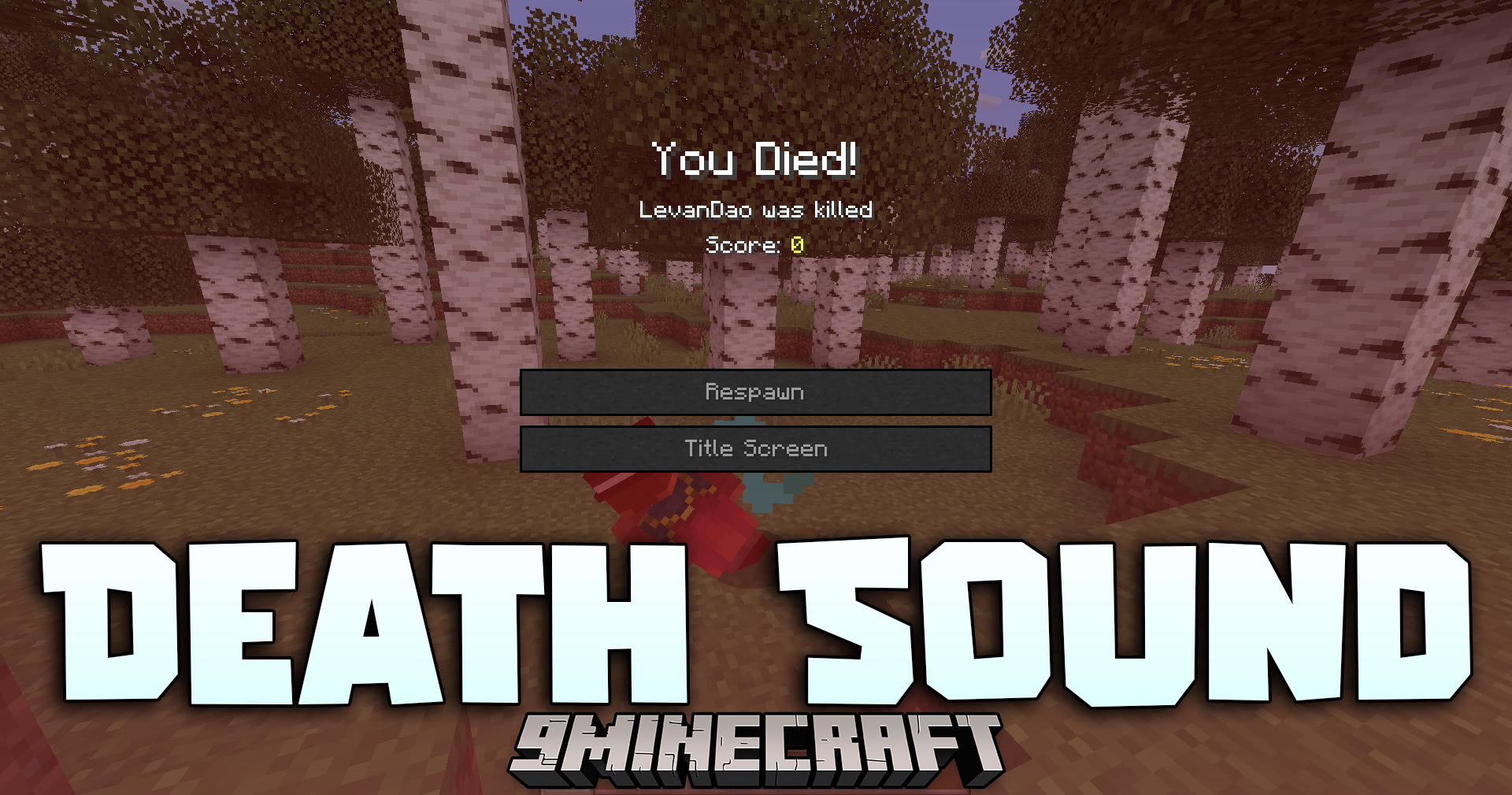
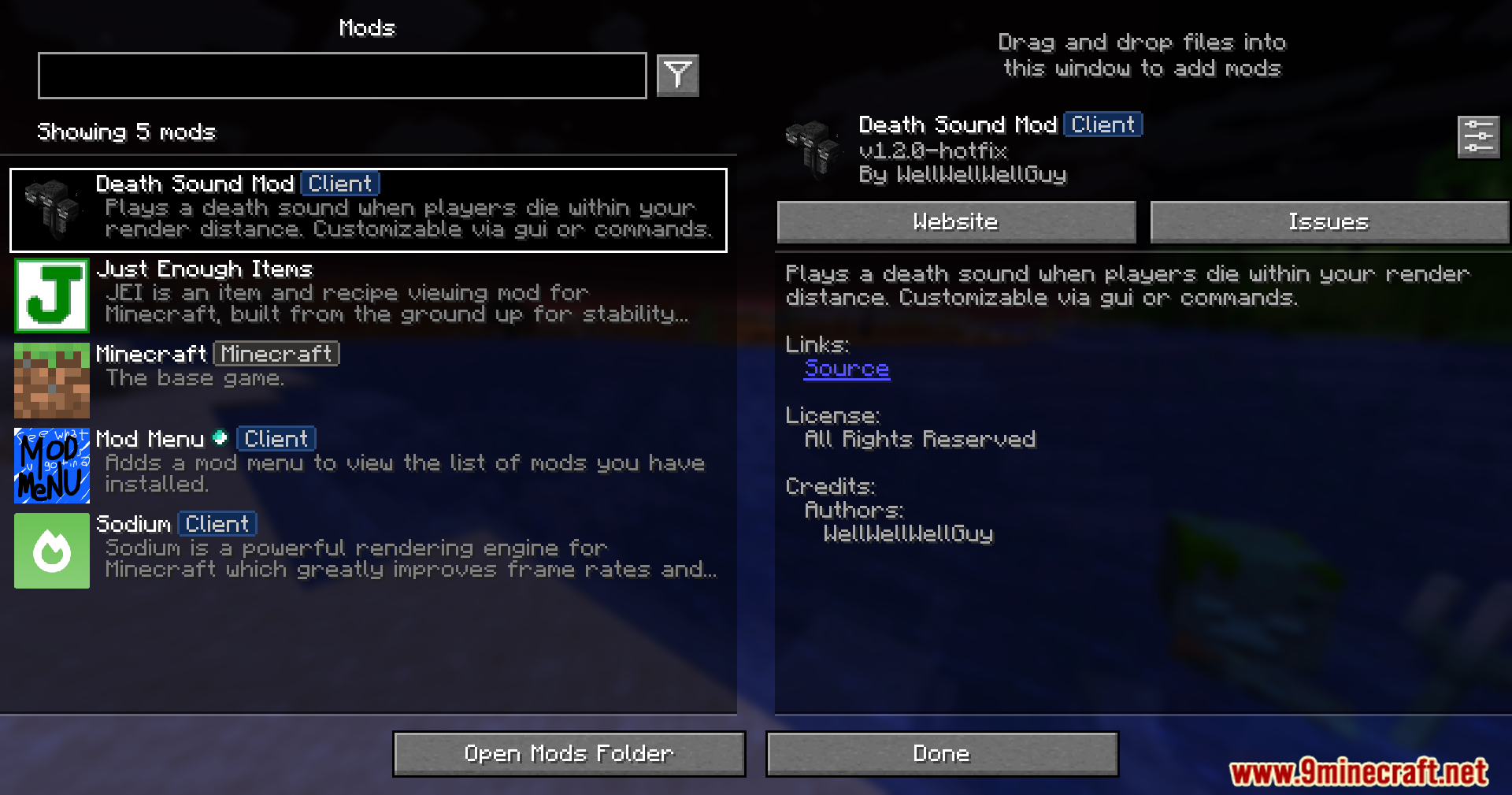
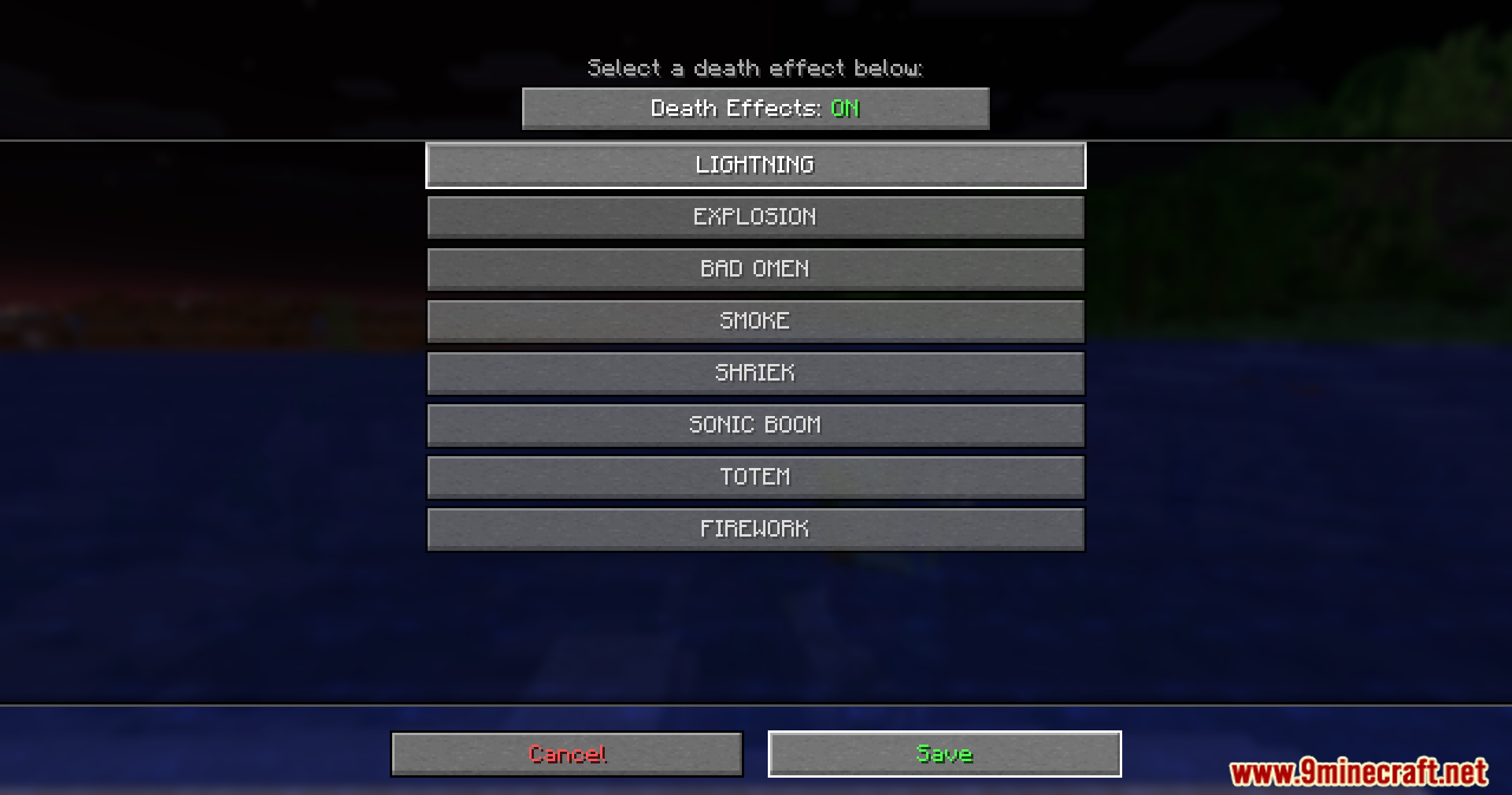
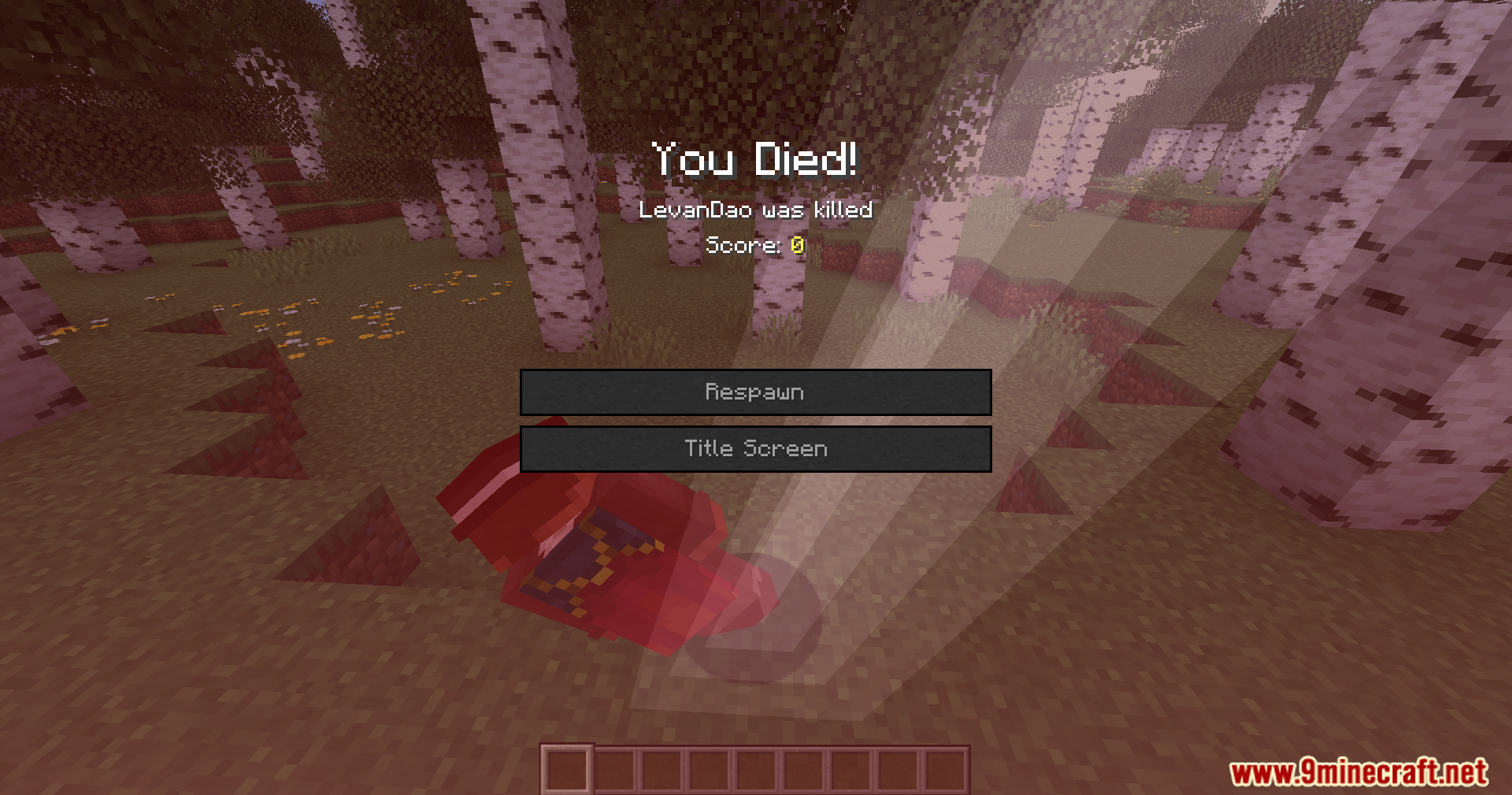
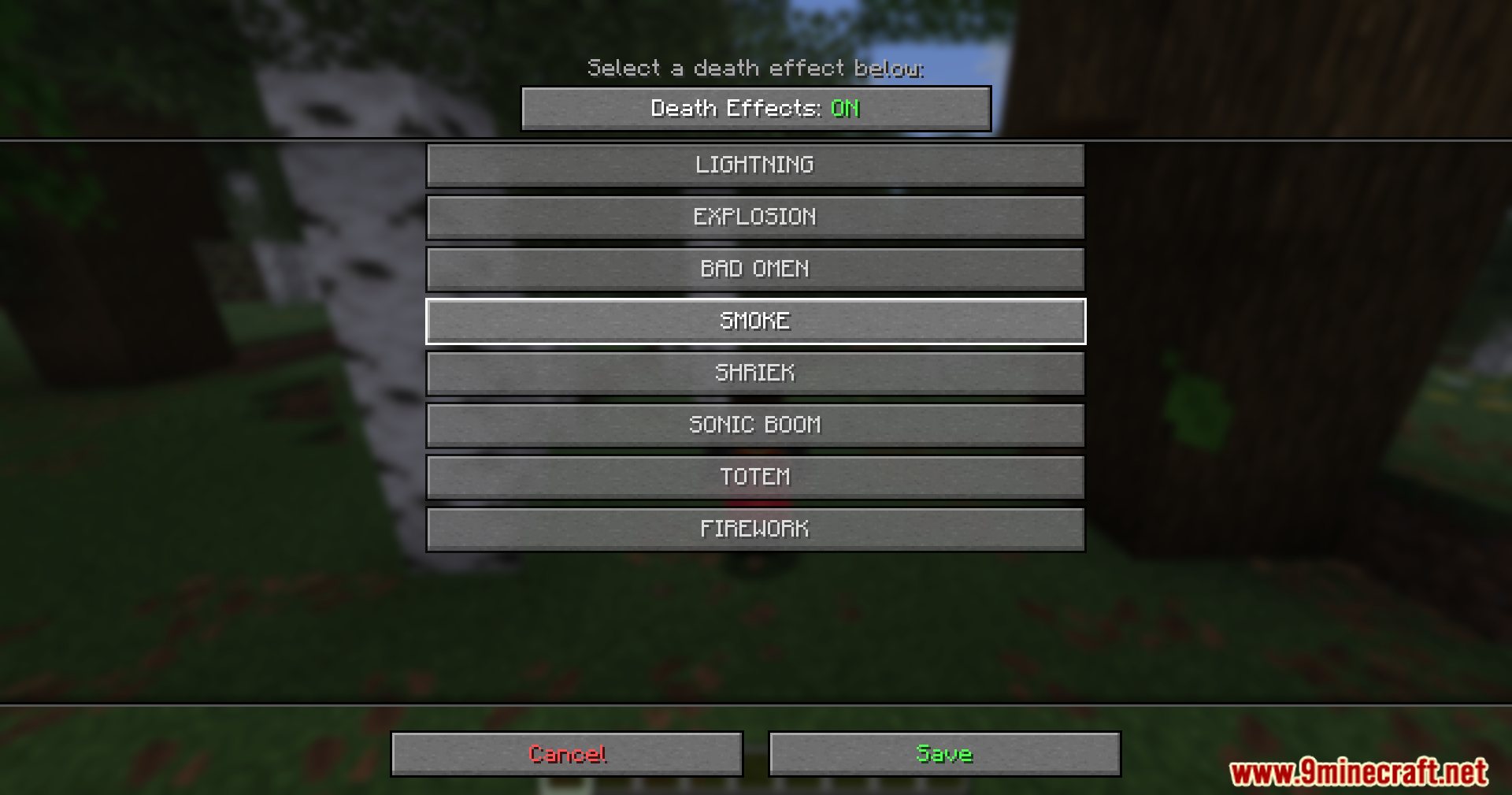
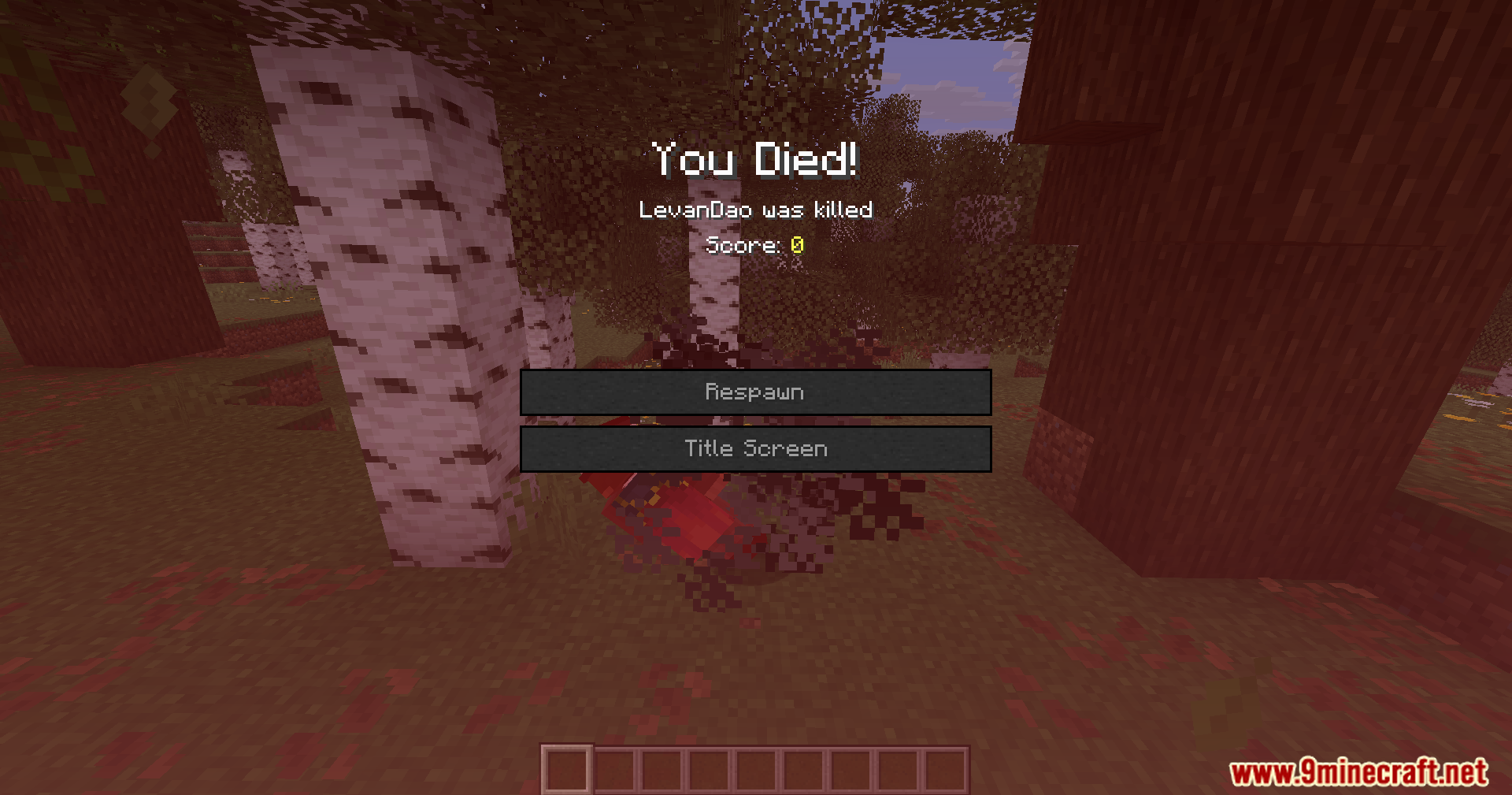
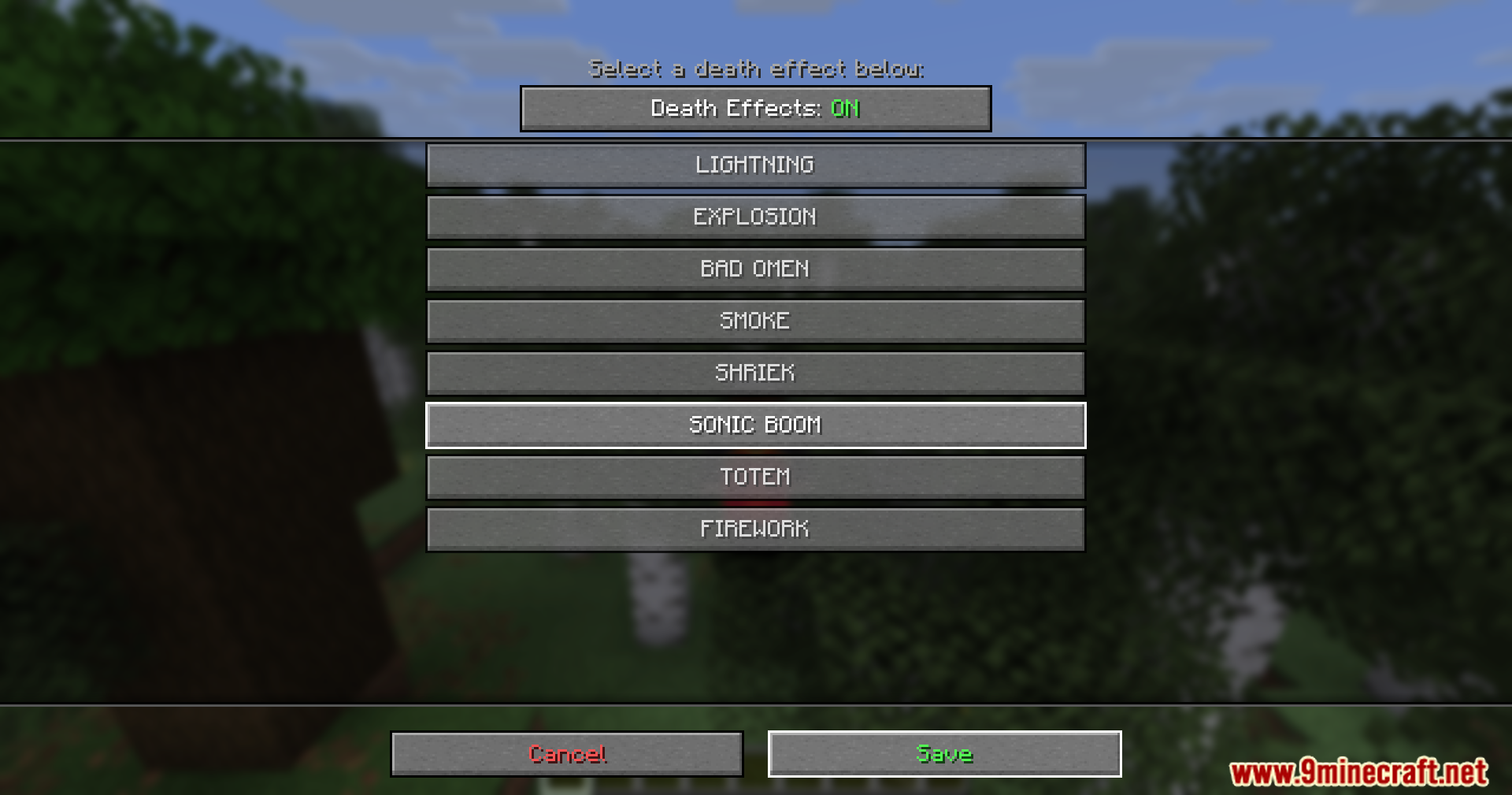
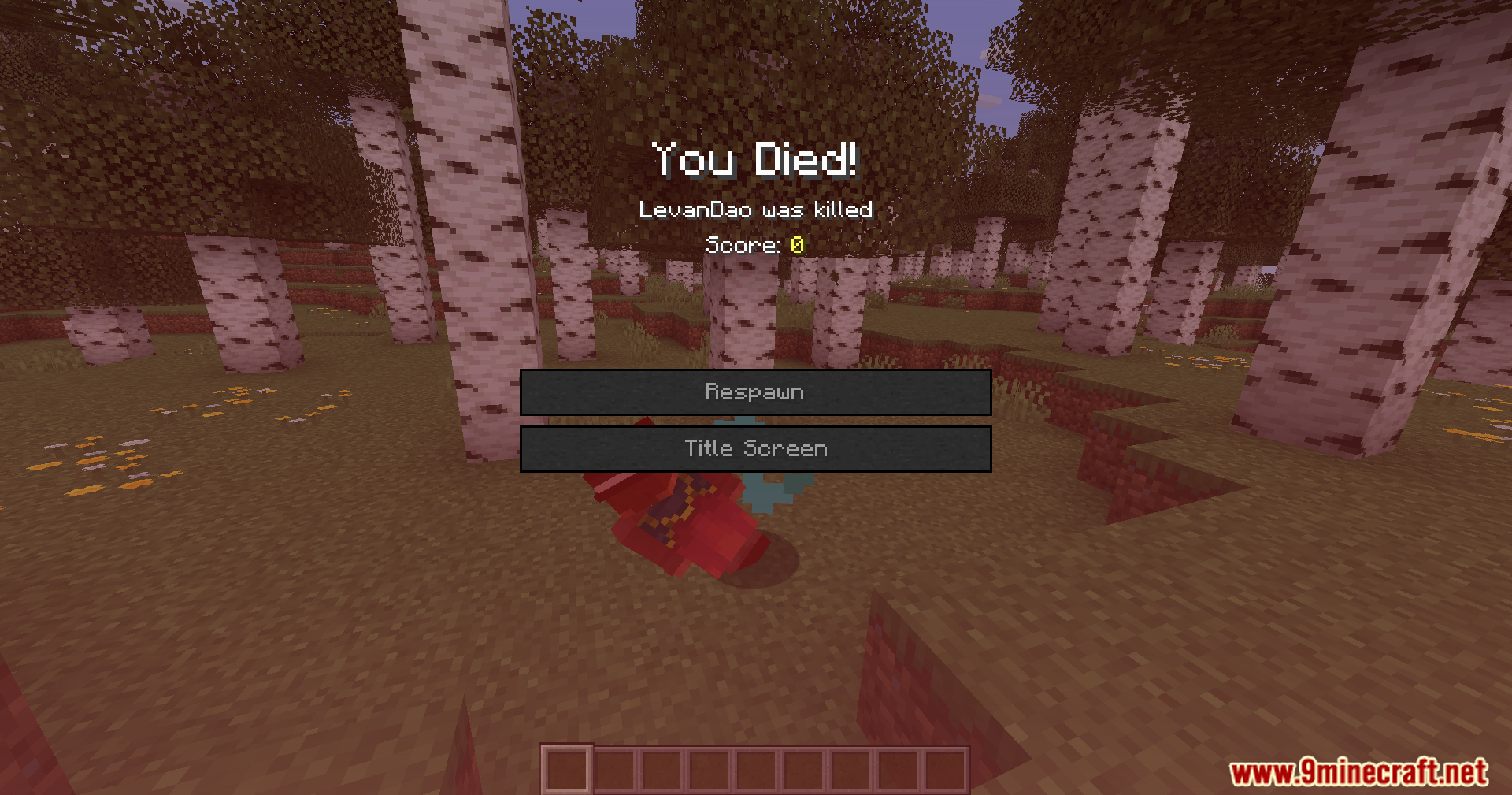
Death Sound Mod plays an audio cue whenever a player dies near you. This addition gives you a clear warning when someone falls in battle within your render distance. You do not need to install it on the server to hear the effects.
Features:
- Custom Audio: Lets you choose exactly what you hear when someone meets their end.
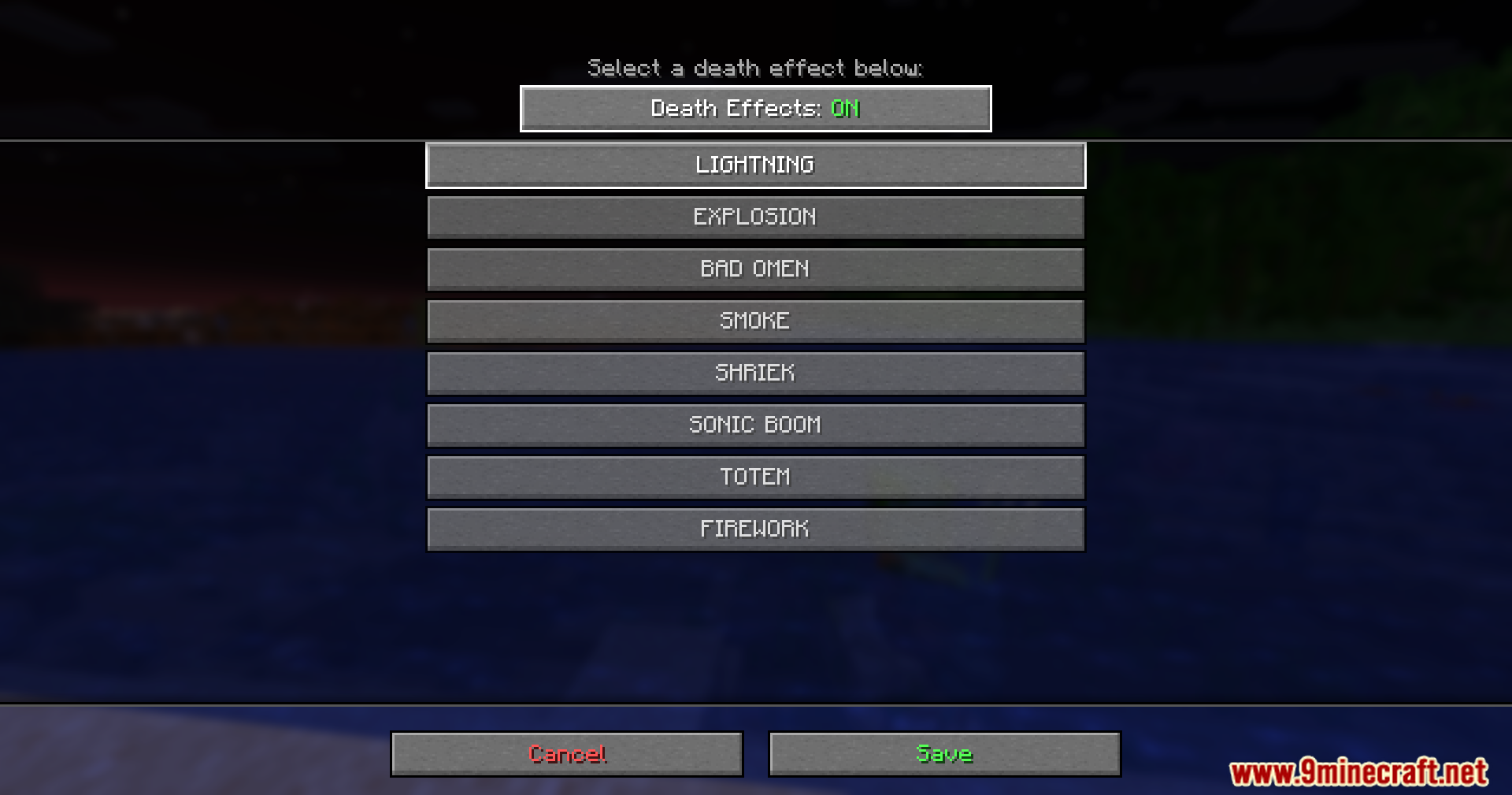
- Adds visual particle effects around the spot where the player falls.
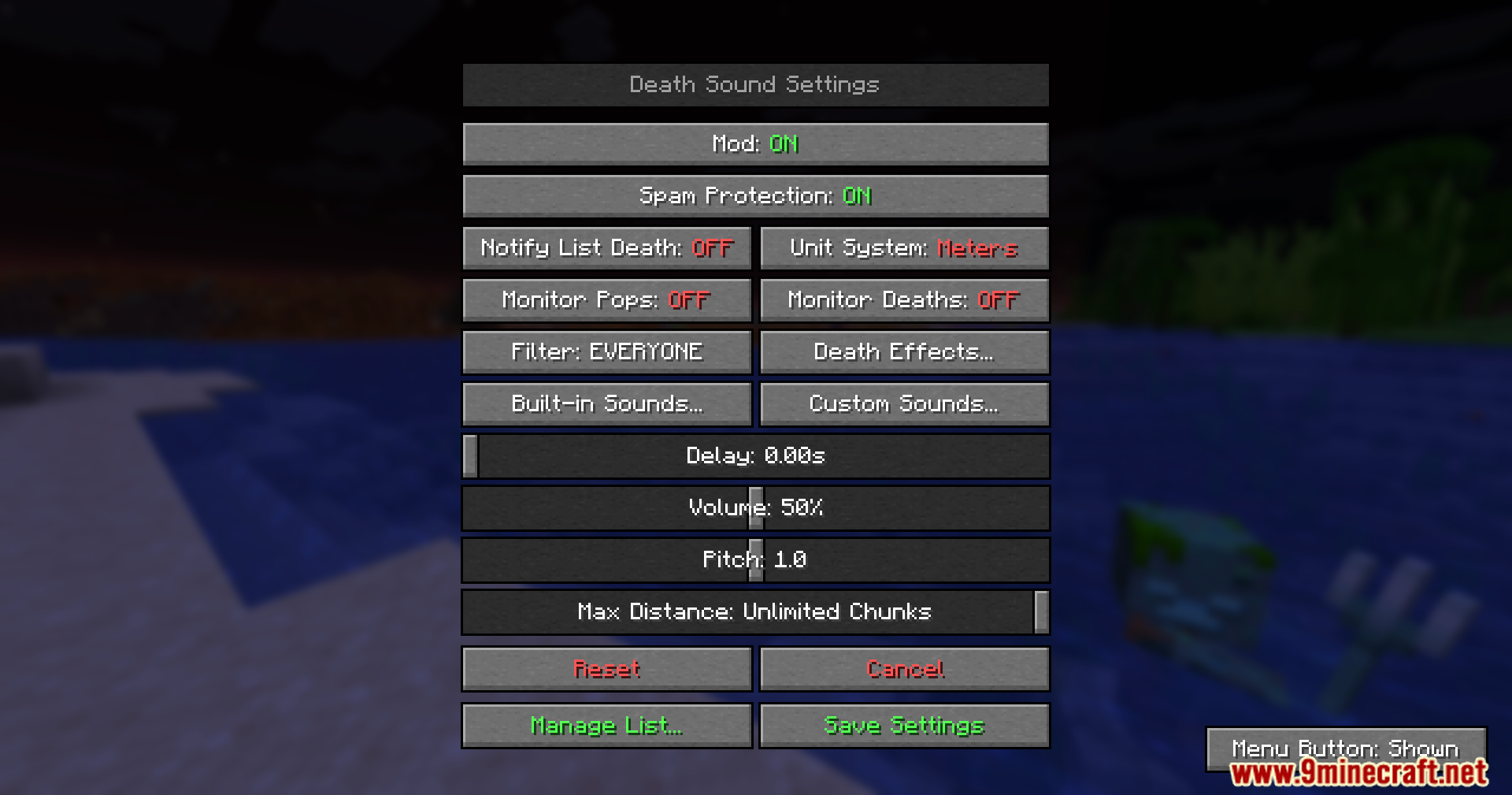
- Allows you to change the volume, pitch, and timing of the sound through an easy menu.
- Works entirely on your side, so you can join any server and still hear the warnings.
- Supports your own audio files if you want to use funny or scary noises from other games.
How to Use:
- Enable the Resource Pack called DeathSound-Resources in your game settings.
- Open the custom sound menu and click the Open Sound Folder button.
- Drop your custom .ogg files directly into this folder.
- Keep file names in all lowercase letters if you play on newer game versions.
- Select your new file from the menu to set it as your active warning.
Screenshots:
Death Sound Mod Download Links
Quick facts
- Edition: Minecraft Java
- File type: .jar
- Minecraft version listed: 1.20.1
- How to install: Install the matching mod loader (Forge, Fabric or NeoForge) for your Minecraft version. → Download the .jar. → Put it in the .minecraft/mods folder and launch that loader profile.
- Where to get it: In MC Java Mods, or directly above on this page.
Install steps are the general flow for this file type — How to install Minecraft Java mods & modpacks walks through it step by step.
Verified by MCModsHub
- Downloads as 2465.mcaddon
- Download size: 120 KB
- Download link checked 22 Sept 2026 — working
- Mirrored on our own servers — the download does not depend on the original host
These come from our own check of the pack file, not from the source page.