Jvitor's Chat Bubbles Mod (26.1.2, 1.21.1) – See Chat Above Player Heads
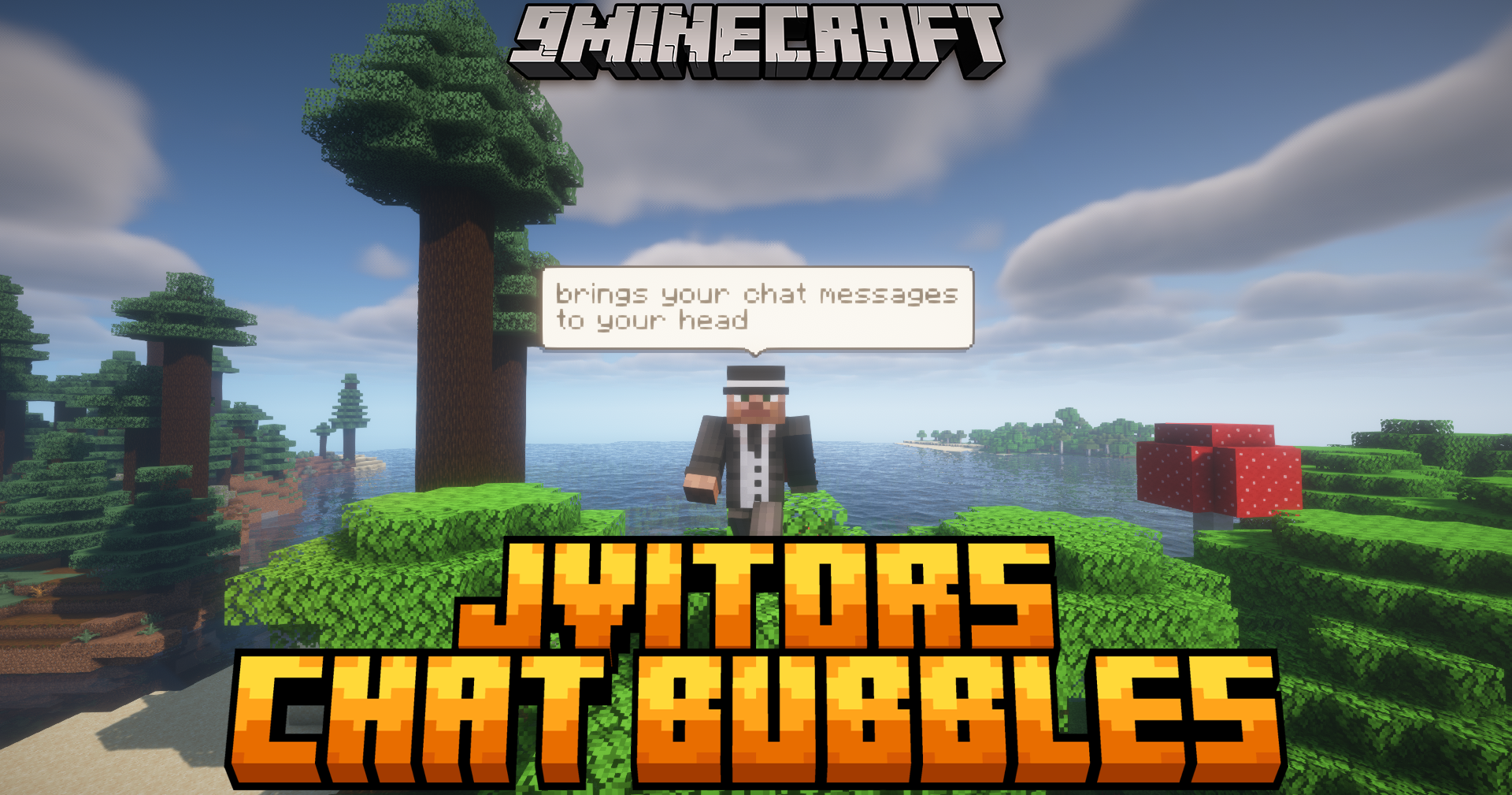
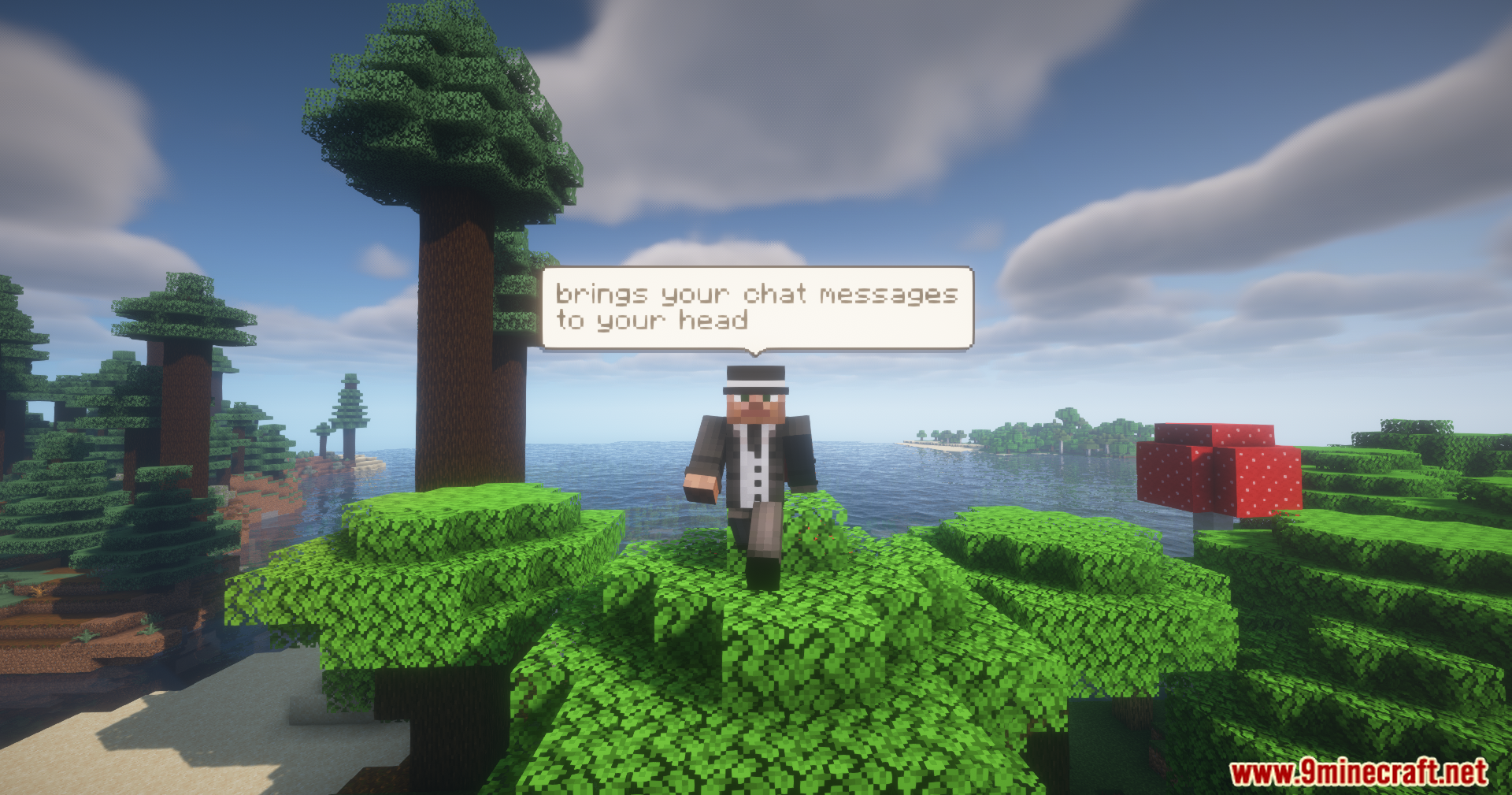
Jvitor's Chat Bubbles Mod puts your text messages right over your character in the game. When you type in the chat, a small box appears above your head…
⬇ Download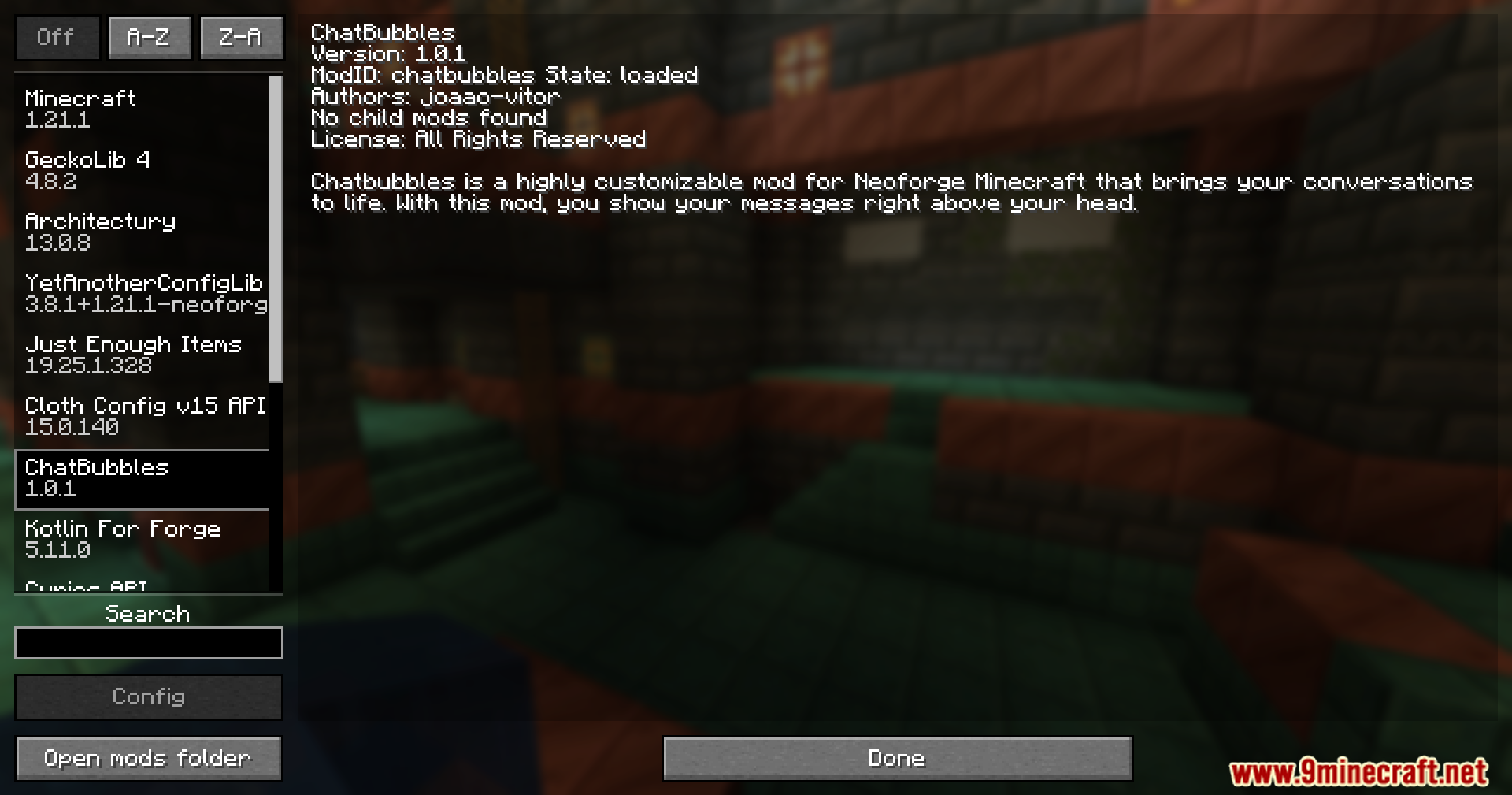
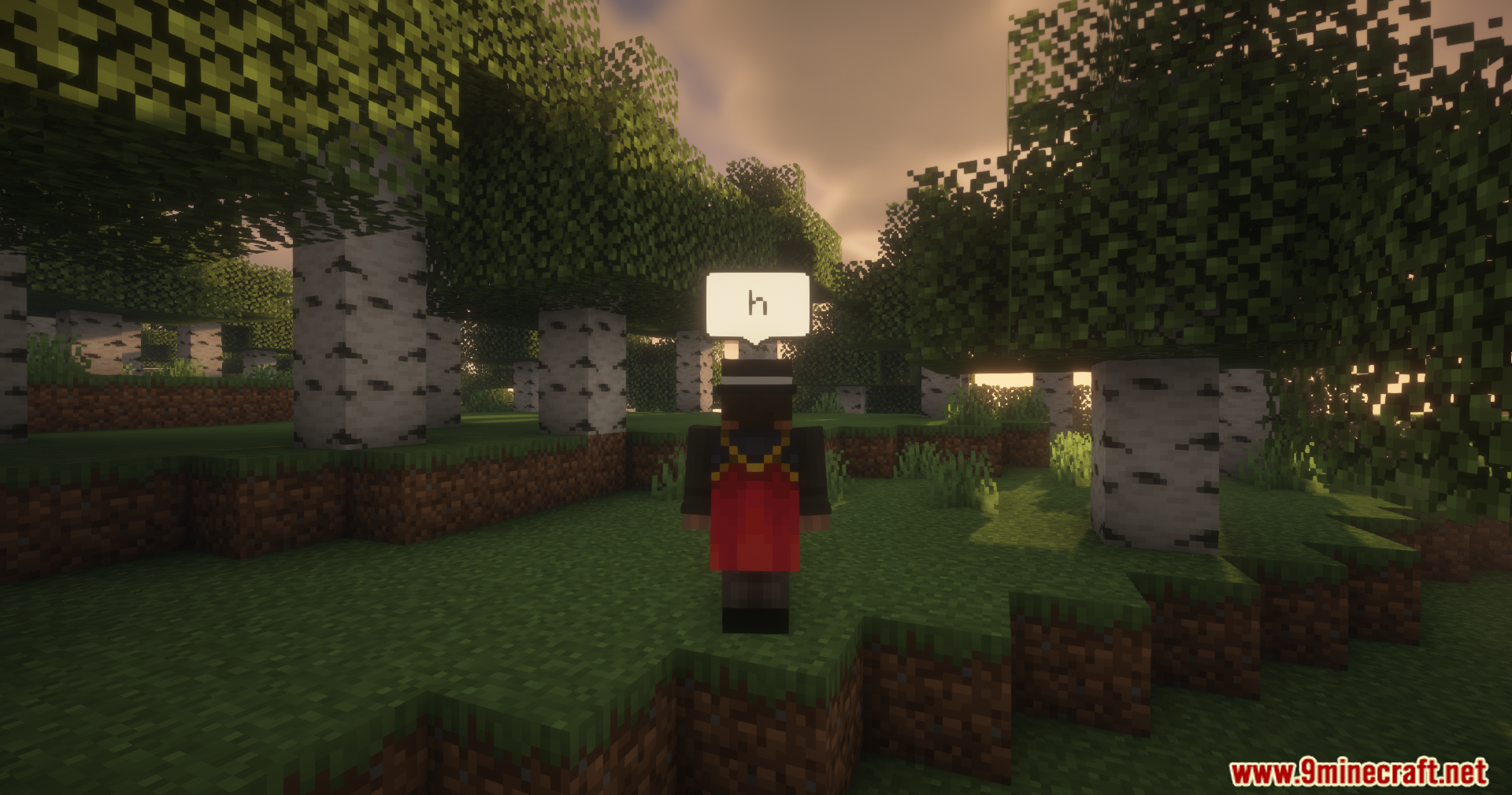
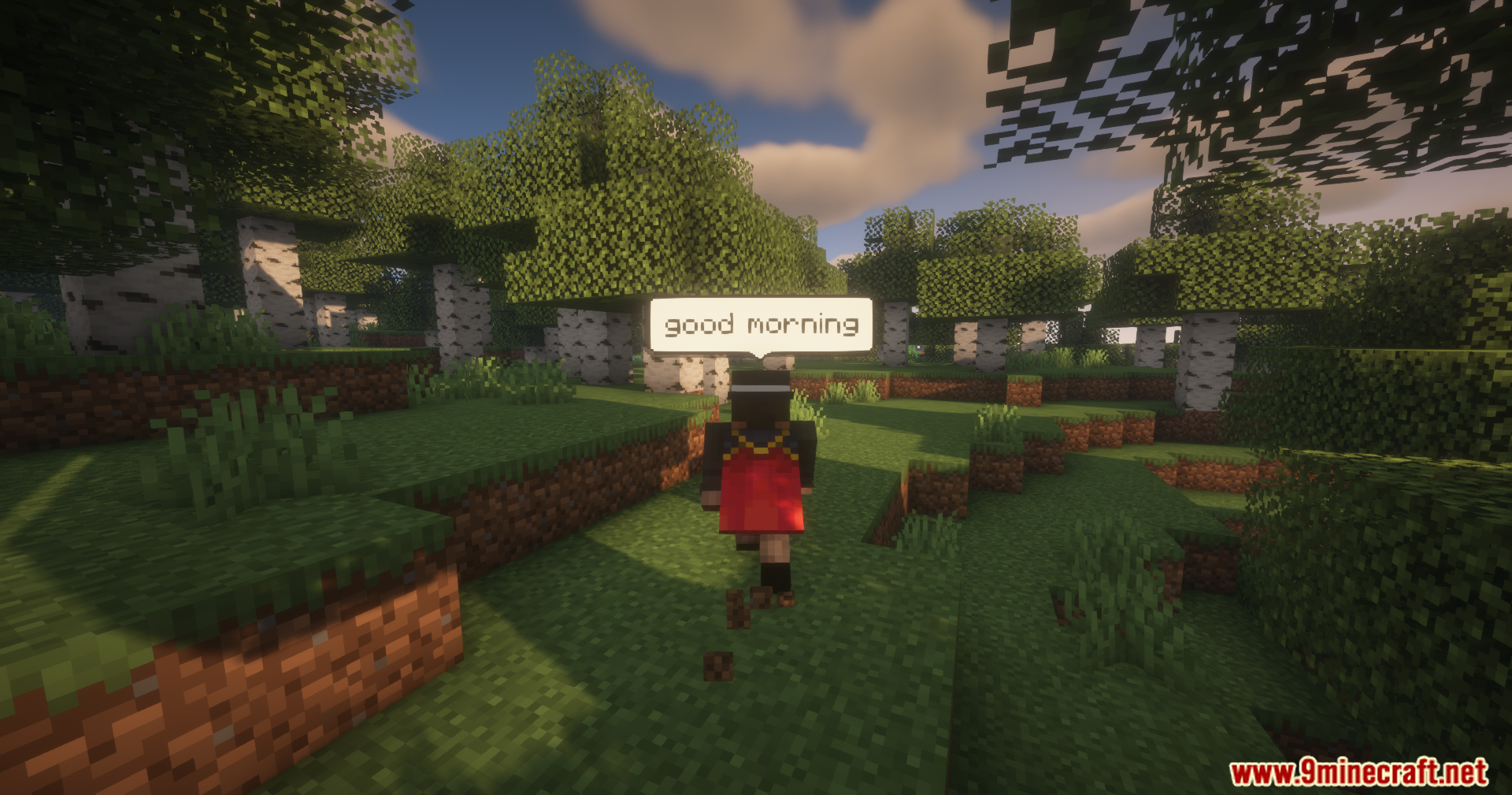
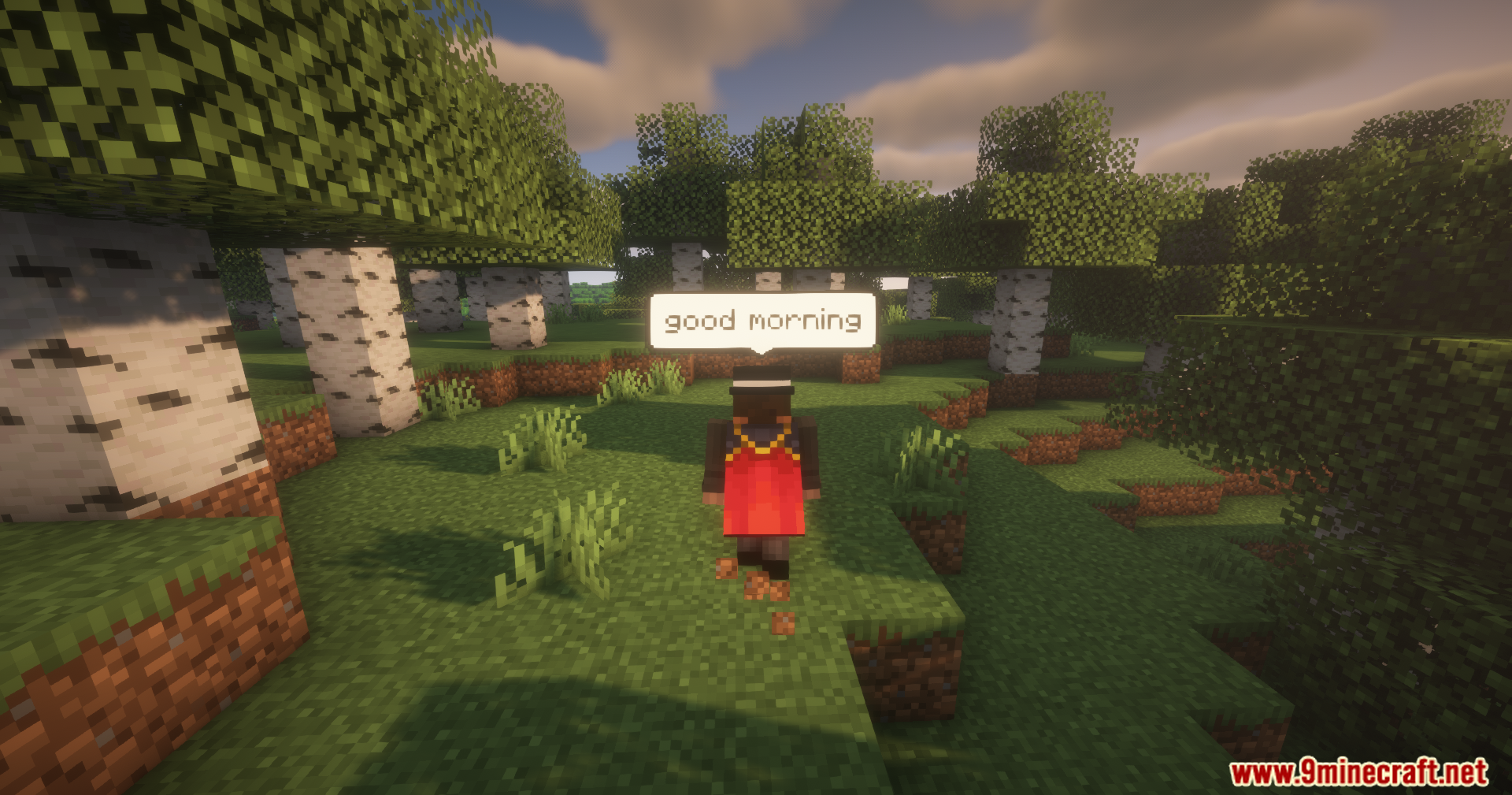
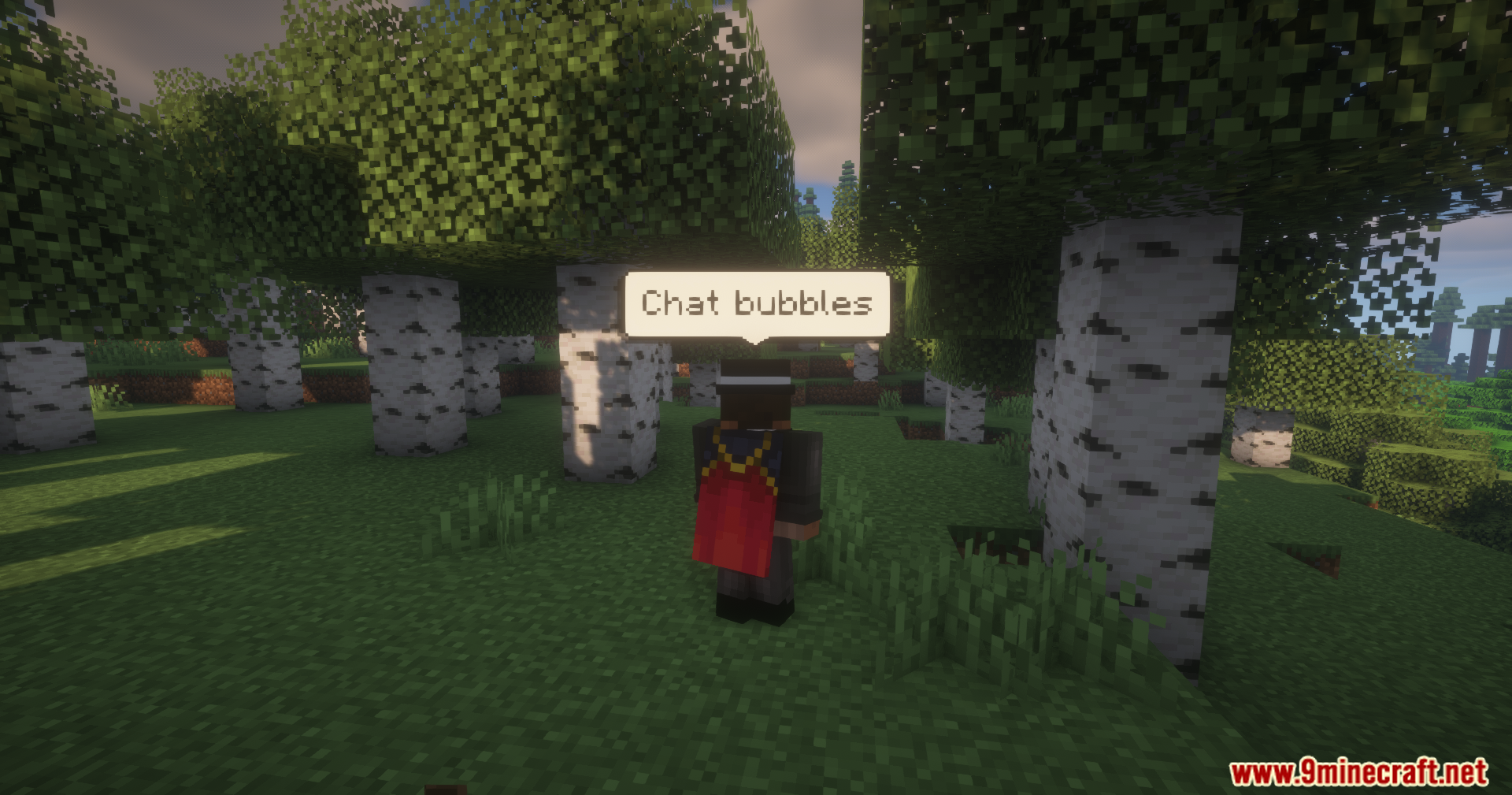
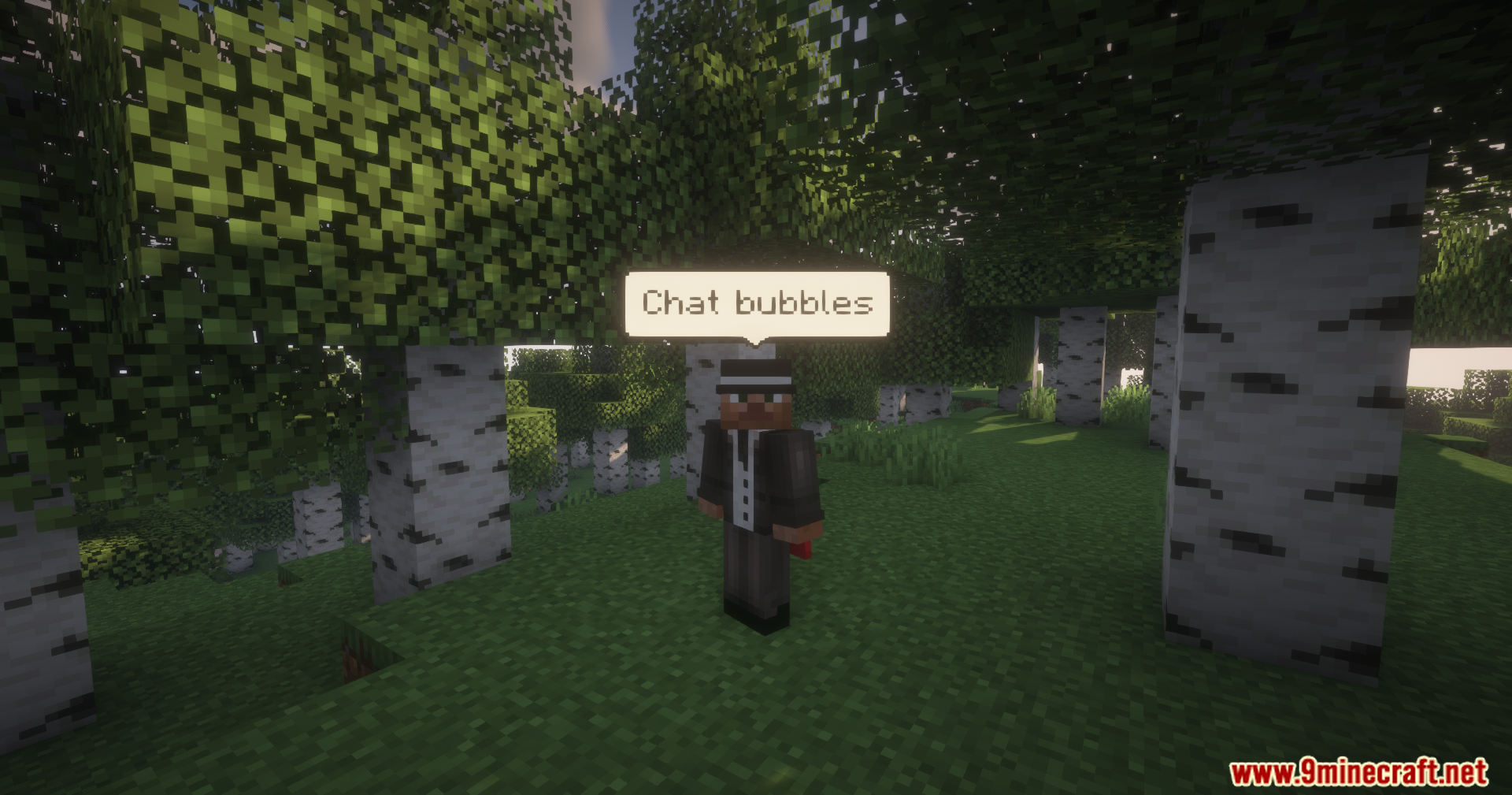
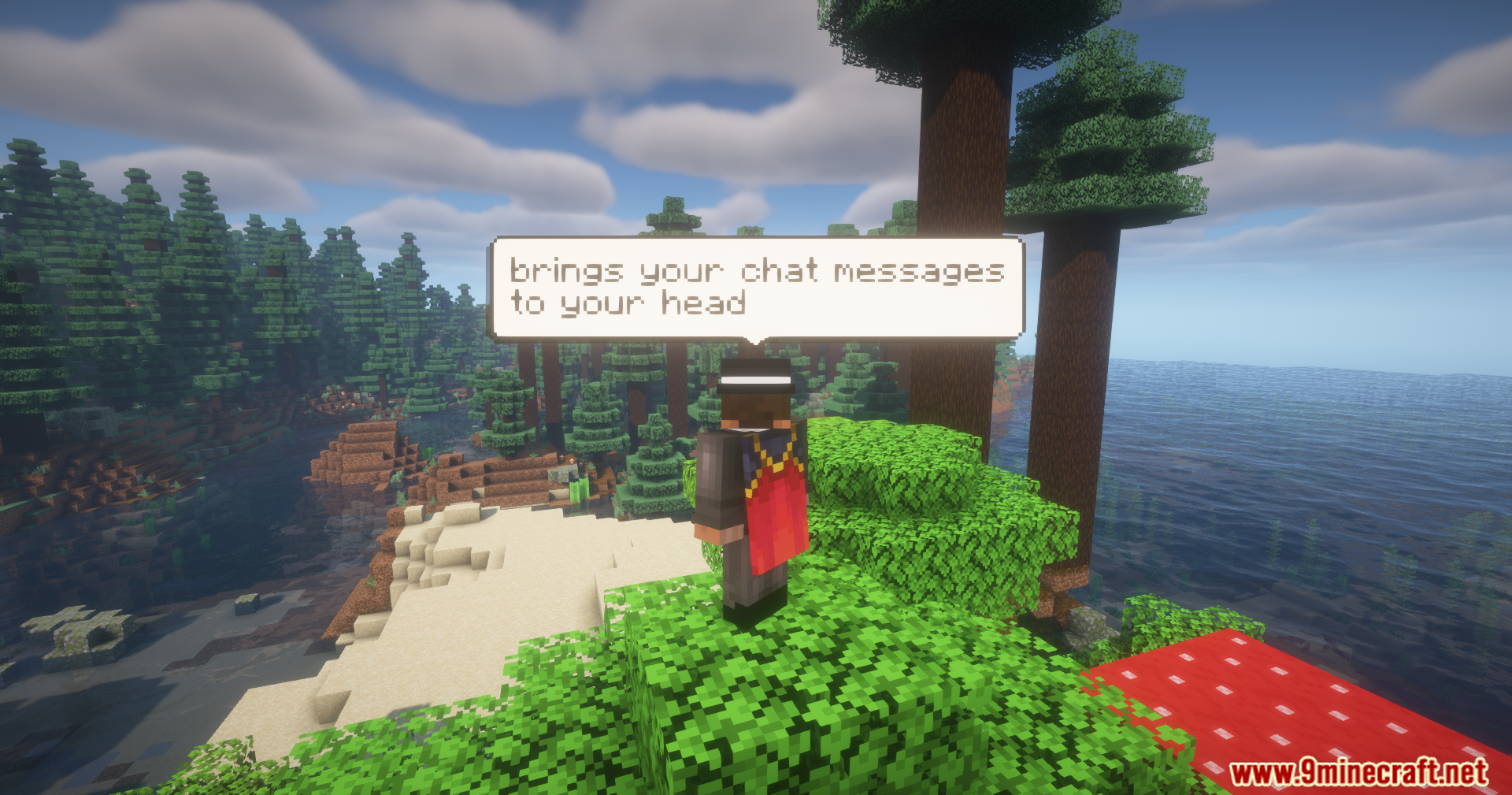
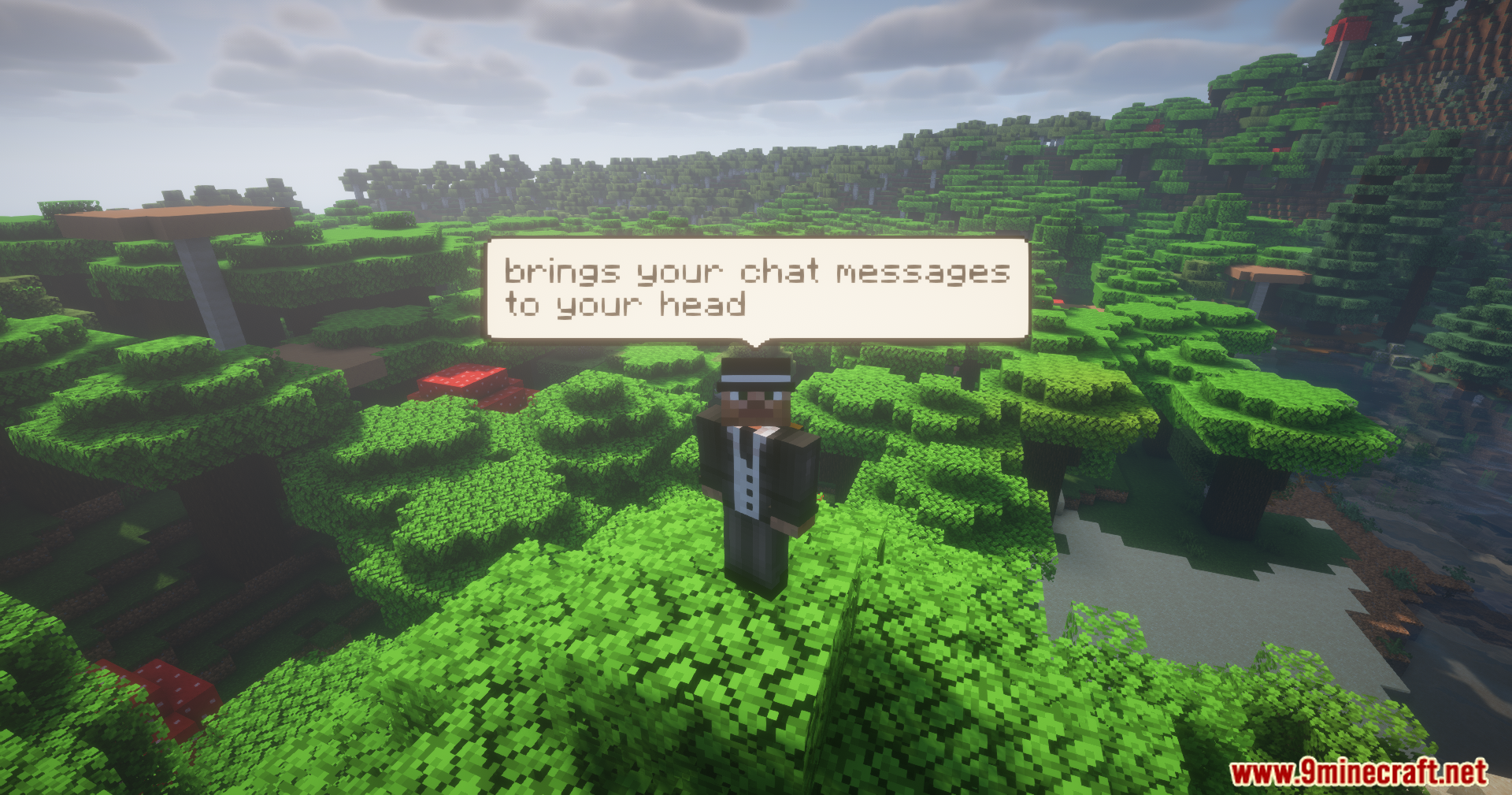
Jvitor’s Chat Bubbles Mod puts your text messages right over your character in the game. When you type in the chat, a small box appears above your head for everyone to read. This mod works great for multiplayer servers where you want to talk to friends face-to-face. You can change how your text boxes look with different colors and spacing settings. It needs to be running on both the server and the player’s game to work right.
Features:
- Floating Text Boxes: See what other players type right above their characters instead of looking at the chat corner.
- Color Customization: Change the background, border, and text colors of your own message box.
- Adjustable Height: Move the text box closer or further away from your character’s head.
- Bubble Spacing: Change how much room is between multiple messages floating above you.
- Hide Nametags: Make your player name disappear while a message is showing above you.
Commands:
/chatbubbles bgColor hexCode: Changes the background color. Do not use the # symbol (for example, use FFFFFF)./chatbubbles borderColor hexCode: Changes the border color around the box./chatbubbles textColor hexCode: Changes the color of your text./chatbubbles offset value: Changes the distance from your head. The recommended value is 2.0 or higher. Negative values are for smaller character models./chatbubbles spacing value: Changes distance between multiple boxes. The value must be between 1.0 and 10.0./chatbubbles hideNametag true/false: Turns your nametag off or on when talking.
Configuration:
- Set the maximum amount of boxes allowed above a player’s head.
- Set default values for height, spacing, and hiding nametags.
- Change the padding space inside the box.
- Change how long a message stays on the screen before fading away.
Screenshots:
Jvitor’s Chat Bubbles Mod Download Links
- Edition: Minecraft Java
- File type: .jar
- Minecraft version listed: 1.21.1
- How to install: Install the matching mod loader (Forge, Fabric or NeoForge) for your Minecraft version. → Download the .jar. → Put it in the .minecraft/mods folder and launch that loader profile.
- Where to get it: In MC Java Mods, or directly above on this page.
Install steps are the general flow for this file type — How to install Minecraft Java mods & modpacks walks through it step by step.
- Downloads as 2468.mcaddon
- Download size: 69 KB
- Download link checked 23 Sept 2026 — working
- Mirrored on our own servers — the download does not depend on the original host
These come from our own check of the pack file, not from the source page.