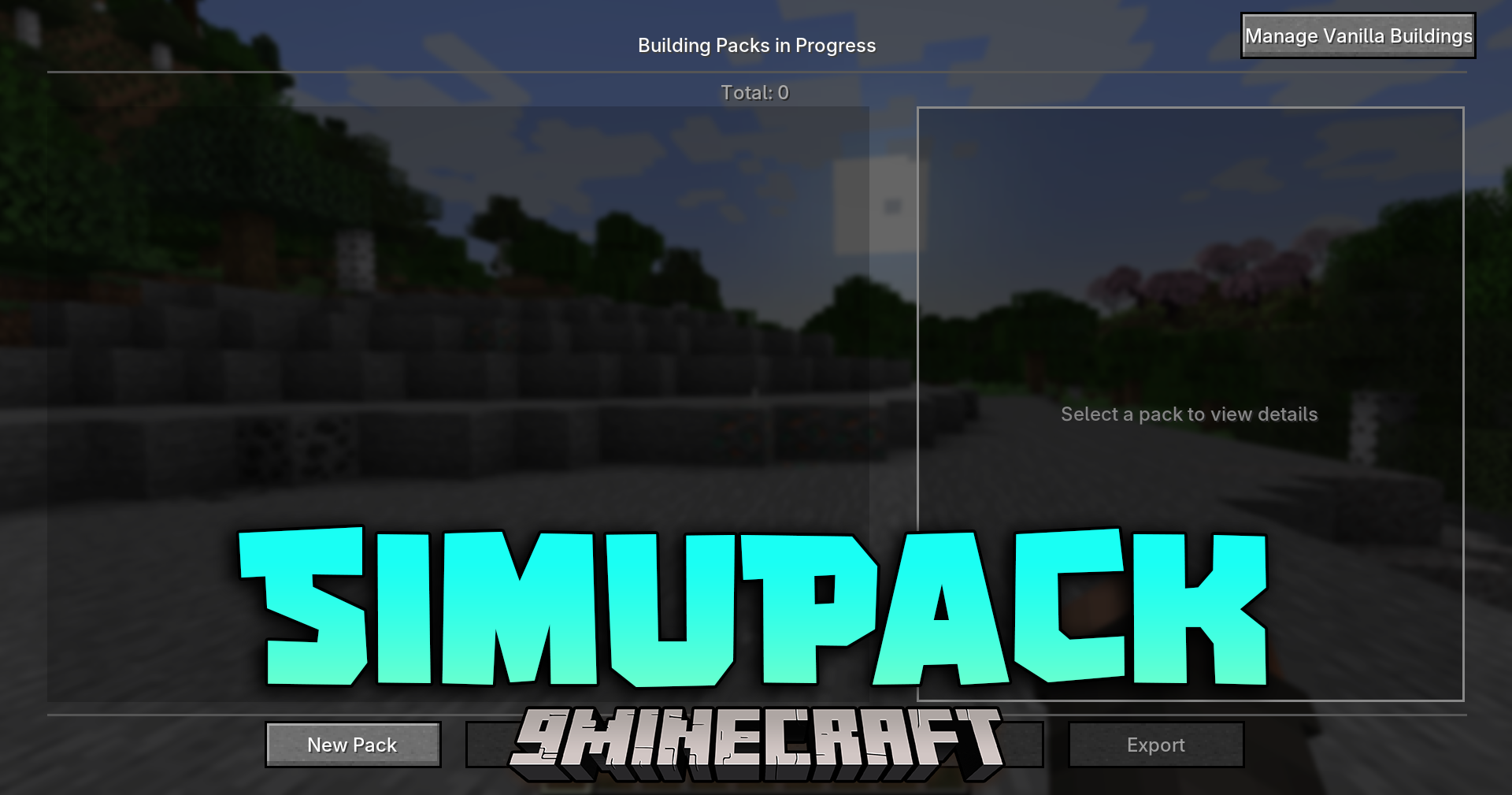
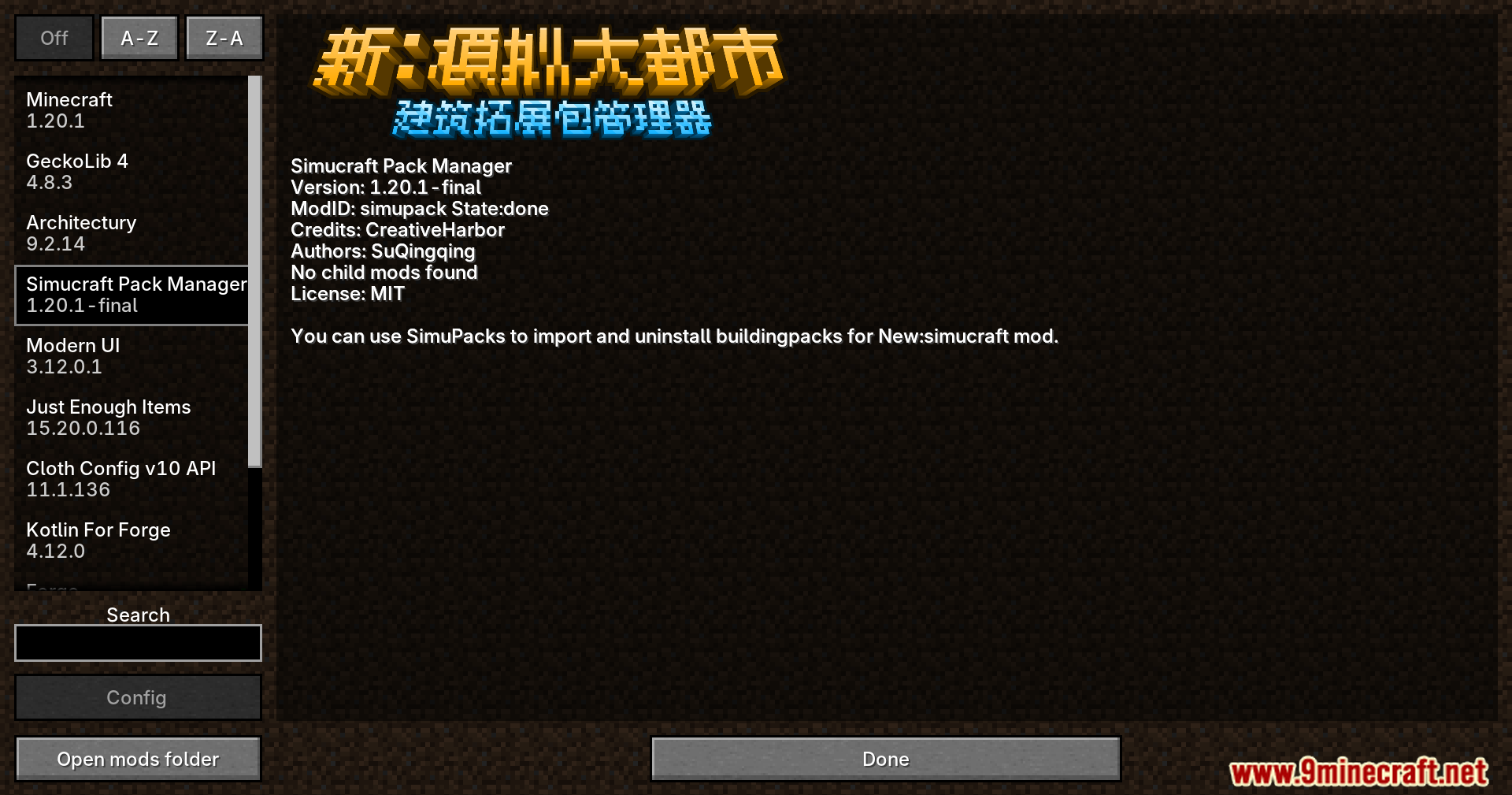
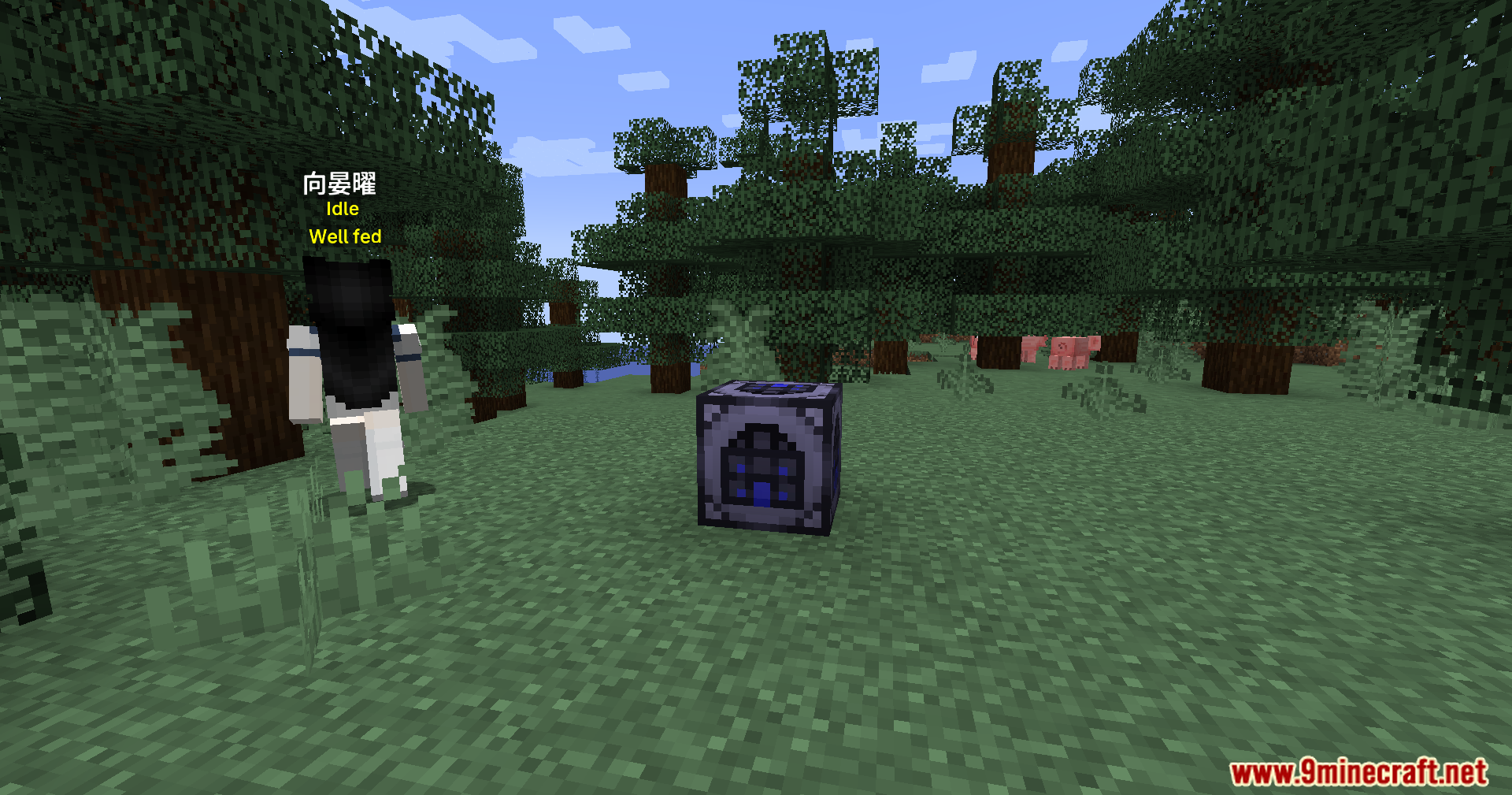
SimuPack Mod adds an easy way to manage custom building packs for New:Sim-U-Kraft. It gives you the tools to create, install, and remove your own city structures directly from inside your Minecraft world.
Features:
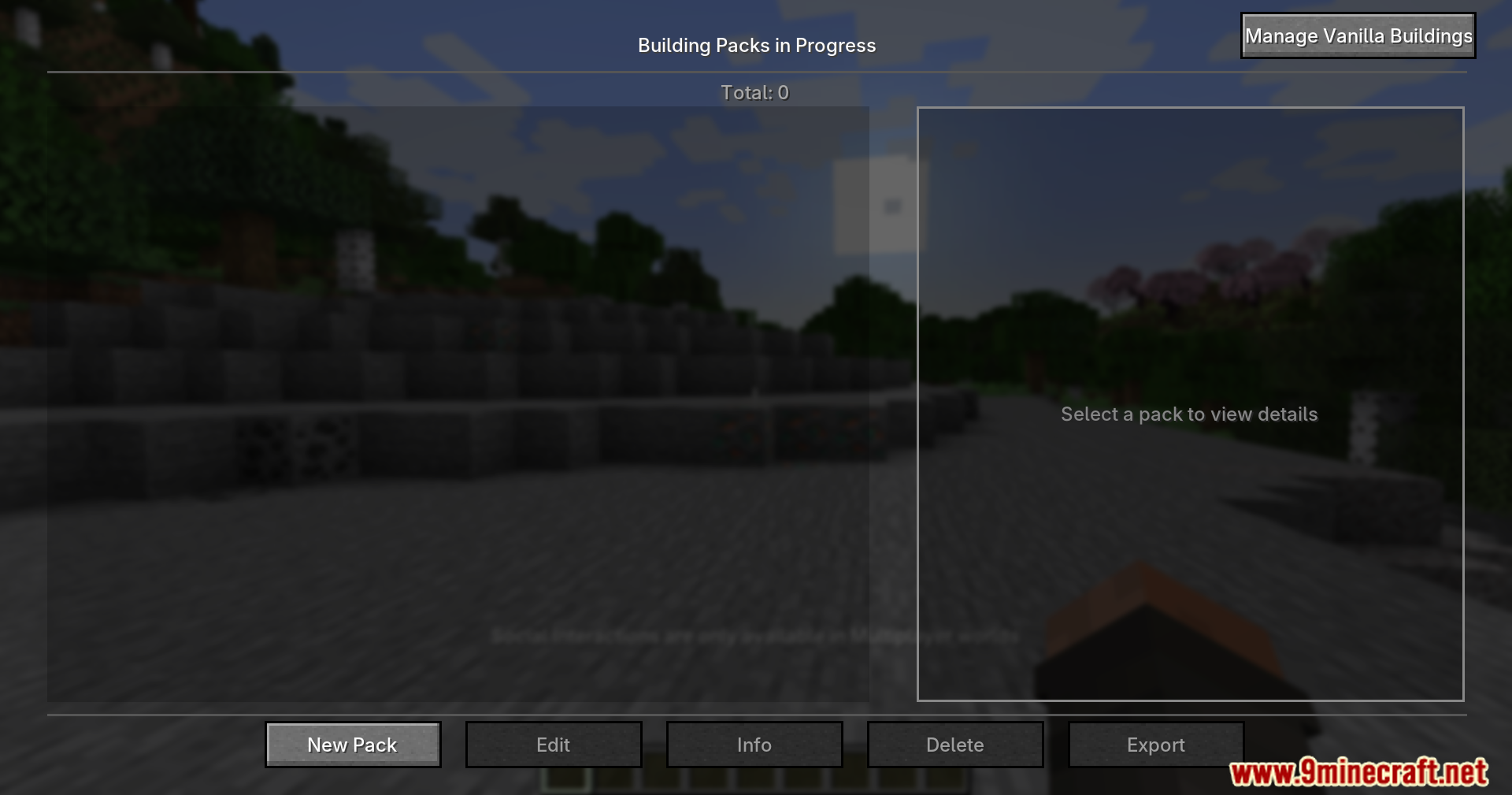
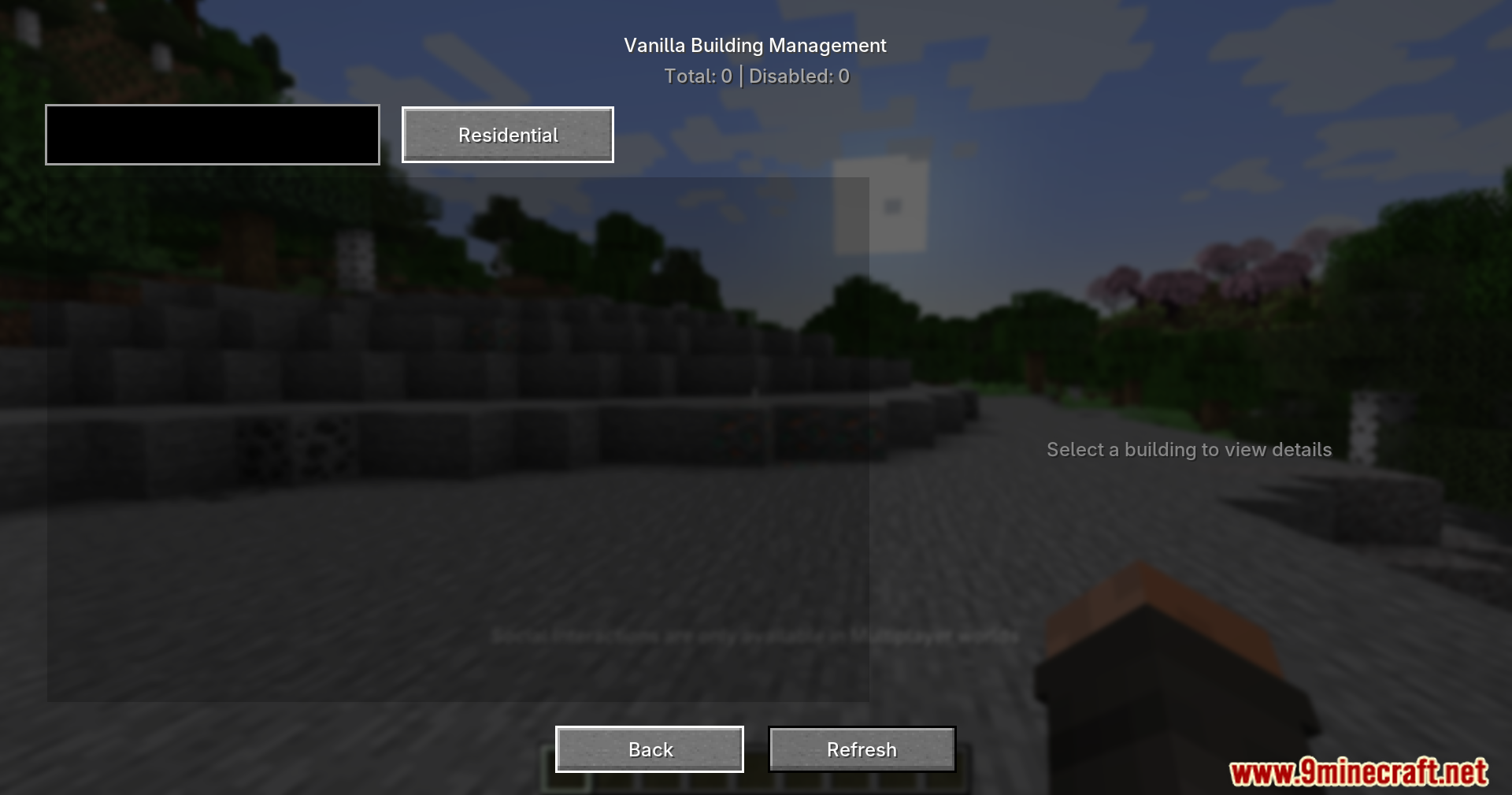
- You can install or remove building packs using a simple menu screen or chat commands.
- Lets you drag and drop pack files right into the game window to load them.
- Players can select buildings in the world by clicking left and right, then pressing enter to save the shape.
- Automatically finds out which other mods your new building needs to work properly.
- Gives you text boxes to type in a name, price, and description for your custom pack.
- Turns your finished building into a ready-to-share file with just one click.
- Runs completely on your side of the game, so it works perfectly on multiplayer servers.
How to Use:
- Press P on your keyboard to open your personal workspace menu.
- Click the left and right mouse buttons on blocks to select the corners of your building.
- Press Enter to save the selected building shape.
- Type in the details like the price and name, then click the export button to save your file.
- Drag a finished pack file from your computer directly into the game menu to import it.
Screenshots:
SimuPack Mod Download Links
Quick facts
- Edition: Minecraft Java
- File type: .jar
- Minecraft version listed: 1.20.1
- How to install: Install the matching mod loader (Forge, Fabric or NeoForge) for your Minecraft version. → Download the .jar. → Put it in the .minecraft/mods folder and launch that loader profile.
- Where to get it: In MC Java Mods, or directly above on this page.
Install steps are the general flow for this file type — How to install Minecraft Java mods & modpacks walks through it step by step.
Verified by MCModsHub
- Downloads as 2478.mcaddon
- Download size: 468 KB
- Download link checked 26 Sept 2026 — working
- Mirrored on our own servers — the download does not depend on the original host
These come from our own check of the pack file, not from the source page.