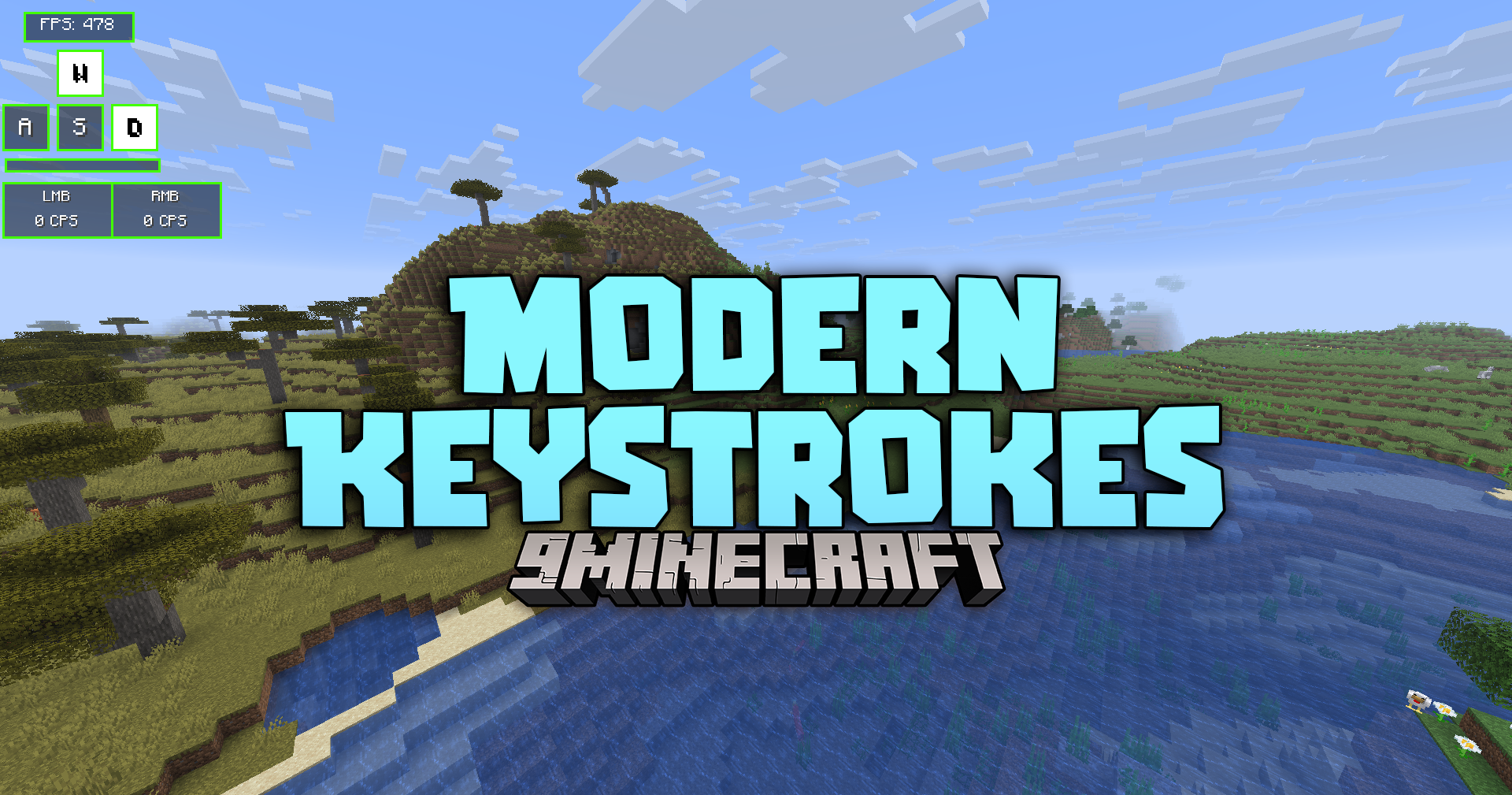
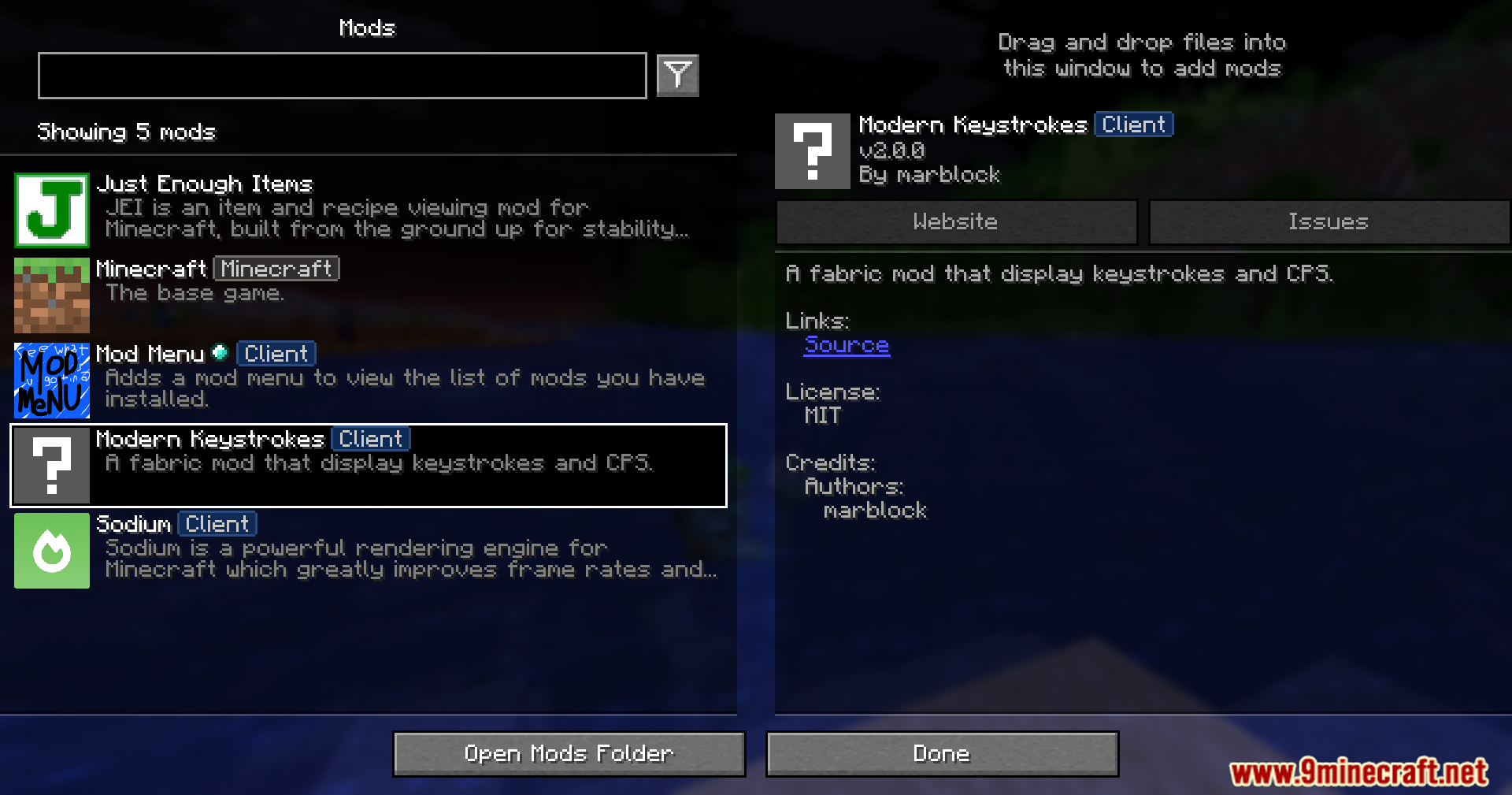
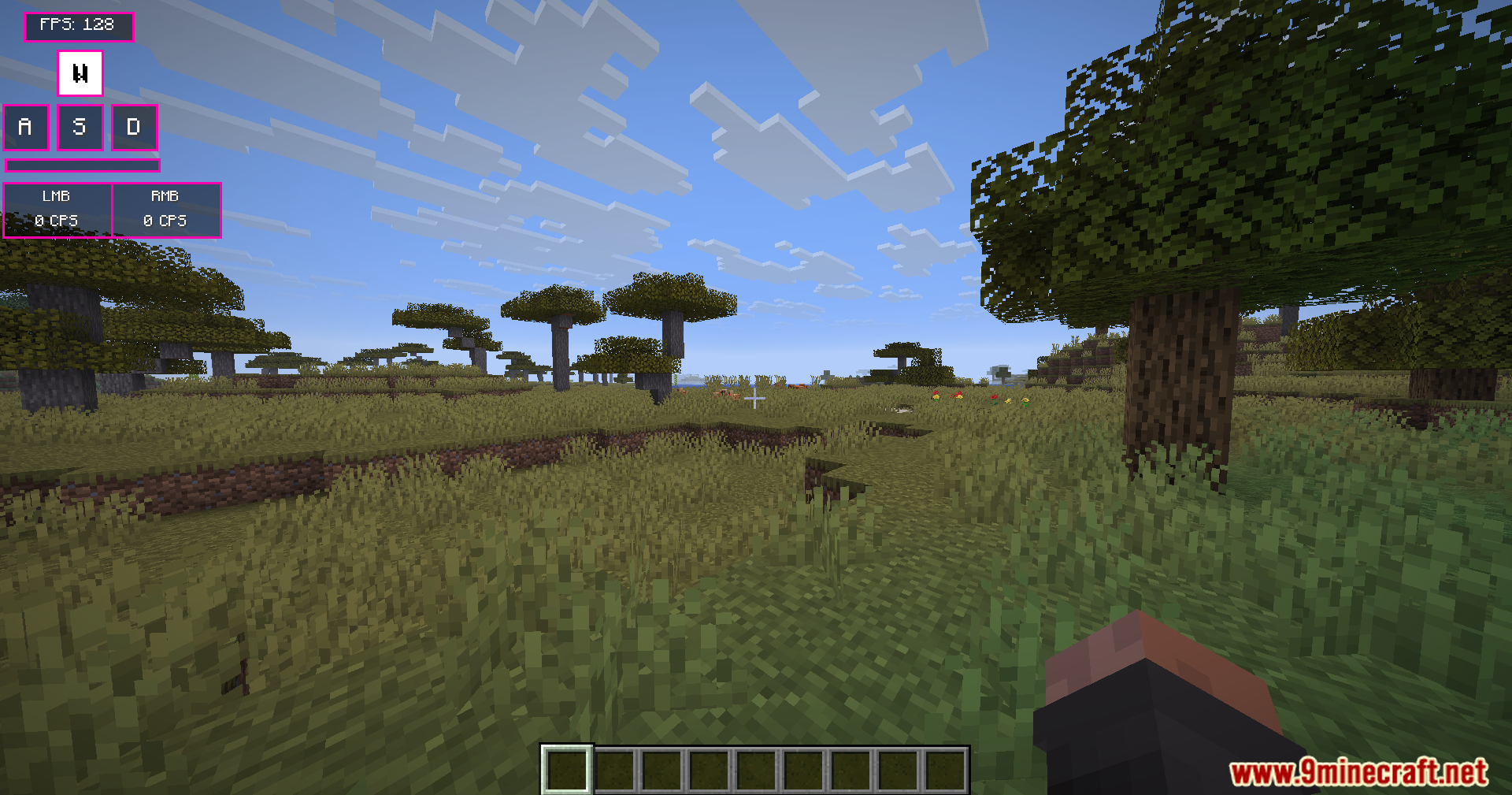
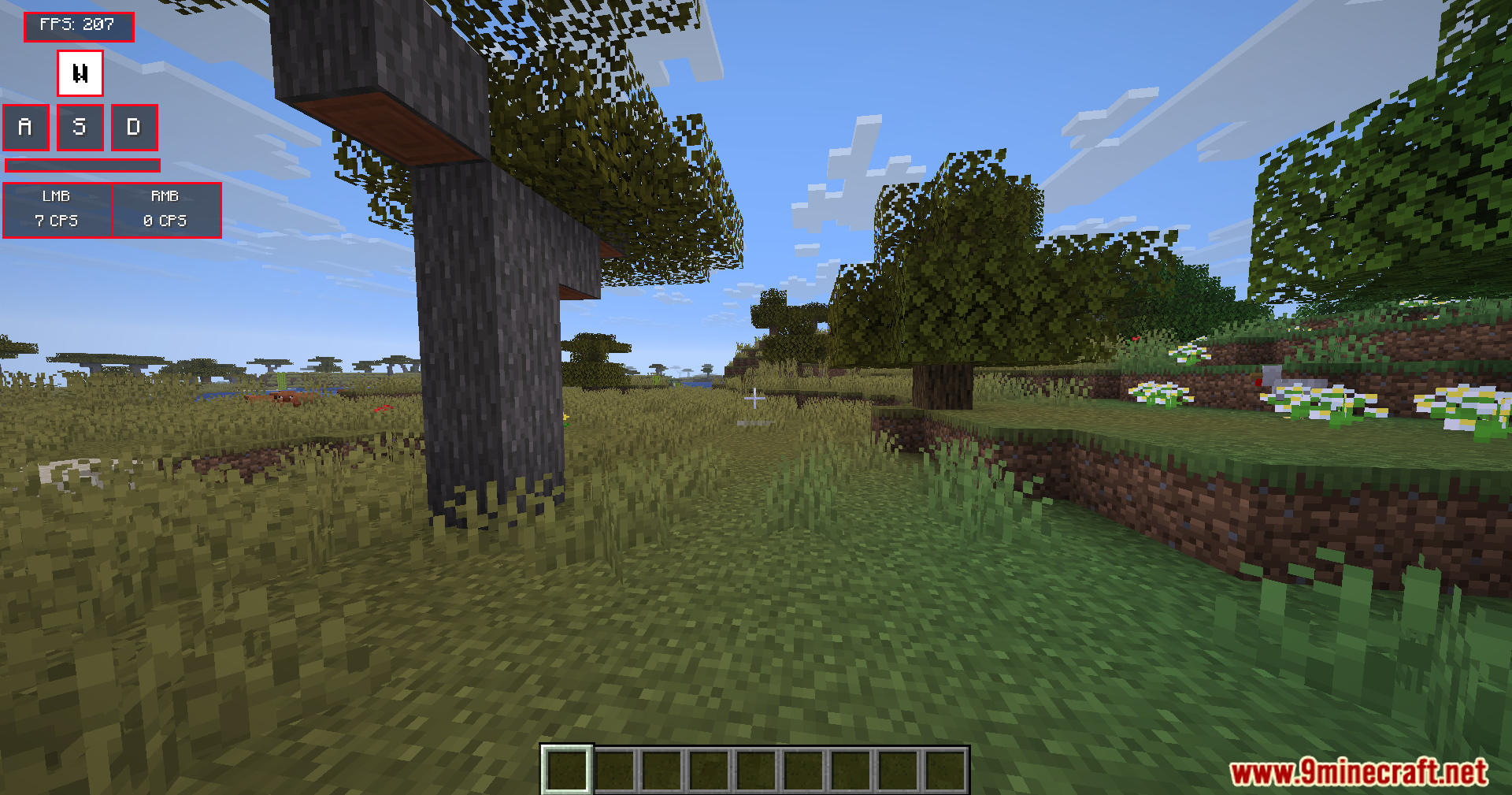
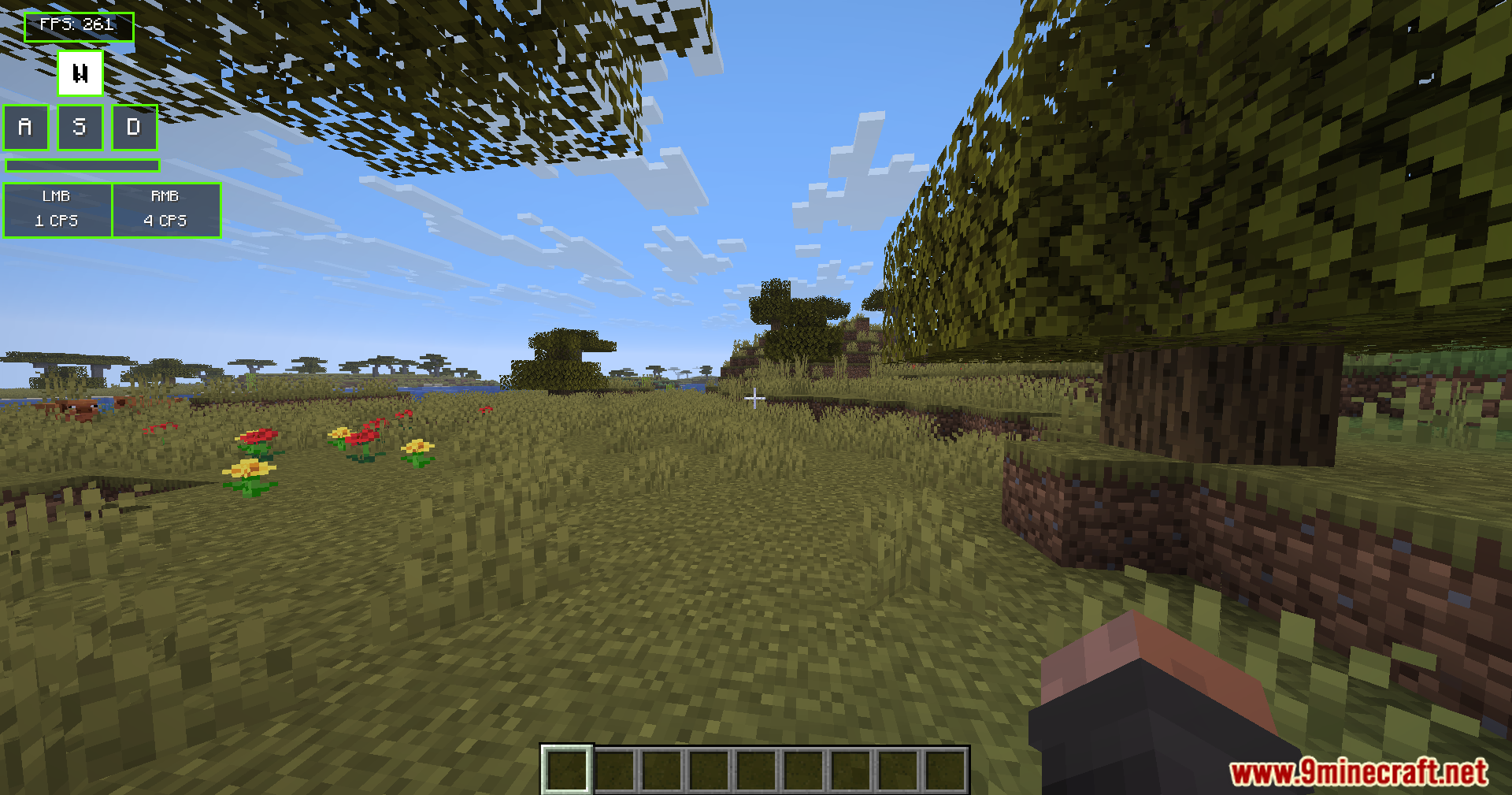
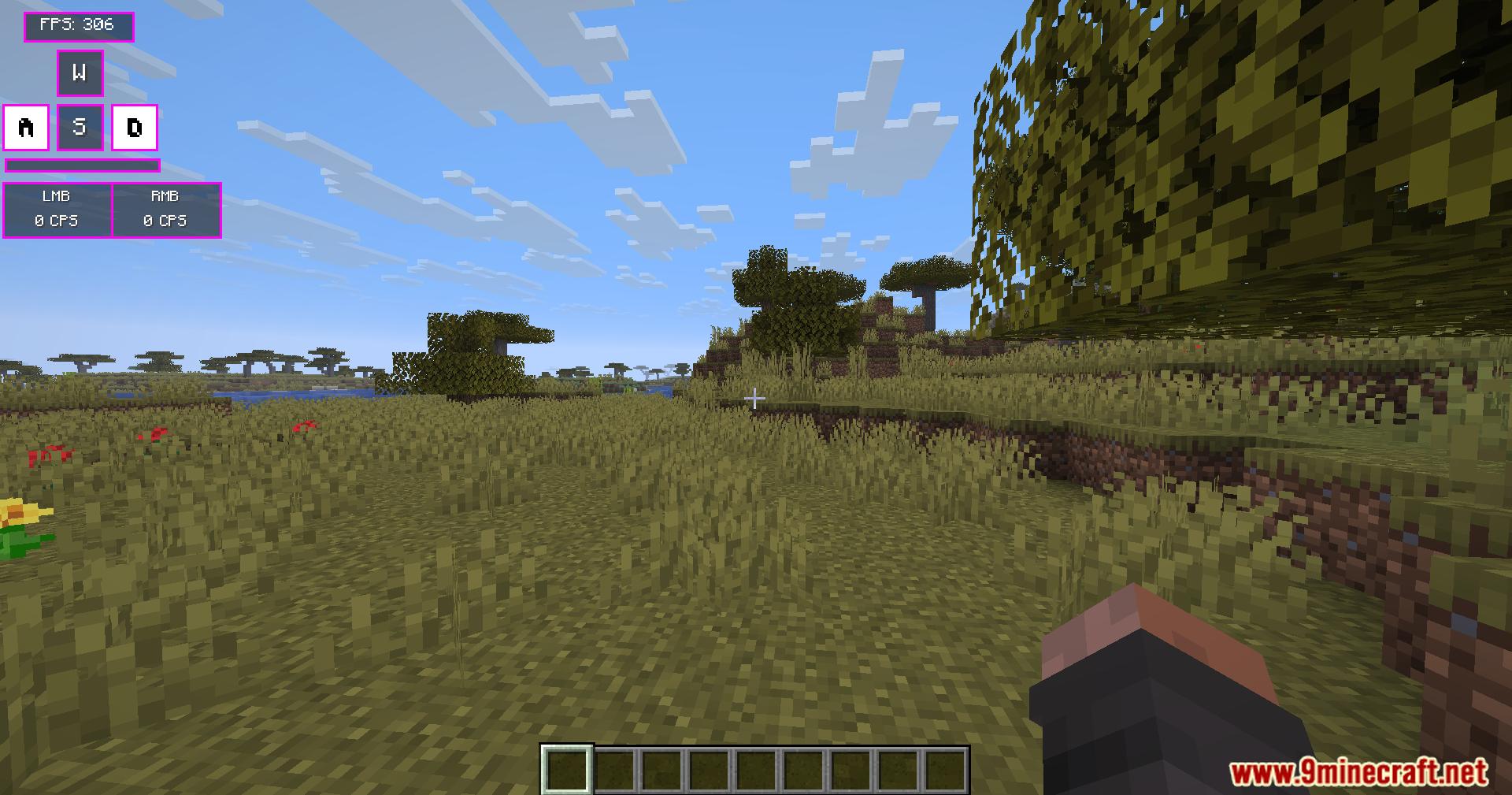
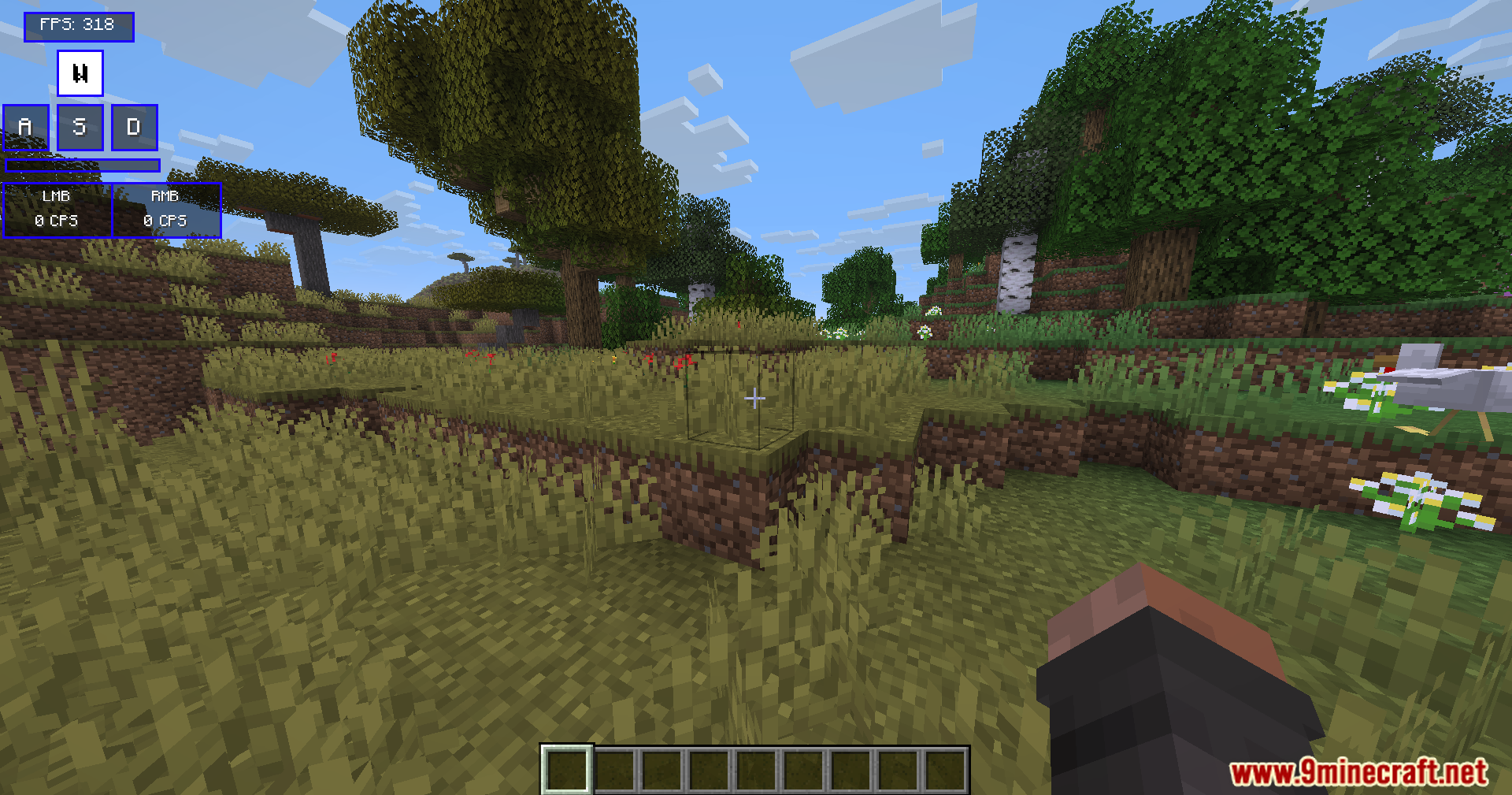
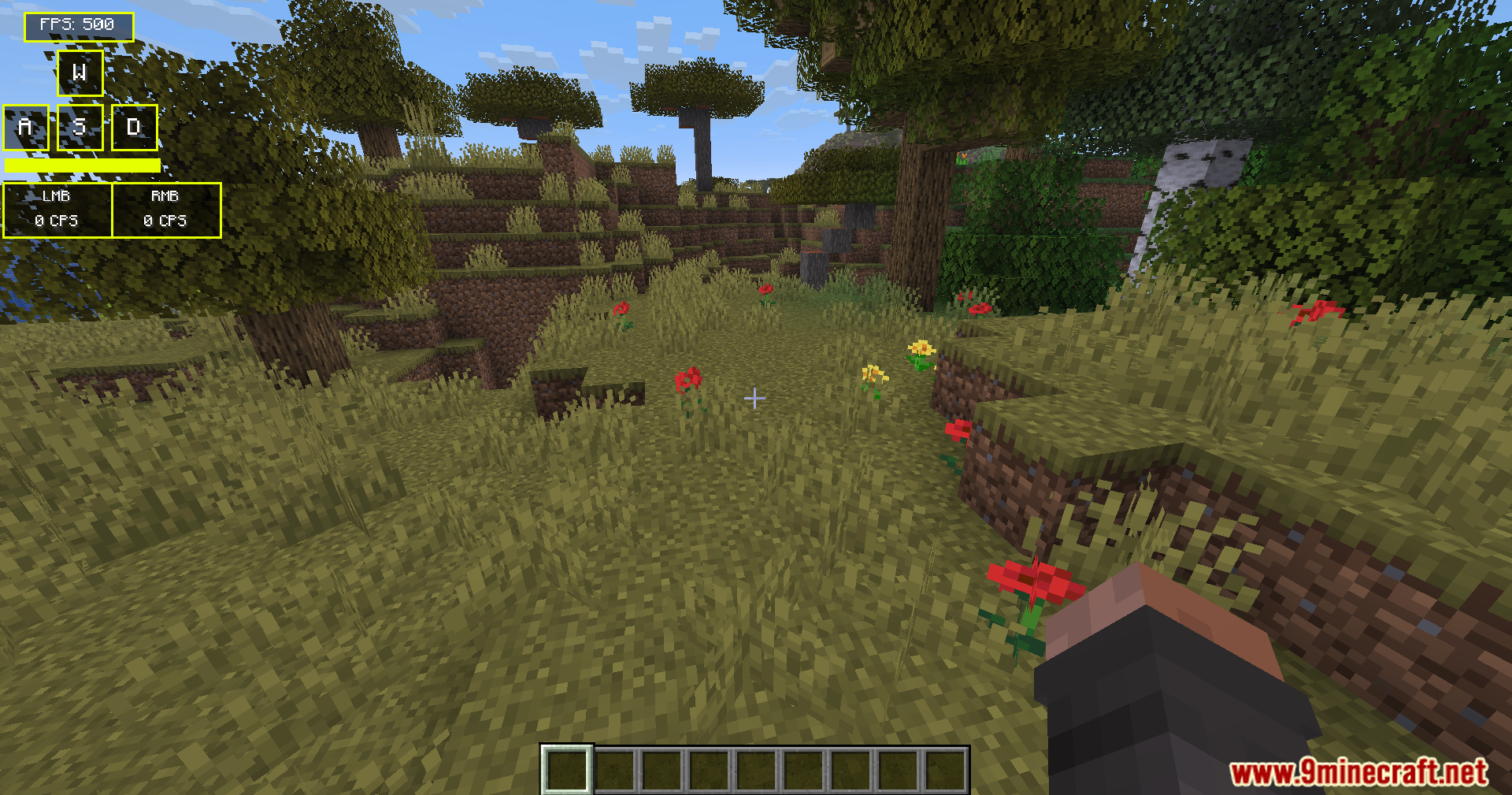
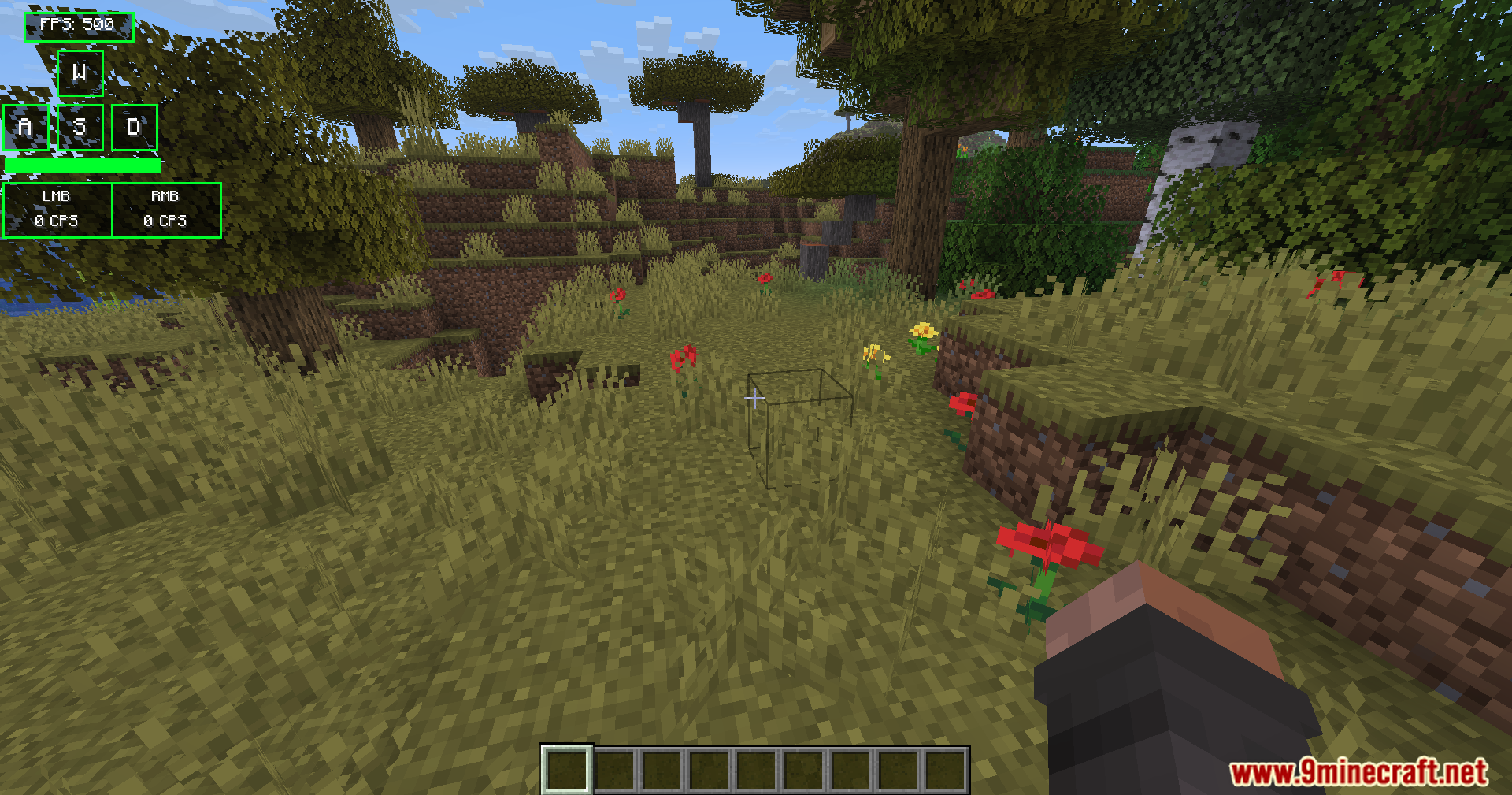
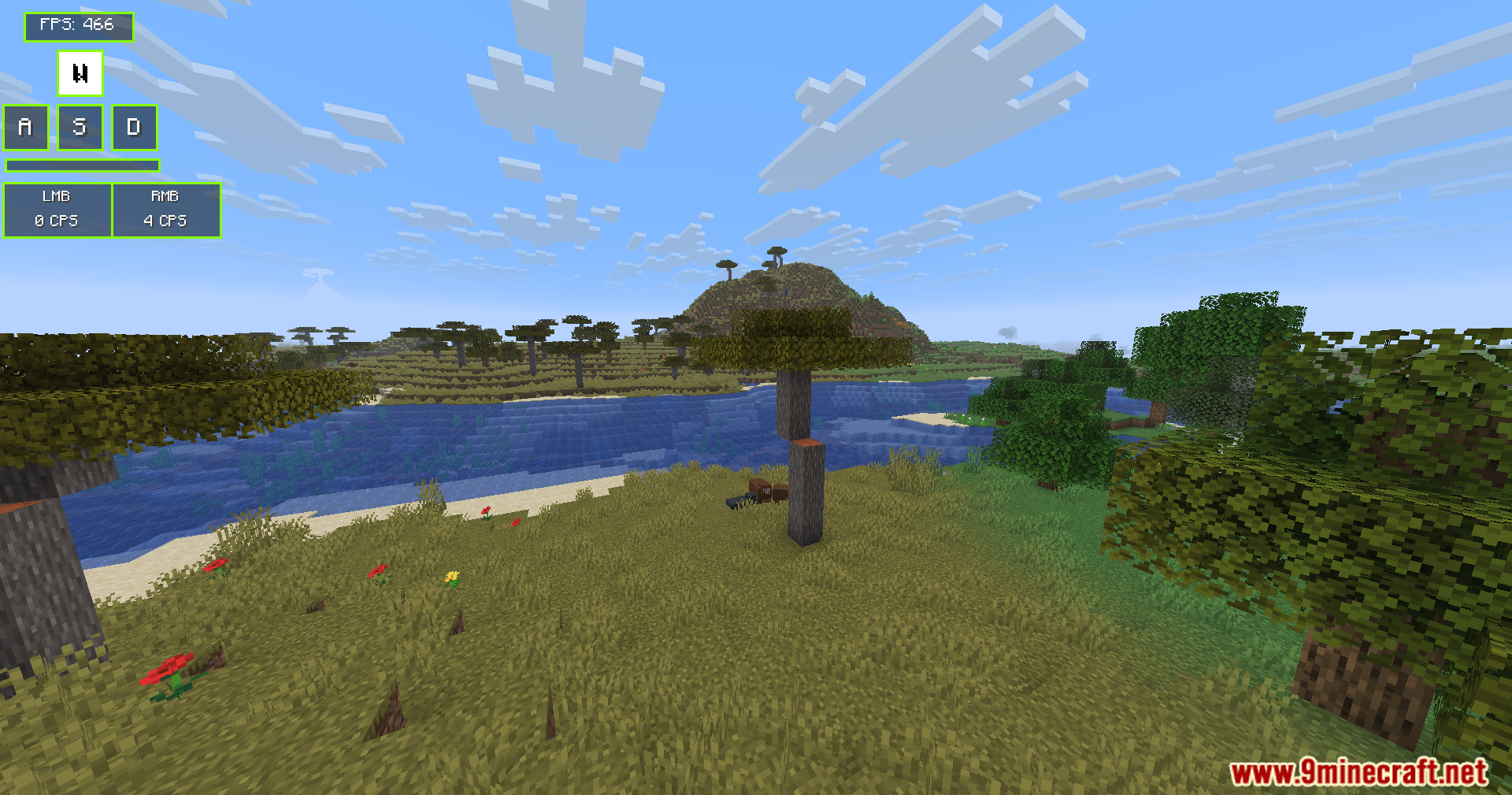
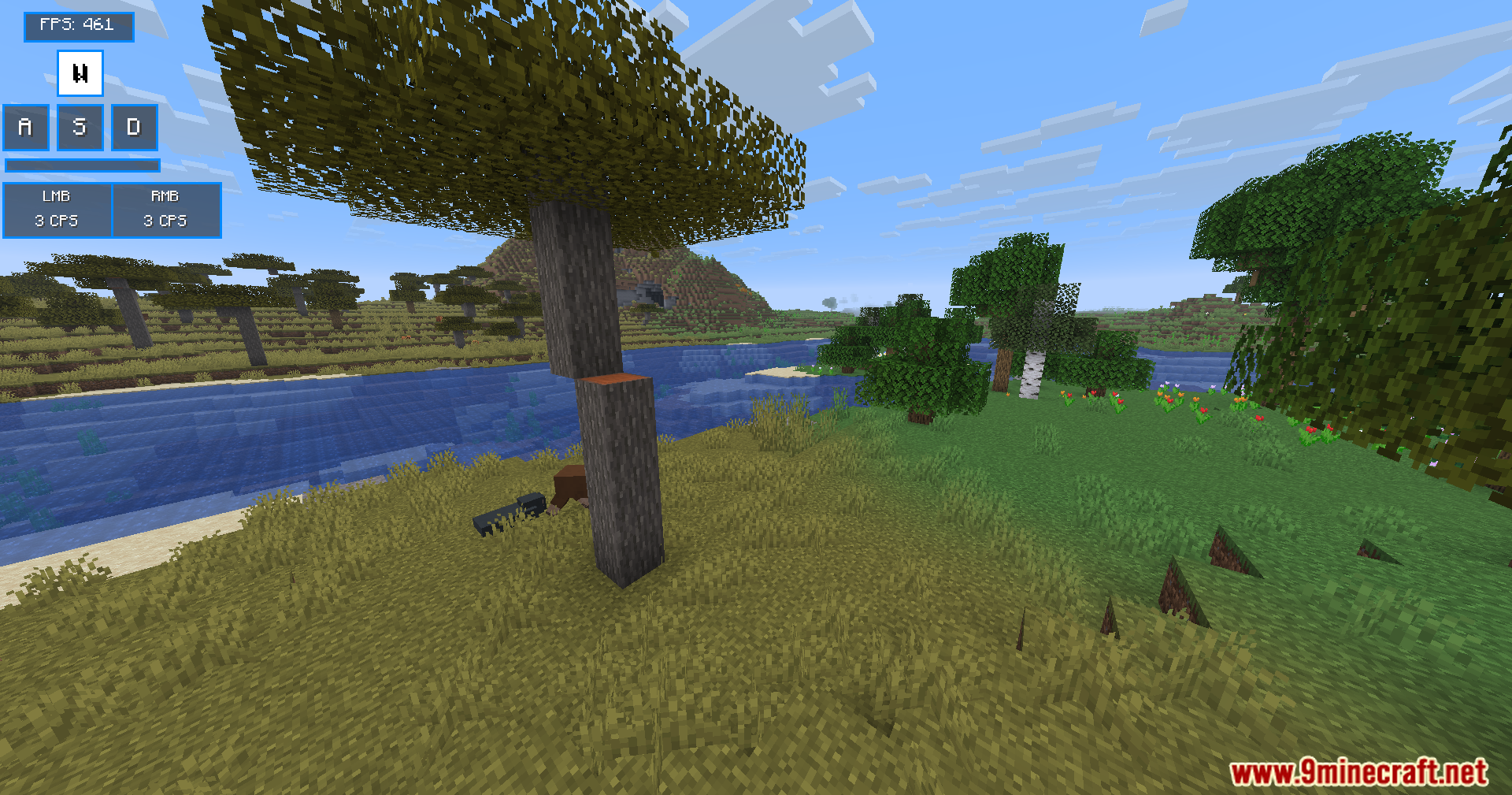
Modern Keystrokes Mod adds a clean on-screen display that shows your keyboard and mouse clicks in real time. You can watch your WASD keys light up as you move around the world. The mod also tracks your clicks per second and frames per second. You get full control over where this information sits on your screen.
Features:
- WASD Display: Shows your movement keys on the screen and lights them up when you press them.
- Click Tracker: Counts your left and right mouse button clicks so you know your exact clicks per second (CPS).
- Spacebar Visualizer: Adds a long bar at the bottom of the display that flashes every time you jump.
- Gives you an optional frames per second (FPS) counter to check game performance.
- Lets you turn off any part of the display you do not want to see.
- Allows you to move the whole display anywhere on your screen using simple sliders.
Commands:
/keystrokes– Opens the main settings menu.
How to Use:
- Join a world or server.
- Type
/keystrokesin the chat to open the mod menu. - Click the toggle buttons to turn the keys, mouse, spacebar, or FPS display on or off.
- Drag the X and Y sliders to move the display to your favorite spot on the screen.
Screenshots:
Modern Keystrokes Mod Download Links
Quick facts
- Edition: Minecraft Java
- File type: .jar
- Minecraft versions listed: 1.21.11, 1.20.1
- How to install: Install the matching mod loader (Forge, Fabric or NeoForge) for your Minecraft version. → Download the .jar. → Put it in the .minecraft/mods folder and launch that loader profile.
- Where to get it: In MC Java Mods, or directly above on this page.
Install steps are the general flow for this file type — How to install Minecraft Java mods & modpacks walks through it step by step.
Verified by MCModsHub
- Downloads as 2479.mcaddon
- Download size: 56 KB
- Download link checked 26 Sept 2026 — working
- Mirrored on our own servers — the download does not depend on the original host
These come from our own check of the pack file, not from the source page.