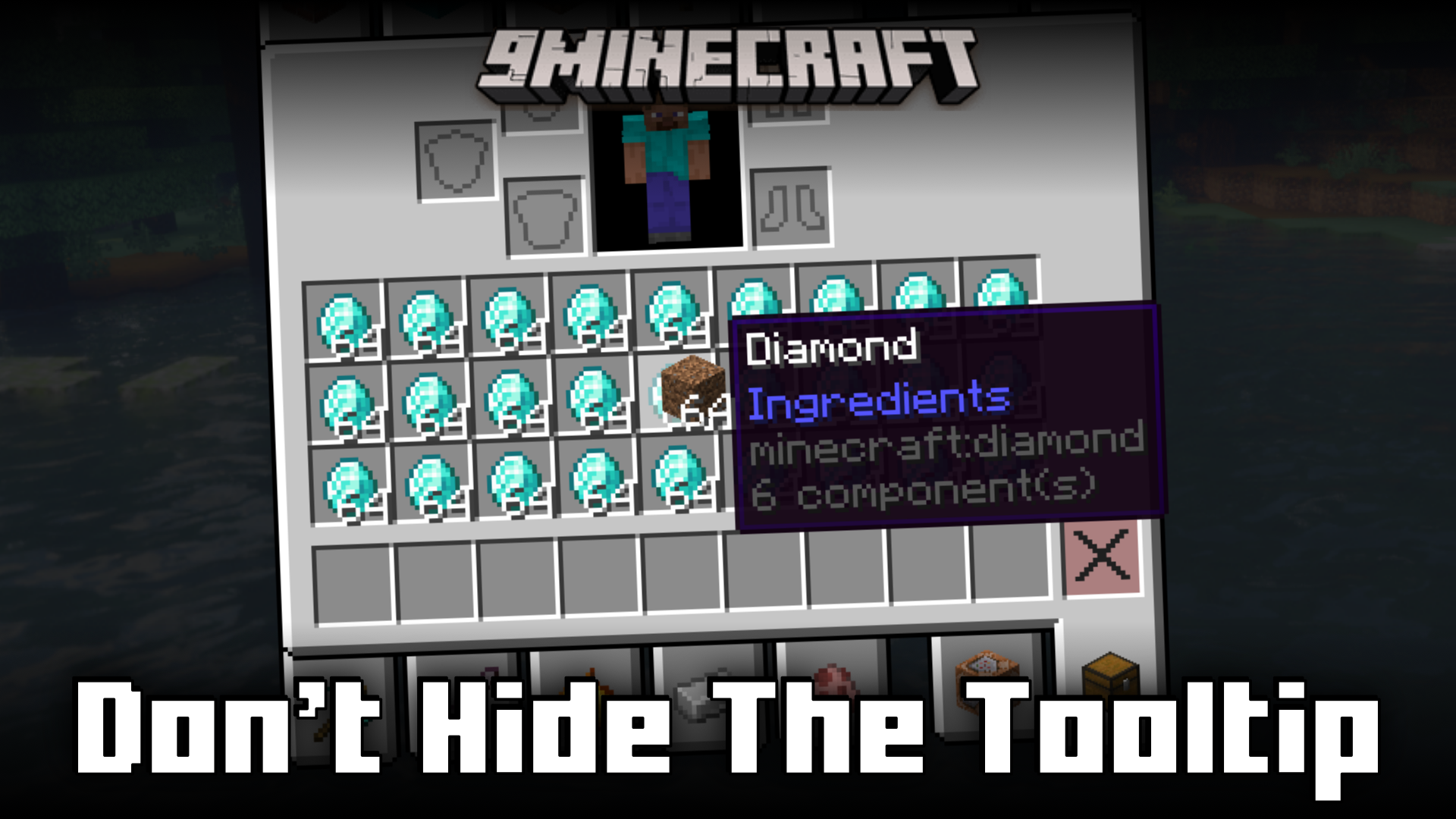
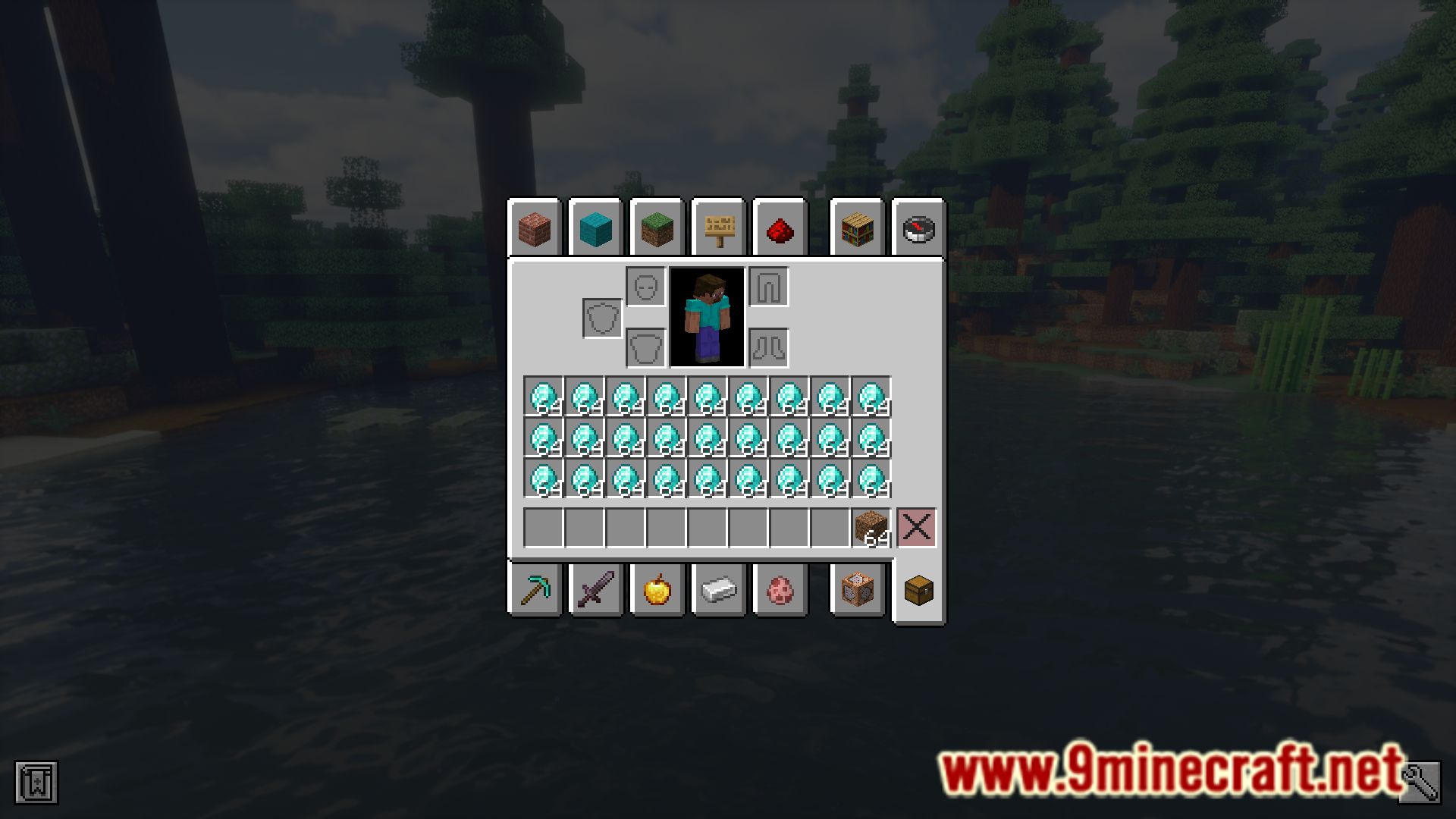
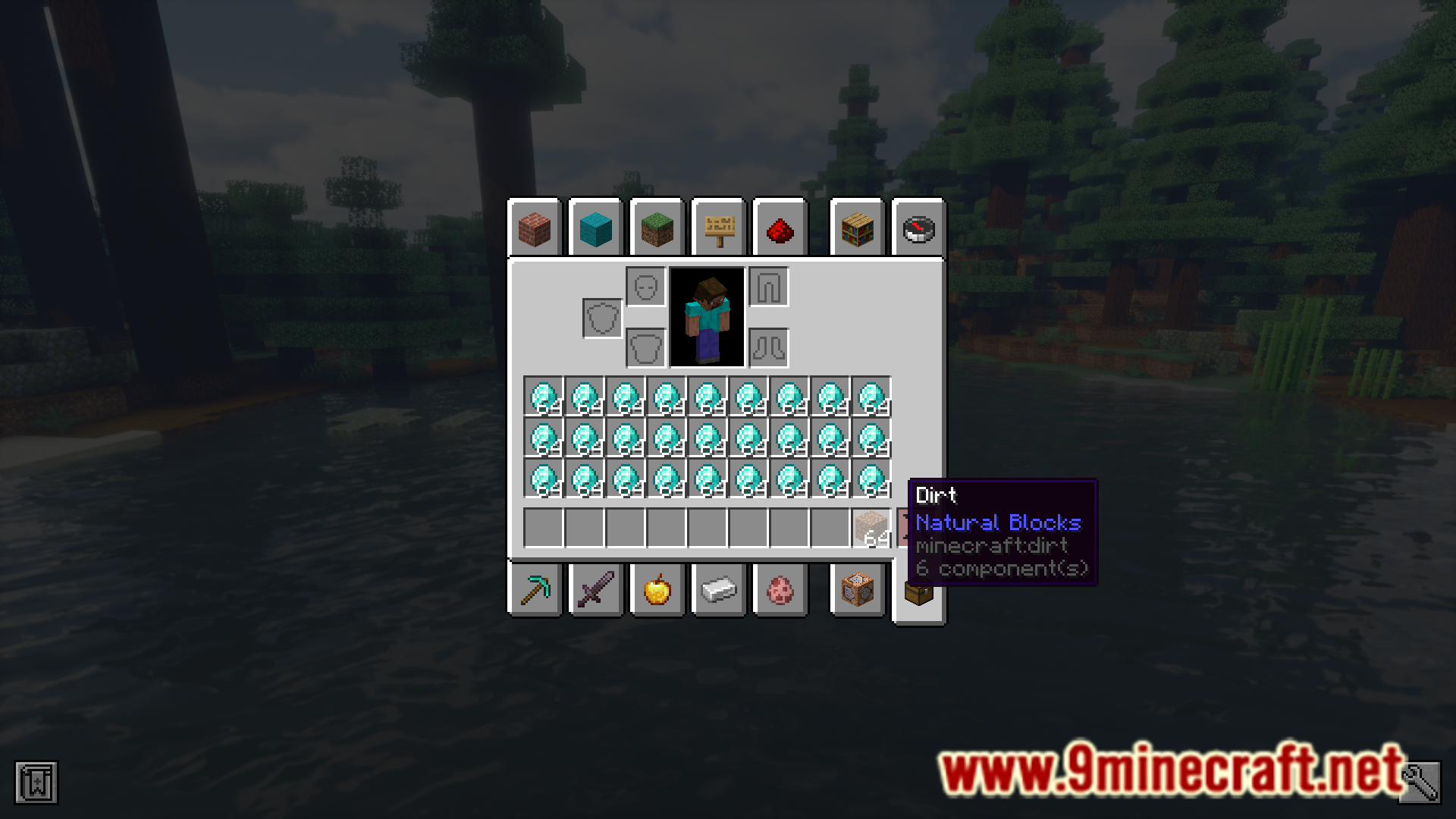
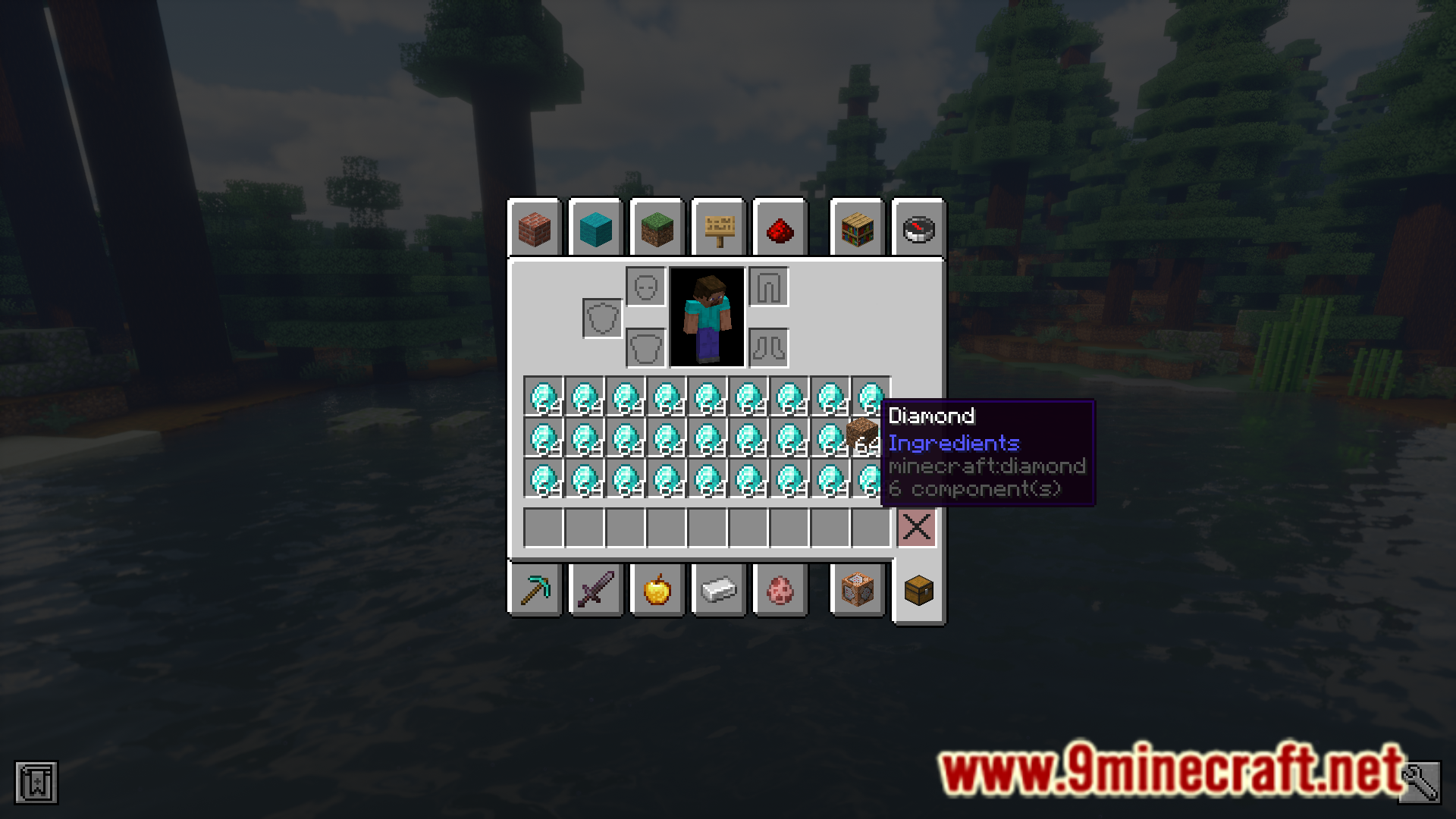
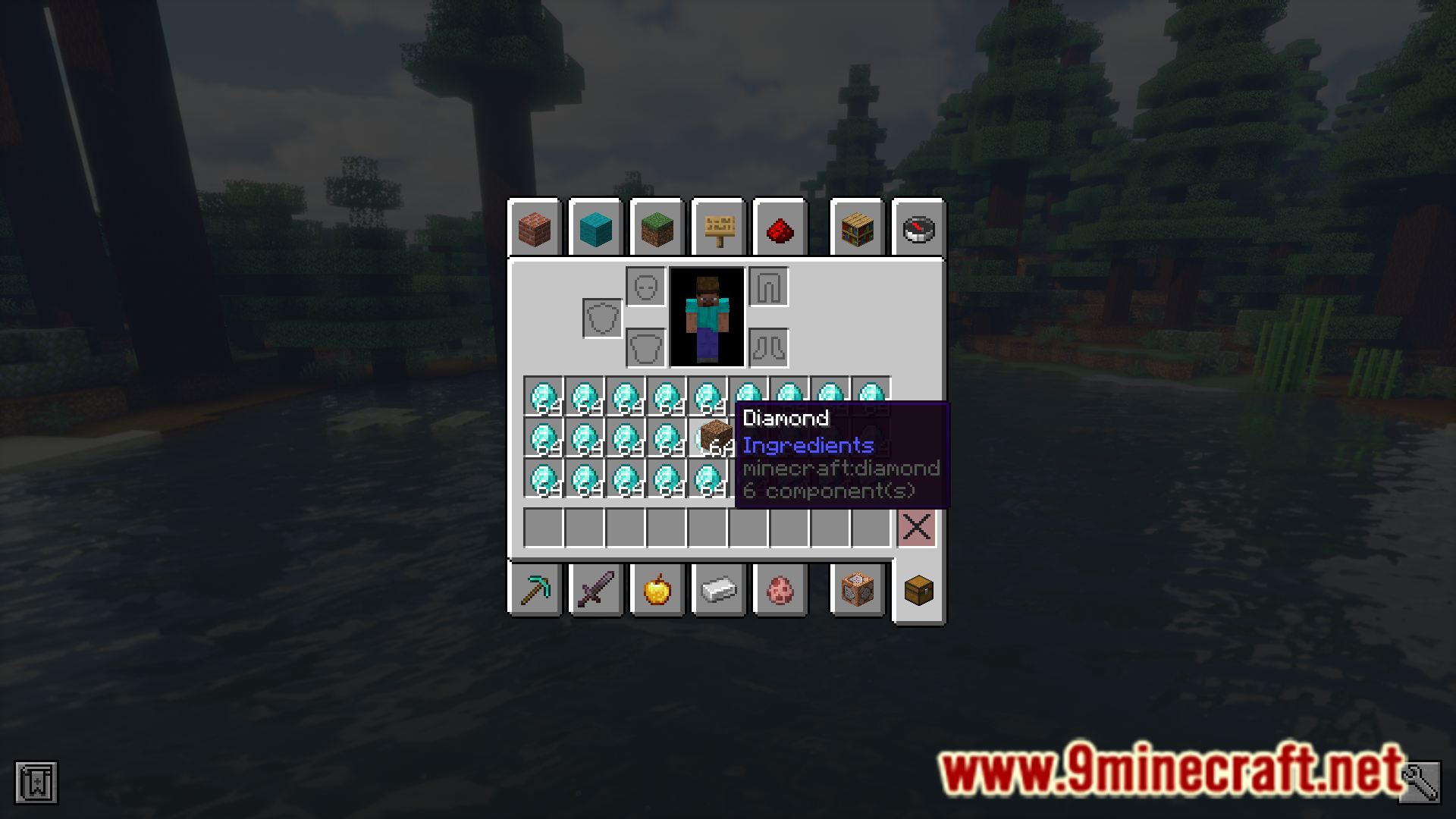
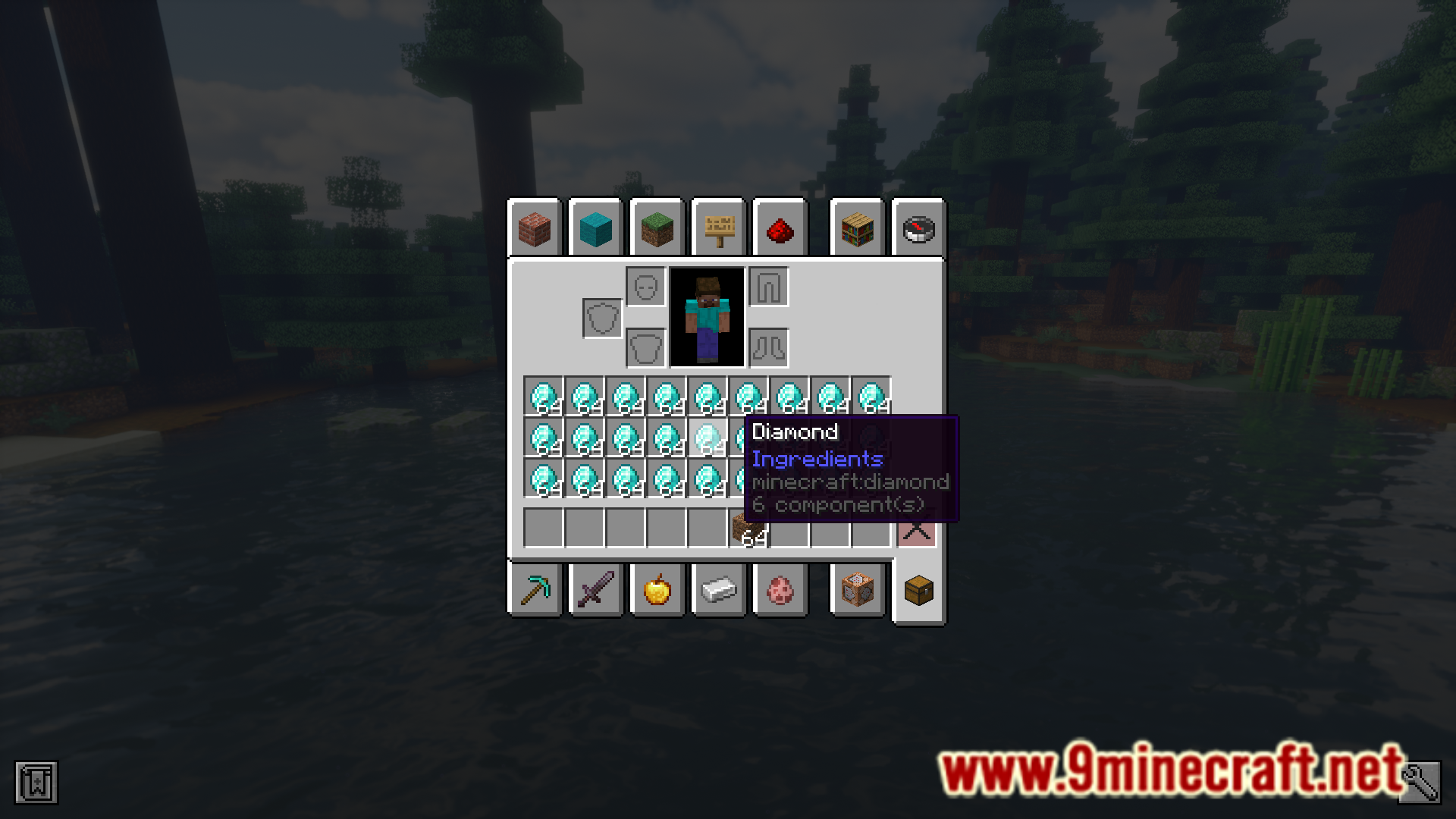
In Minecraft, if you hover your cursor over an item in your inventory, a tooltip containing the name of the item will appear. If you pick and hold this item, the tooltip will disappear and will not be shown even if you hover your cursor over another item while still holding the initial item. Don’t Hide The Tooltip Mod is here to change that. With this mod installed, a tooltip will be shown as long as there is an item below your cursor.
Features:
- Makes the tooltip visible even when holding an item.
- Show tooltips for items below the cursor even when you are holding another item.
Screenshots:
Don’t Hide The Tooltip Mod Download Links
Quick facts
- Edition: Minecraft Java
- File type: .jar
- Minecraft version listed: 1.21.1
- How to install: Install the matching mod loader (Forge, Fabric or NeoForge) for your Minecraft version. → Download the .jar. → Put it in the .minecraft/mods folder and launch that loader profile.
- Where to get it: In MC Java Mods, or directly above on this page.
Install steps are the general flow for this file type — How to install Minecraft Java mods & modpacks walks through it step by step.
Verified by MCModsHub
- Downloads as 2484.mcaddon
- Download size: 21 KB
- Download link checked 23 Sept 2026 — working
- Mirrored on our own servers — the download does not depend on the original host
These come from our own check of the pack file, not from the source page.