Home›Java›Mods›TerraForged Backport Mod (1.12.2, 1.7.10) – Explore Lifelike Continents and Mountains
ModsJava
TerraForged Backport Mod (1.12.2, 1.7.10) – Explore Lifelike Continents and Mountains
Minecraft Java mod. Downloads from the MC Java Mods app on Android.
⬇ Download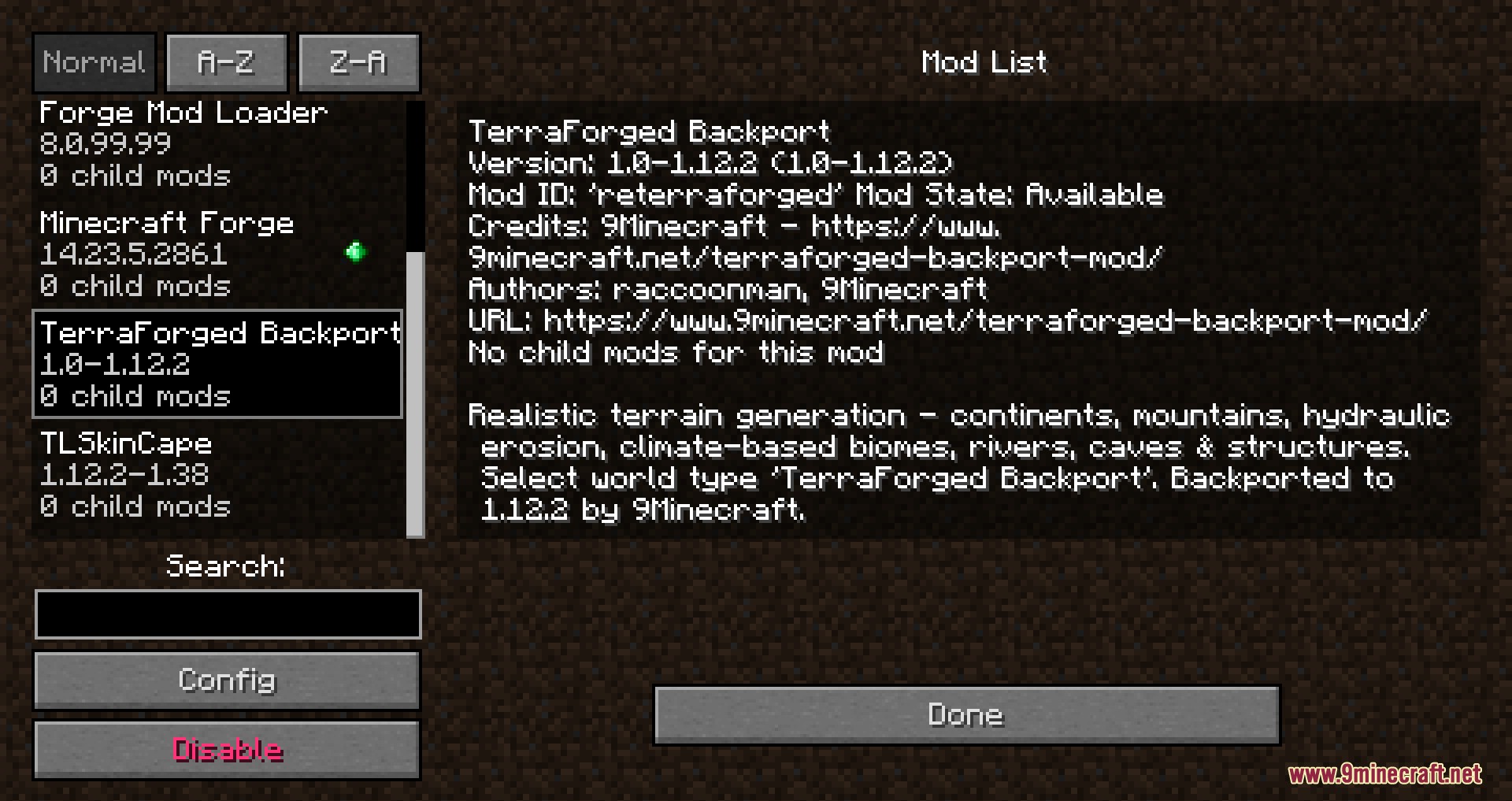
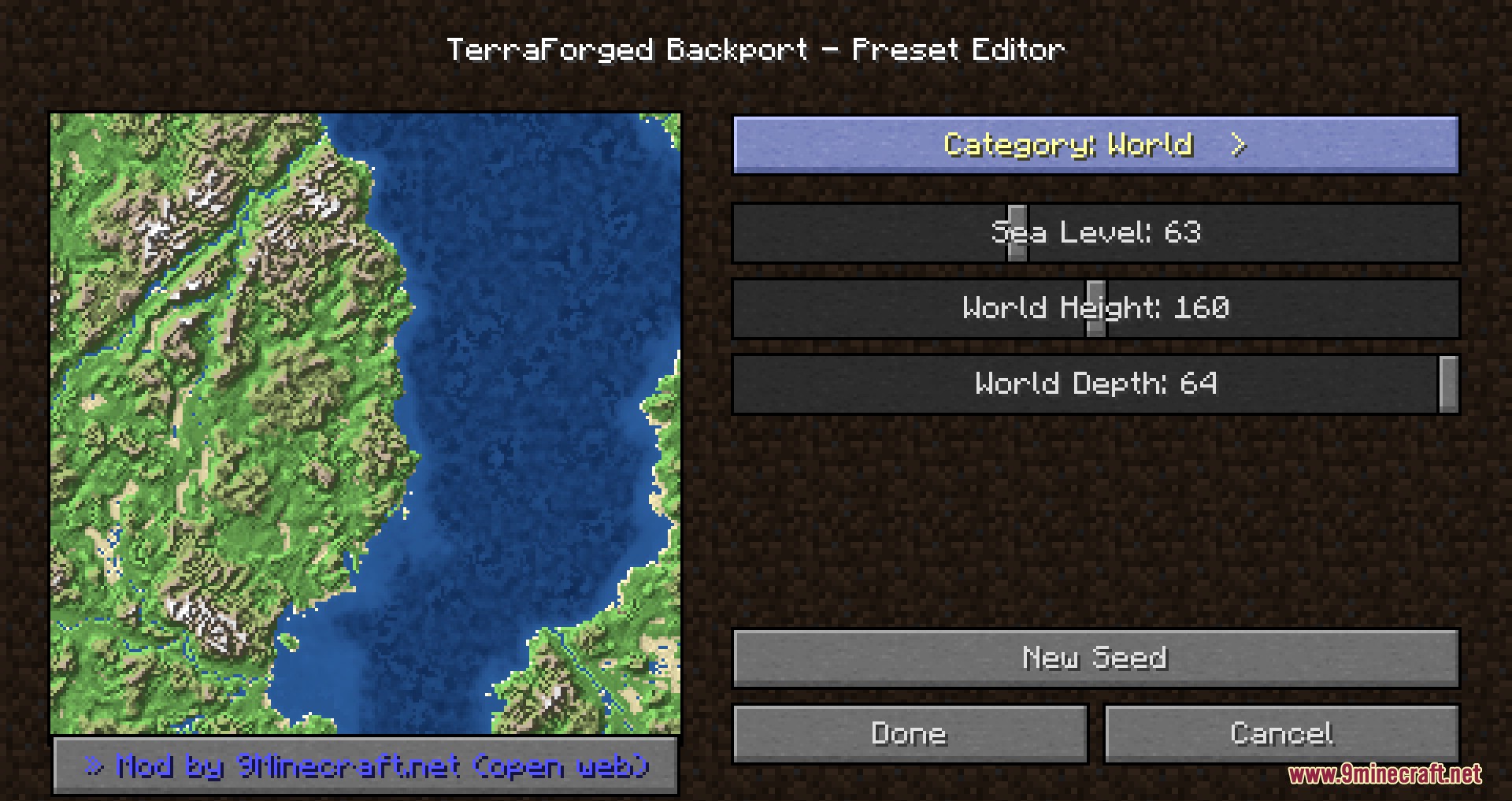
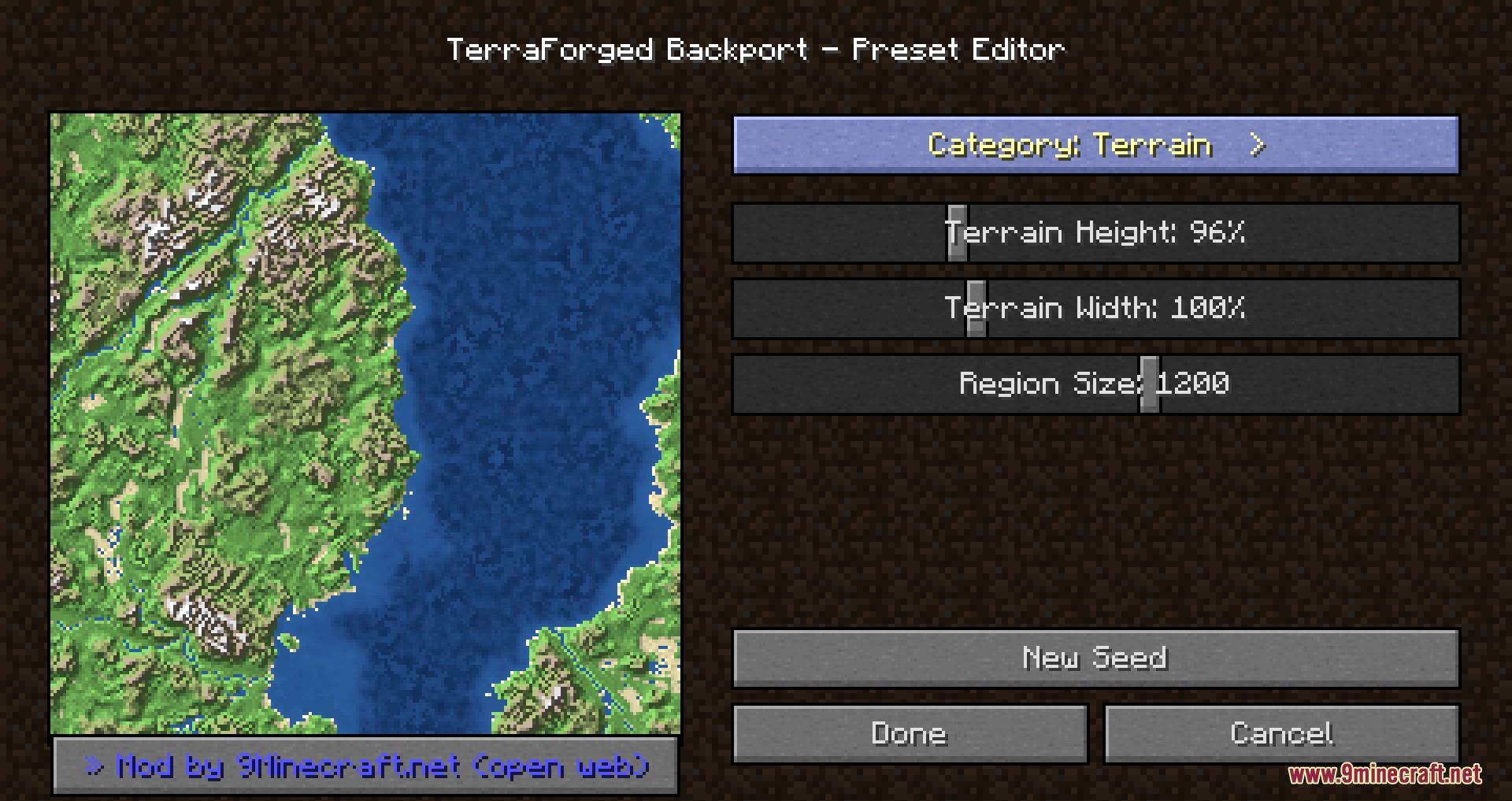
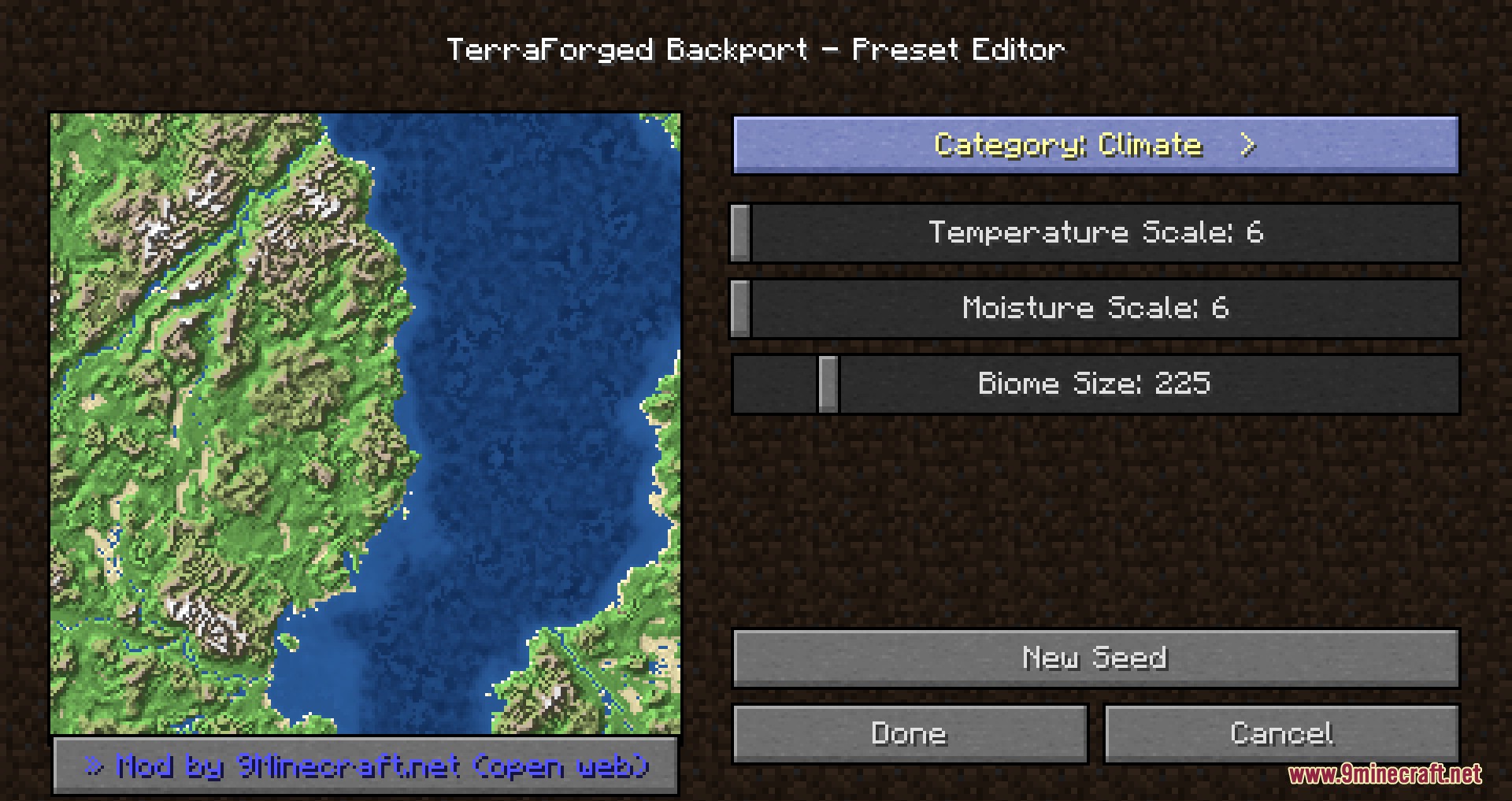
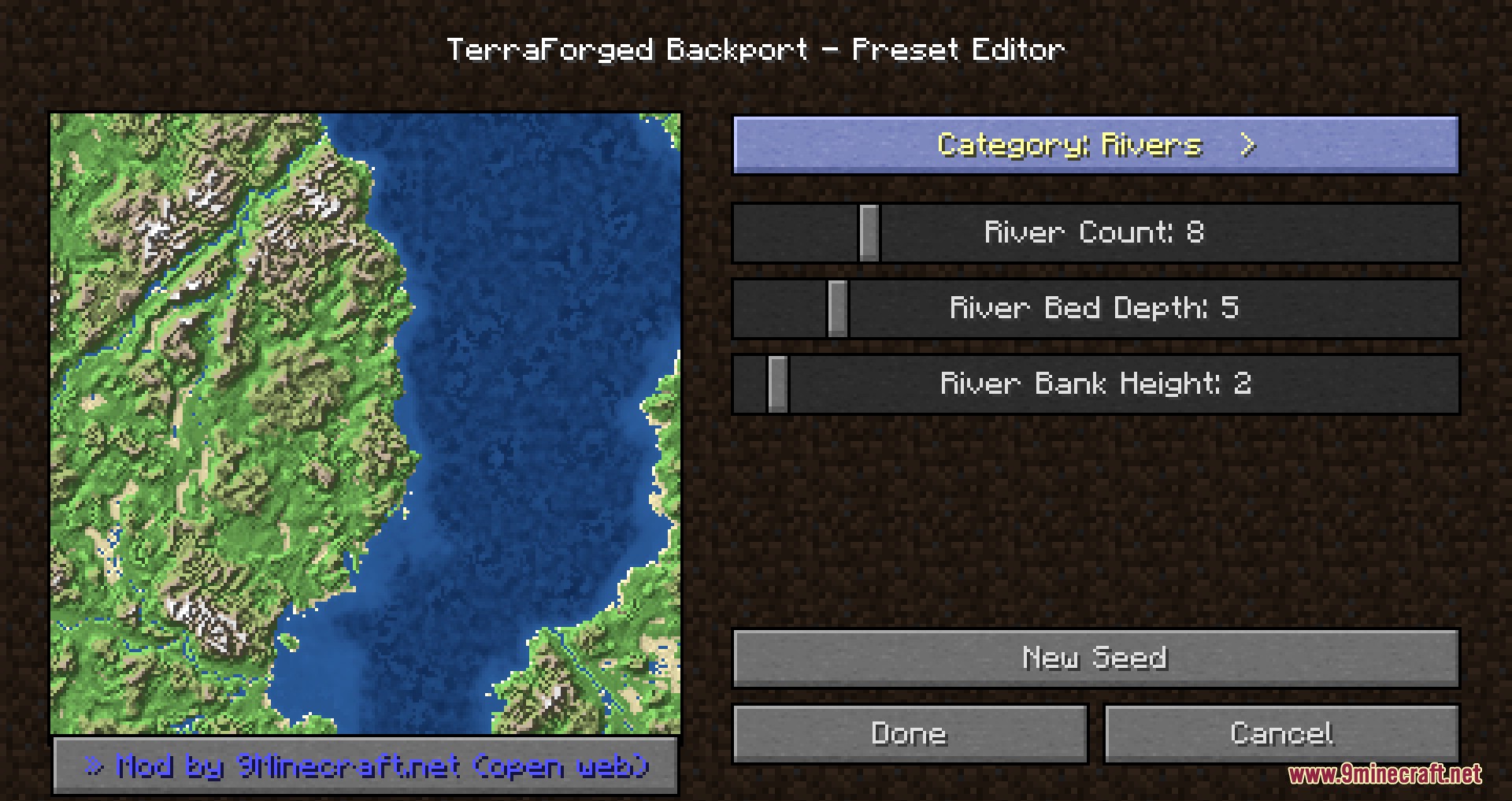
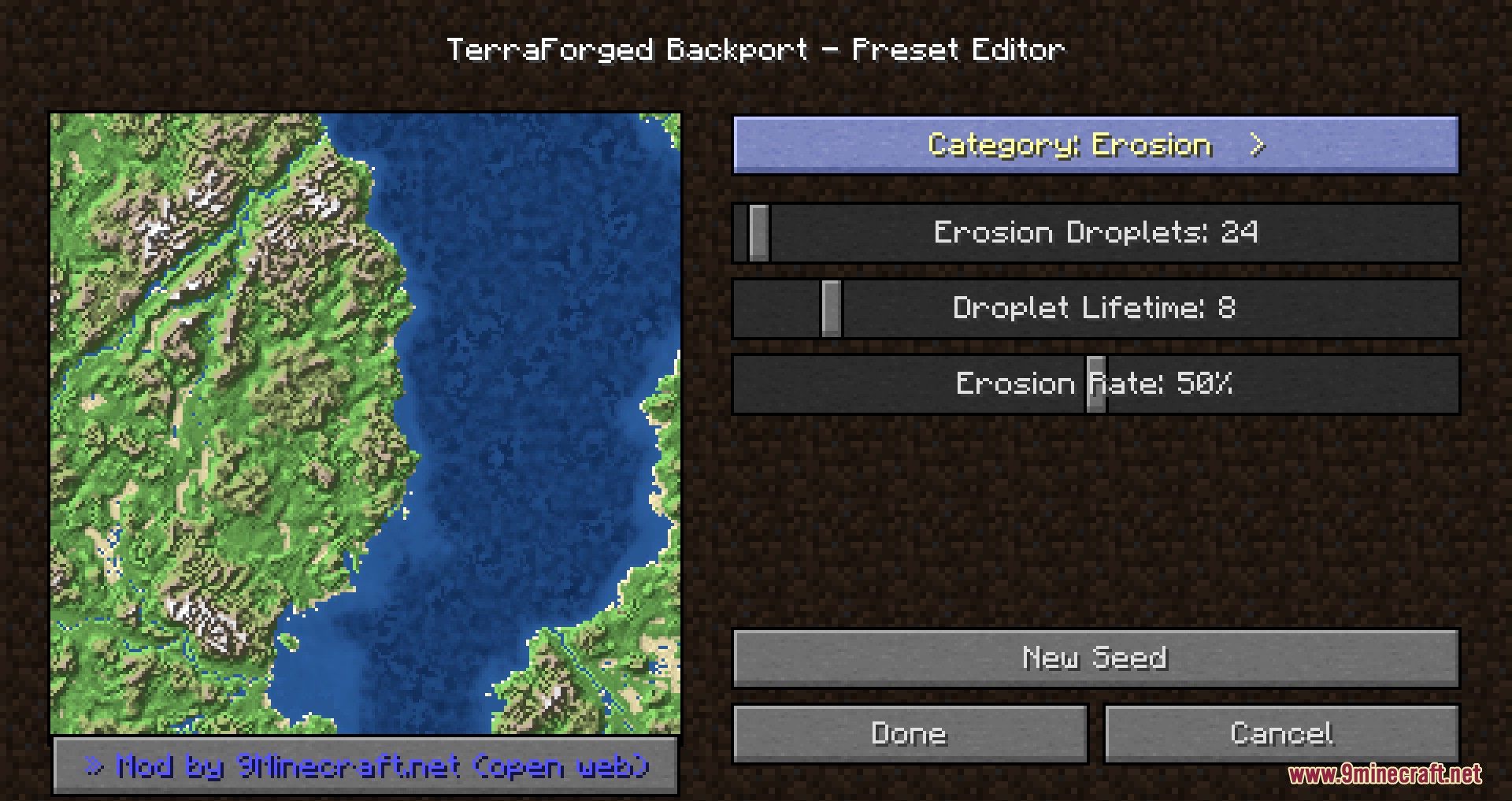
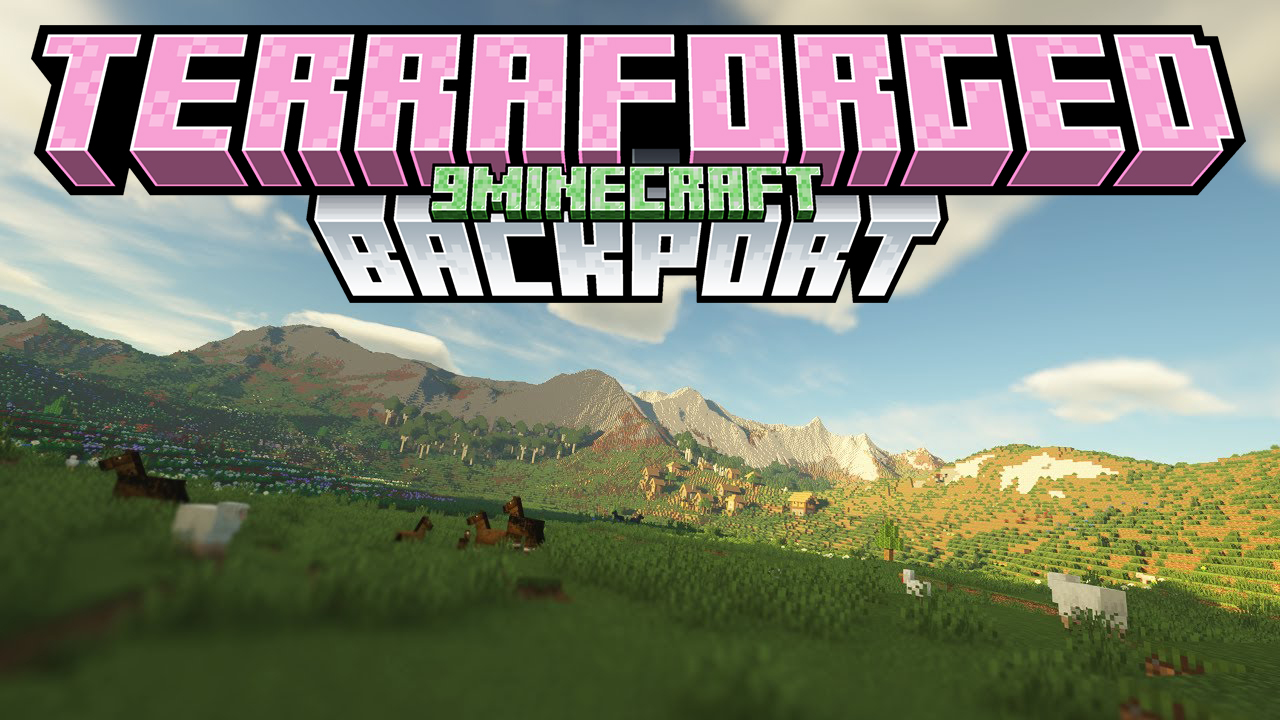
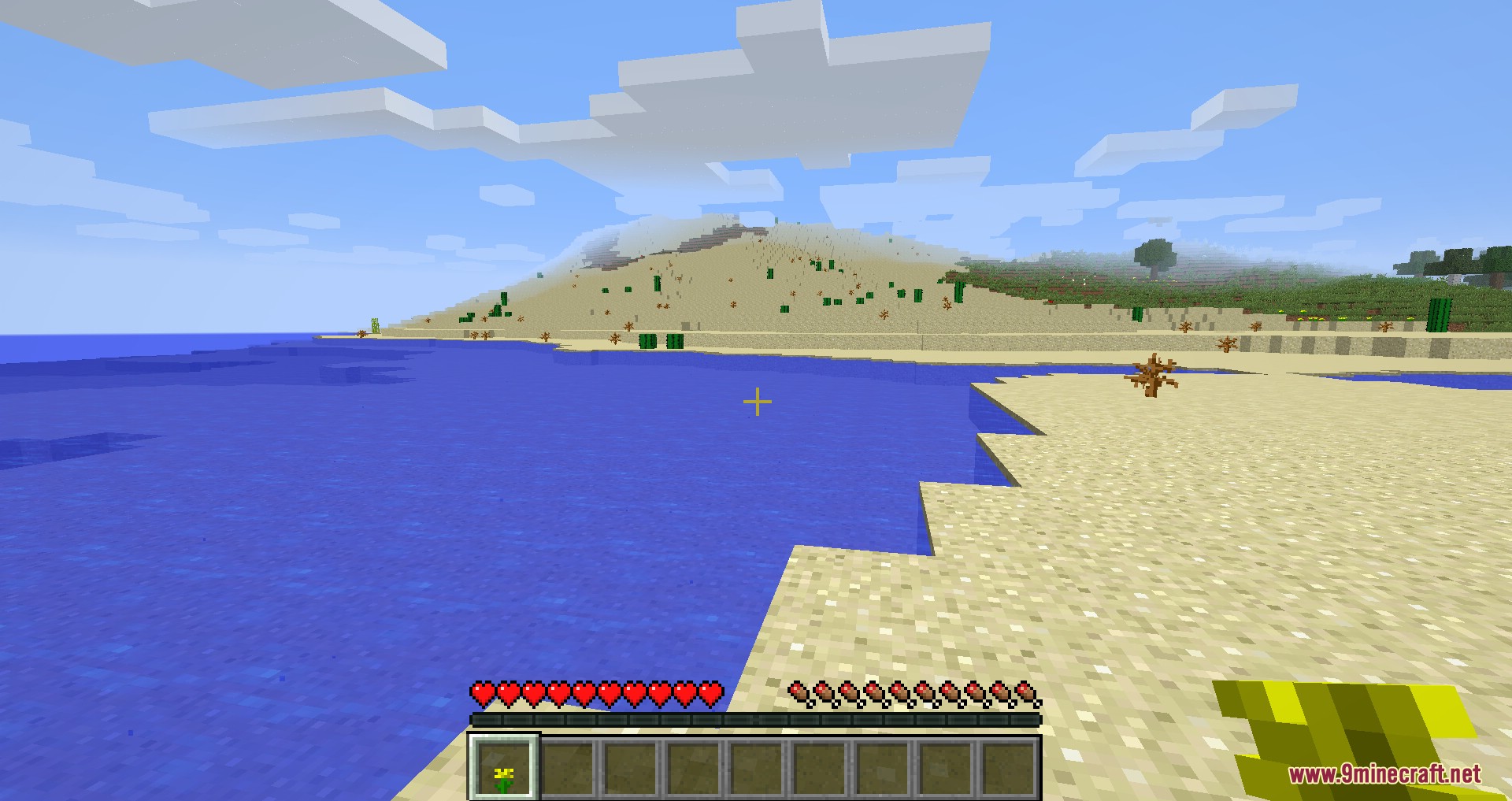
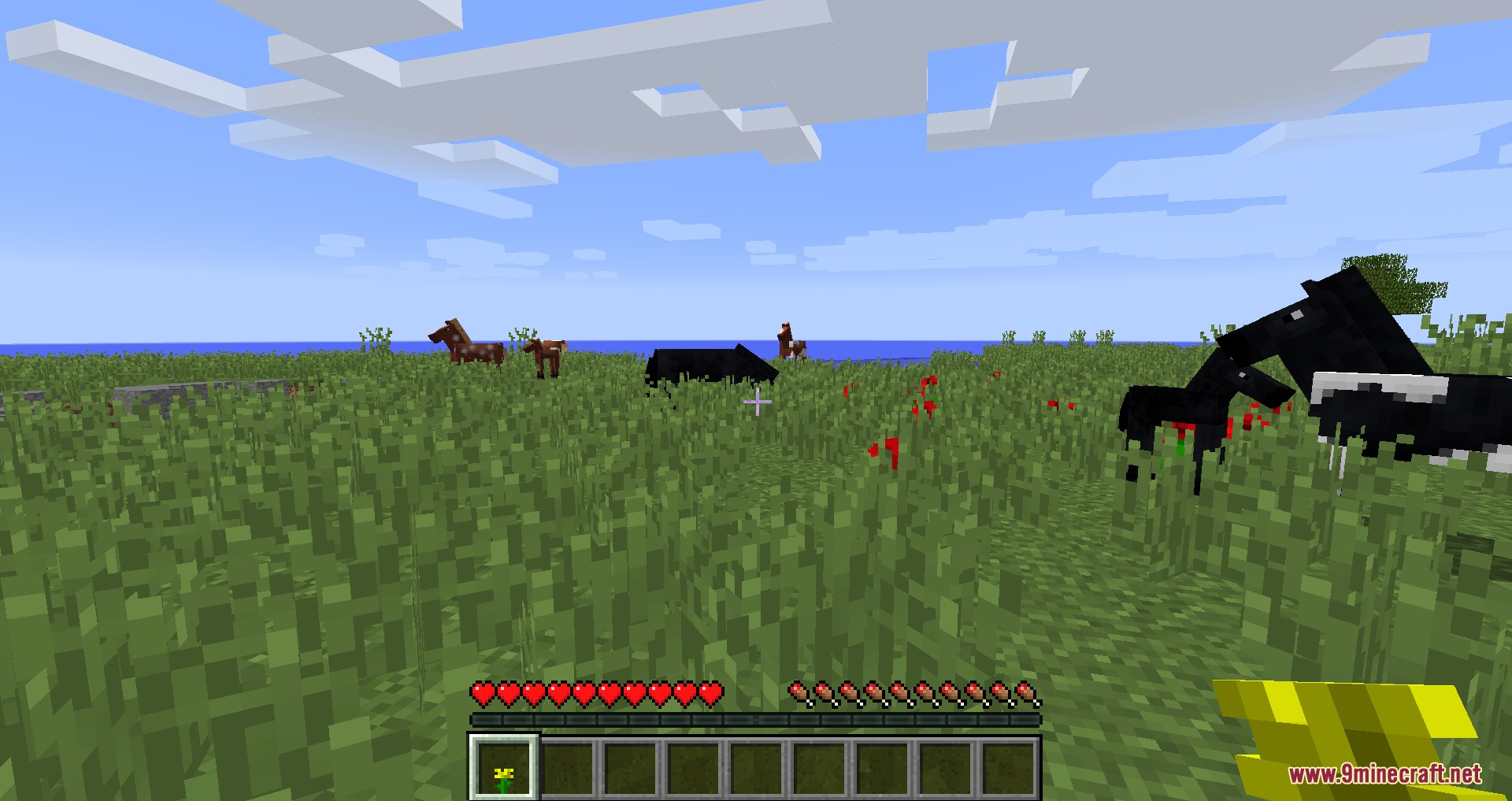
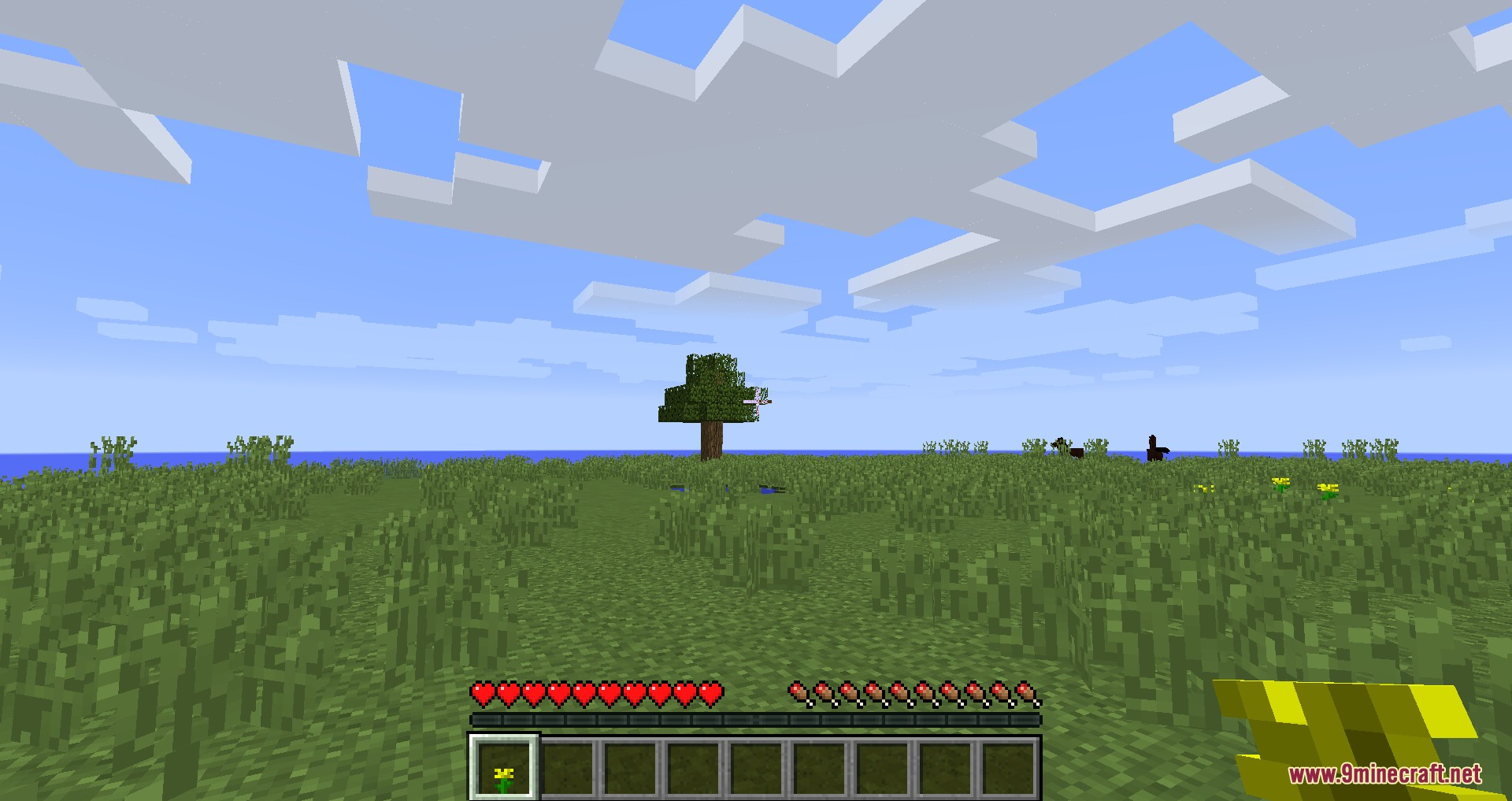
TerraForged Backport Mod backports the massive, realistic terrain generation from the original TerraForged to older versions of Minecraft. It replaces standard flat worlds with huge continents, tall mountains, and long rivers. You get to explore natural environments where hot deserts sit in dry areas and snow covers the highest peaks. The mod keeps all normal game structures and ores, so your survival play stays exactly the same.
Features:
- Realistic Landscapes: Generates huge continents, tall mountain ranges, flat plateaus, and deep valleys instead of standard blocky terrain.
- Climate-Based Biomes: Places biomes based on temperature and moisture so snowy peaks and hot deserts appear in natural spots.
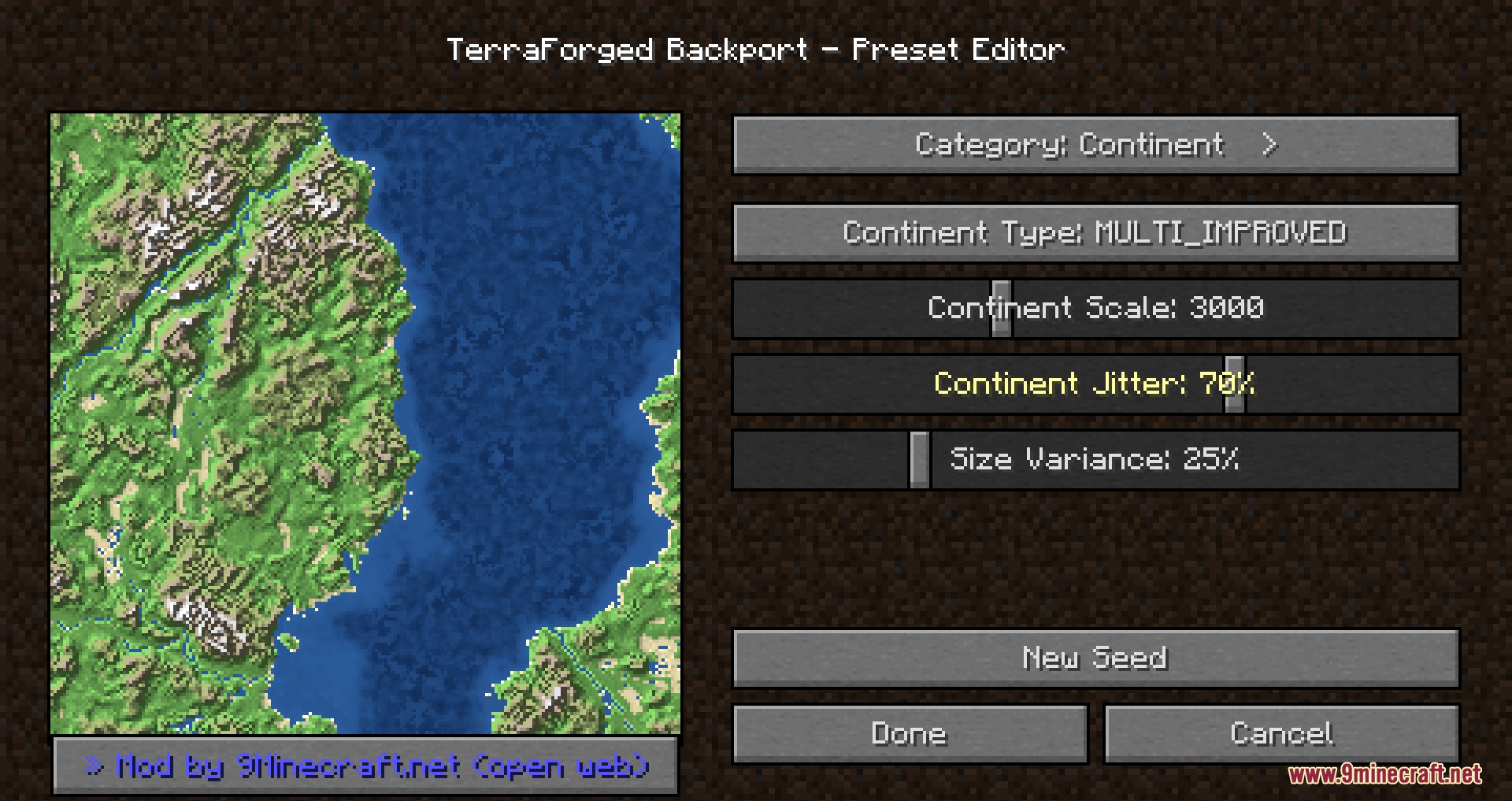
- Preset Editor: Includes an in-game menu with a live map preview to change terrain height, climate, and rivers without touching text files.
- Carves natural slopes, ridges, and winding river systems into the ground using hydraulic erosion.
- Spawns standard game structures like villages, strongholds, and ocean monuments normally across the new land.
- Keeps standard ores, caves, ravines, and mineshafts underground so you can mine and survive like normal.
How to Use:
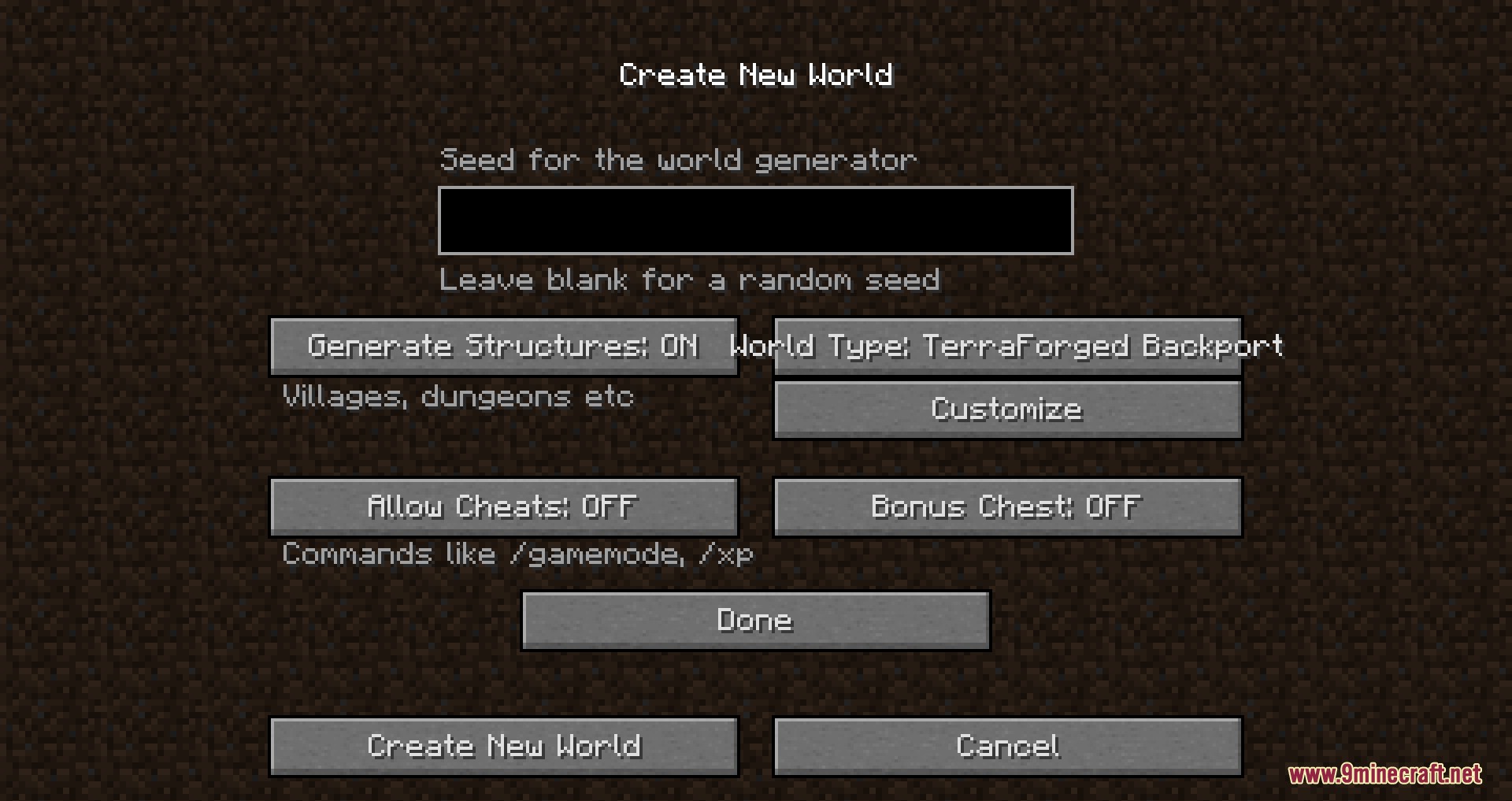
- Go to the Create New World screen in your game menu.
- Change the World Type option to TerraForged.
- Click the Customize button to open the built-in preset editor and see the live map.
- Move the sliders to change your terrain, climate, and rivers.
- Click Done to create your custom landscape.
Screenshots:
TerraForged Backport Mod Download Links
Quick facts
- Edition: Minecraft Java
- File type: .jar
- How to install: Install the matching mod loader (Forge, Fabric or NeoForge) for your Minecraft version. → Download the .jar. → Put it in the .minecraft/mods folder and launch that loader profile.
- Where to get it: In MC Java Mods, or directly above on this page.
Install steps are the general flow for this file type — How to install Minecraft Java mods & modpacks walks through it step by step.
File checked by MCModsHub
- Downloads as 2500.mcaddon
- Download size: 24.0 MB
- Download link checked 23 Sept 2026 — working
- Mirrored on our own servers — the download does not depend on the original host
These come from our own check of the pack file, not from the source page.