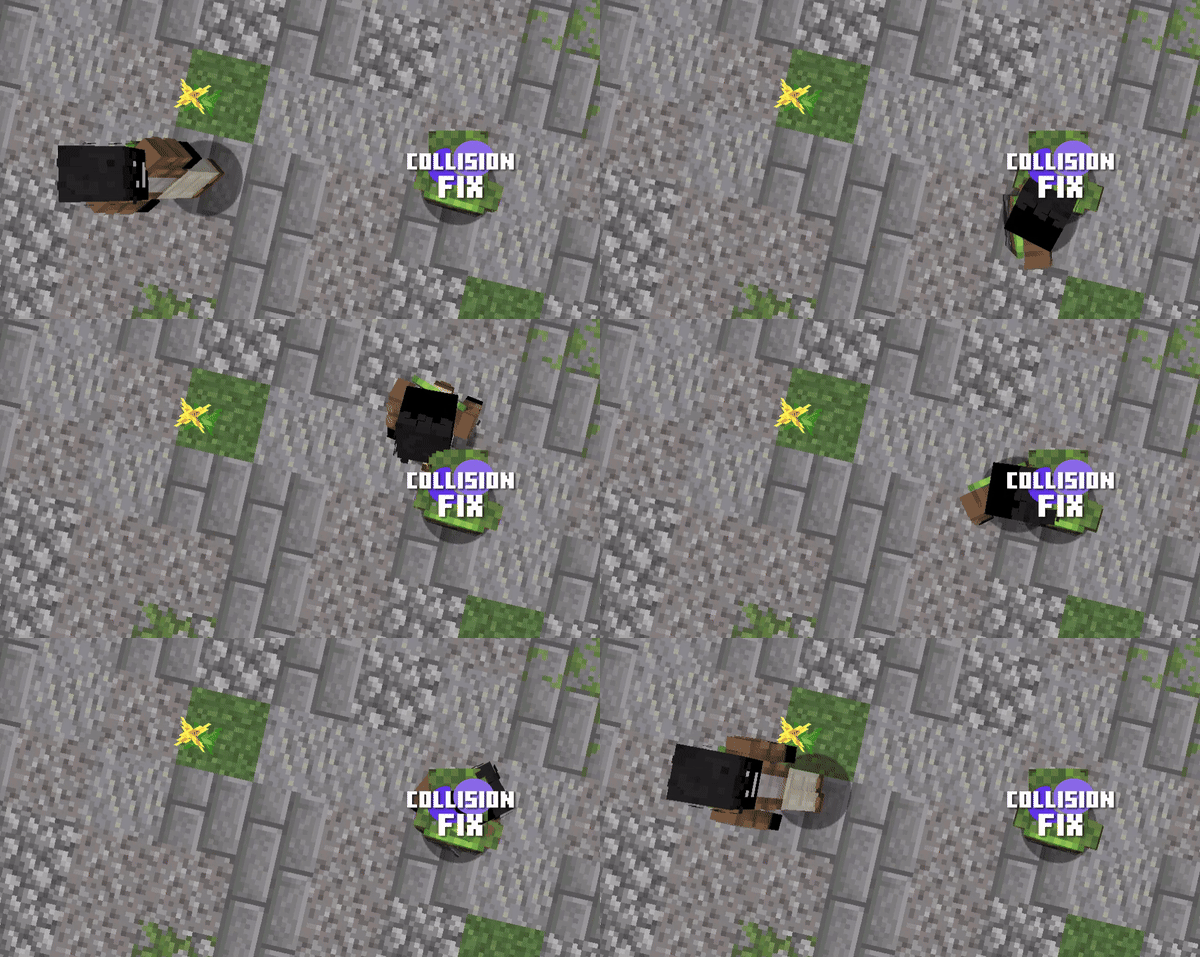
Collision Fix Mod aims to enhance the performance of Minecraft by removing collision checks on the client side. Since these checks are off, the game doesn’t have to work as hard checking for things like players or blocks bumping into each other. This is great for players who want to make the game feel faster and smoother, especially when more things are happening in their world at much higher speeds.
Features:
- Removes client-side collision checks for faster gameplay.
Screenshots:
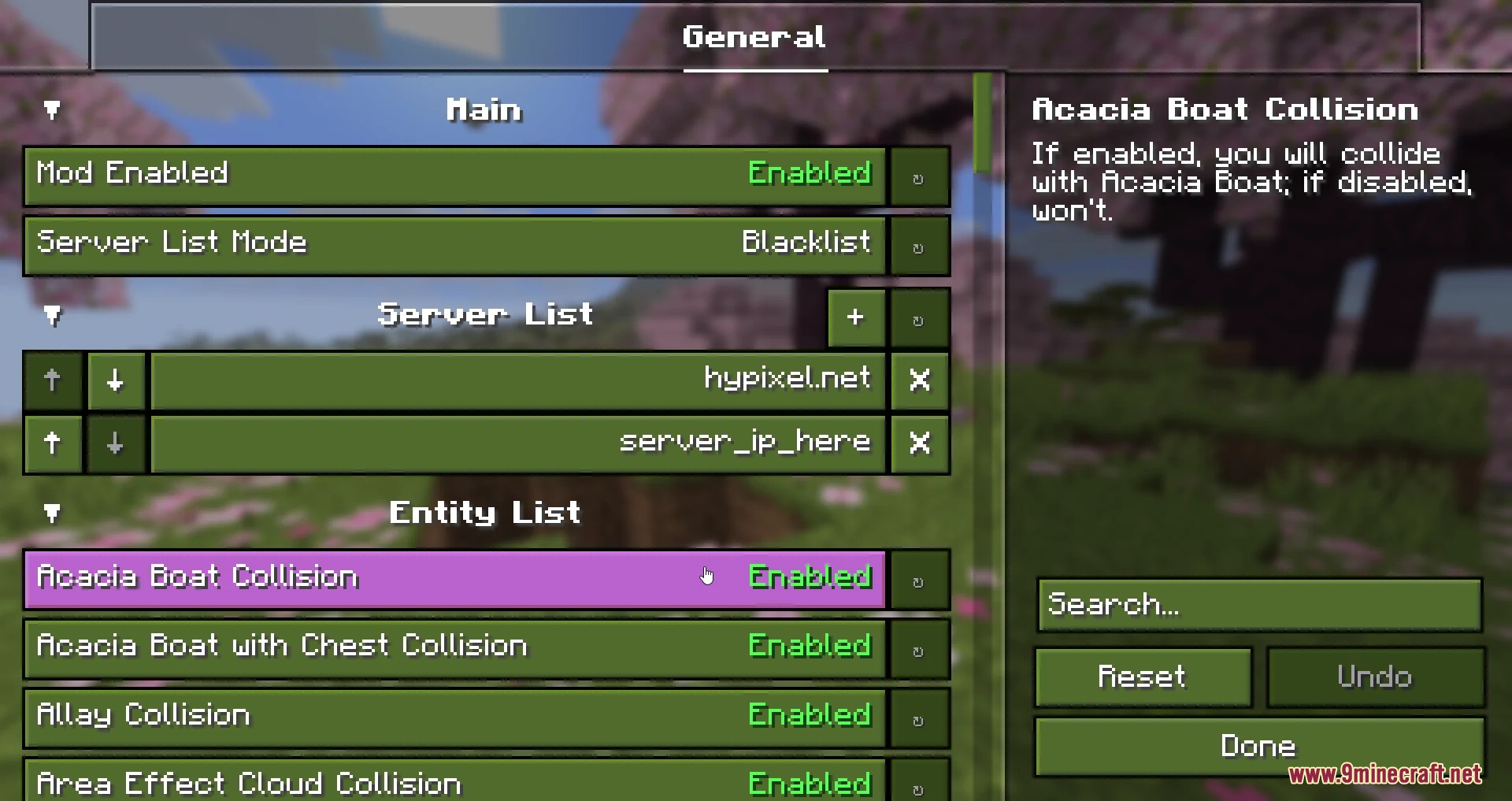
You can choose which entities are able to push you. You can also enable this only on specific servers.
Collision Fix Mod Download Links
- Edition: Minecraft Java
- File type: .jar
- Minecraft version listed: 1.20.1
- How to install: Install the matching mod loader (Forge, Fabric or NeoForge) for your Minecraft version. → Download the .jar. → Put it in the .minecraft/mods folder and launch that loader profile.
- Where to get it: Opens on the file's original source — not every file is mirrored on our own servers.
Install steps are the general flow for this file type — How to install Minecraft Java mods & modpacks walks through it step by step.
Collision Fix Mod (26.2, 1.20.1) – Removes Client-side Collision Checks is a free Minecraft Java mod. Compatible with Minecraft 1.20.1. Download it and open it directly in the game.