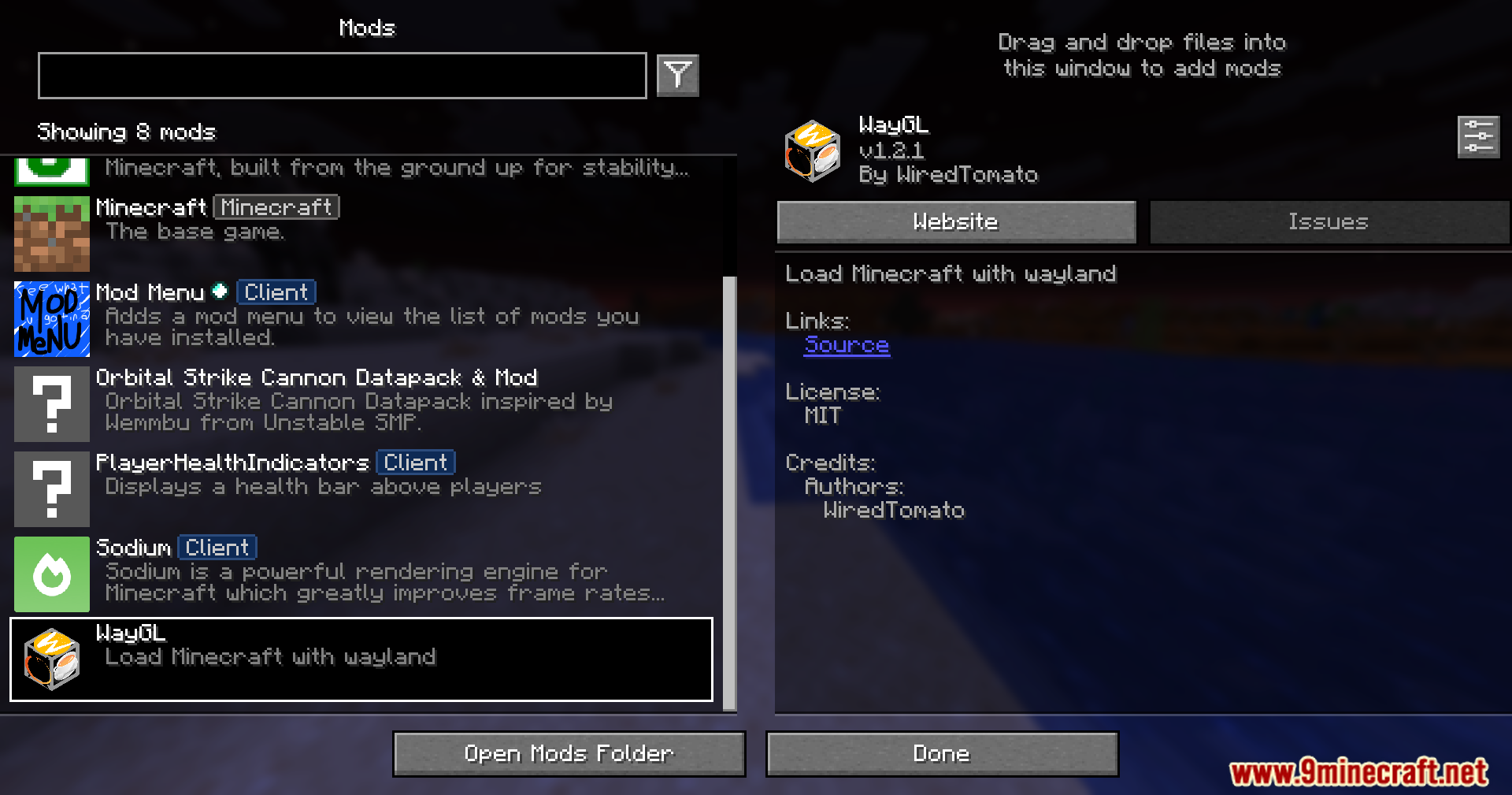
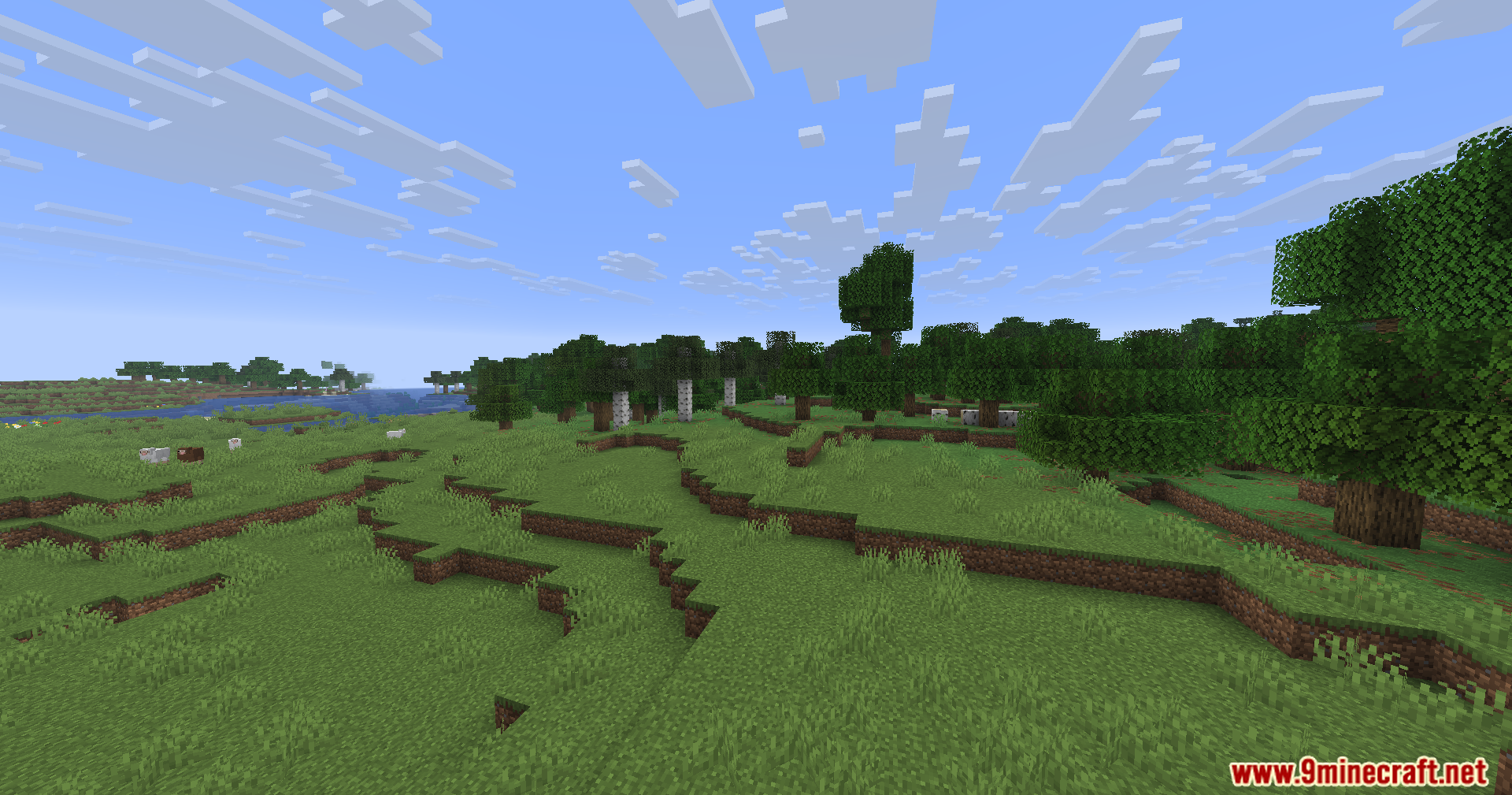
WayGL Mod fixes annoying screen and window bugs for Linux players. It forces the game to run correctly on Wayland systems instead of using the older X11 methods. This mod stops weird graphical glitches from happening when you play.
Features:
- Wayland Mode: WayGL Mod forces the game window to load directly through Wayland on Linux.
- Keeps Your Icon: Shows the normal game icon on your taskbar without breaking it.
- Stops all the common Xwayland bugs that happen when playing on newer Linux setups.
- Switches platform settings automatically while the game runs so you do not have to mess with complicated files.
How to Use:
- Open your Prism Launcher and select your game instance.
- Click on Edit and go to the Version tab.
- Find LWJGL 3 in the list and click Change Version.
- Select version 3.3.2 and click Ok to save.
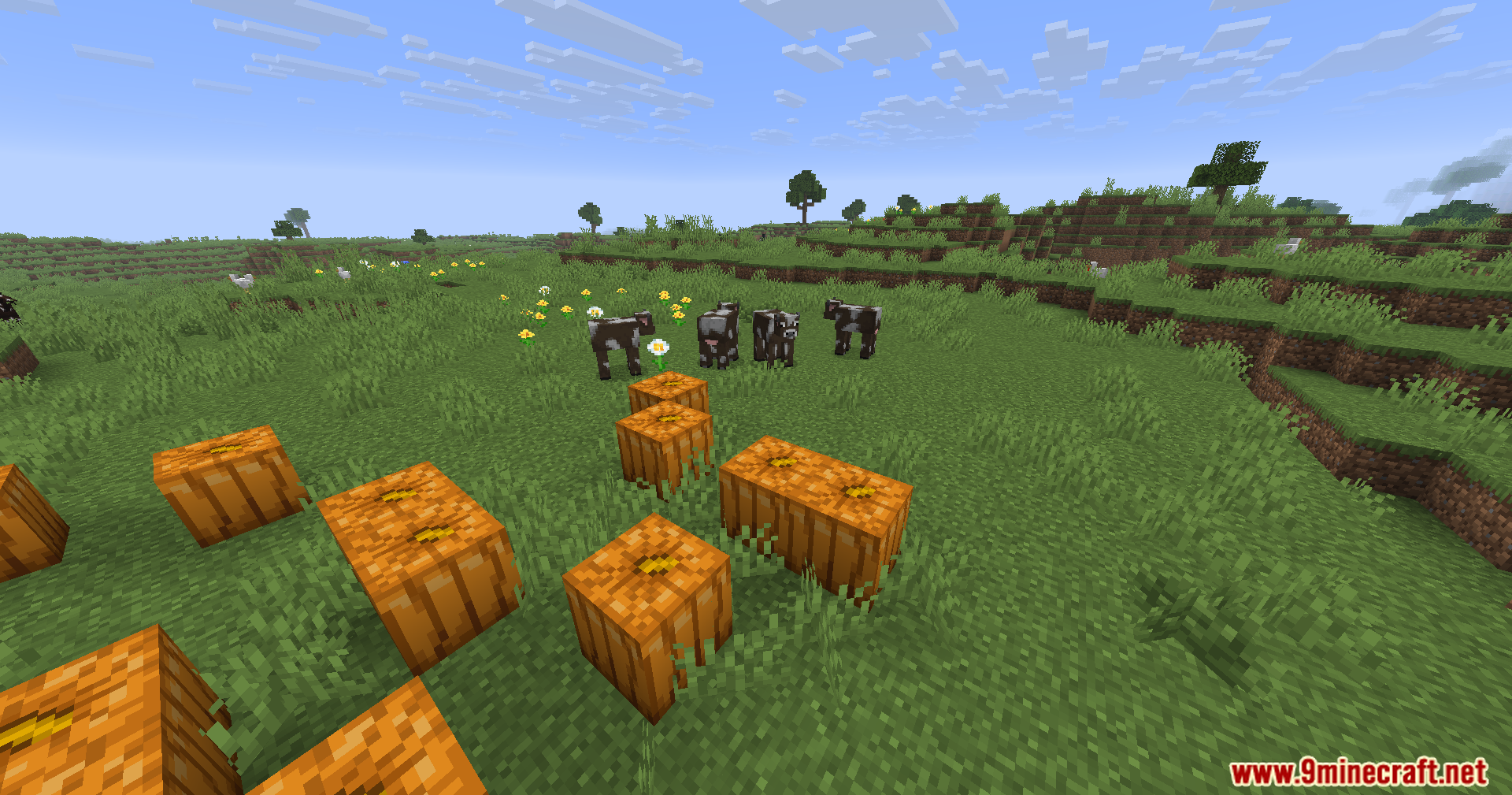
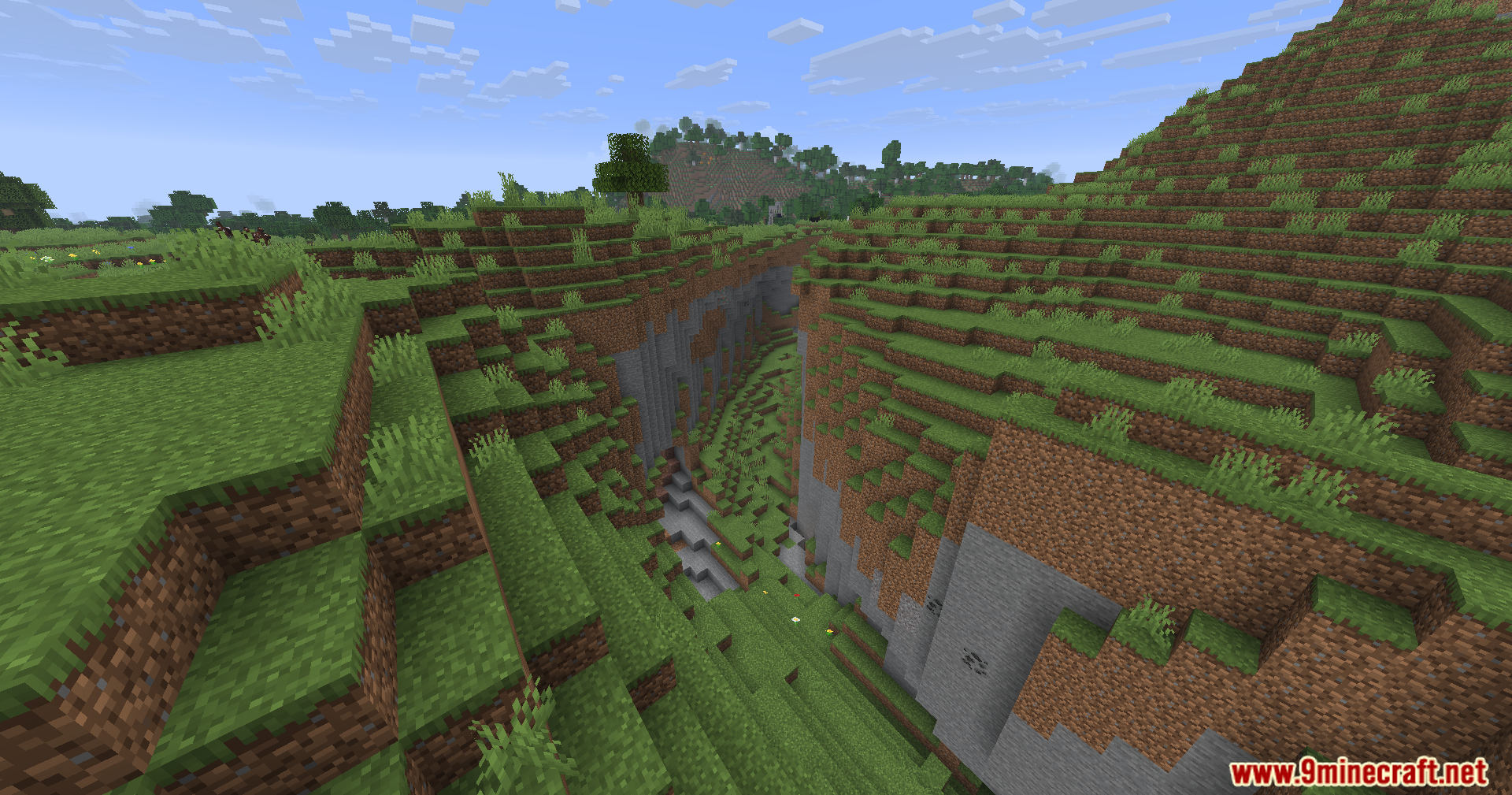
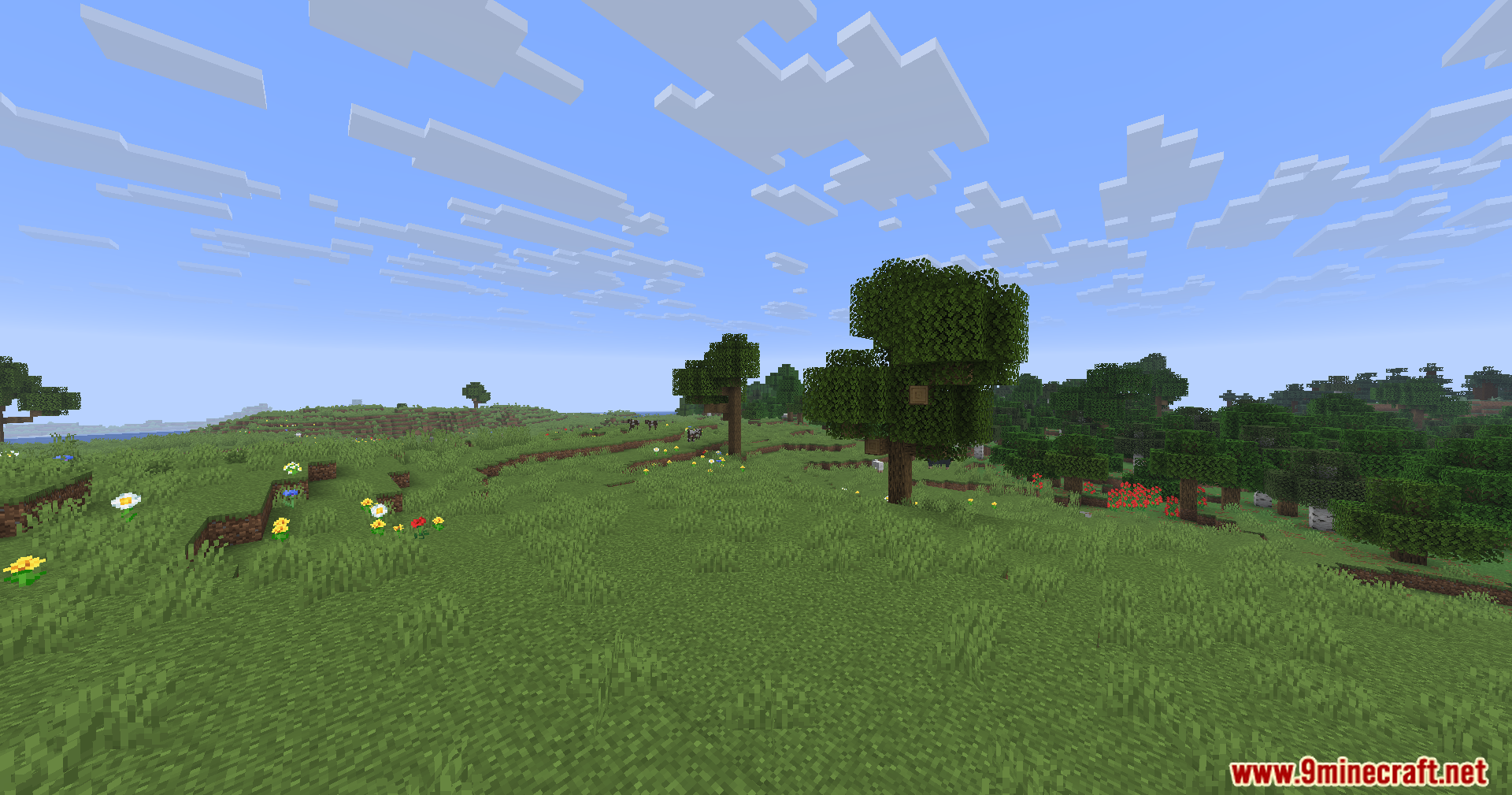
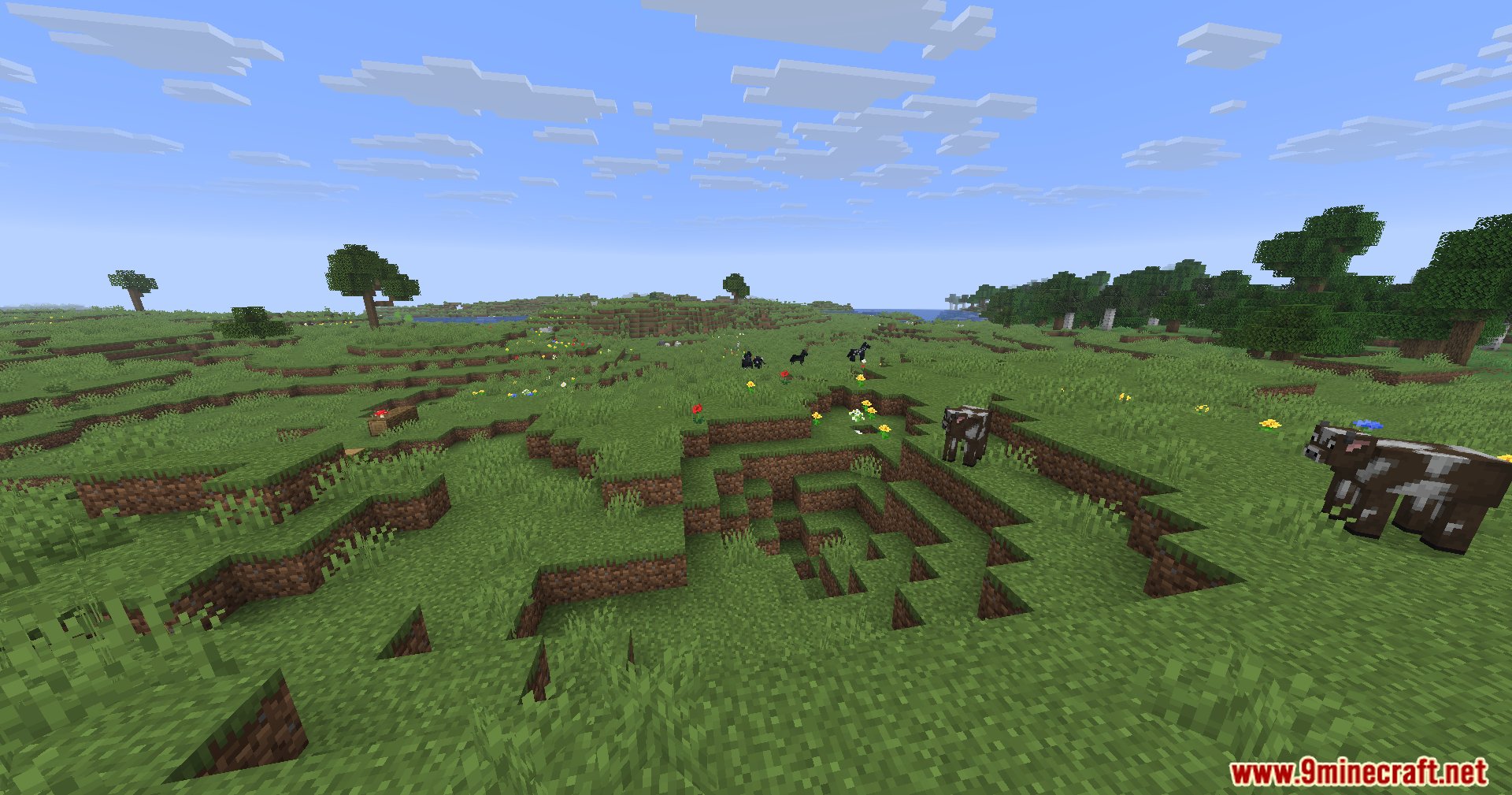
Screenshots:
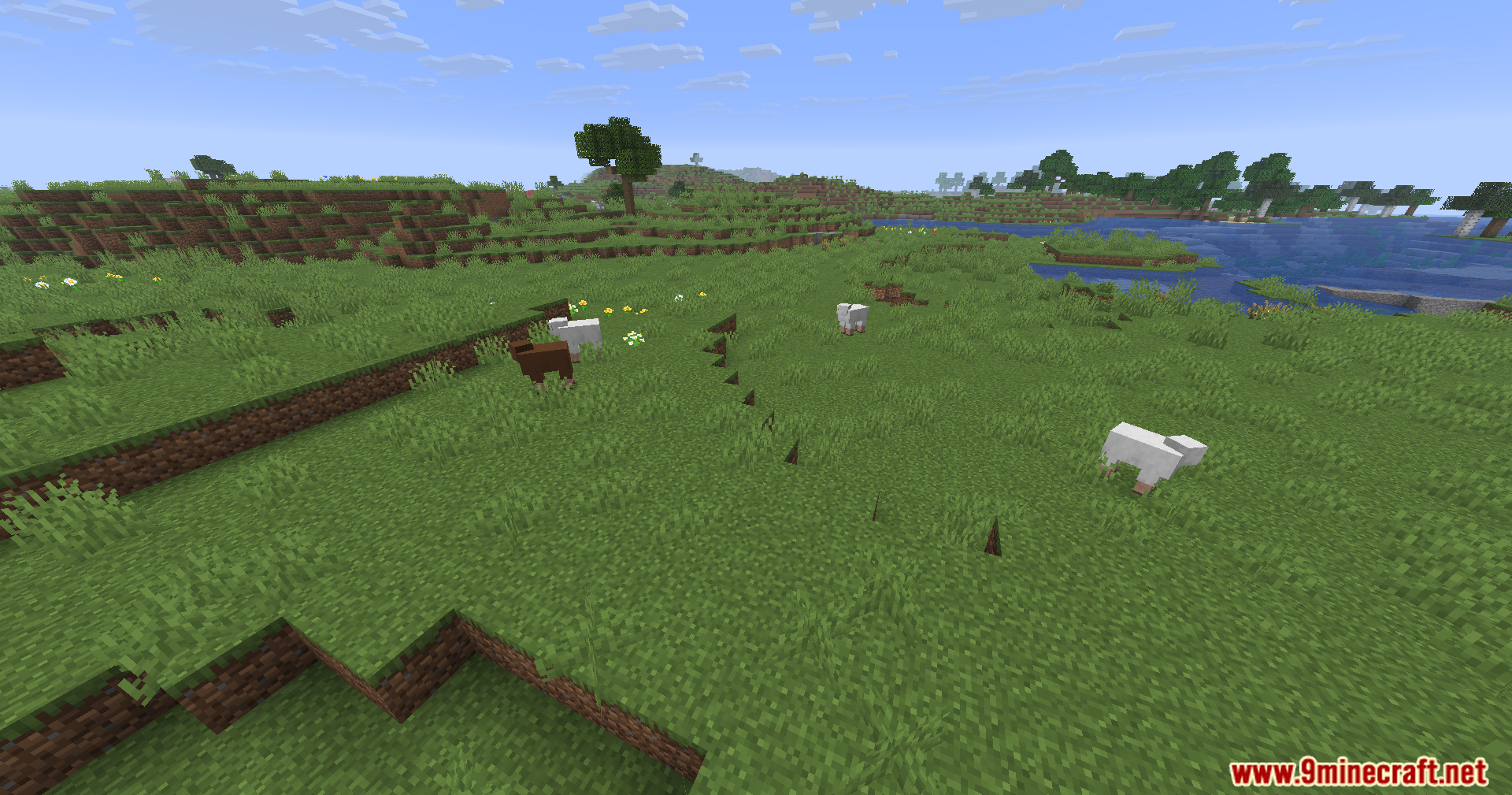
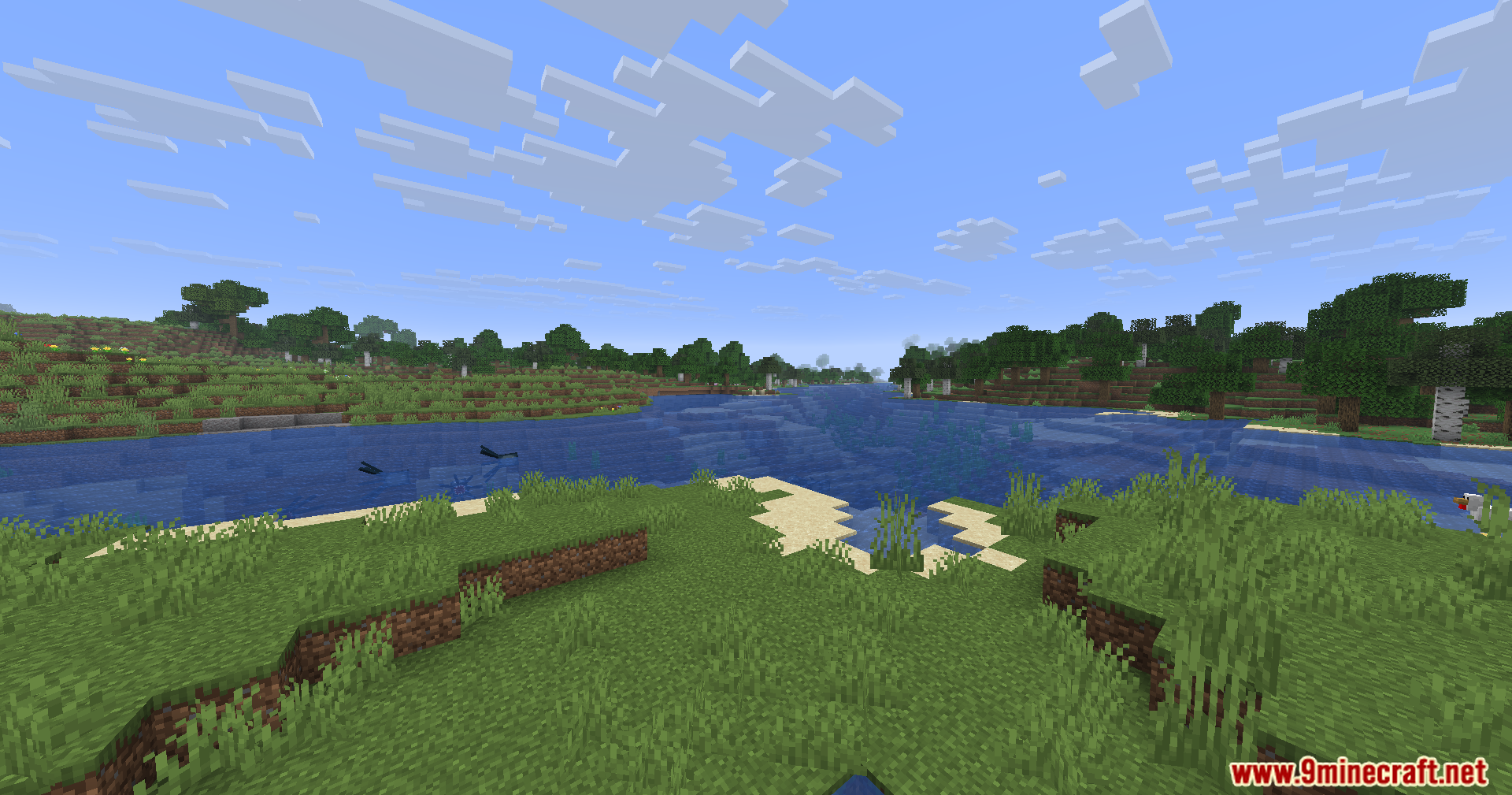
WayGL Mod Download Links
Quick facts
- Edition: Minecraft Java
- File type: .jar
- Minecraft version listed: 1.20.1
- How to install: Install the matching mod loader (Forge, Fabric or NeoForge) for your Minecraft version. → Download the .jar. → Put it in the .minecraft/mods folder and launch that loader profile.
- Where to get it: In MC Java Mods, or directly above on this page.
Install steps are the general flow for this file type — How to install Minecraft Java mods & modpacks walks through it step by step.
Verified by MCModsHub
- Downloads as 251609.mcaddon
- Download size: 117 KB
- Download link checked 26 Sept 2026 — working
- Mirrored on our own servers — the download does not depend on the original host
These come from our own check of the pack file, not from the source page.