
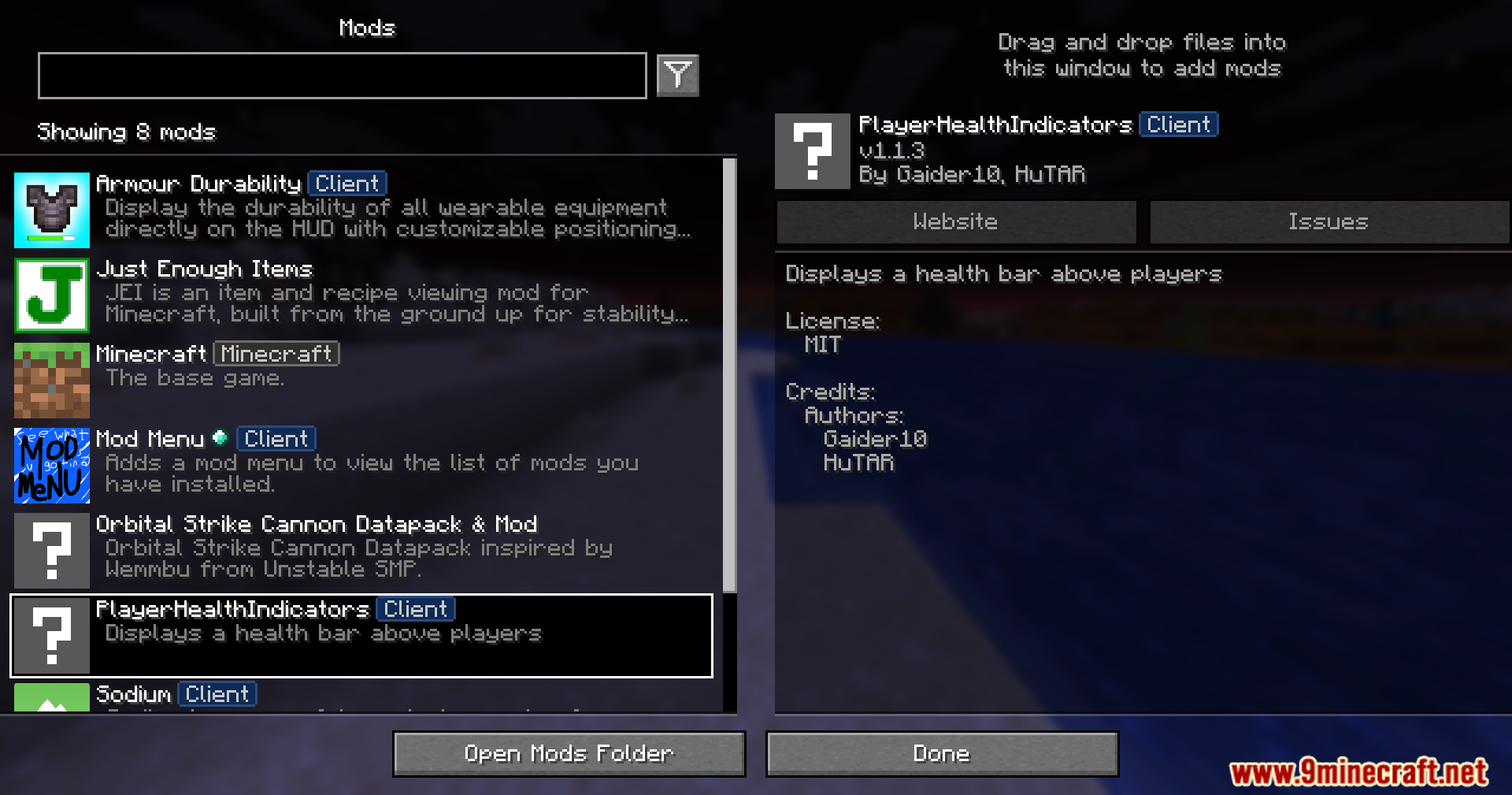





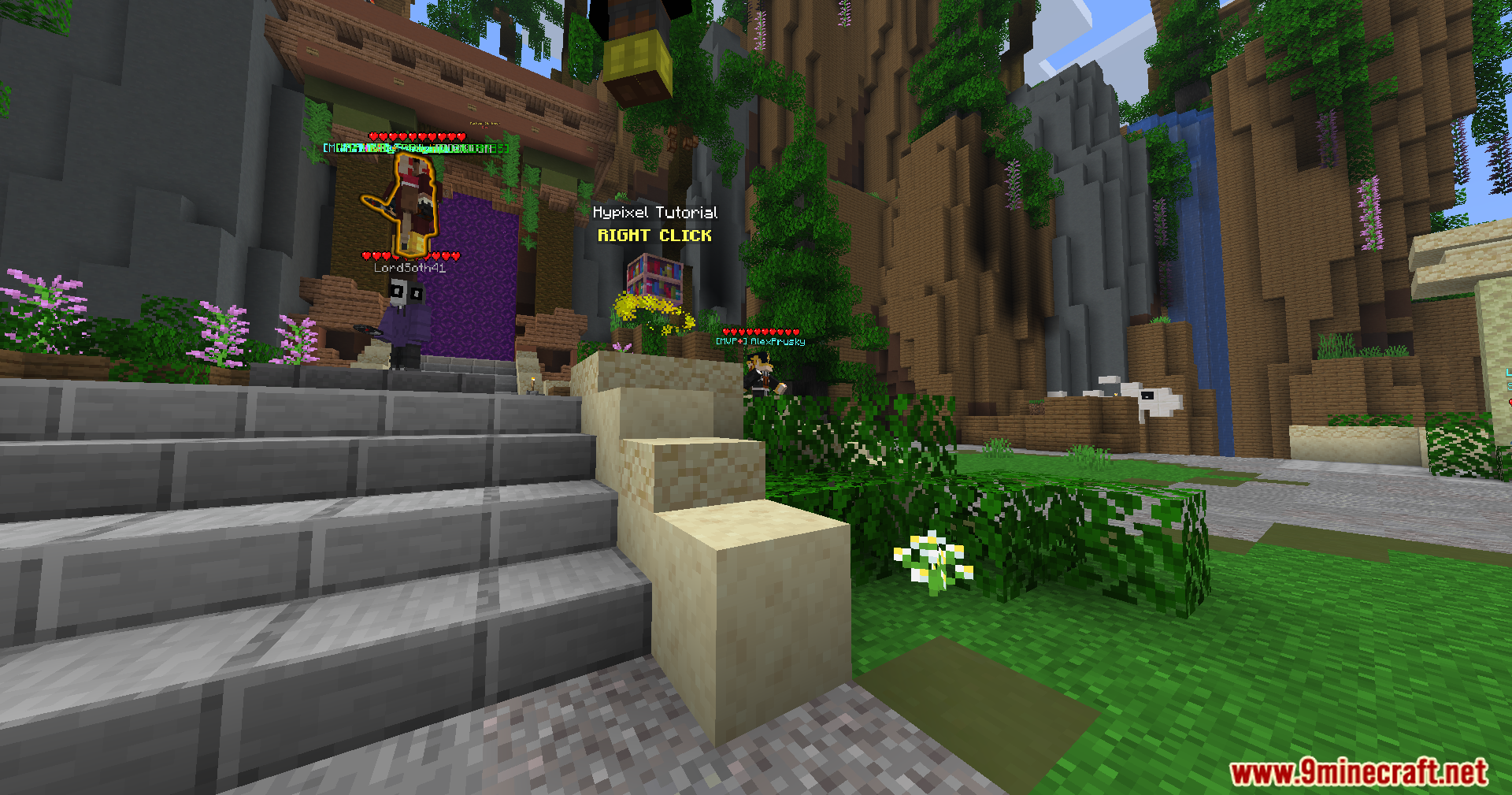

Player Health Indicators Invisible Support Mod extends Player Health Indicators with a way to spot hidden opponents. It replaces the original mod to show health hearts above invisible players. The hearts only appear if the hidden player wears armor. If they take all their armor off, their health stays completely hidden. This version does not work together with the base mod, so you can only run this specific file.
Features:
- Shows a row of hearts above other players so you know their exact health.
- Reveals the health of invisible enemies as long as they wear at least one piece of armor.
- Hides the health hearts completely if an invisible player takes off all their armor.
- Works as a direct replacement for the main mod so you get this extra tracking feature.
How to Use:
- Look at any player to see their health hearts above their head.
- Watch for floating armor pieces on invisible players to spot their health.
- Take off all your own armor if you want to drink an invisibility potion and hide your health.
Screenshots:


Player Health Indicators Invisible Support Mod Download Links
Quick facts
- Edition: Minecraft Java
- File type: .jar
- Minecraft version listed: 1.20.1
- How to install: Install the matching mod loader (Forge, Fabric or NeoForge) for your Minecraft version. → Download the .jar. → Put it in the .minecraft/mods folder and launch that loader profile.
- Where to get it: In MC Java Mods, or directly above on this page.
Install steps are the general flow for this file type — How to install Minecraft Java mods & modpacks walks through it step by step.
Verified by MCModsHub
- Downloads as 251610.mcaddon
- Download size: 13 KB
- Download link checked 24 Sept 2026 — working
- Mirrored on our own servers — the download does not depend on the original host
These come from our own check of the pack file, not from the source page.