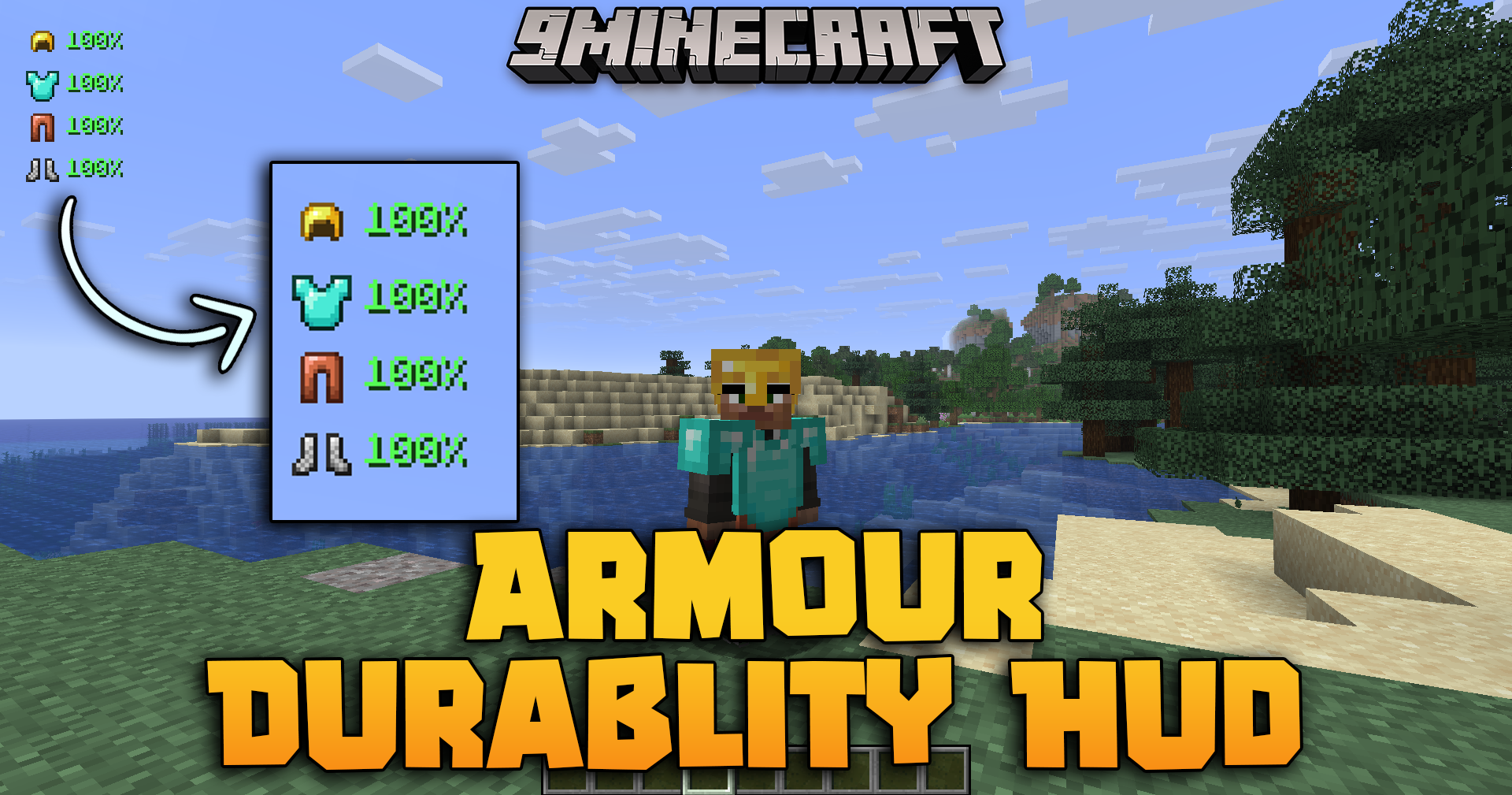
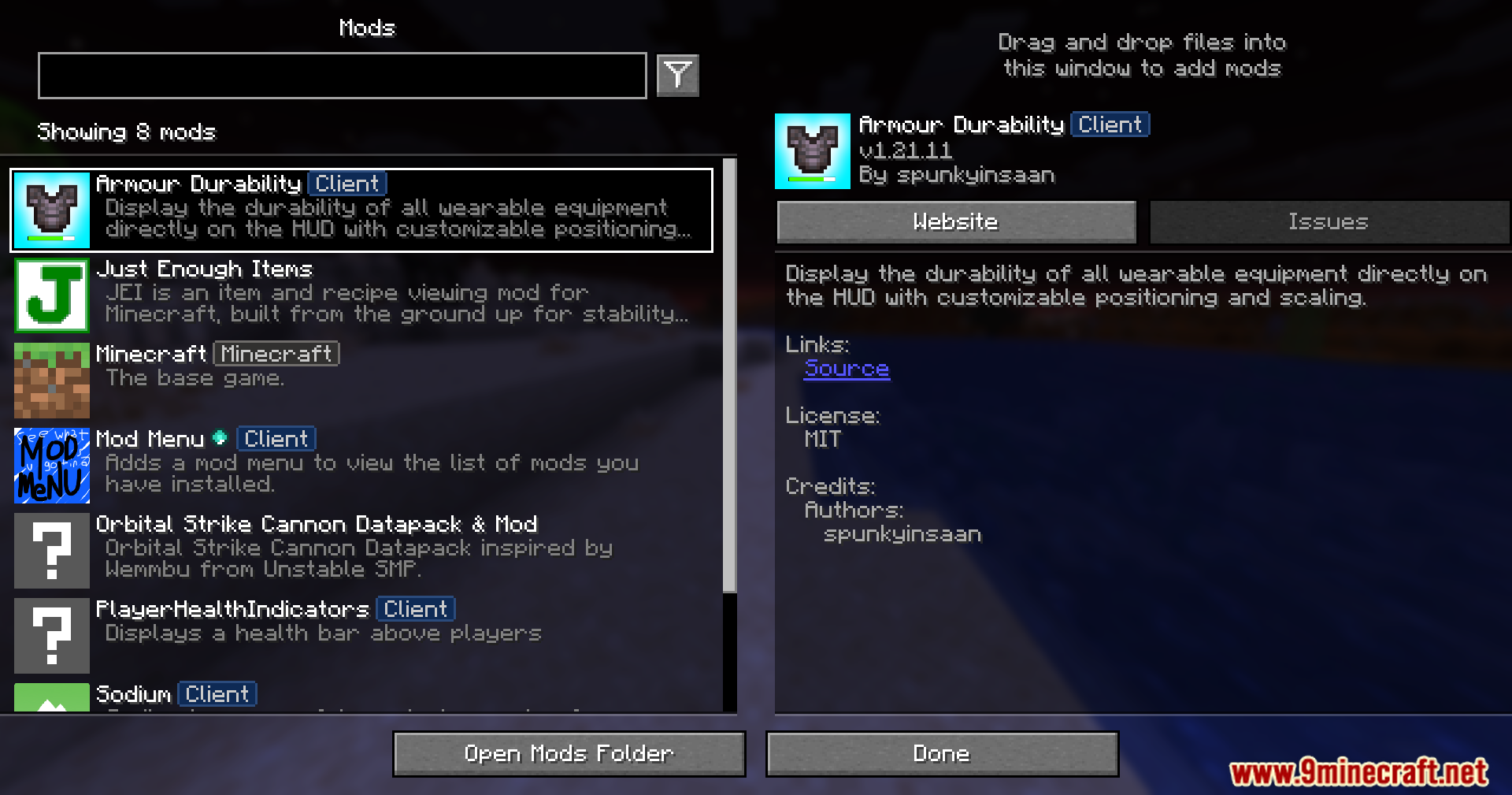
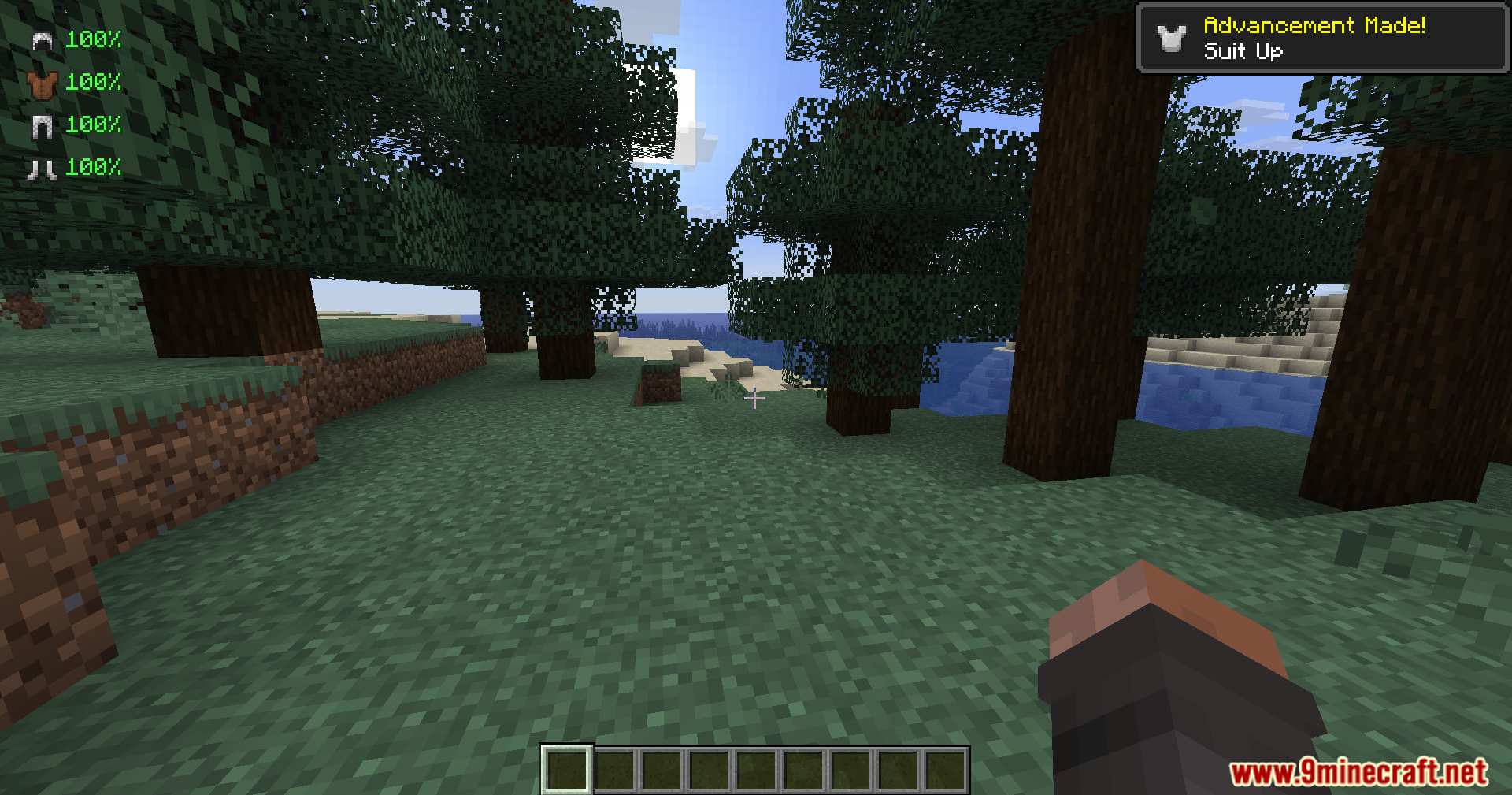
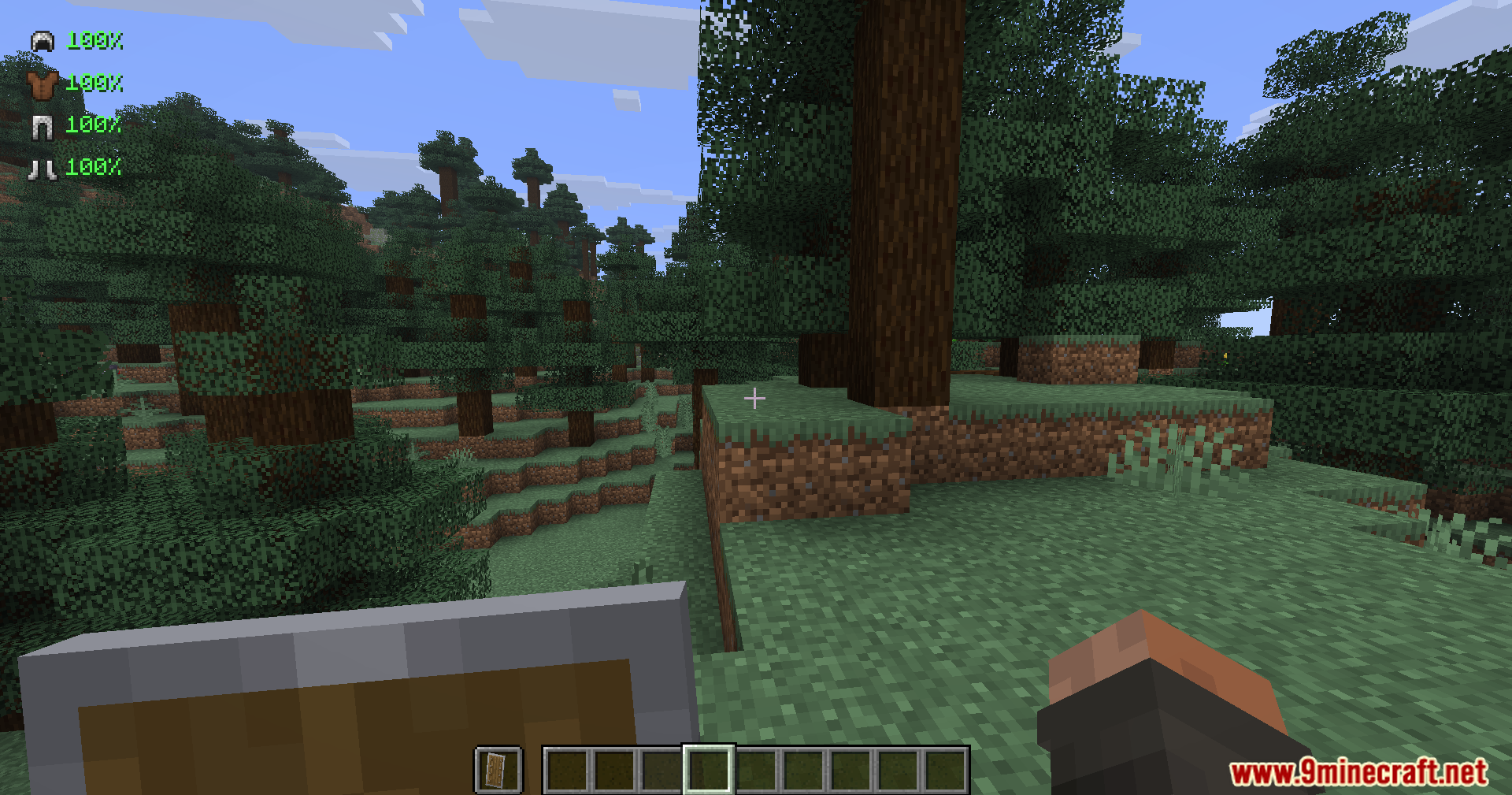
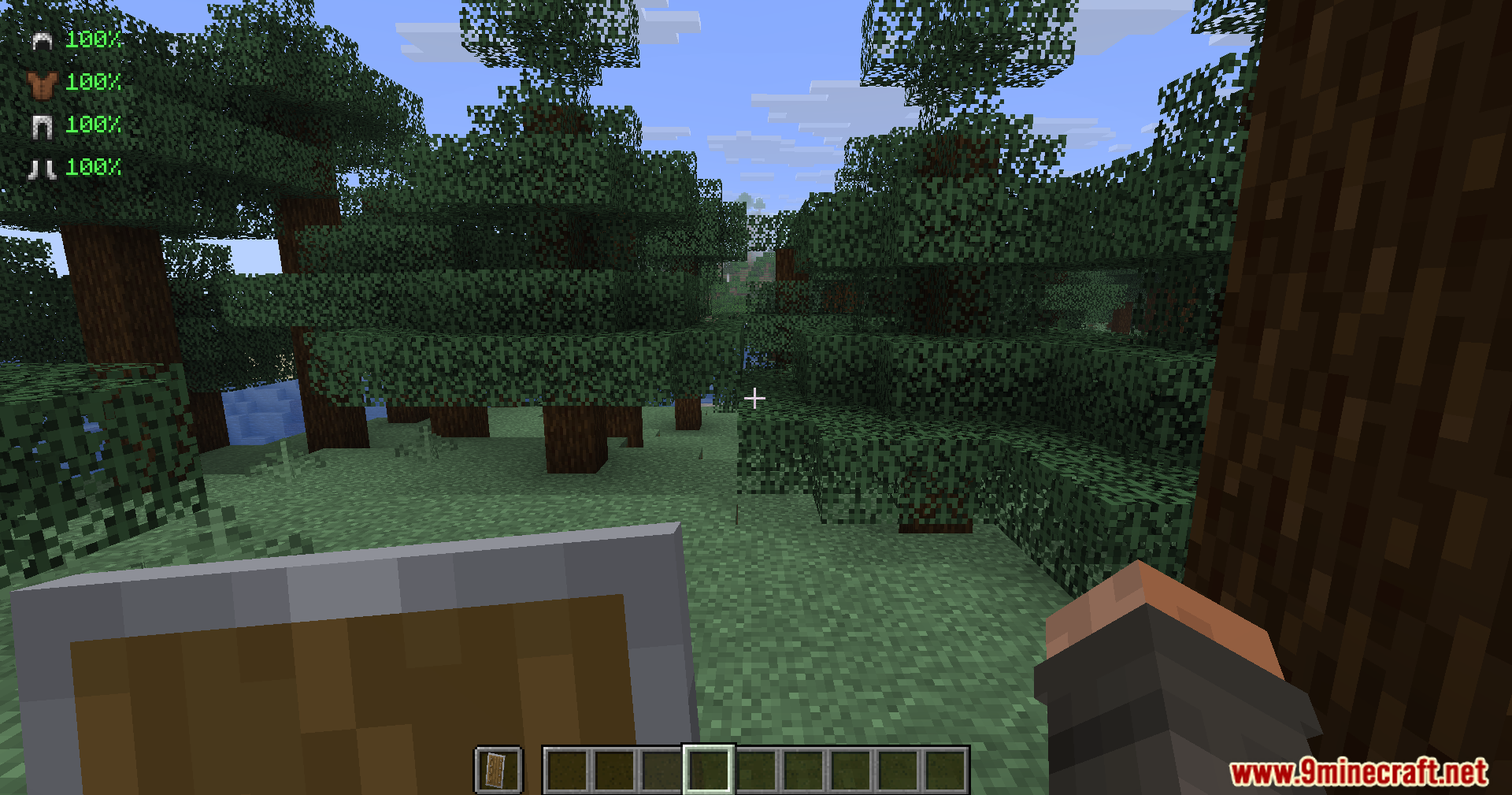
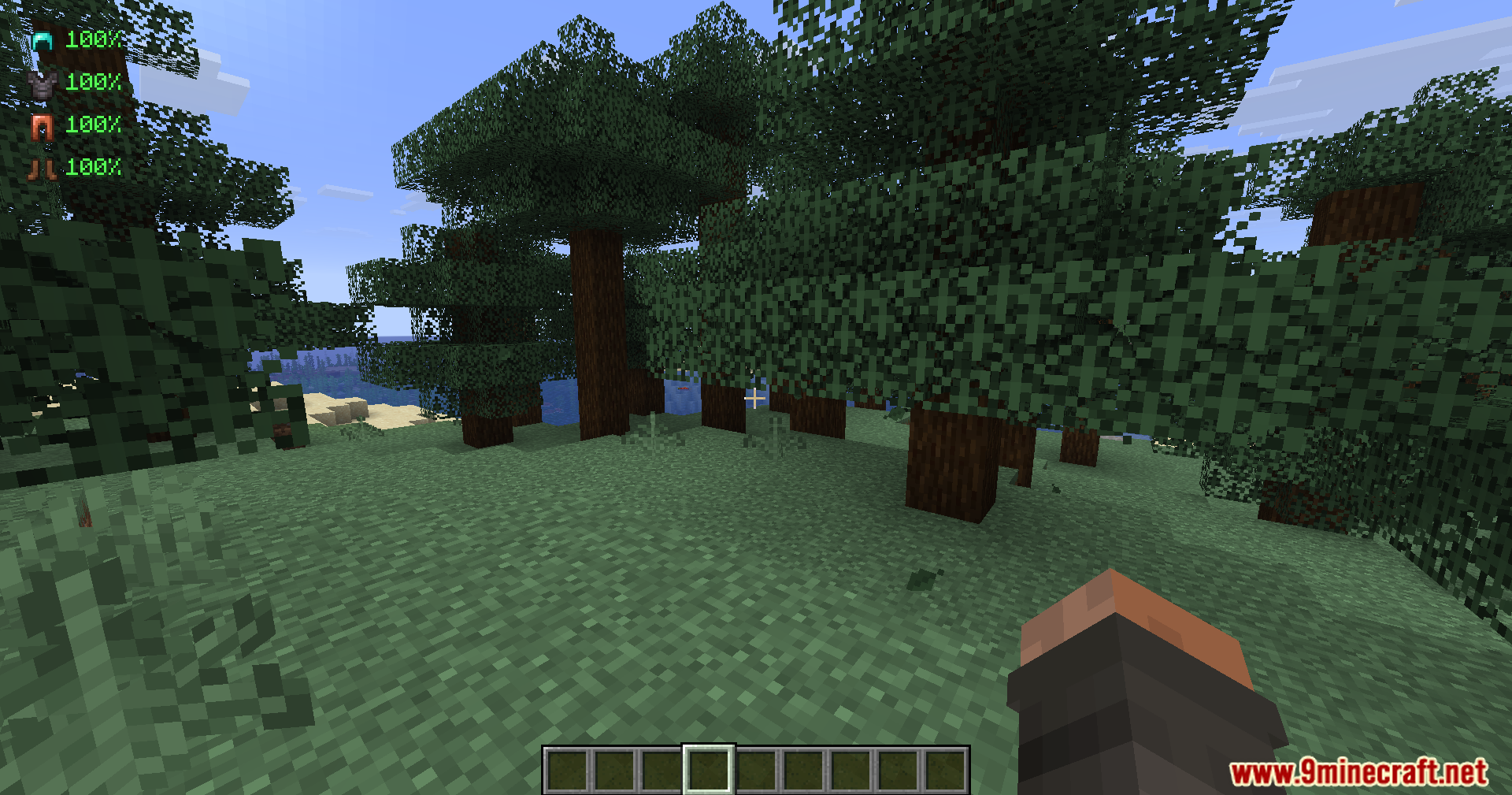
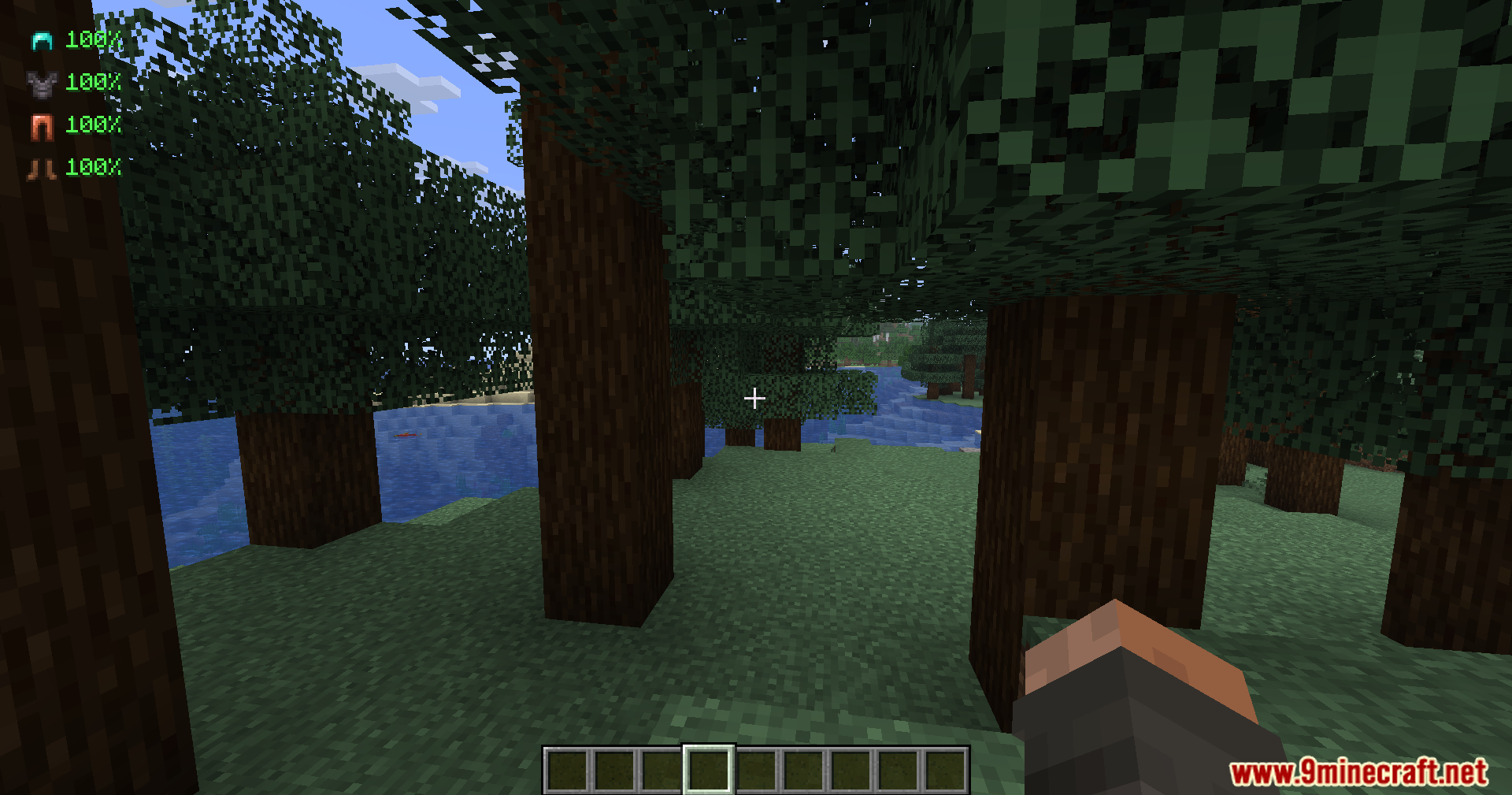
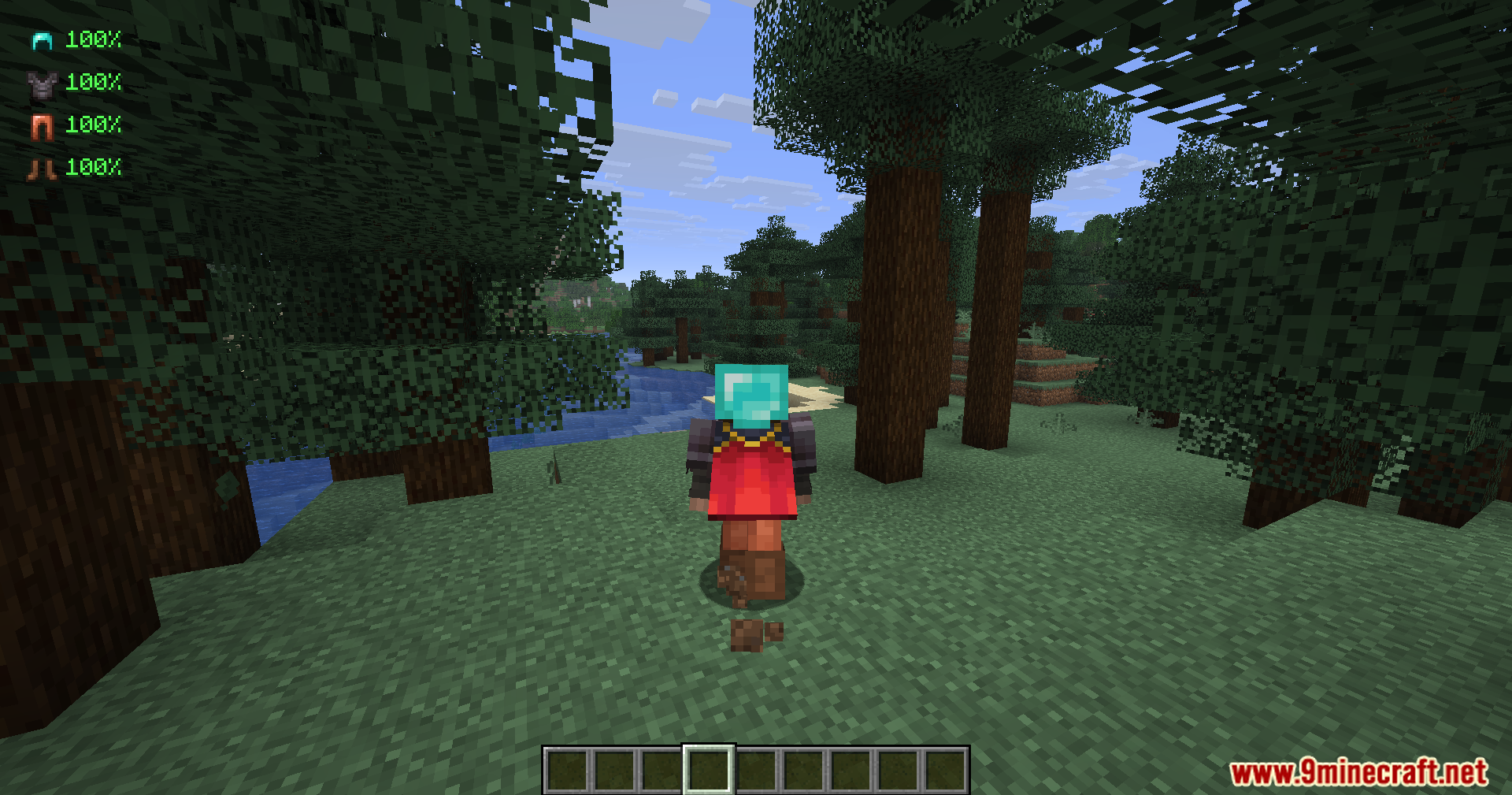
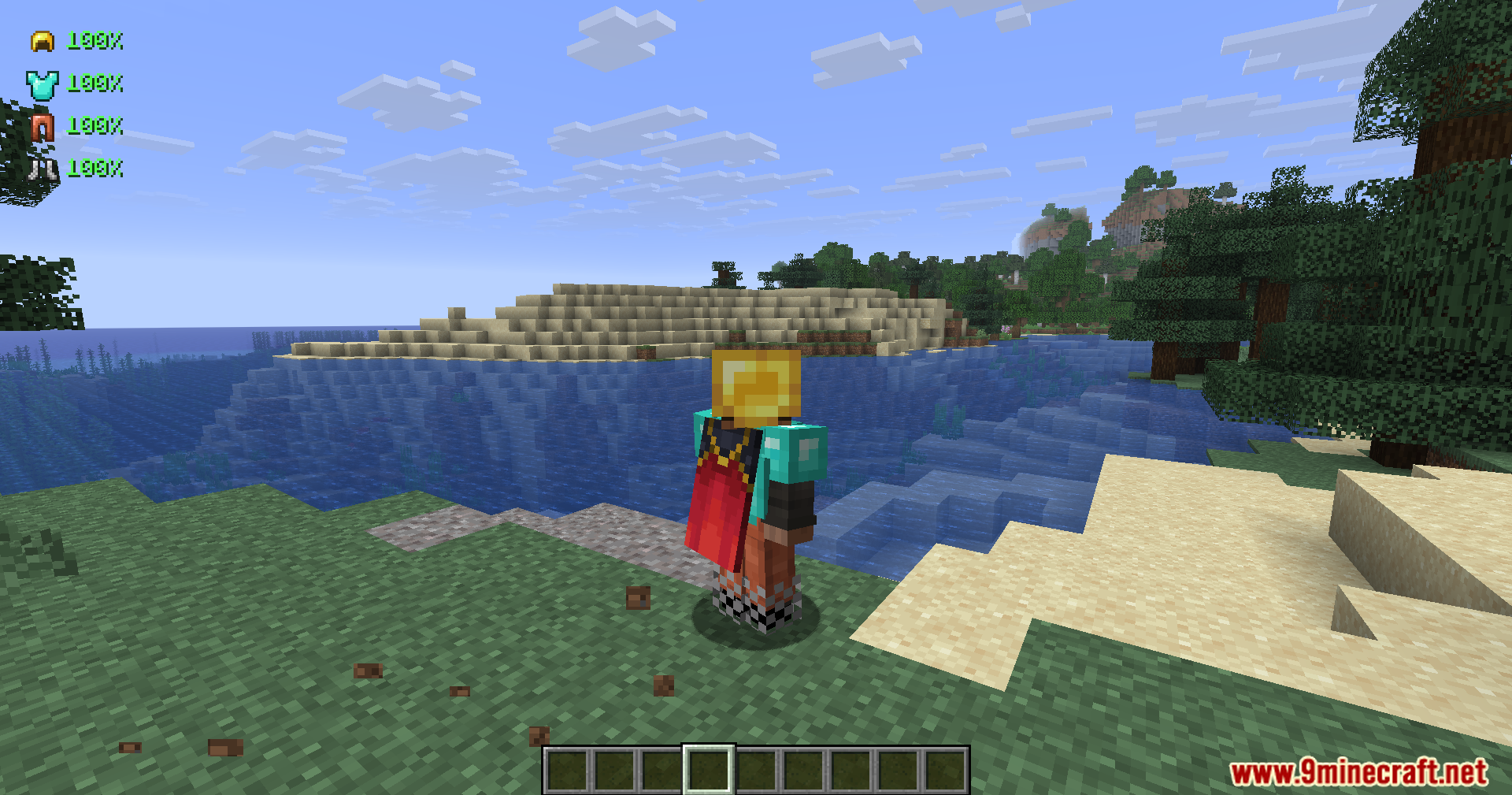
Armour Durablity Hud Mod puts a small display on your screen that shows how much health your gear has left. This mod tracks every piece of clothing you wear, from normal armor to special items like the elytra. You no longer need to open your inventory to check if your helmet or boots are about to break. It helps you know exactly when to repair your items before a fight goes wrong.
Features:
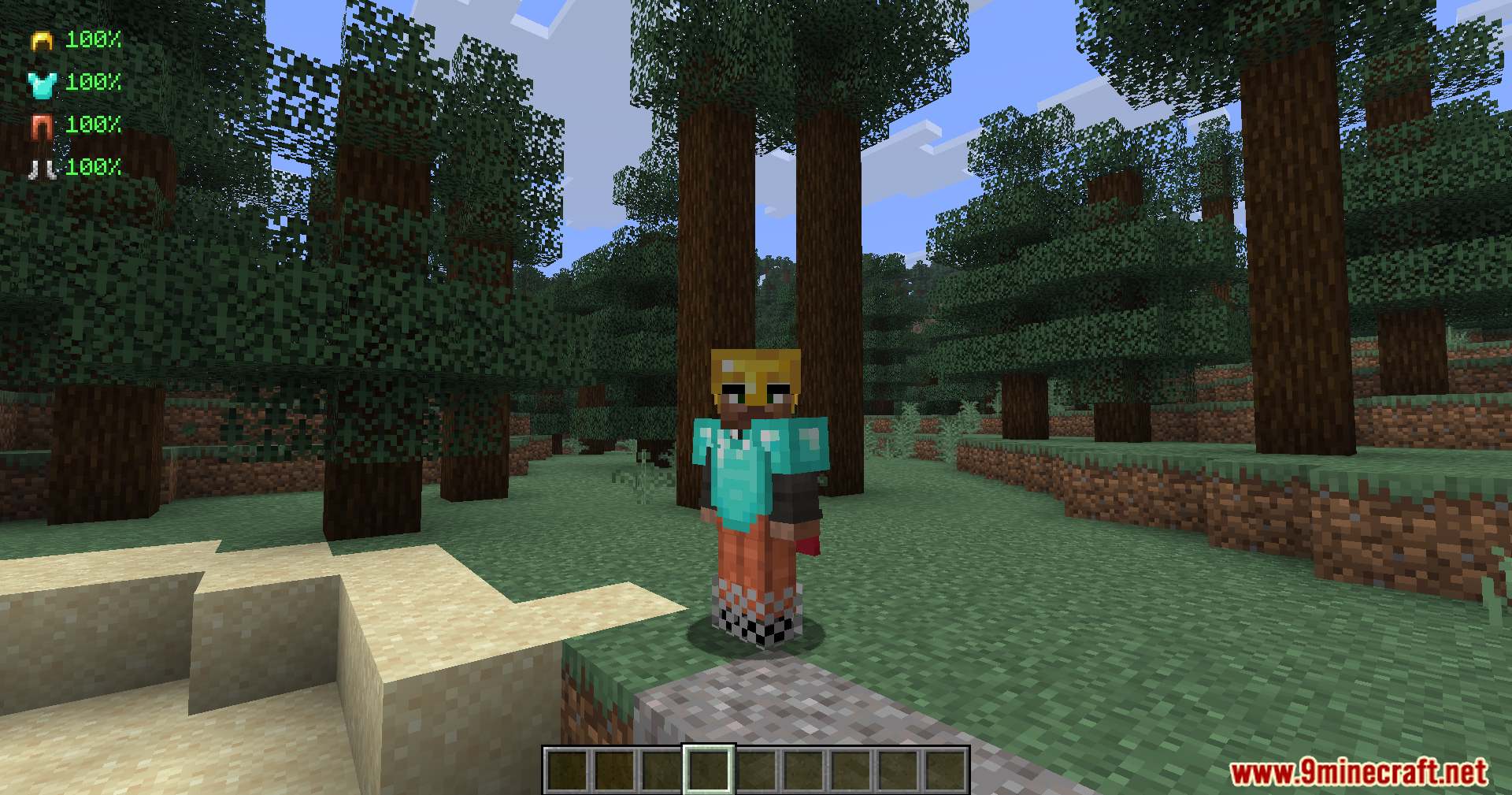
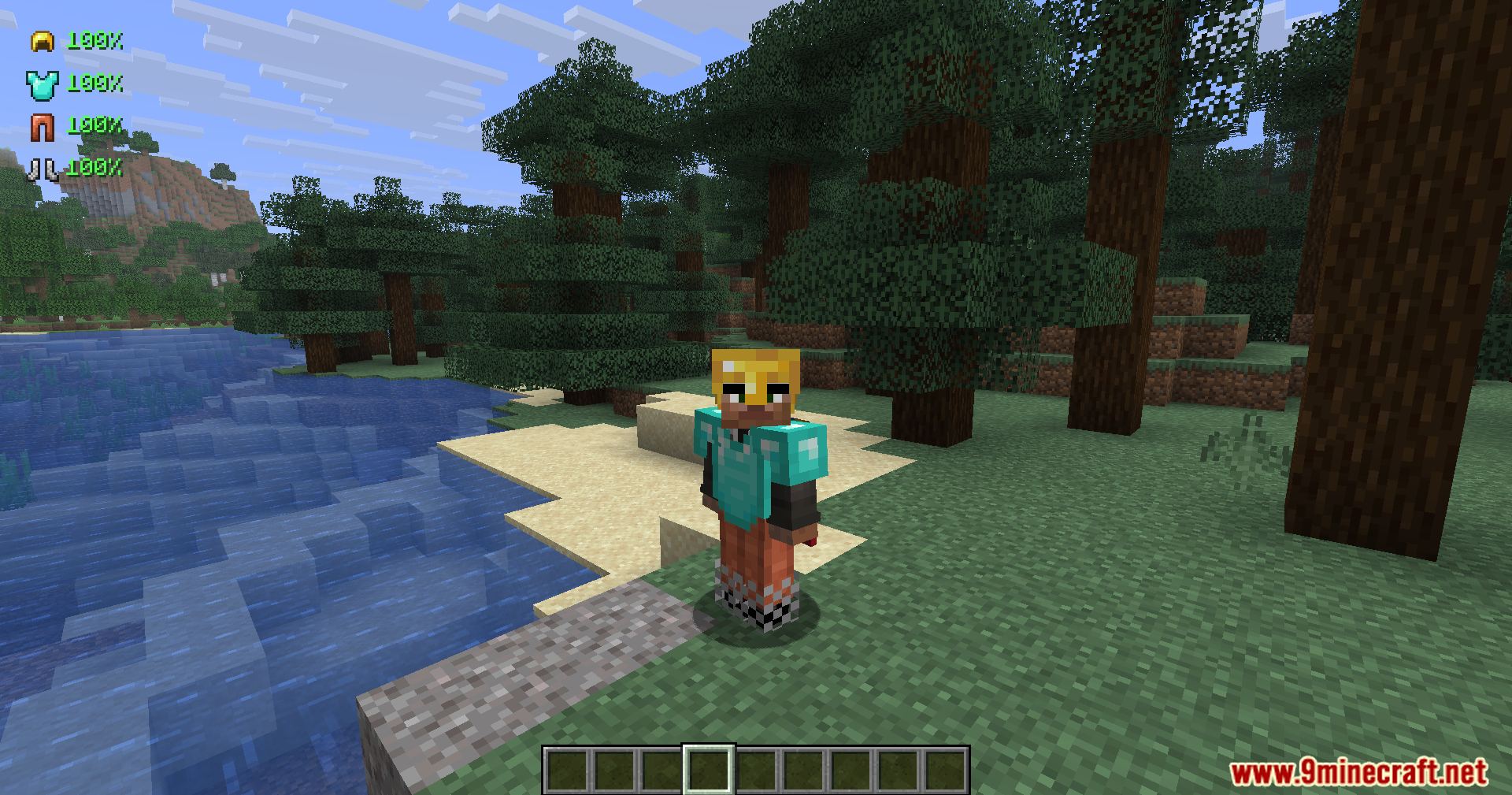
- Shows a clear percentage number next to your armor icons on the screen.
- Changes text colors based on item health so you can spot danger quickly.
- Displays green text when your gear is safe to use.
- Turns the numbers yellow when your items take some damage.
- Turns red when your armor is very low and needs fixing right away.
- Works with all normal wearable items including turtle shells and the elytra.
How to Use:
- Press the O key on your keyboard while playing.
- Look at the new menu to change where the armor display sits on your screen.
- Move the display around until it fits perfectly with your other screen elements.
Screenshots:
Armour Durablity Hud Mod Download Links
Quick facts
- Edition: Minecraft Java
- File type: .jar
- Minecraft version listed: 1.21.1
- How to install: Install the matching mod loader (Forge, Fabric or NeoForge) for your Minecraft version. → Download the .jar. → Put it in the .minecraft/mods folder and launch that loader profile.
- Where to get it: In MC Java Mods, or directly above on this page.
Install steps are the general flow for this file type — How to install Minecraft Java mods & modpacks walks through it step by step.
Verified by MCModsHub
- Downloads as 251611.mcaddon
- Download size: 51 KB
- Download link checked 22 Sept 2026 — working
- Mirrored on our own servers — the download does not depend on the original host
These come from our own check of the pack file, not from the source page.