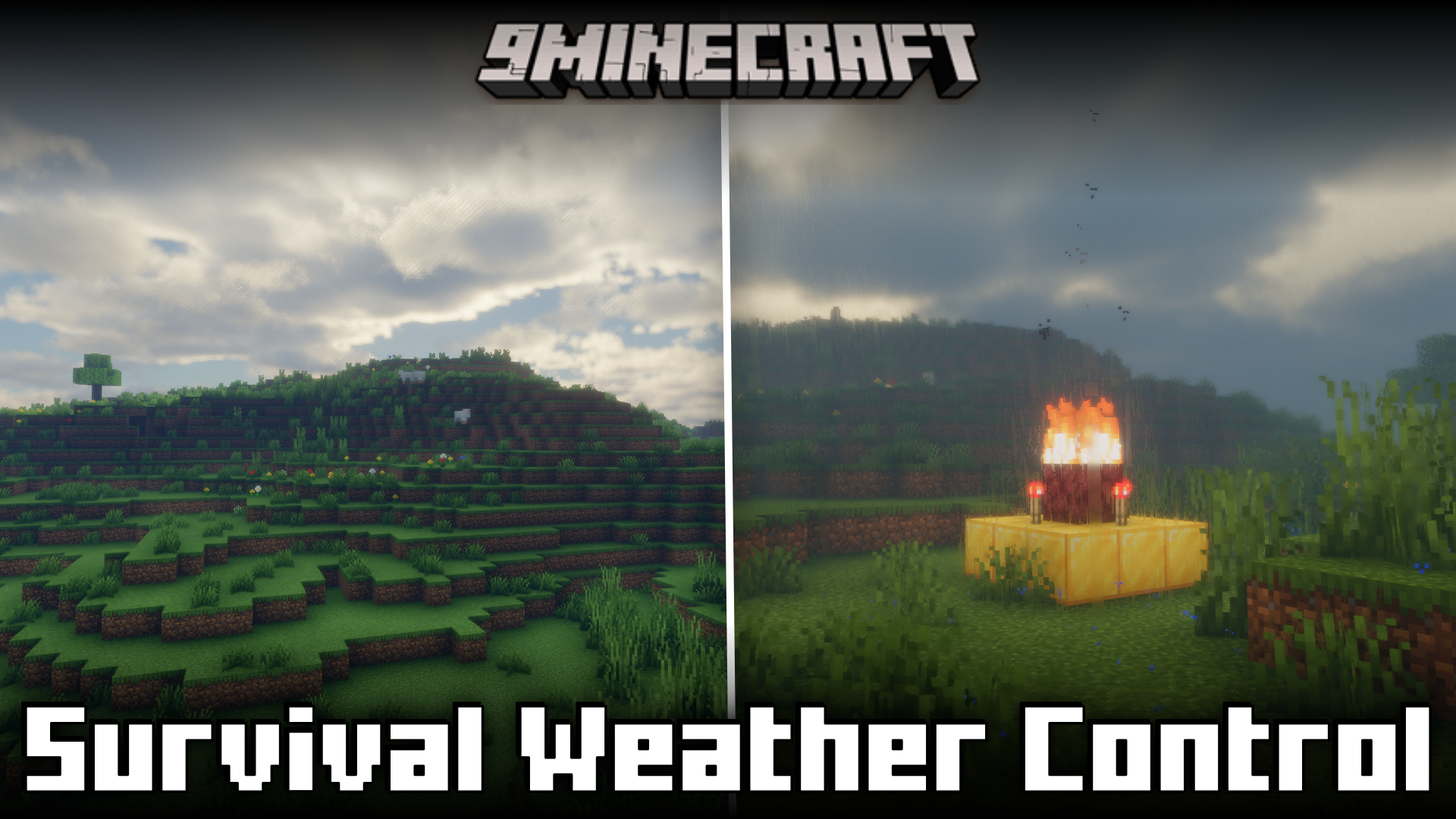
Survival Weather Control Mod (26.2, 1.20.1) – Summon Thunderstorms
Java mod listed for Minecraft 1.20. Downloads from the MC Java Mods app on Android.
⬇ Download

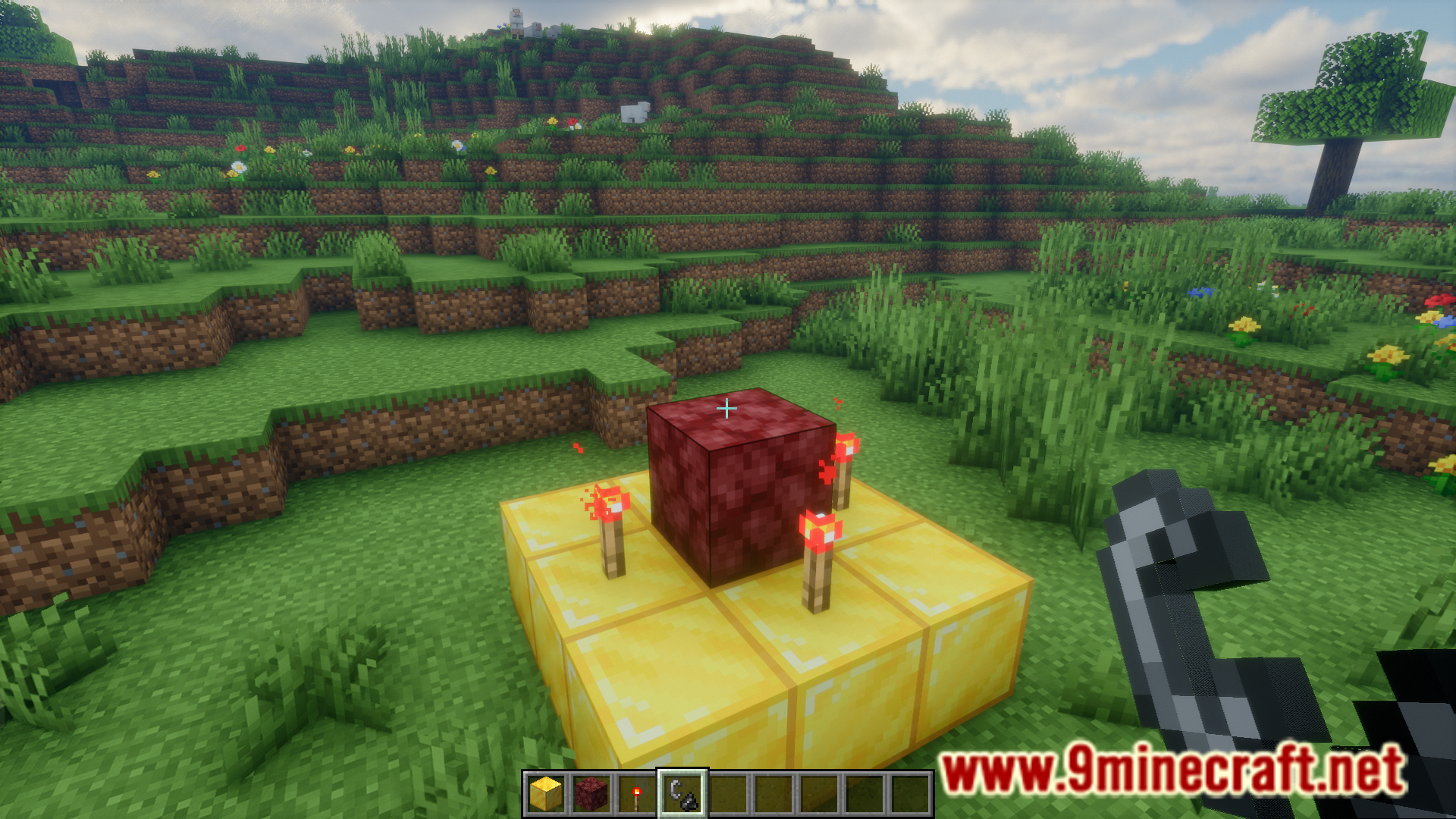




With the help of the /weather command, you can change the weather in Minecraft to whatever you choose. But this is only possible if you have access to commands, which is most probably disabled in your survival. This leaves players with no control over the weather in survival mode. But not anymore! Survival Weather Control Mod, as the name suggests, gives players some control over the weather in survival mode. By building a herobrine altar using a few gold blocks, four redstone torches and a netherrack block with fire on top, you will be able to change the weather to thunderstorm.
Features:
- Gives survival players some control over the weather.
- Build a herobrine altar to make it thunderstorm.
Screenshots:
Survival Weather Control Mod Download Links
- Edition: Minecraft Java
- File type: .jar
- Minecraft version listed: 1.20.1
- How to install: Install the matching mod loader (Forge, Fabric or NeoForge) for your Minecraft version. → Download the .jar. → Put it in the .minecraft/mods folder and launch that loader profile.
- Where to get it: In MC Java Mods, or directly above on this page.
Install steps are the general flow for this file type — How to install Minecraft Java mods & modpacks walks through it step by step.
- Downloads as 2520.mcaddon
- Download size: 5 KB
- Download link checked 22 Sept 2026 — working
- Mirrored on our own servers — the download does not depend on the original host
These come from our own check of the pack file, not from the source page.