Home›Java›Mods›Smithing Template Viewer for JEI/EMI Mod (1.21.11, 1.21.1) – View How Smithing Templates

ModsJava
Smithing Template Viewer for JEI/EMI Mod (1.21.11, 1.21.1) – View How Smithing Templates
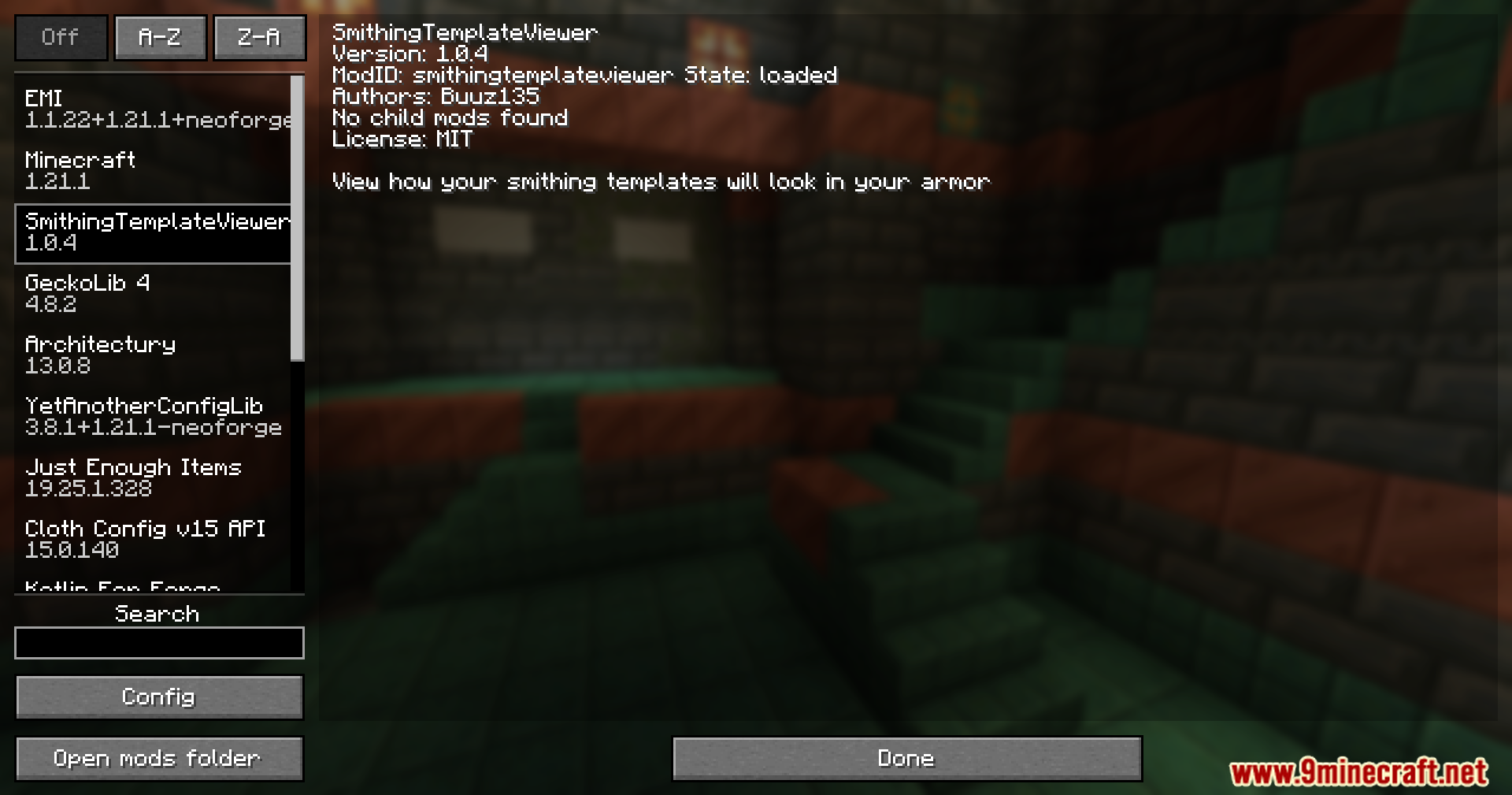
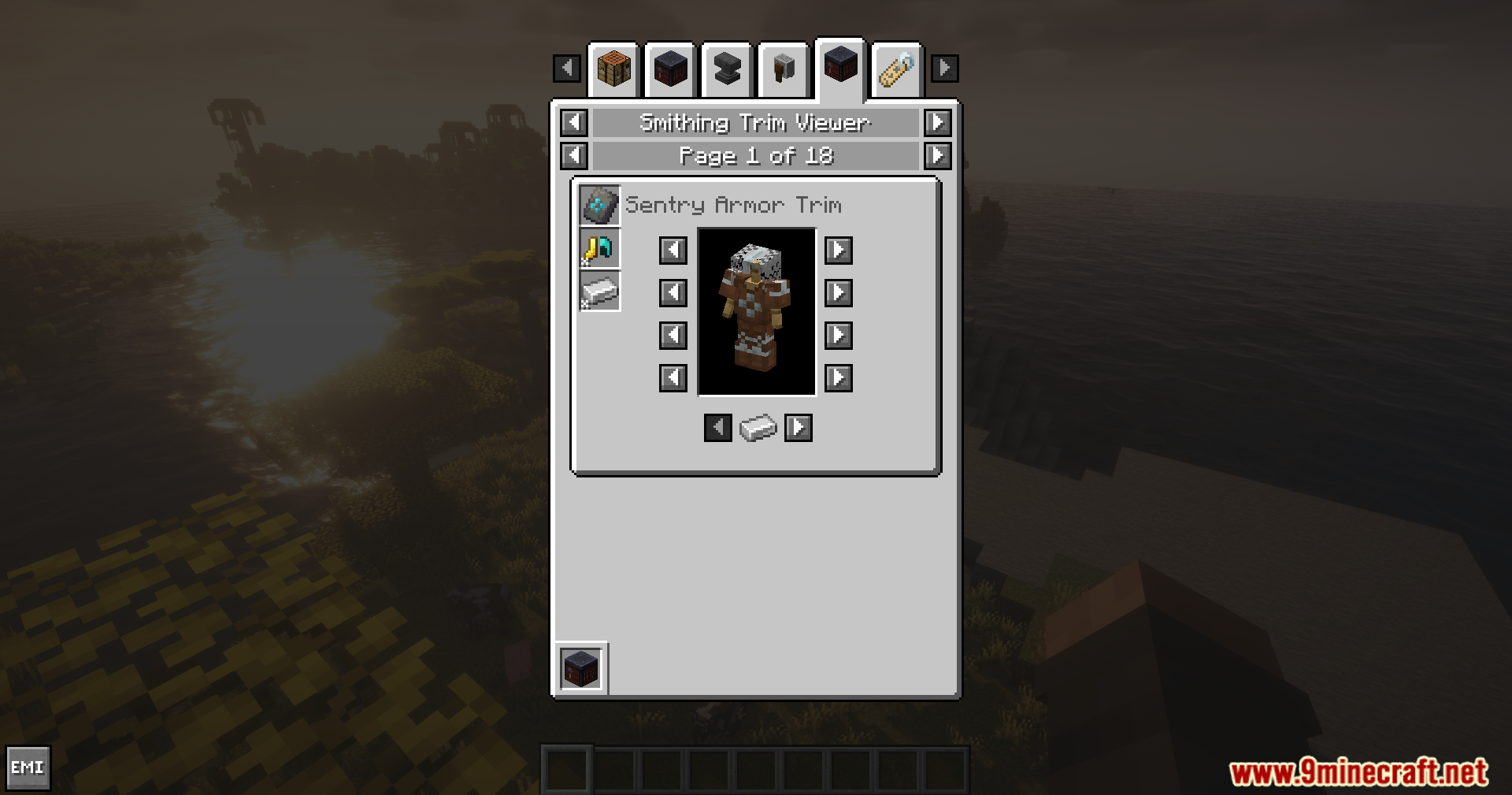
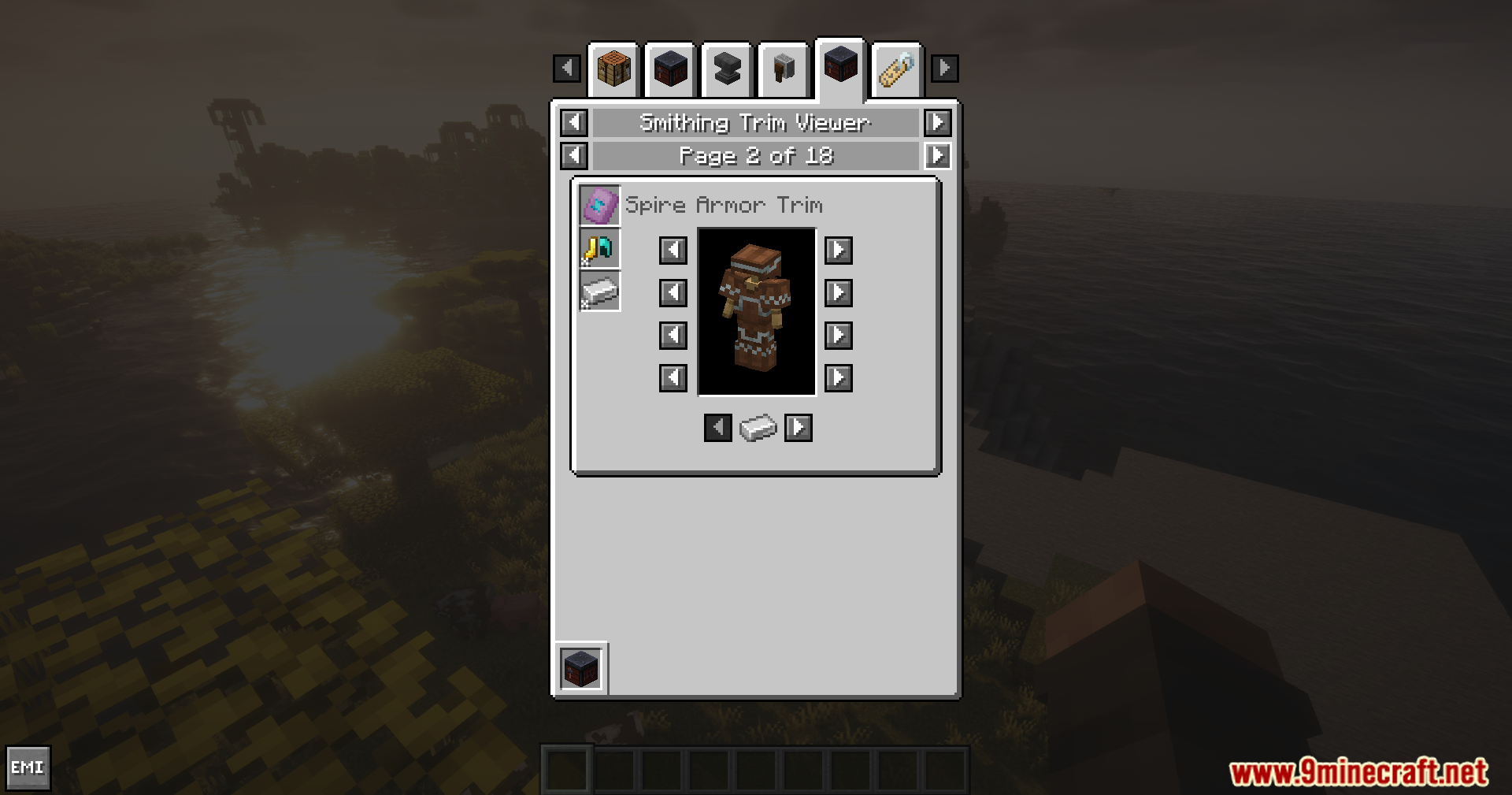
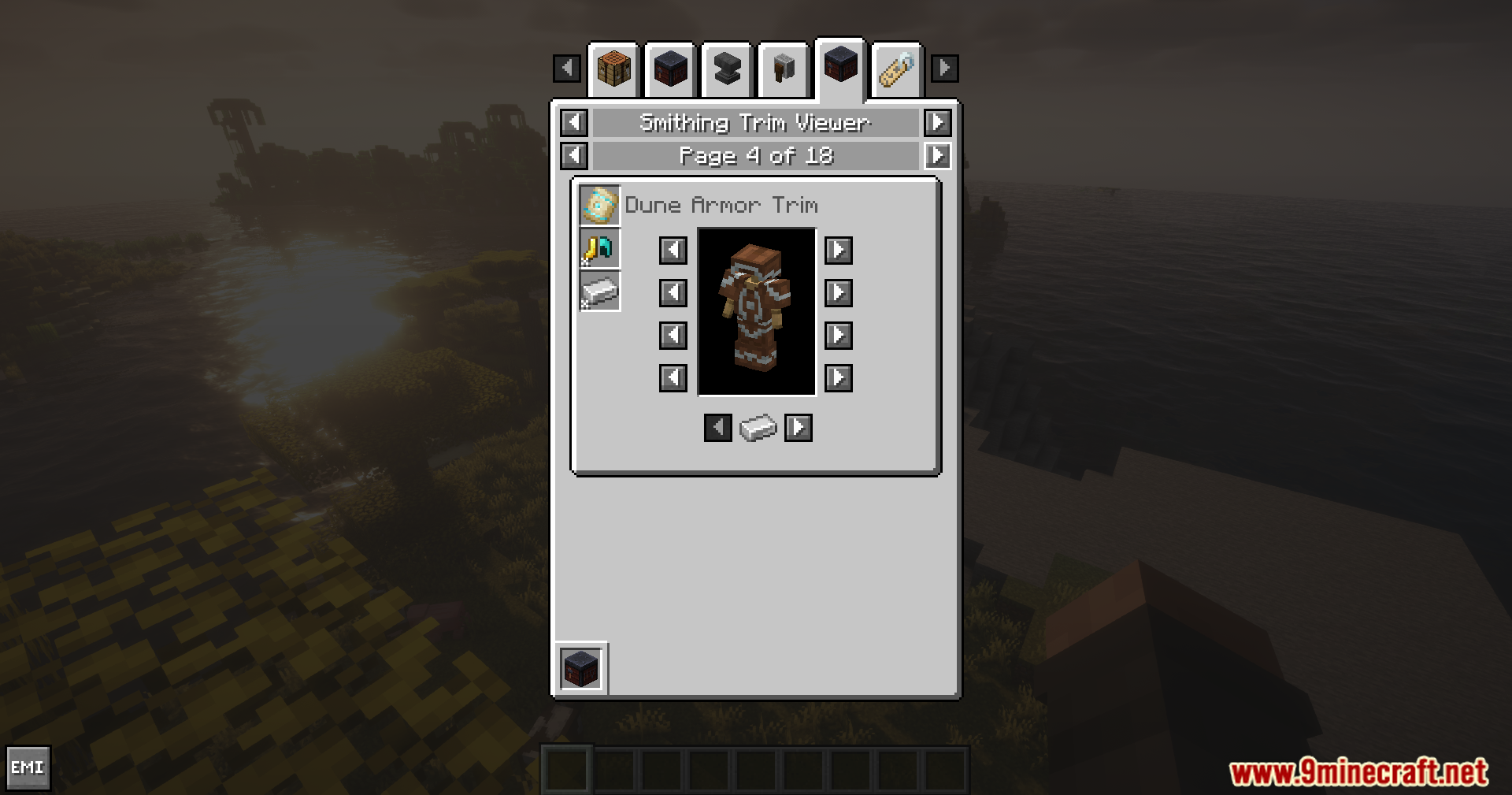
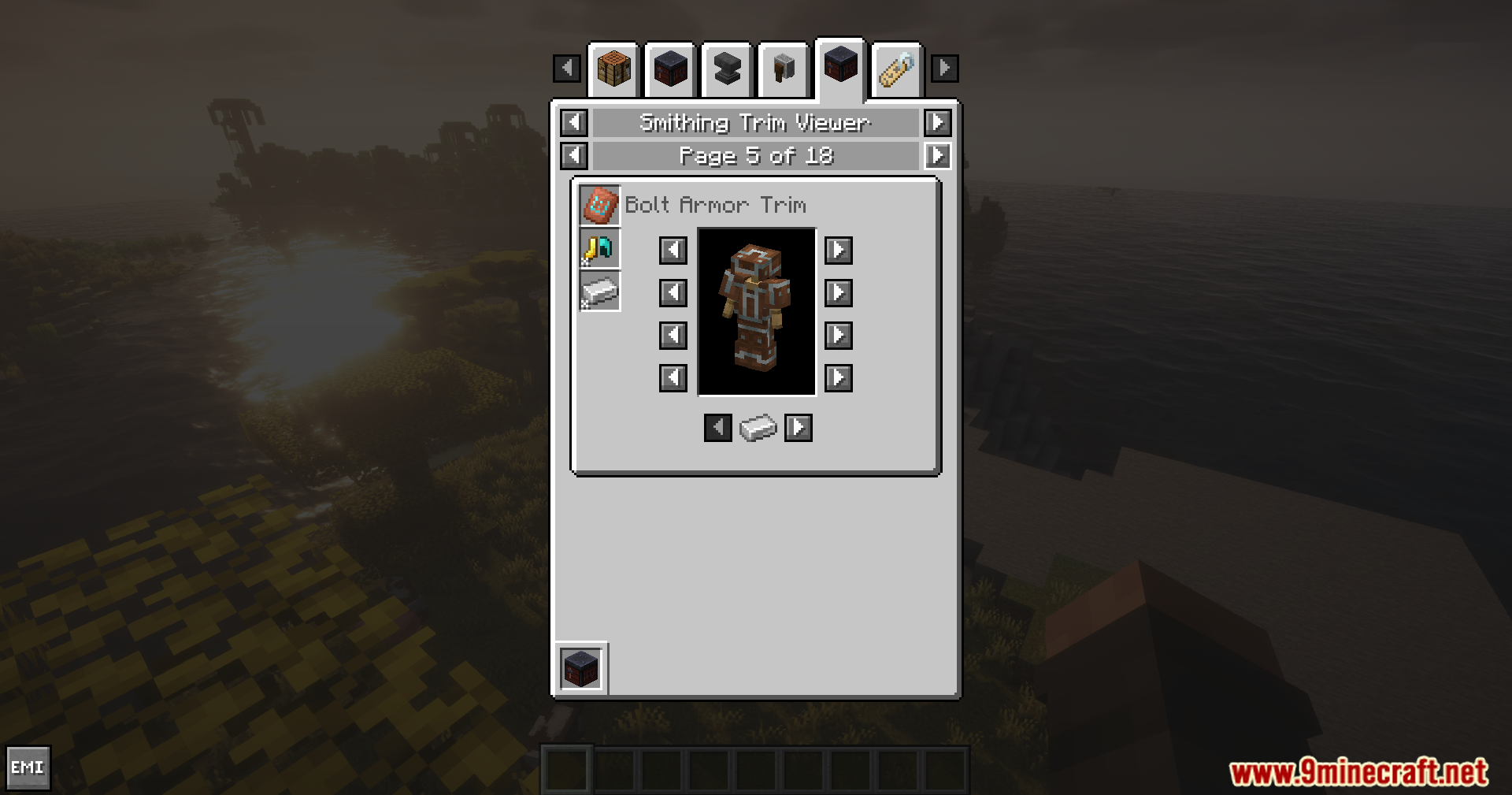
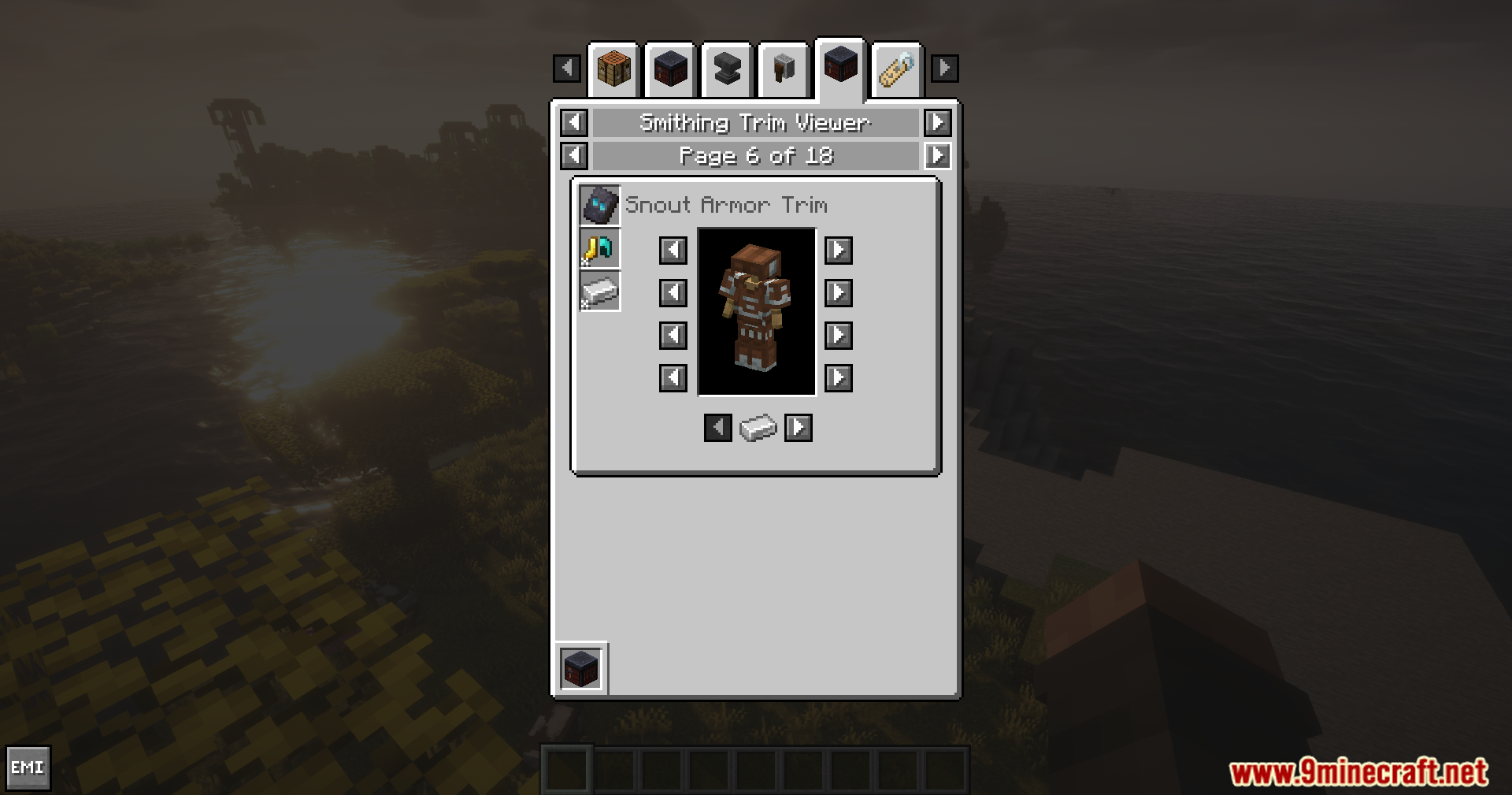
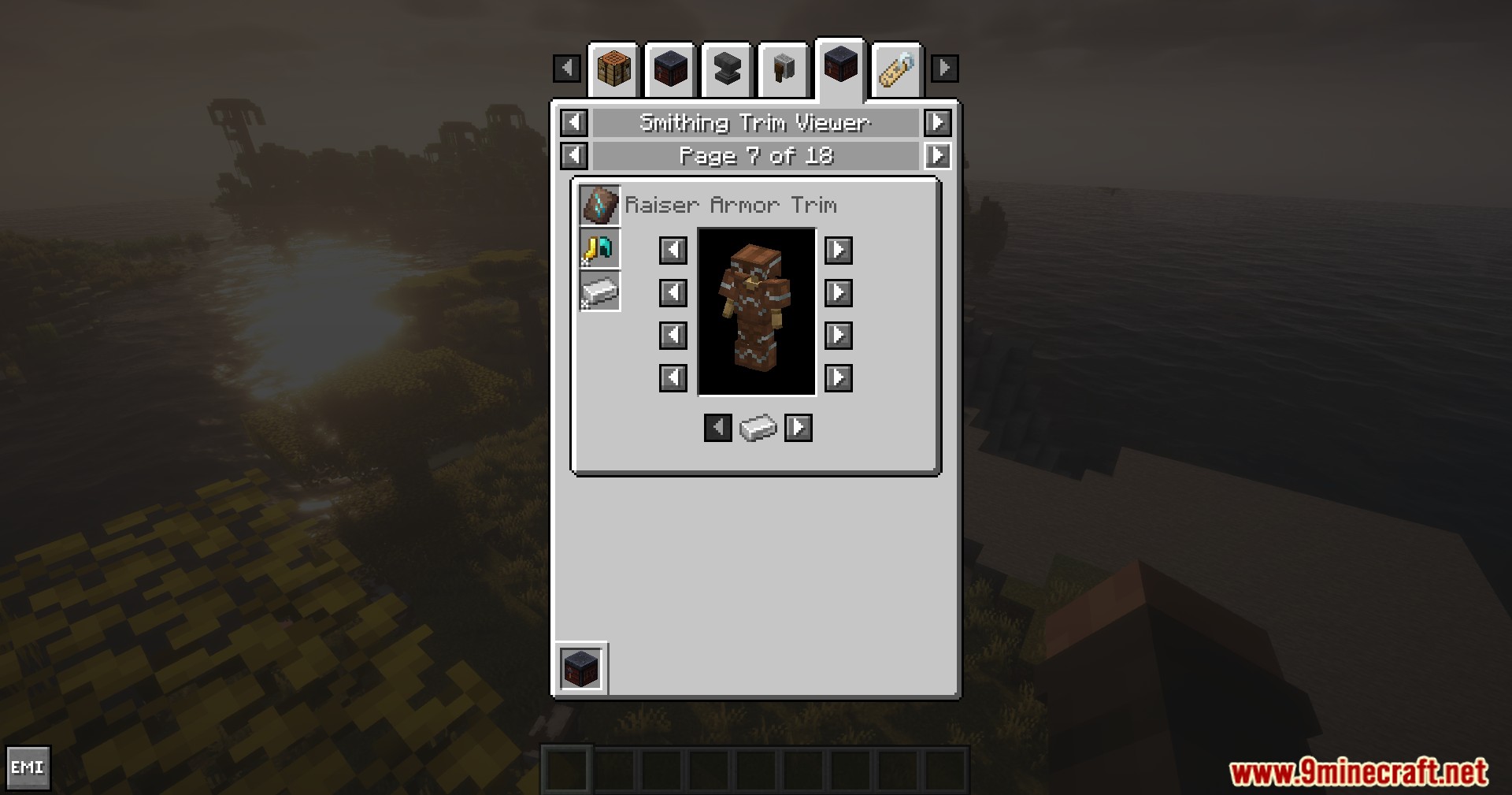
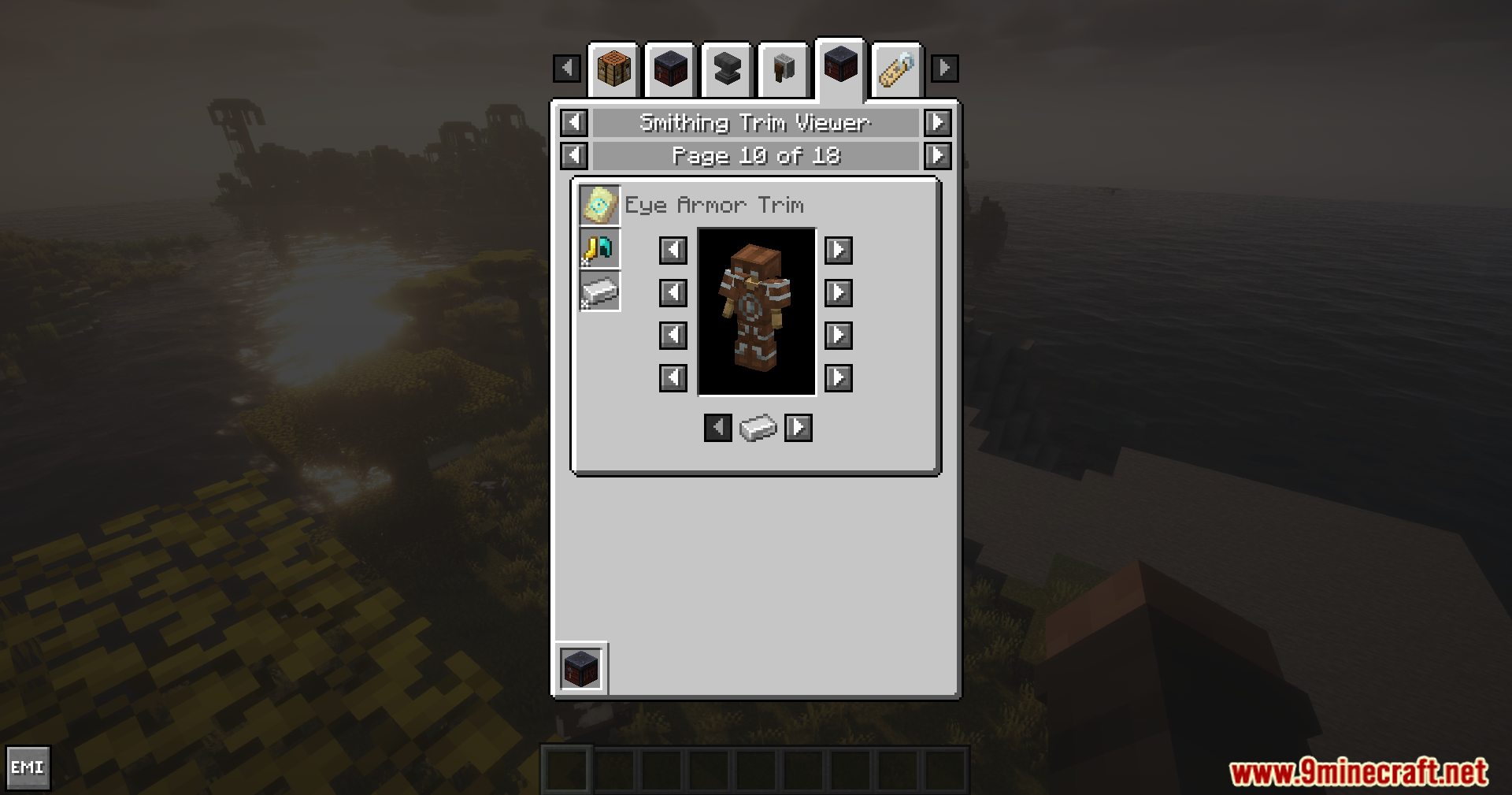
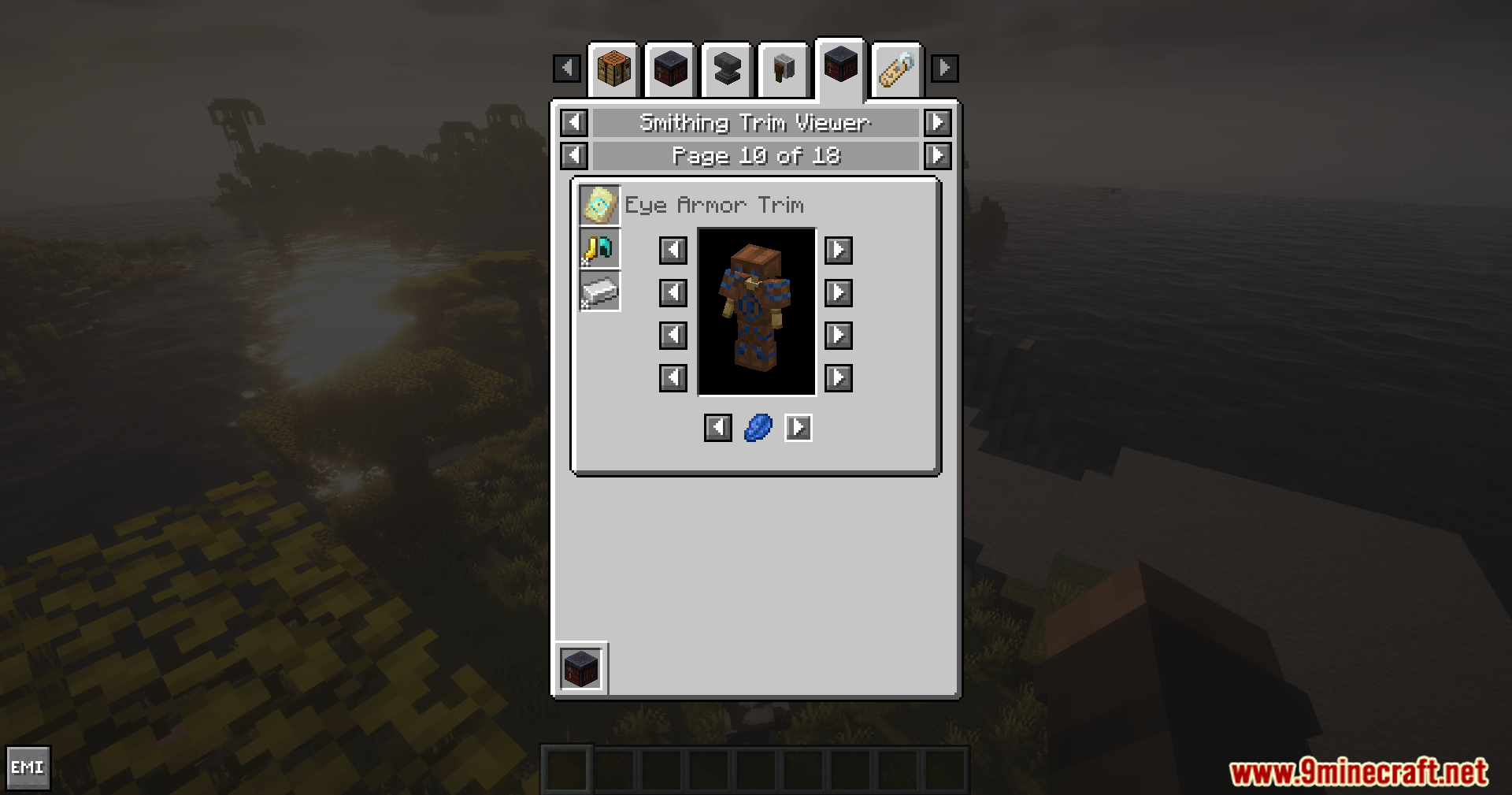
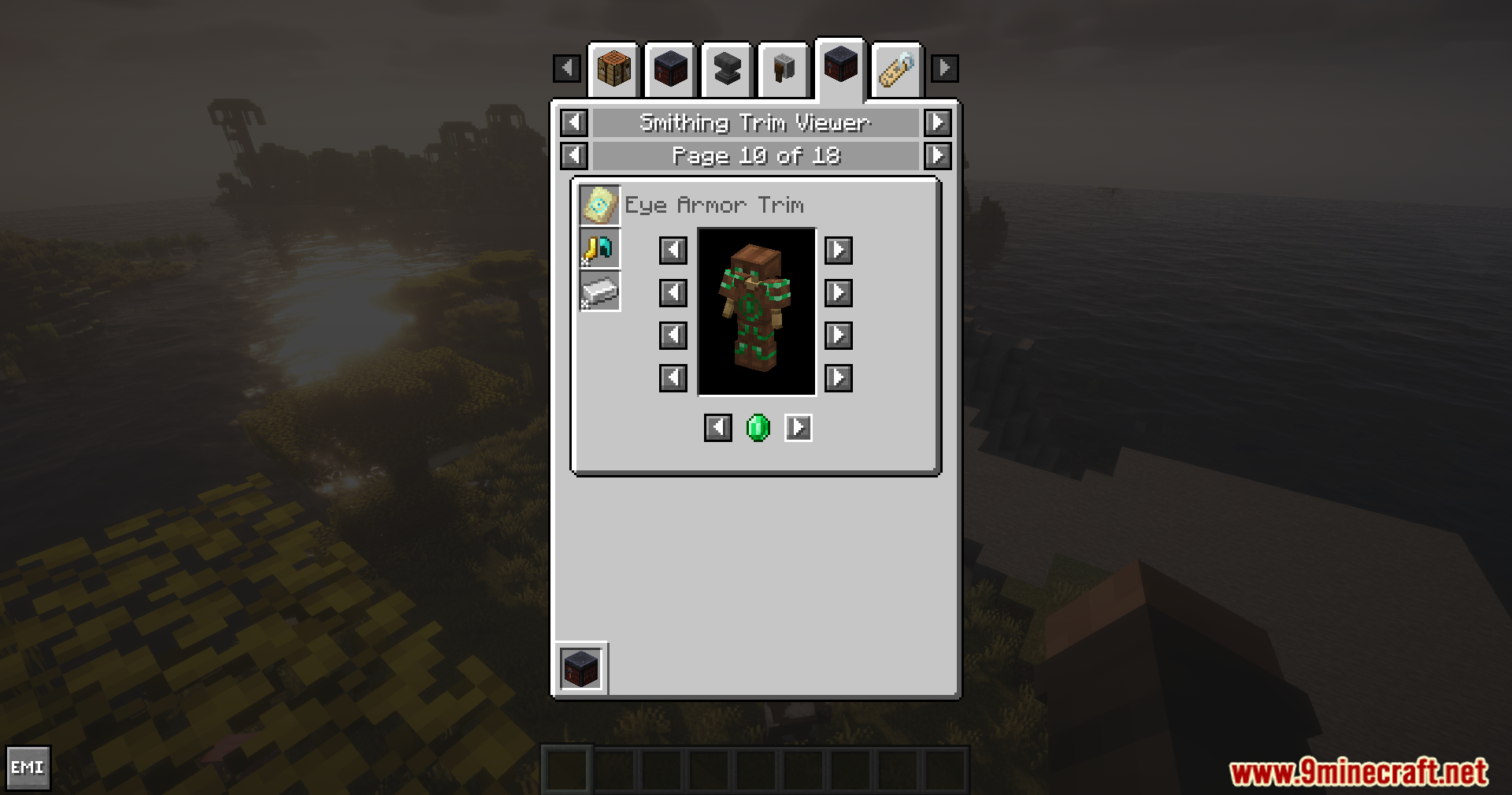
Smithing Template Viewer for JEI/EMI Mod adds an armor preview feature for the JEI and EMI mods. It lets you test out different armor trims and colors on your screen before you actually make them in the game.
Features:
- Shows a clear picture of any smithing template directly inside your recipe viewer.
- Lets you swap out the base armor piece to check how patterns look on different gear.
- Allows you to change the color of the trim to find your favorite style.
How to Use:
- Open your inventory and look up a smithing template in your recipe list.
- Click the template to view its details.
- Click the options on the screen to change the base armor piece.
- Pick different materials to test out new colors for the trim.
Screenshots:
Smithing Template Viewer for JEI/EMI Mod Download Links
Quick facts
- Edition: Minecraft Java
- File type: .jar
- Minecraft versions listed: 1.21.11, 1.21.1
- How to install: Install the matching mod loader (Forge, Fabric or NeoForge) for your Minecraft version. → Download the .jar. → Put it in the .minecraft/mods folder and launch that loader profile.
- Where to get it: In MC Java Mods, or directly above on this page.
Install steps are the general flow for this file type — How to install Minecraft Java mods & modpacks walks through it step by step.
Verified by MCModsHub
- Downloads as 2527.mcaddon
- Download size: 39 KB
- Download link checked 25 Sept 2026 — working
- Mirrored on our own servers — the download does not depend on the original host
These come from our own check of the pack file, not from the source page.