
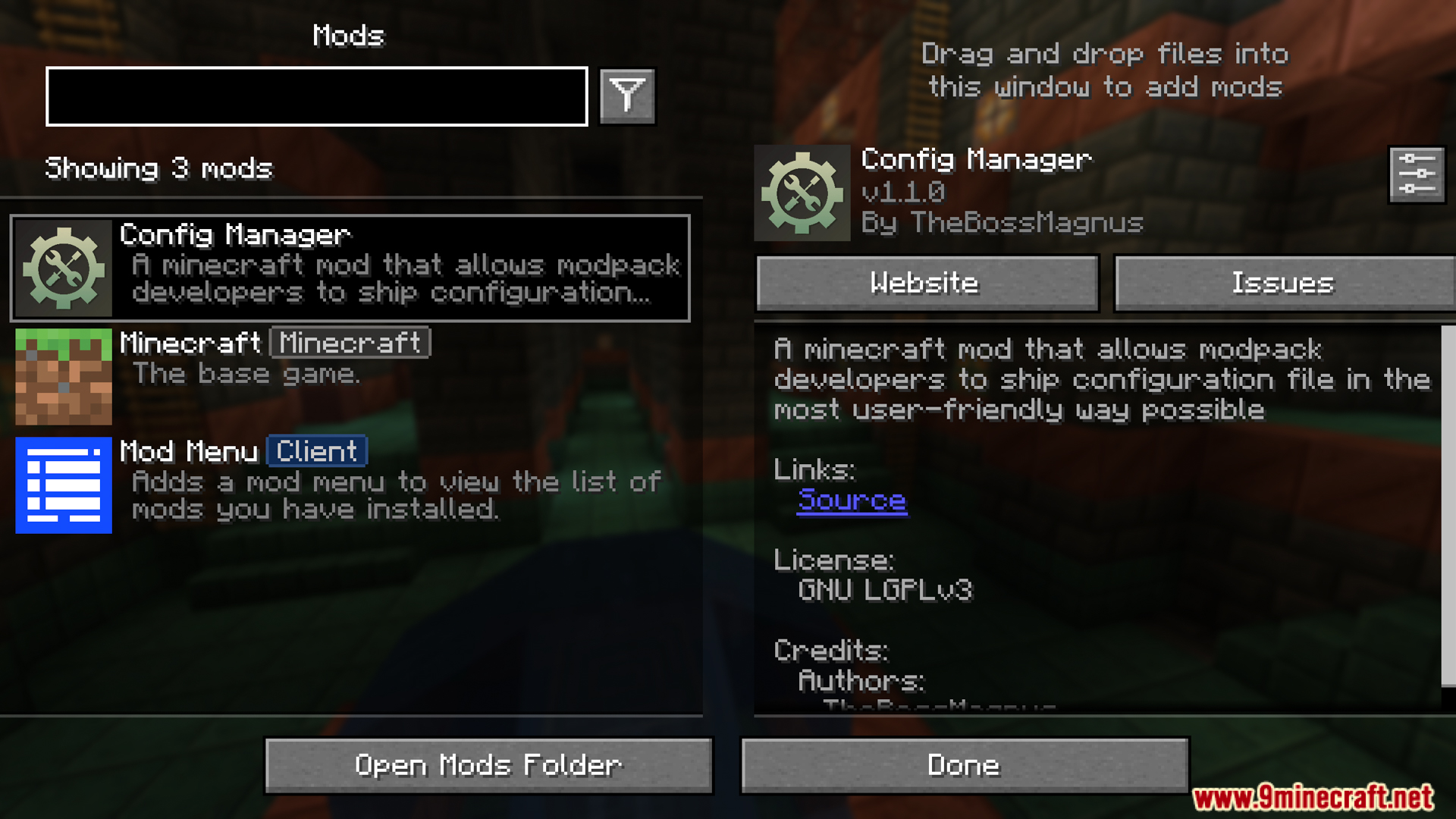





Config Manager Mod is a Minecraft mod that makes managing mod configuration files easier for both players and modpack creators. Instead of requiring users to manually adjust configuration files and worry about losing their settings after each update, this mod allows modpacks to package default configurations, and players can update or reset the configuration as they wish.
Features:
- Allows modpacks to package default configuration files into the
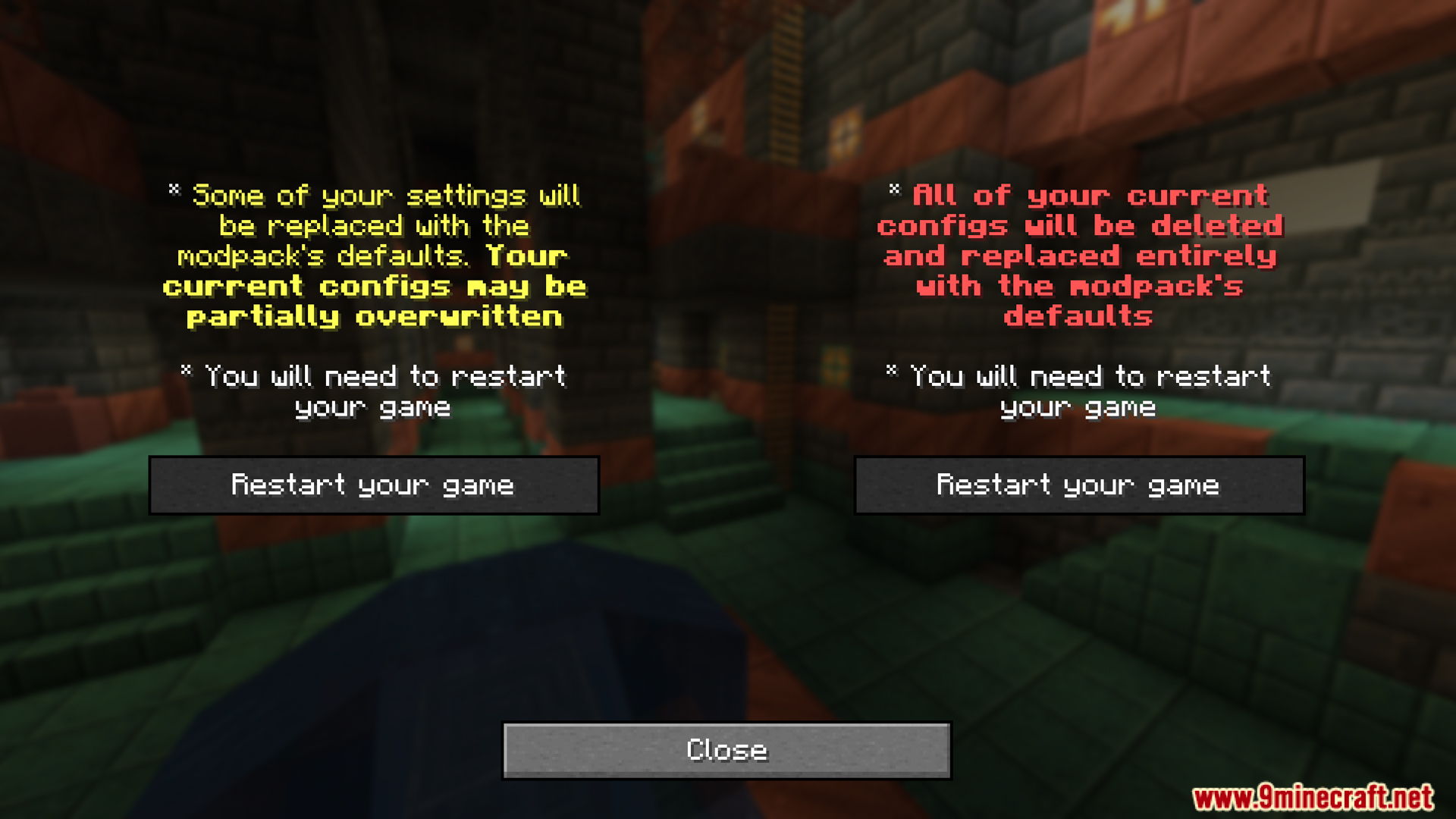
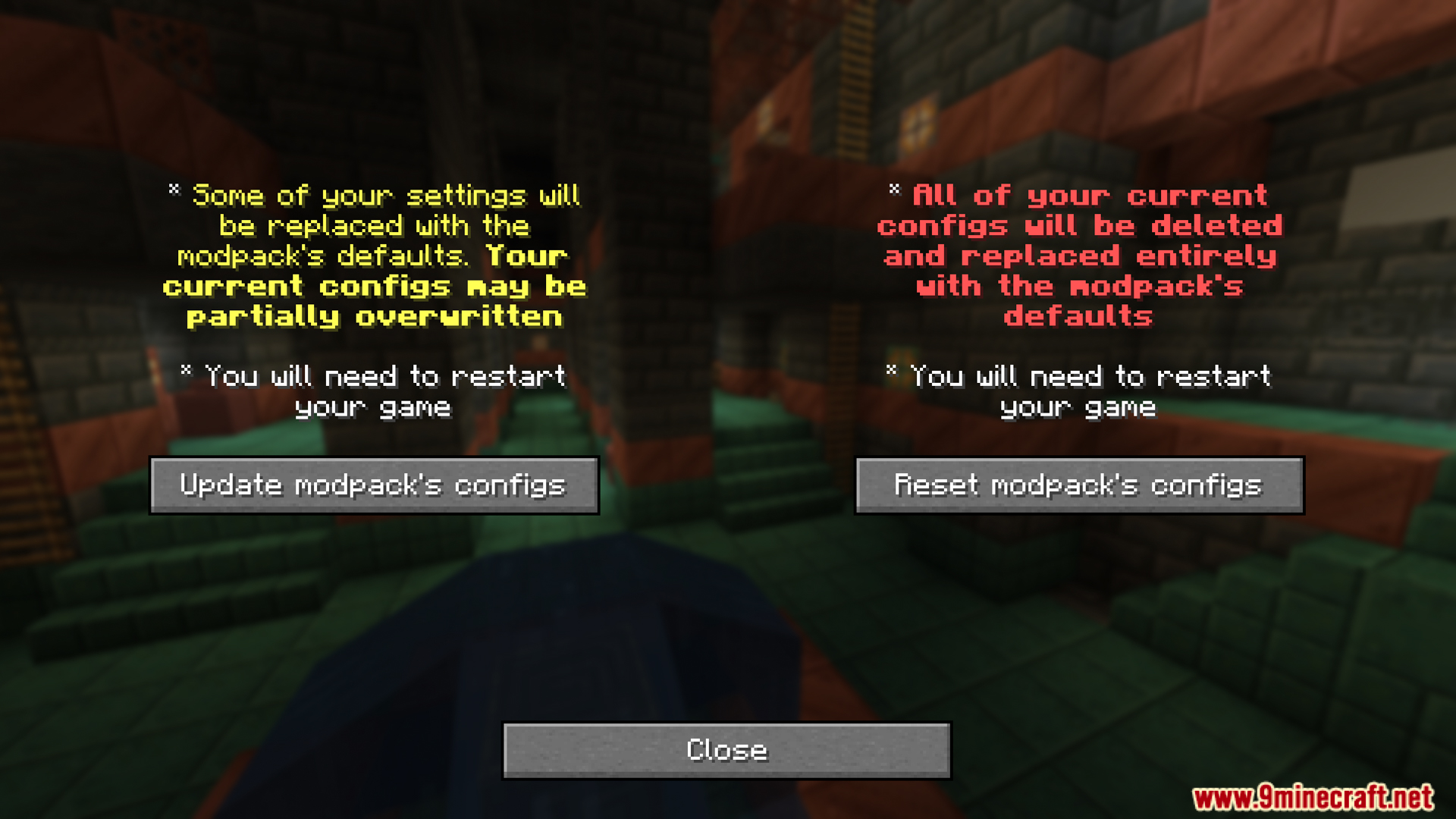
/config/modpack_defaultsdirectory, and these files are only copied to the player’s config directory if they don’t already exist, preventing overwriting of the user’s personal settings when updating the modpack. - Provides an intuitive configuration management interface (via NeoForge mod list or Mod Menu on Fabric) so players can:
- Update – update configuration files based on the modpack package, overwriting previously adjusted settings but retaining user-changed settings.
- Reset – completely erase the current config directory and replace it entirely with the configuration files provided by the modpack, very useful when installation fails or configuration is corrupted.
Screenshots:
Config Manager Mod Download Links
Quick facts
- Edition: Minecraft Java
- File type: .jar
- Minecraft version listed: 1.20.1
- How to install: Install the matching mod loader (Forge, Fabric or NeoForge) for your Minecraft version. → Download the .jar. → Put it in the .minecraft/mods folder and launch that loader profile.
- Where to get it: In MC Java Mods, or directly above on this page.
Install steps are the general flow for this file type — How to install Minecraft Java mods & modpacks walks through it step by step.
Verified by MCModsHub
- Downloads as 25274.mcaddon
- Download size: 87 KB
- Download link checked 23 Sept 2026 — working
- Mirrored on our own servers — the download does not depend on the original host
These come from our own check of the pack file, not from the source page.