ModsJava
Utility Vest Mod (1.21.1) – Instantly Swap Between Combat And Building Loadouts
Java mod listed for Minecraft 1.21. Downloads from the MC Java Mods app on Android.
⬇ Download
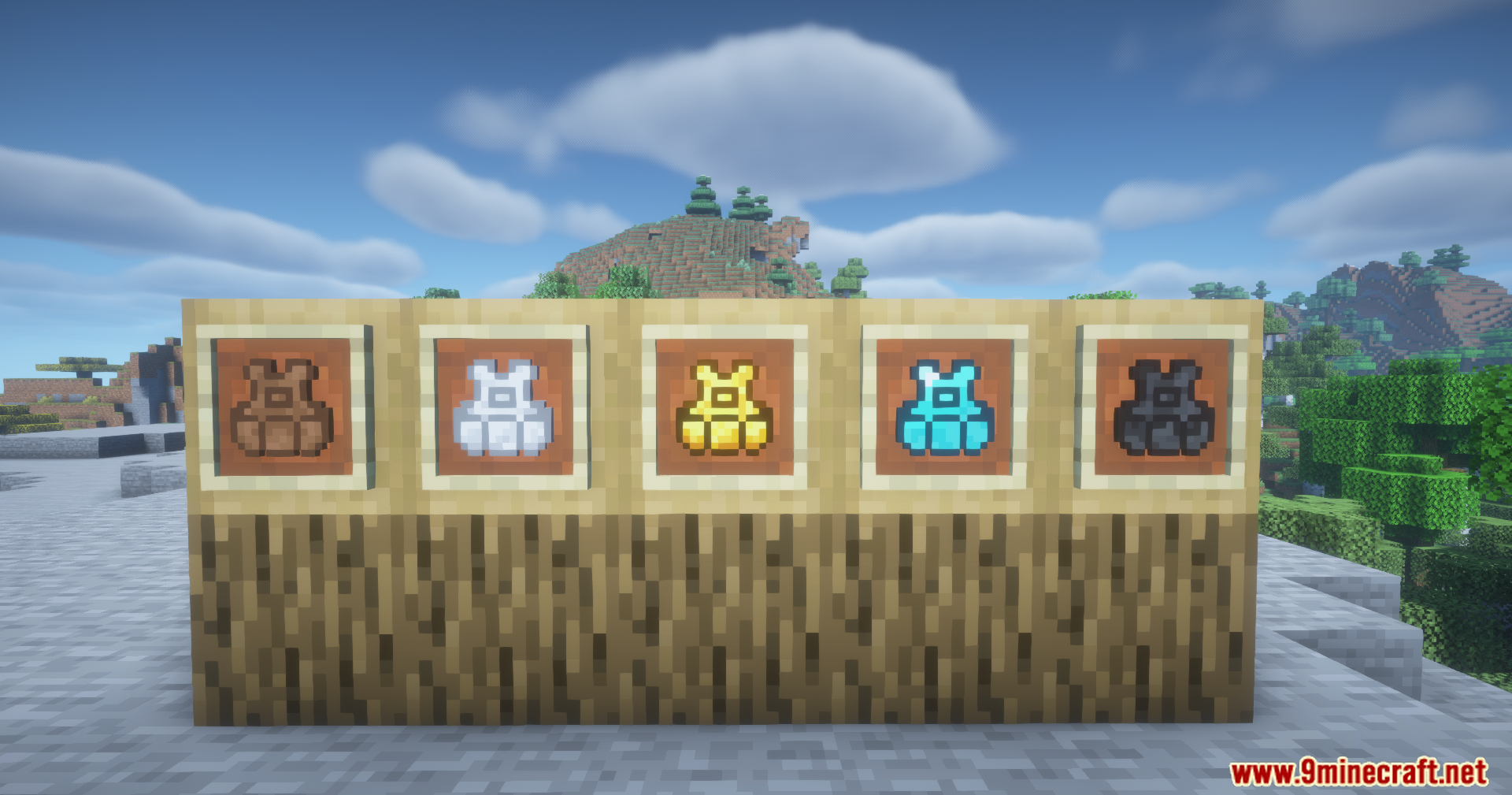
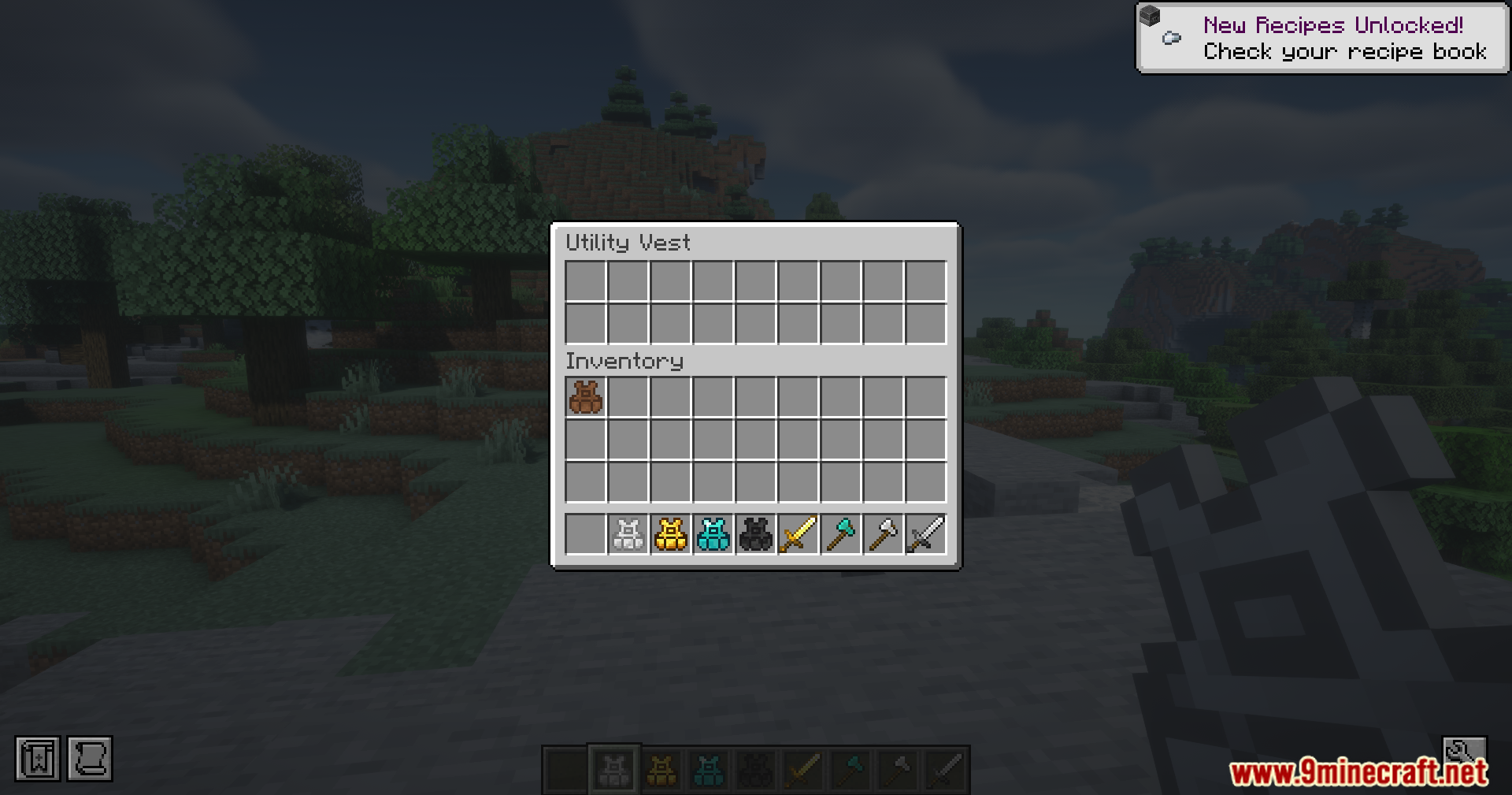
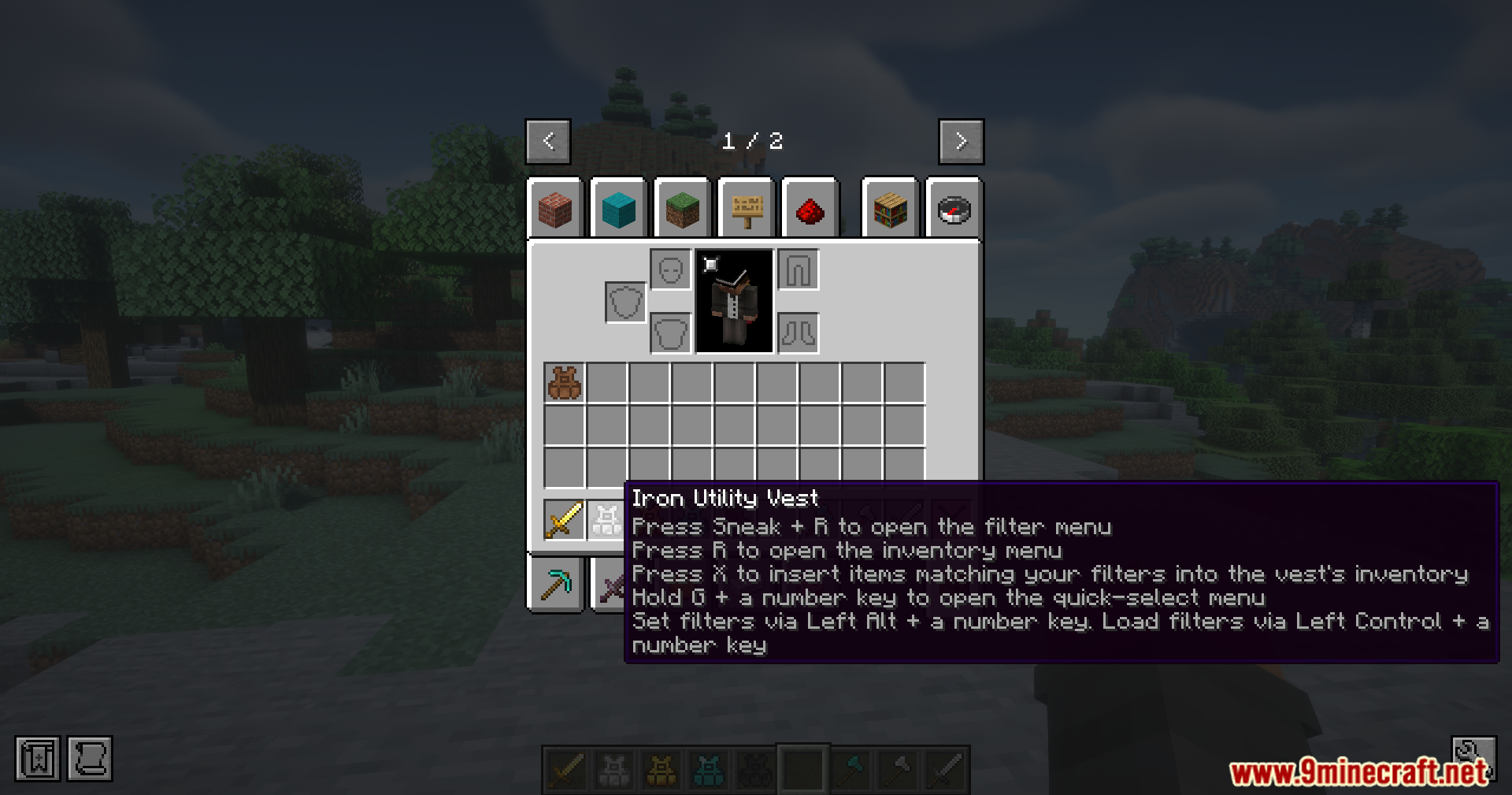
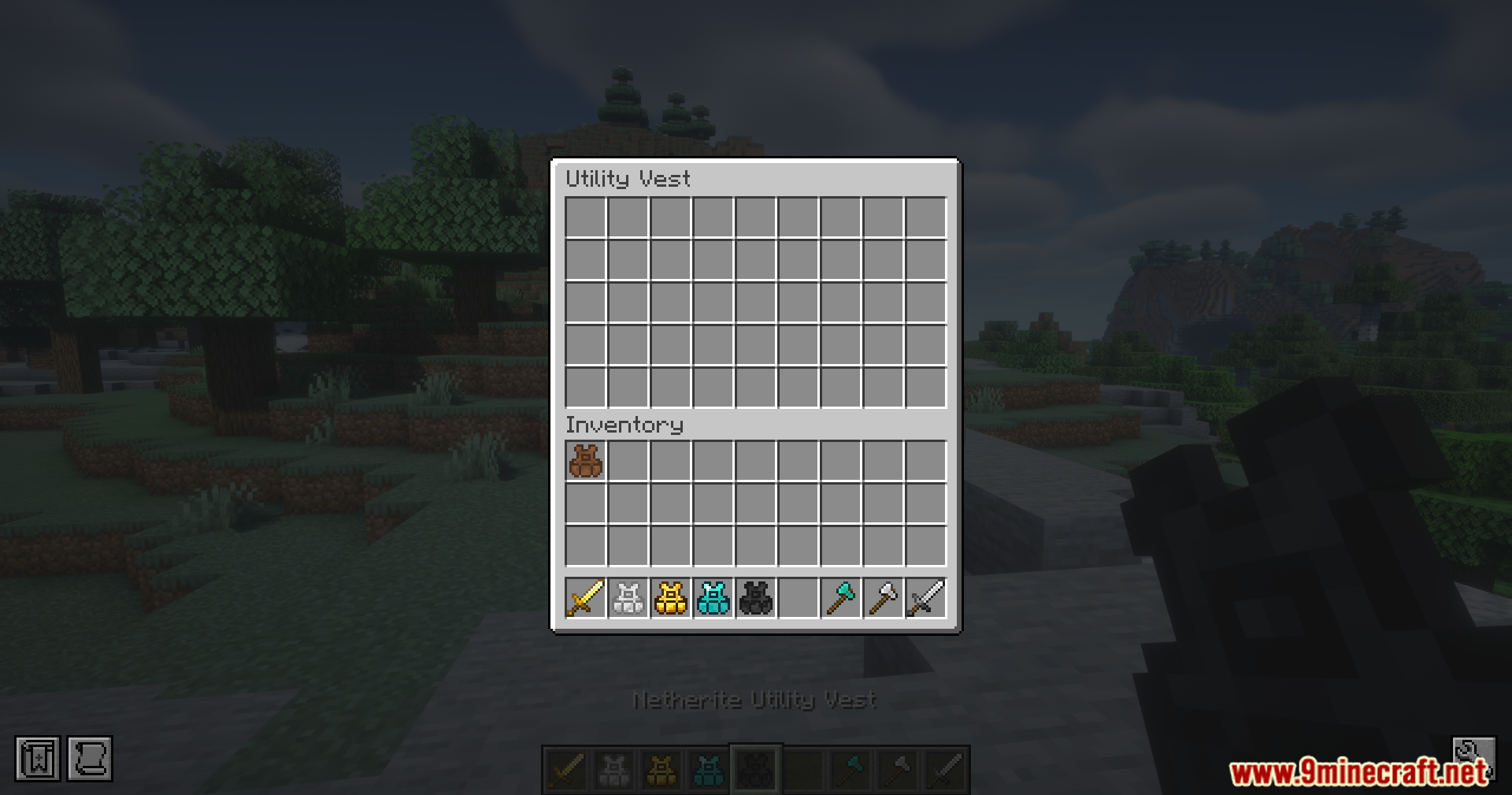
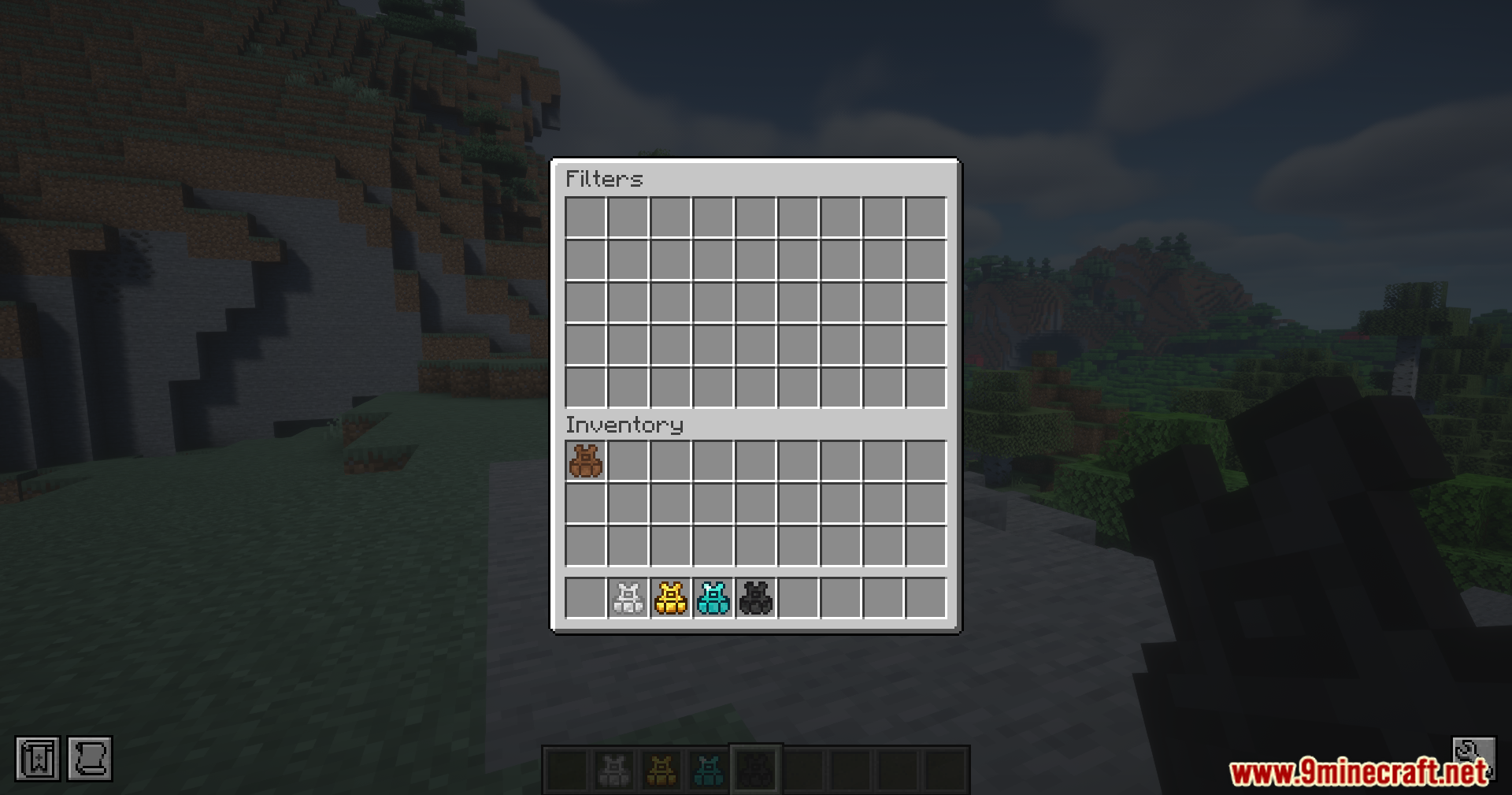
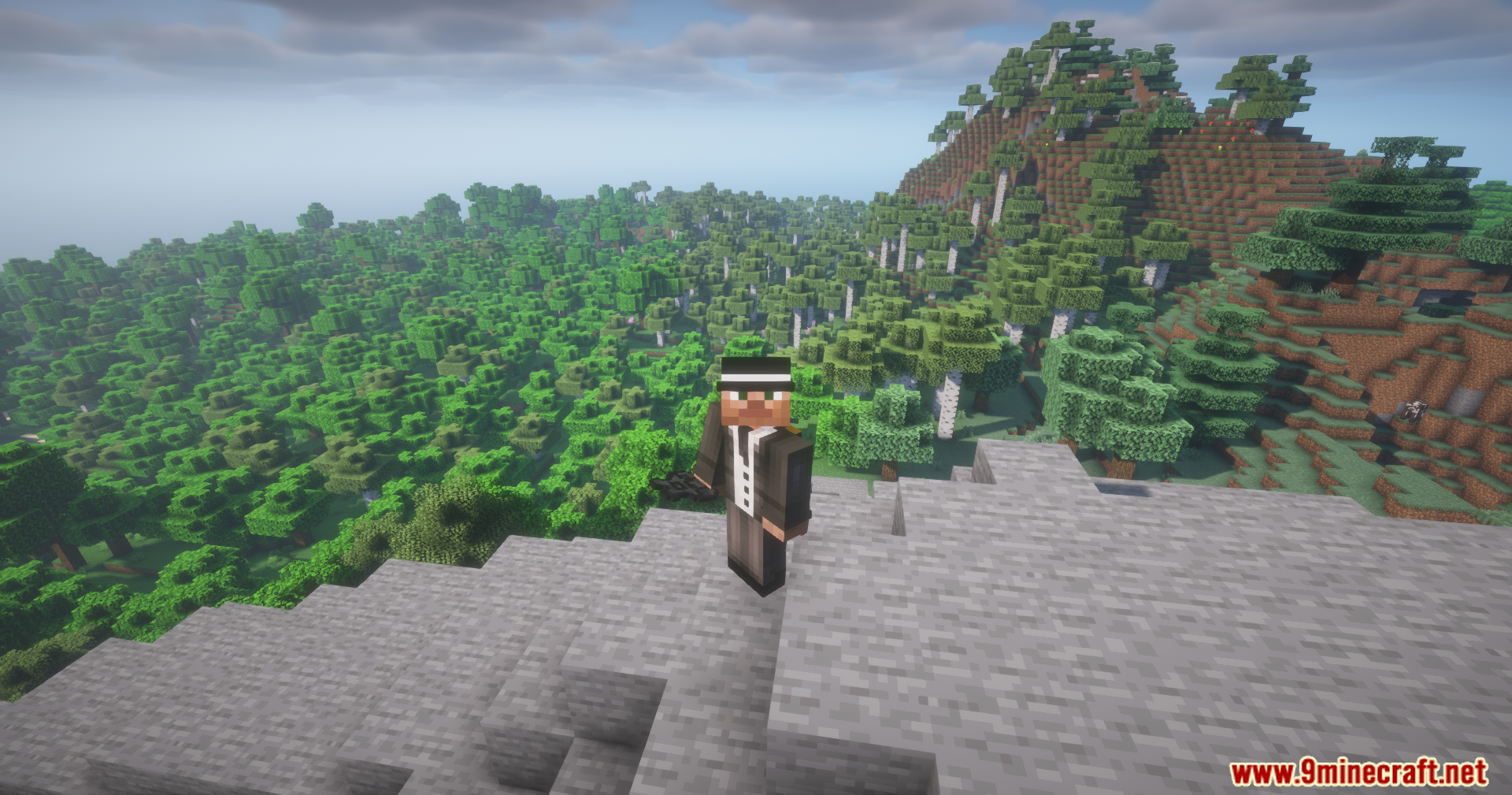

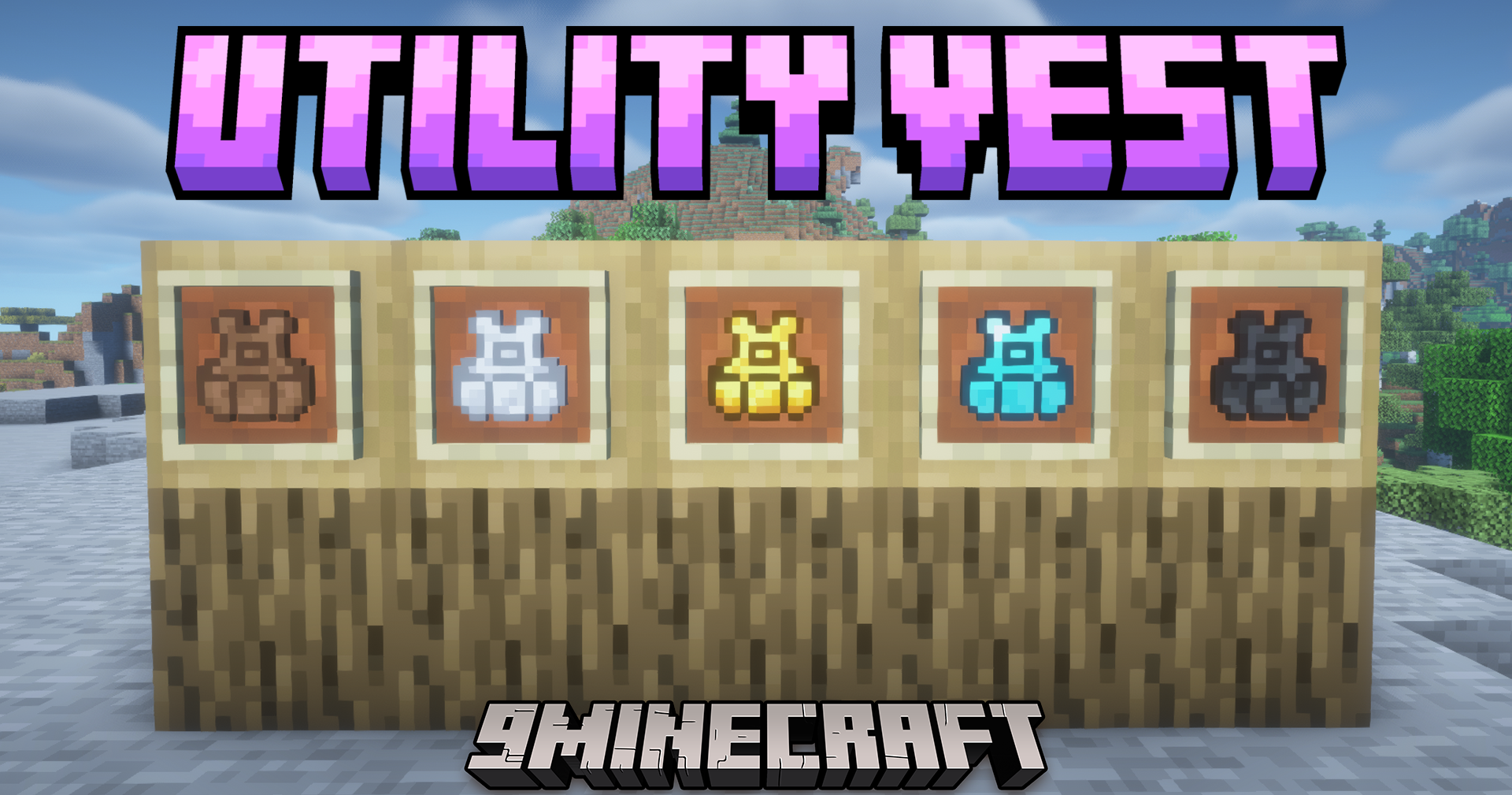
Utility Vest Mod gives you a quick way to swap the items in your hotbar. This mod adds wearable vests that save your current item setup so you load it back later with a simple button press.
Features:
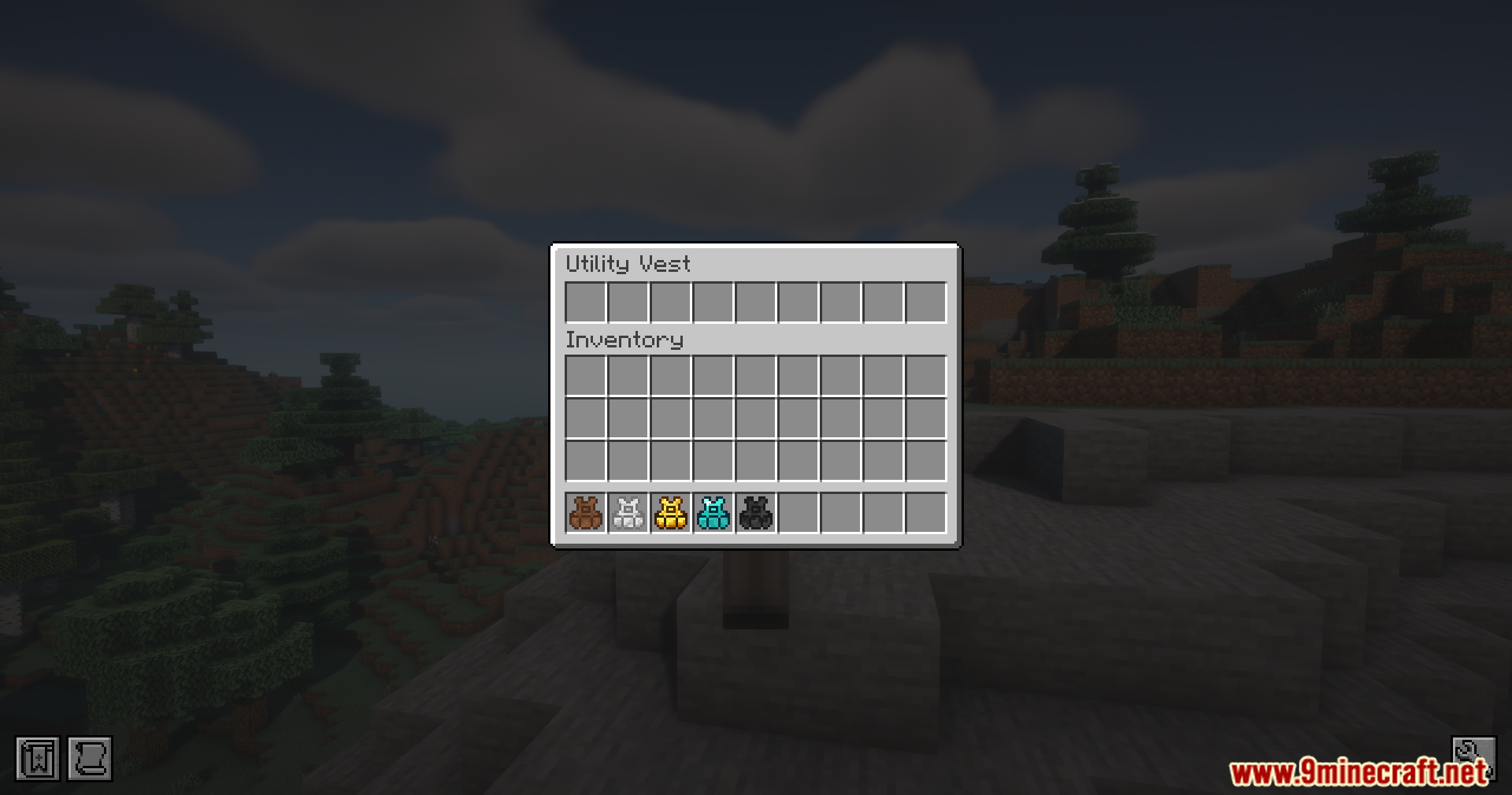
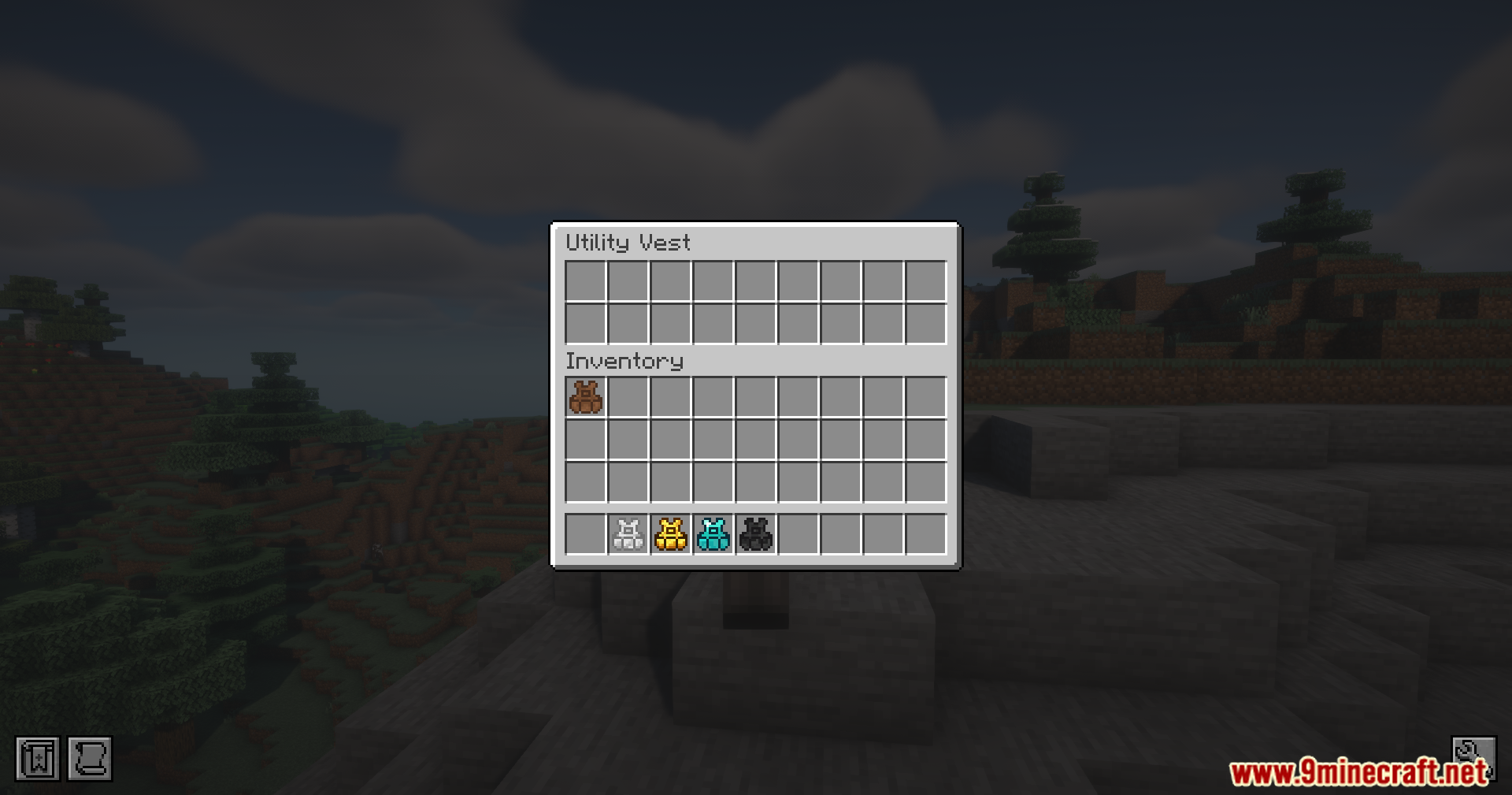
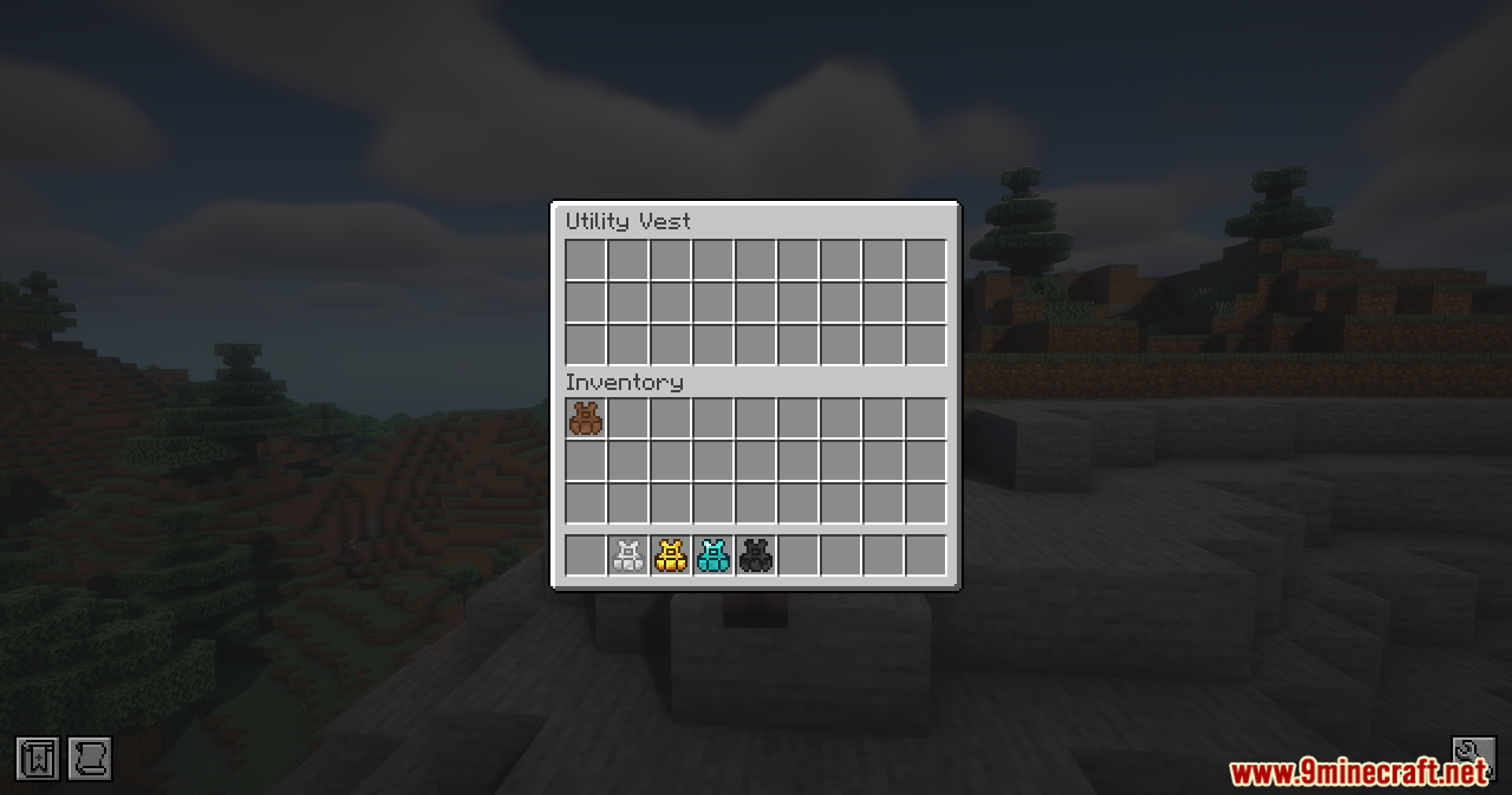
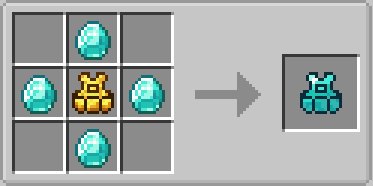
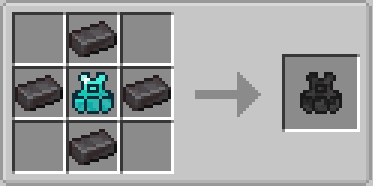
- Tier Progression: Adds five different vests made from leather, iron, gold, diamond, and netherite.
- Gives you more saved rows when you upgrade, with the netherite version holding up to five different hotbars.
- Saves your exact item order so you switch between combat gear and building blocks fast.
- Moves your current items safely into the vest or your main inventory when you load a new setup.
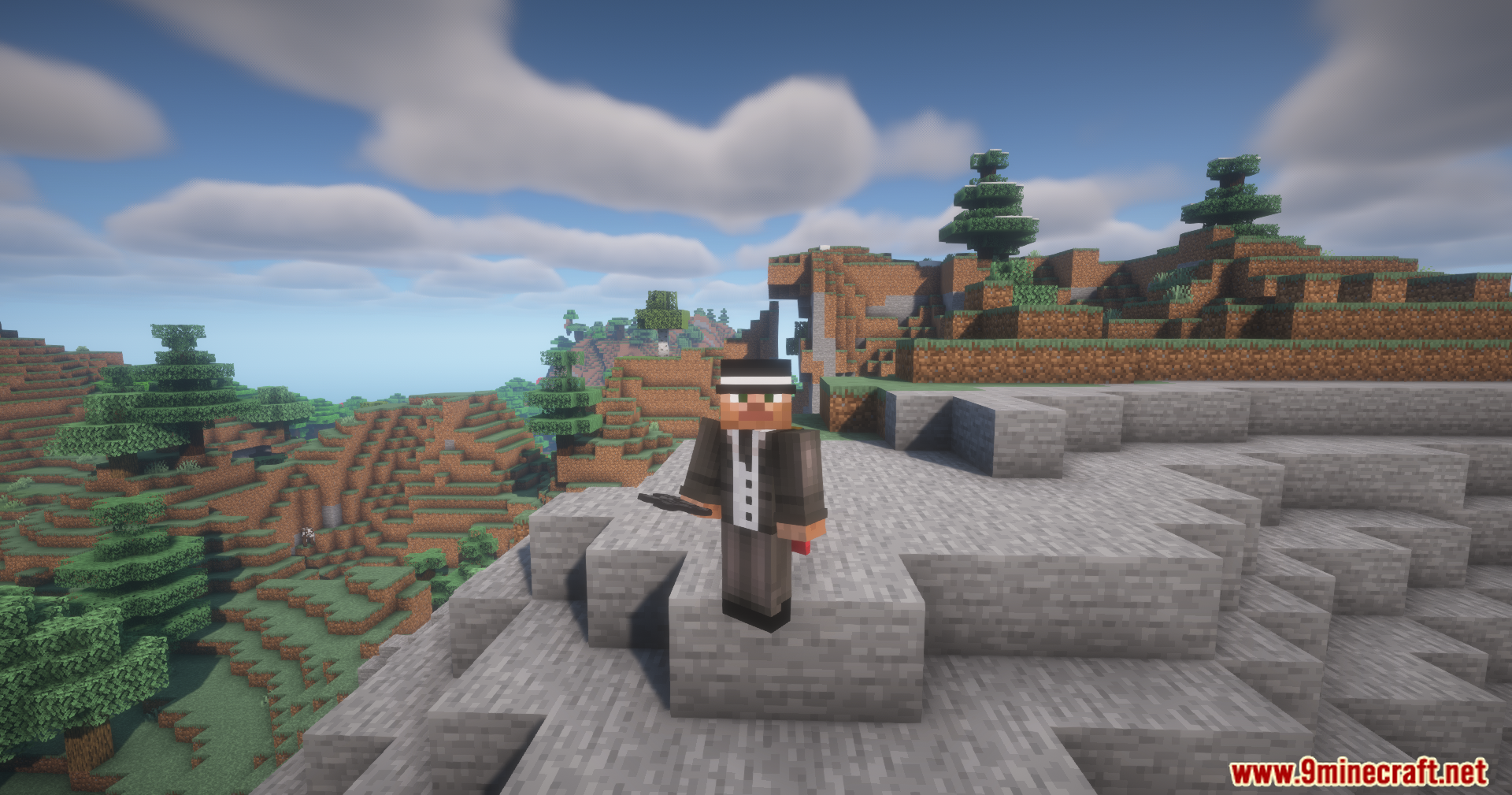
- Takes up the body slot in your character menu so you wear it like normal clothing.
How to Use:
- Press Left Alt + a Number Key to save your current hotbar to that number slot.
- Press Left Ctrl + a Number Key to load that exact hotbar setup back into your hands.
- Press X to send all items from your inventory into the vest if they match your saved setups.
- Press R to open the vest inventory while wearing it.
- Press Shift + R to look at your saved item filters.
- Hold the vest in your hand and Right Click or Shift + Right Click to open the menu directly.
Screenshots:
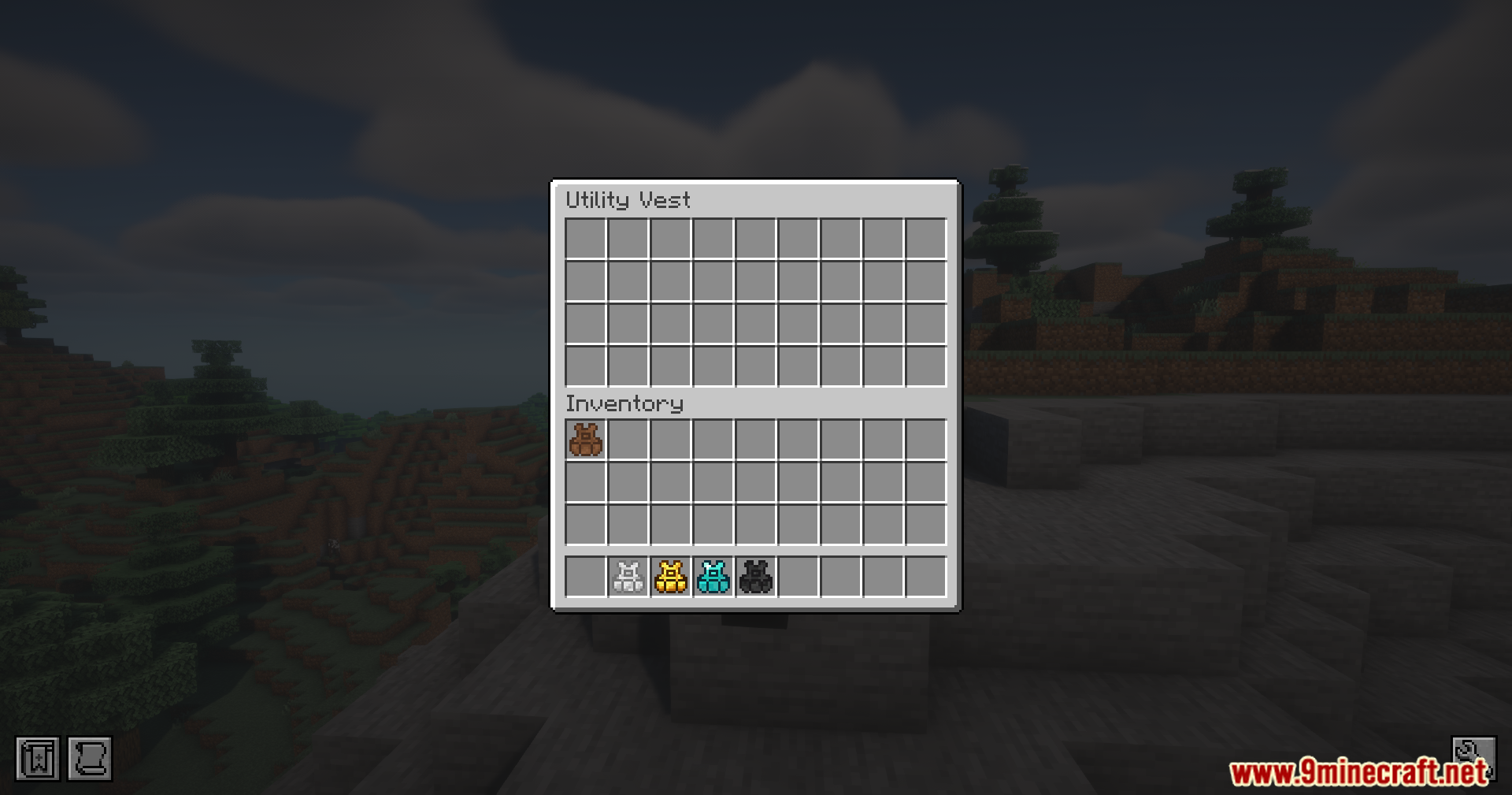
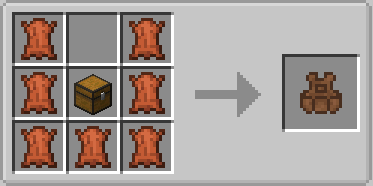
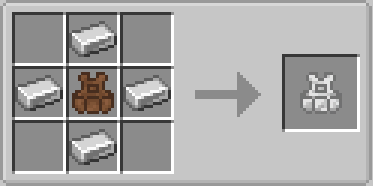
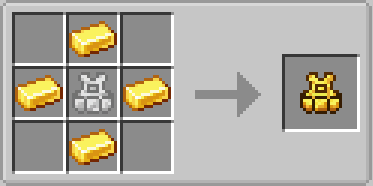
Utility Vest Mod Download Links
Quick facts
- Edition: Minecraft Java
- File type: .jar
- Minecraft version listed: 1.21.1
- How to install: Install the matching mod loader (Forge, Fabric or NeoForge) for your Minecraft version. → Download the .jar. → Put it in the .minecraft/mods folder and launch that loader profile.
- Where to get it: In MC Java Mods, or directly above on this page.
Install steps are the general flow for this file type — How to install Minecraft Java mods & modpacks walks through it step by step.
File checked by MCModsHub
- Downloads as 2528.mcaddon
- Download size: 218 KB
- Download link checked 22 Sept 2026 — working
- Mirrored on our own servers — the download does not depend on the original host
These come from our own check of the pack file, not from the source page.