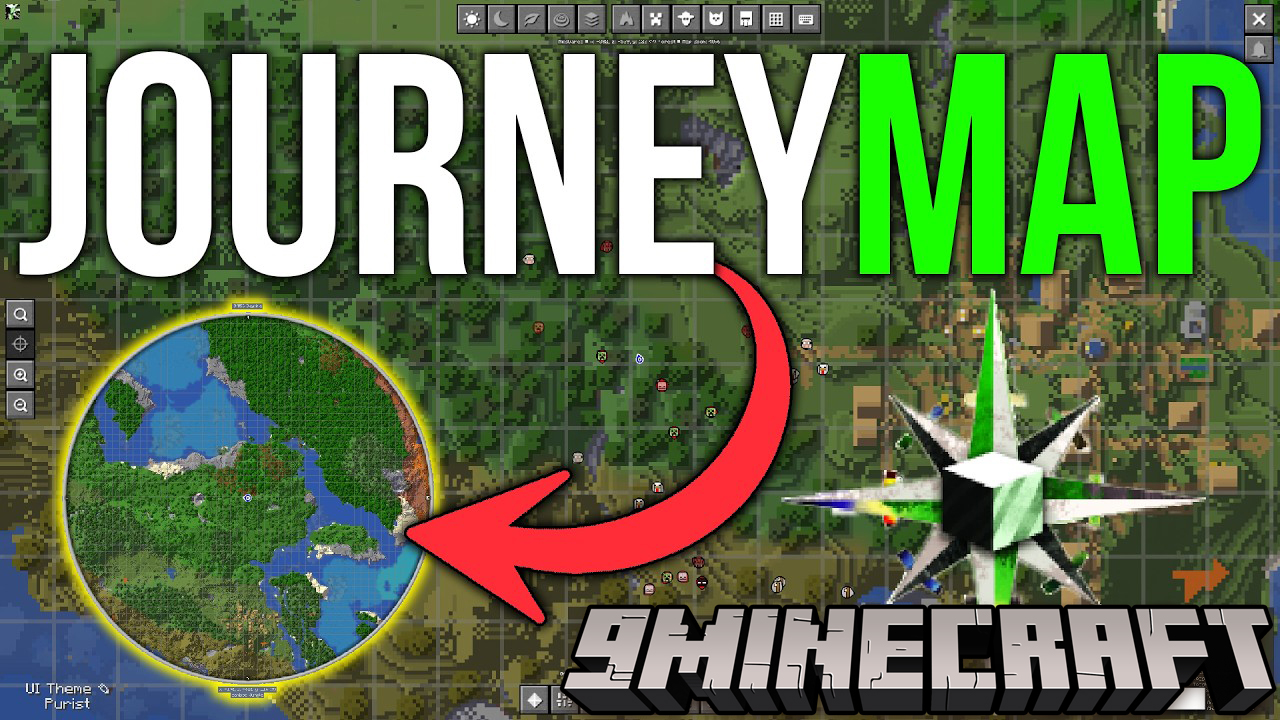
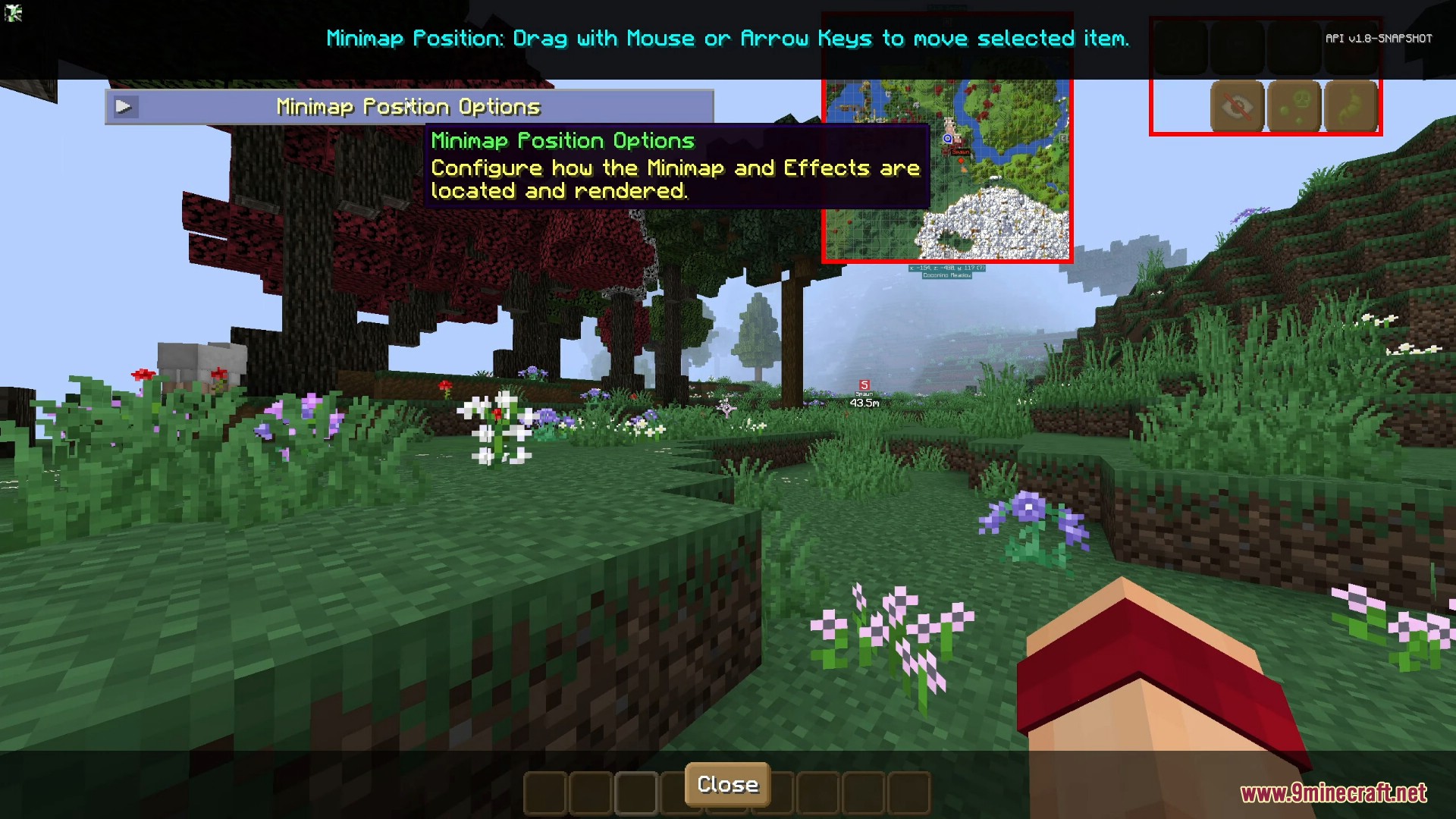
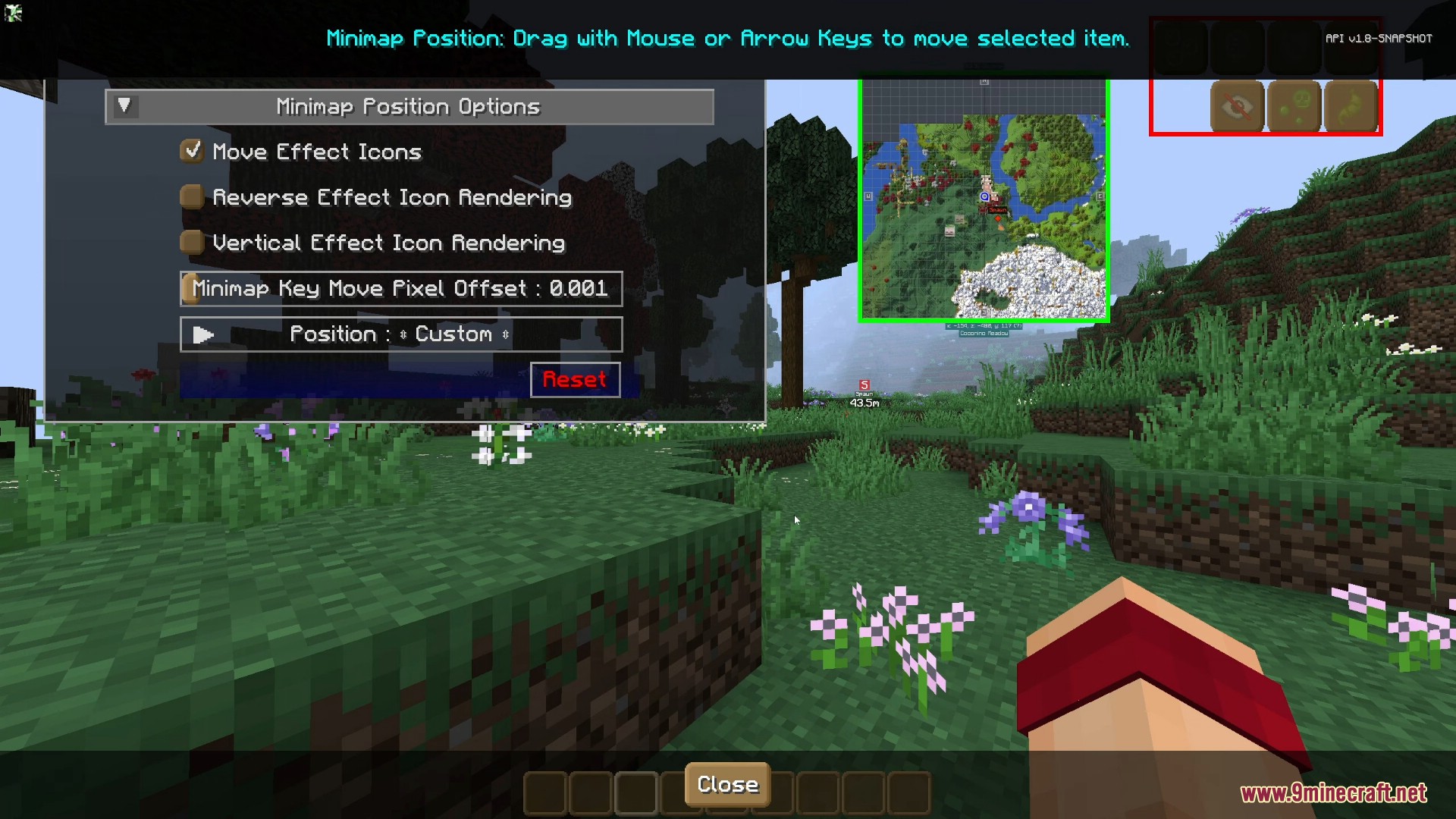
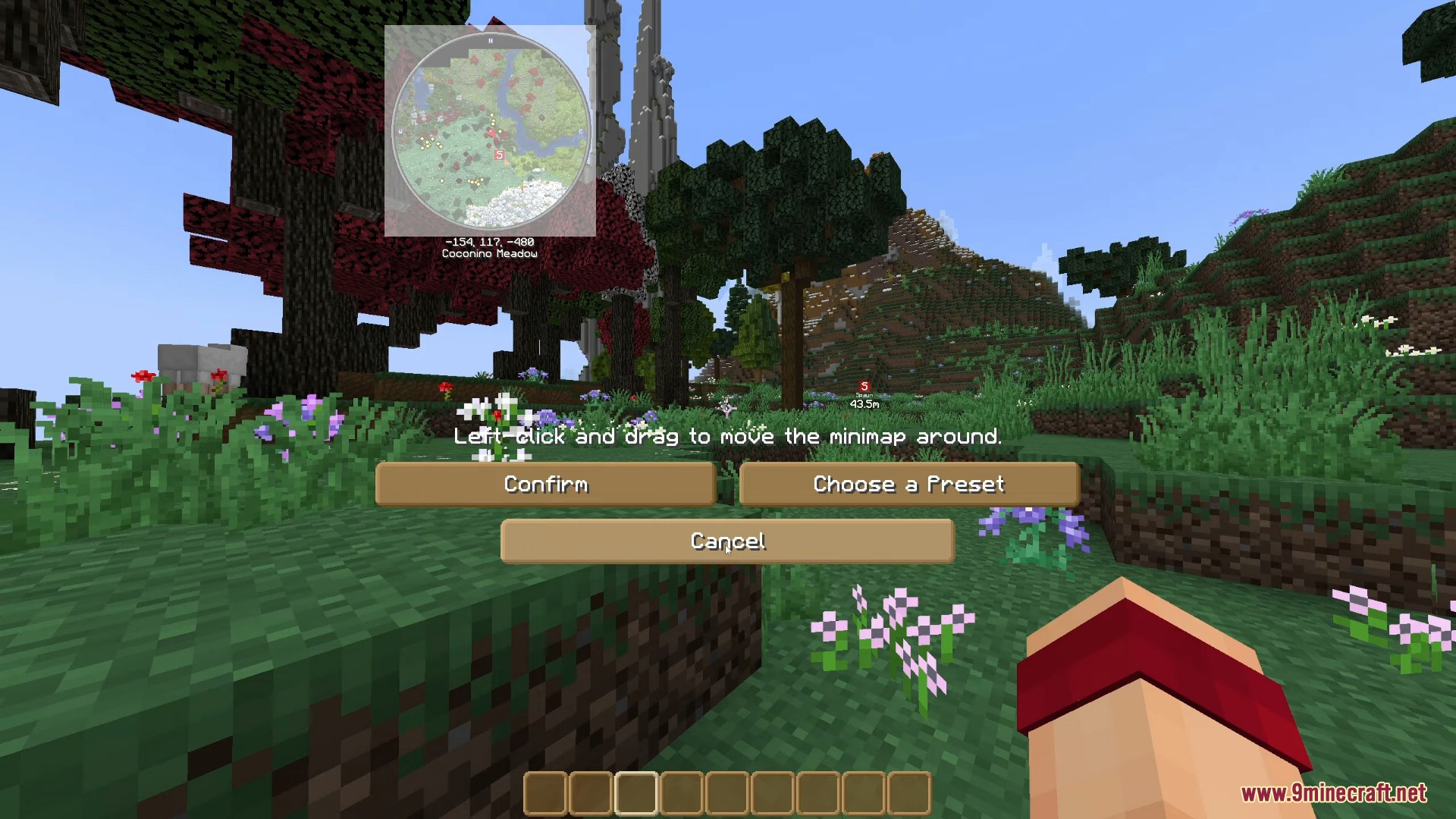
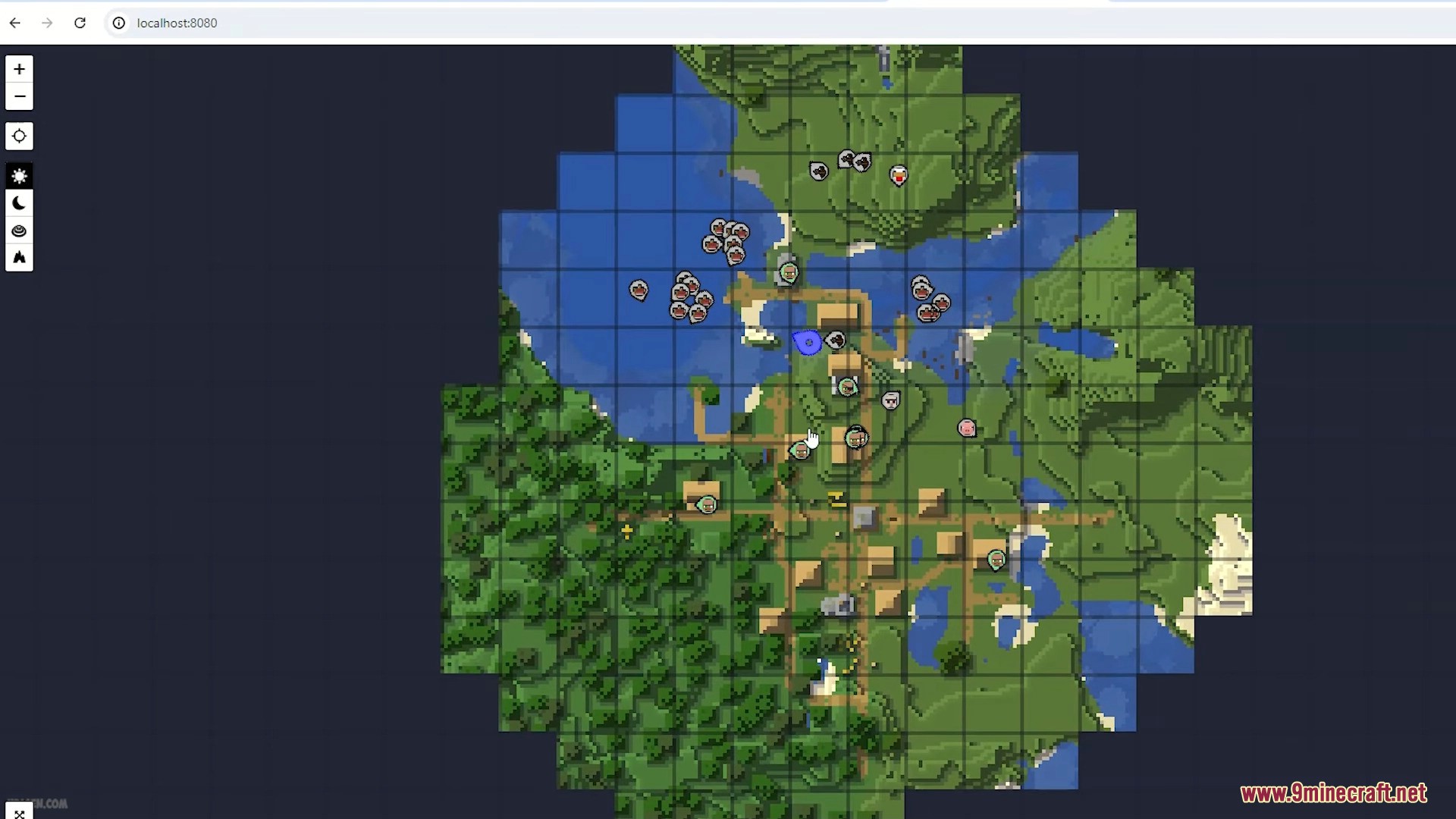
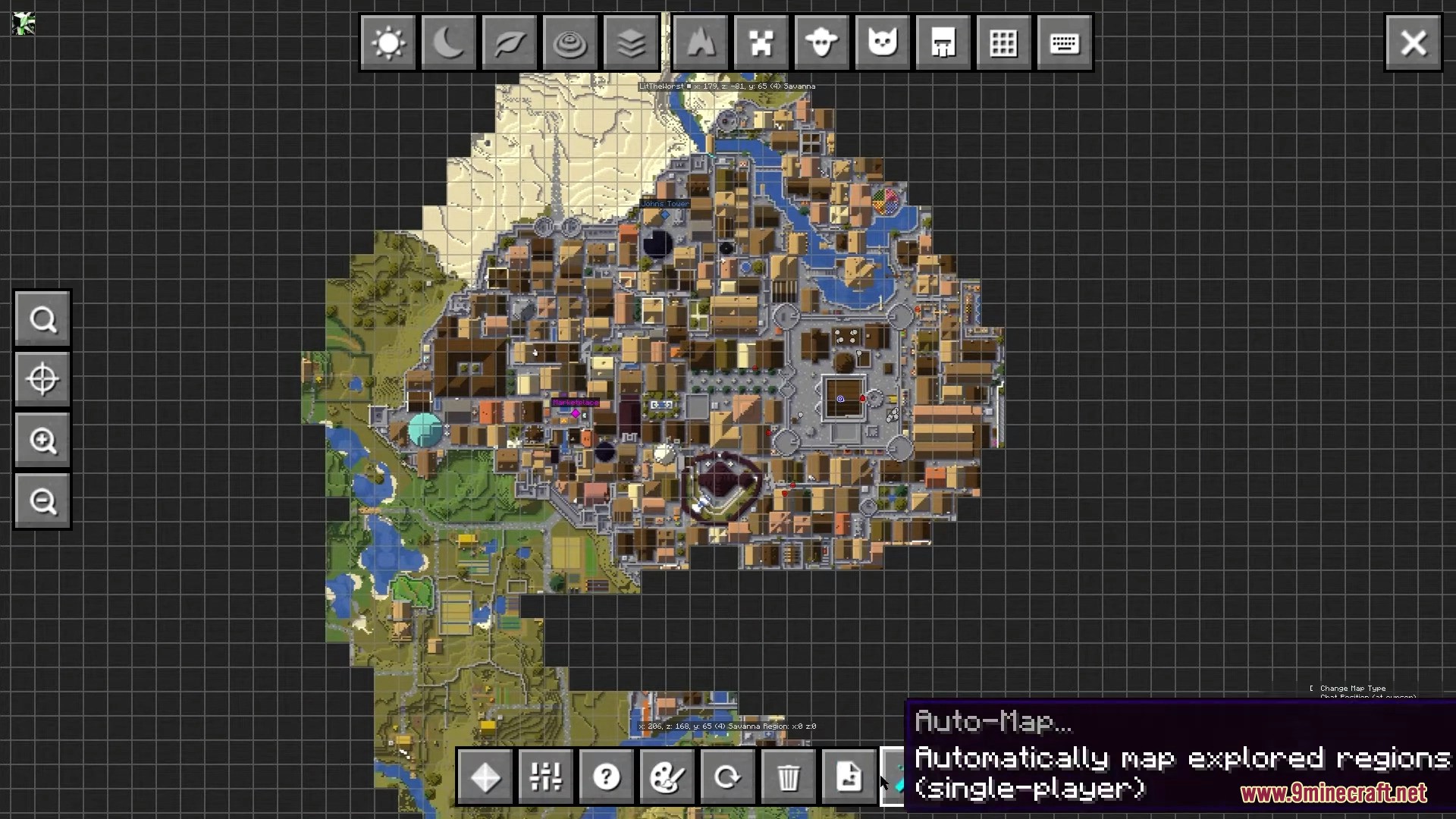
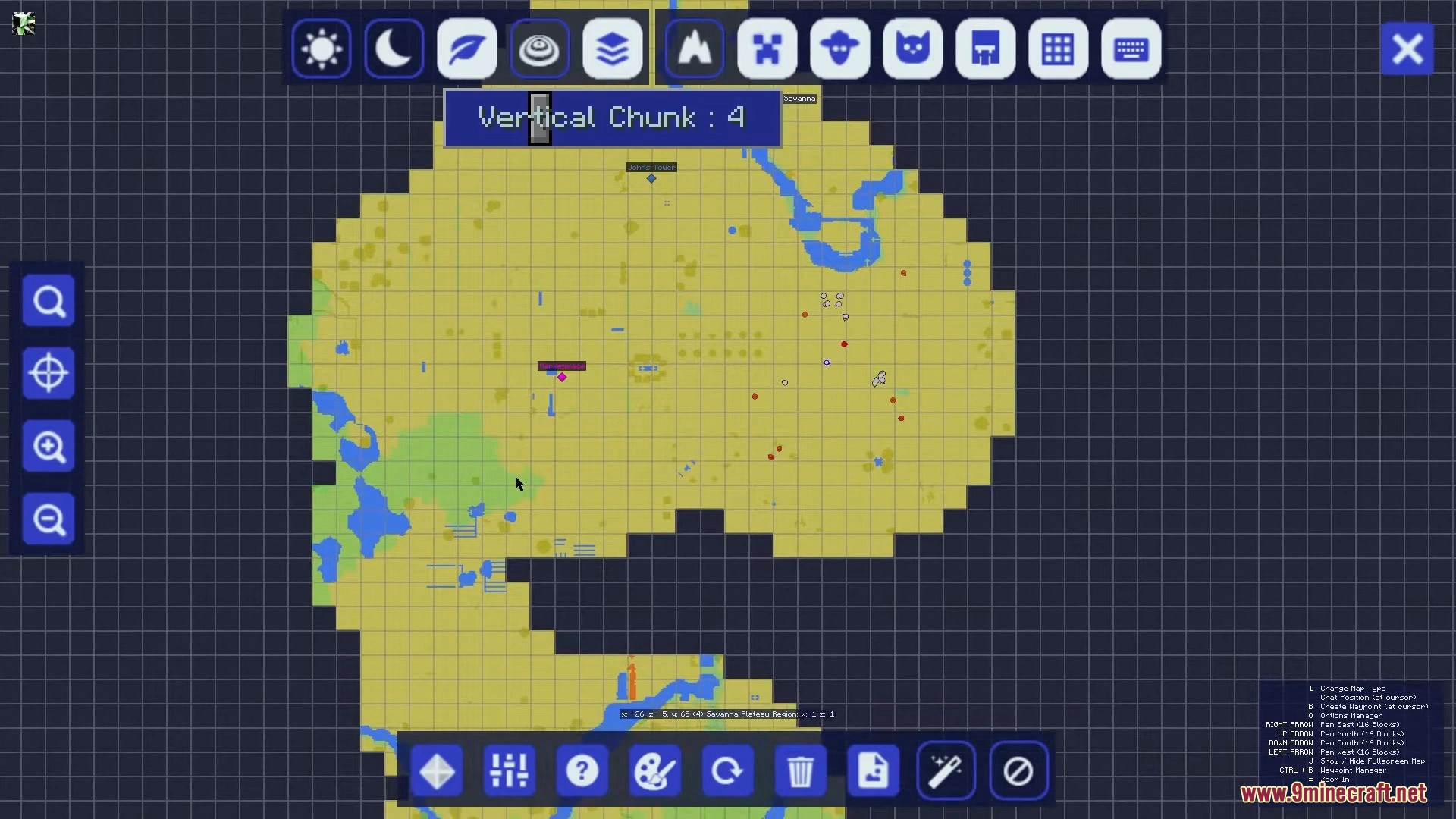
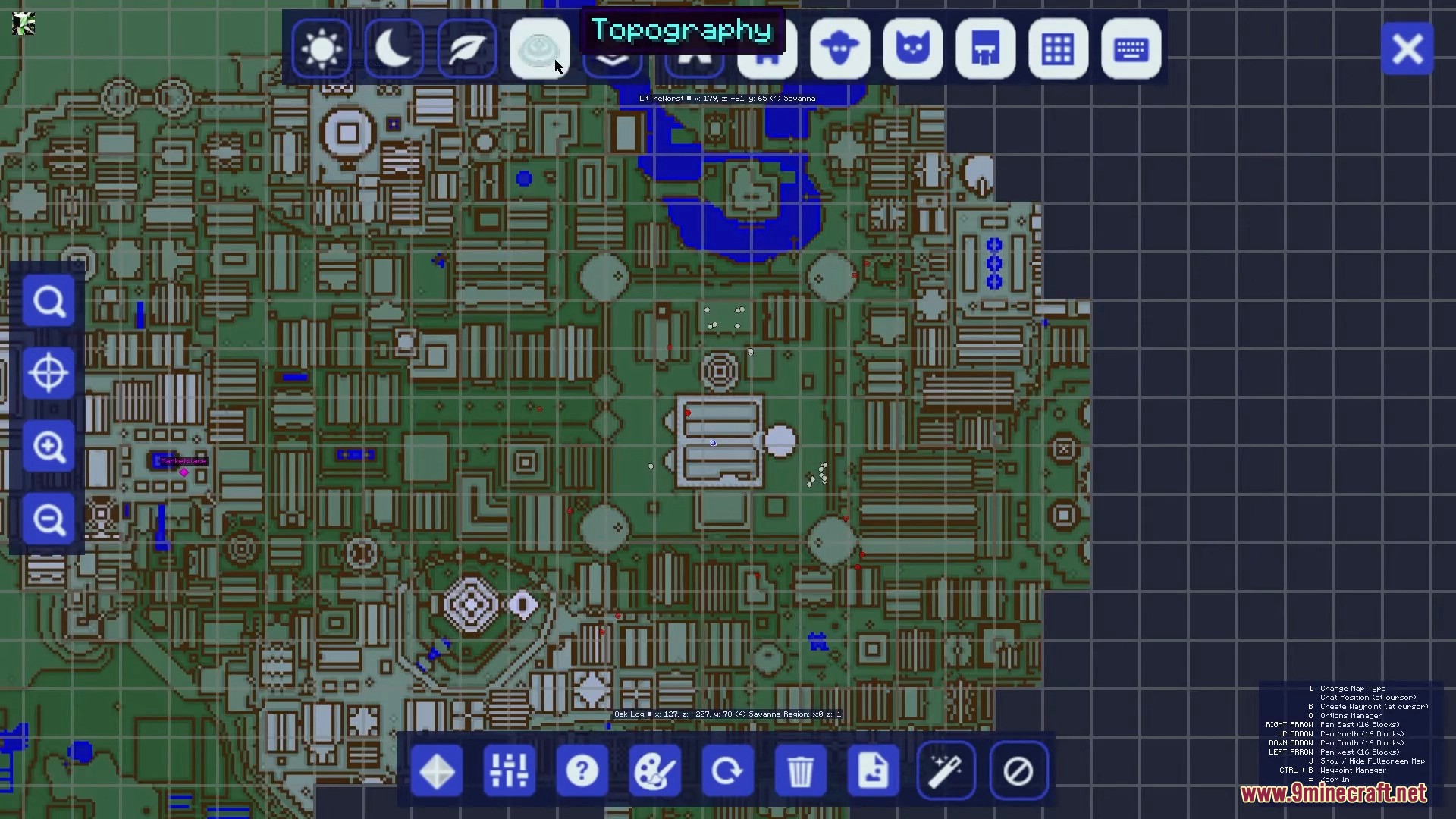
JourneyMap Mod adds a live map to your game that gets drawn in real-time as you explore. You can see your world through a small minimap in the corner of your screen, a detailed full-screen map, or even in a separate web browser. This mod makes it easy to see where you are, where you’ve been, and what mobs are nearby, so you never get lost again.
Features:
- Maps your world automatically as you travel.
- Displays a useful minimap directly on your game screen.
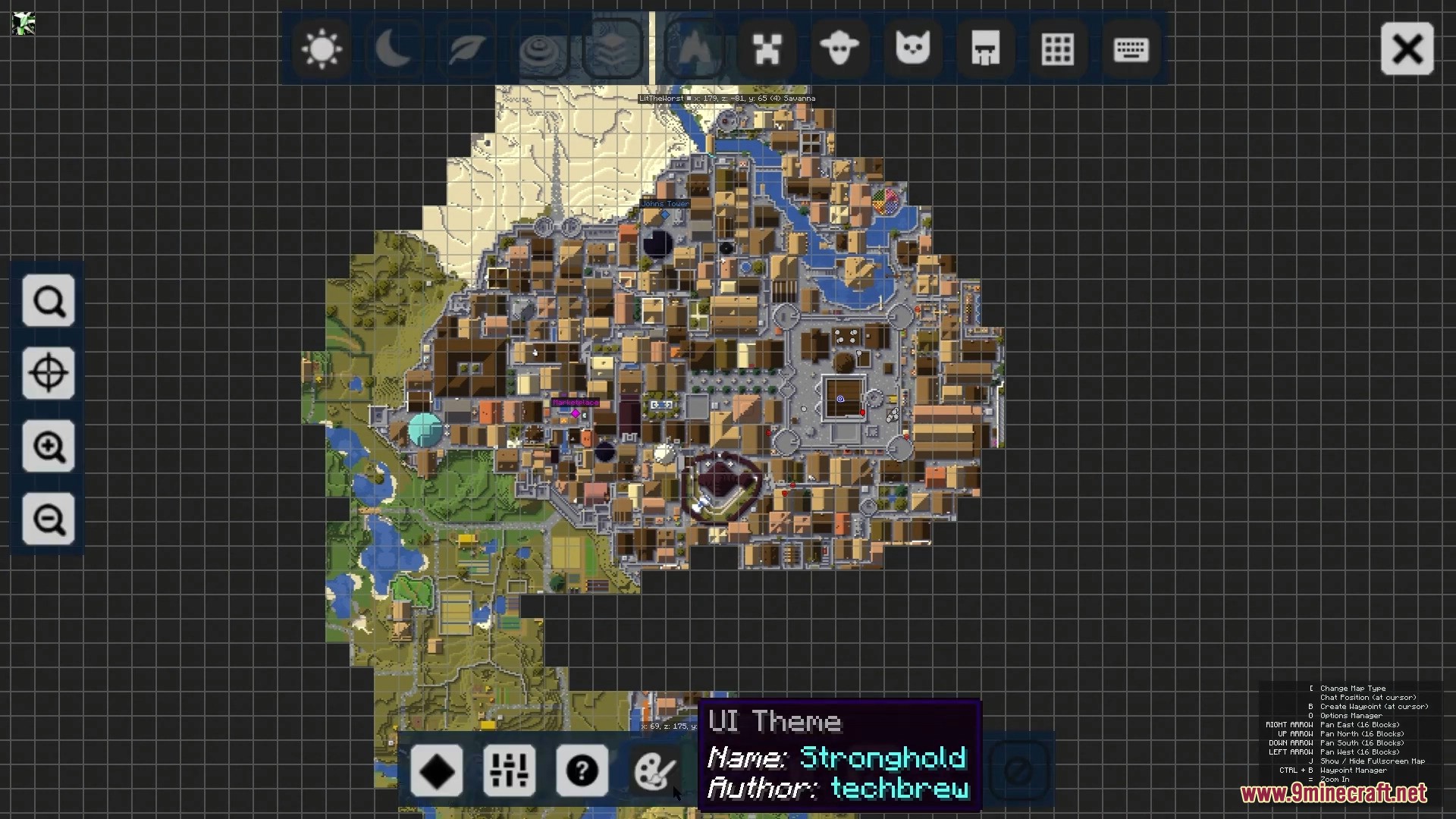
- Lets you open a full-screen map for a bigger view of the world.
- View your map from any web browser, great for a second monitor.
- Works in both single-player and on multiplayer servers.
How to Use:
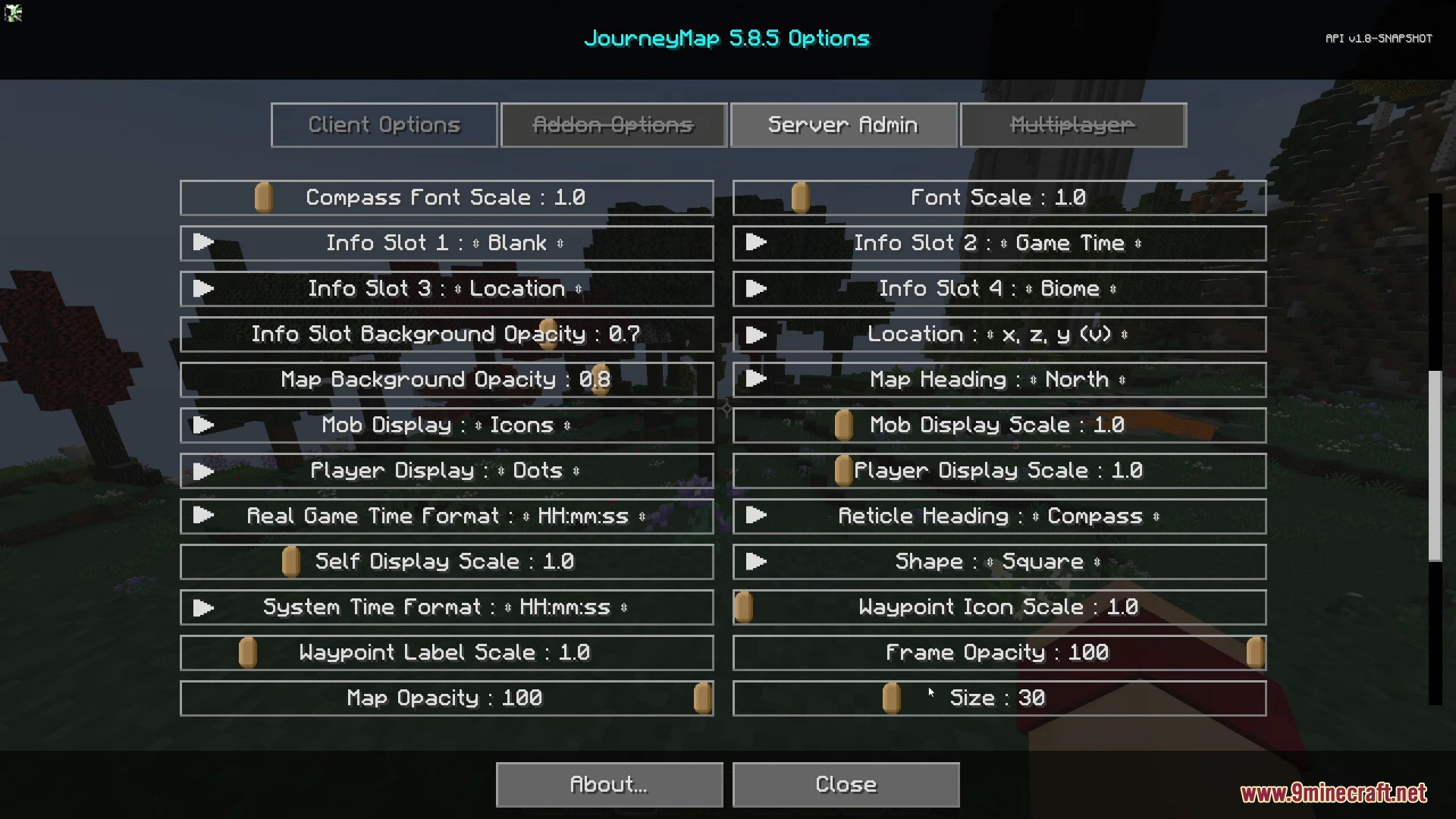
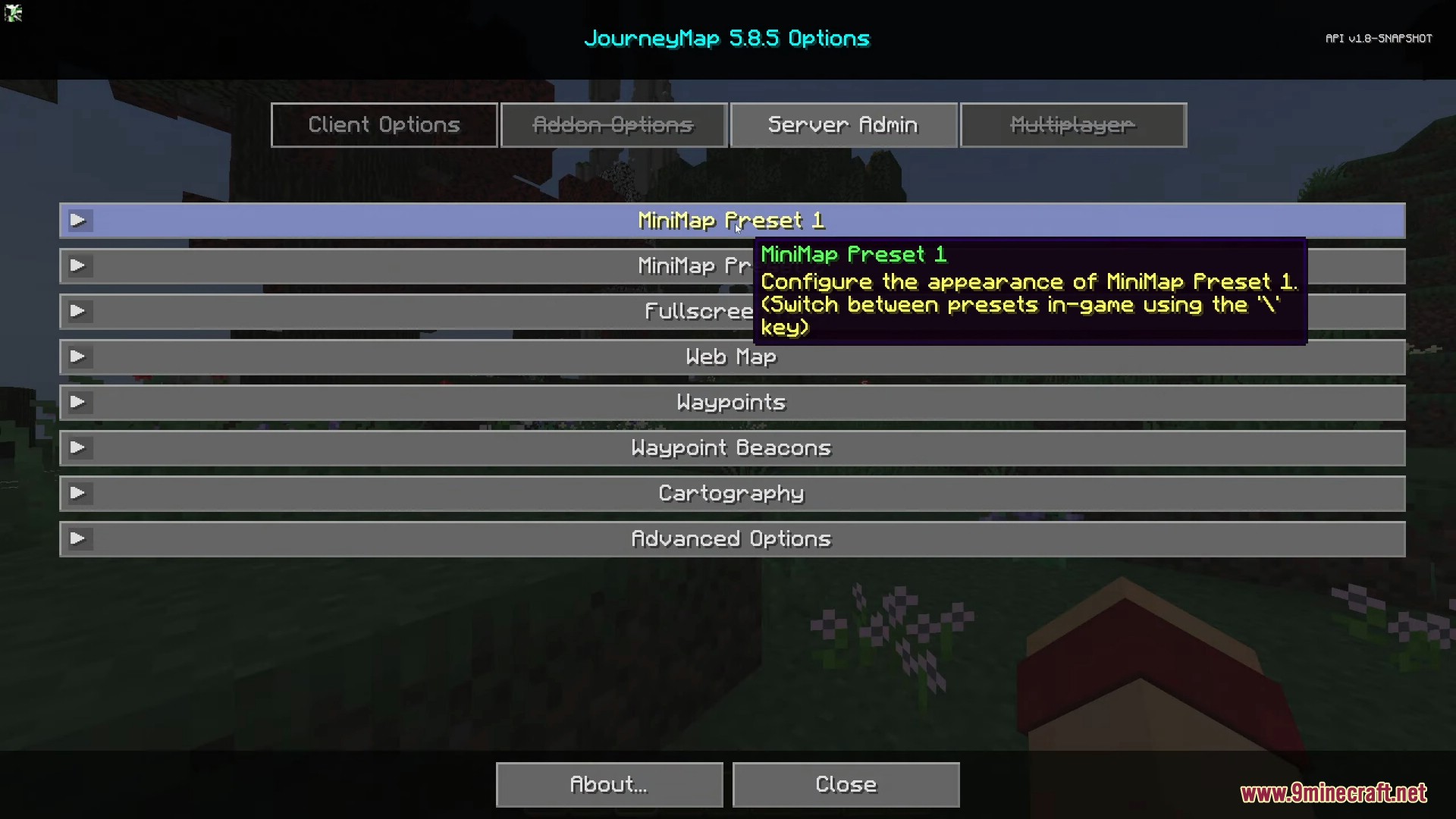
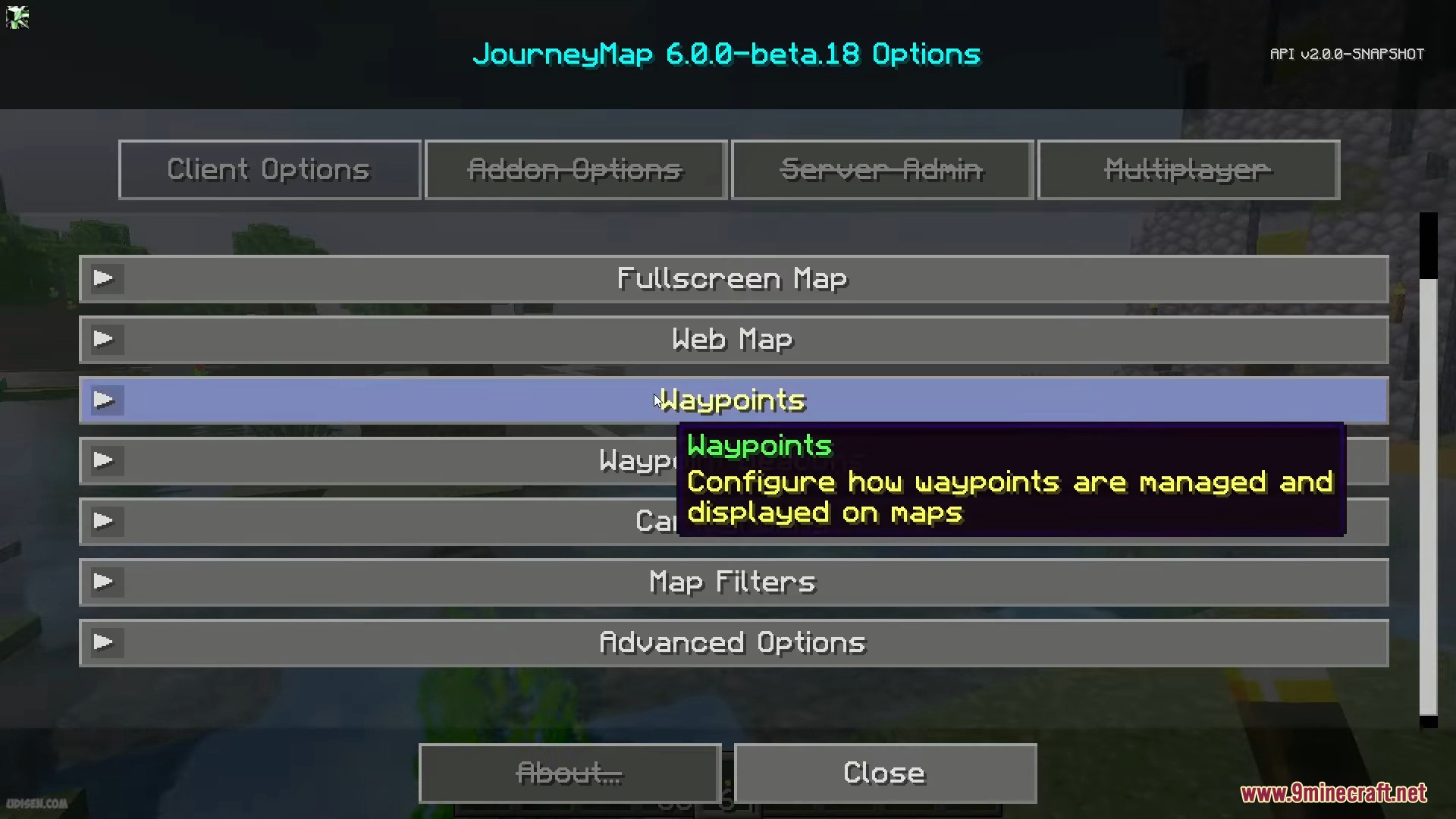
- Press the J key to open the full-screen map and access the options menu.
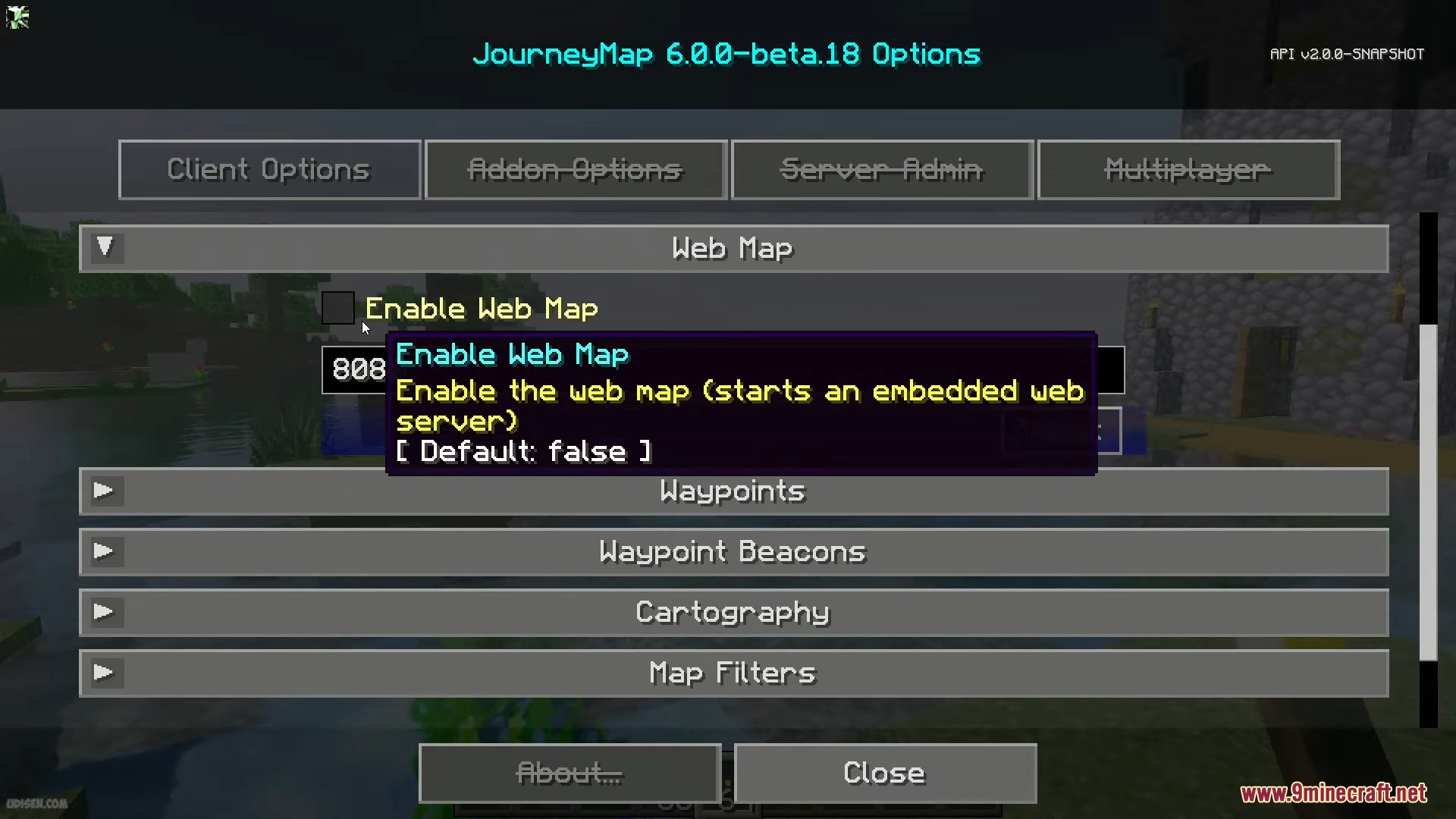
- To use the web map, find and turn on the “Enable Web Map” option in the settings.
- After enabling it, open your web browser and go to the address
localhost:8080to see the live map.
Screenshots:
JourneyMap Mod Download Links
Quick facts
- Edition: Minecraft Java
- File type: .jar
- Minecraft version listed: 1.20.1
- How to install: Install the matching mod loader (Forge, Fabric or NeoForge) for your Minecraft version. → Download the .jar. → Put it in the .minecraft/mods folder and launch that loader profile.
- Where to get it: In MC Java Mods, or directly above on this page.
Install steps are the general flow for this file type — How to install Minecraft Java mods & modpacks walks through it step by step.
Verified by MCModsHub
- Downloads as 25283.mcaddon
- Download size: 4.2 MB
- Download link checked 23 Sept 2026 — working
- Mirrored on our own servers — the download does not depend on the original host
These come from our own check of the pack file, not from the source page.