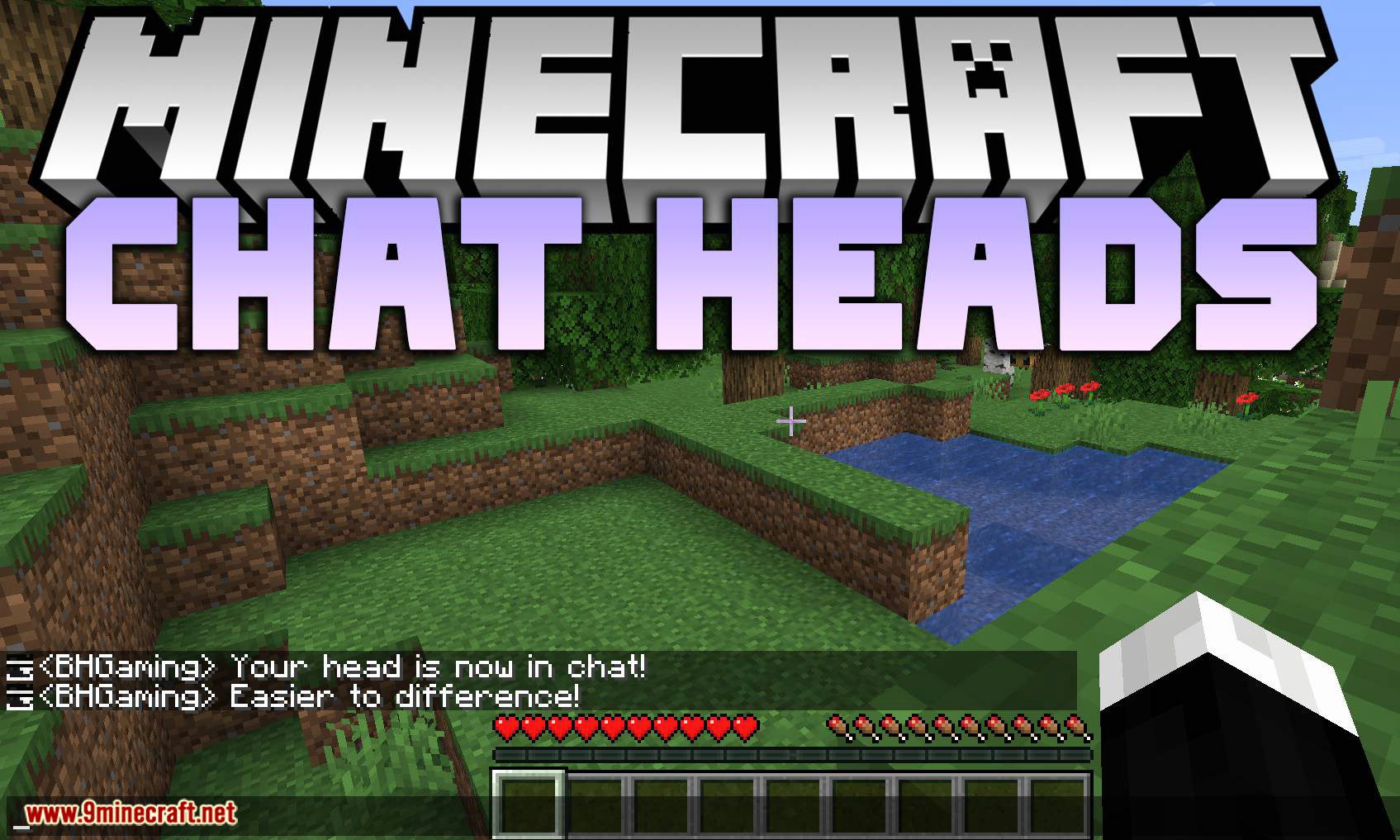
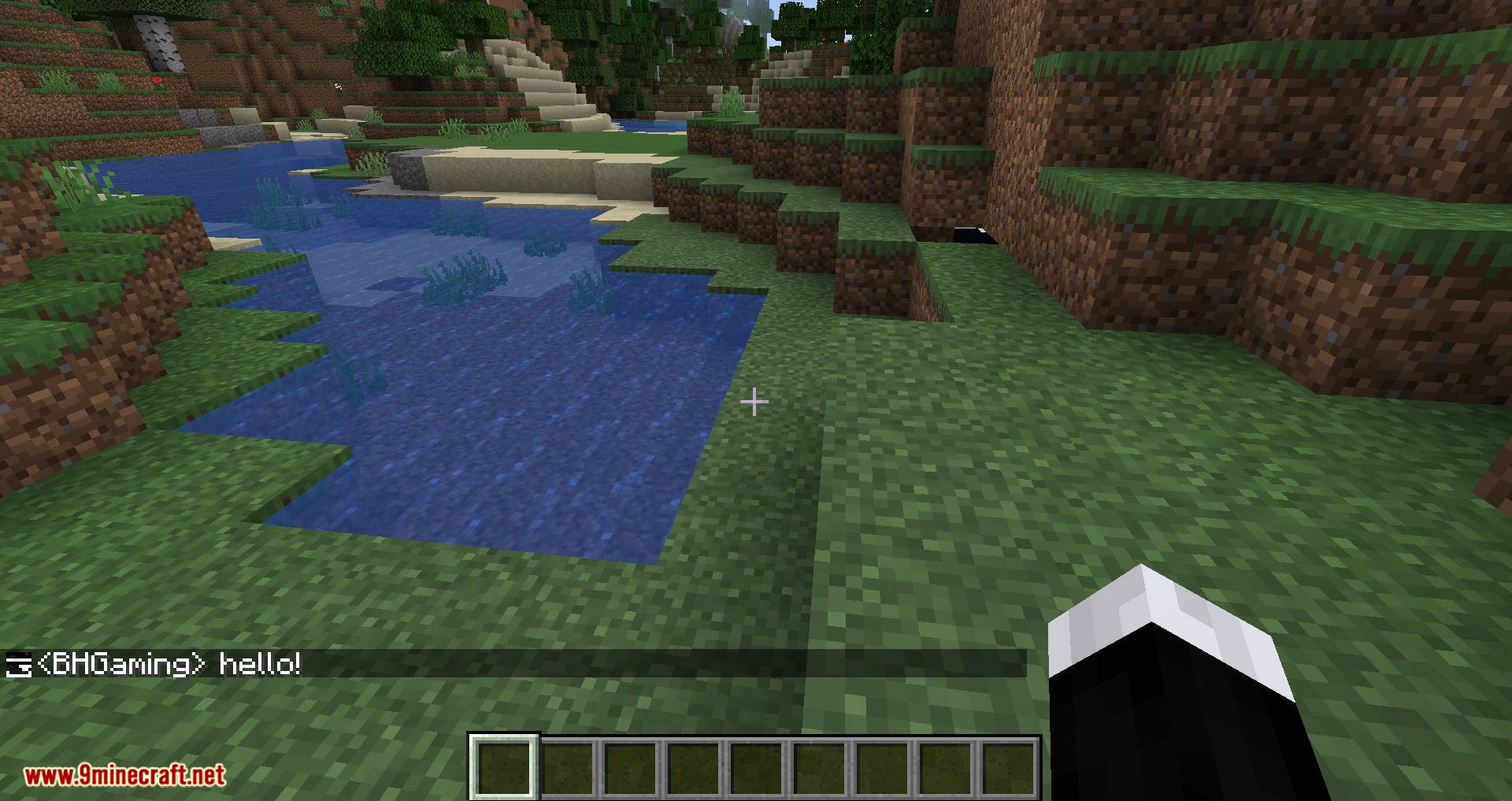
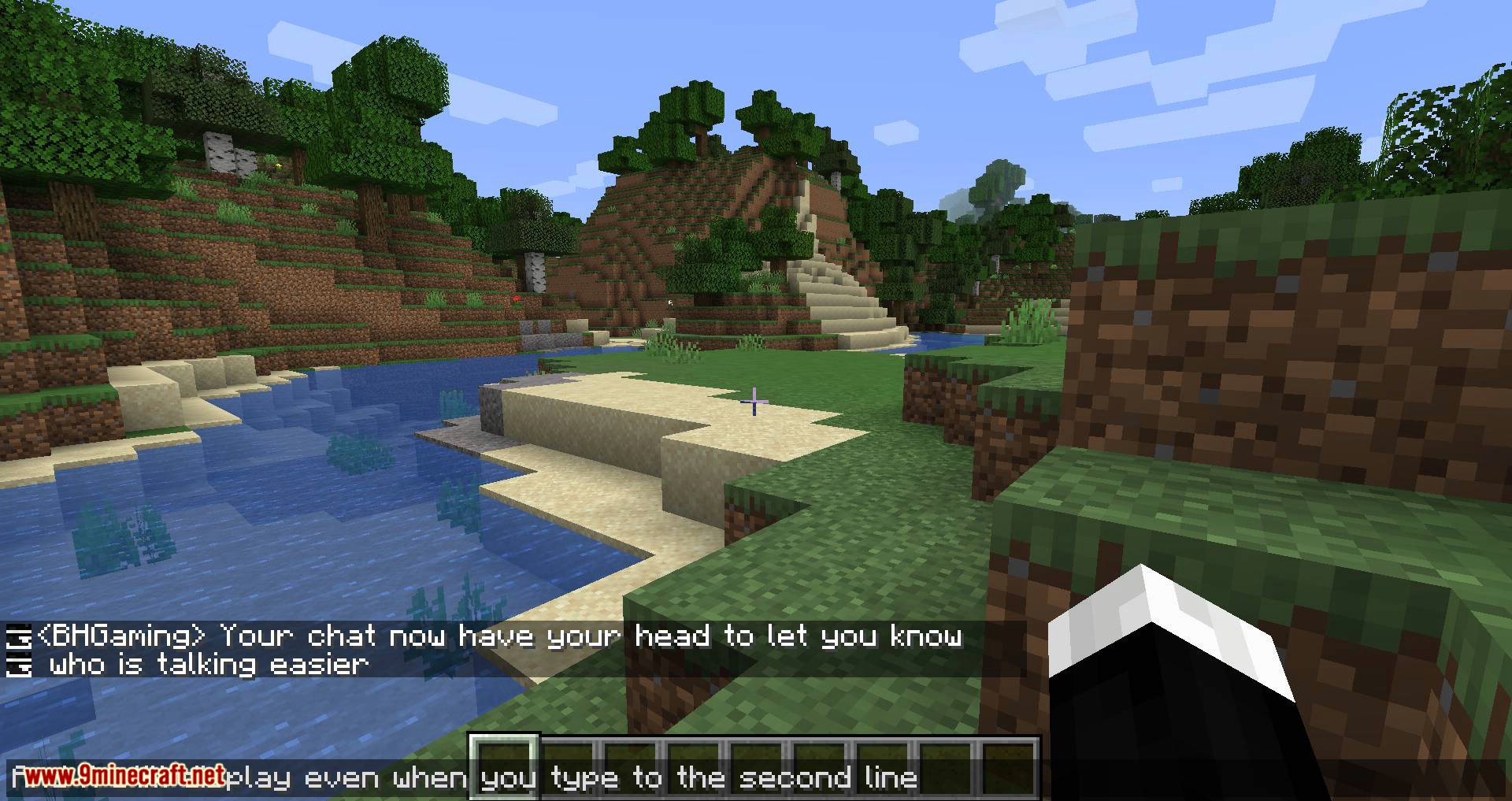
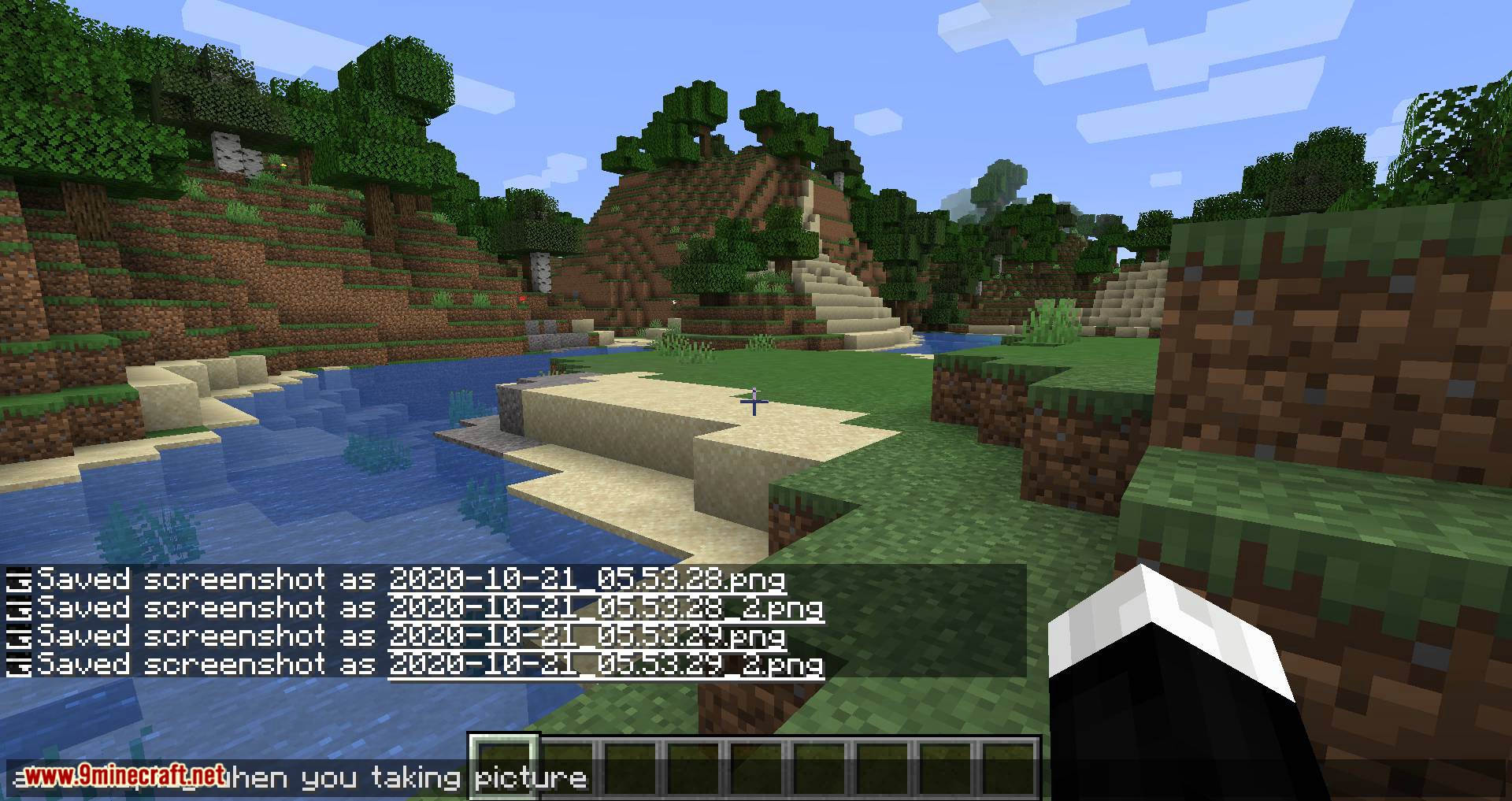
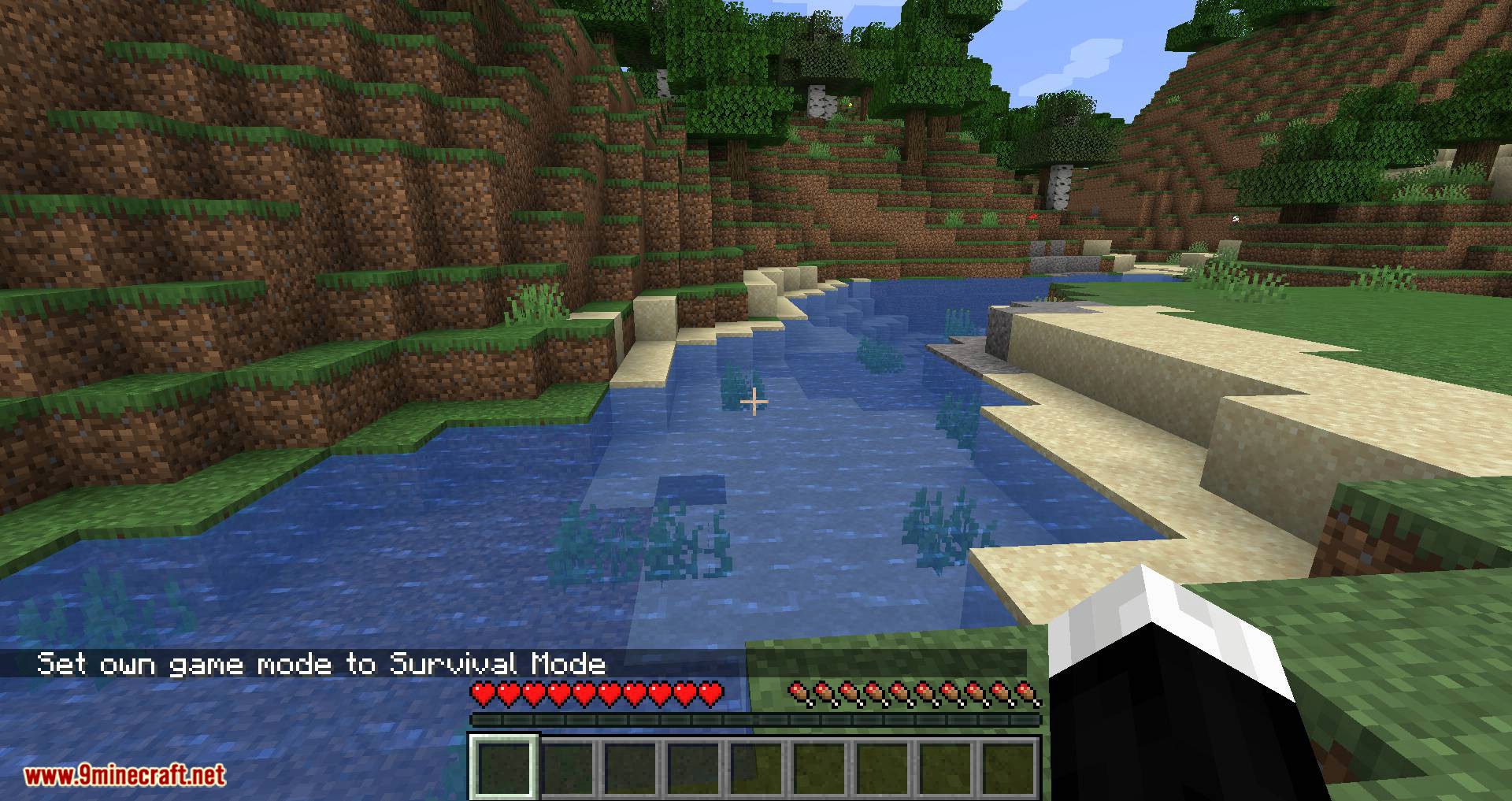
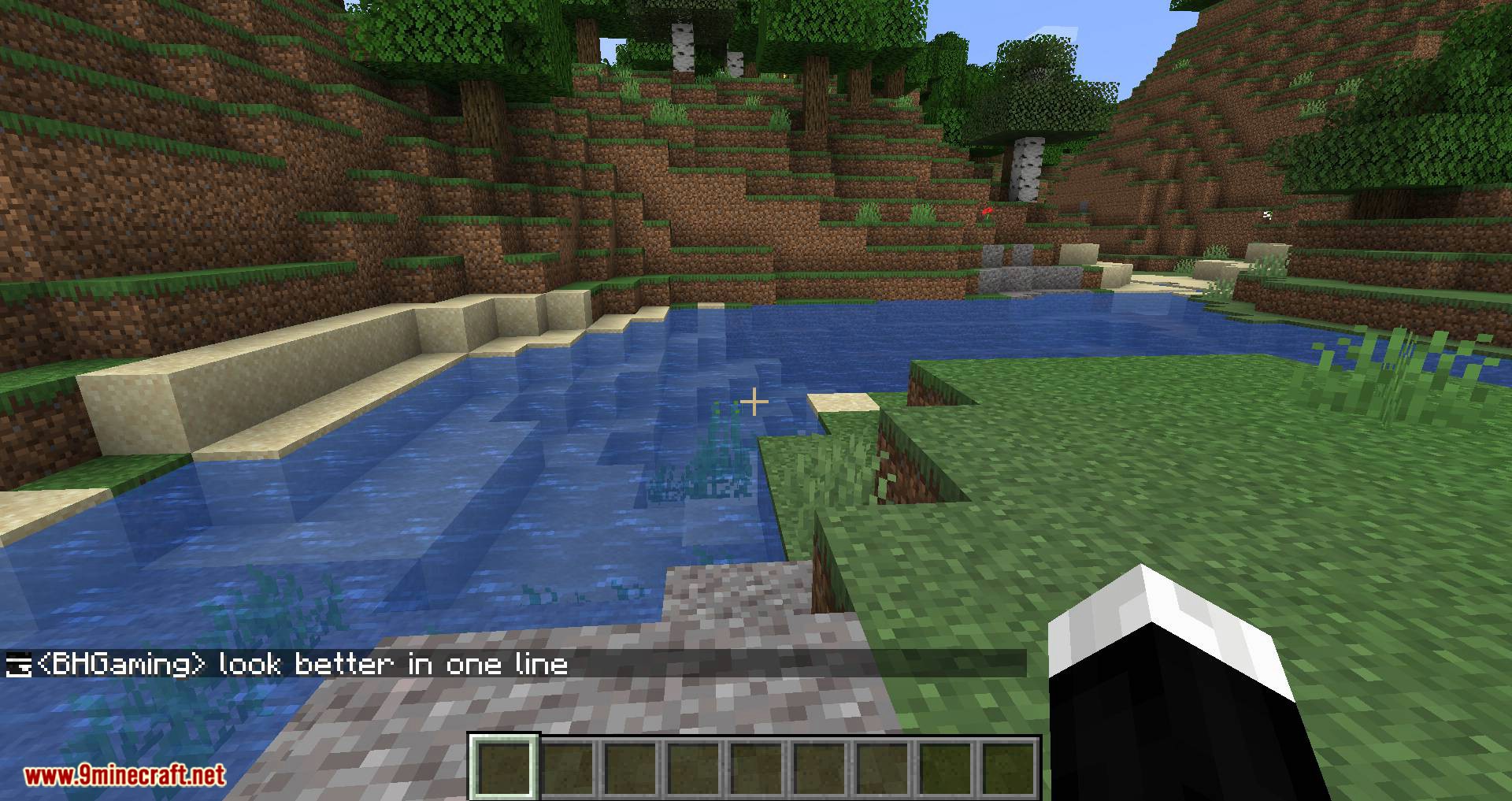
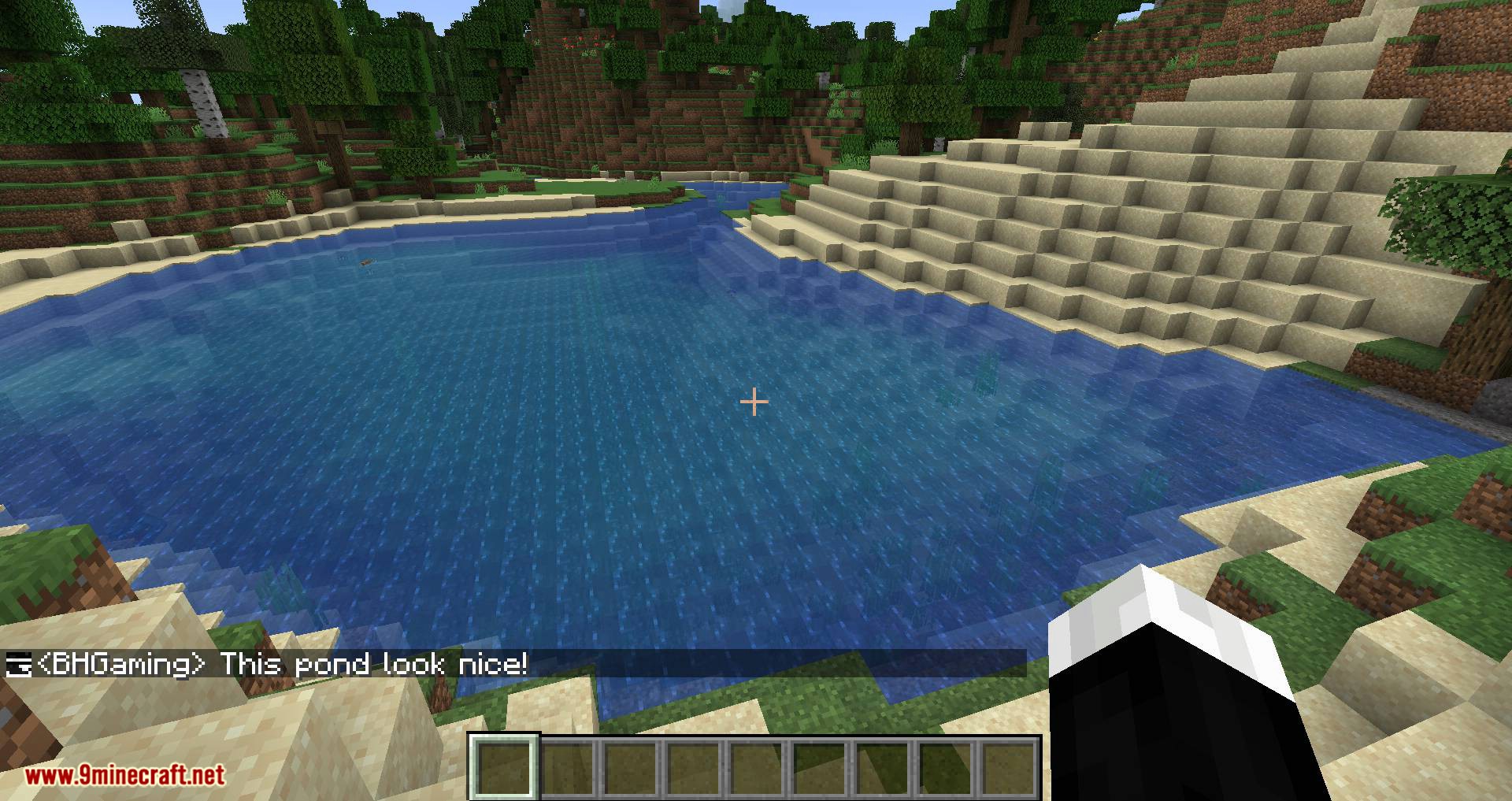
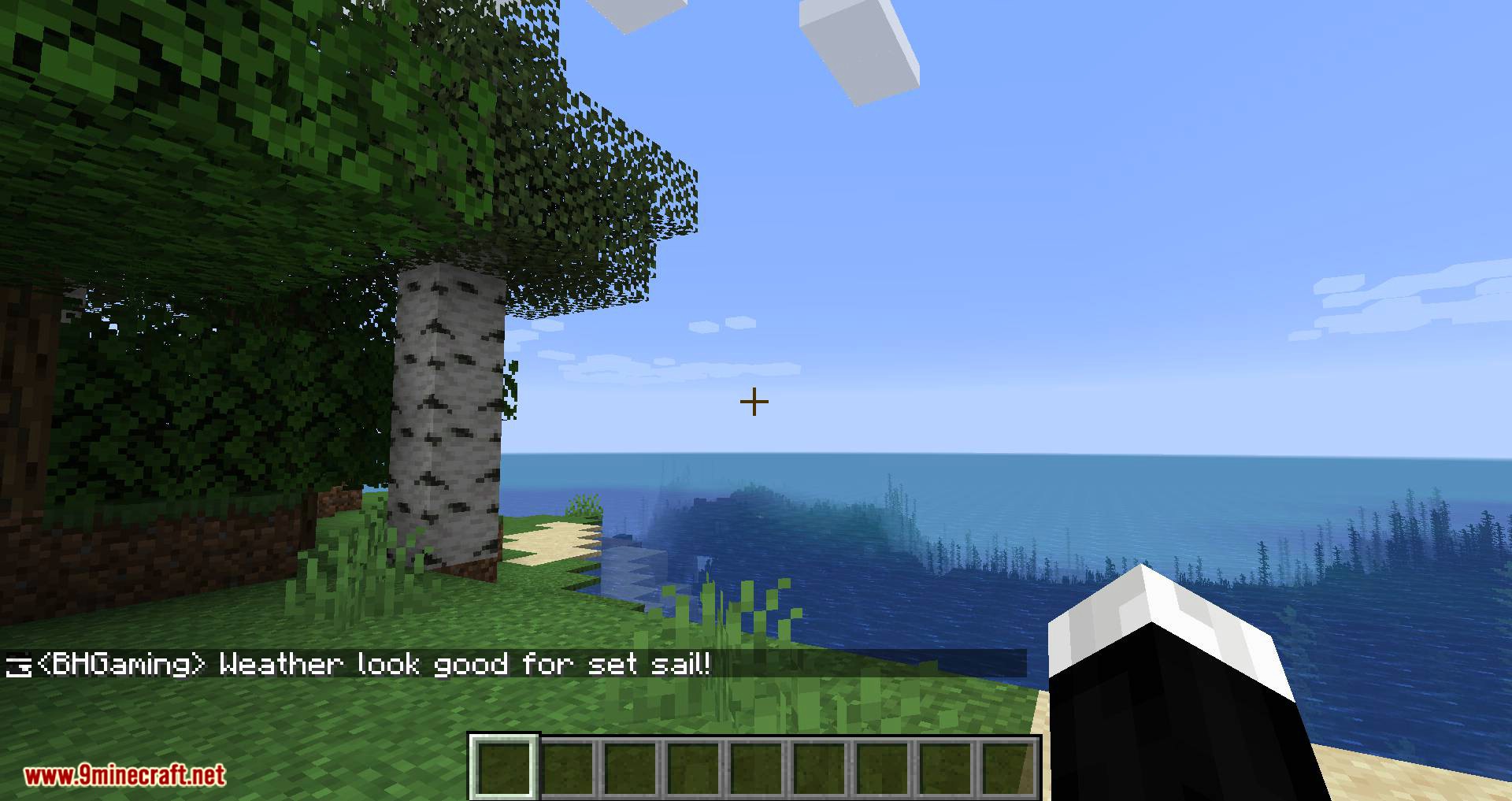
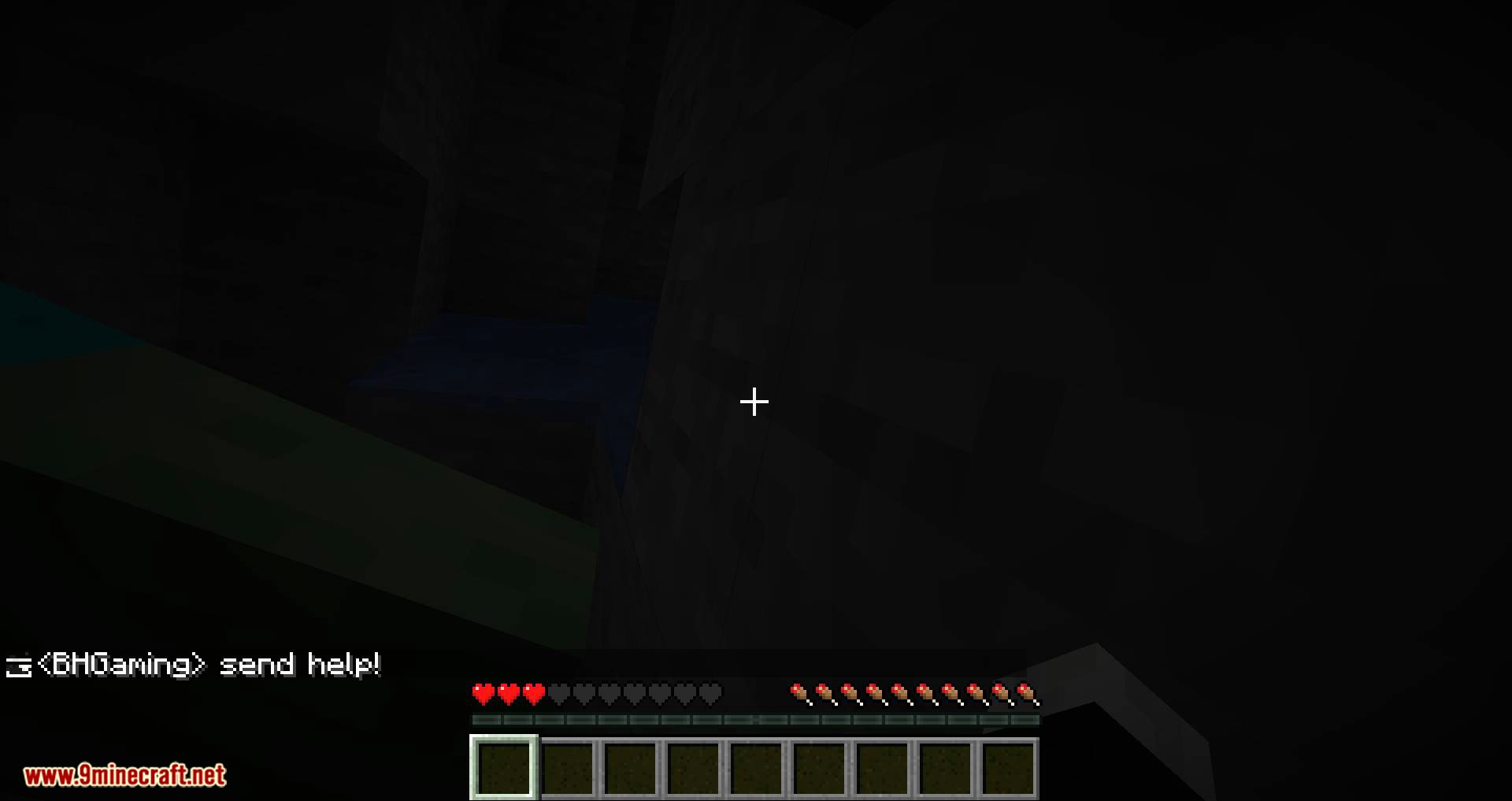
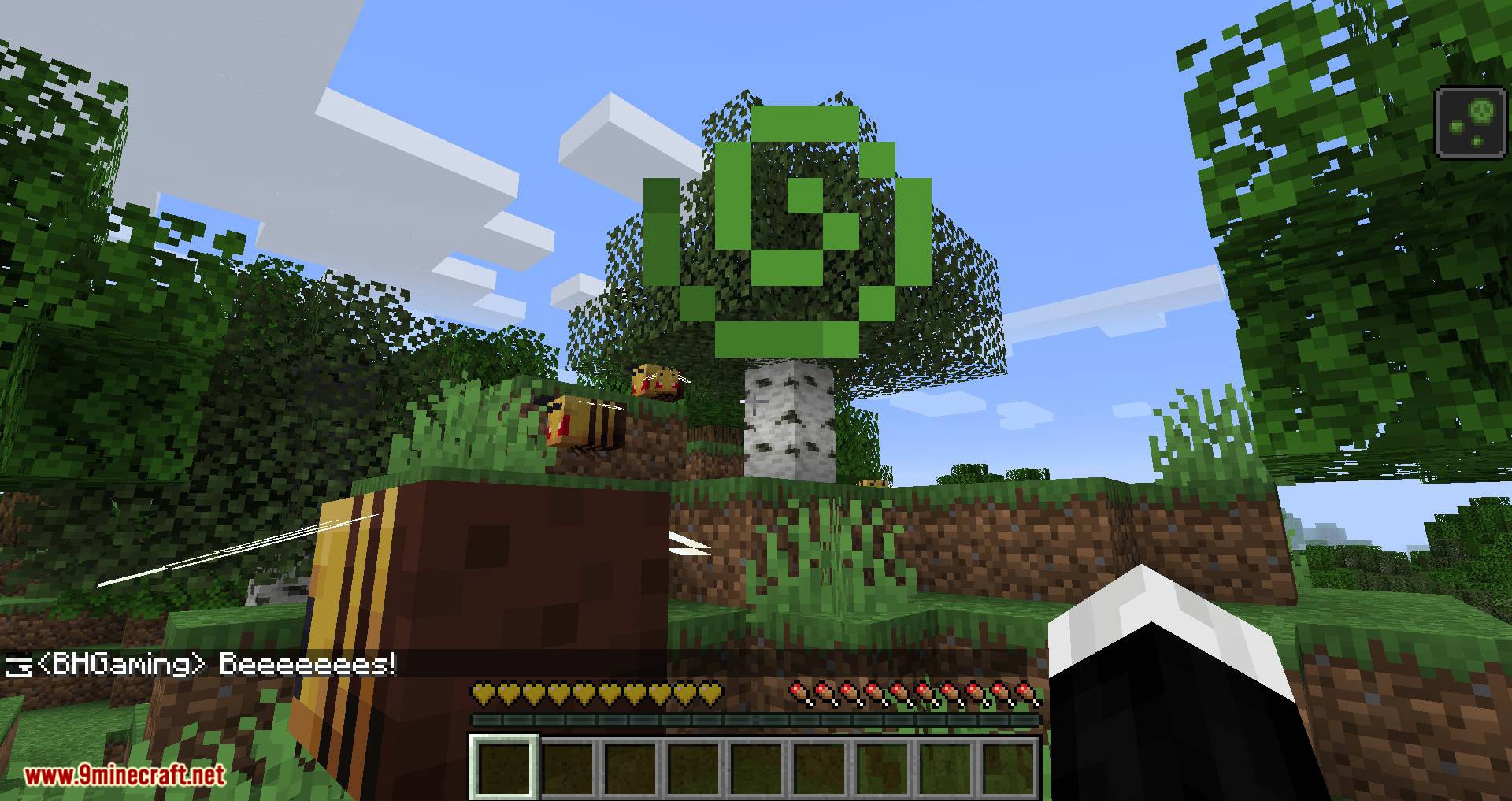
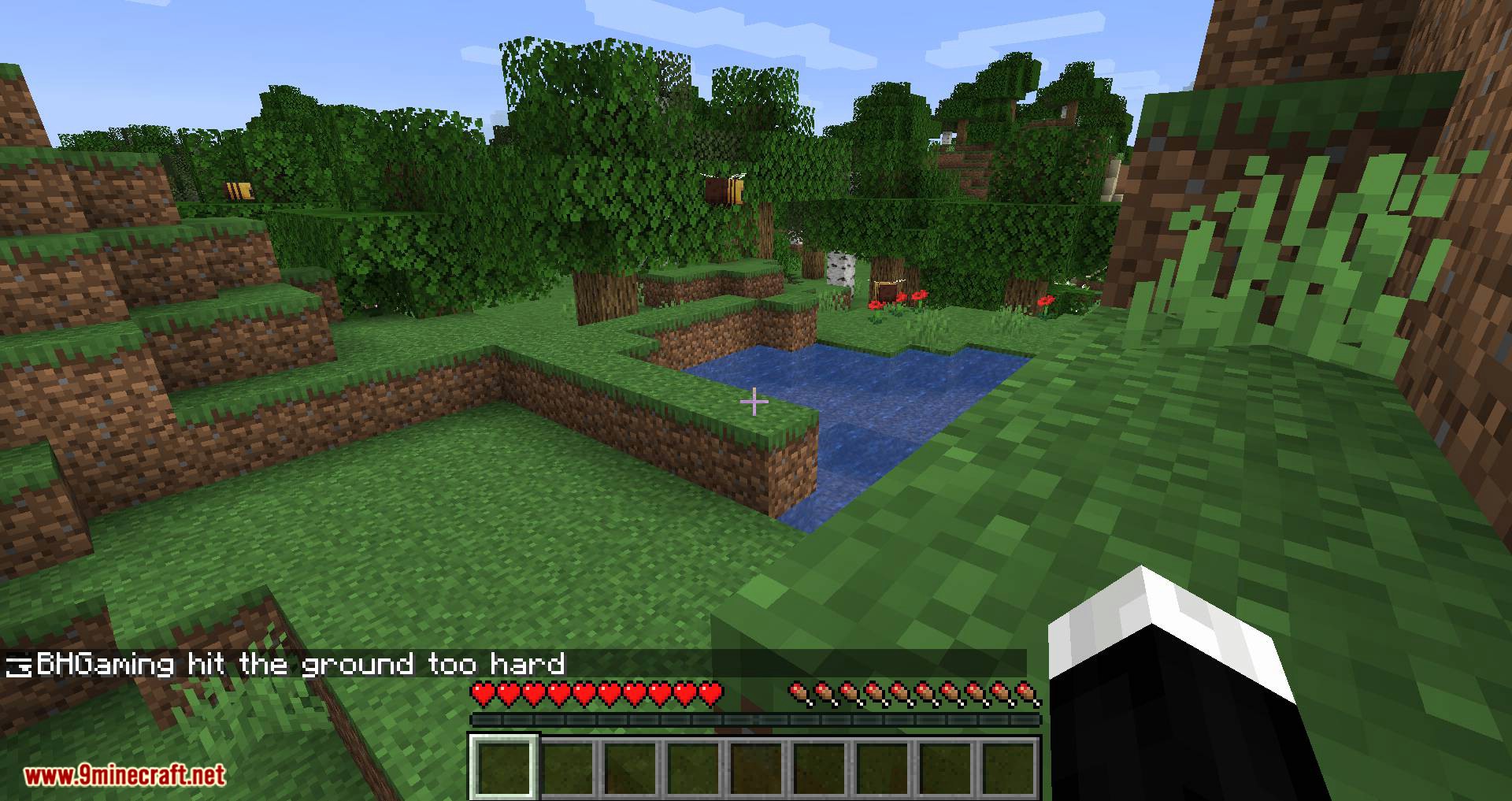
Chat Heads Mod adds player heads next to chat messages, as can be seen on the screenshot above. It makes telling various people in chat apart a bit easier, and it just looks nice.
Features:
- Displays the head of the player next to their chat message, making it easier to distinguish between participants in the chat.
- Offers settings to adjust how the chat heads appear. Requires Cloth Config and Mod Menu to access these settings.
- Includes a “Heuristic only” sender detection mode for servers where default settings might not work perfectly.
- Adds a polished and visually appealing touch to the chat interface.
Screenshots:
Chat Heads Mod Download Links
Quick facts
- Edition: Minecraft Java
- File type: .jar
- Minecraft version listed: 1.20.1
- How to install: Install the matching mod loader (Forge, Fabric or NeoForge) for your Minecraft version. → Download the .jar. → Put it in the .minecraft/mods folder and launch that loader profile.
- Where to get it: In MC Java Mods, or directly above on this page.
Install steps are the general flow for this file type — How to install Minecraft Java mods & modpacks walks through it step by step.
Verified by MCModsHub
- Downloads as 25291.mcaddon
- Download size: 95 KB
- Download link checked 23 Sept 2026 — working
- Mirrored on our own servers — the download does not depend on the original host
These come from our own check of the pack file, not from the source page.