ModsJava
TaCZ Optimization Mod (1.20.1) – Stop Frame Drops During Multiplayer Gunfights
Java mod listed for Minecraft 1.20. File opened and checked on 5 Oct 2026; downloads from the MC Java Mods app on Android.
⬇ Download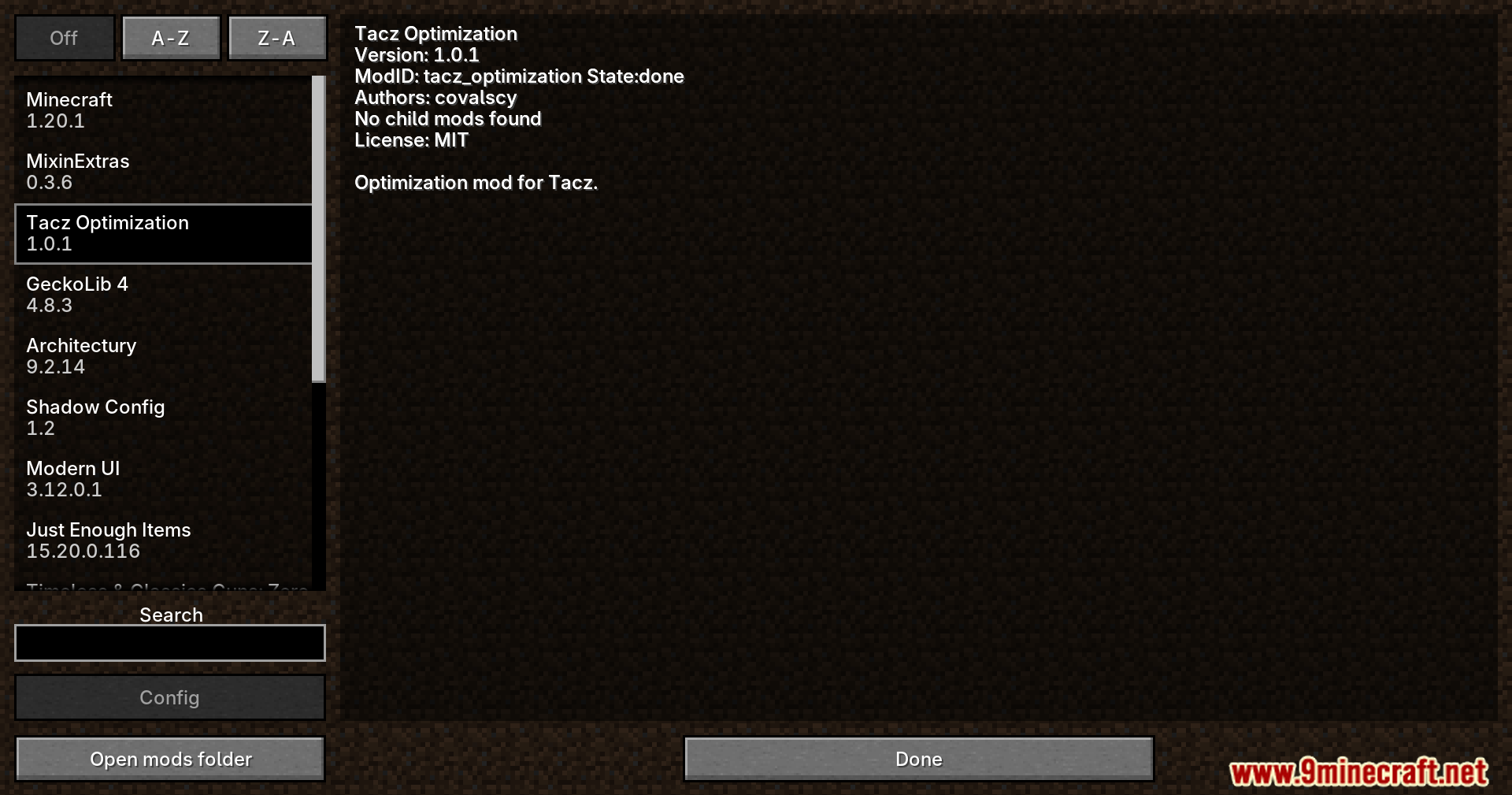
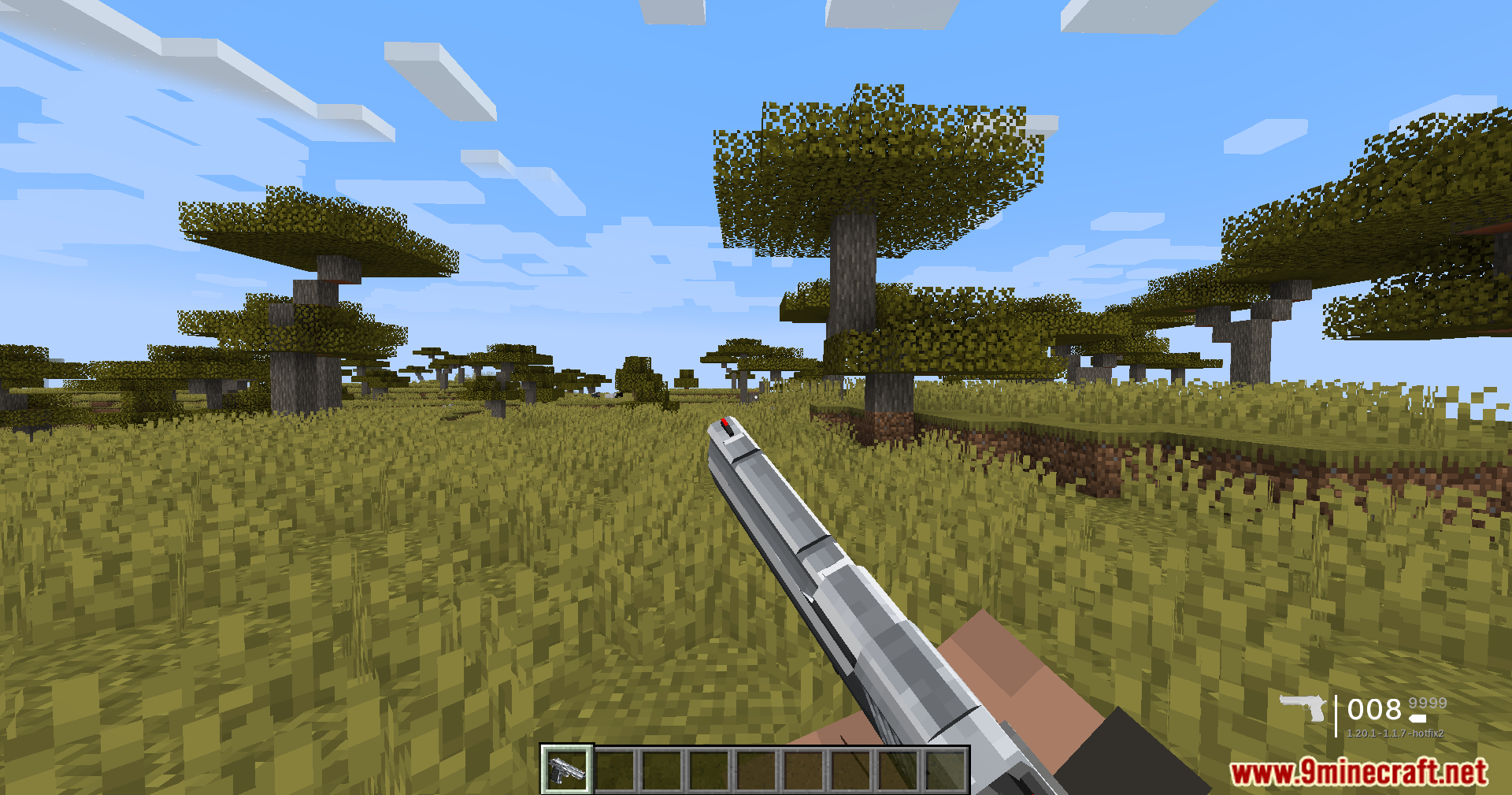
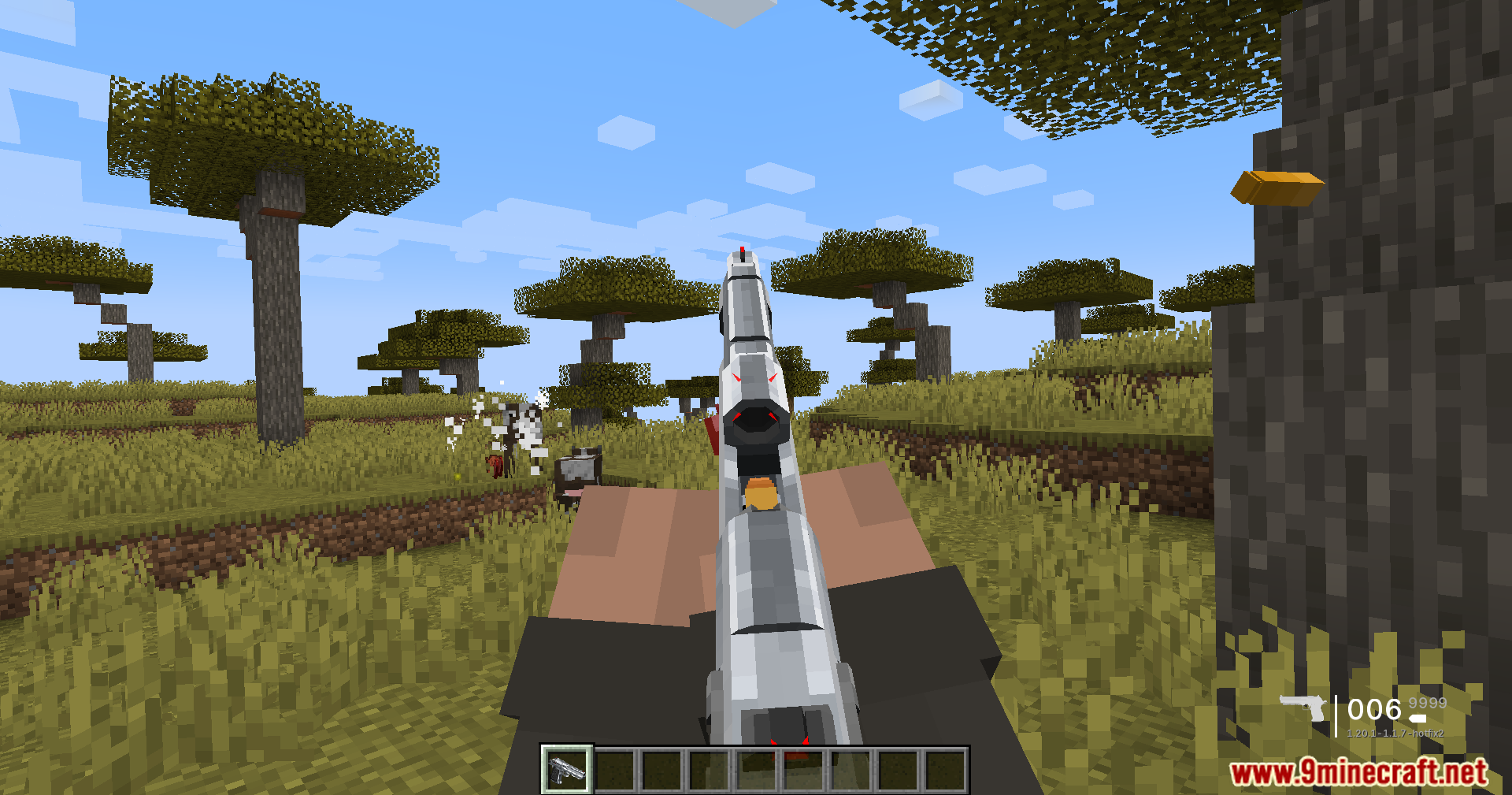
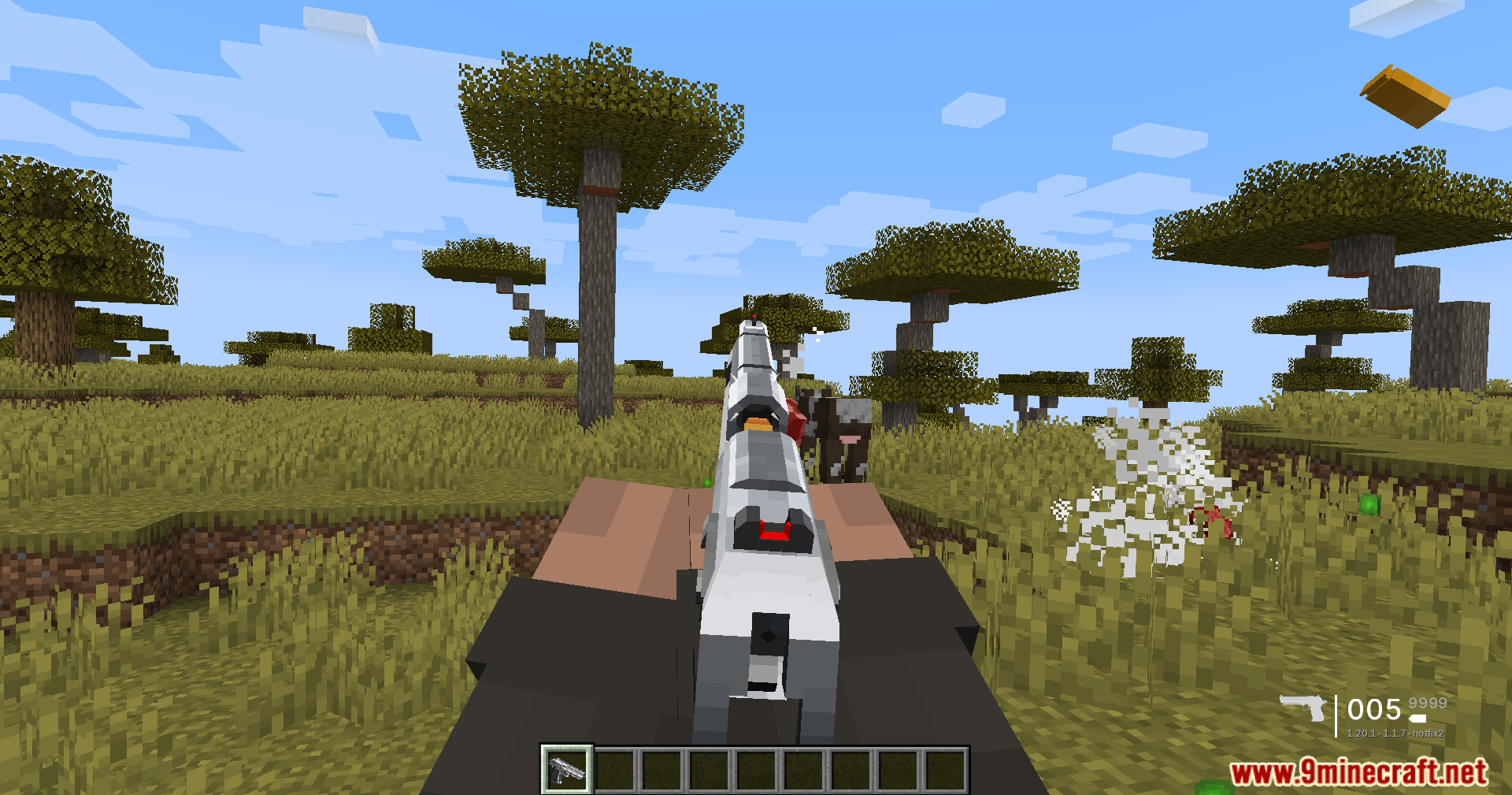
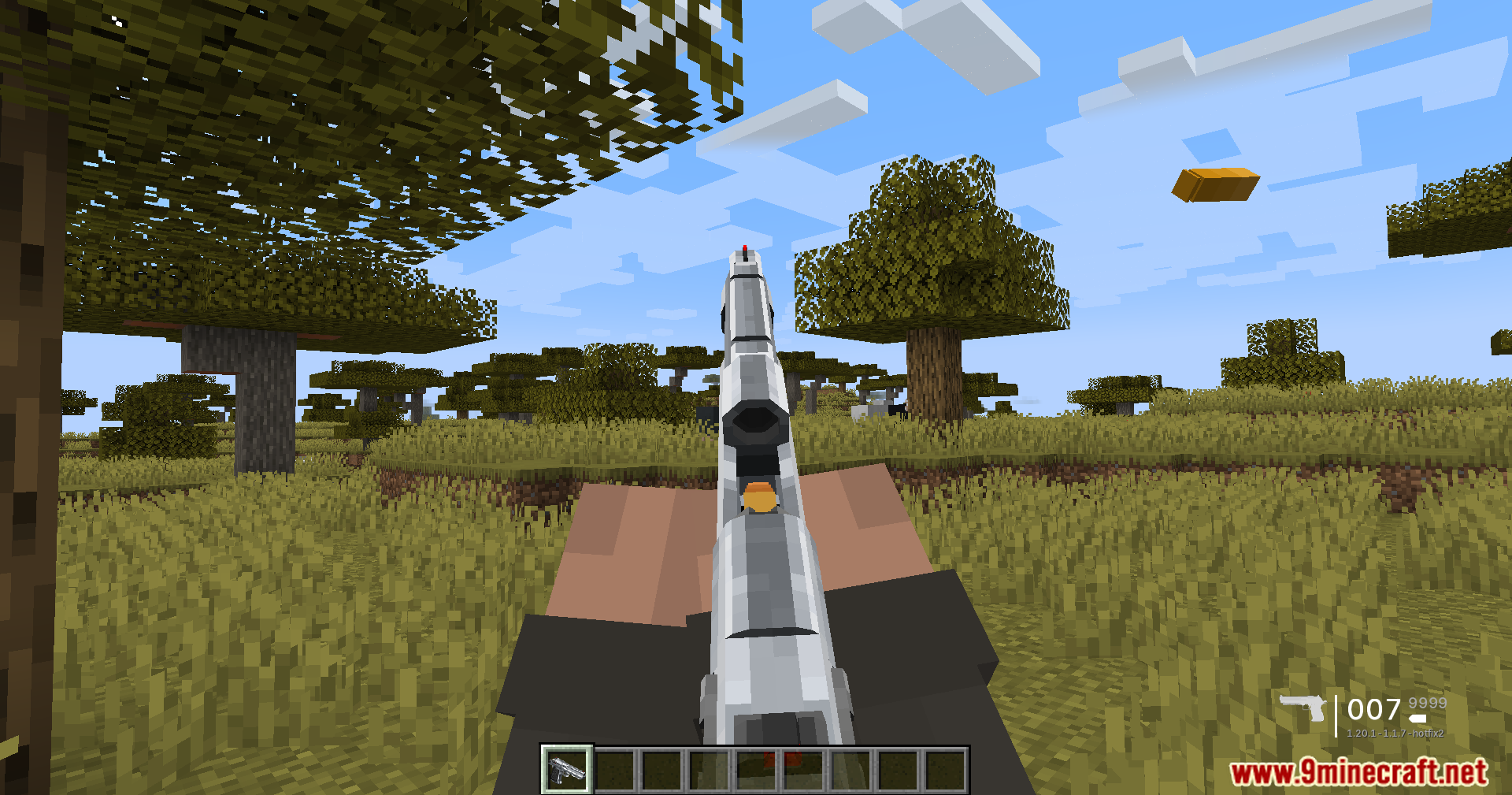
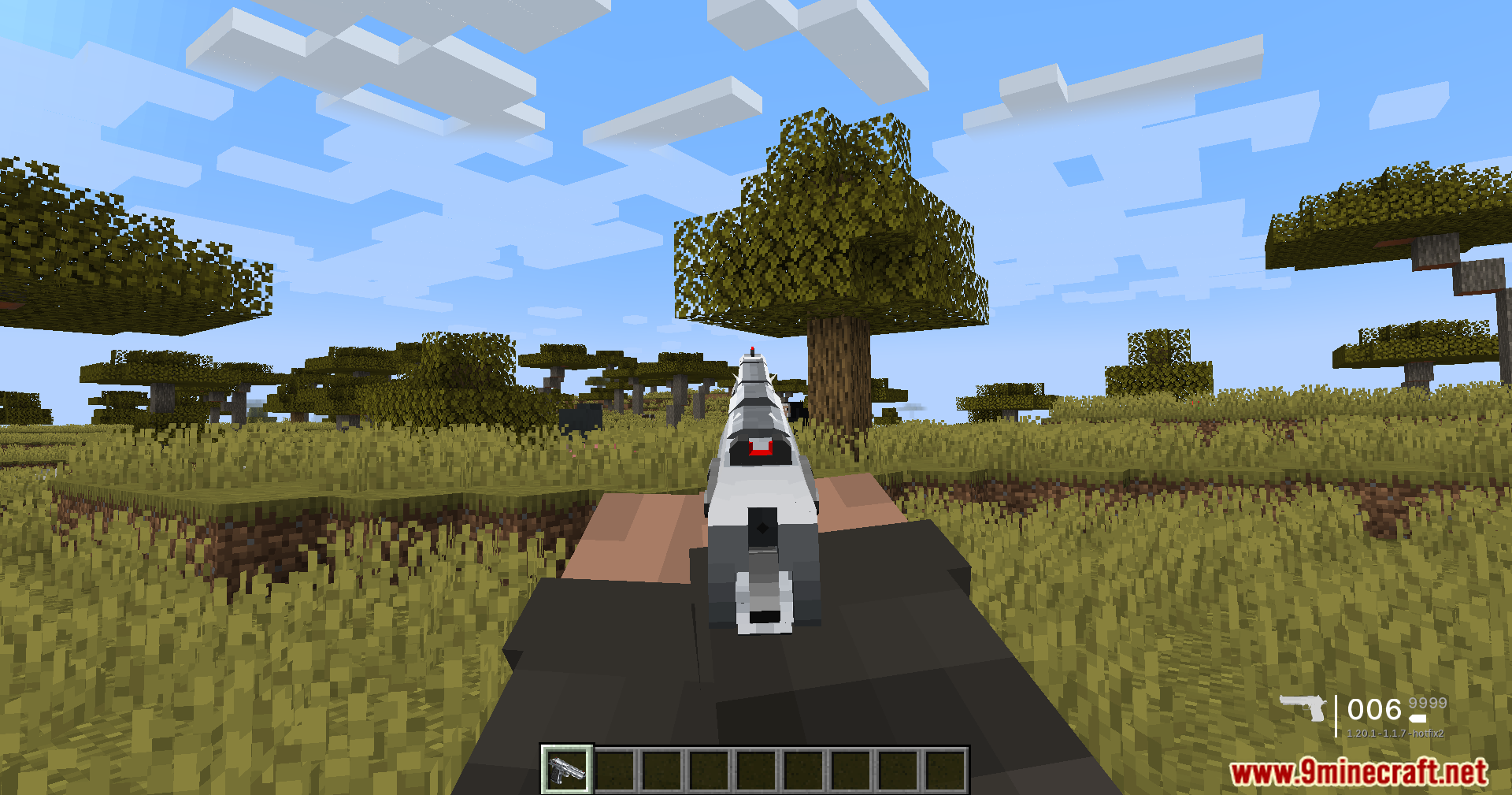
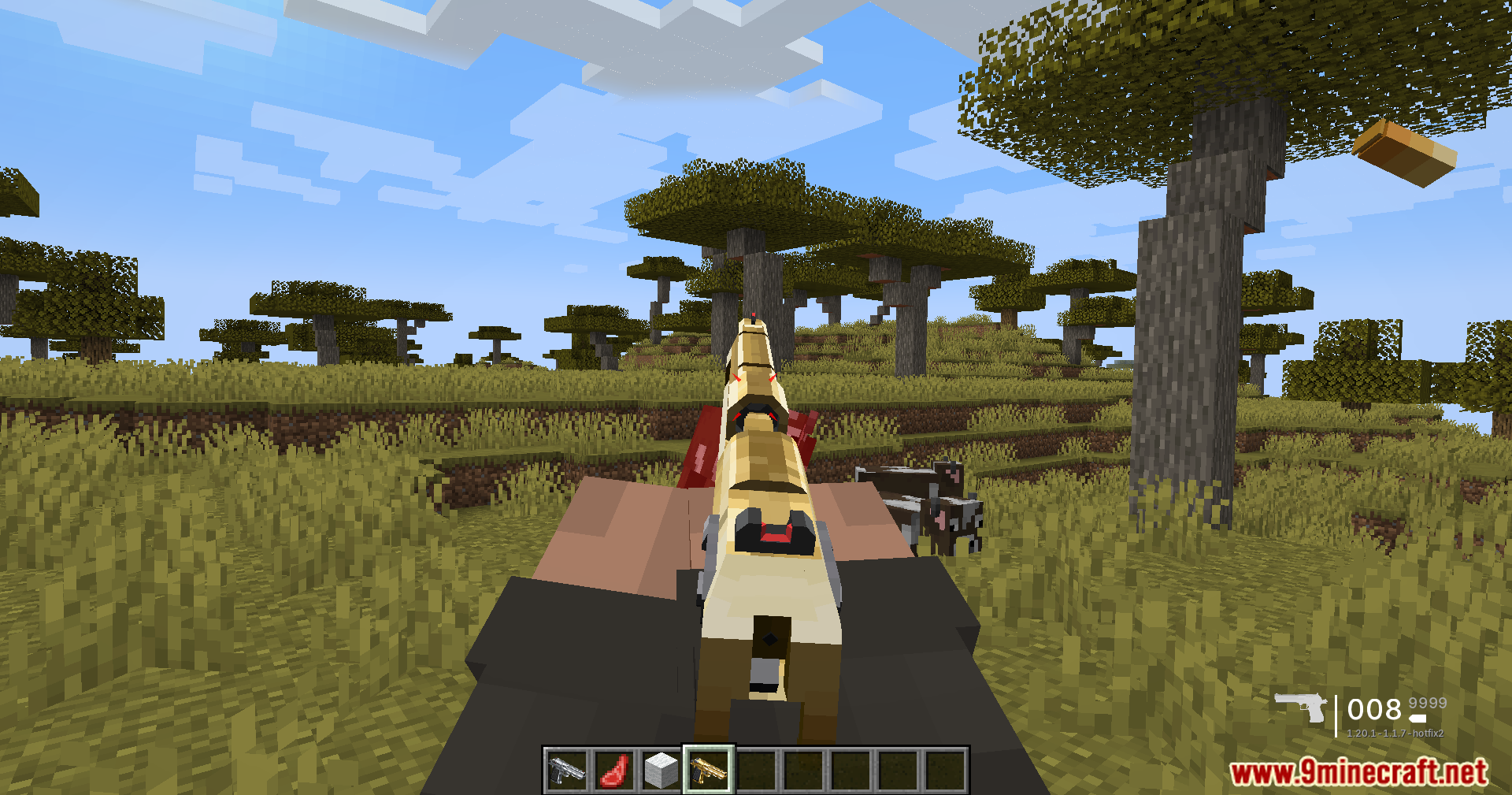
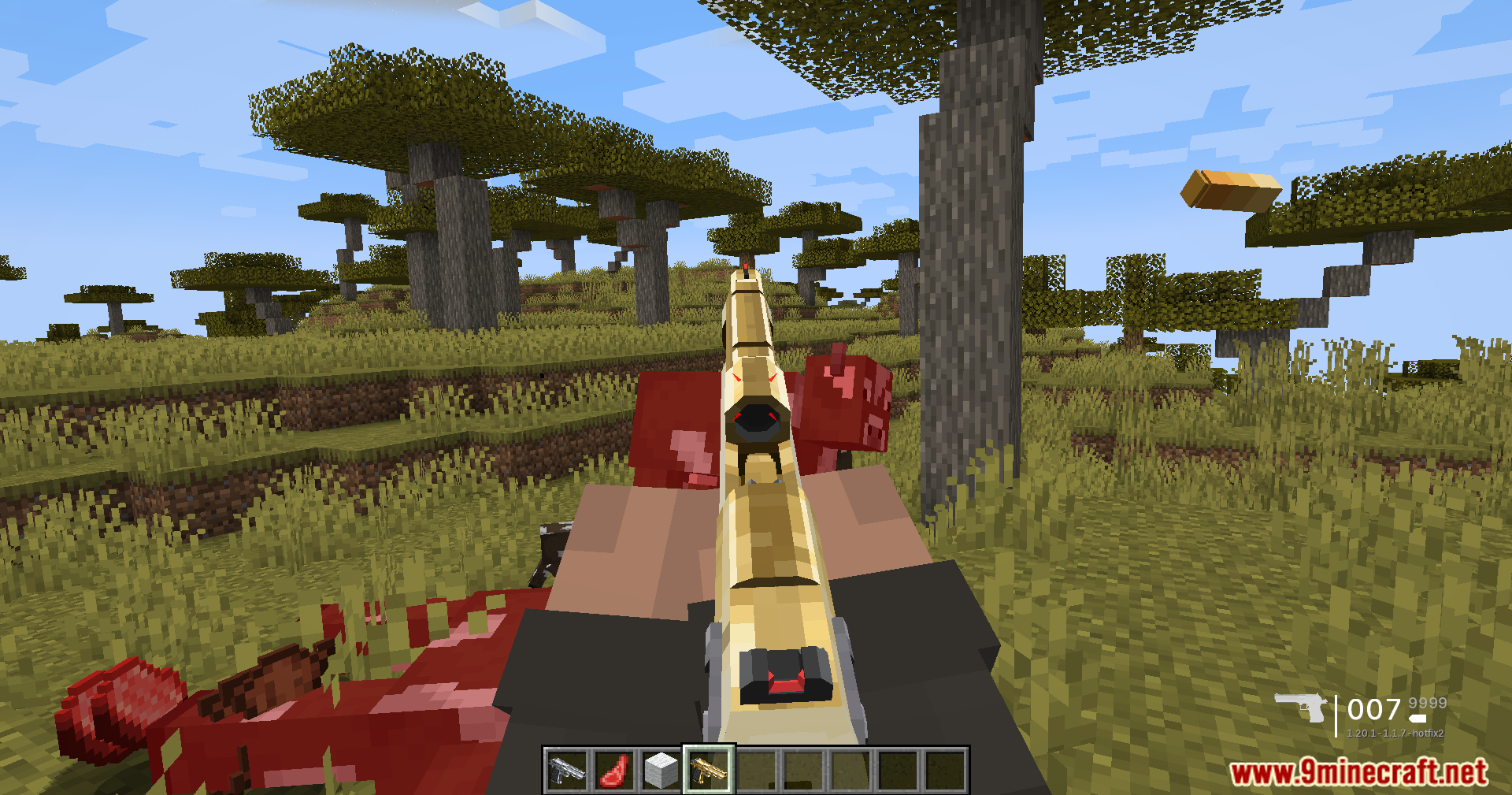
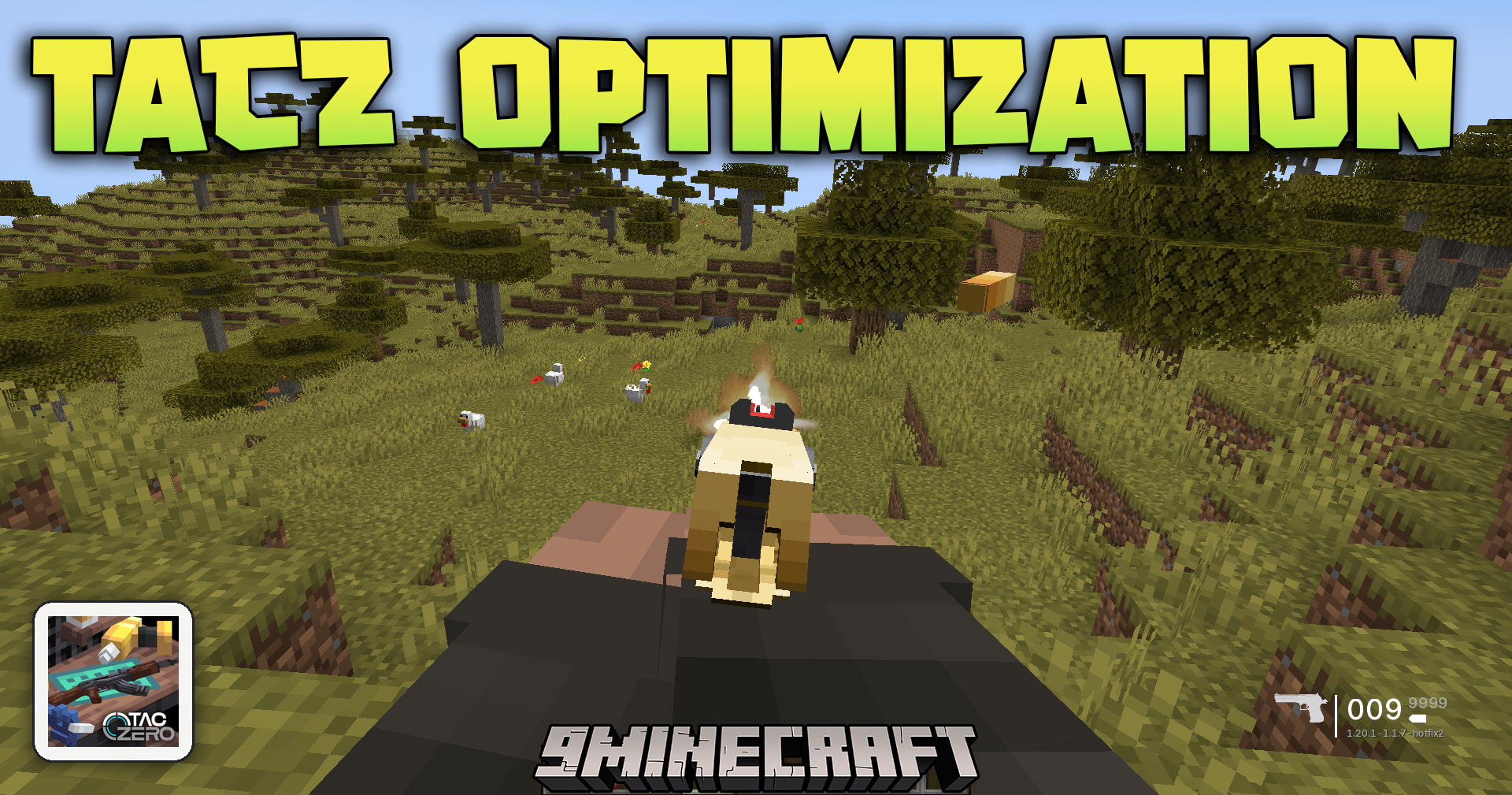
TaCZ Optimization Mod adds helpful performance tweaks for Timeless and Classics Zero. It lets you turn off heavy visual effects so your game runs smoother, especially when playing on crowded multiplayer servers. This addon runs entirely on your own computer, meaning you can join any server and still get better frames per second.
Features:
- Stop Lag Spikes: Hides the guns, attachments, and bullet tracers of other players so your game stays smooth during big fights.
- Clean Up Your Screen: Lets you turn off parts of the user interface like the ammo counter, heat bar, kill feed, and interaction buttons.
- Works safely on multiplayer servers because it only runs on your personal game client.
- Gives you full control over which visual details you want to keep and which ones you want to hide.
Configuration:
- Open the
tacz_optimization-client.tomlfile in your config folder to change settings. - Toggle specific render options like your own bullets, enemy tracers, and other players’ gear.
- Turn off individual screen elements like the Gun HUD or Kill Count to match your personal preference.
How to Use:
- Close your game and open your Minecraft directory.
- Find the config folder and open the
tacz_optimization-client.tomlfile with a basic text editor. - Change the settings from true to false for any visual effect or screen element you want to hide.
- Save the file and start your game to play with better performance.
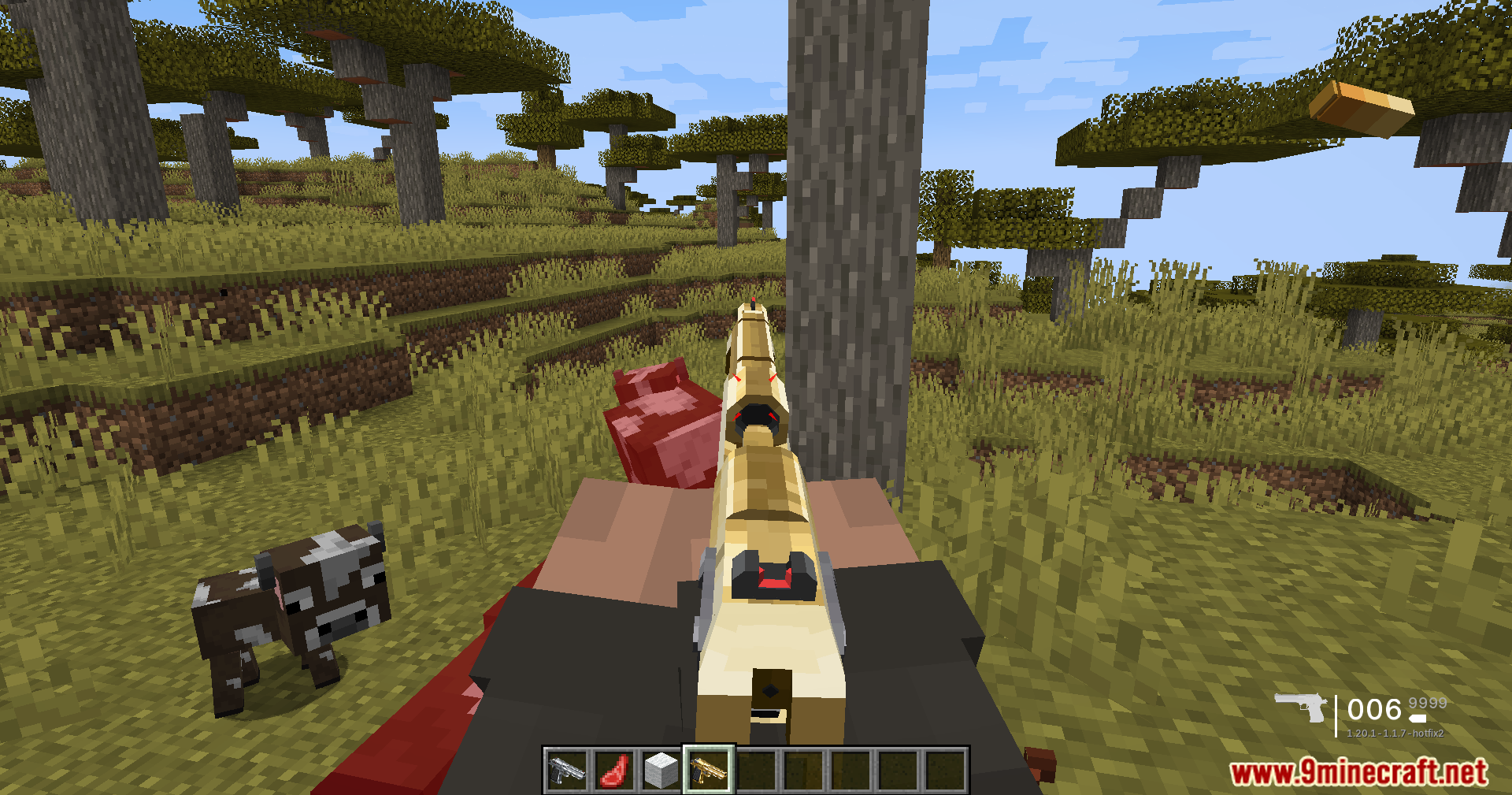
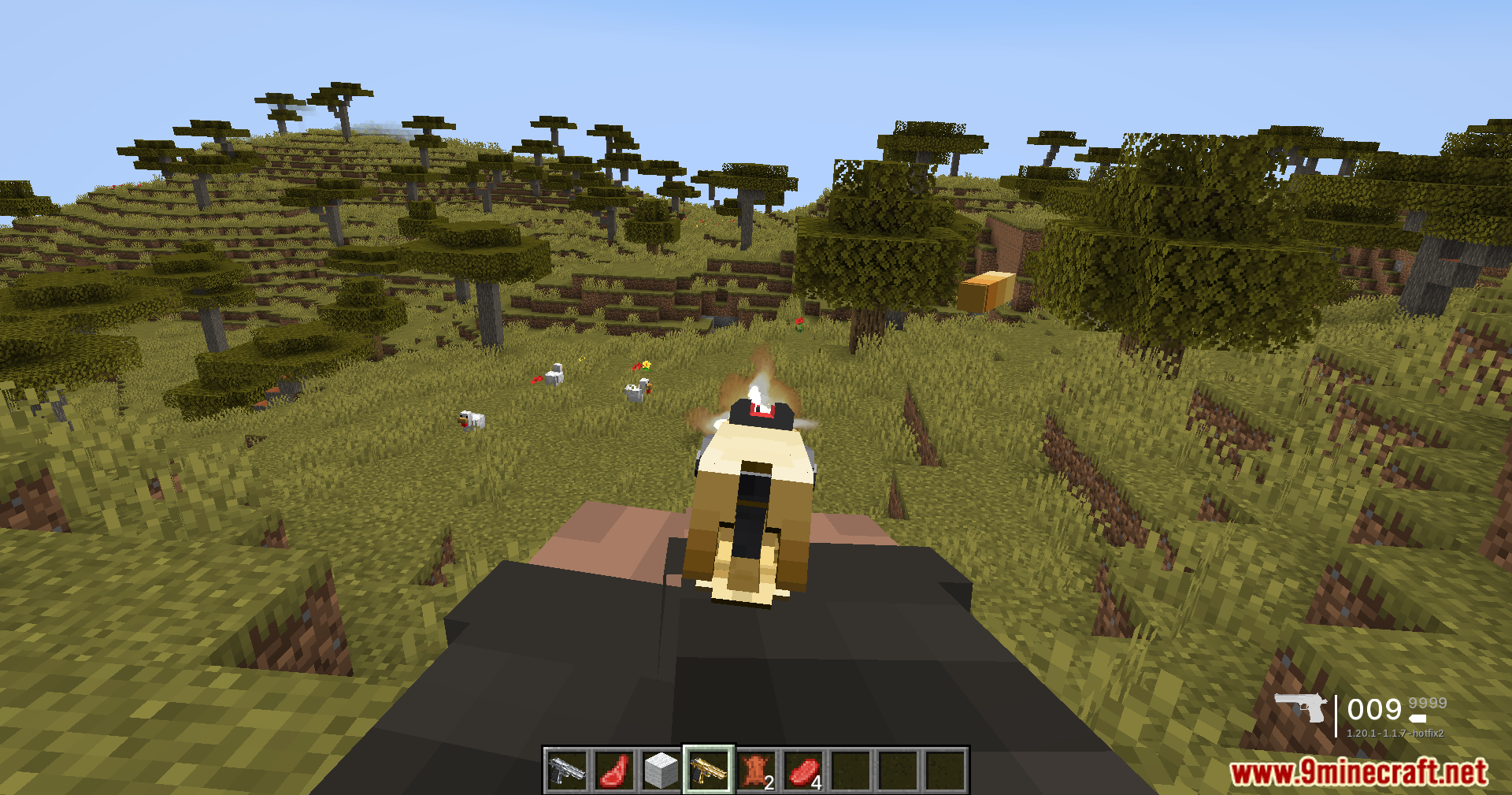
Screenshots:
TaCZ Optimization Mod Download Links
Quick facts
- Edition: Minecraft Java
- File type: .jar
- Minecraft version listed: 1.20.1
- How to install: Install the matching mod loader (Forge, Fabric or NeoForge) for your Minecraft version. → Download the .jar. → Put it in the .minecraft/mods folder and launch that loader profile.
- Where to get it: In MC Java Mods, or directly above on this page.
Install steps are the general flow for this file type — How to install Minecraft Java mods & modpacks walks through it step by step.
File checked by MCModsHub
- Downloads as 2530.mcaddon
- Download size: 18 KB
- Download link checked 25 Sept 2026 — working
- Mirrored on our own servers — the download does not depend on the original host
These come from our own check of the pack file, not from the source page.