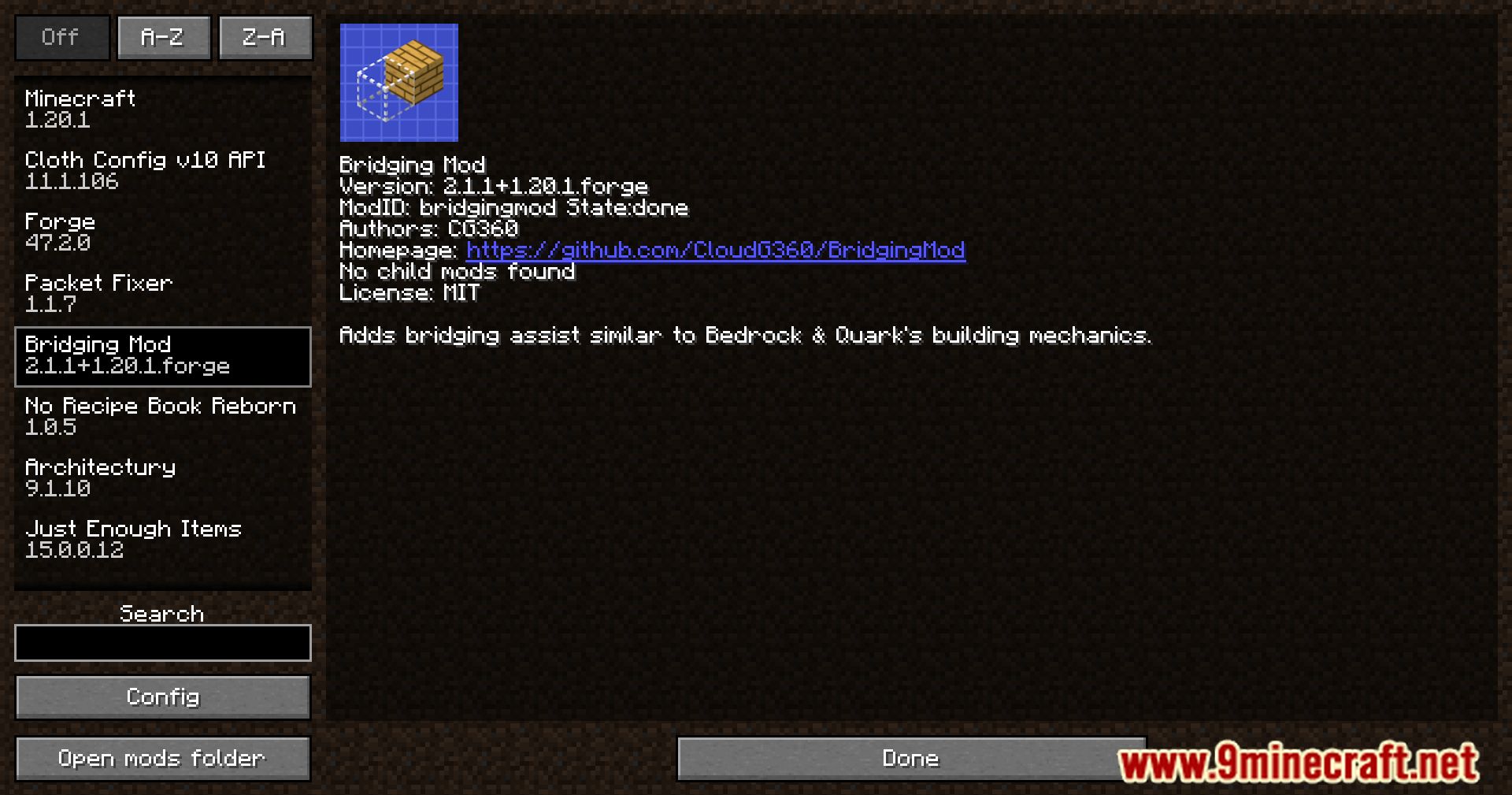
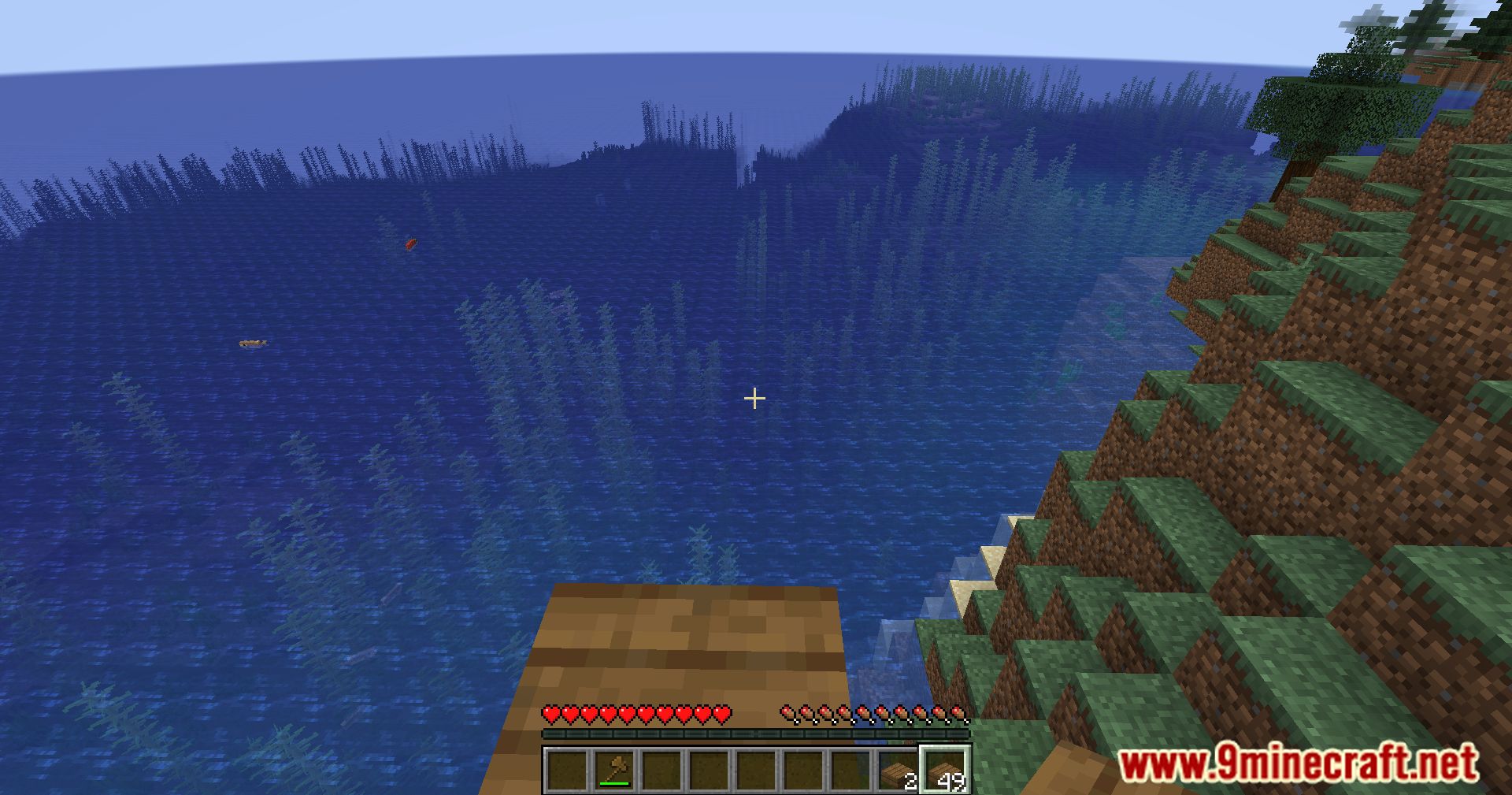
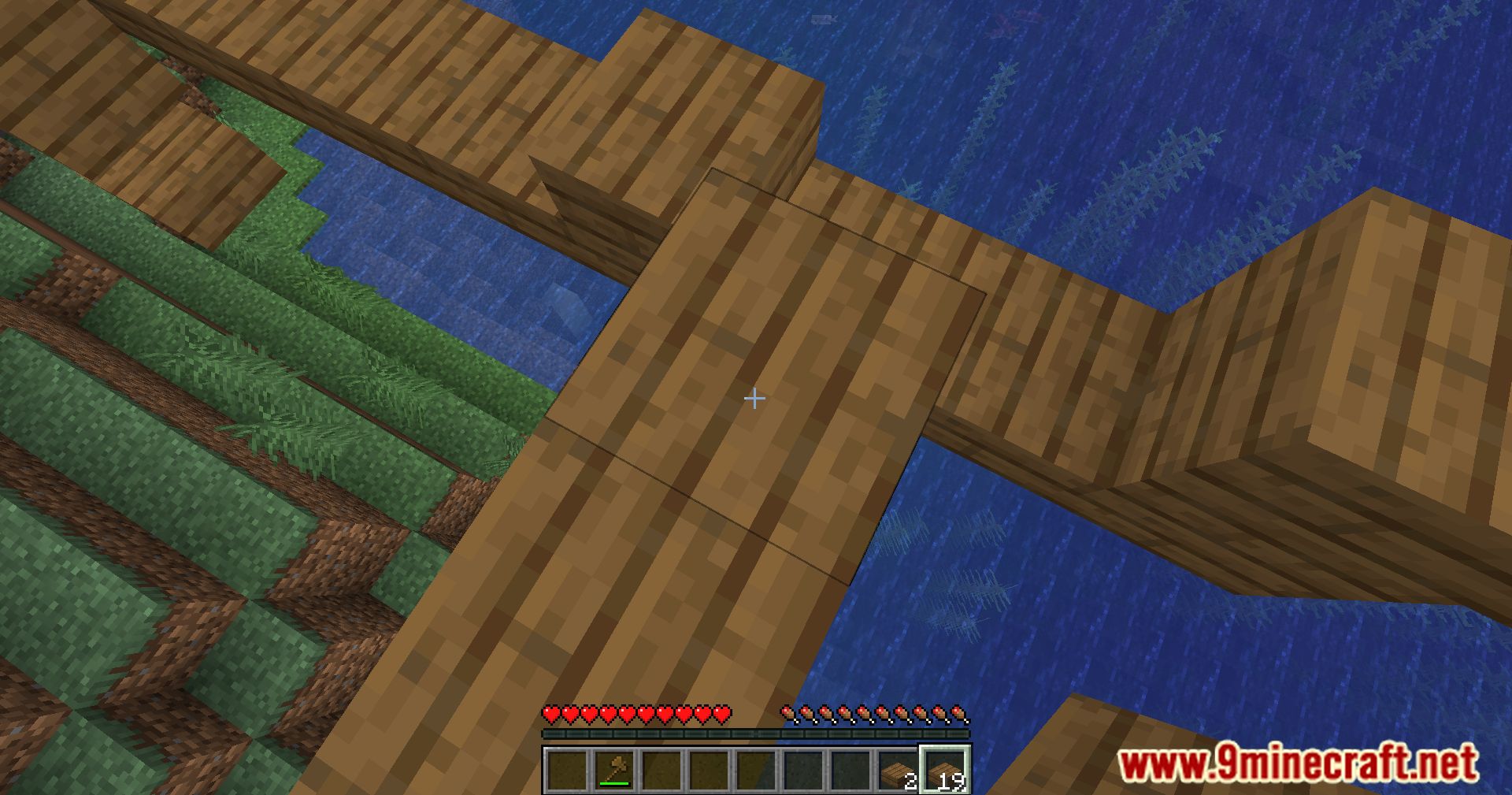
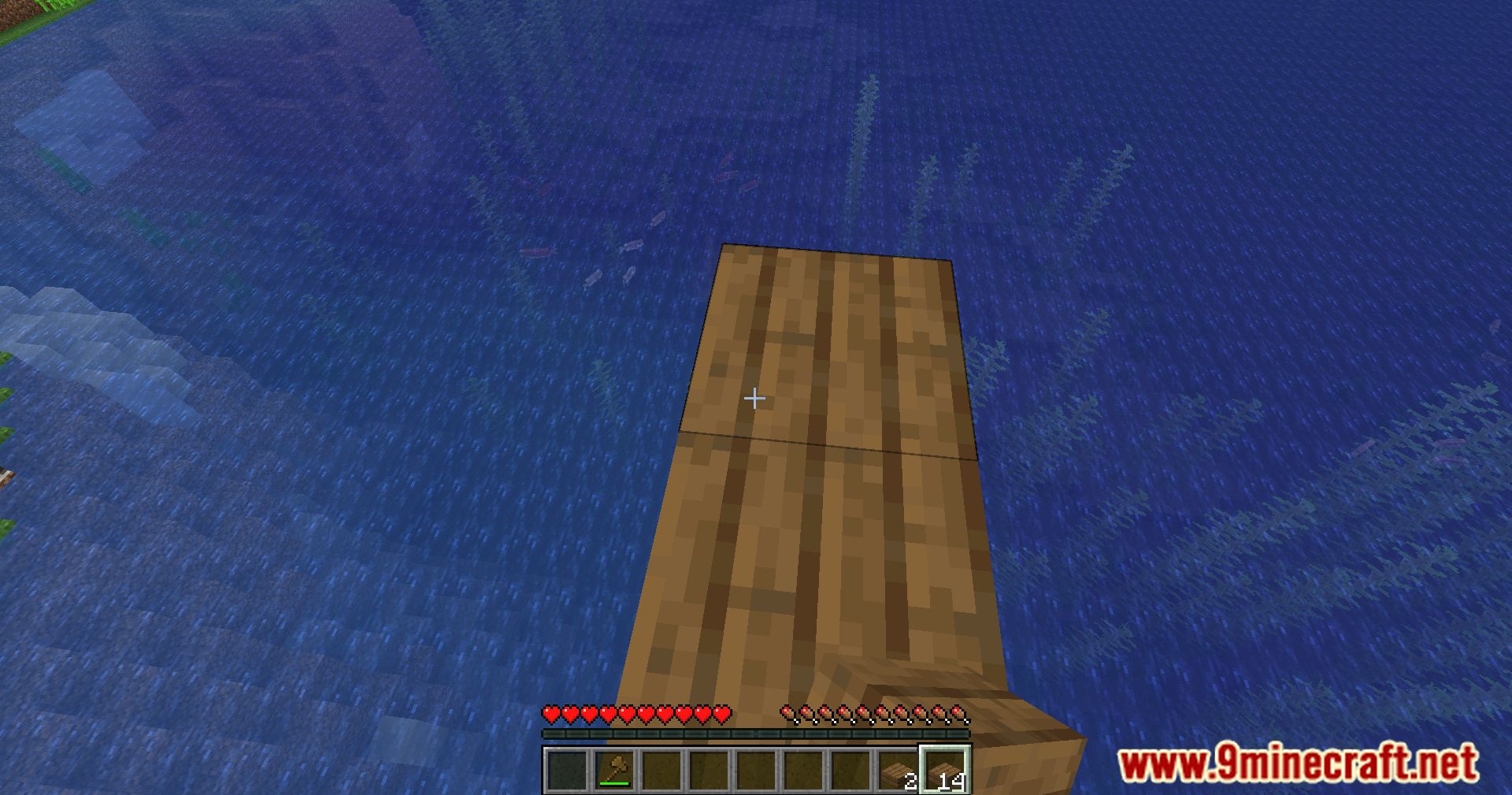
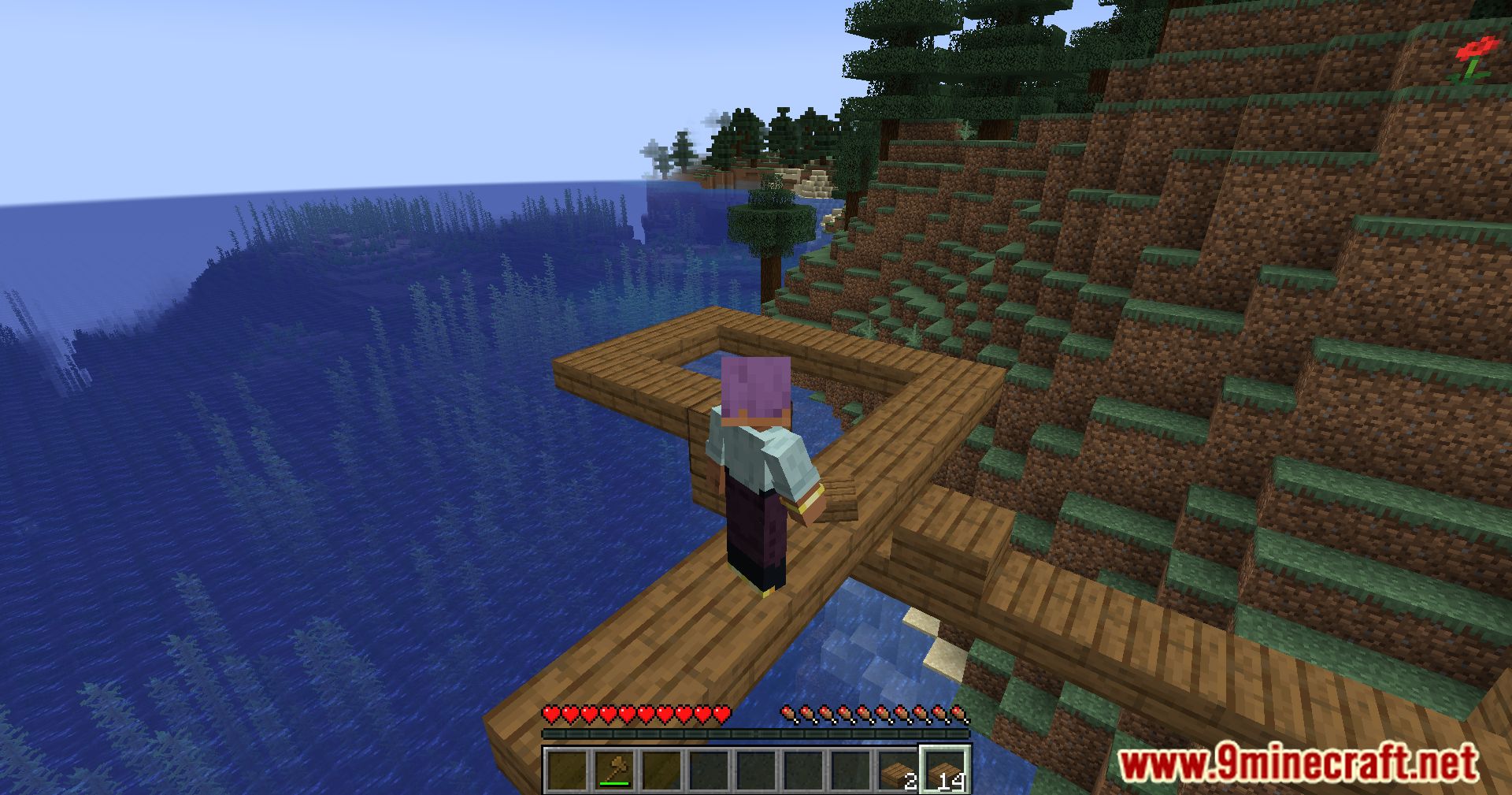
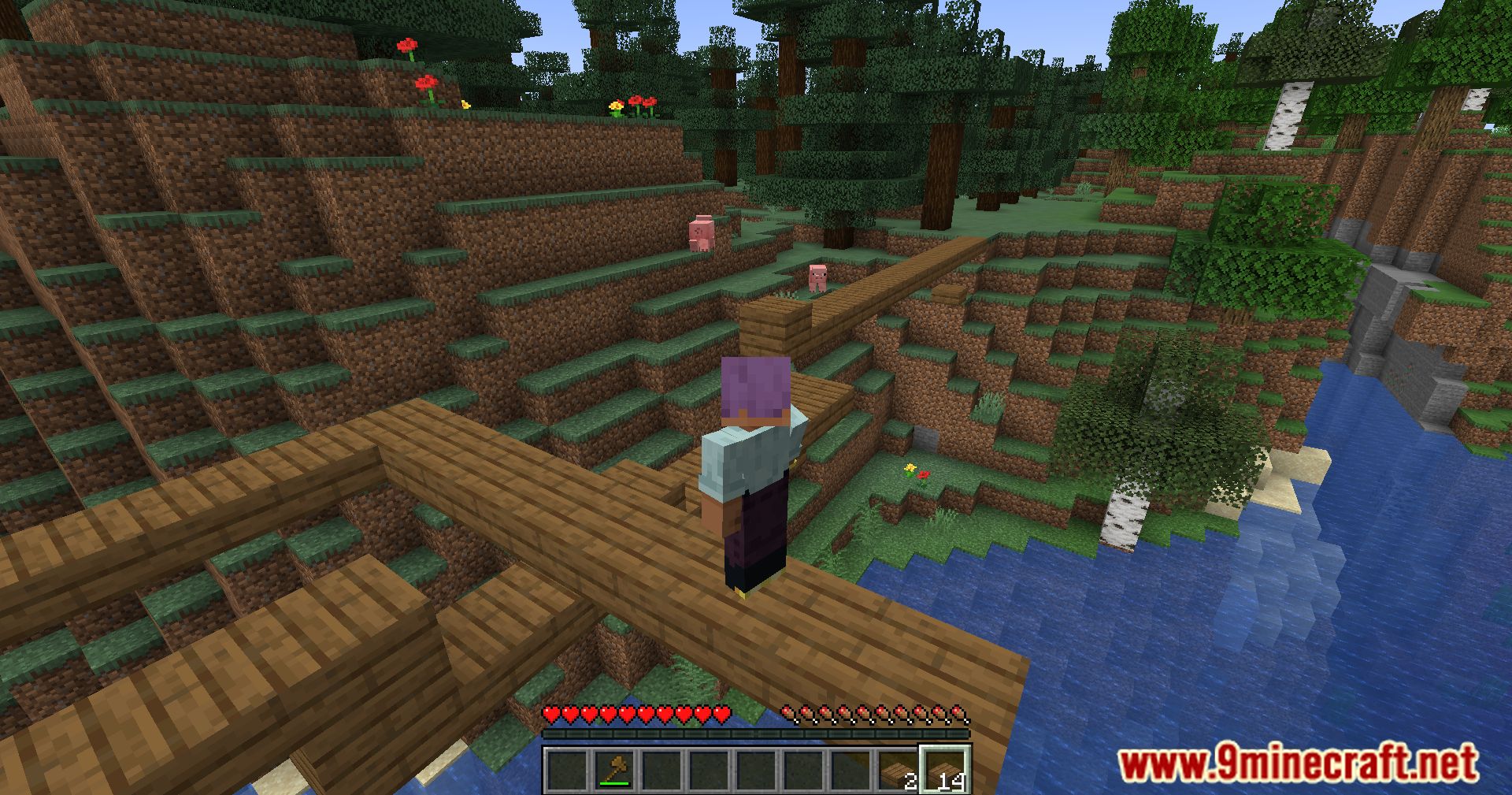
Bridging Mod adds a building feature that lets you place blocks in the air, similar to how it works in Minecraft: Bedrock Edition. This makes it easy to build bridges over gaps or create platforms without needing to sneak over the edge. You can place blocks in front, above, or below your character. It is important not to use this on large online servers because it may be considered an unfair advantage.
Features:
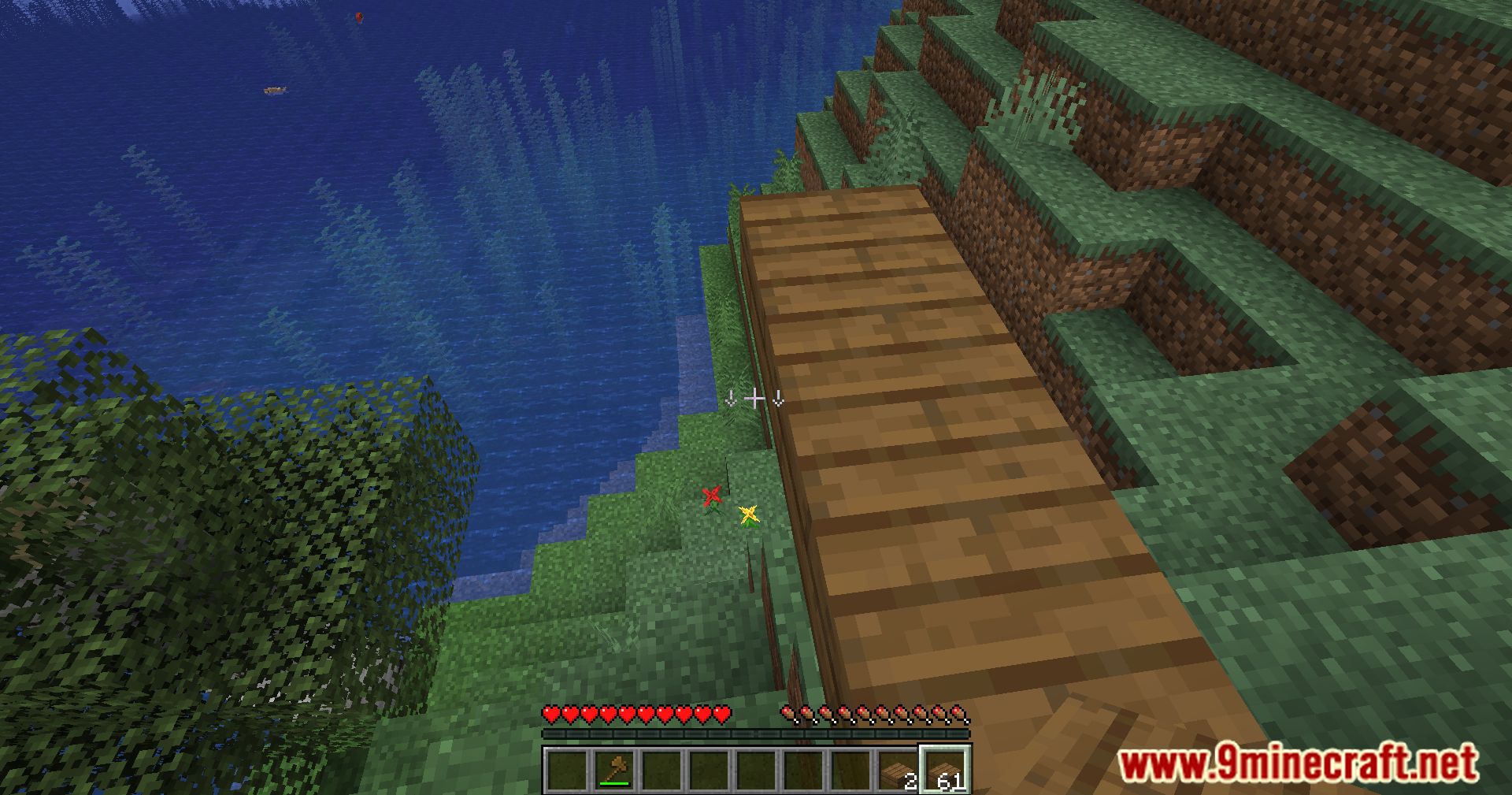
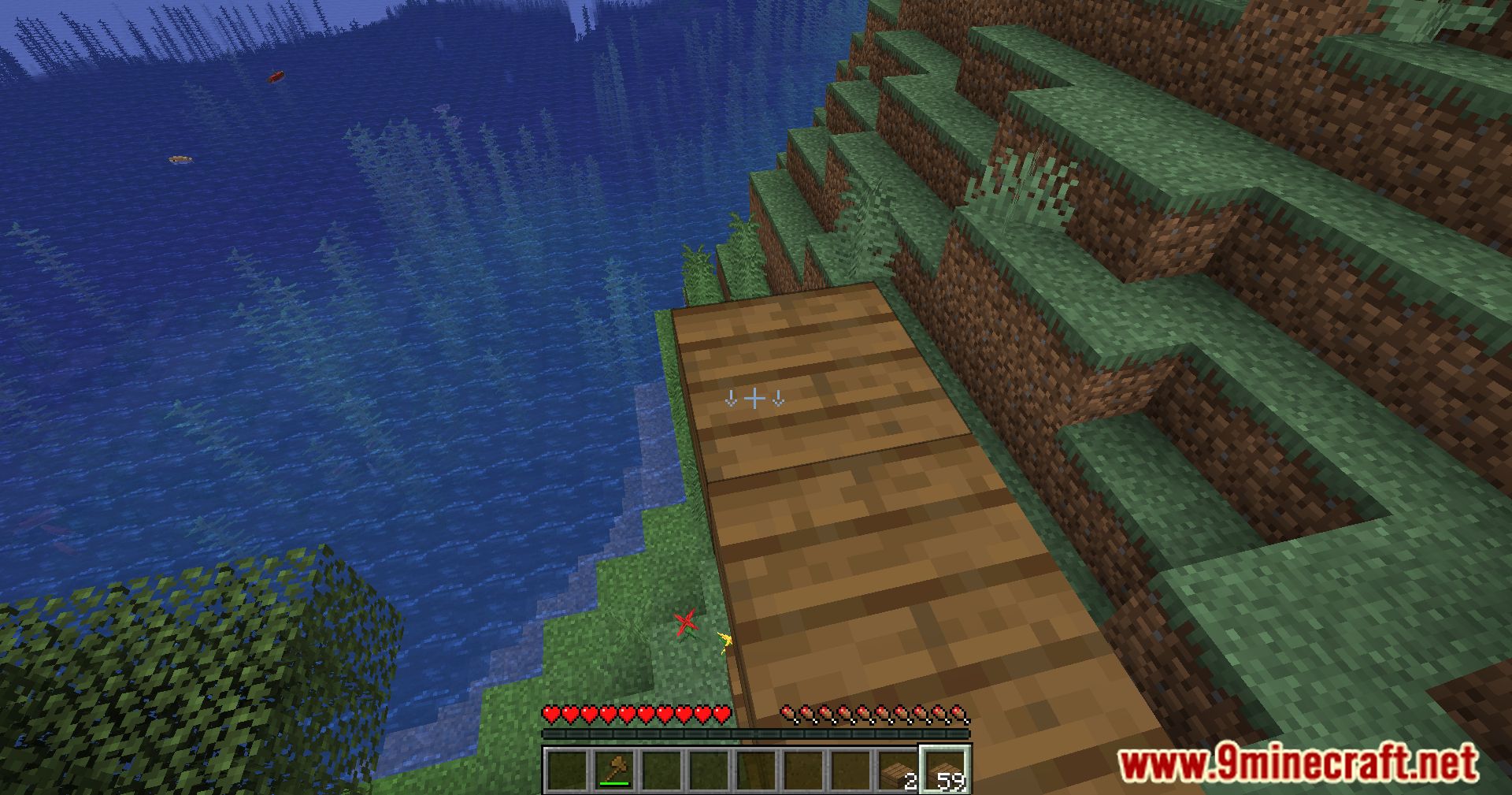
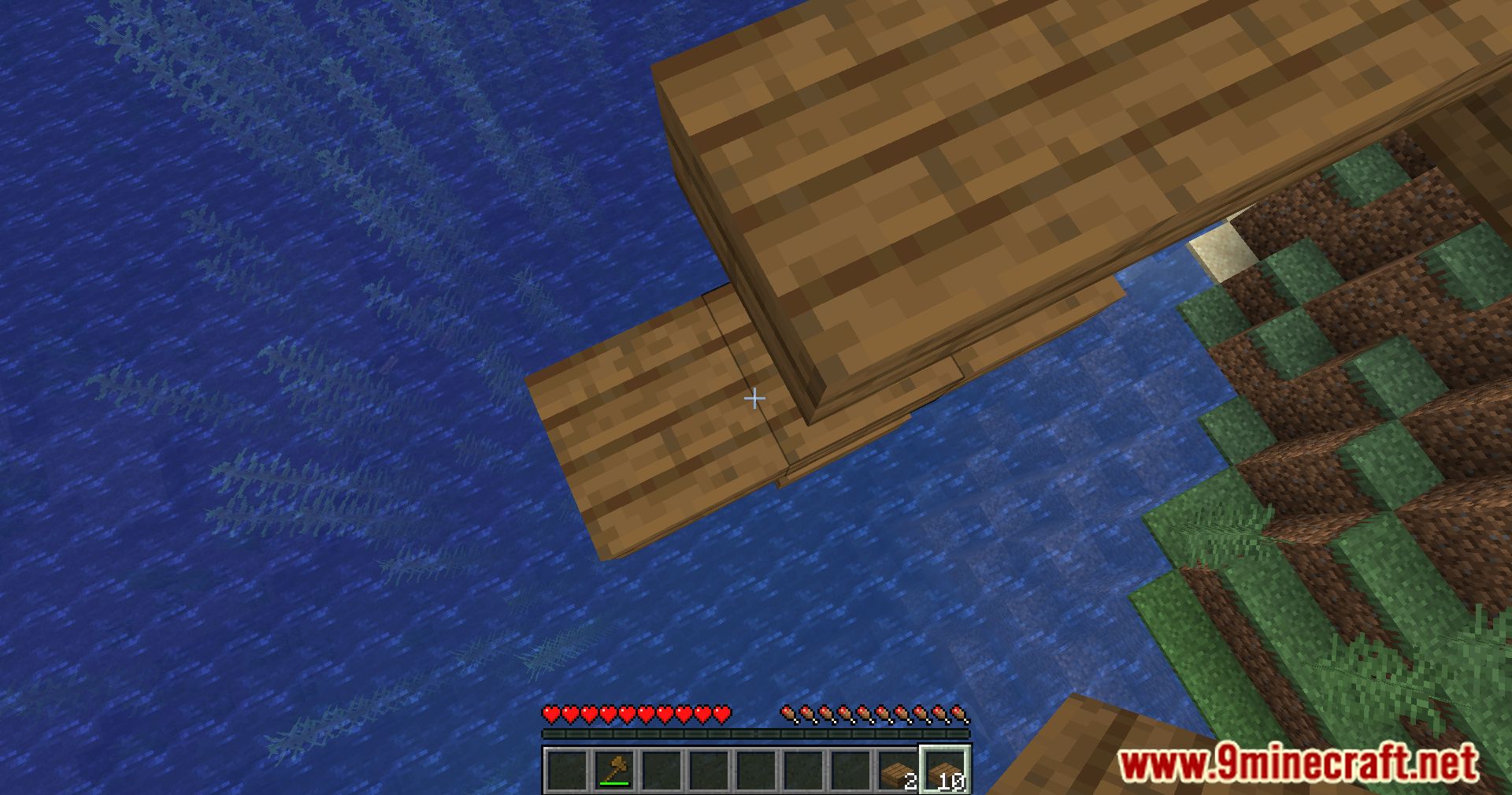
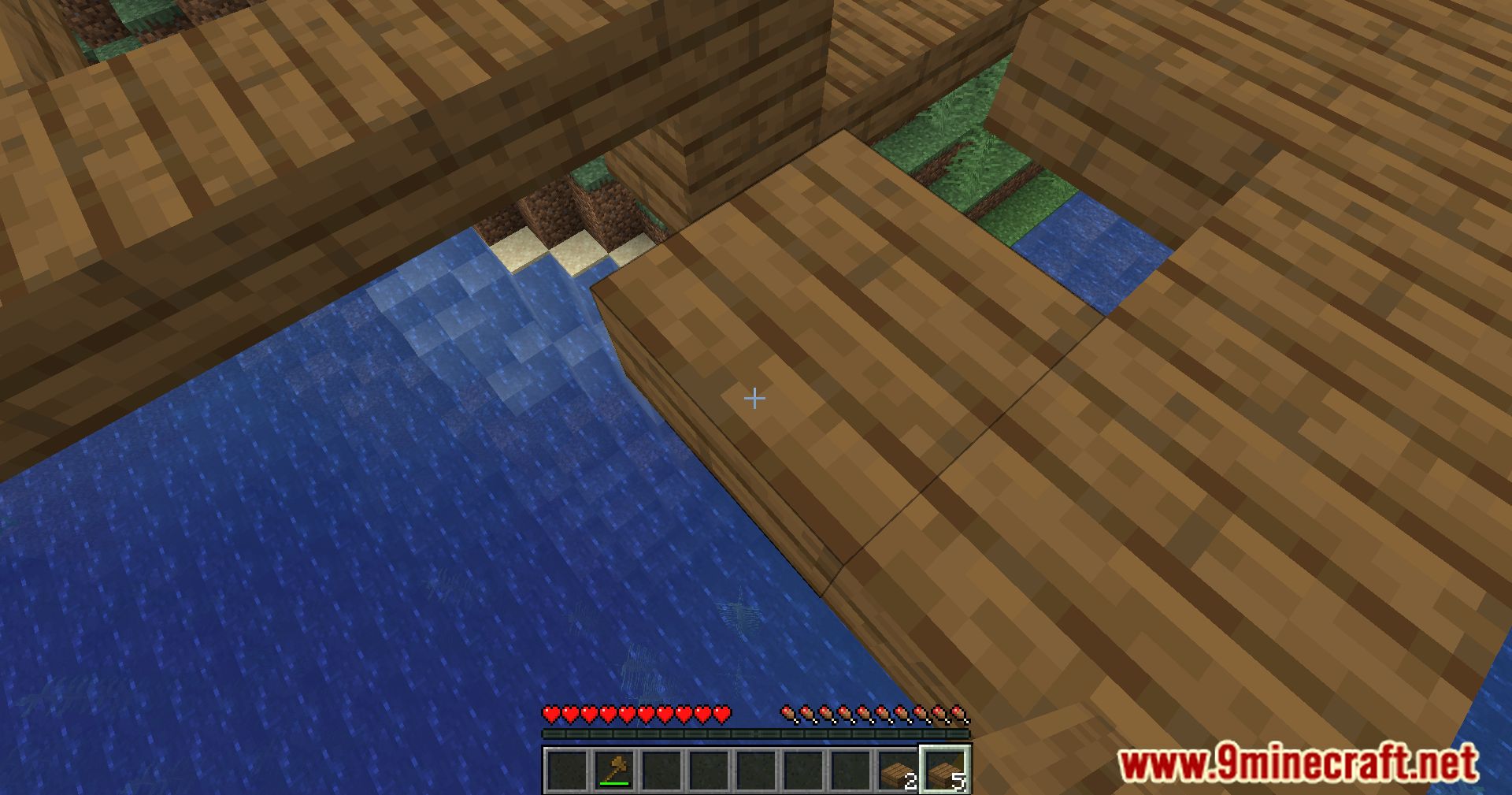
- Place blocks in empty spaces in front of you, above you, or below you.
- A special crosshair appears to show where the block will be placed.
- An outline box shows the exact placement position when the F3 menu is open.
- Works correctly with slabs and other partial blocks.
- You can change settings like placement delay or turn off the crosshair.
Screenshots:
Bridging Mod Download Links
Quick facts
- Edition: Minecraft Java
- File type: .jar
- Minecraft version listed: 1.20.1
- How to install: Install the matching mod loader (Forge, Fabric or NeoForge) for your Minecraft version. → Download the .jar. → Put it in the .minecraft/mods folder and launch that loader profile.
- Where to get it: In MC Java Mods, or directly above on this page.
Install steps are the general flow for this file type — How to install Minecraft Java mods & modpacks walks through it step by step.
Verified by MCModsHub
- Downloads as 25302.mcaddon
- Download size: 5.7 MB
- Download link checked 24 Sept 2026 — working
- Mirrored on our own servers — the download does not depend on the original host
These come from our own check of the pack file, not from the source page.