

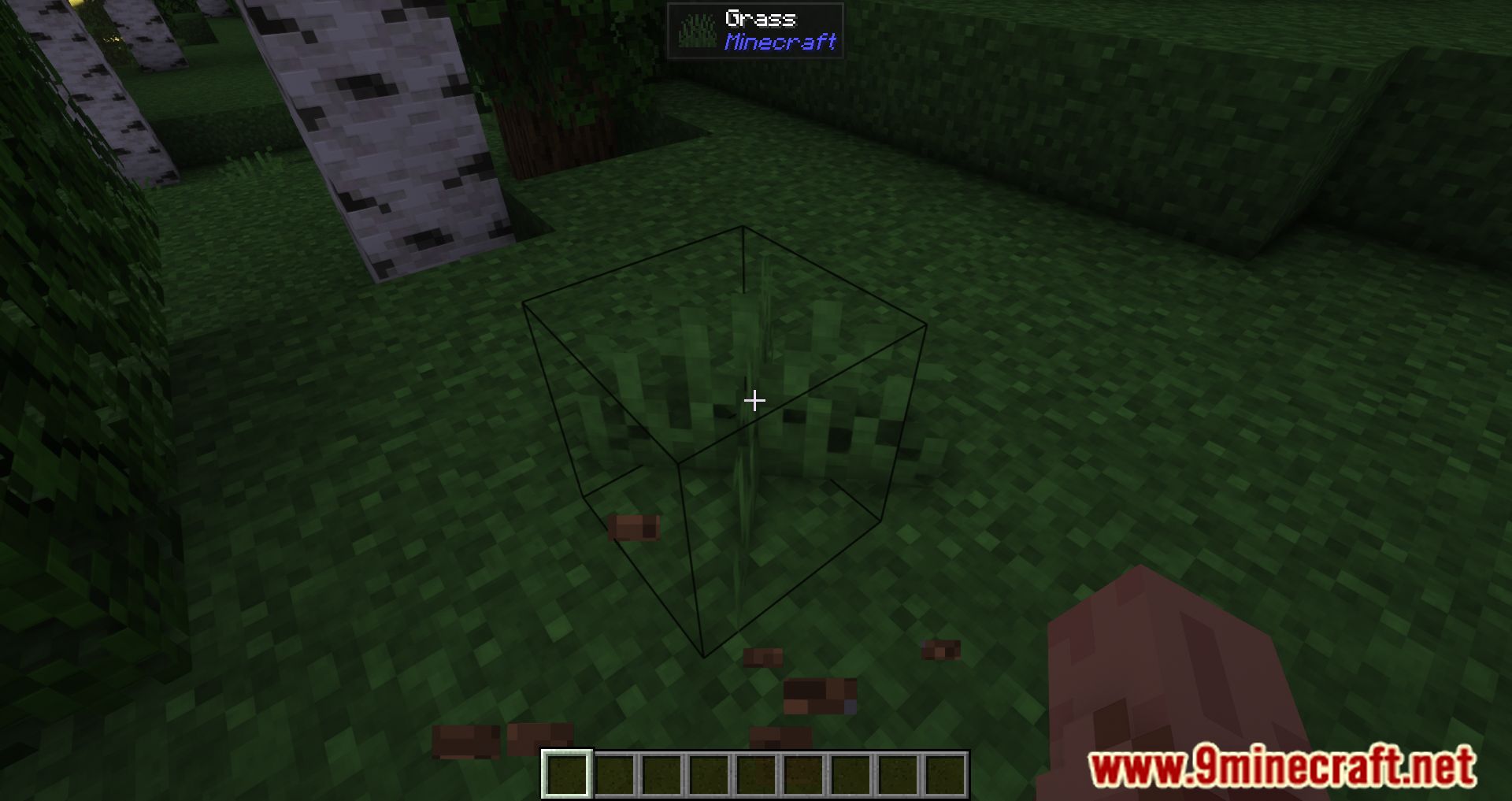
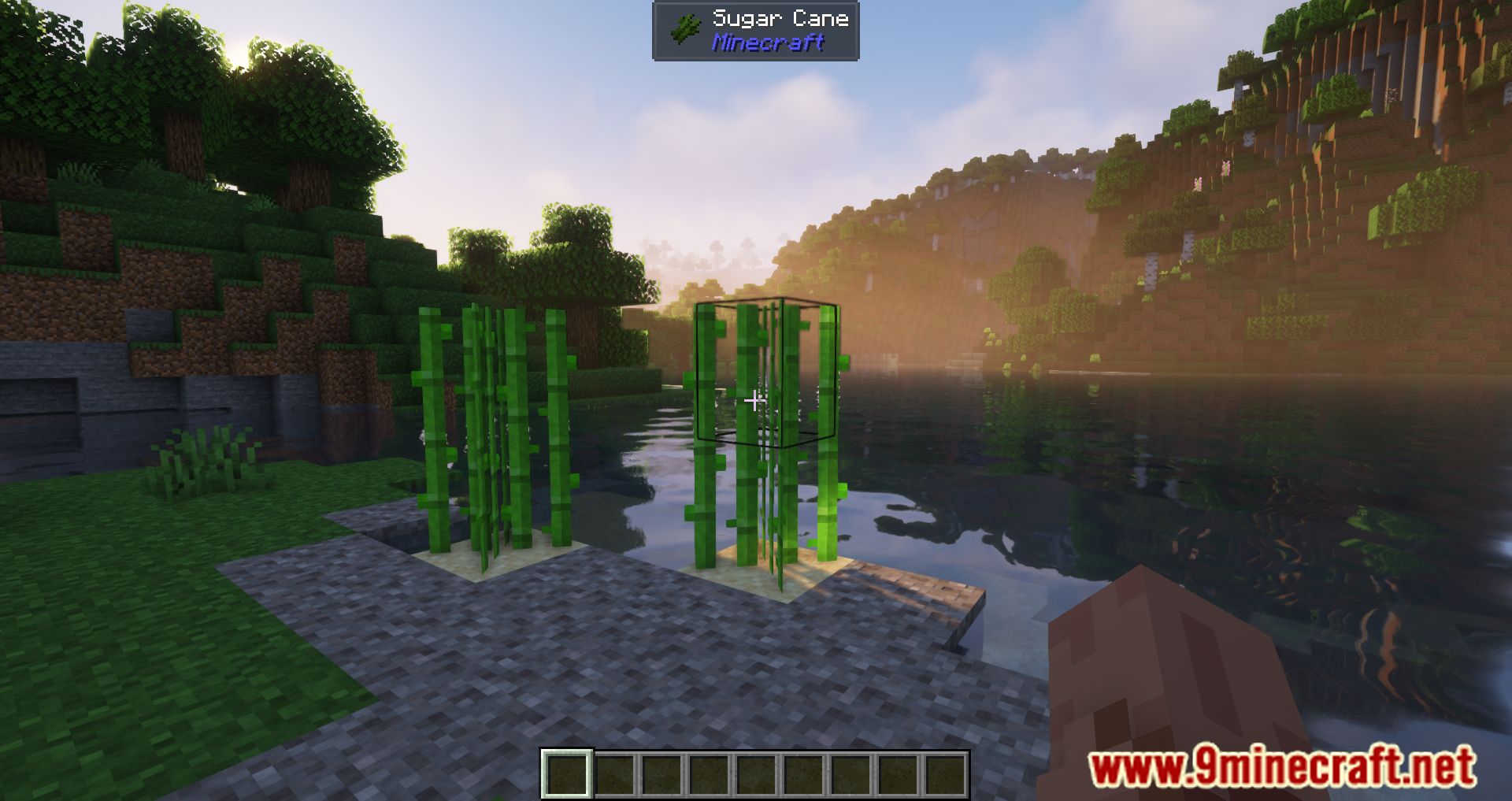
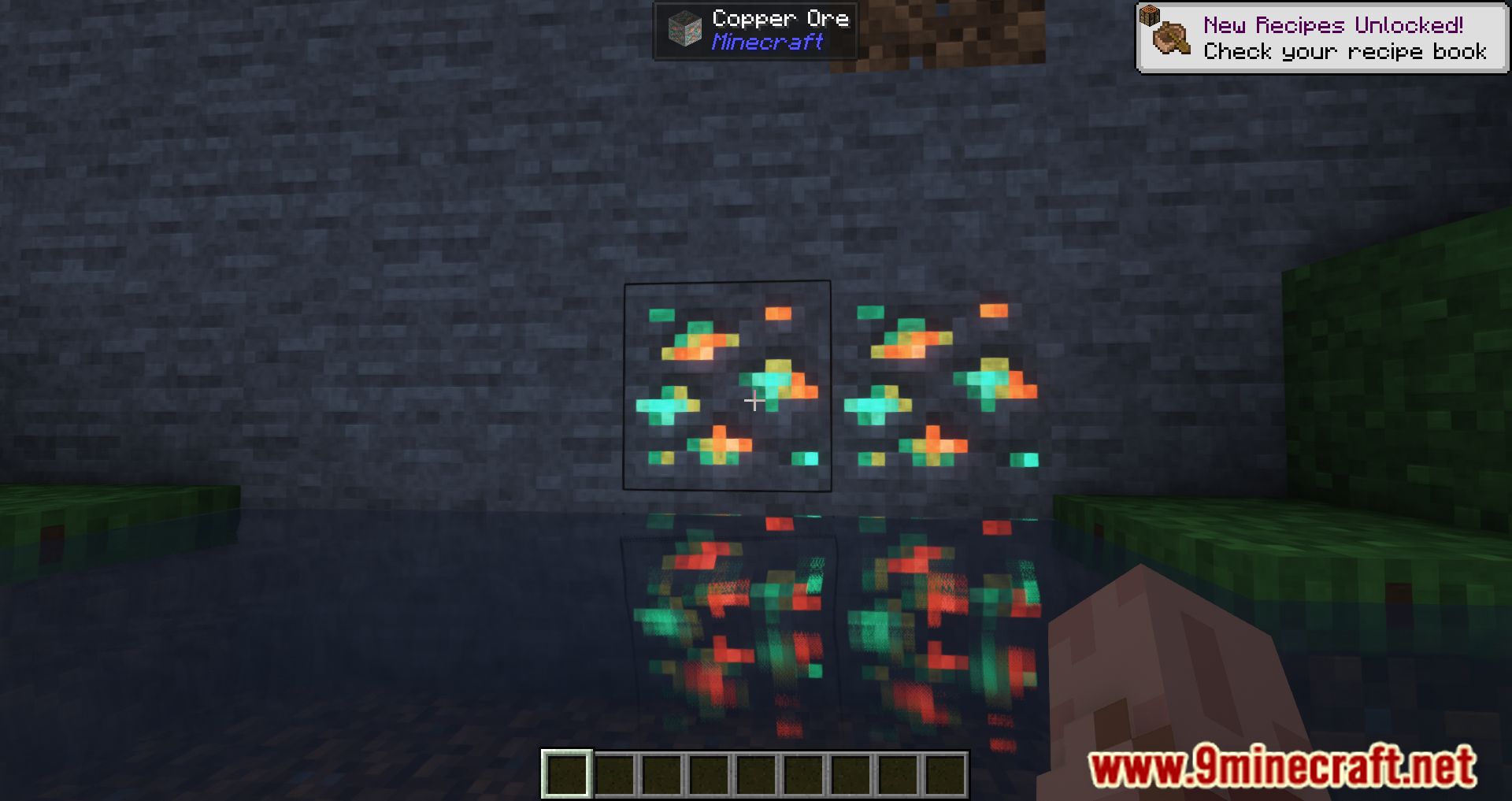
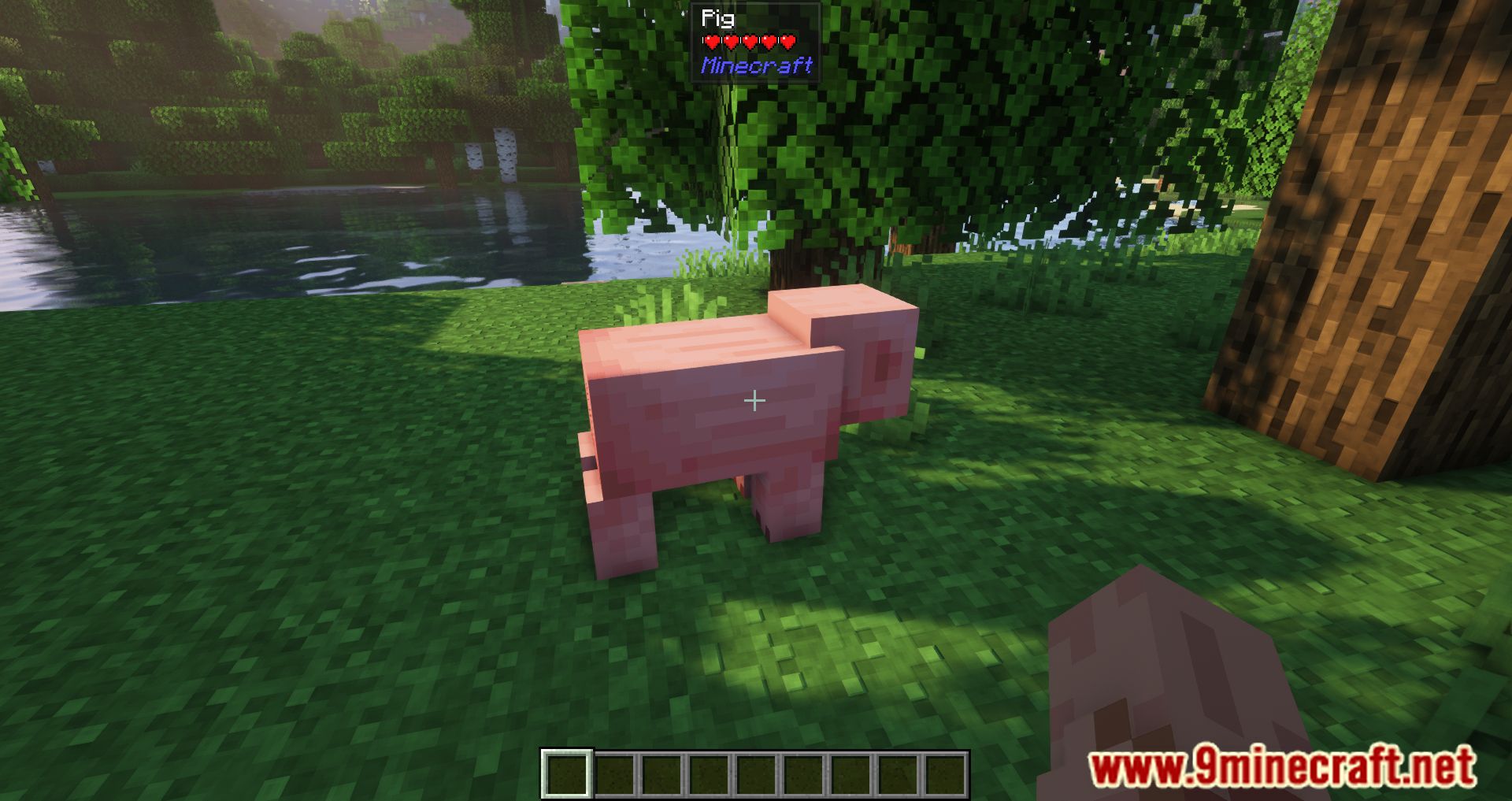


Jade Mod adds incredibly useful tooltips to Minecraft, displaying a wealth of information about mobs, blocks, and items. This mod is highly beneficial for any Minecraft modpack. Initially, it was an add-on for a similar mod, Hwyla, expanding its displayed information and fixing certain bugs. However, starting from version 1.16.5, Jade became a standalone mod and now includes a fully rewritten version of Hwyla.
Features:
The mod can display the following:
- Item Handlers: Shows the contents of blocks like chests, hoppers, and inventories.
- Breaking Progress: Displays the block-breaking progress.
- Brewing Stand: Shows fuel levels and brewing progress.
- Mob Effects: Displays the effects active on mobs/players.
- Entity Growth: Shows growth progress and feeding delay.
- Horse Stats: Displays detailed horse statistics.
- Item Frame: Shows information about the item in the frame.
- Hide Mod Names: Can hide mod names in tooltips (off by default).
- Beehive: Displays hive info, including honey level and number of bees inside.
- Armor Stand: Shows information about the armor stand.
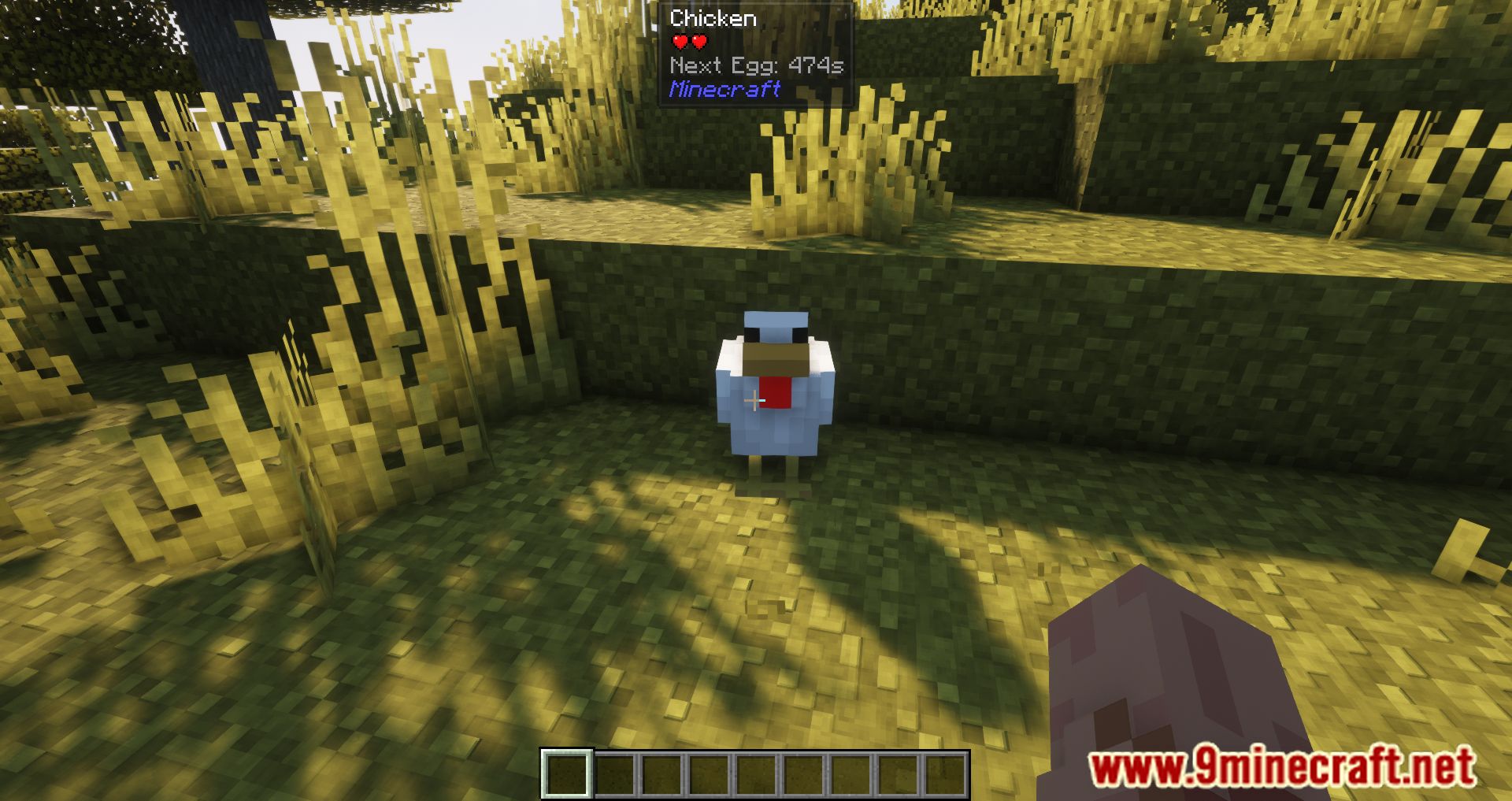
- Chicken Egg: Displays the time until the next egg.
- Command Block: Displays the command inside the block.
- Trapped Chest: May appear as a regular chest to disguise itself.
- TNT: Shows the stability of the dynamite.
- Note Block: Displays the note information in a note block.
- Painting: Displays the painting’s name.
- Accurate Block Name: Provides more precise names, e.g., “Potted Cactus” instead of just “Cactus.”
- Miscellaneous: Displays various other details about boats, armor stands, and end crystals.
Screenshots:

Jade Mod Download Links
Quick facts
- Edition: Minecraft Java
- File type: .jar
- Minecraft versions listed: 1.20.1, 1.16.5
- How to install: Install the matching mod loader (Forge, Fabric or NeoForge) for your Minecraft version. → Download the .jar. → Put it in the .minecraft/mods folder and launch that loader profile.
- Where to get it: In MC Java Mods, or directly above on this page.
Install steps are the general flow for this file type — How to install Minecraft Java mods & modpacks walks through it step by step.
Verified by MCModsHub
- Downloads as 25303.mcaddon
- Download size: 1014 KB
- Download link checked 26 Sept 2026 — working
- Mirrored on our own servers — the download does not depend on the original host
These come from our own check of the pack file, not from the source page.