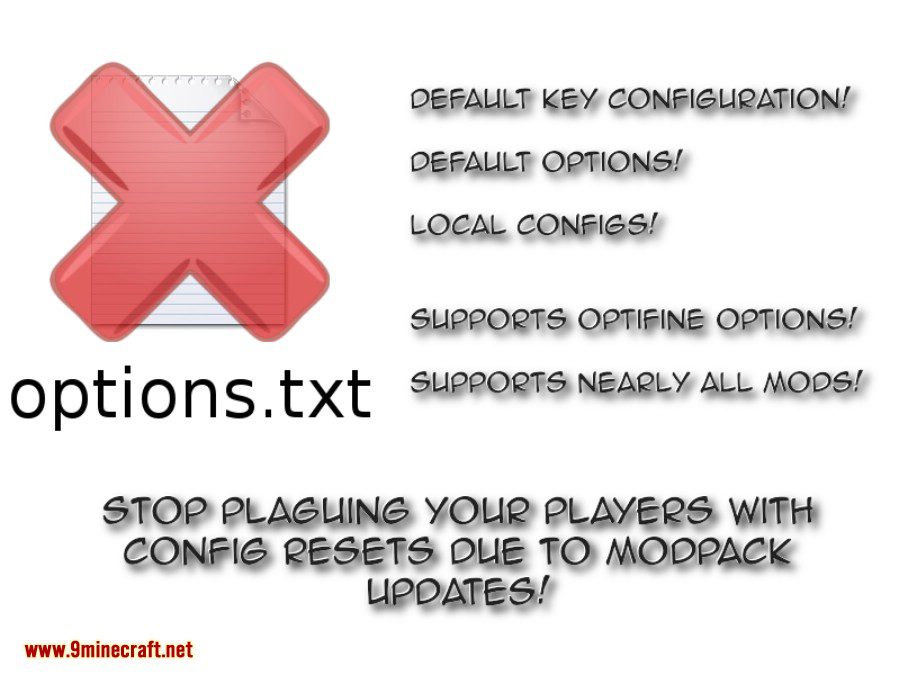
Default Options Mod allows modpack developers to update default settings and keybindings without overriding player-made changes. Instead of sharing the standard options.txt file, it uses a defaultoptions folder that stores previously saved configuration presets.
Modpack developers can use this mod to distribute default options and keybindings without overriding user changes on every modpack update. Instead of shipping the options.txt directly, you will ship a “defaultoptions” folder in your modpack which contains the defaults previously saved through the /defaultoptions command.
Features:
- On the first run, users will start out with the options you configured – and future changes won’t be overridden on updated.
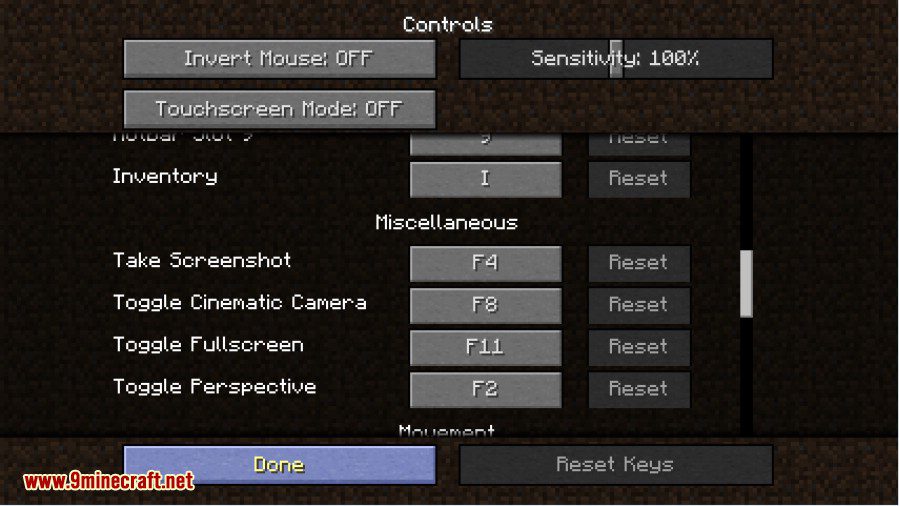
- Keybinds configured by the modpack will be set as new defaults, meaning changes made by users will persist even on updates.
- The server list will be pre-populated with the server list provided by the modpack (and user changes will persist on updates, still).
Screenshots:
Default Options
Custom Default Mappings
How to use:
- Configure the options, keybinds and server list as you would like them to be shipped in the modpack.
- Join any world and run “/defaultoptions saveAll” to save your current options in the defaultoptions folder (located in the config folder where it should remain).
- Do not include the options.txt and servers.dat from the root directory in your modpack.
- Fresh installations (meaning no existing options.txt) will now start out with your default options.
Default Options Mod Download Links
- Edition: Minecraft Java
- File type: .jar
- Minecraft version listed: 1.20.1
- How to install: Install the matching mod loader (Forge, Fabric or NeoForge) for your Minecraft version. → Download the .jar. → Put it in the .minecraft/mods folder and launch that loader profile.
- Where to get it: In MC Java Mods, or directly above on this page.
Install steps are the general flow for this file type — How to install Minecraft Java mods & modpacks walks through it step by step.
- Downloads as 25306.mcaddon
- Download size: 106 KB
- Download link checked 25 Sept 2026 — working
- Mirrored on our own servers — the download does not depend on the original host
These come from our own check of the pack file, not from the source page.