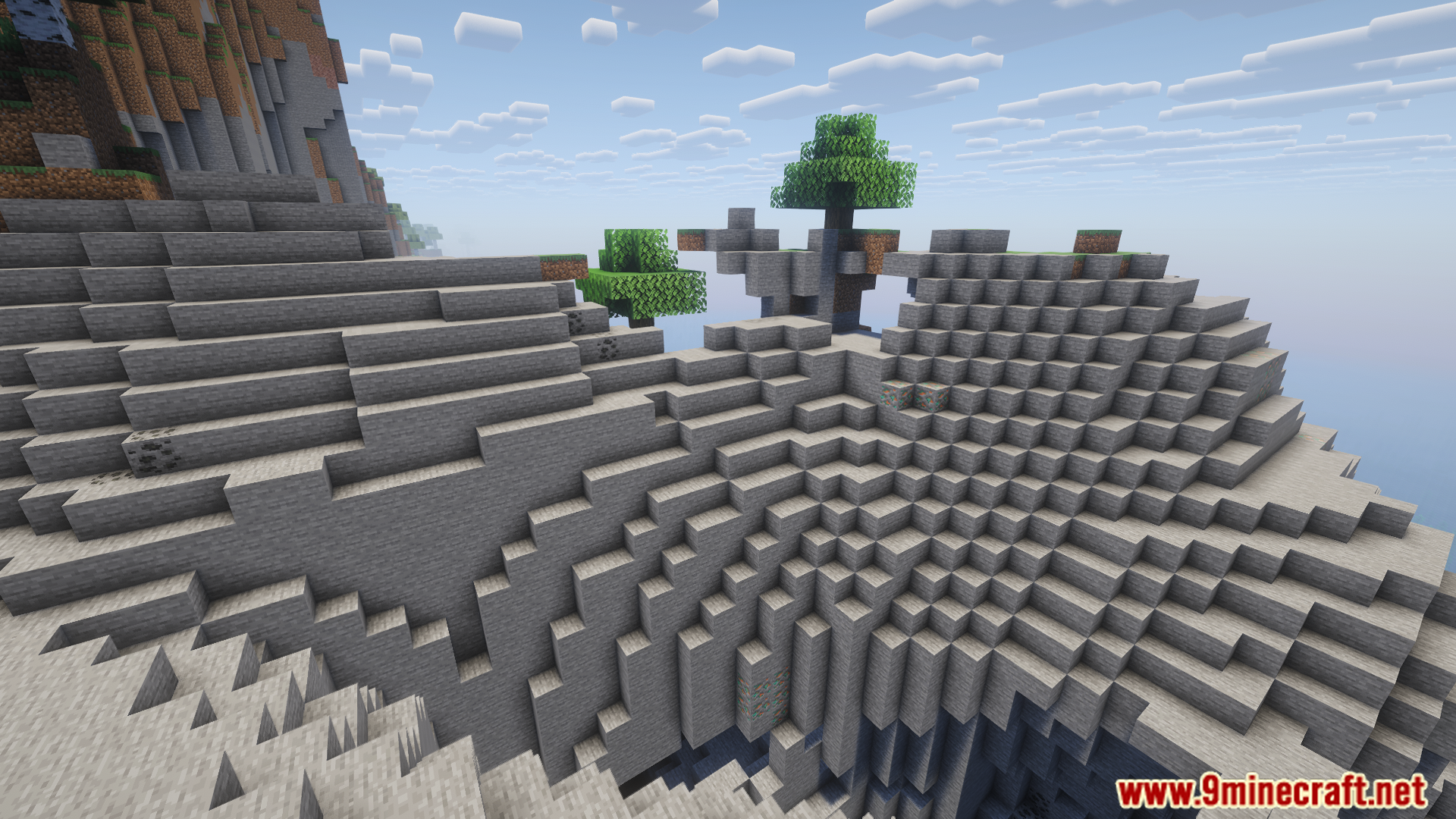
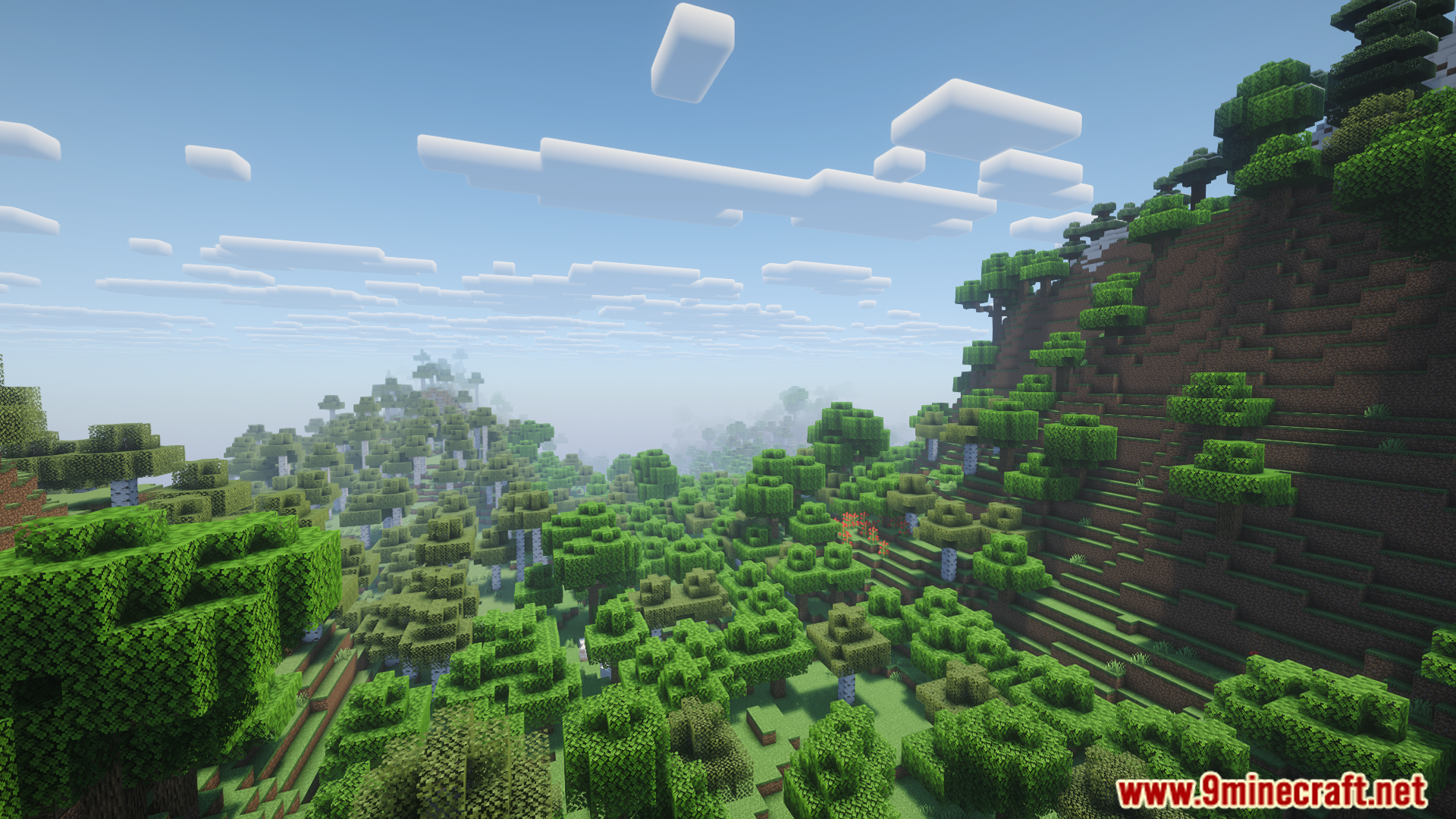
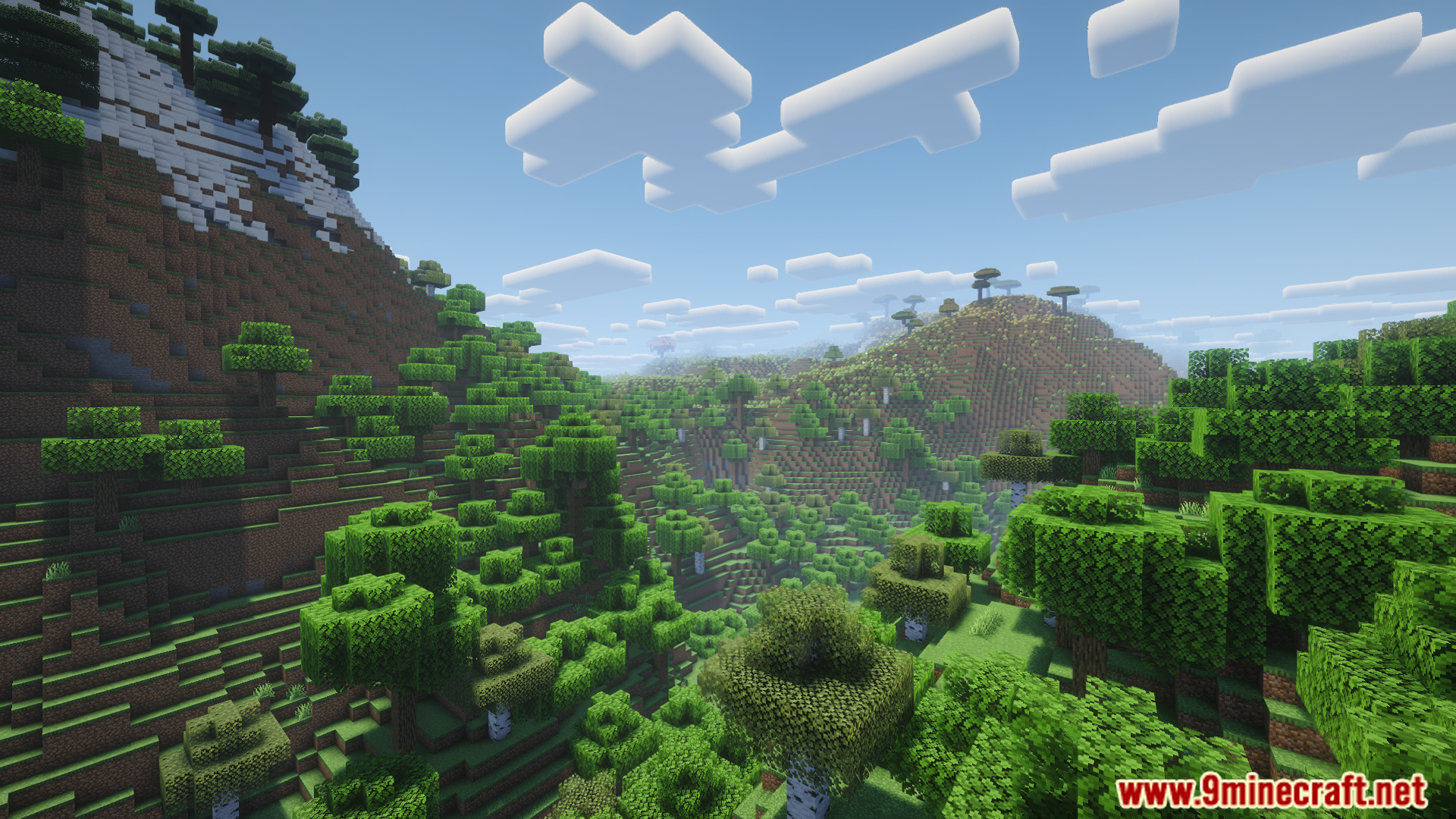
Atmosfera Mod is a client-side ambient sound system with customizable, atmospheric sound resources for Minecraft
Features:
- The client-side nature allows it to be used even on Vanilla servers.
- It provides dynamic soundscape depending on several conditions and modifiers within a sphere/hemisphere around the player:
- Dimension,
- Distance from the ground,
- Height,
- Percentage of biomes,
- Percentage of blocks,
- Percentage of sky visibility,
- Period of the day,
- Rainy weather,
- Stormy weather,
- Playback uses smooth transitions.
- Cloth Config settings for volumes and subtitles can be configured with or without Mod Menu.
- Sound files and events are stored as resources allowing users to customize and create their own Atmosfera resource packs.
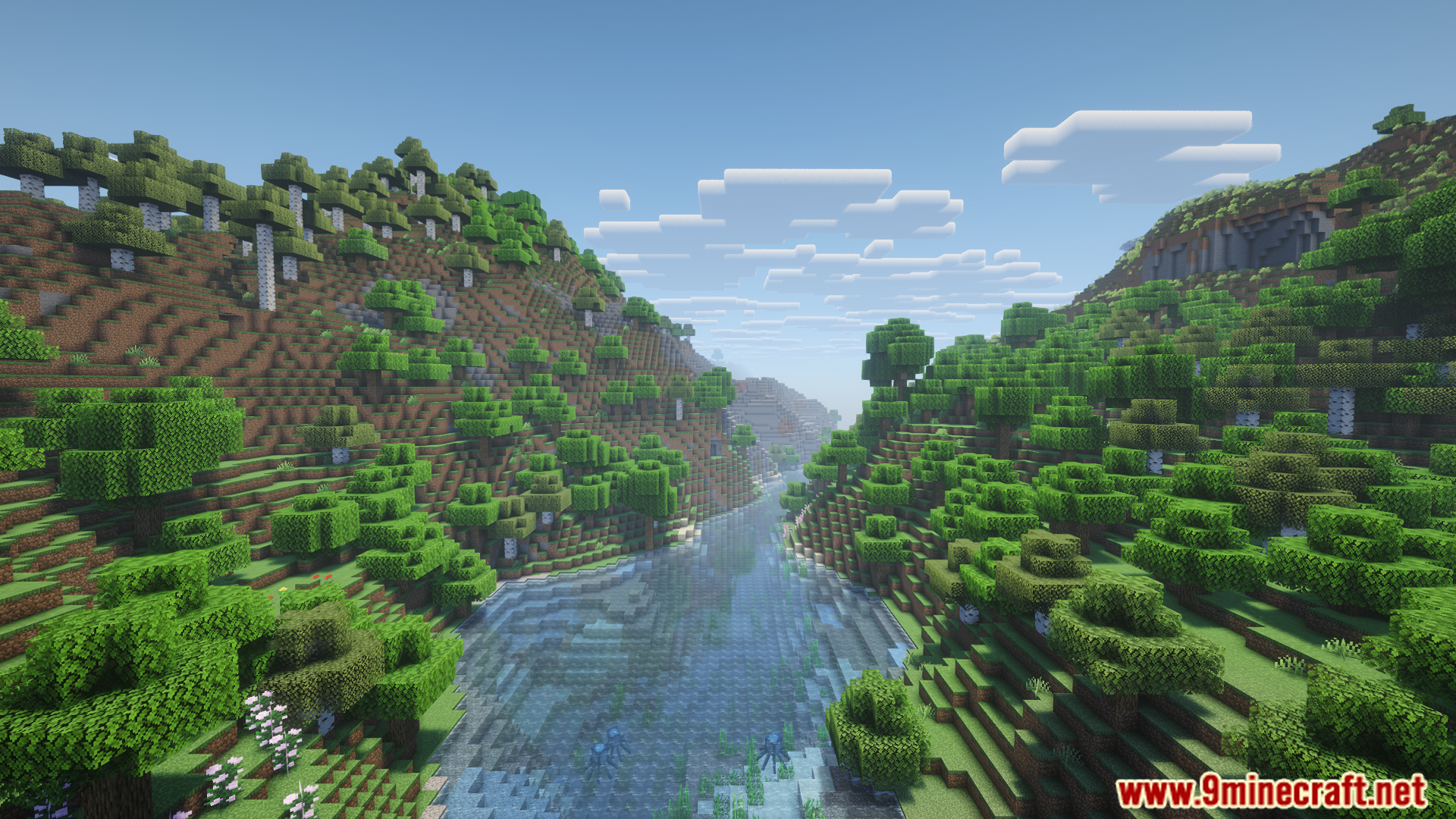
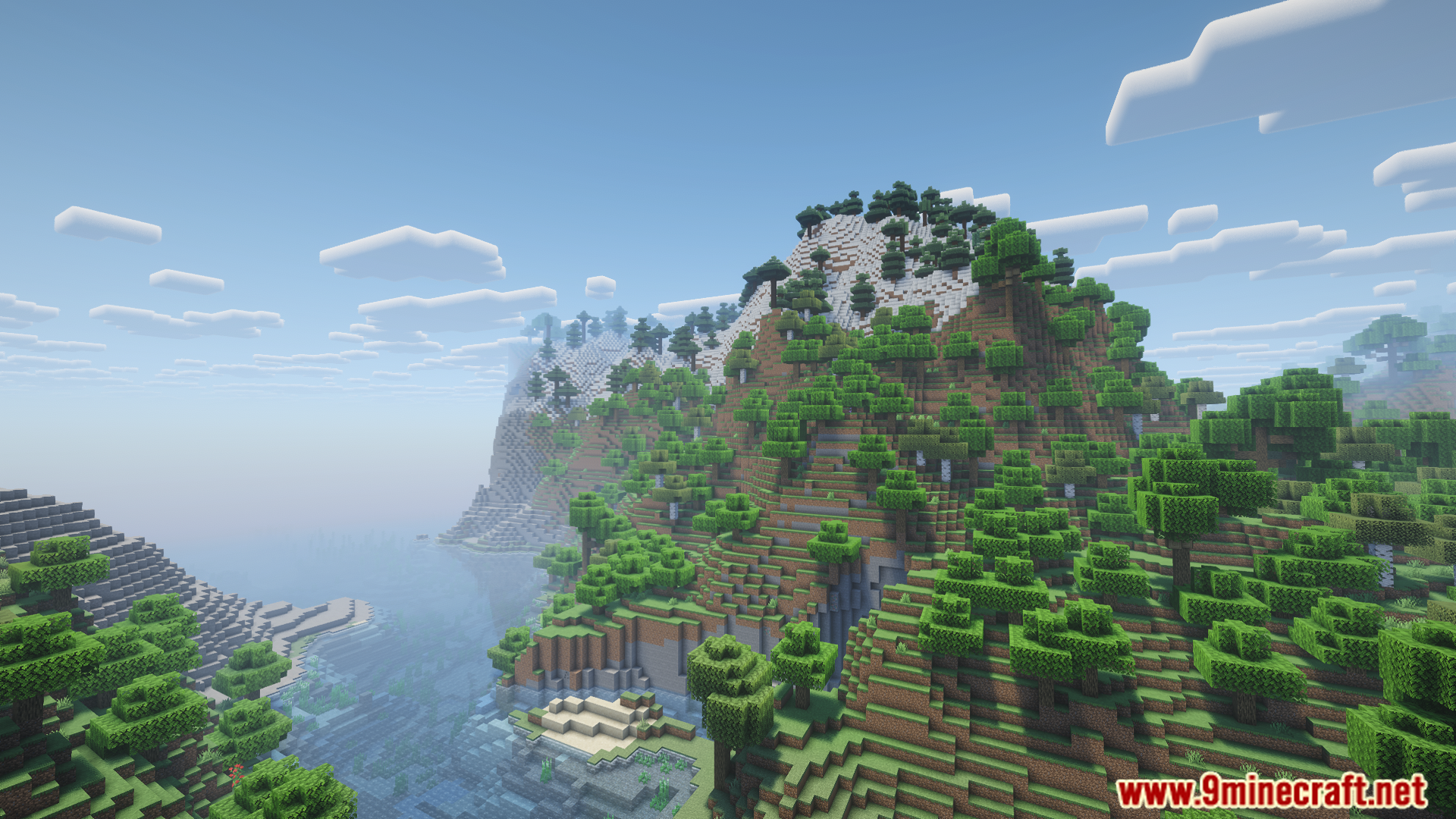
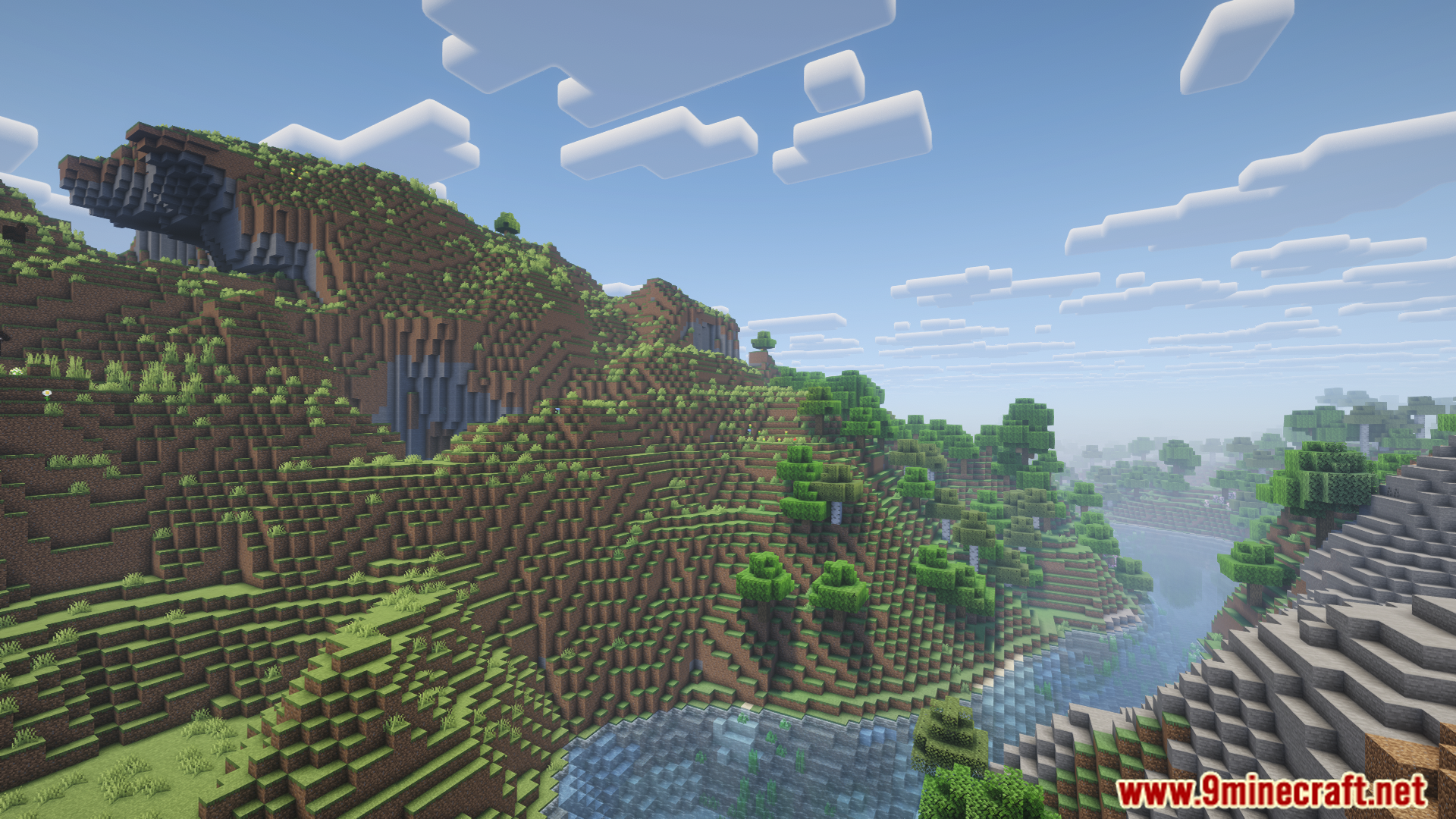
Screenshots:
Atmosfera Mod Download Links
Quick facts
- Edition: Minecraft Java
- File type: .jar
- Minecraft version listed: 1.20.1
- How to install: Install the matching mod loader (Forge, Fabric or NeoForge) for your Minecraft version. → Download the .jar. → Put it in the .minecraft/mods folder and launch that loader profile.
- Where to get it: Opens on the file's original source — not every file is mirrored on our own servers.
Install steps are the general flow for this file type — How to install Minecraft Java mods & modpacks walks through it step by step.
Atmosfera Mod (26.2, 1.20.1) – Atmospheric Sounds is a free Minecraft Java mod. Compatible with Minecraft 1.20.1. Download it and open it directly in the game.