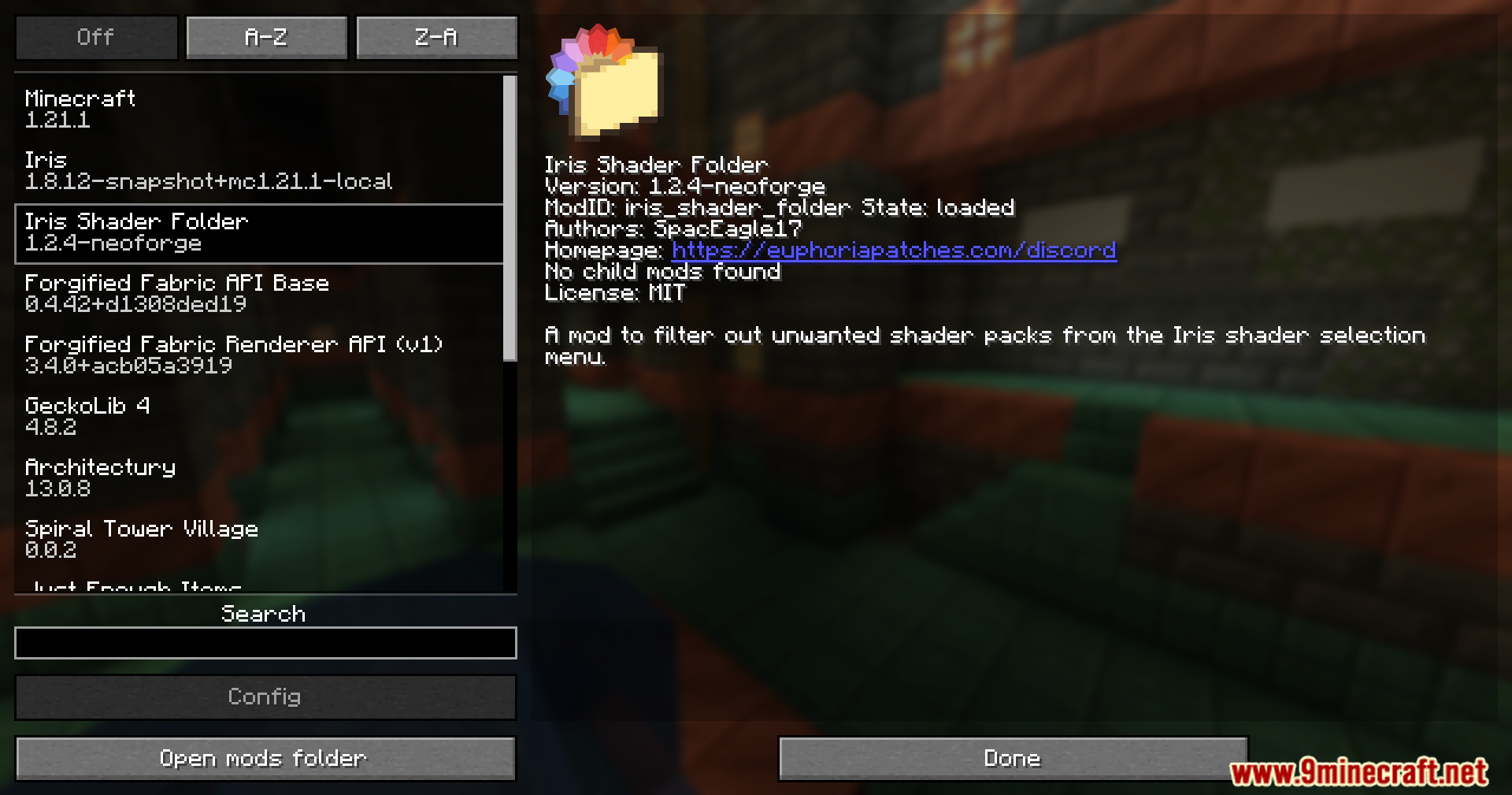
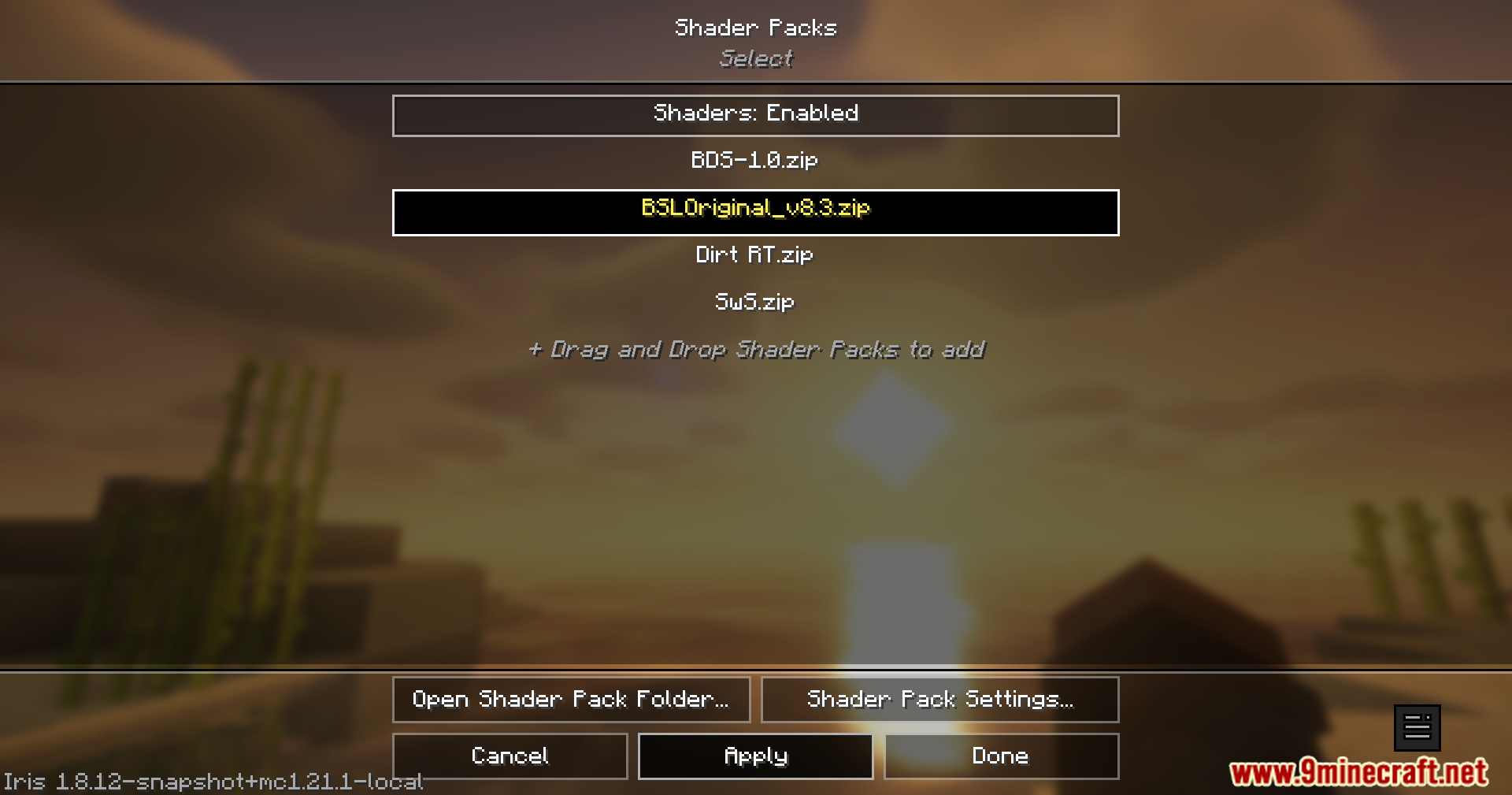
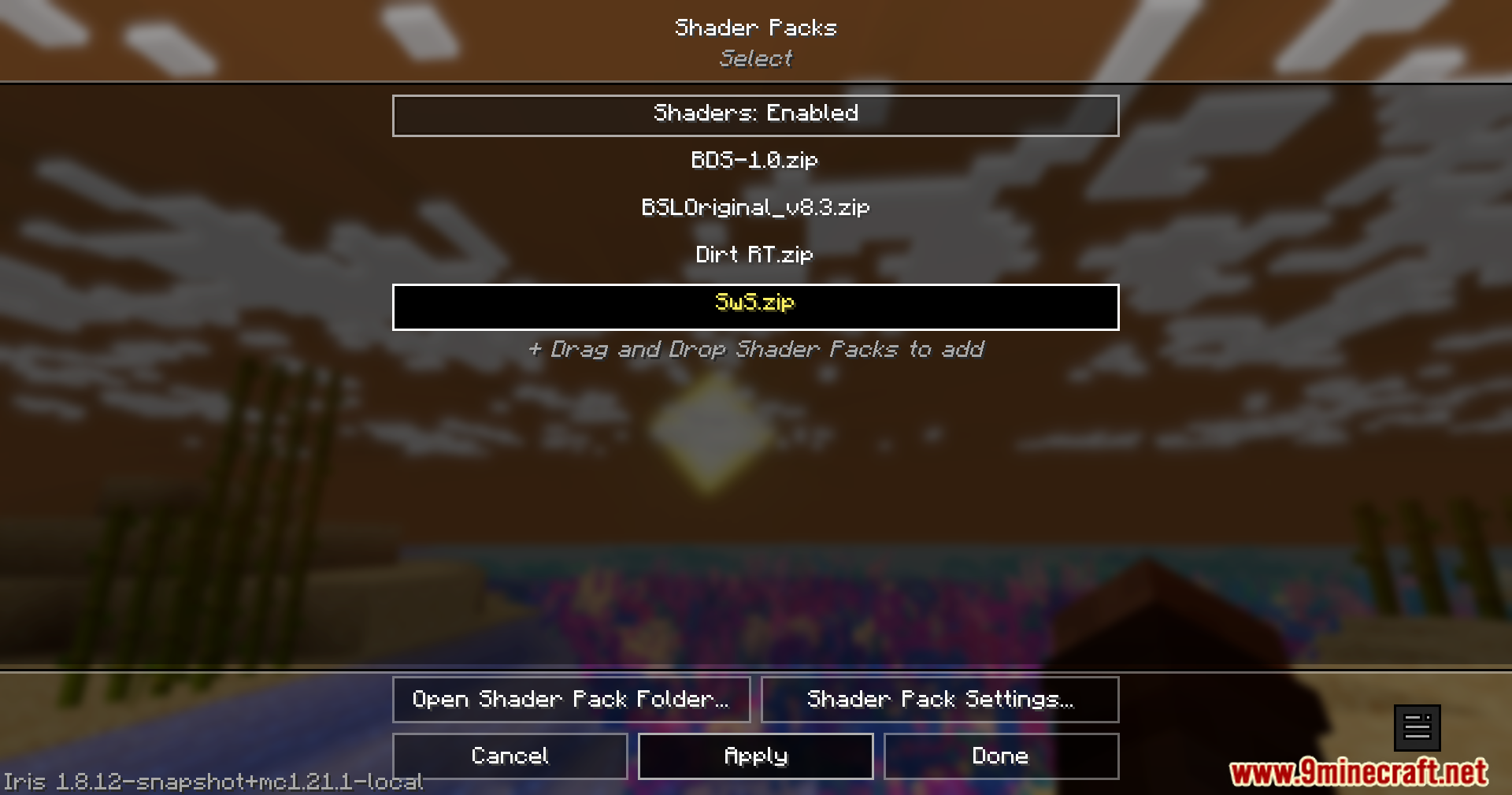
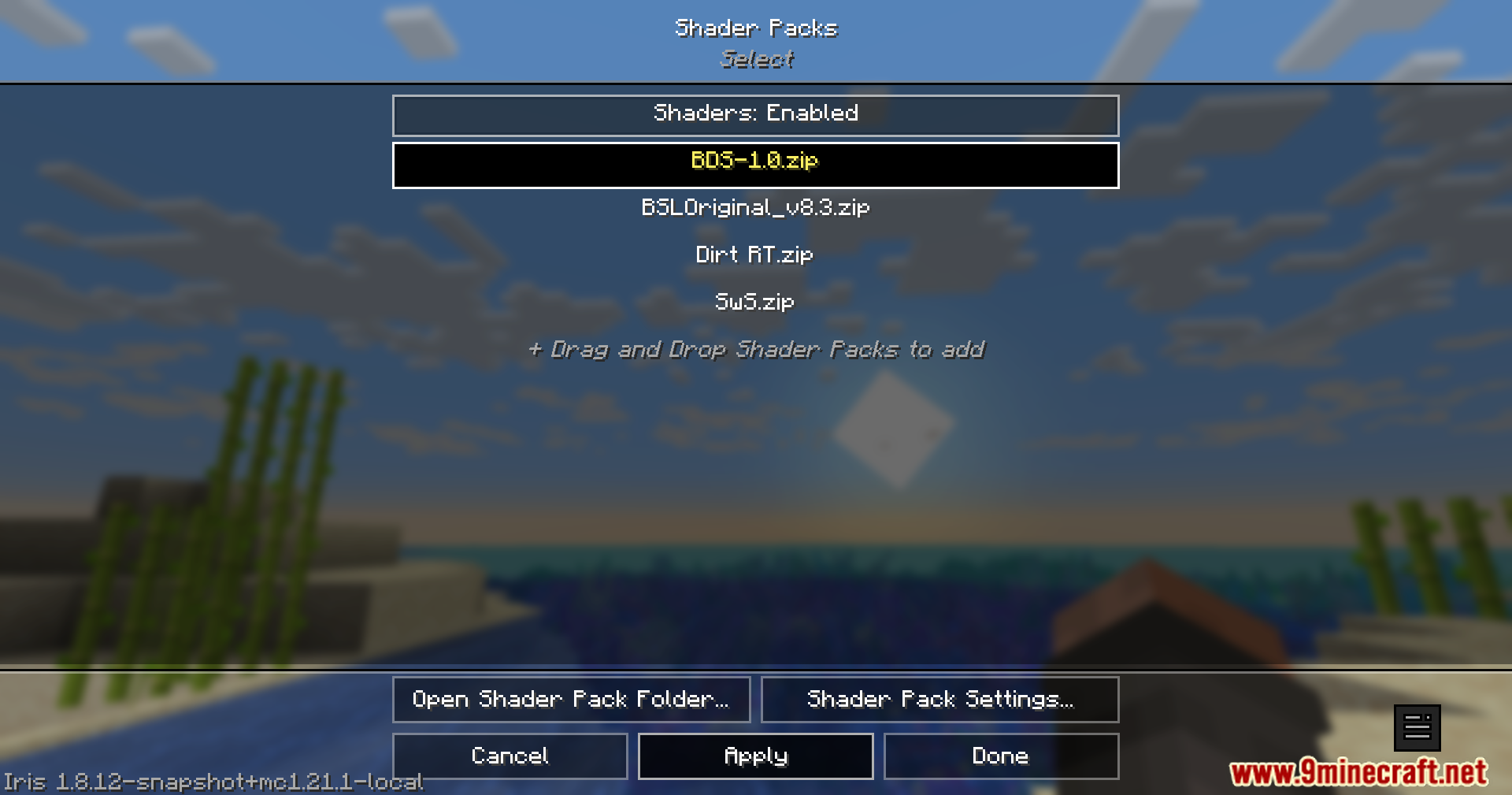
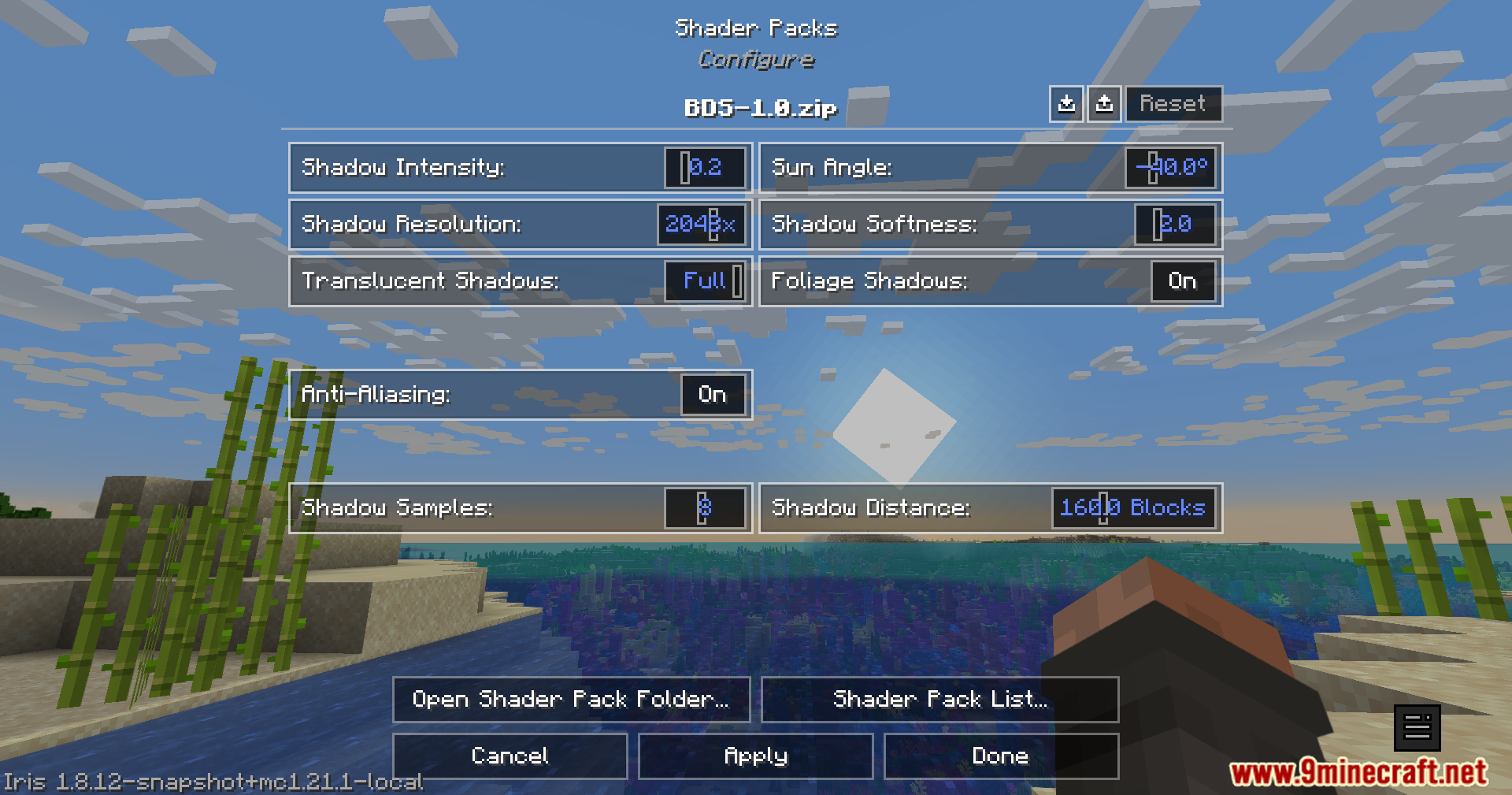

Iris Oculus Shader Folder Mod is a utility mod that improves the Iris/Oculus shader menu by allowing users to hide, filter, reorder, and recolor shader packs. It helps keep large shader lists organized and readable, letting players customize how shaders appear and behave in the selection menu.
Features:
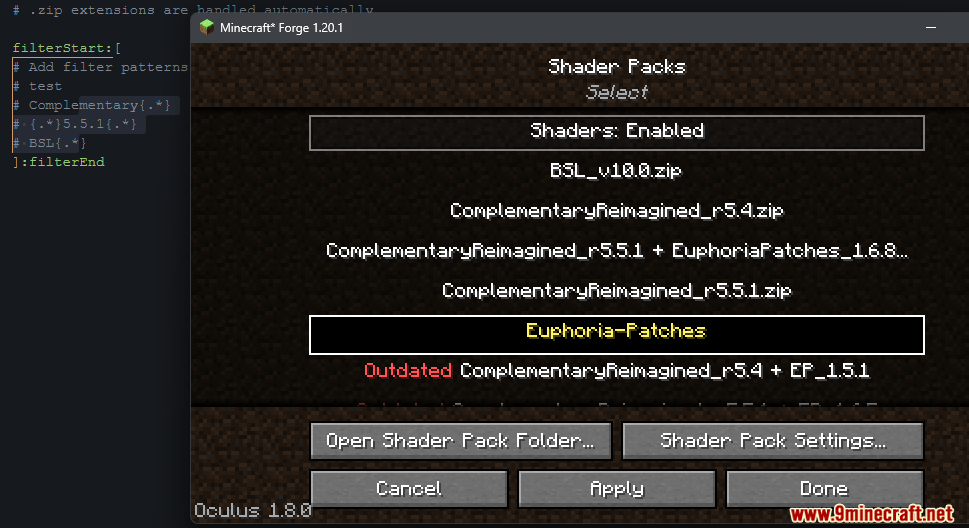
- Hide unwanted shader packs by name, version, or regex pattern.
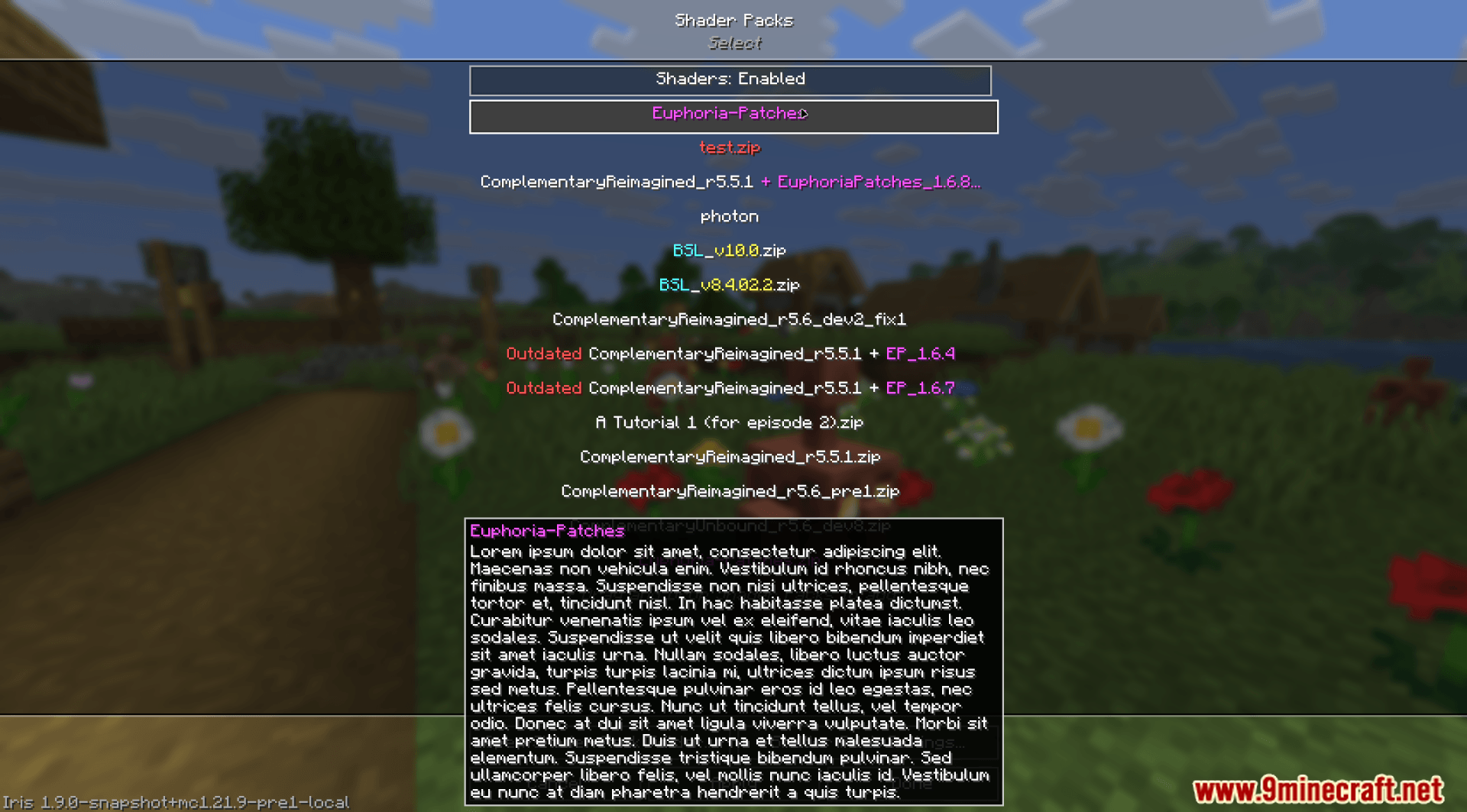
- Reorder shaders in the menu using custom rules or positions.
- Recolor shader names or parts of names with Minecraft color codes.
- Add personalized tooltips to shader packs for quick identification.
- Compatible with both modern and legacy Iris versions, as well as Oculus.
- Supports real-time config reloading without restarting the game.
- Includes debug logging for troubleshooting and setup validation.
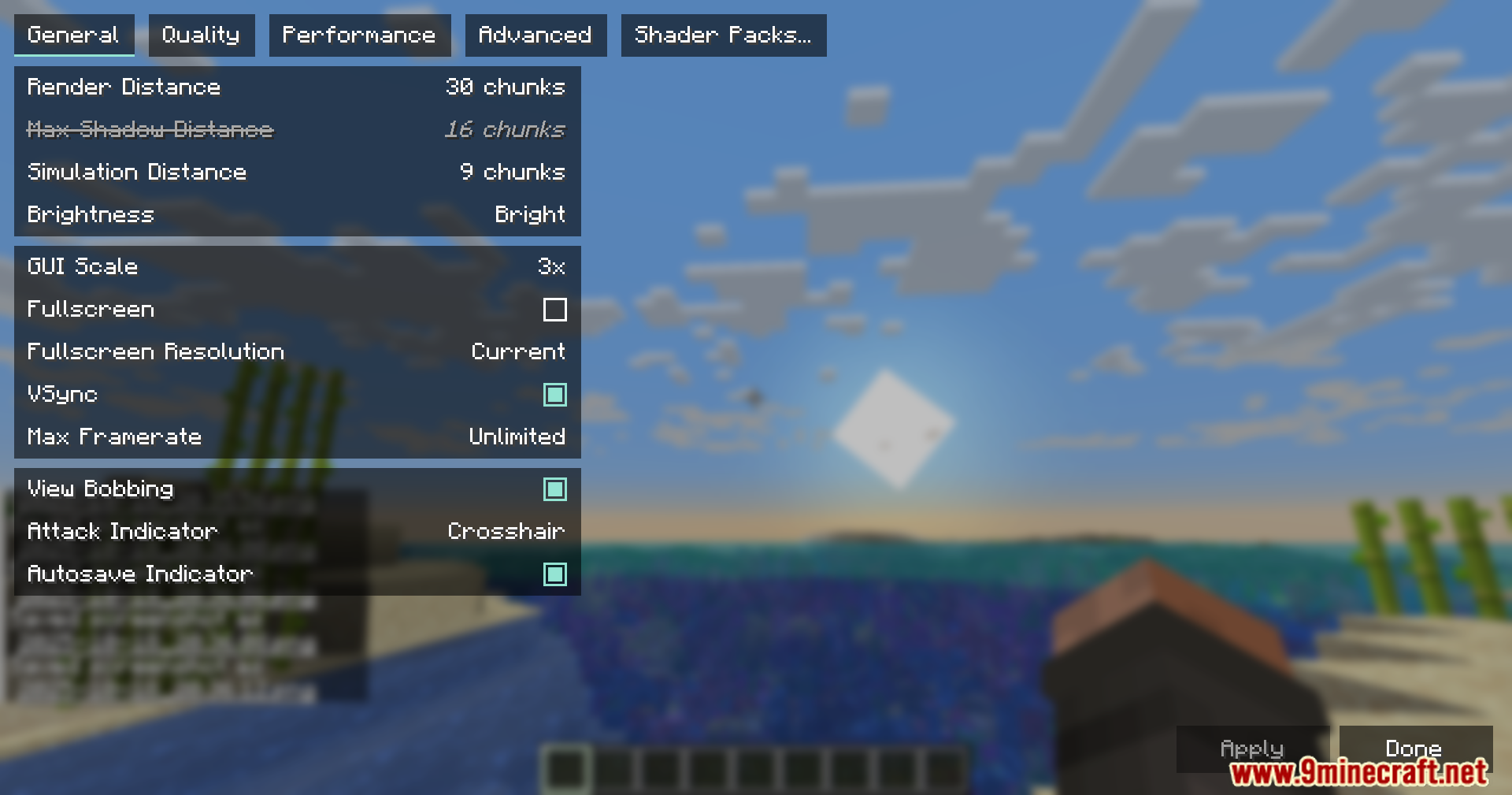
Screenshots:
Iris Oculus Shader Folder Mod Download Links
Quick facts
- Edition: Minecraft Java
- File type: .jar
- Minecraft version listed: 1.20.1
- How to install: Install the matching mod loader (Forge, Fabric or NeoForge) for your Minecraft version. → Download the .jar. → Put it in the .minecraft/mods folder and launch that loader profile.
- Where to get it: In MC Java Mods, or directly above on this page.
Install steps are the general flow for this file type — How to install Minecraft Java mods & modpacks walks through it step by step.
Verified by MCModsHub
- Downloads as 25325.mcaddon
- Download size: 201 KB
- Download link checked 26 Sept 2026 — working
- Mirrored on our own servers — the download does not depend on the original host
These come from our own check of the pack file, not from the source page.