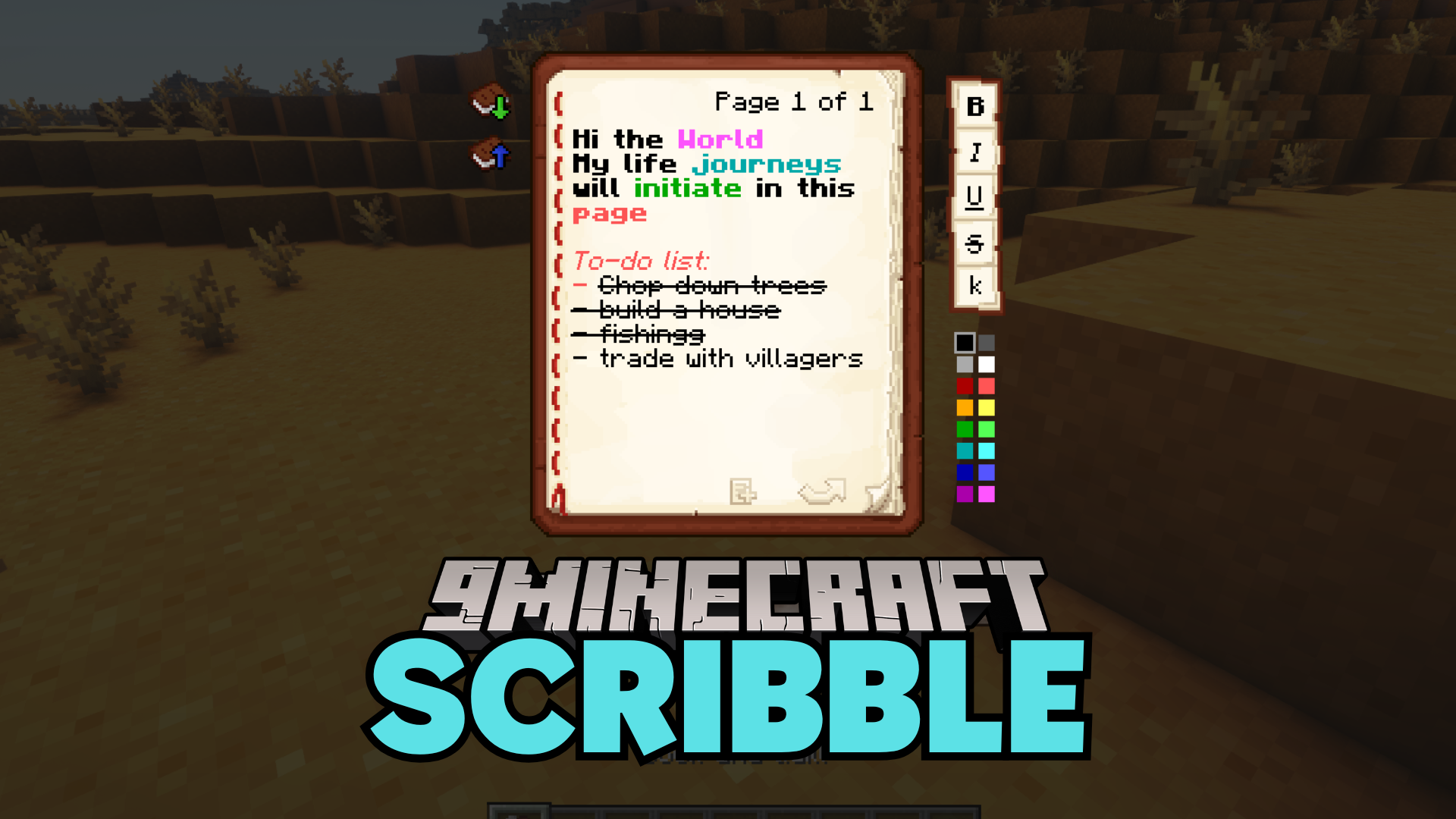
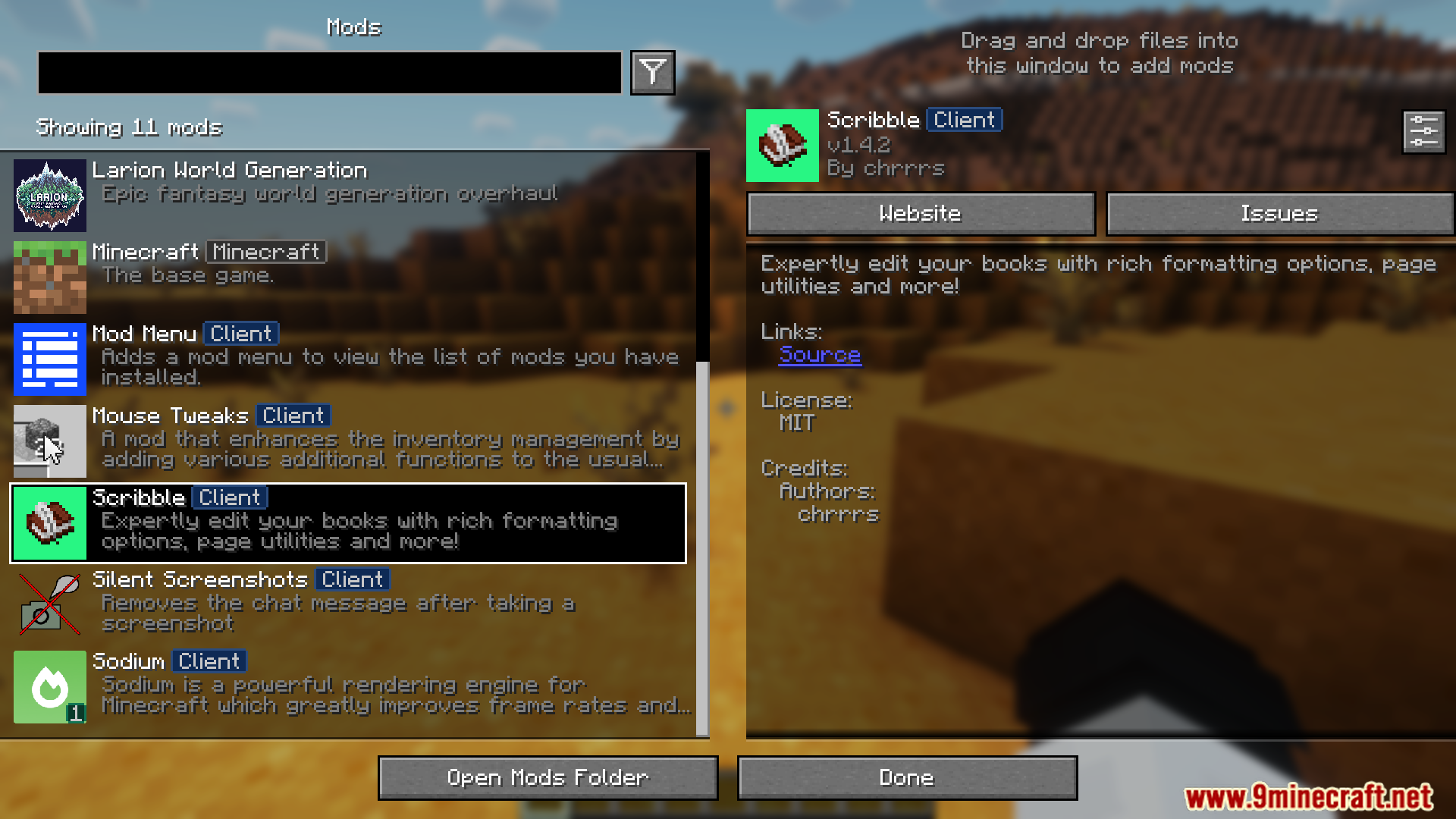
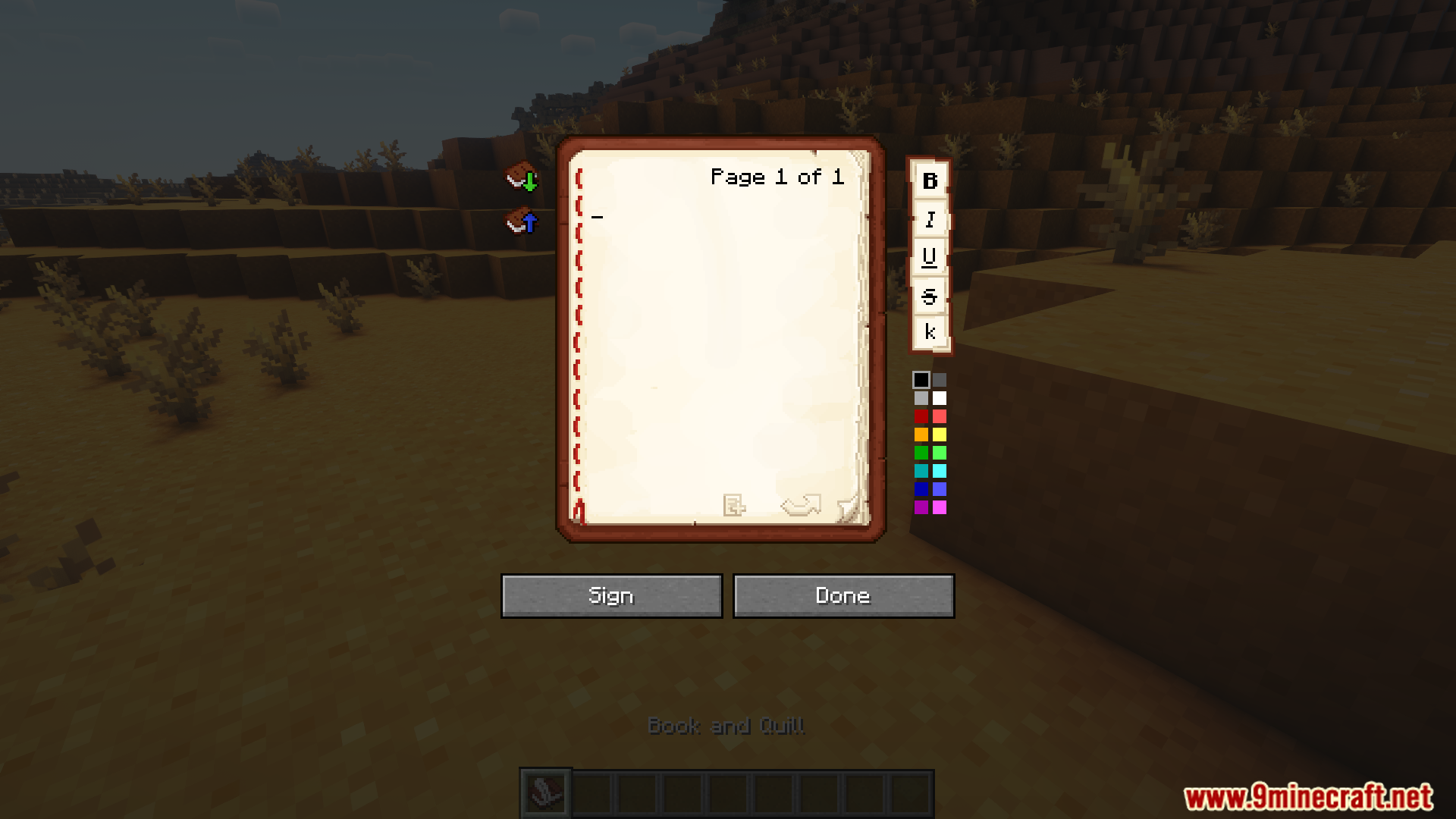
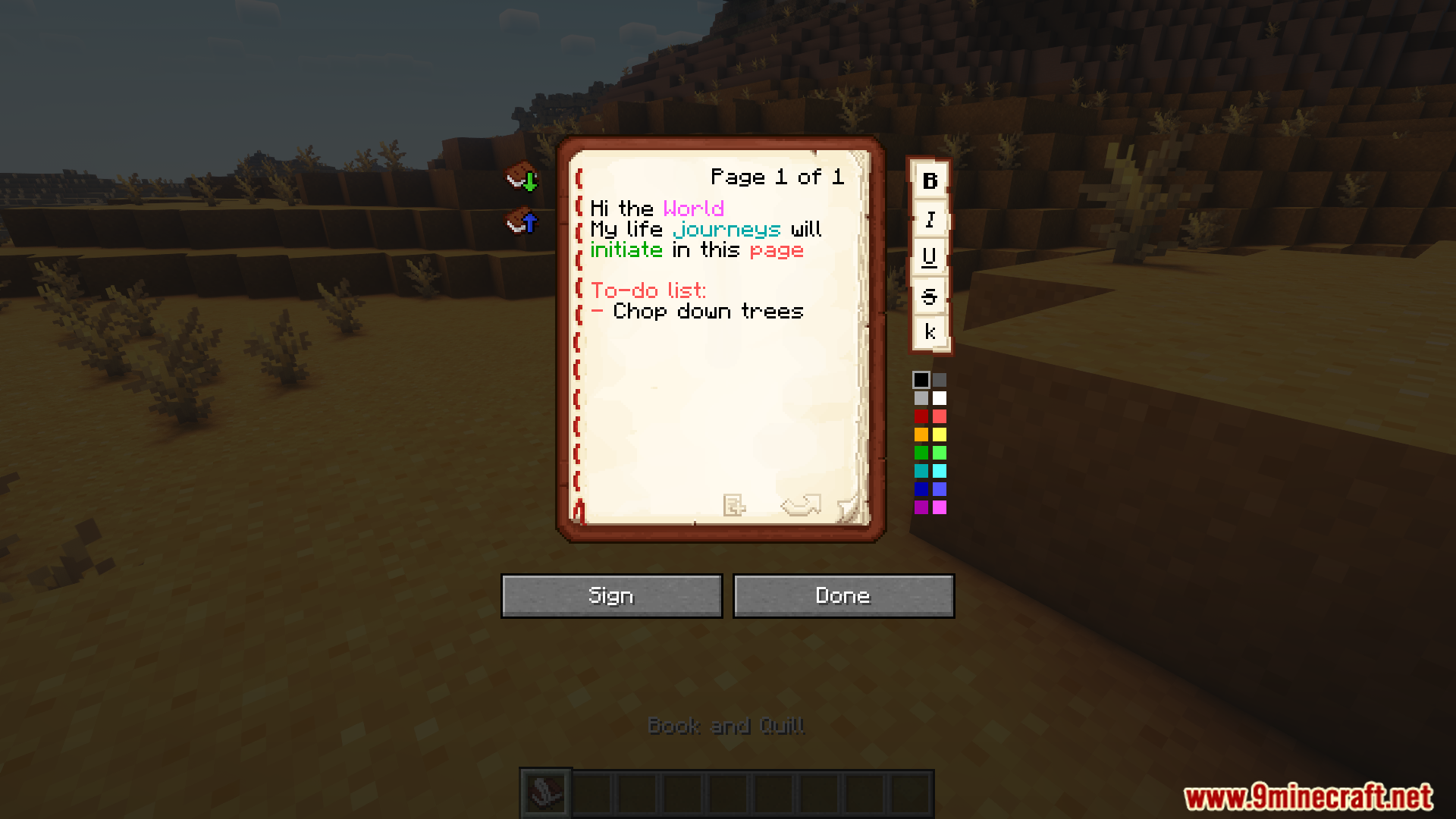
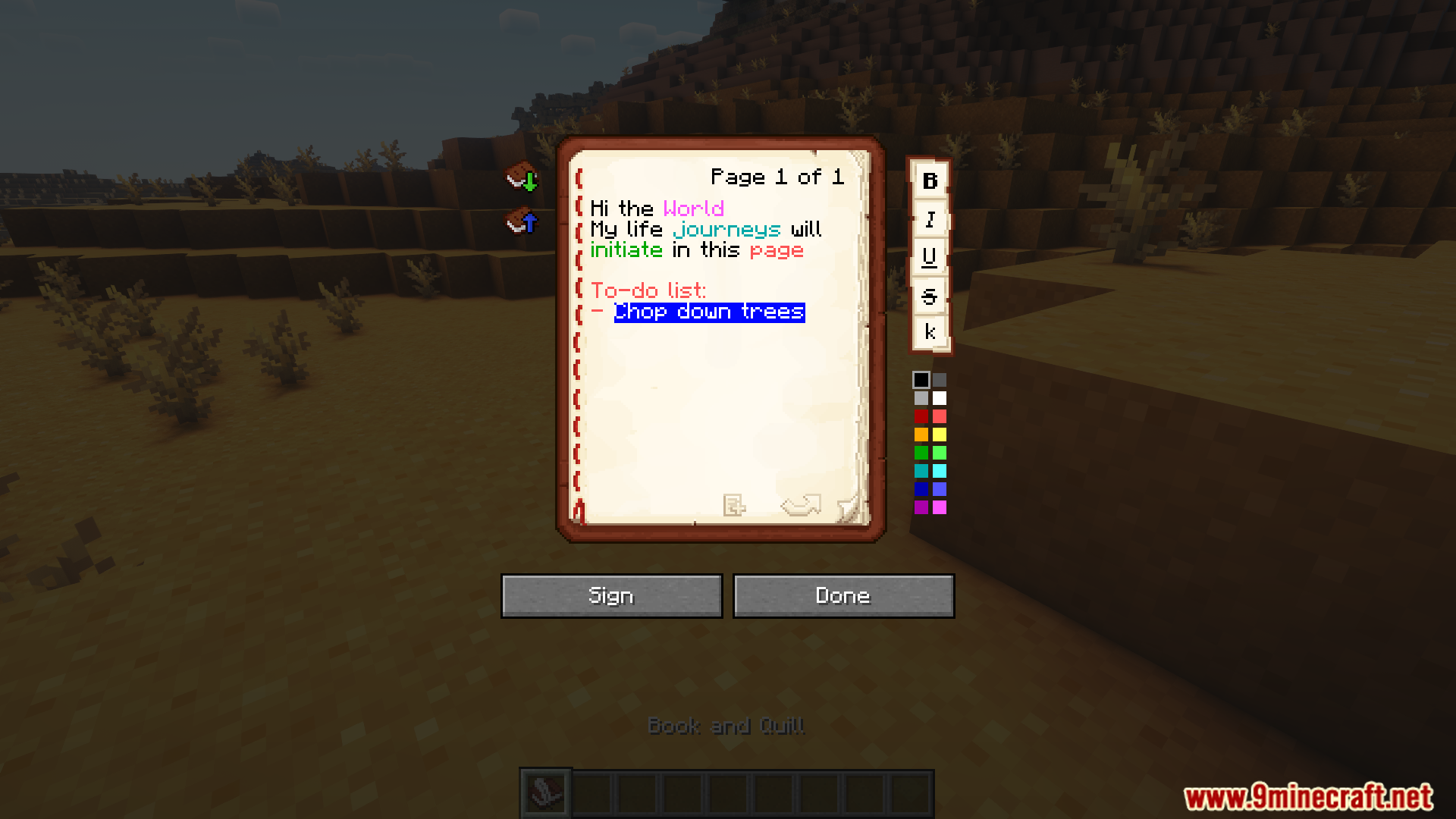
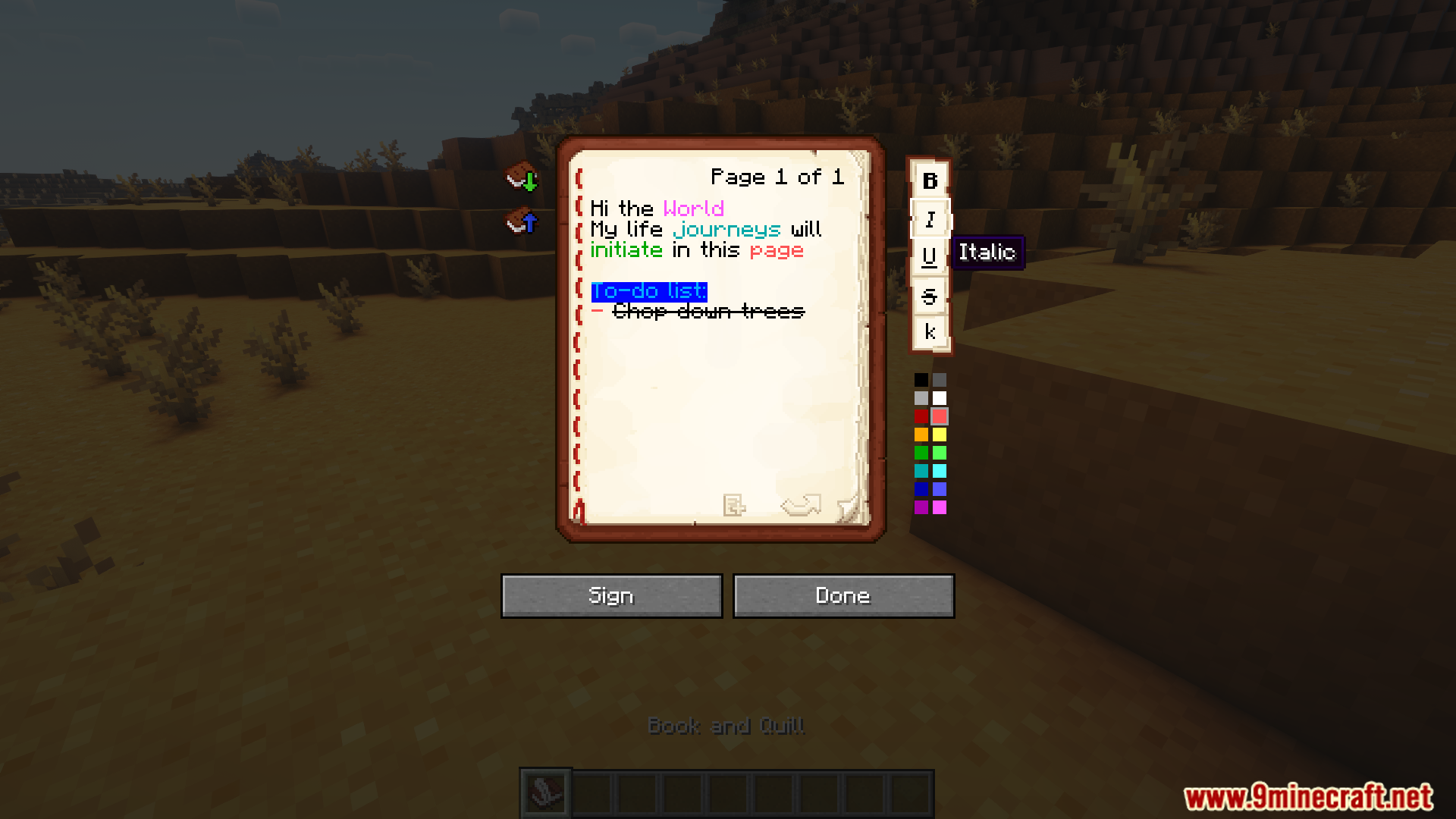
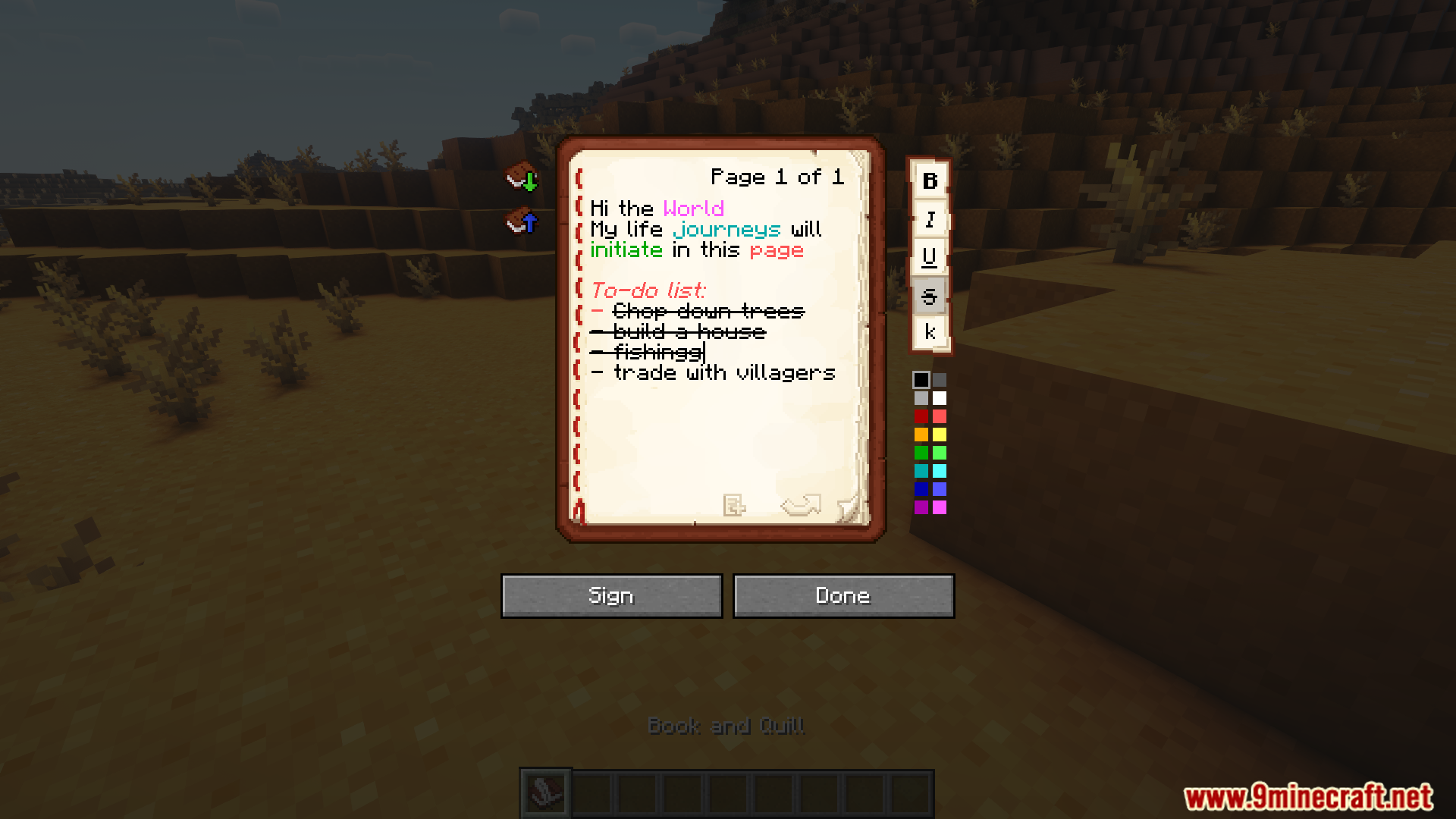
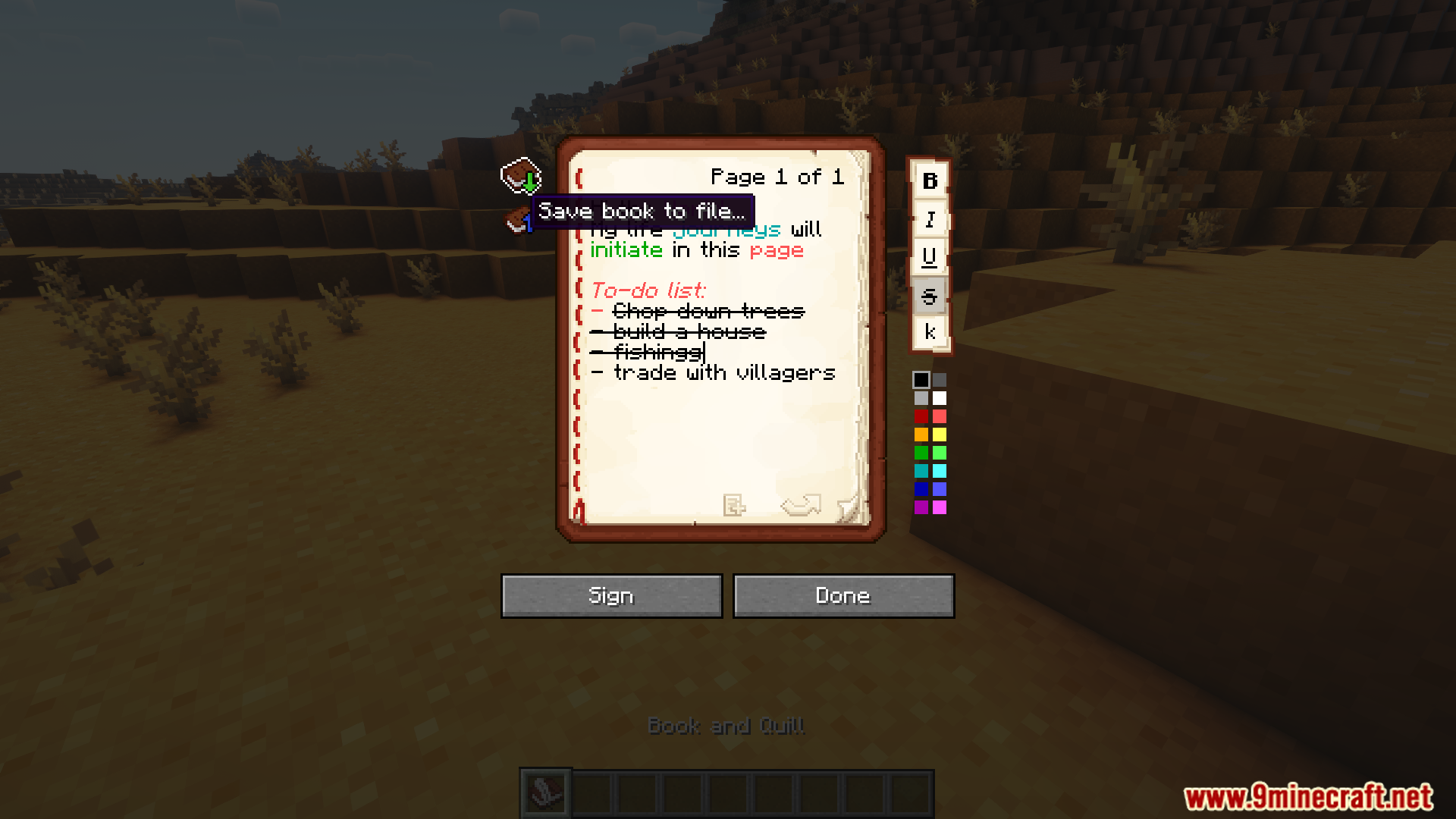
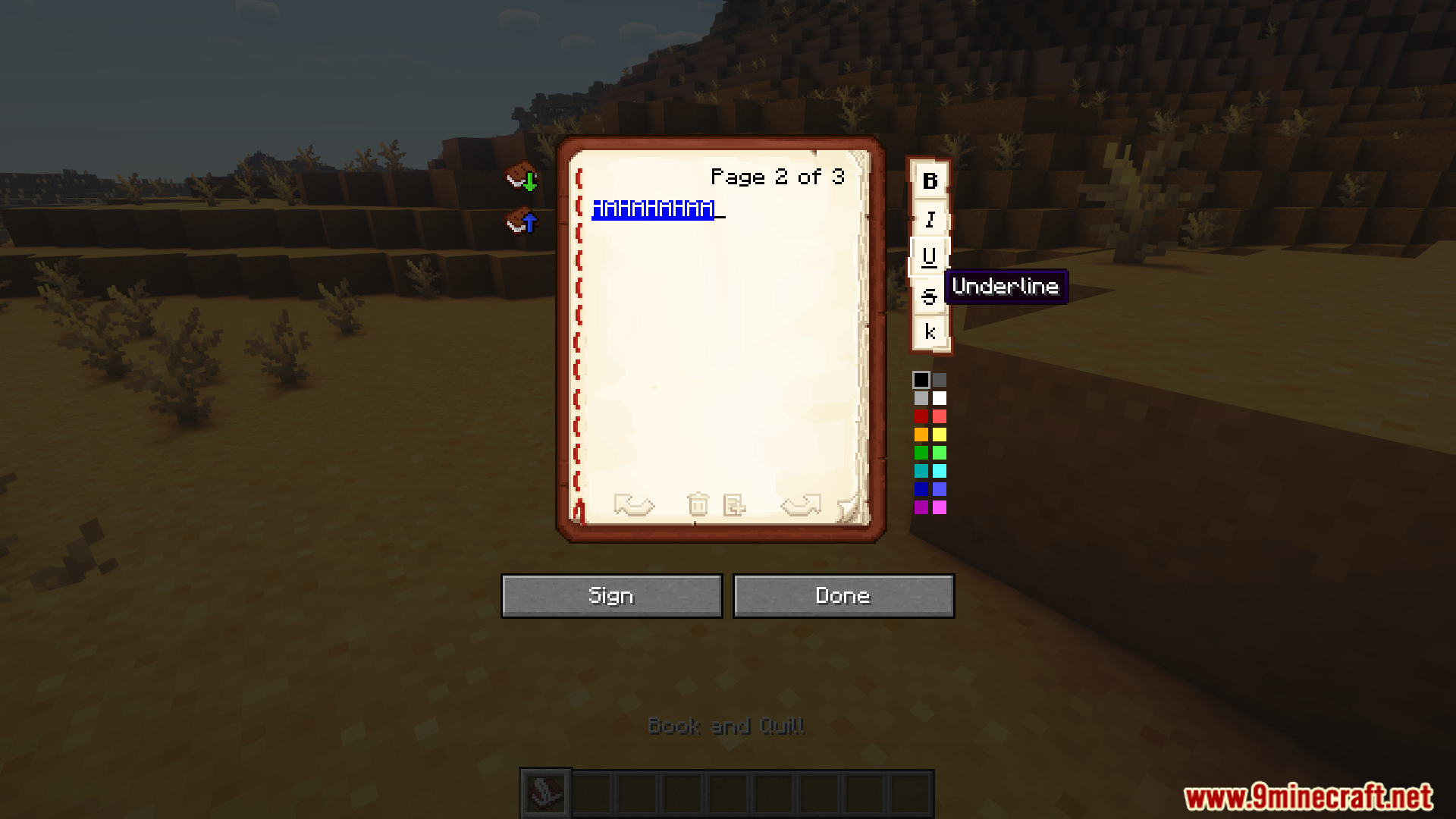
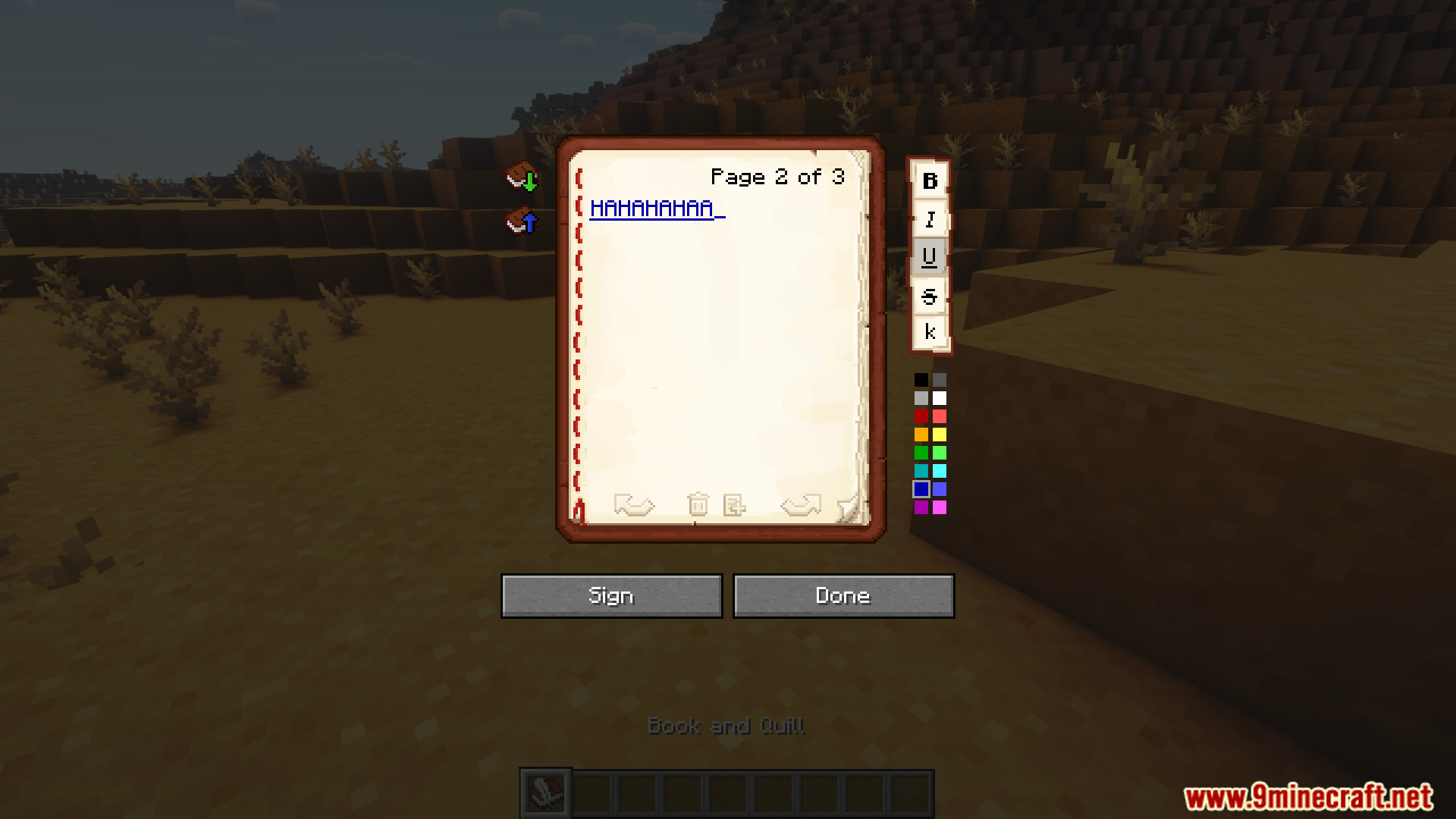
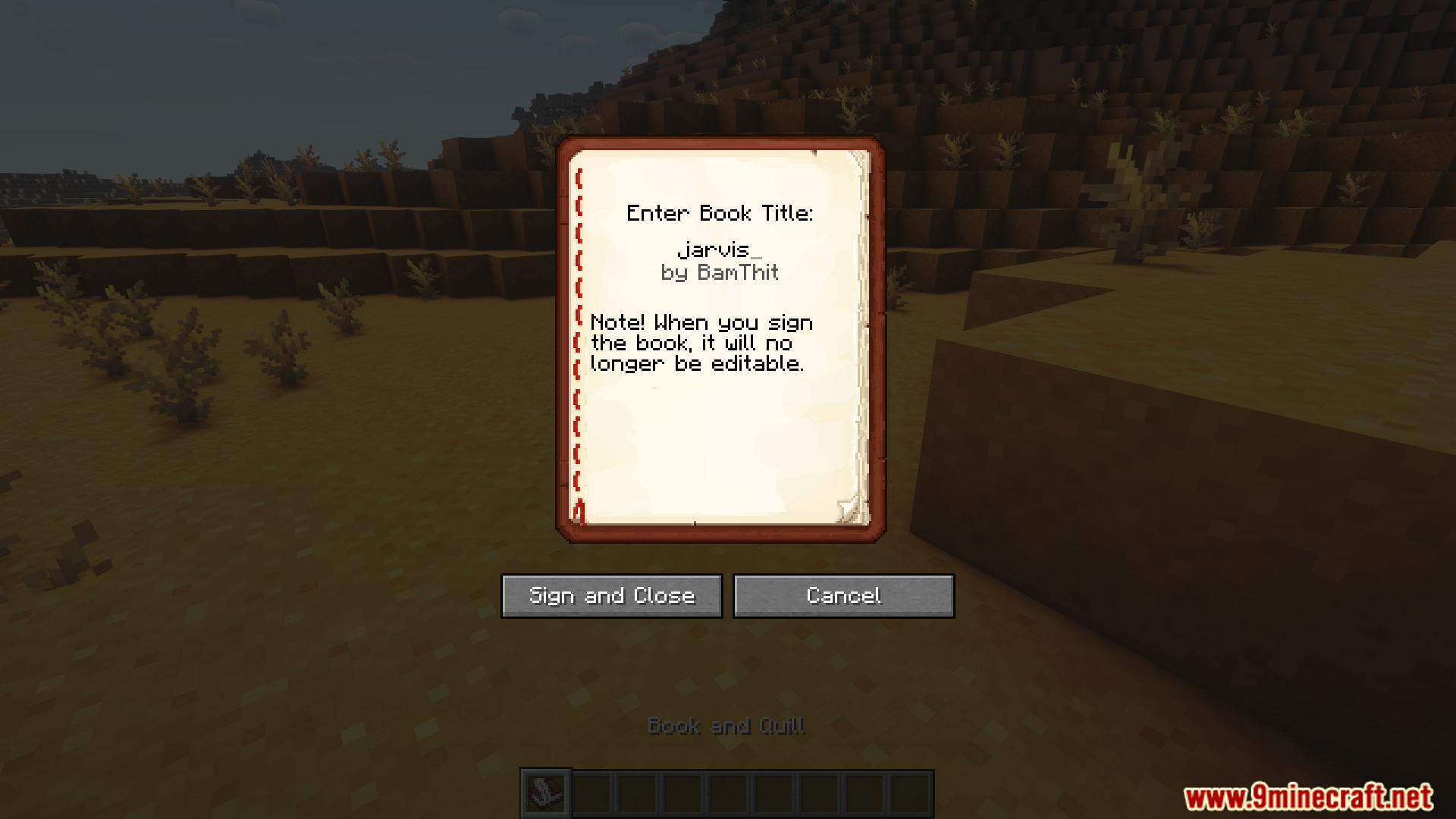
Scribble Mod adds many helpful tools for book formatting and customization. This includes adding colors, underlining important words, and inserting or removing pages using convenient buttons. Save books to your computer for safekeeping and transfer content between books.
Features:
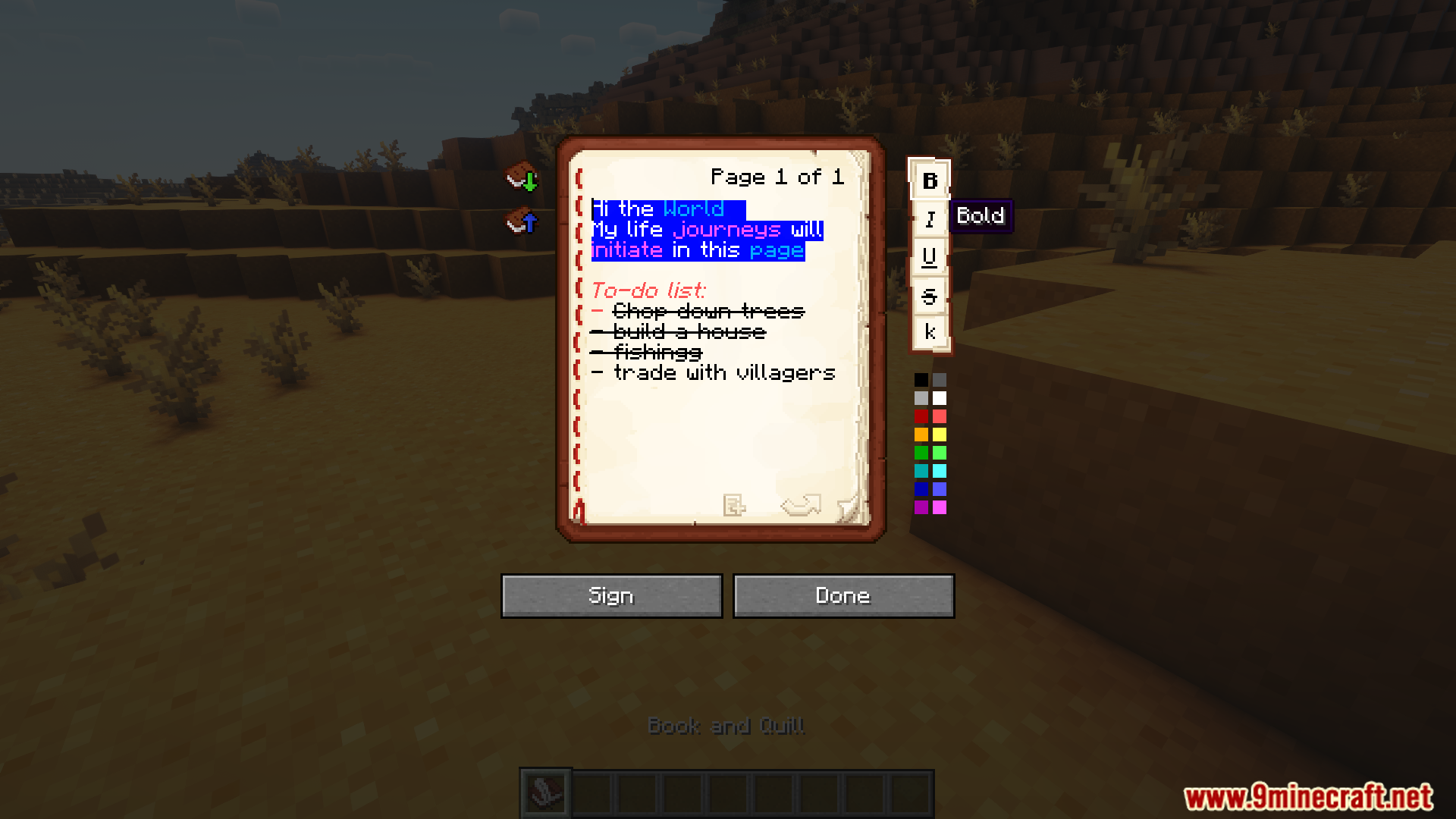
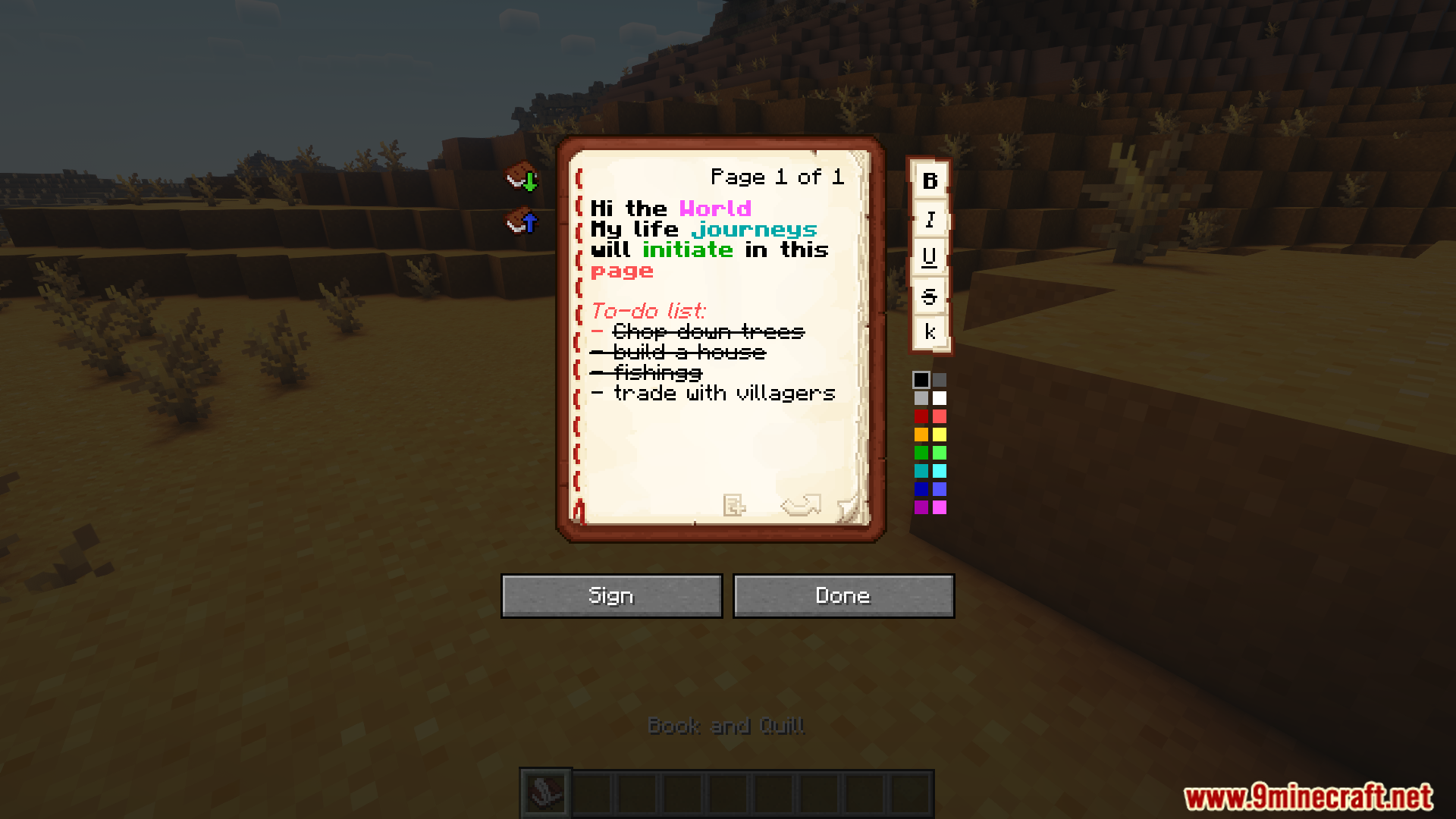
- Format text with colors, underlines, and other effects using simple buttons.
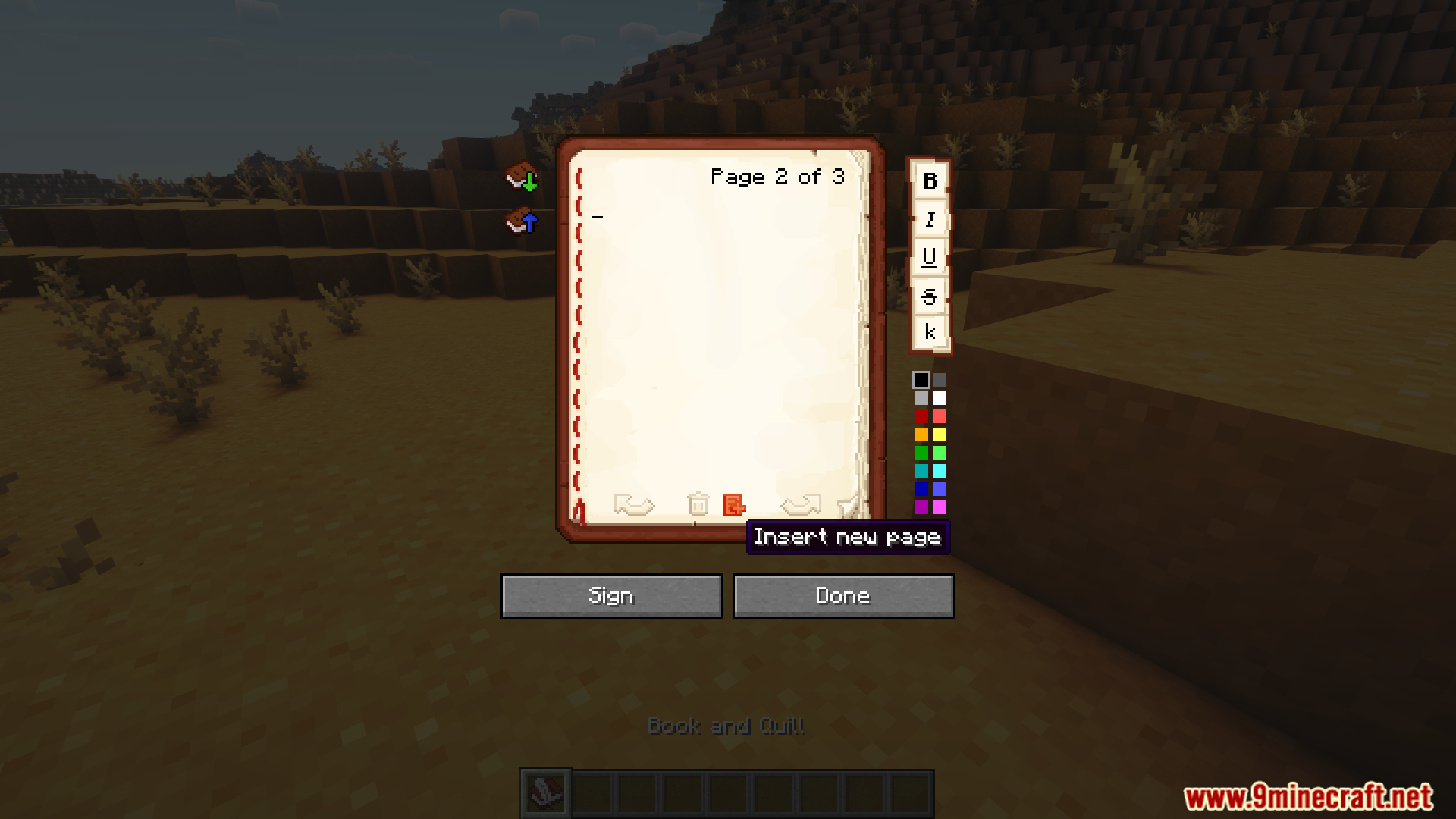
- Insert or remove pages anywhere in the book.
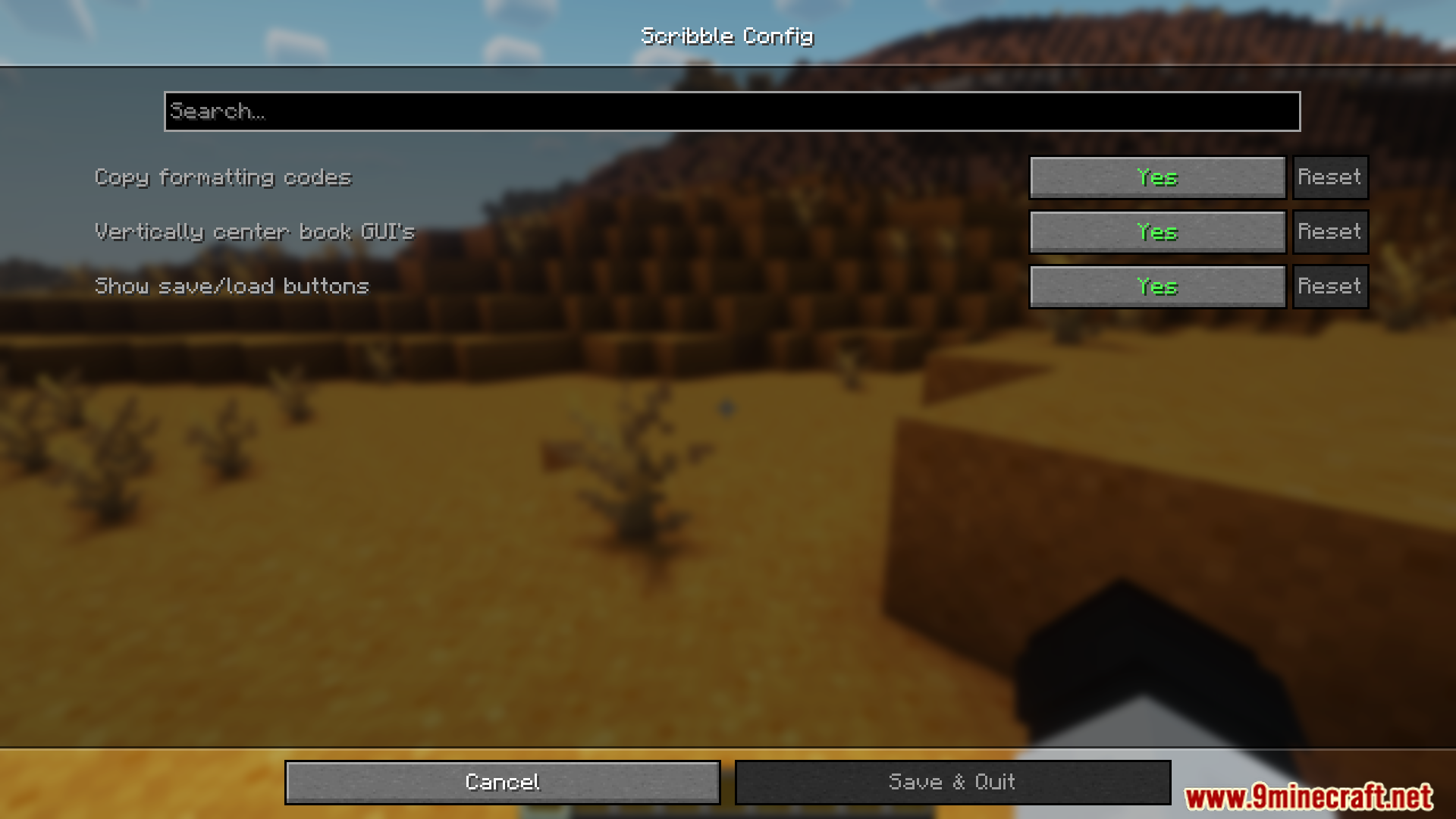
- Save books to your hard drive for backups or content transfer.
- Center the book GUI for easier editing.
- Supports editing books with existing color codes.
- Undo or redo actions with keyboard shortcuts.
- Ensures progress is saved before exiting unsaved changes.
Screenshots:
Scribble Mod Download Links
Quick facts
- Edition: Minecraft Java
- File type: .jar
- Minecraft version listed: 1.20.1
- How to install: Install the matching mod loader (Forge, Fabric or NeoForge) for your Minecraft version. → Download the .jar. → Put it in the .minecraft/mods folder and launch that loader profile.
- Where to get it: In MC Java Mods, or directly above on this page.
Install steps are the general flow for this file type — How to install Minecraft Java mods & modpacks walks through it step by step.
Verified by MCModsHub
- Downloads as 25328.mcaddon
- Download size: 311 KB
- Download link checked 23 Sept 2026 — working
- Mirrored on our own servers — the download does not depend on the original host
These come from our own check of the pack file, not from the source page.