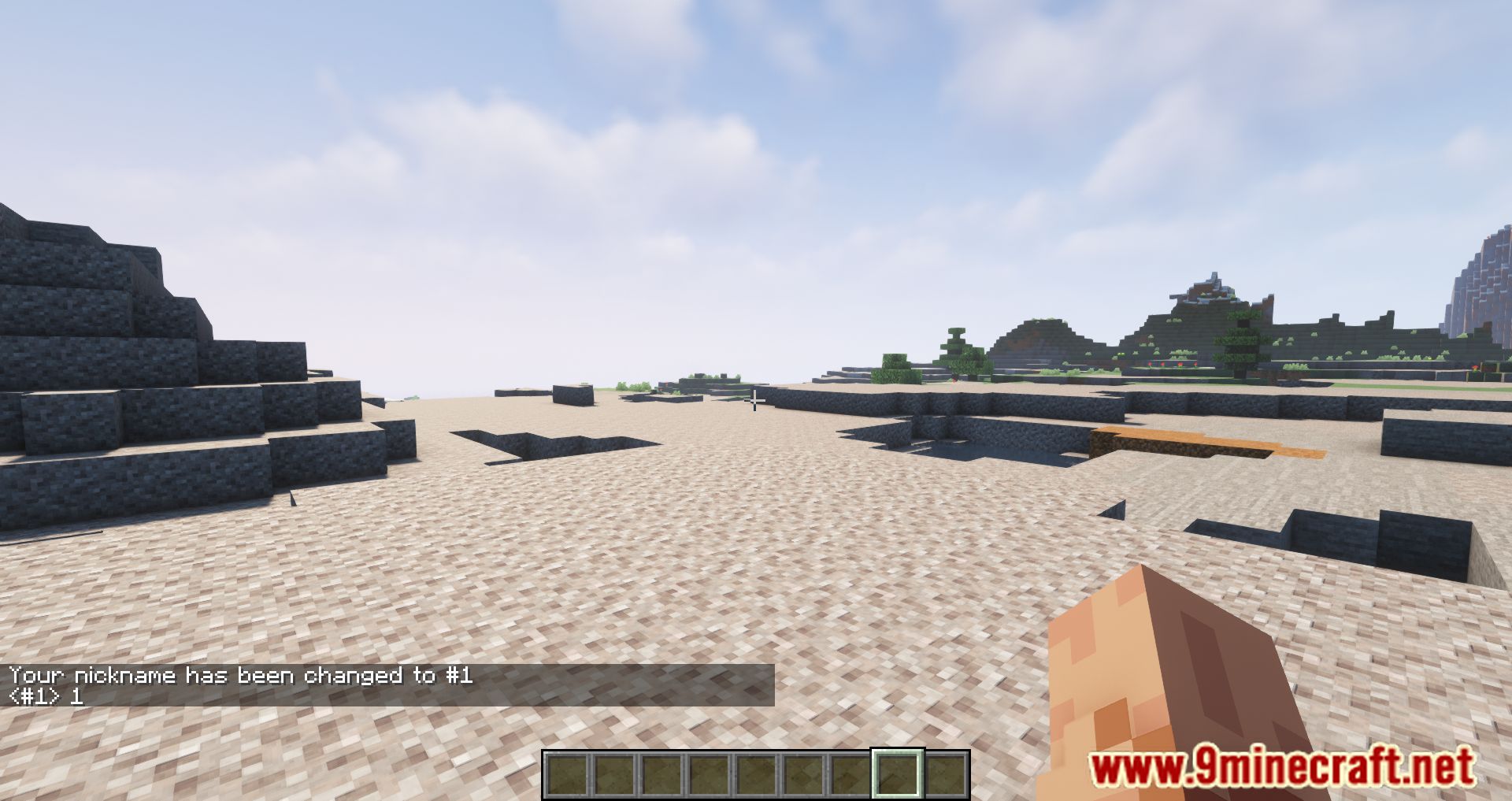
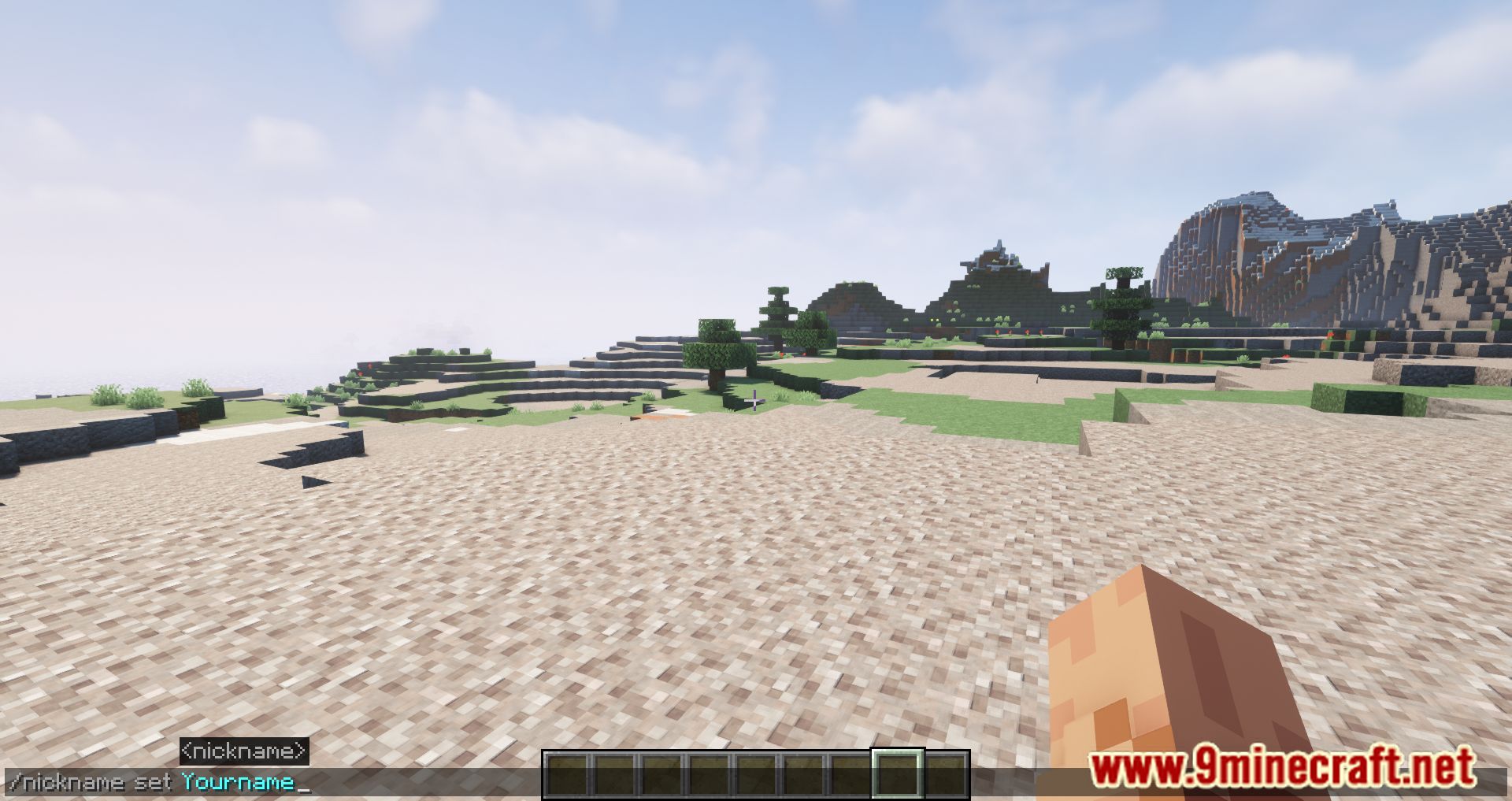
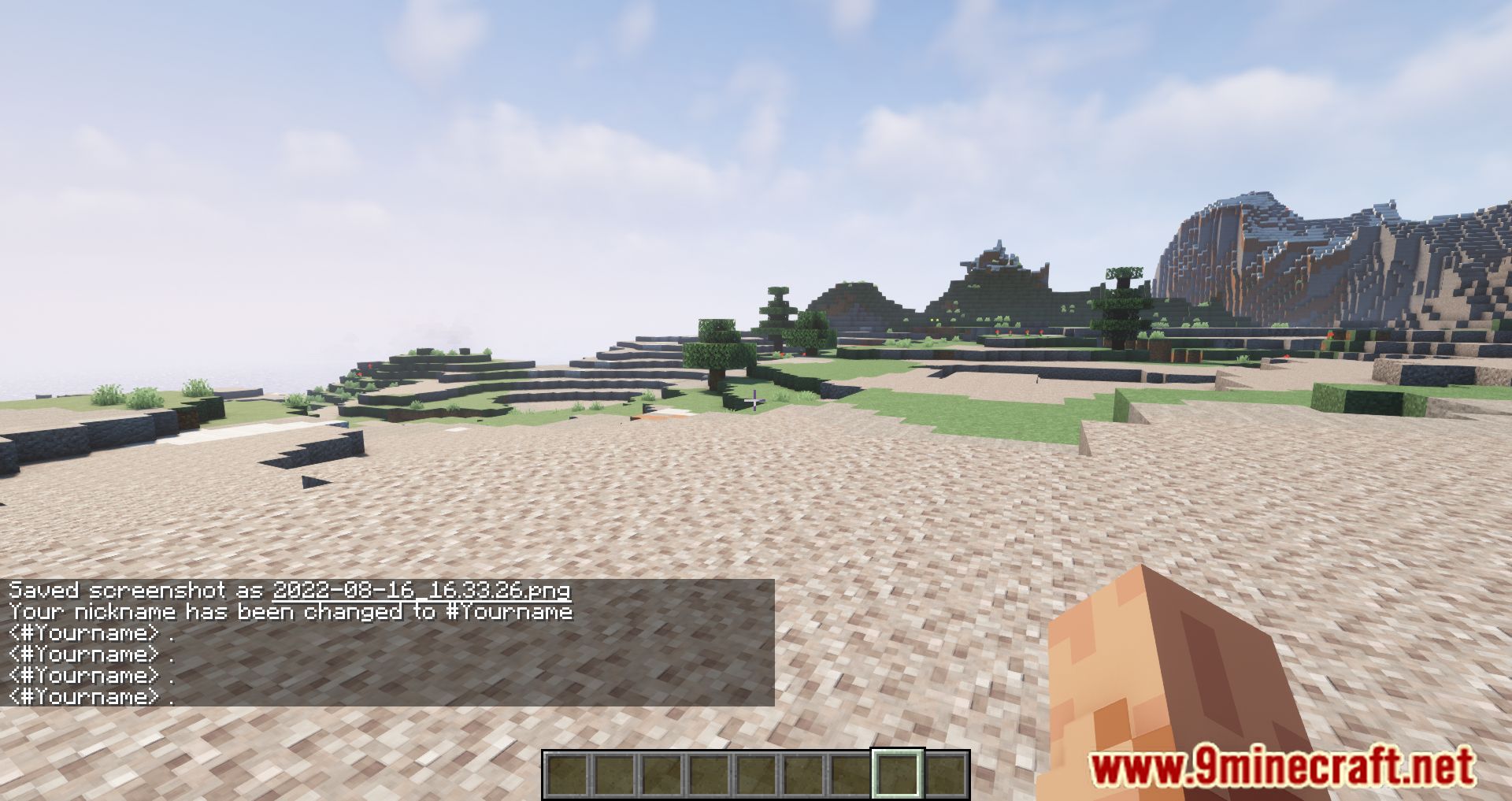
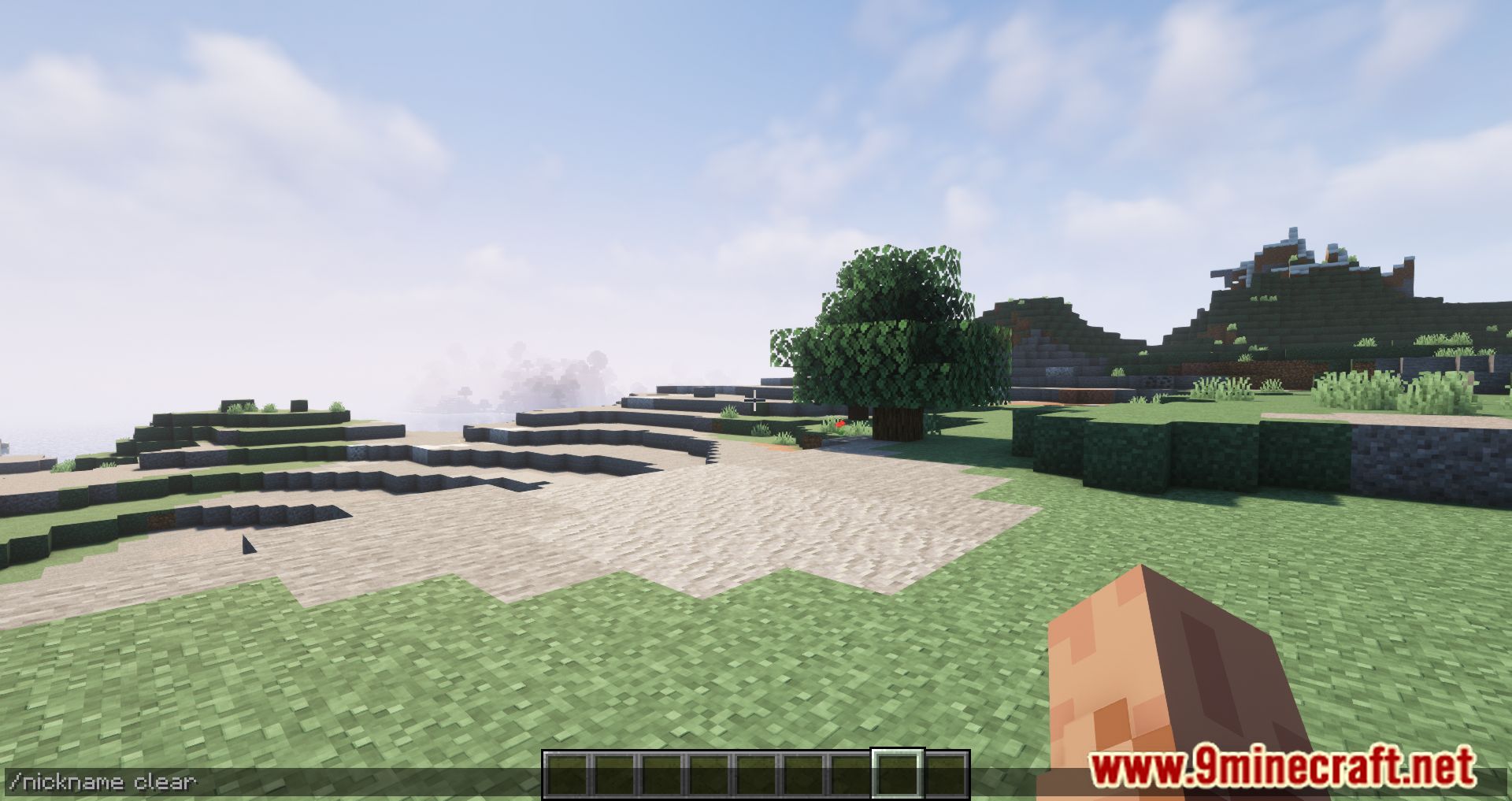
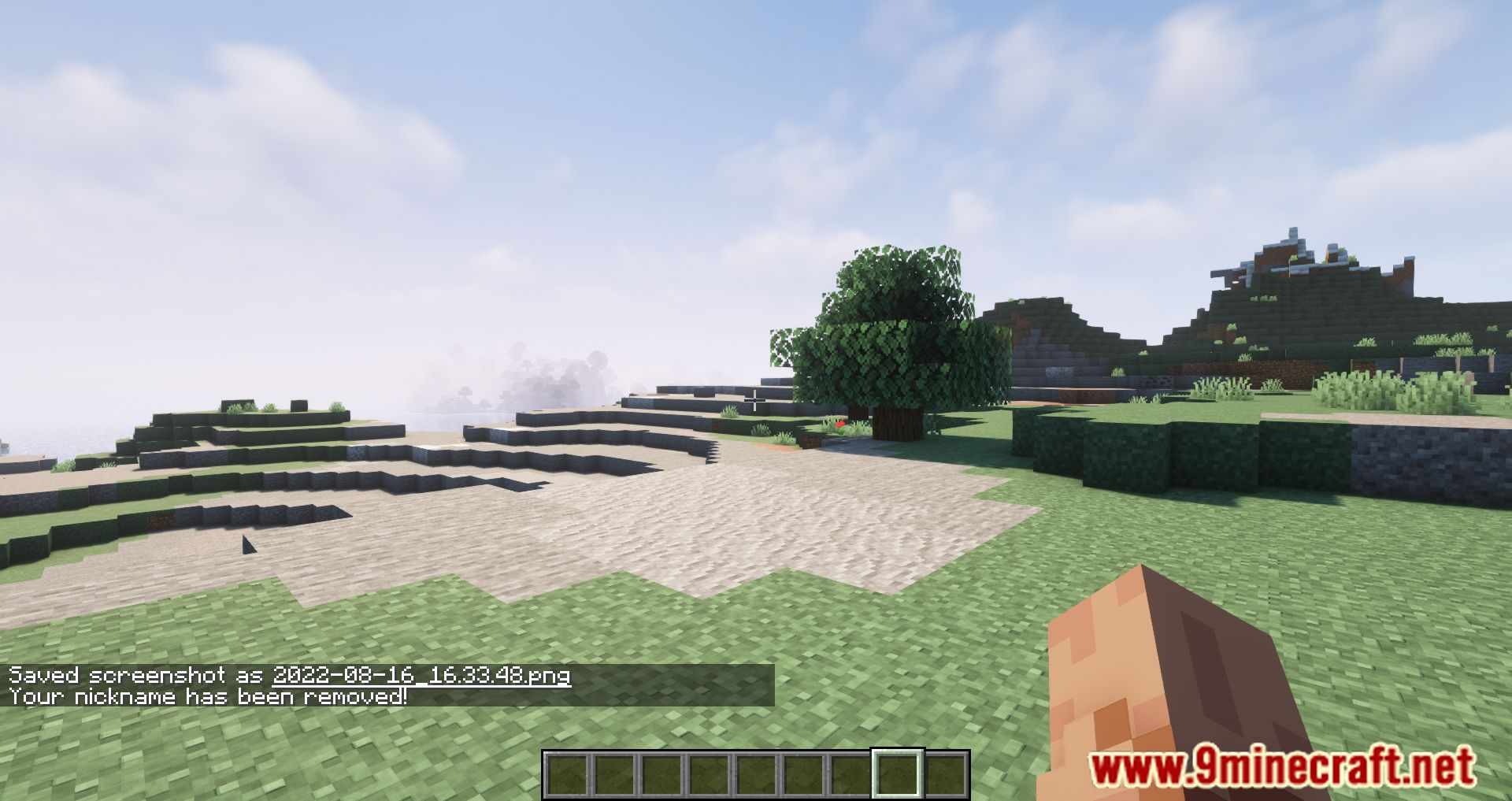
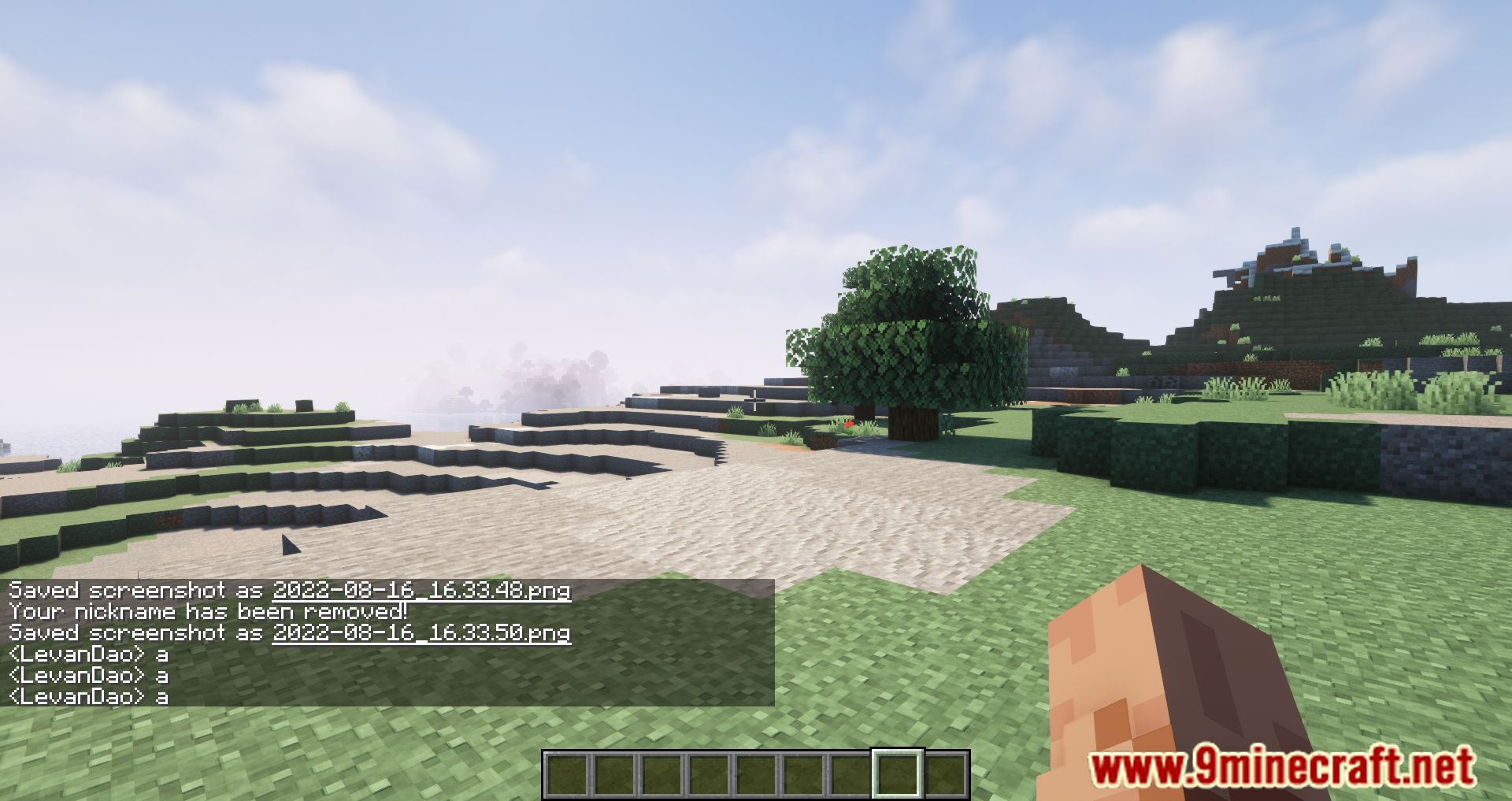
Styled Nicknames Mod is a configurable Minecraft mod that lets players and admins customize their in-game nicknames with full formatting support. It’s designed for multiplayer servers and supports rich styling options to make names stand out.
Features:
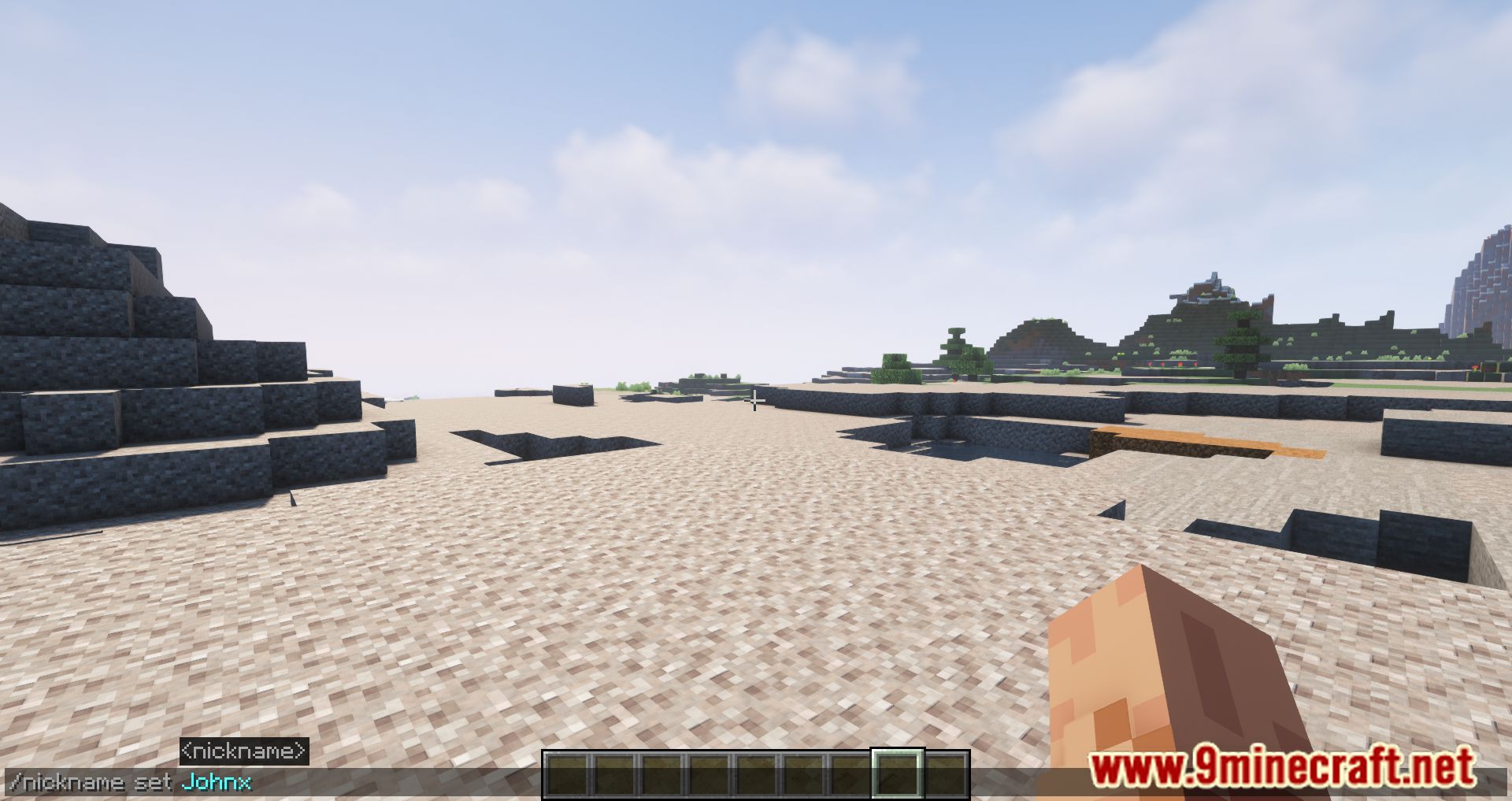
- Players can change their own nickname using commands like /nick set .
- Includes Simplified Text Formatting via PlaceholderAPI-colors, gradients, bold, italics, and more.
- Server admins can set or clear nicknames for other players and enforce formatting rules.
- Display Options:
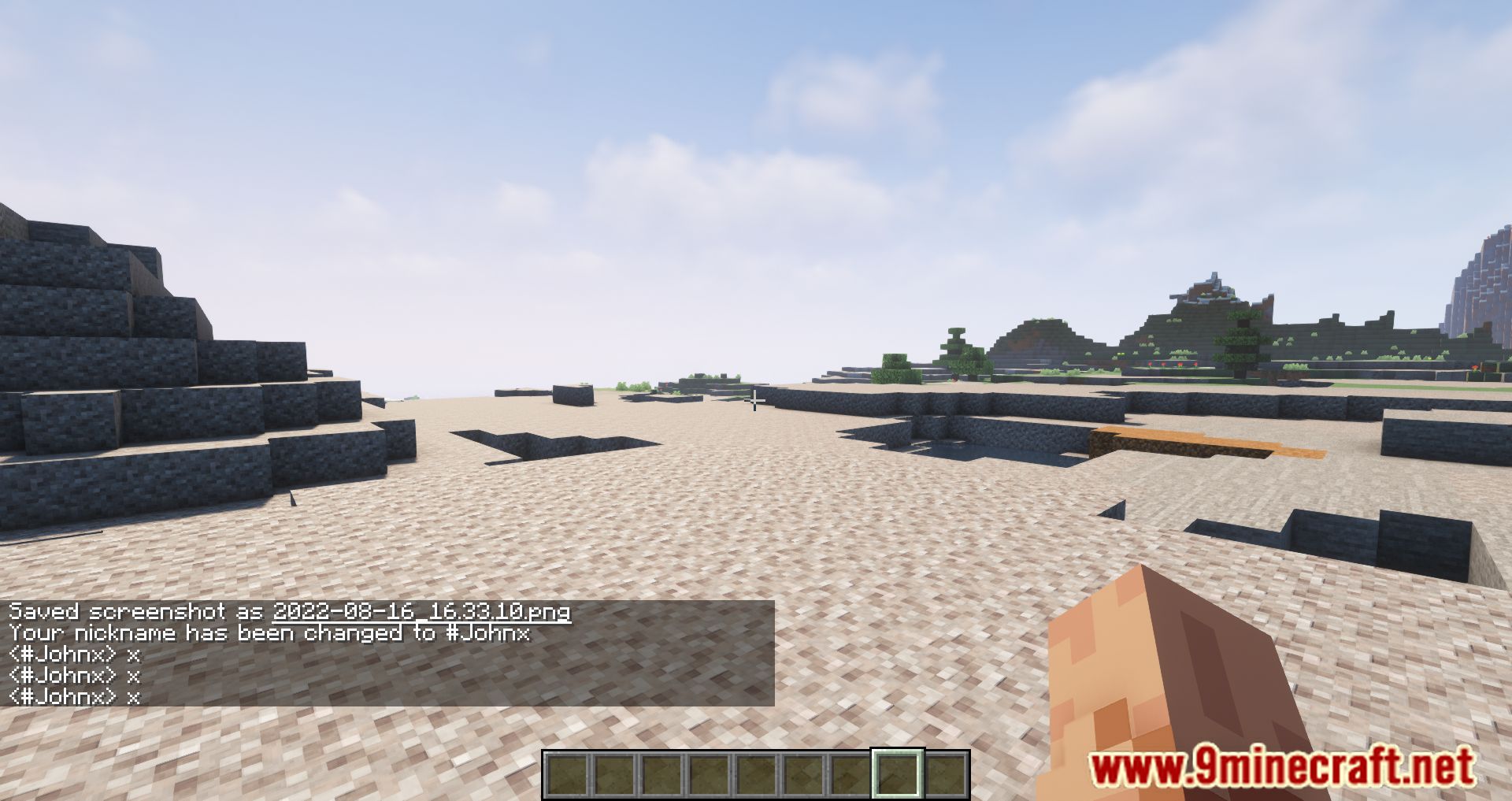
- Change display name in chat.
- Optionally change name in the player list (may conflict with some mods).
- Configurable max length, with override permissions for trusted users.
- Enable or disable old-style formatting codes like
&cfor red. - Configuration:
- Stored in
styled-nicknames.json. - Options include:
- Default prefix (e.g. #)
- Enabled formatting tags
- Custom messages for nickname changes
- Toggle for legacy formatting
- Control over nickname visibility and enforcement
- Stored in
Screenshots:
Styled Nicknames Mod Download Links
Quick facts
- Edition: Minecraft Java
- File type: .jar
- Minecraft version listed: 1.20.1
- How to install: Install the matching mod loader (Forge, Fabric or NeoForge) for your Minecraft version. → Download the .jar. → Put it in the .minecraft/mods folder and launch that loader profile.
- Where to get it: In MC Java Mods, or directly above on this page.
Install steps are the general flow for this file type — How to install Minecraft Java mods & modpacks walks through it step by step.
Verified by MCModsHub
- Downloads as 25334.mcaddon
- Download size: 292 KB
- Download link checked 24 Sept 2026 — working
- Mirrored on our own servers — the download does not depend on the original host
These come from our own check of the pack file, not from the source page.