
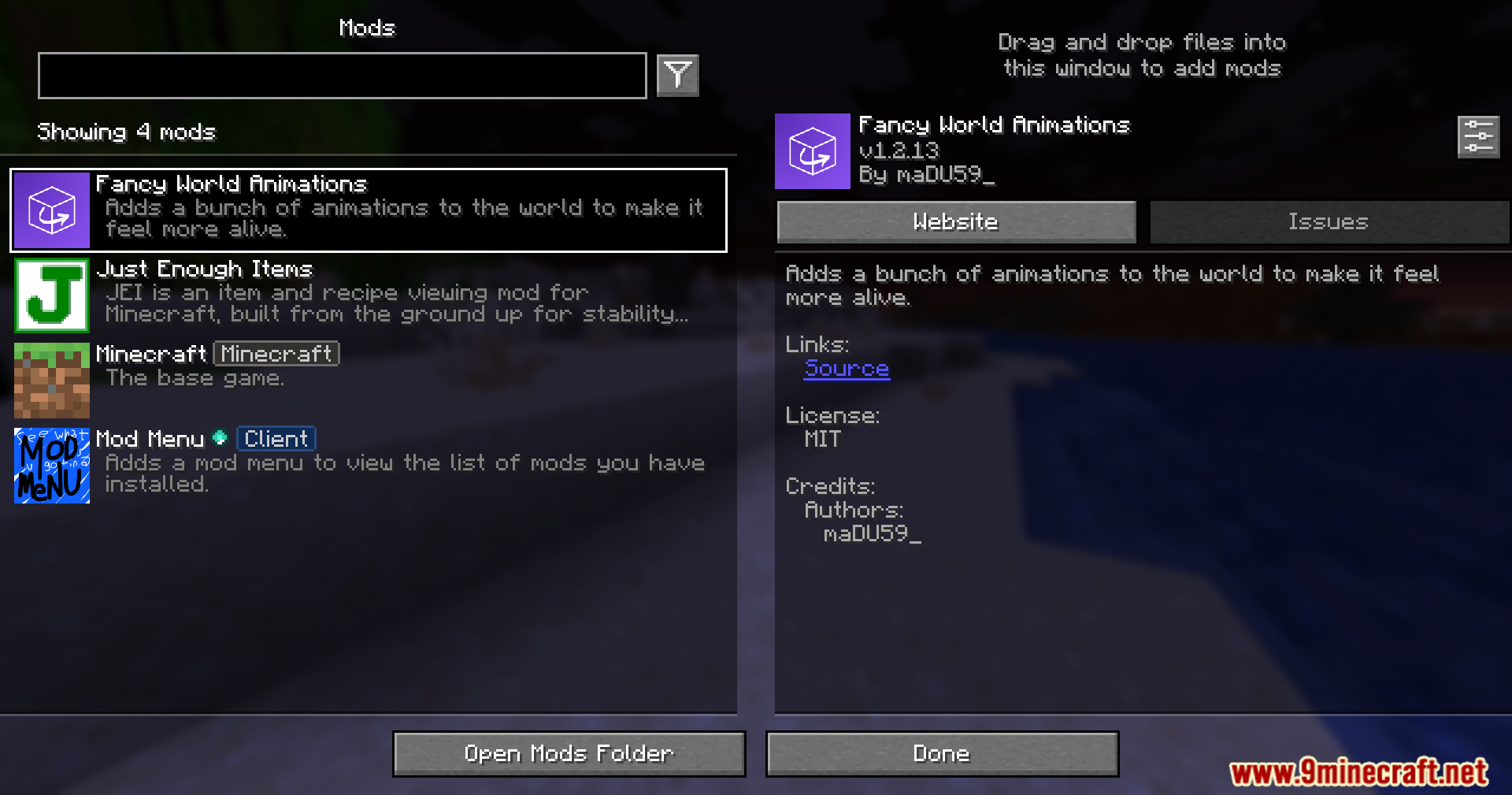
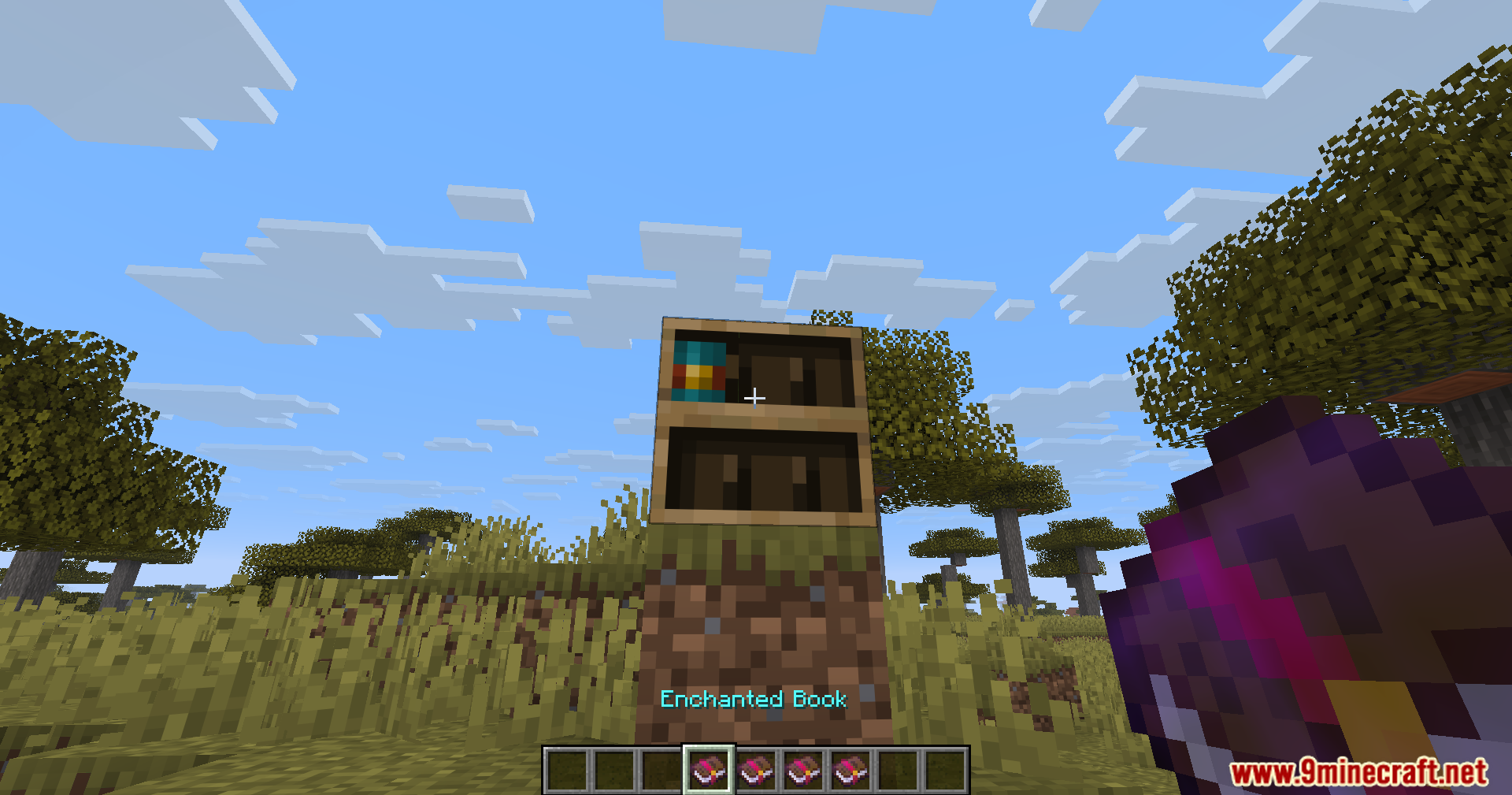
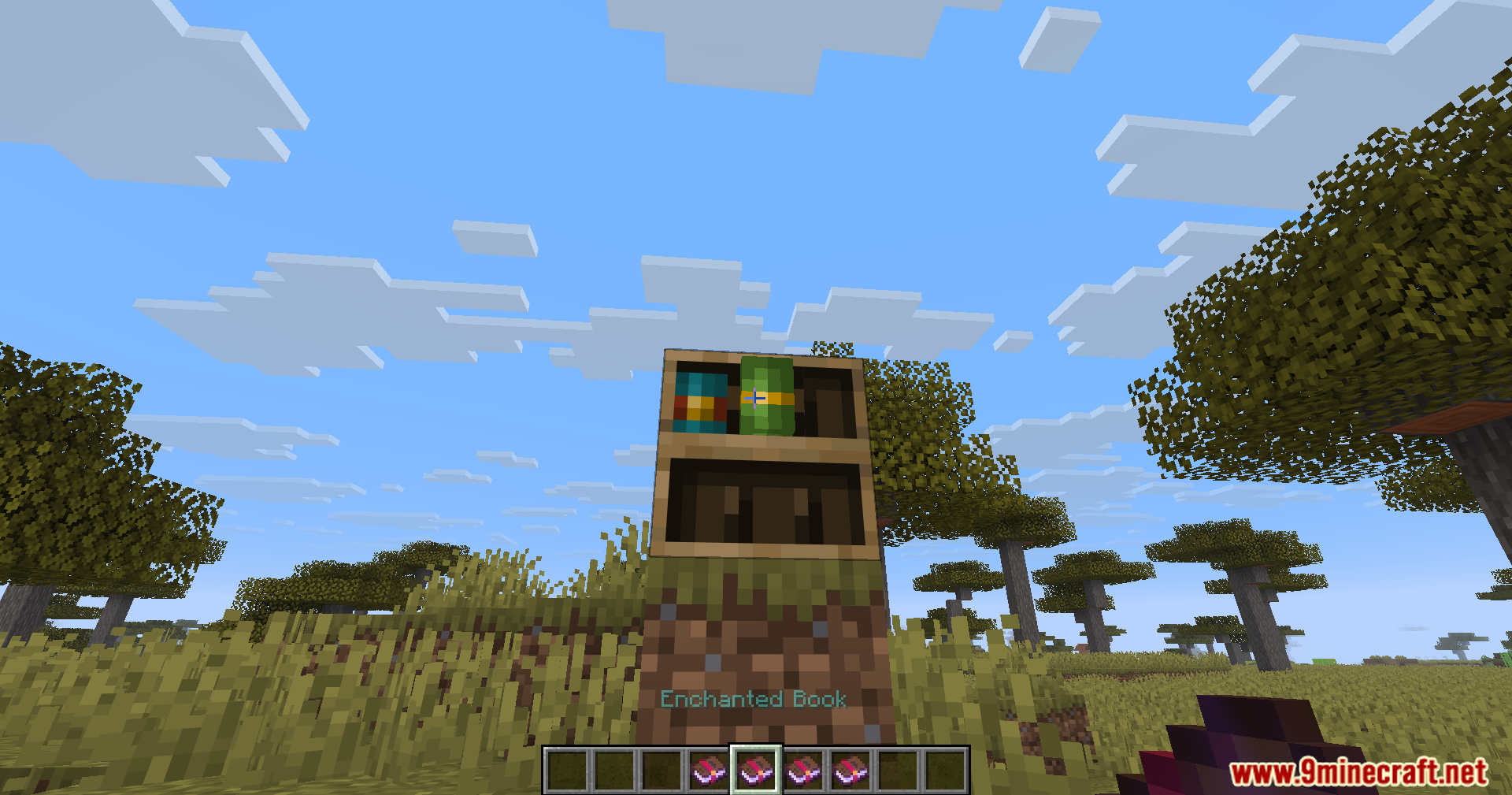
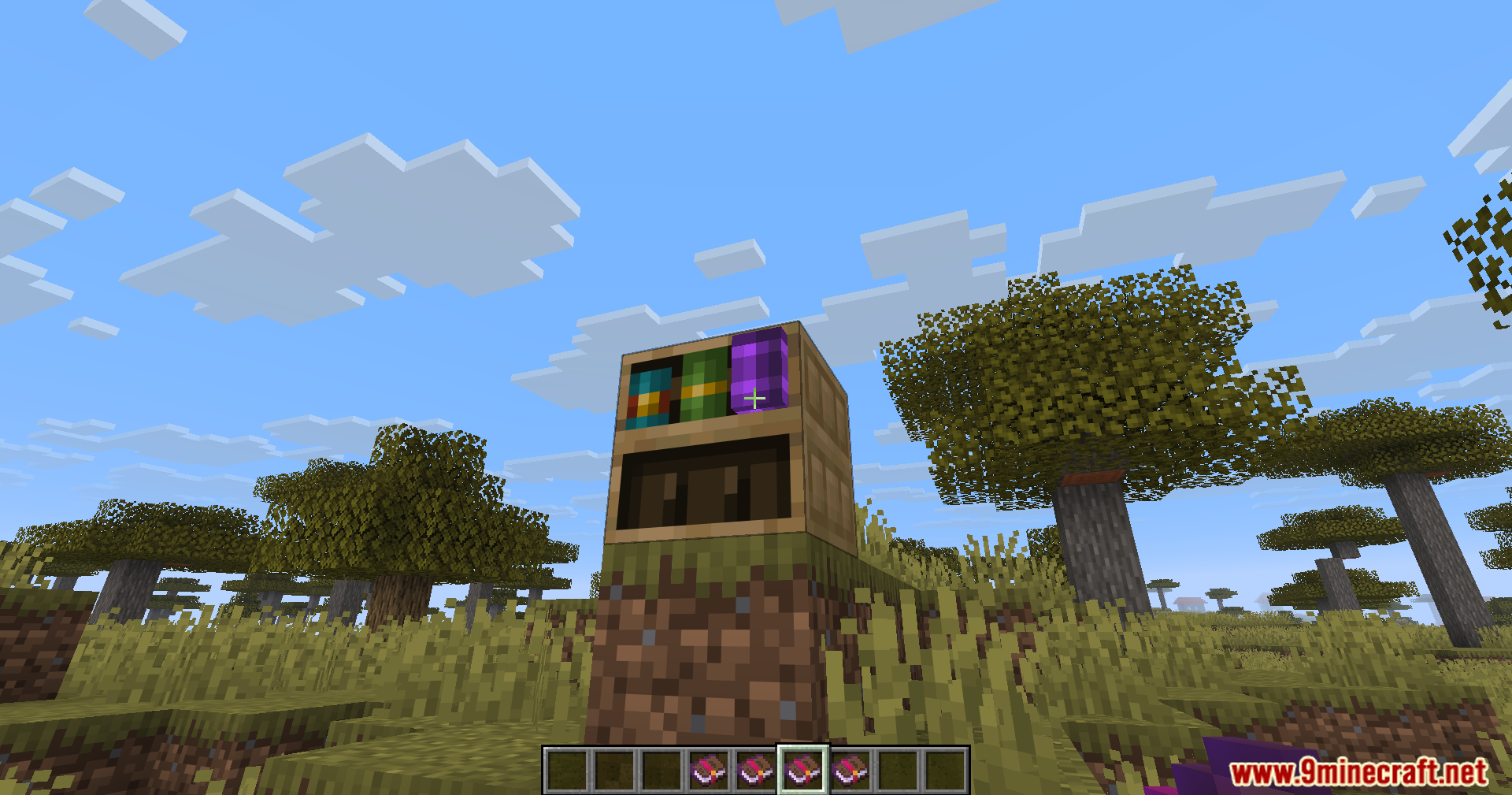
Fwa Mod adds moving animations to blocks you use in the game. It makes items like doors, chests and levers move when you click them. You will see things swing, open and spin instead of just snapping into place.
Features:
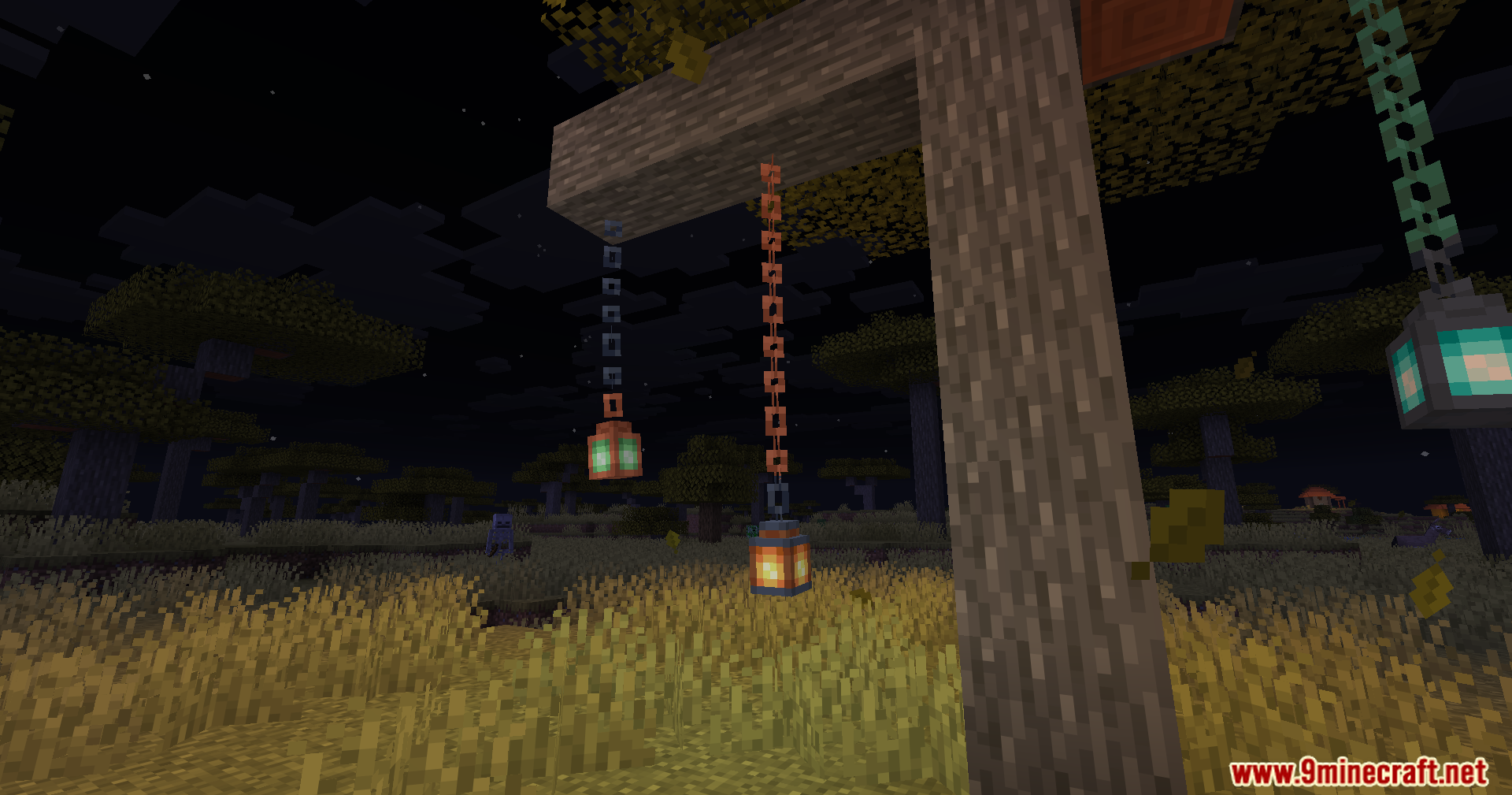
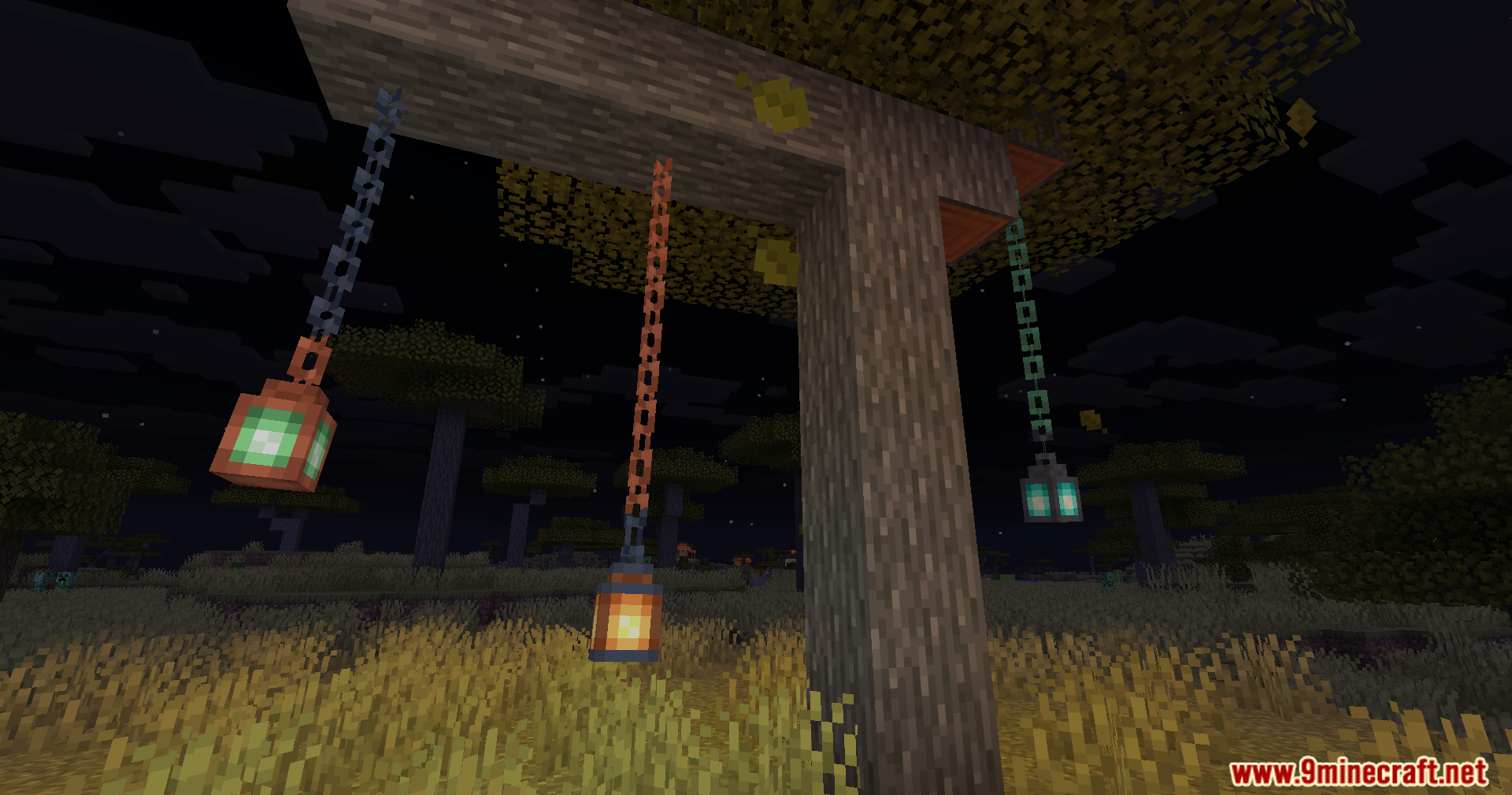
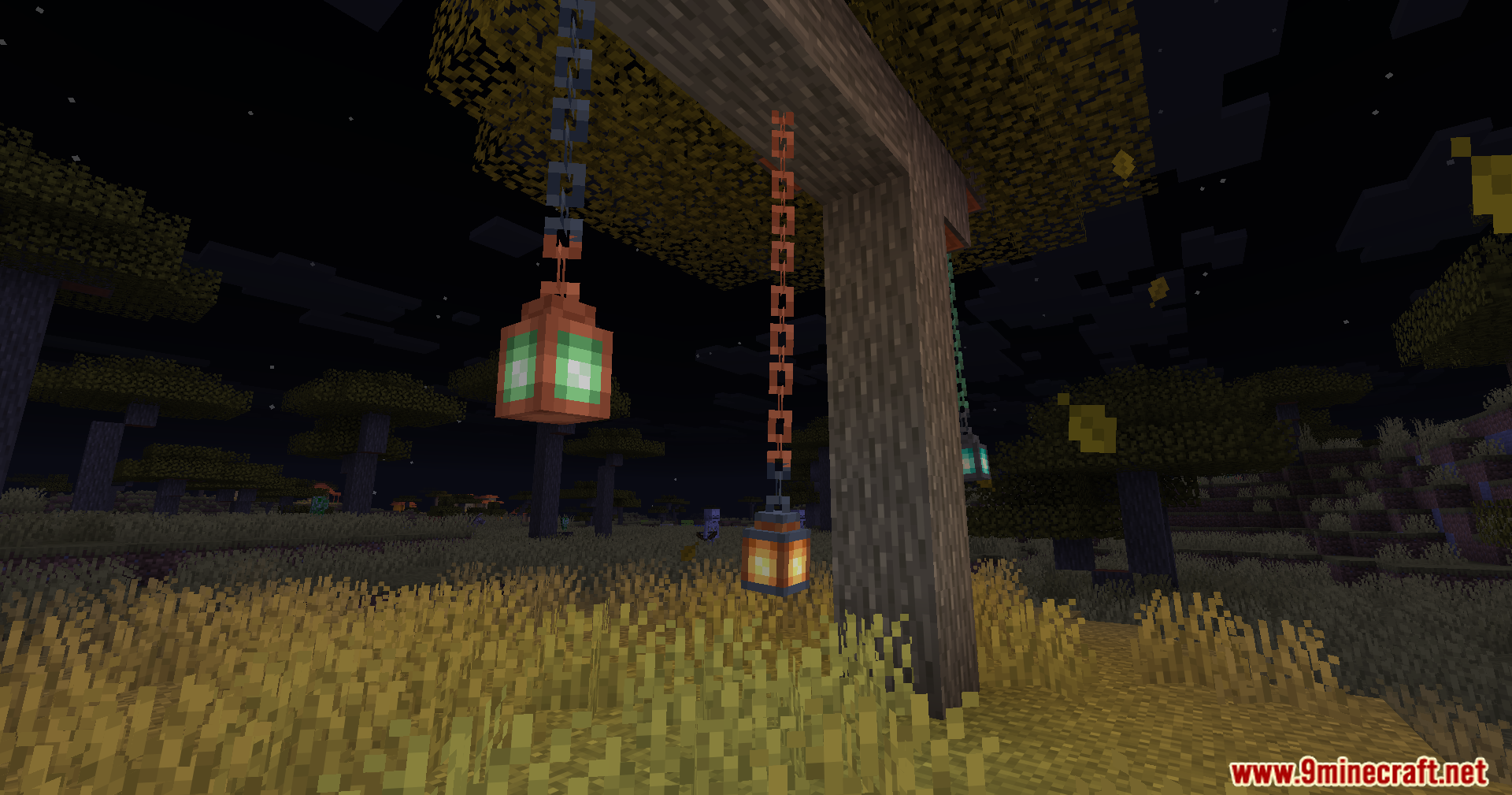
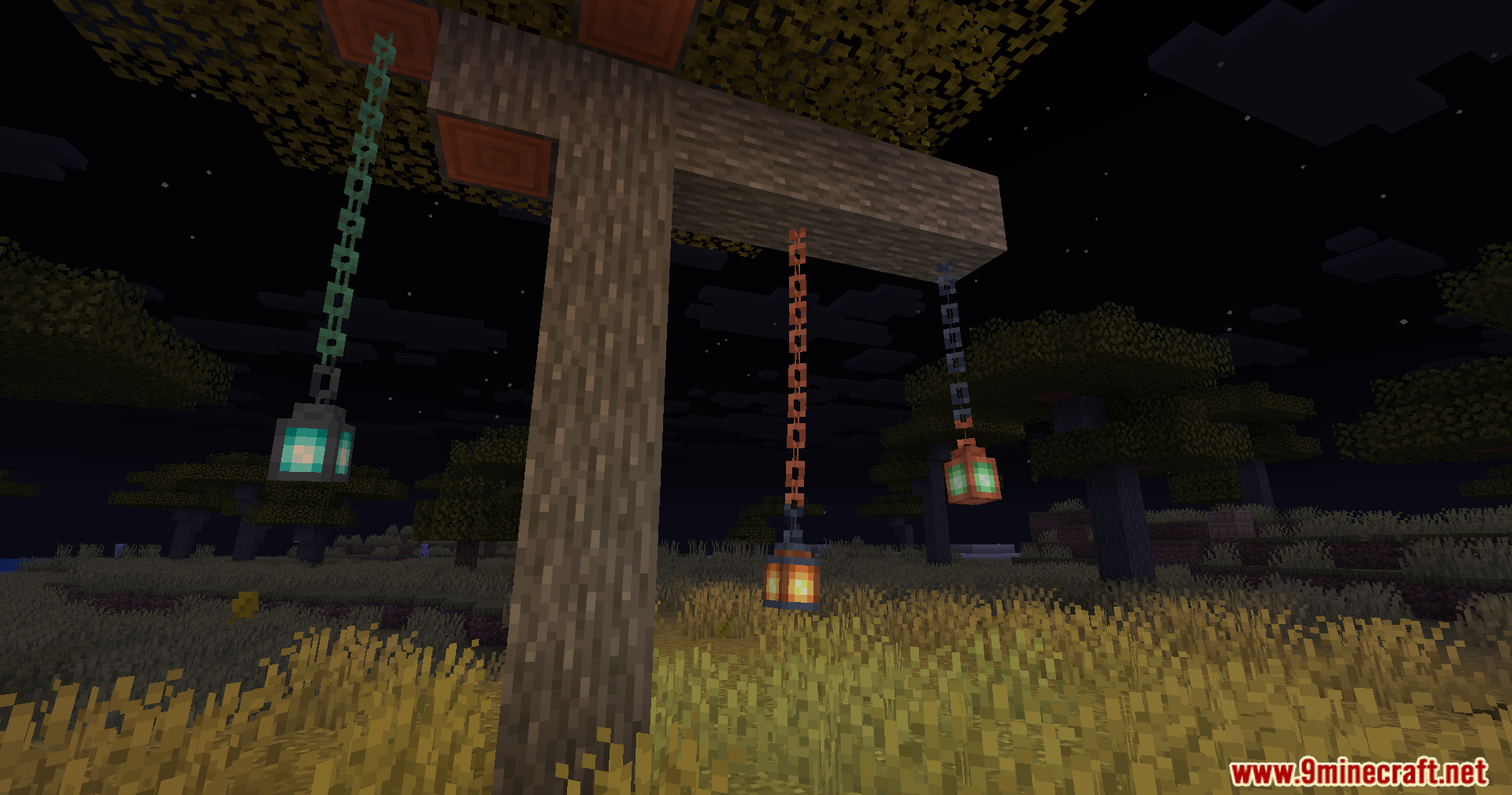
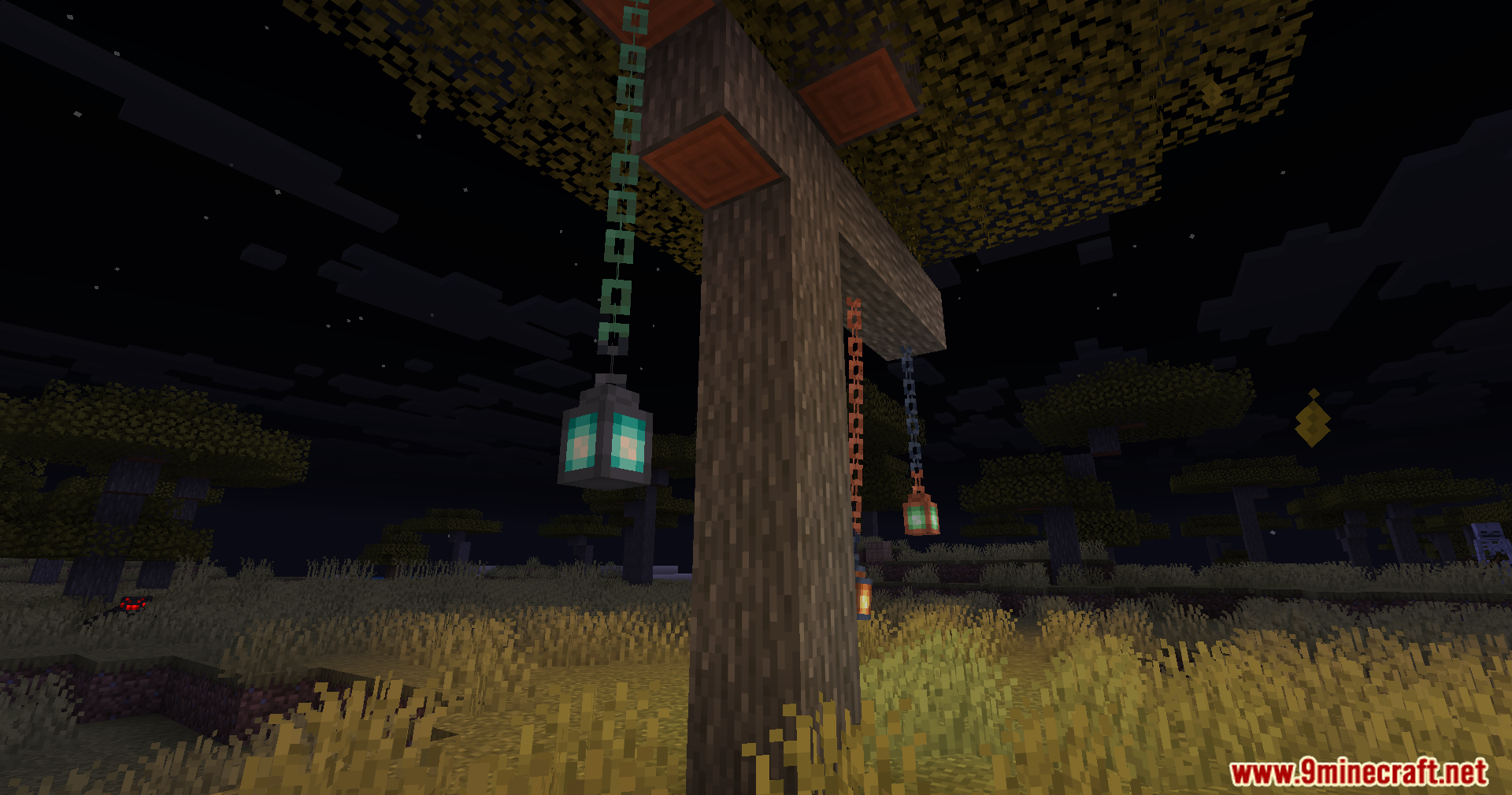
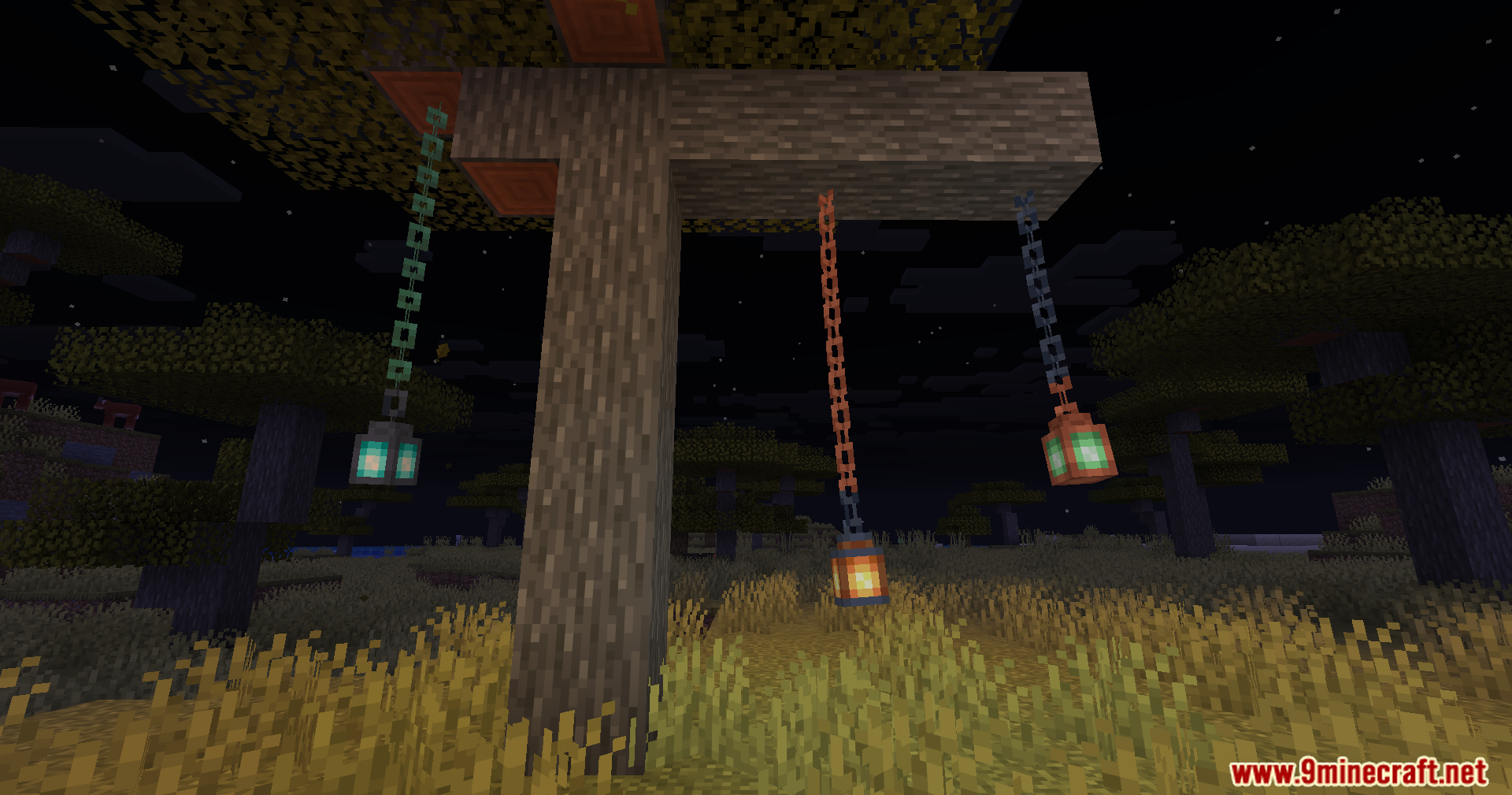
- Swinging Lanterns: Lanterns will hang and swing back and forth in the air.
- Jukebox Discs: You can see the music disc spin inside the jukebox while it plays a song.
- Custom Chests: You can change how chests look when they open and close.
- Animated doors, trapdoors, and fence gates.
- Moving levers and buttons when you press them.
- Animated repeaters, cauldrons, and composters.
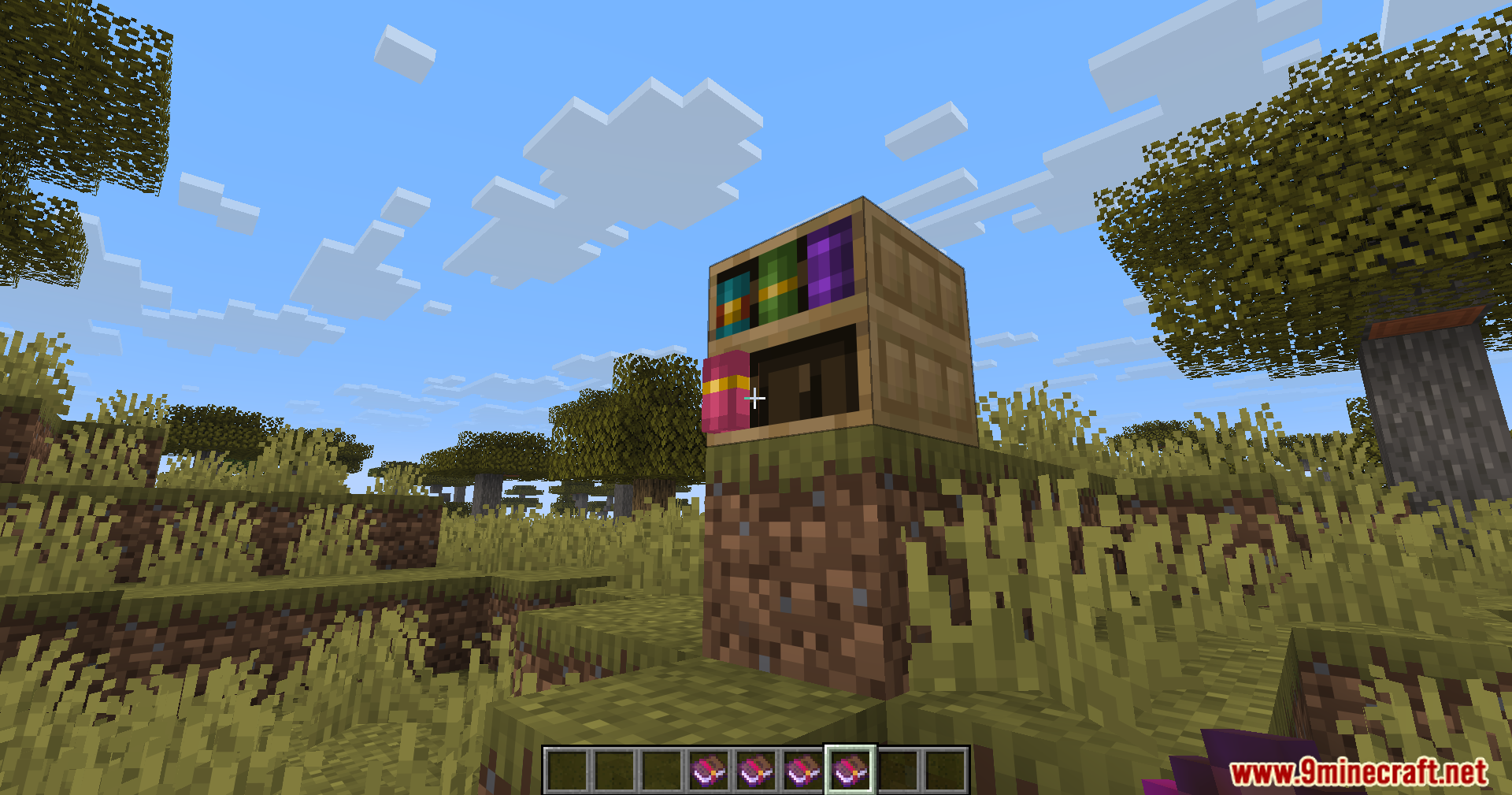
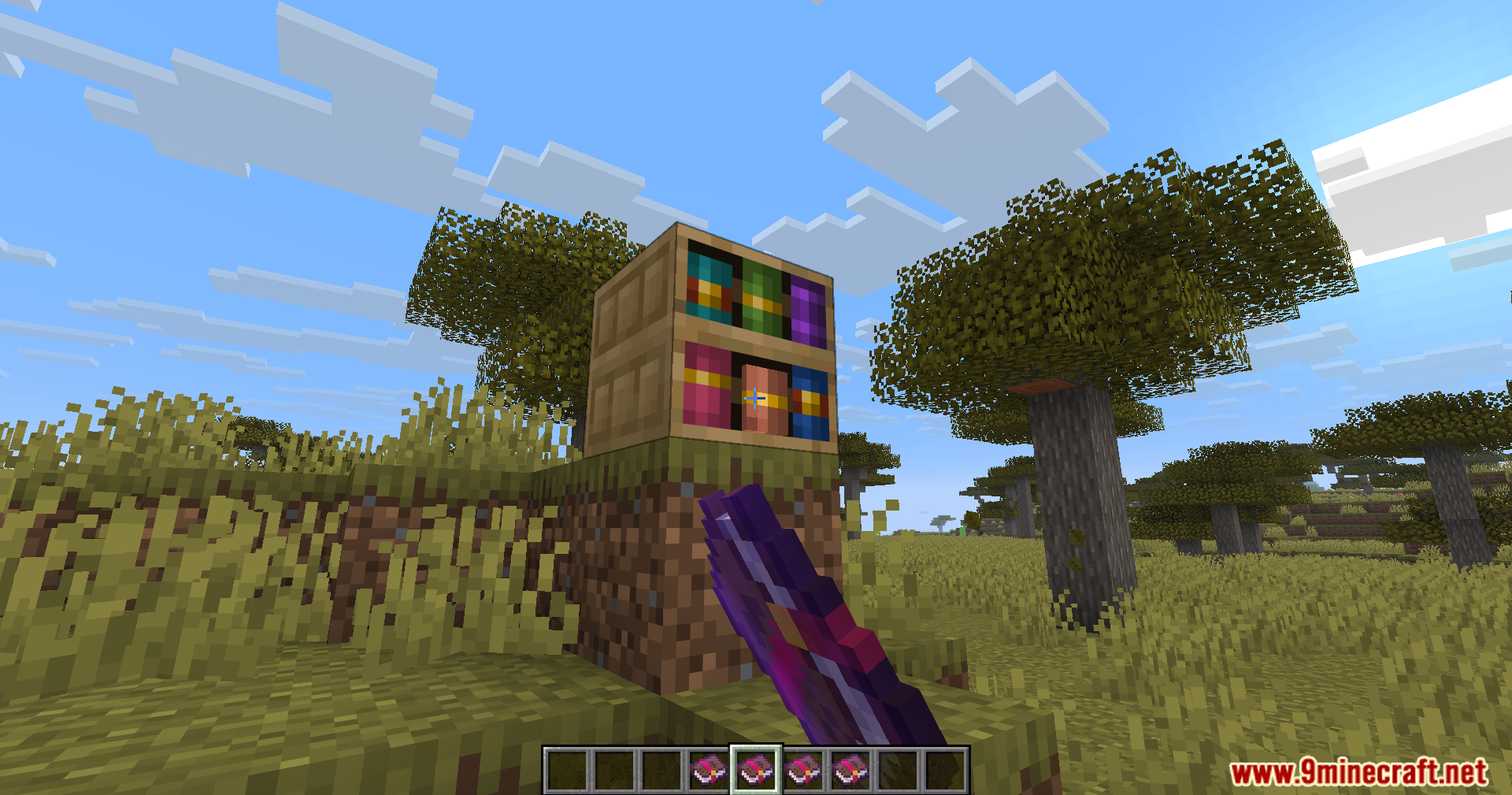
- Moving campfires and chiseled bookshelves.
- Idling lecterns and bells that move slightly on their own.
- Eye-preview on end portal frames: See the eye before you fully place it.
- Opening animations for vaults.
Configuration:
- Use the command
/fwaConfigto open the settings menu. - You can also change settings by opening the file at
.minecraft/config/fwa.json. - To stop a specific block from moving, add it to the blacklist file like this:
{ "mods":[ "create" ], "blocks":[ "minecraft:spruce_door" ] }
Screenshots:
Fwa Mod Download Links
Quick facts
- Edition: Minecraft Java
- File type: .jar
- Minecraft version listed: 1.20.1
- How to install: Install the matching mod loader (Forge, Fabric or NeoForge) for your Minecraft version. → Download the .jar. → Put it in the .minecraft/mods folder and launch that loader profile.
- Where to get it: In MC Java Mods, or directly above on this page.
Install steps are the general flow for this file type — How to install Minecraft Java mods & modpacks walks through it step by step.
Verified by MCModsHub
- Downloads as 25343.mcaddon
- Download size: 206 KB
- Download link checked 25 Sept 2026 — working
- Mirrored on our own servers — the download does not depend on the original host
These come from our own check of the pack file, not from the source page.