Potion Counter Mod (26.2, 1.20.1) – Potion Display Overlay
Java mod listed for Minecraft 1.20. Downloads from the MC Java Mods app on Android.
⬇ Download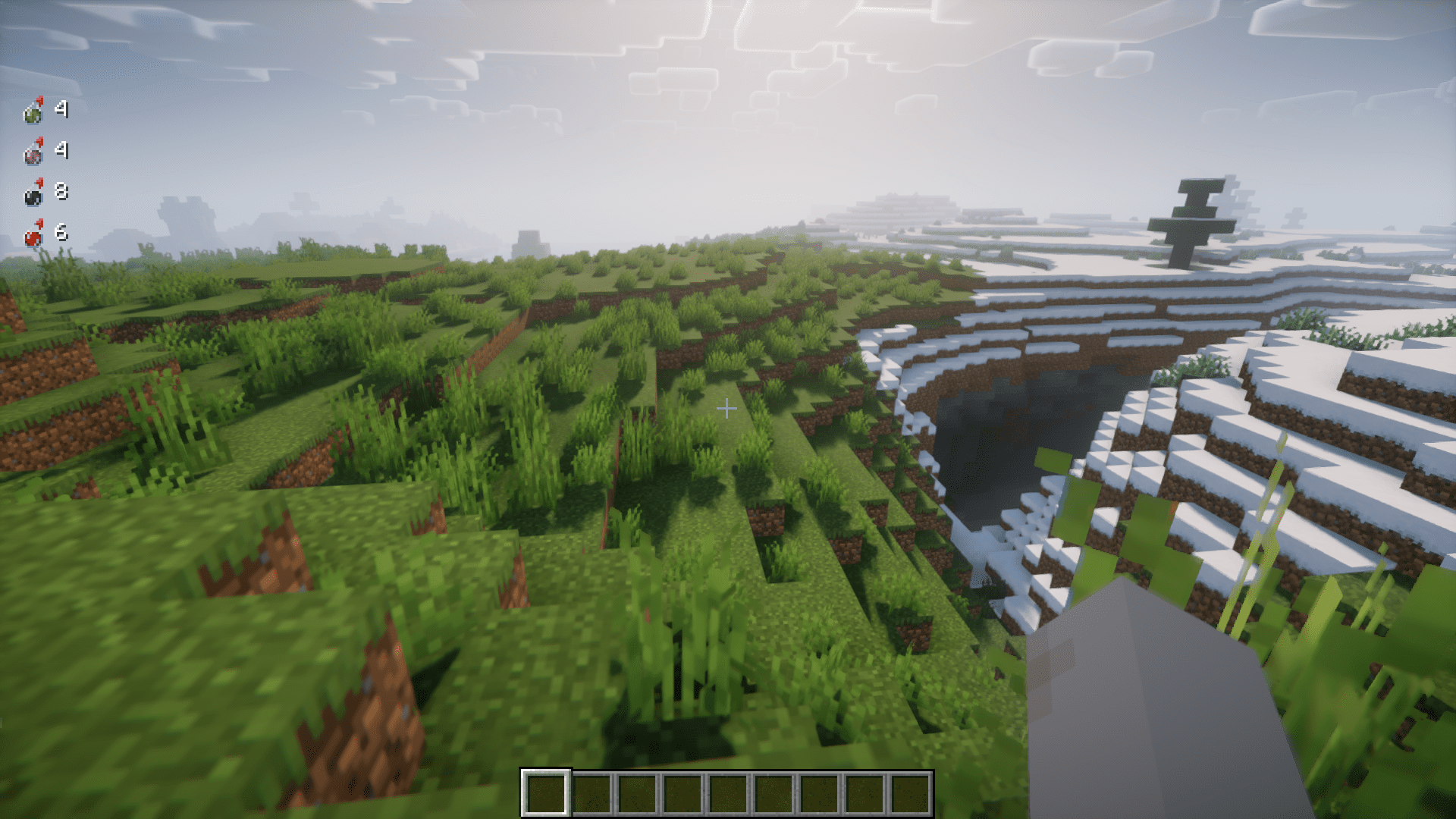
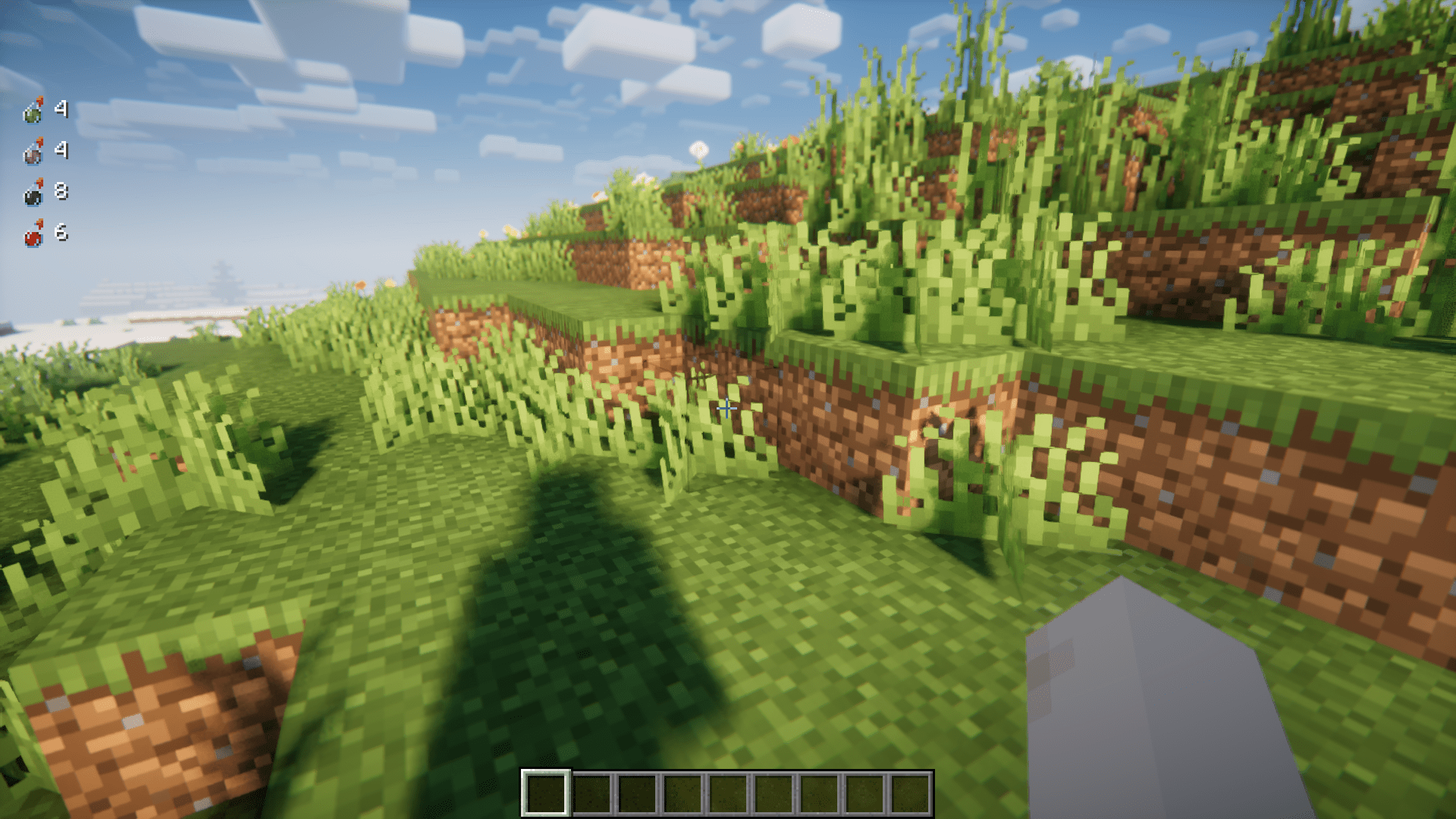
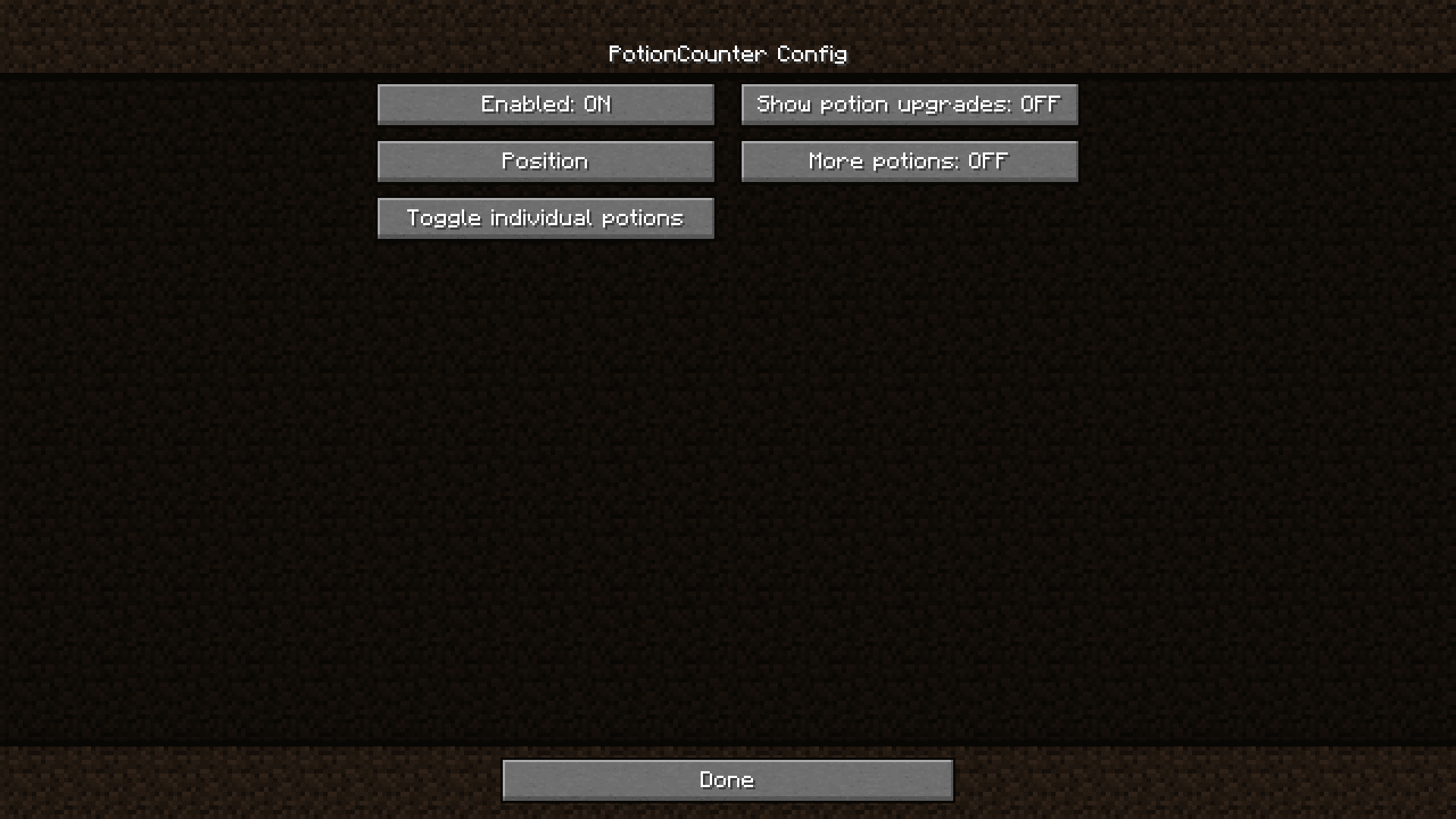
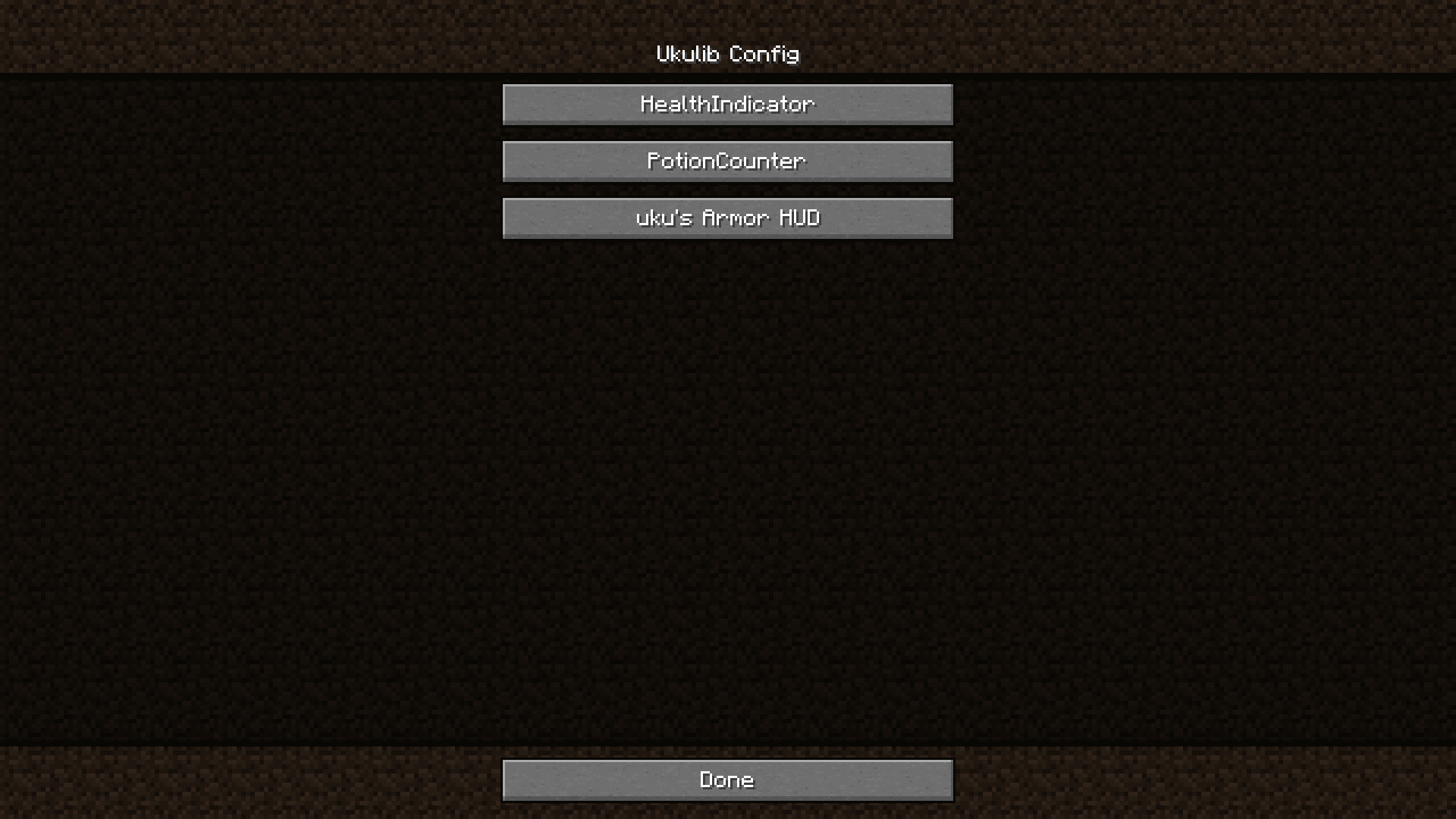
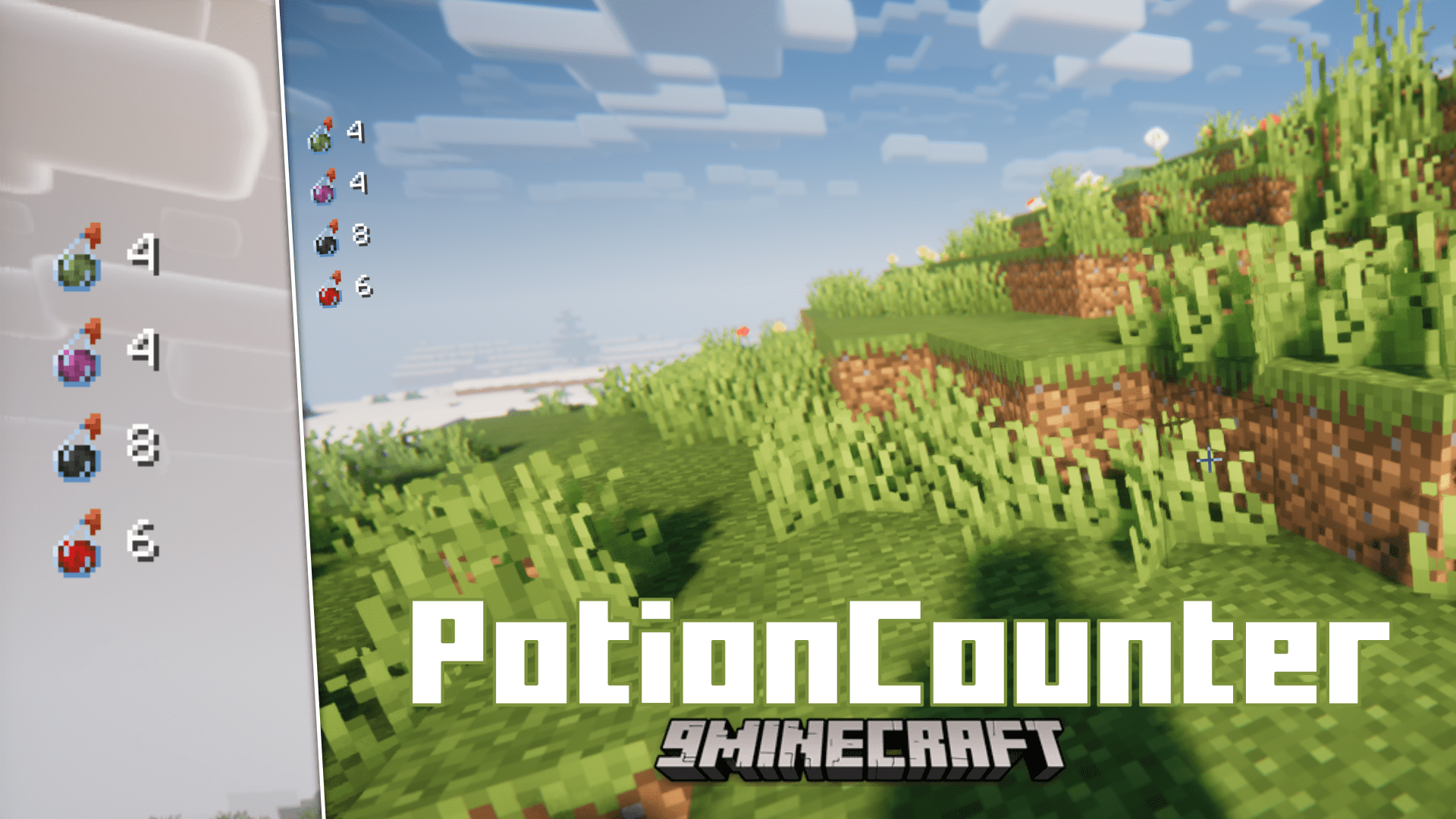
Potions in Minecraft cannot be stacked. So you will have to place some potions in your hotbar slots and the rest in your inventory. But having to open your inventory to check the number of potions you have is an inconvenience, especially when you are in combat. Potion Counter Mod fixes this by adding an overlay that displays how many potions, and of what kind, you have left in your inventory. This gives you information regarding the potions you have at a glance.
Features:
- Displays the remaining number of potions in your inventory, enhancing gameplay convenience.
- Highlights upgraded potions (e.g., redstone and glowstone enhancements) for easy identification.
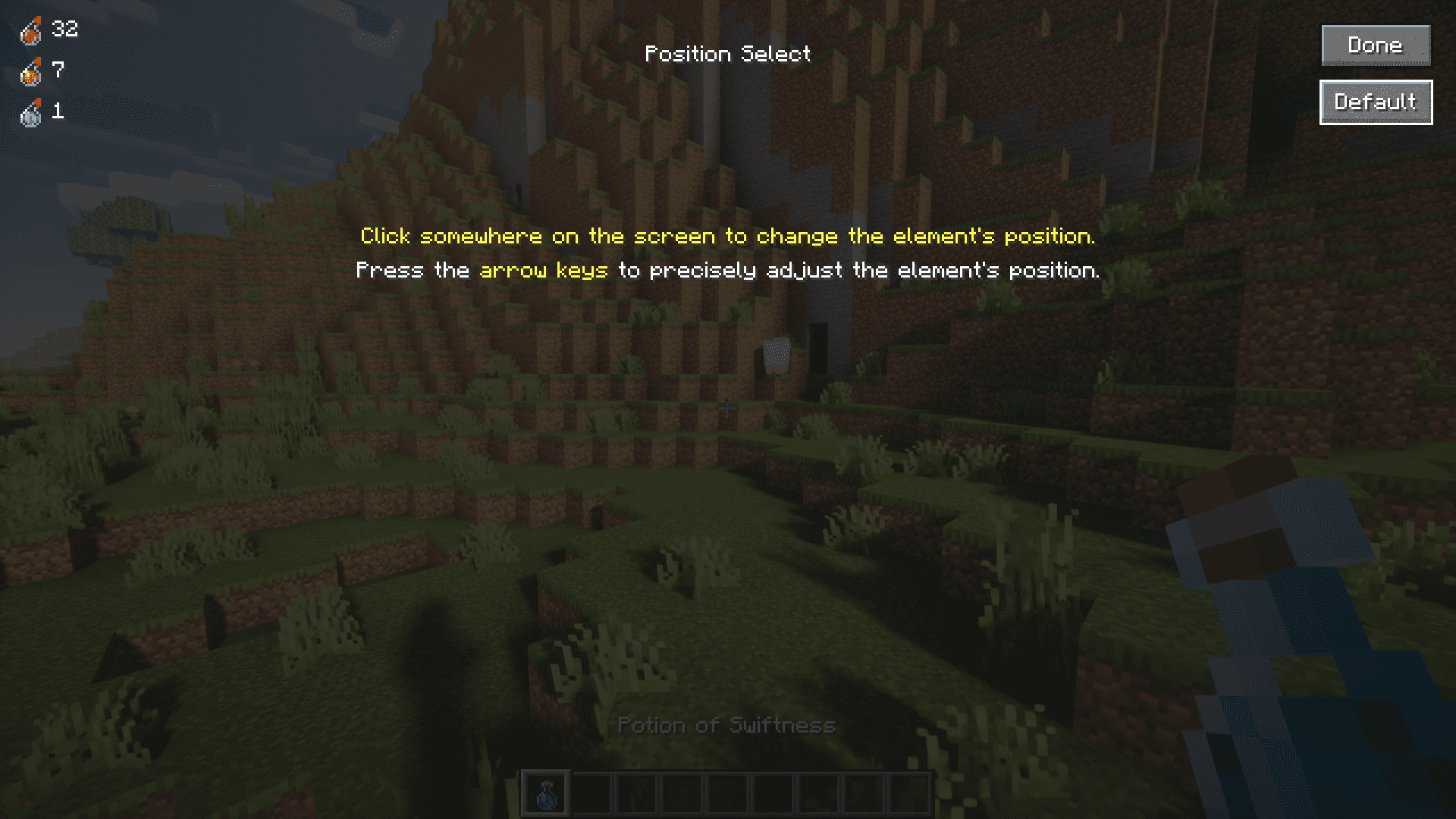
- Allows you to customize the HUD position for the potion counter, tailored to your preference.
- The configurable features of this mod can easily be configured in-game by installing the Ukulib library mod alongside this mod.
Screenshots:
Potion Counter Mod Download Links
- Edition: Minecraft Java
- File type: .jar
- Minecraft version listed: 1.20.1
- How to install: Install the matching mod loader (Forge, Fabric or NeoForge) for your Minecraft version. → Download the .jar. → Put it in the .minecraft/mods folder and launch that loader profile.
- Where to get it: In MC Java Mods, or directly above on this page.
Install steps are the general flow for this file type — How to install Minecraft Java mods & modpacks walks through it step by step.
- Downloads as 25347.mcaddon
- Download size: 35 KB
- Download link checked 22 Sept 2026 — working
- Mirrored on our own servers — the download does not depend on the original host
These come from our own check of the pack file, not from the source page.