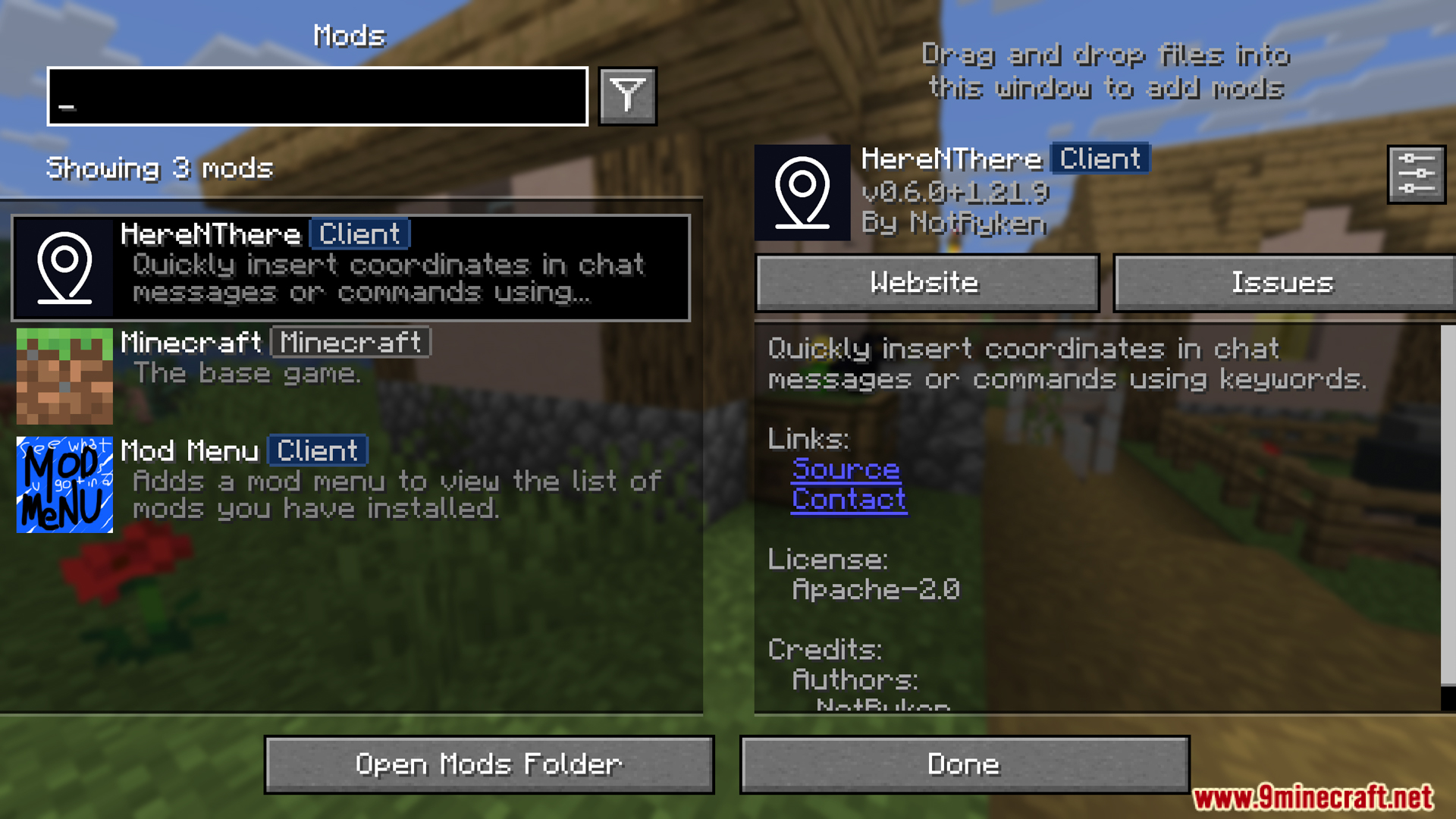
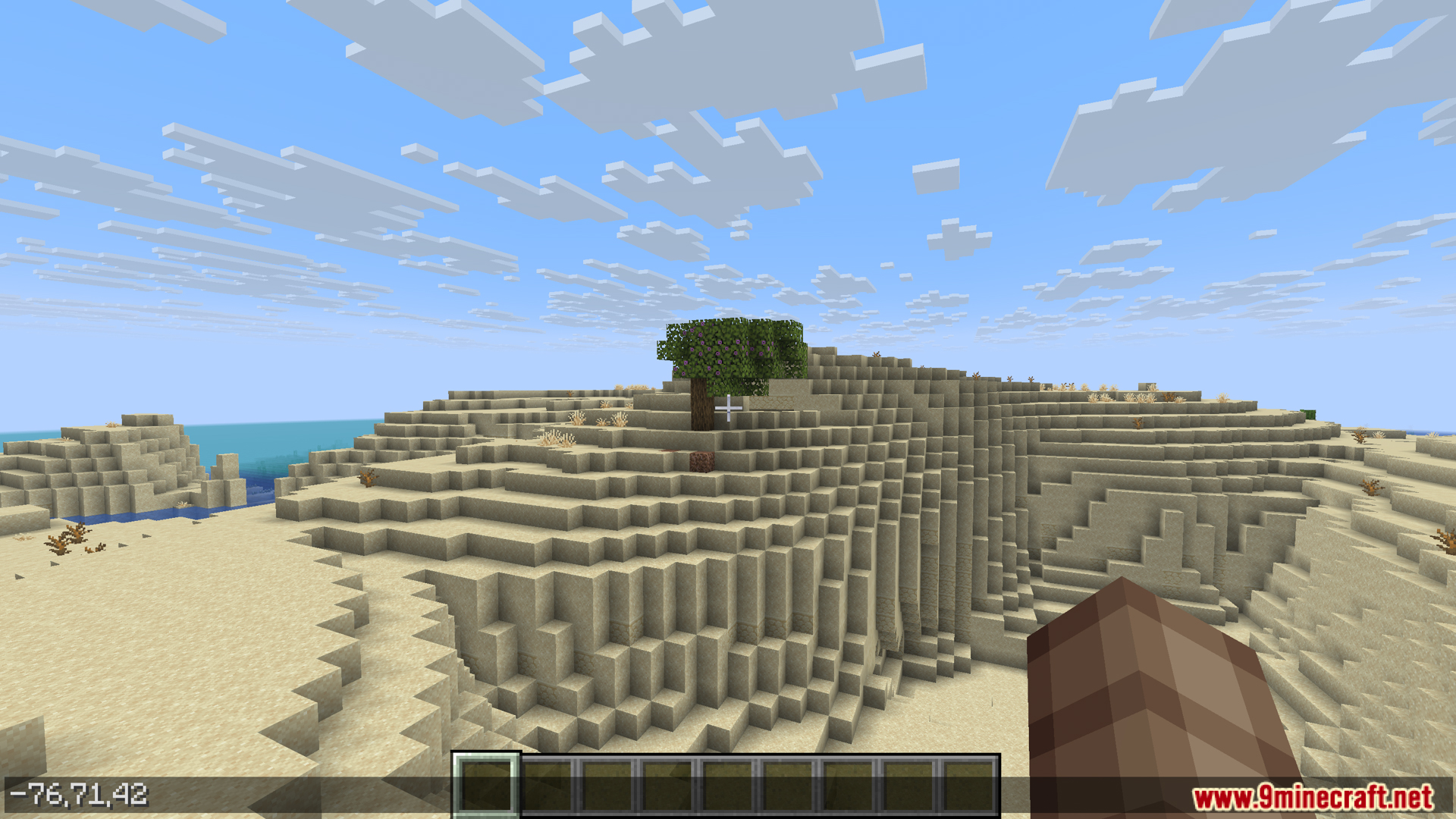
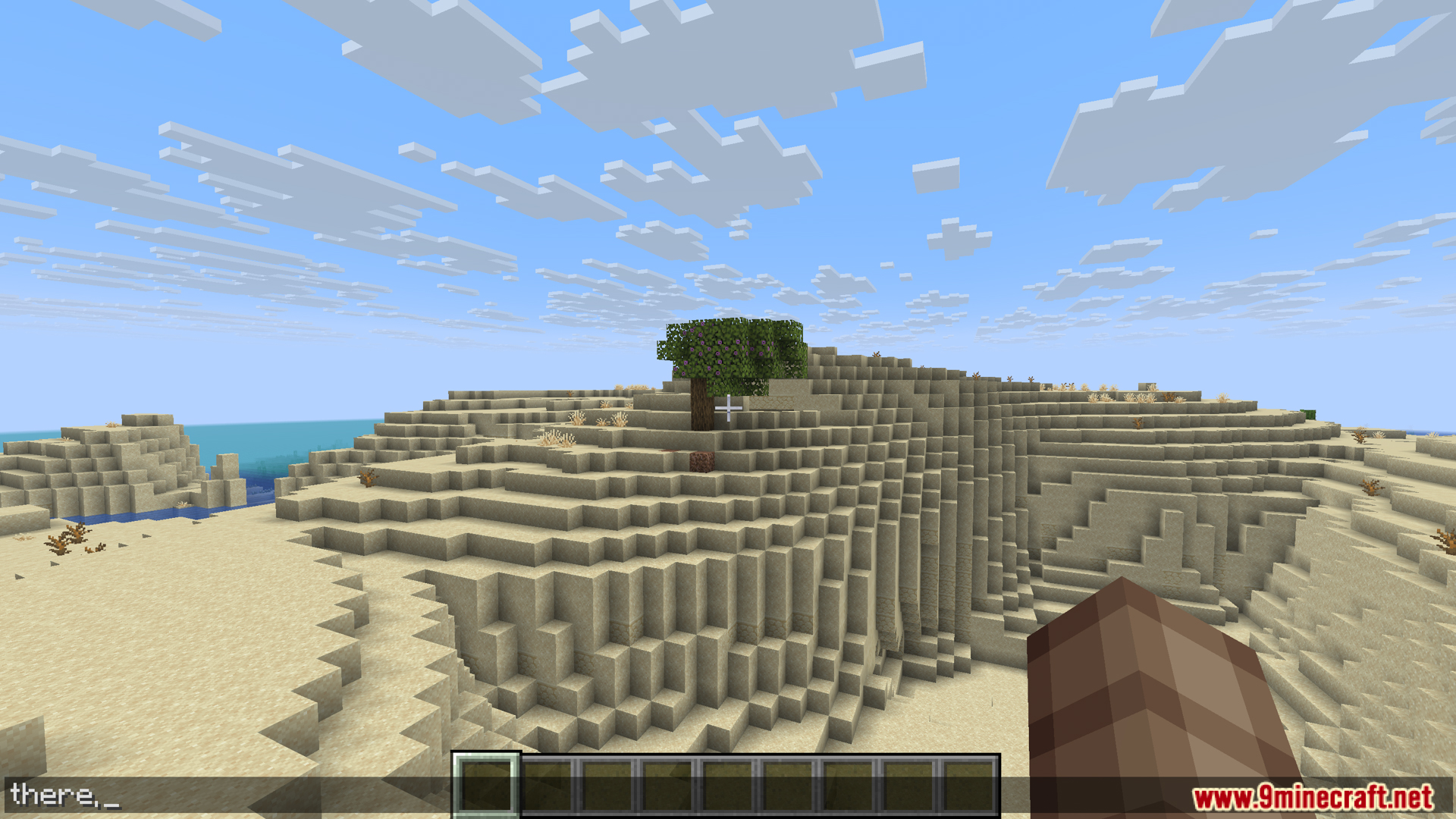
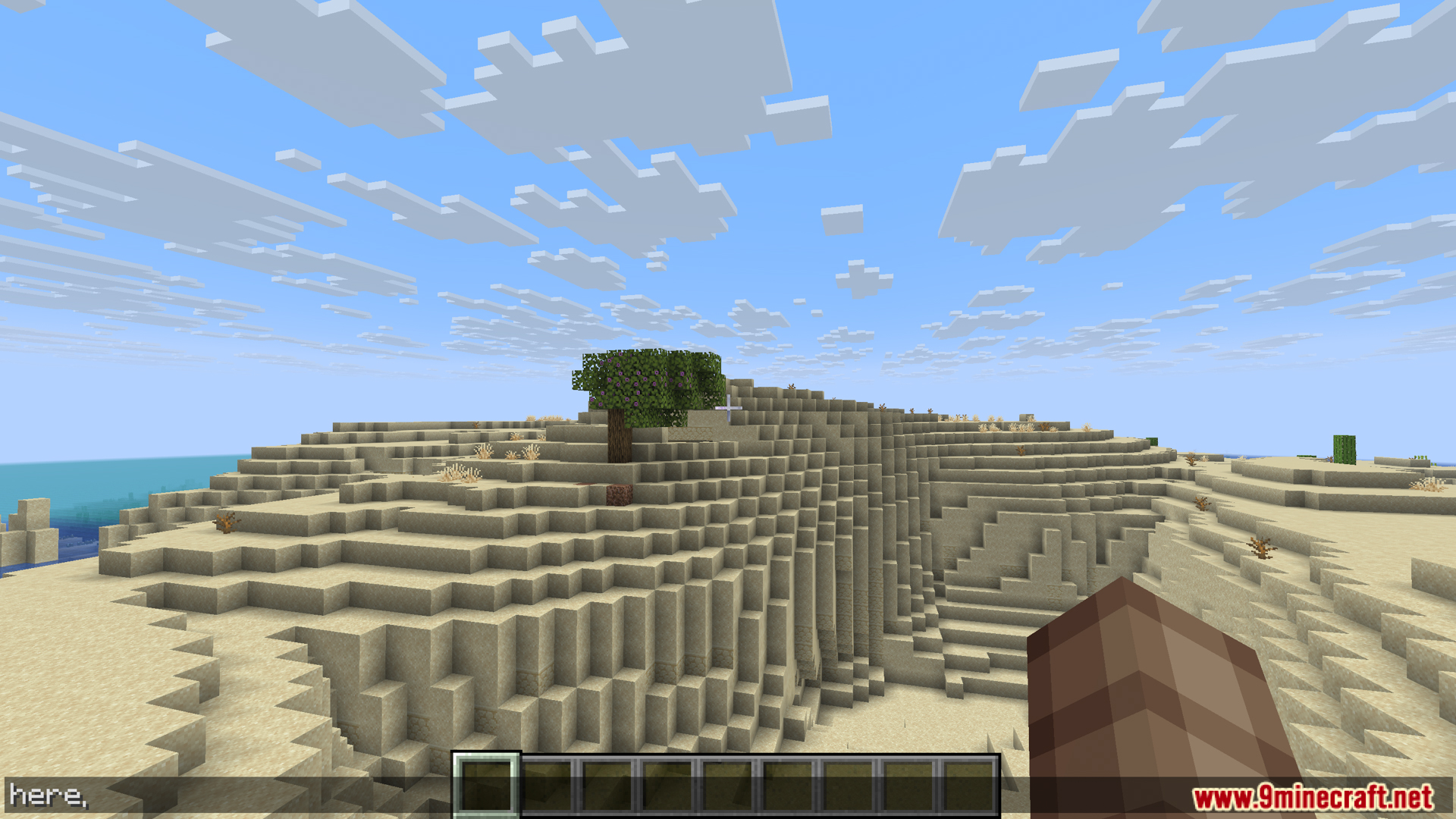
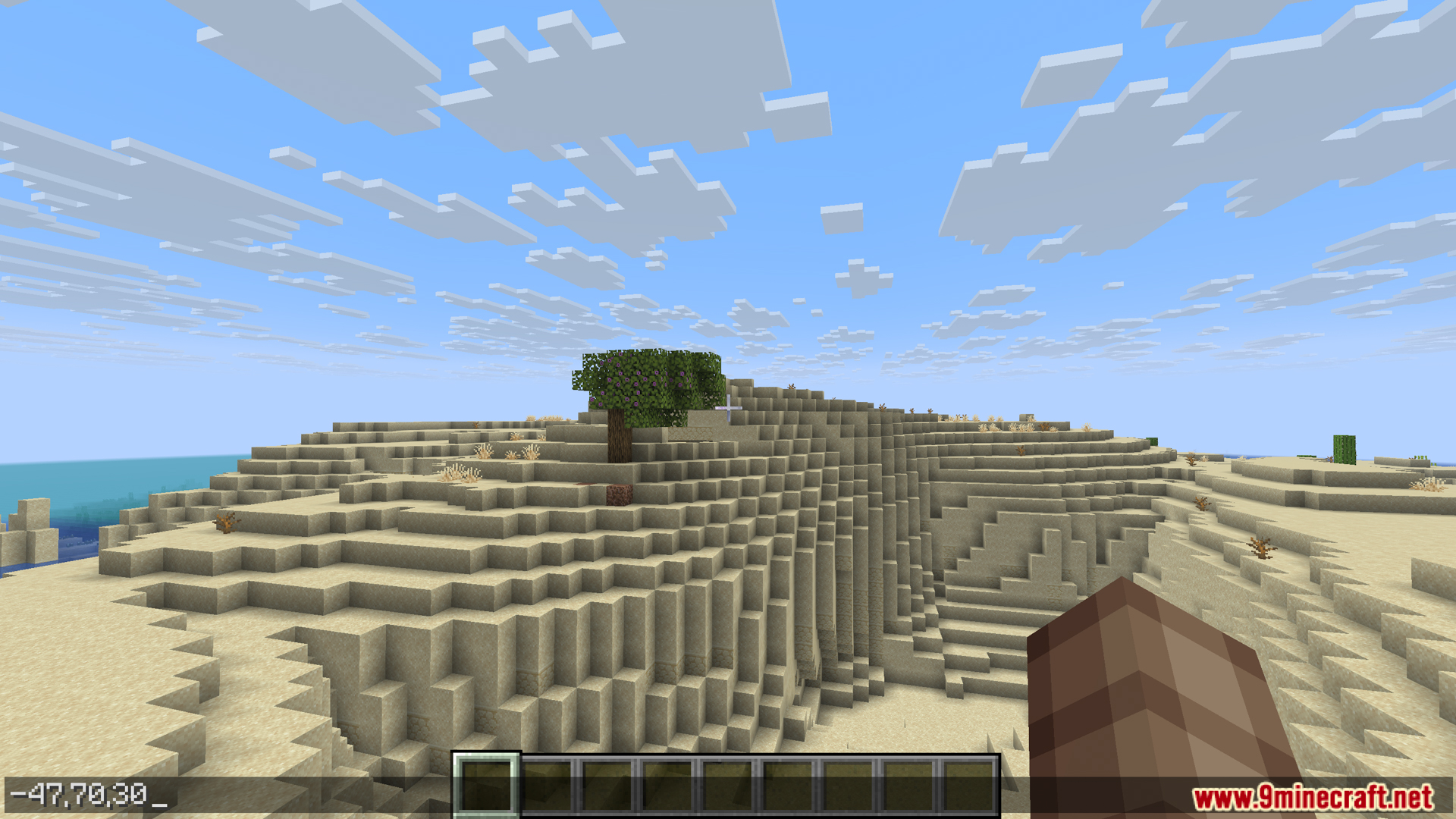
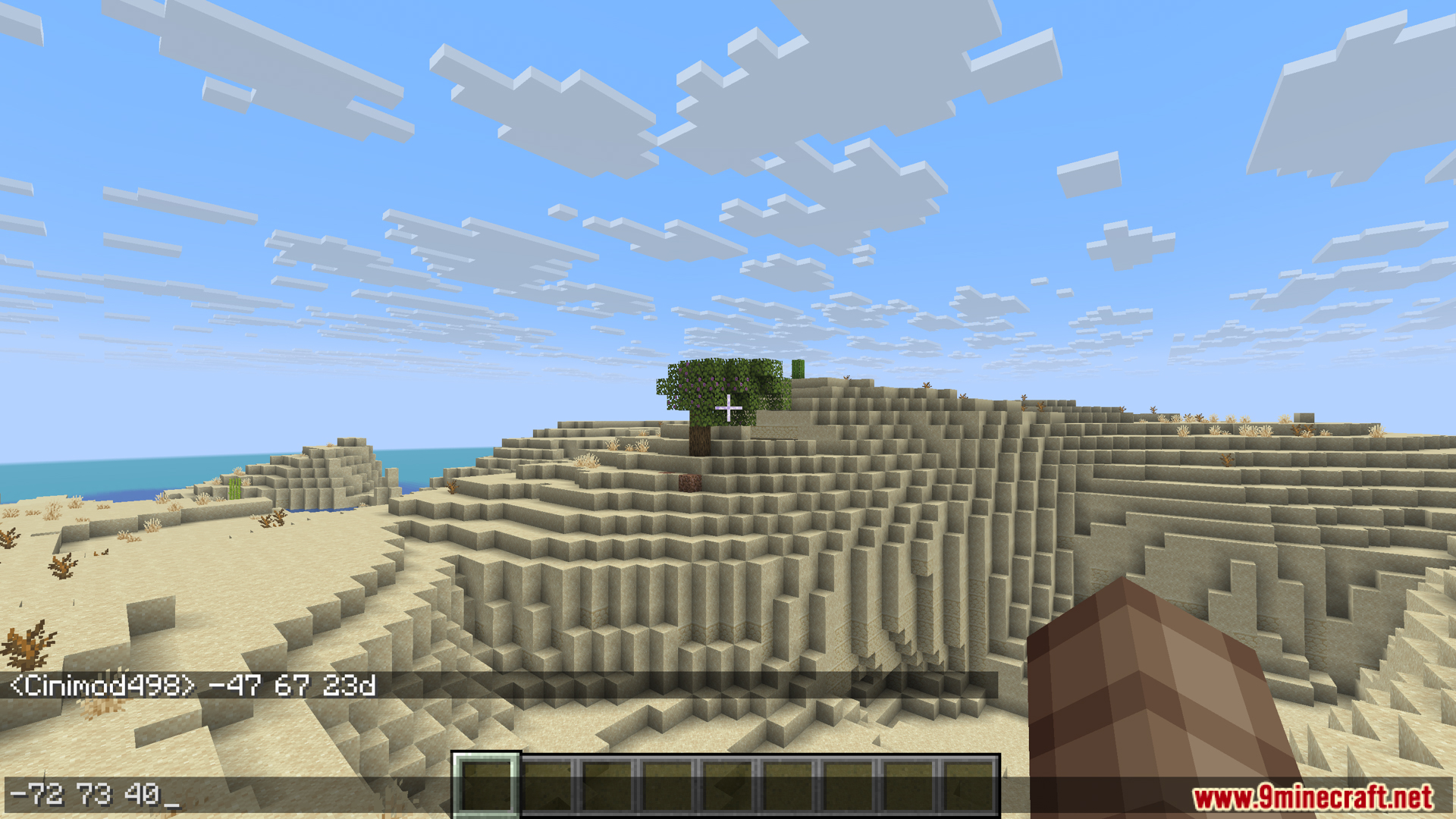
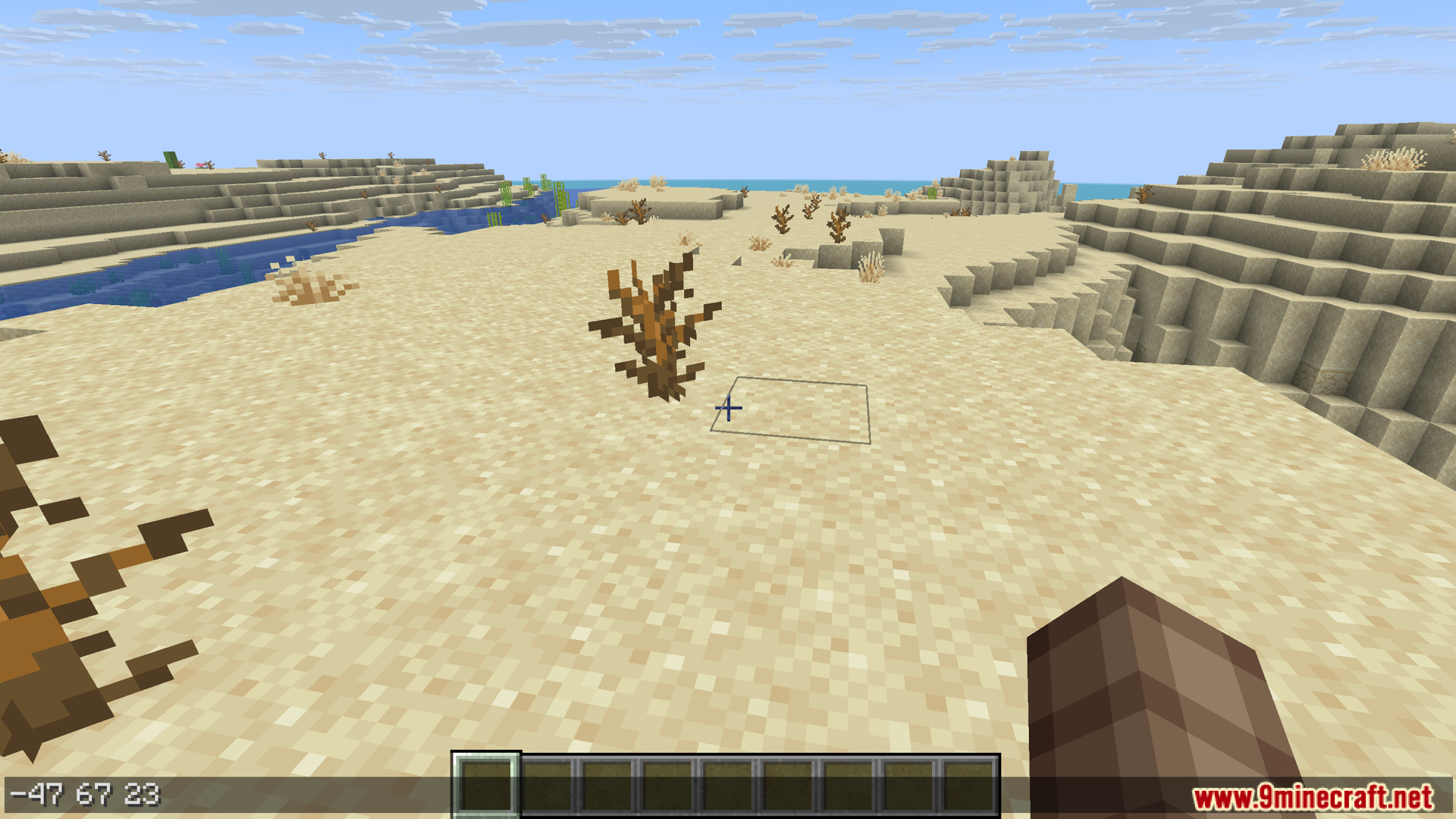
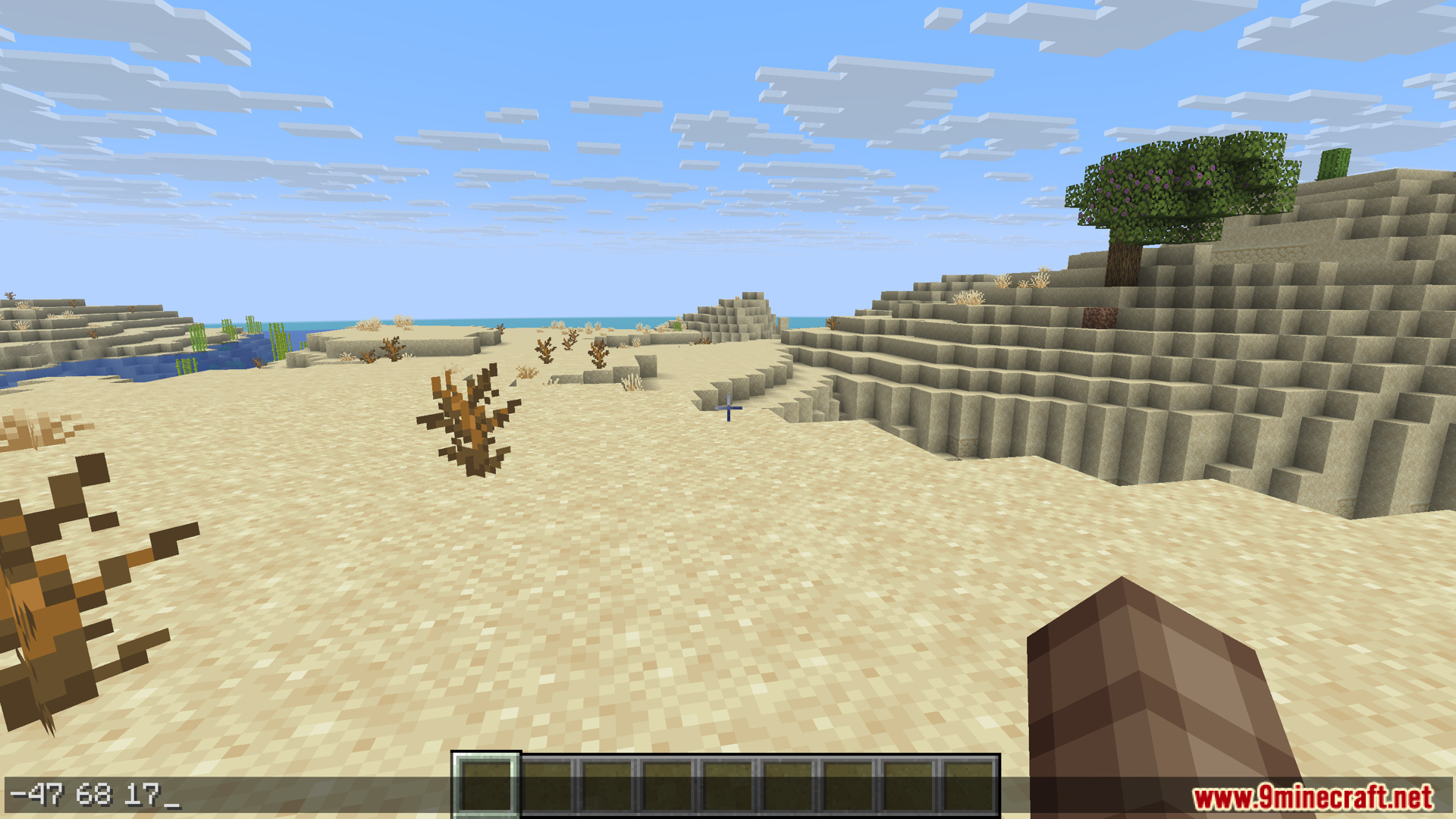
Here N There Mod is a simple and convenient mod for Minecraft that lets you, when chatting or typing commands, quickly add your current coordinates or the coordinates of the block you’re looking at, with just a keyword followed by pressing Tab.
Features:
- If you’re looking at a particular block, type the following words and then press “Tab”:
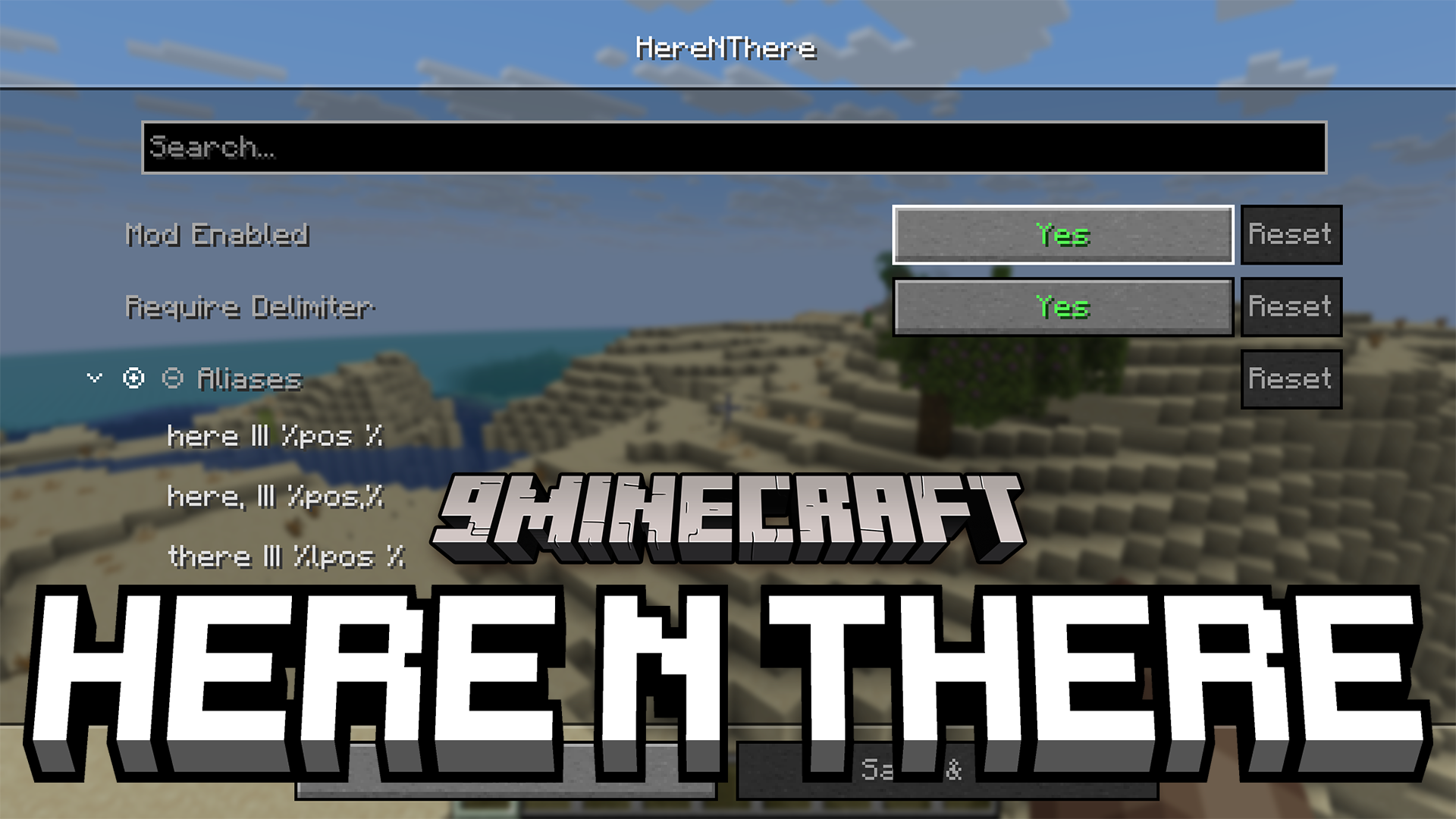
here– the player’s coordinates, formatted as x y zhere,– as above, formatted as x,y,zthere– the coordinates of the block that the player is looking at, formatted as x y zthere,– as above, formatted as x,y,z
- The mod allows you to configure more placeholders than the default alias. You can use placeholders like %pos% to get player coordinates, or %lpos% to get block coordinates, %x%, %y%, %z% to get one of the coordinate components, %facing% to get the vector, %dimension% to get the dimension, giving you the flexibility to customize the format almost as you want.
Screenshots:


Here N There Mod Download Links
Quick facts
- Edition: Minecraft Java
- File type: .jar
- Minecraft version listed: 1.21.1
- How to install: Install the matching mod loader (Forge, Fabric or NeoForge) for your Minecraft version. → Download the .jar. → Put it in the .minecraft/mods folder and launch that loader profile.
- Where to get it: In MC Java Mods, or directly above on this page.
Install steps are the general flow for this file type — How to install Minecraft Java mods & modpacks walks through it step by step.
Verified by MCModsHub
- Downloads as 25367.mcaddon
- Download size: 75 KB
- Download link checked 25 Sept 2026 — working
- Mirrored on our own servers — the download does not depend on the original host
These come from our own check of the pack file, not from the source page.