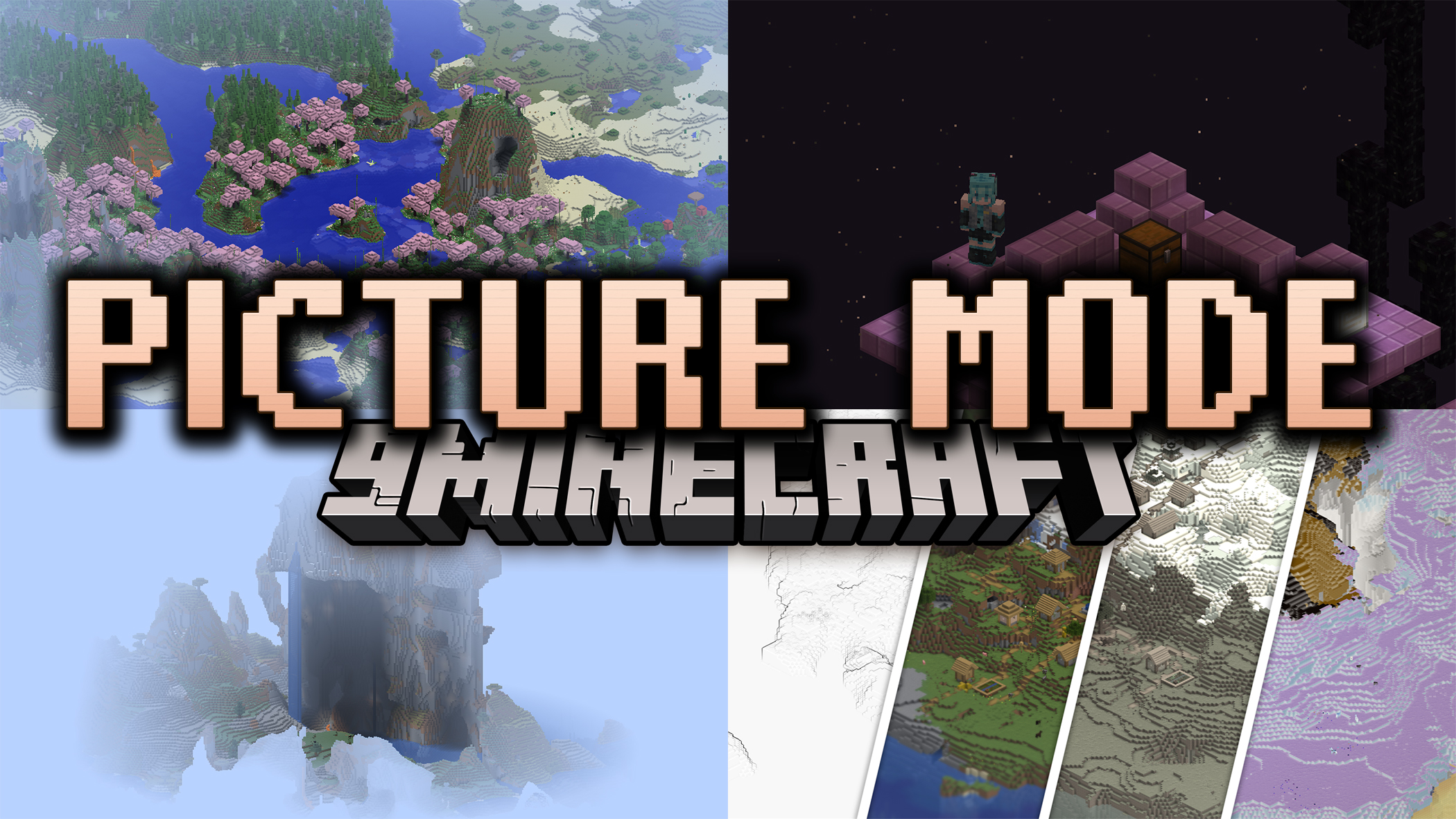
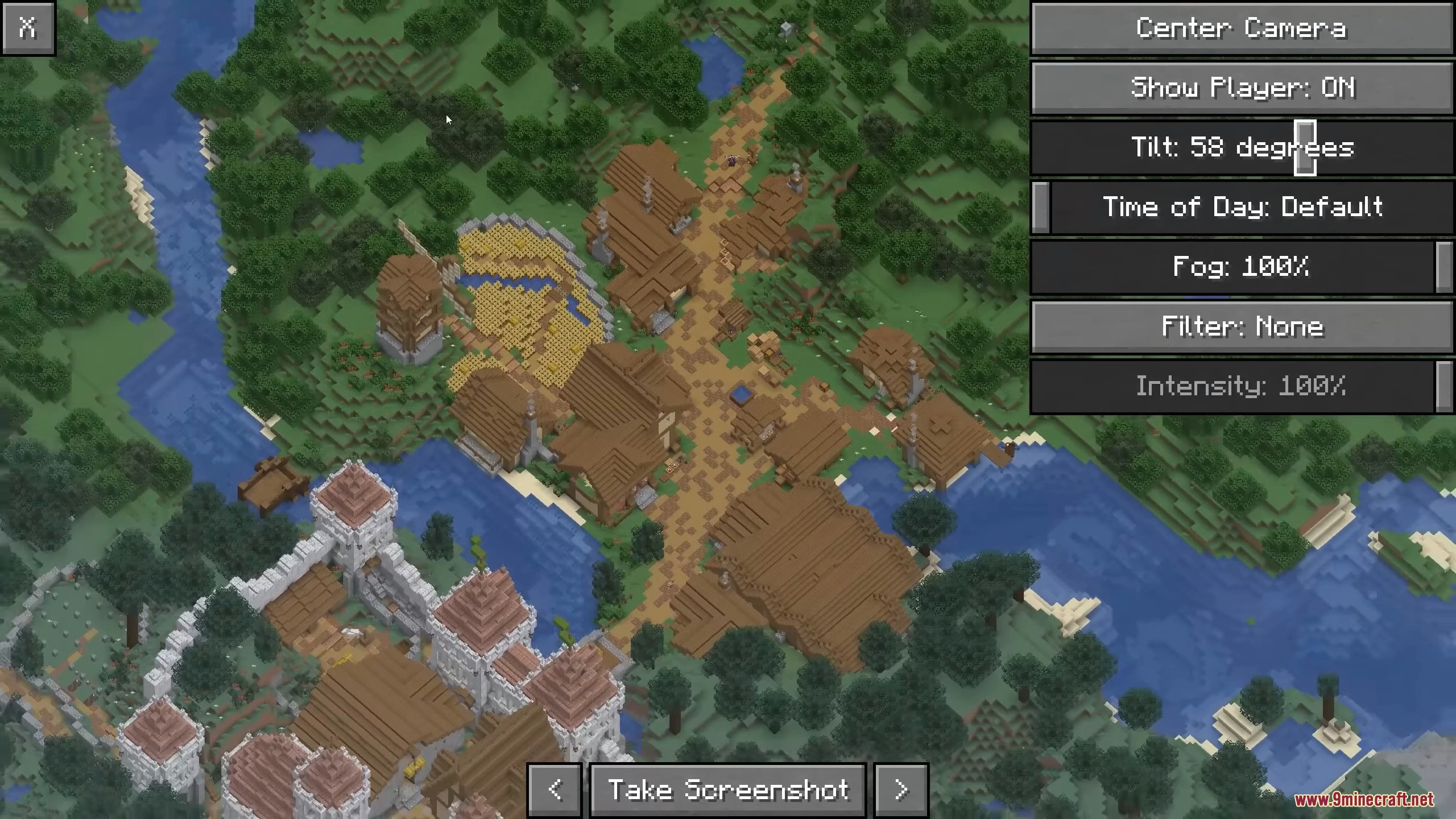
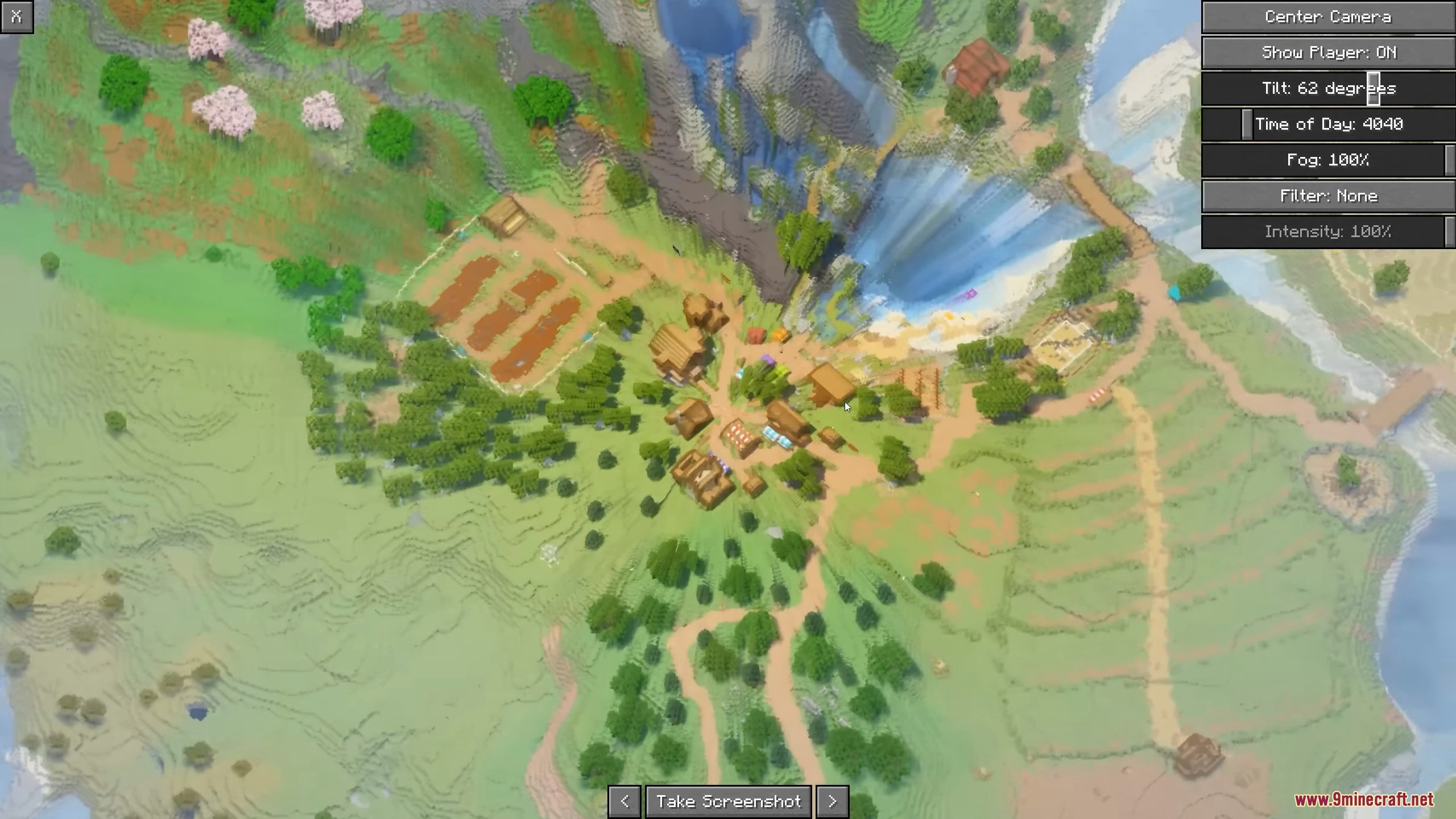
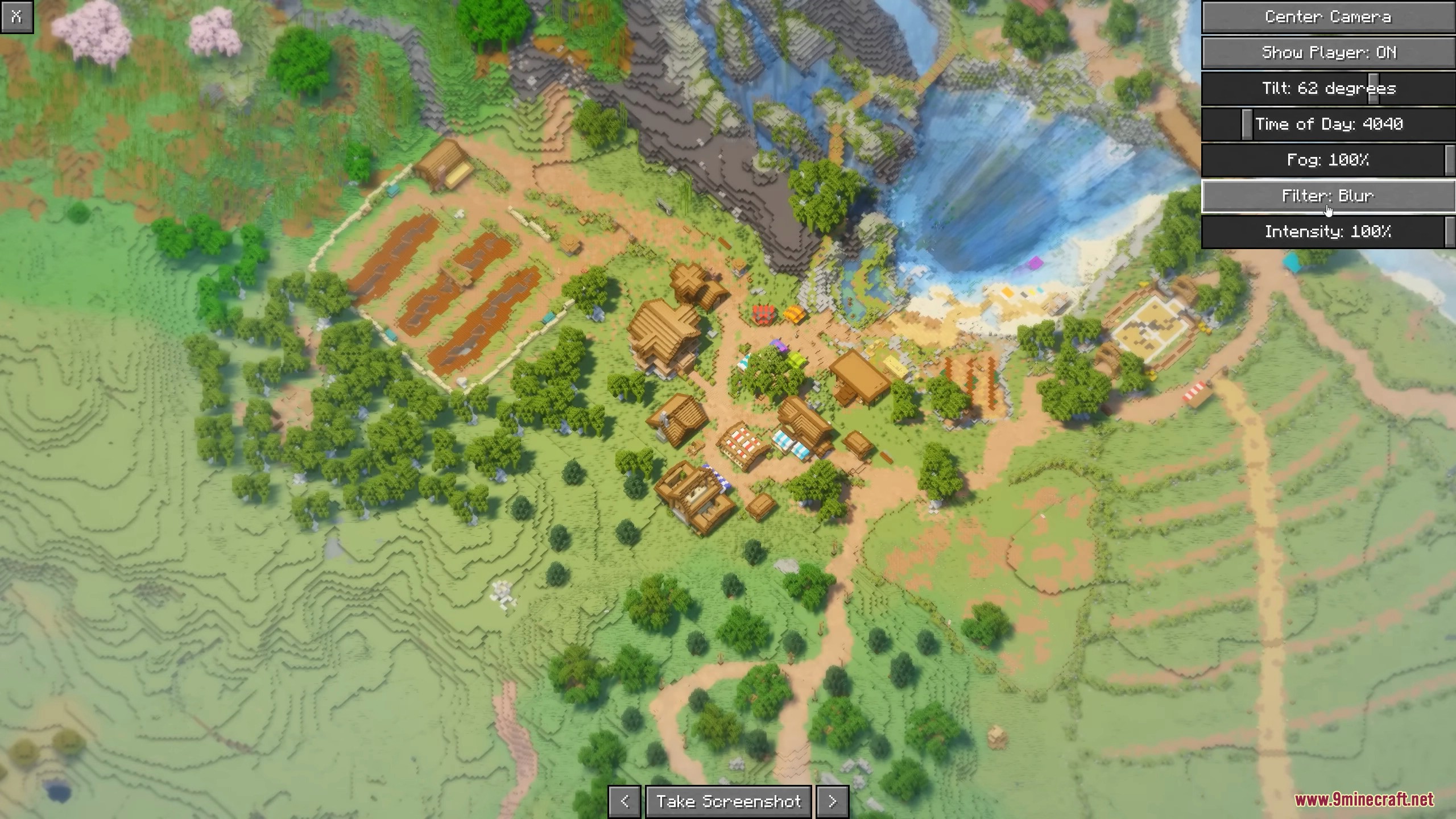
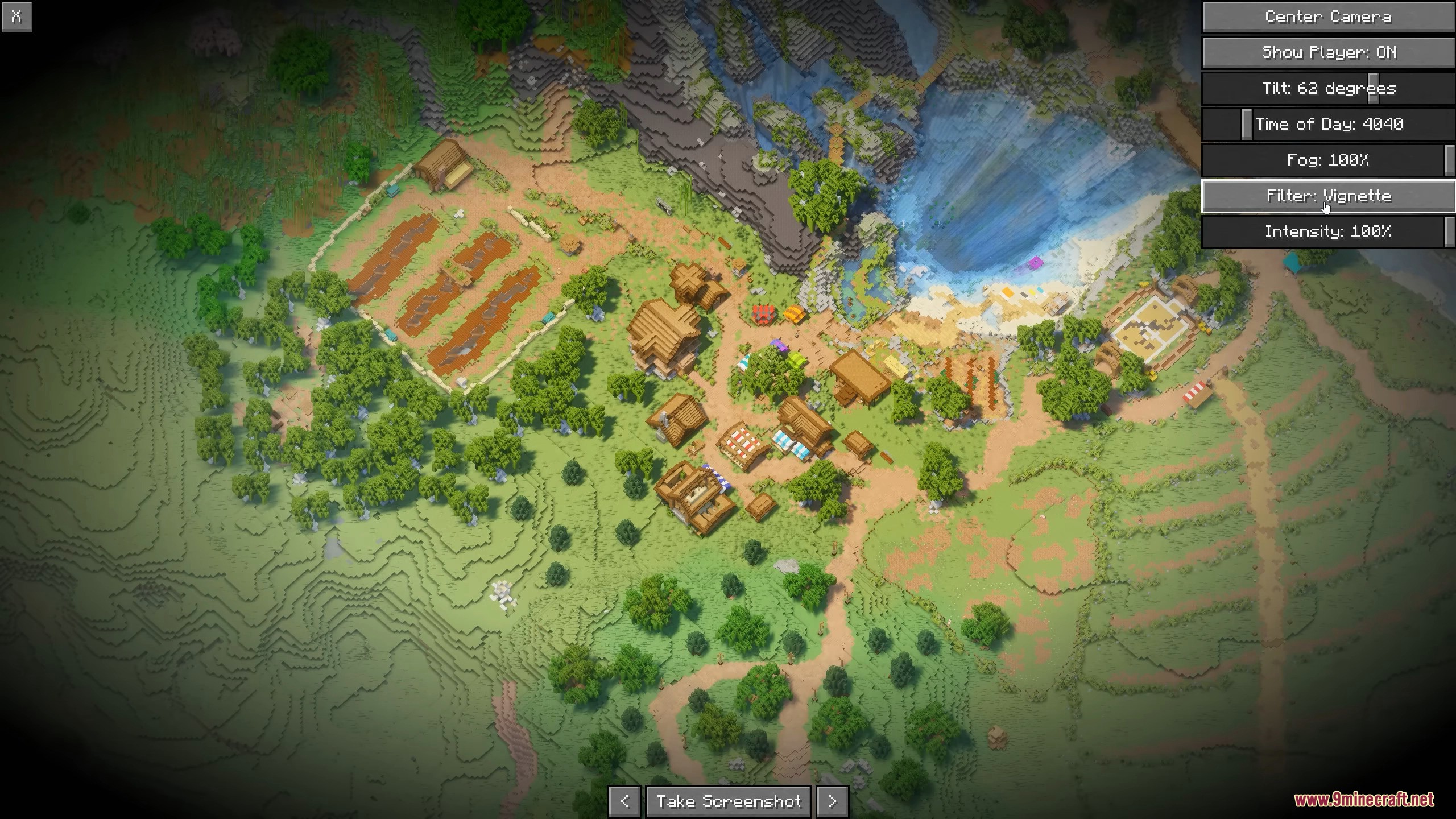
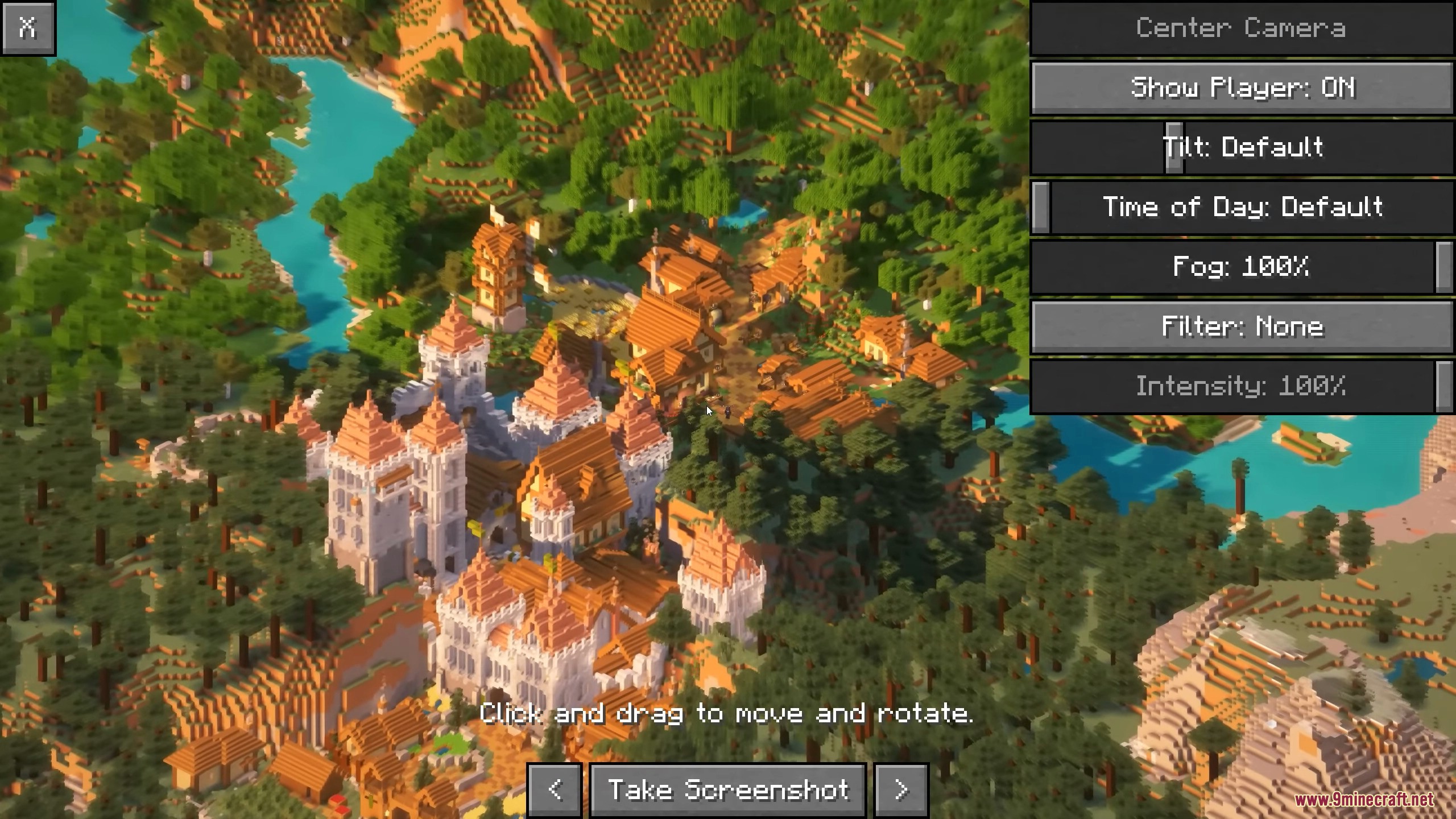
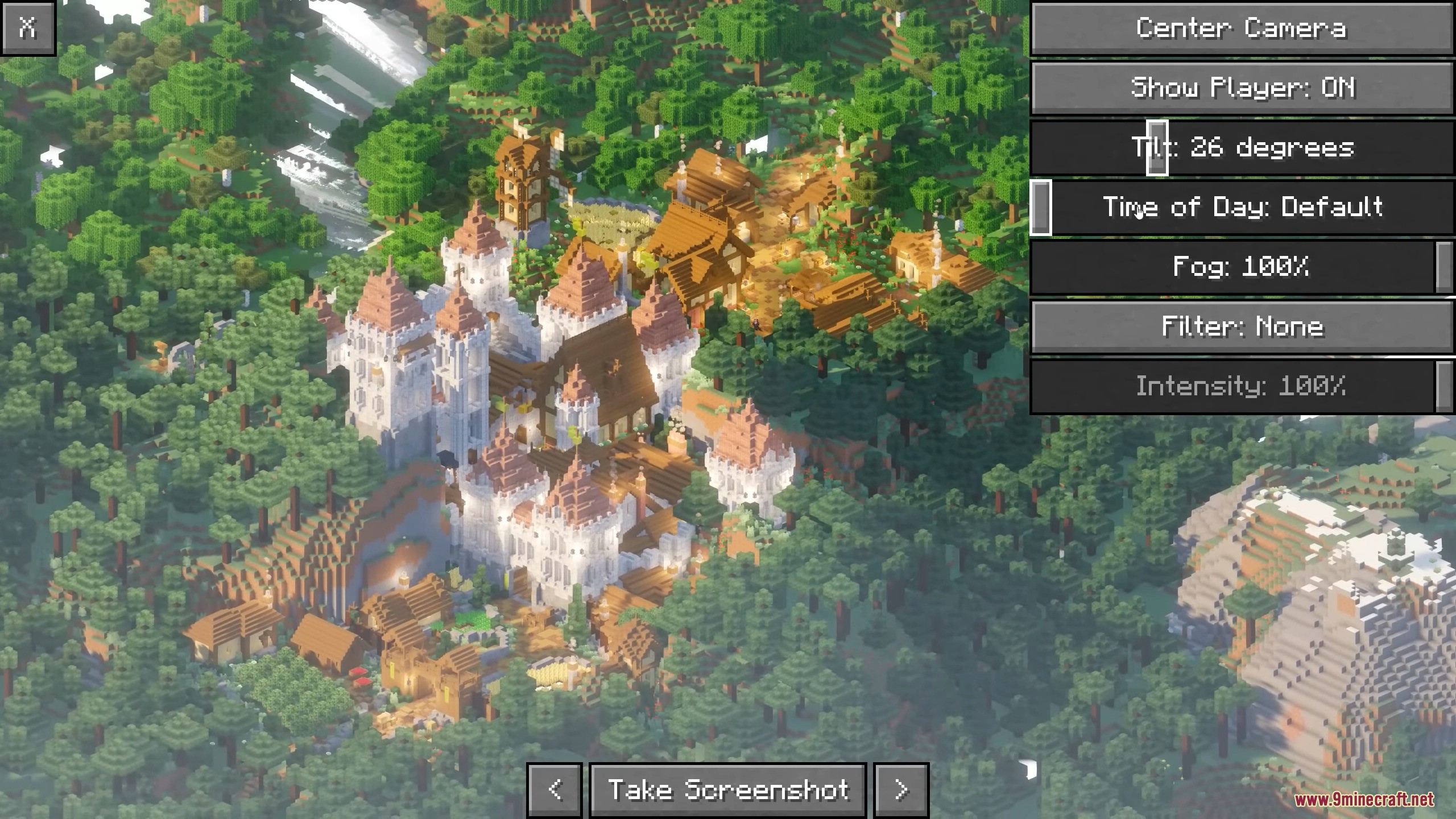
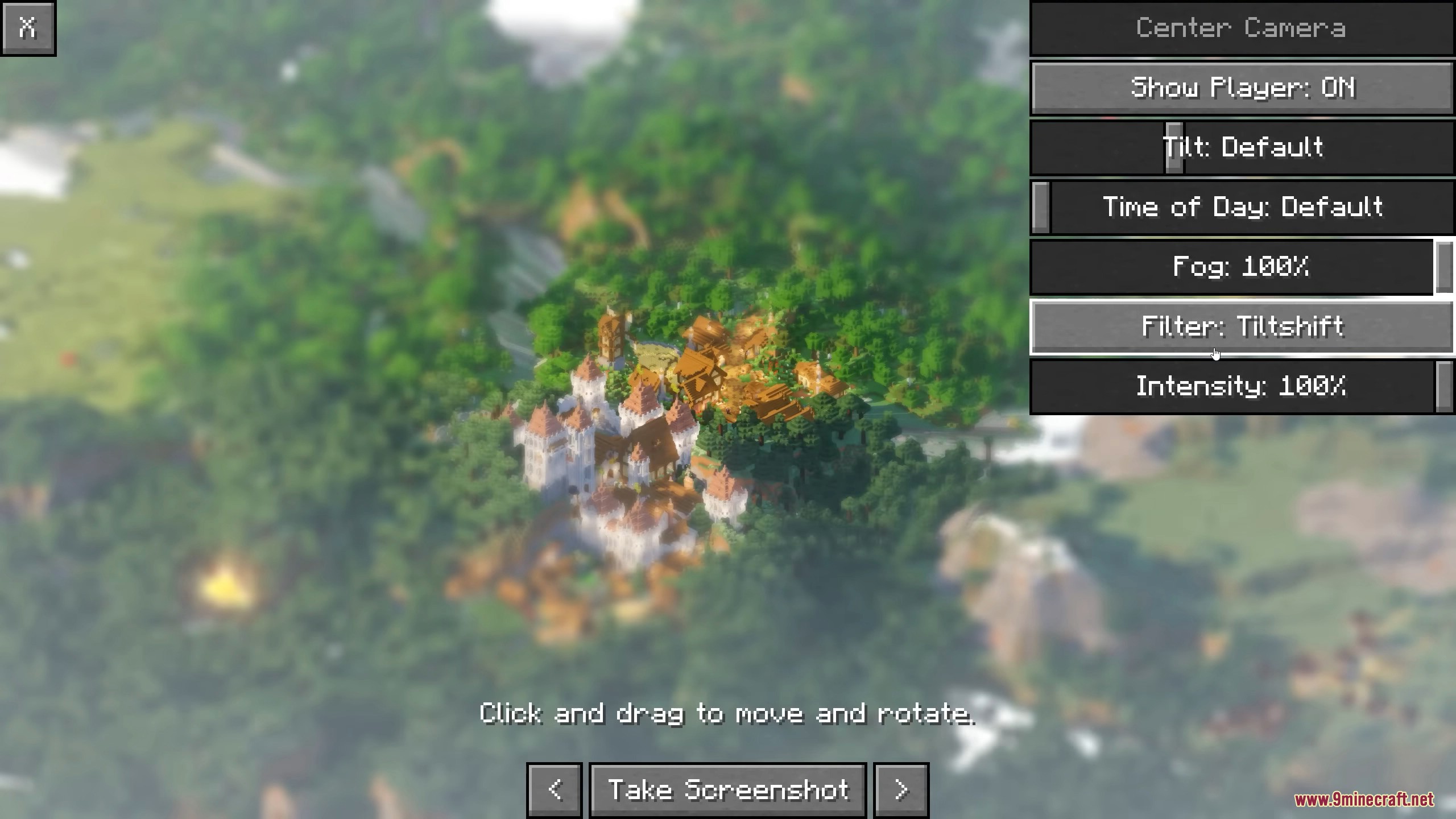
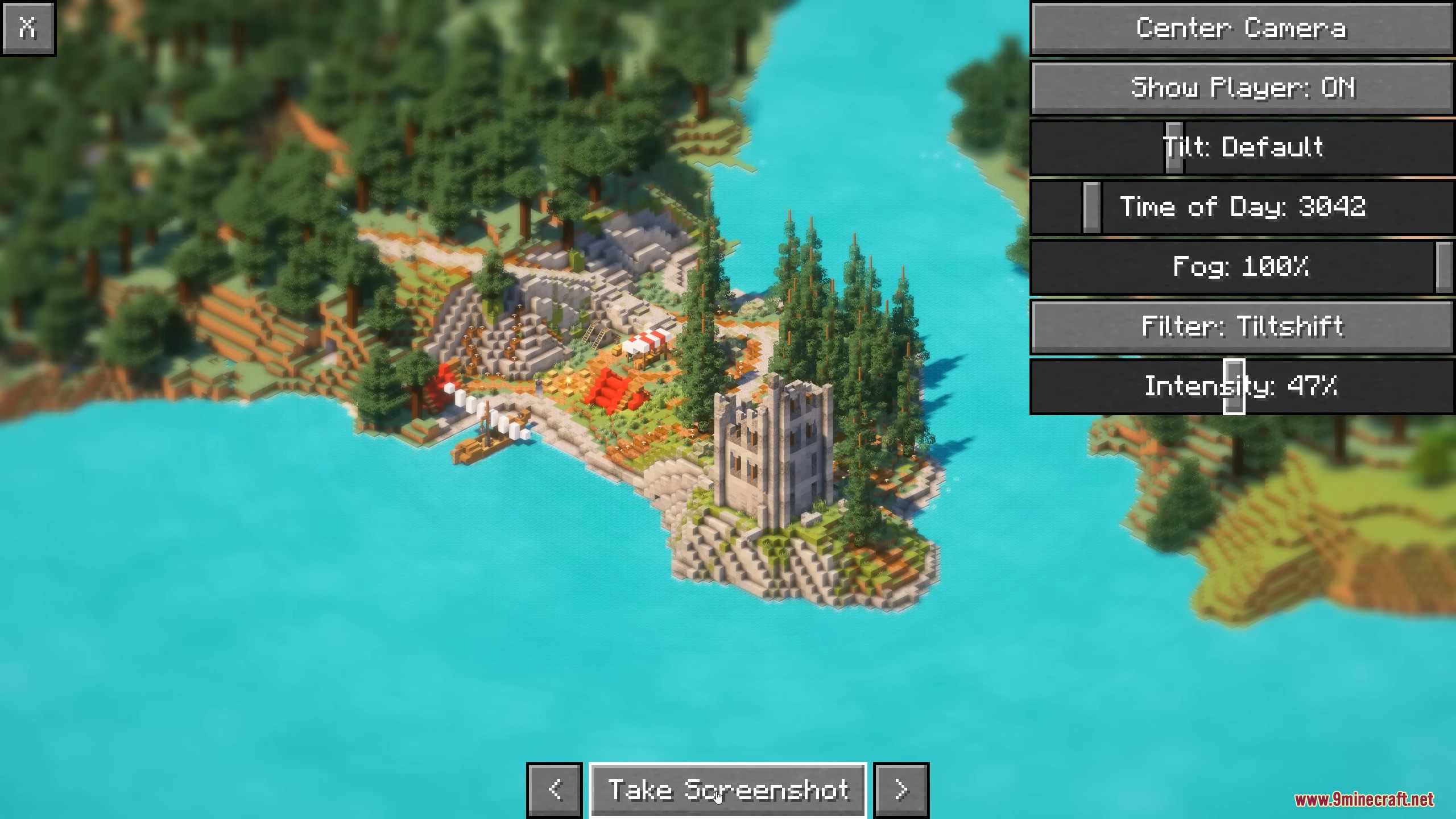
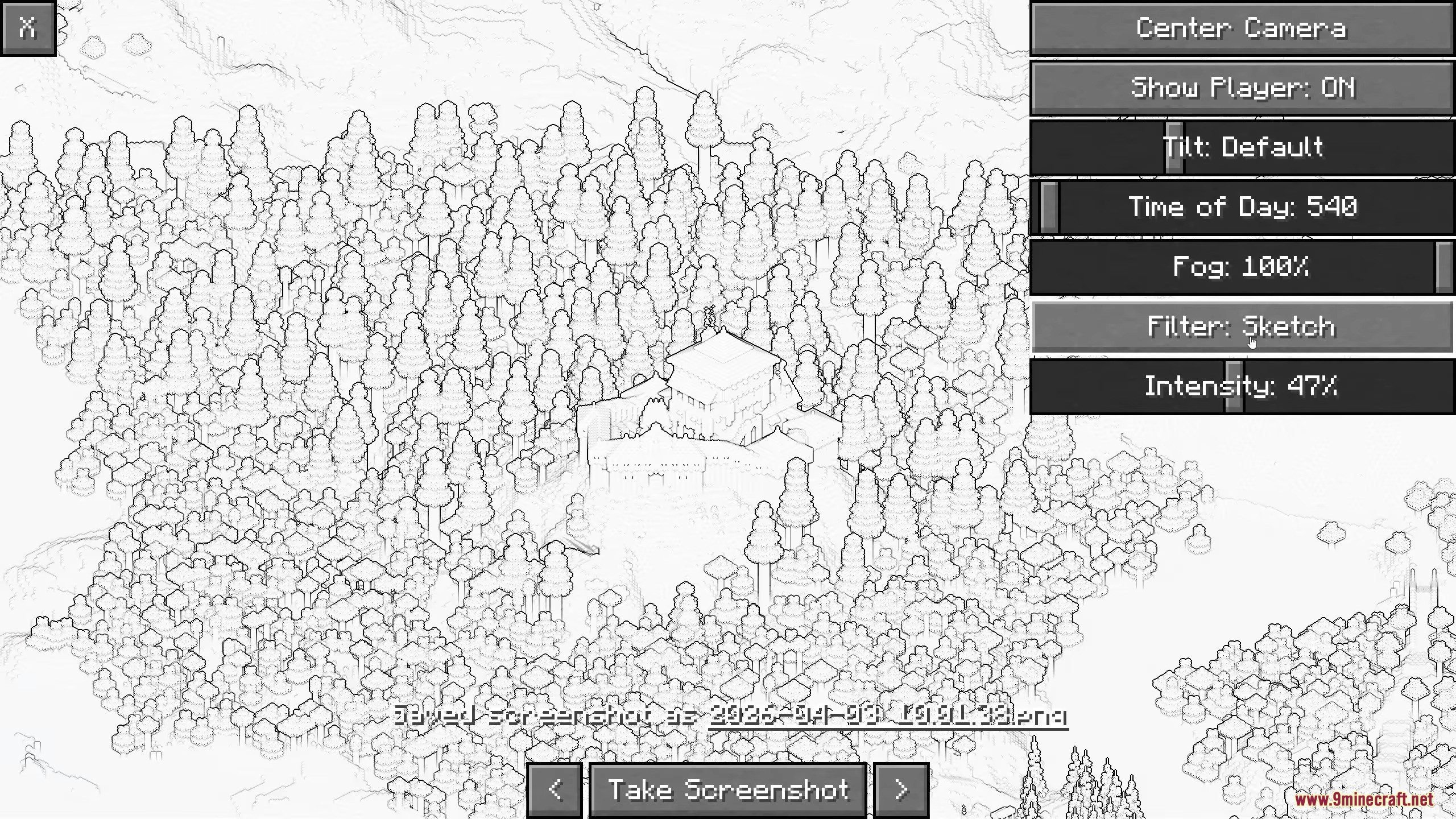
Picture Mode Mod adds an isometric picture taking mode to Minecraft. It lets you capture unique images of your builds and world from a special angle. The interface is simple to use, making it easy to get great screenshots.
Features:
- Get an isometric view for your screenshots.
- Control how the camera is oriented.
- Pan the camera for better cropping.
- Adjust environment settings for prettier images.
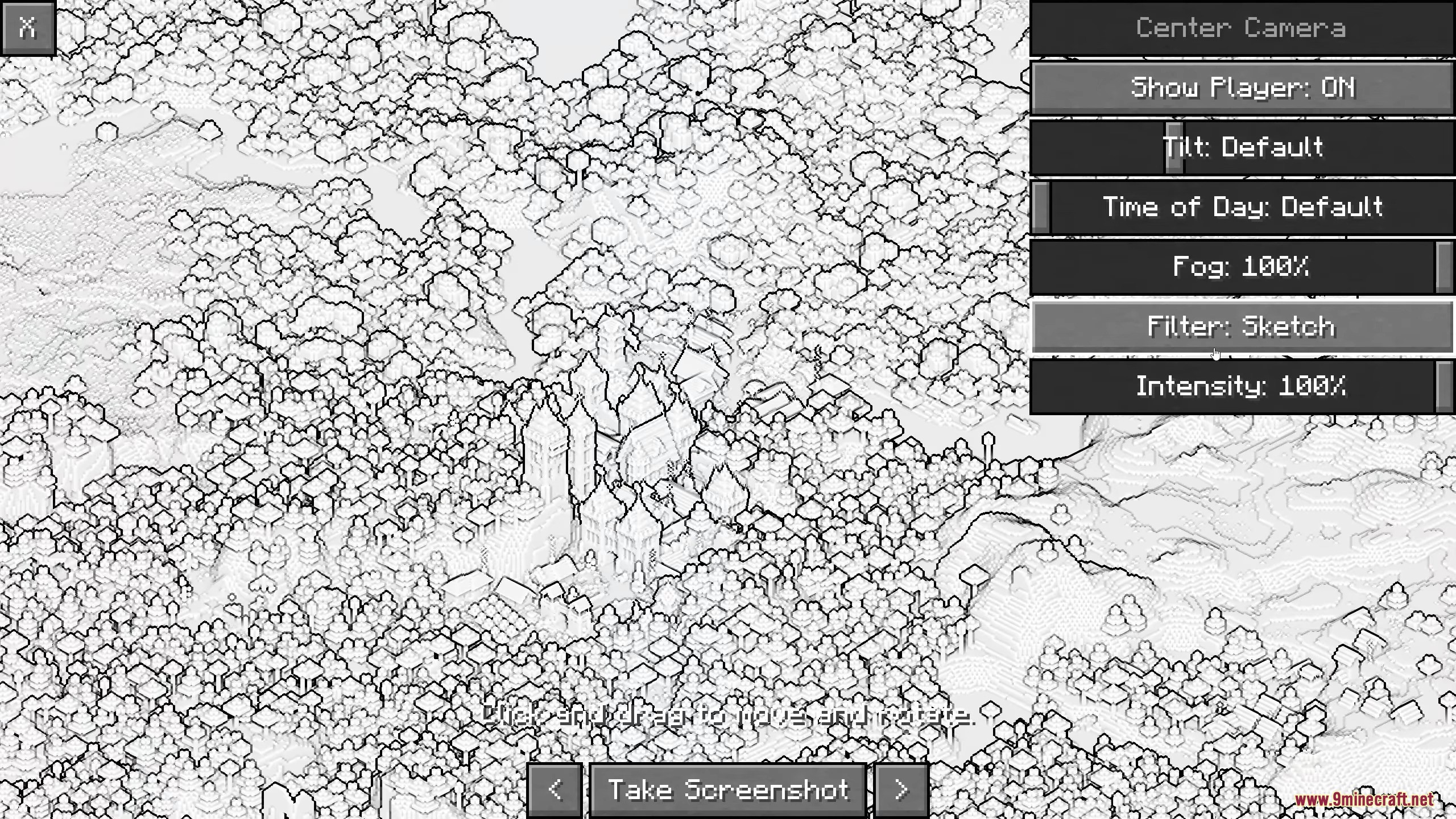
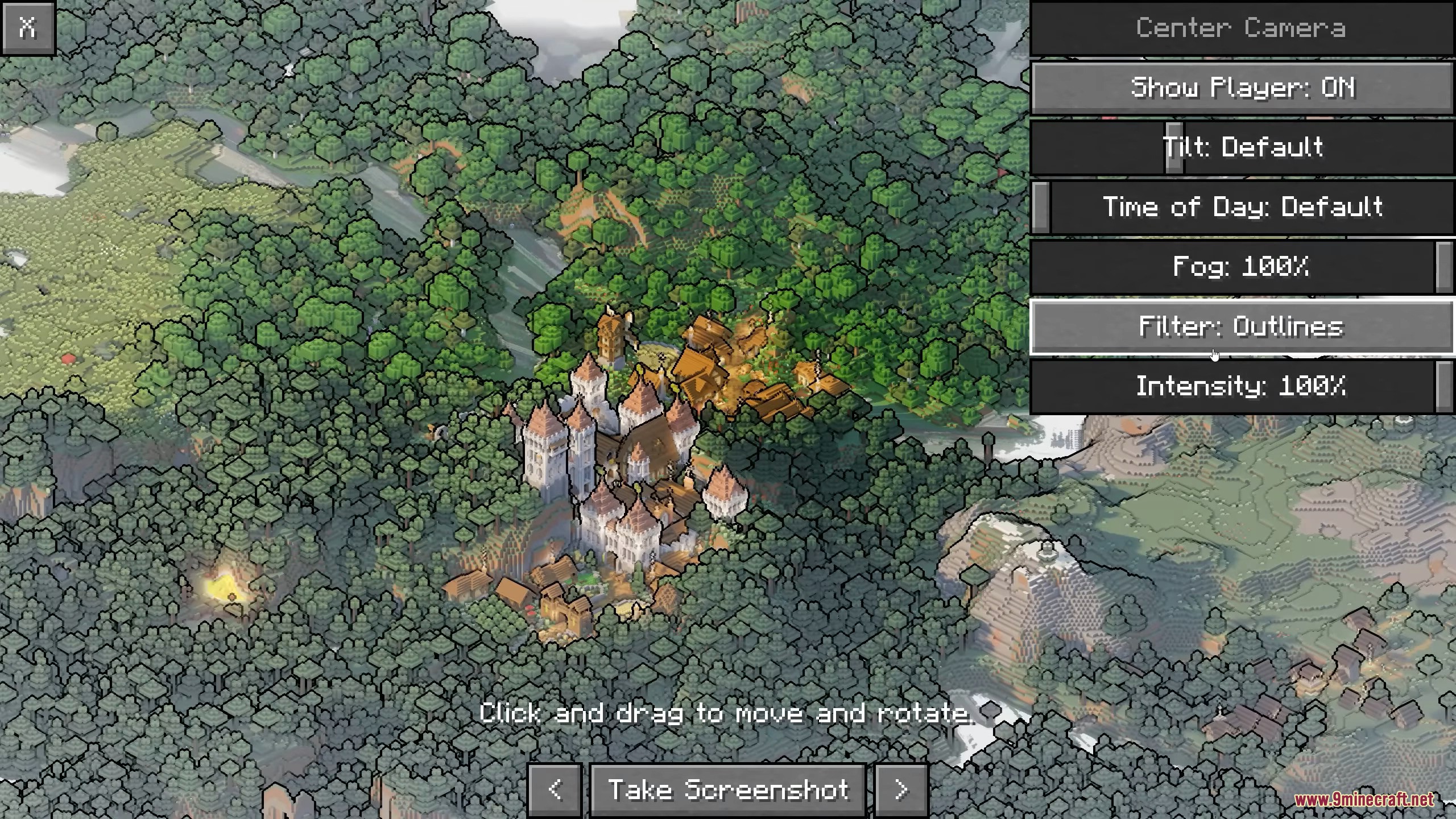
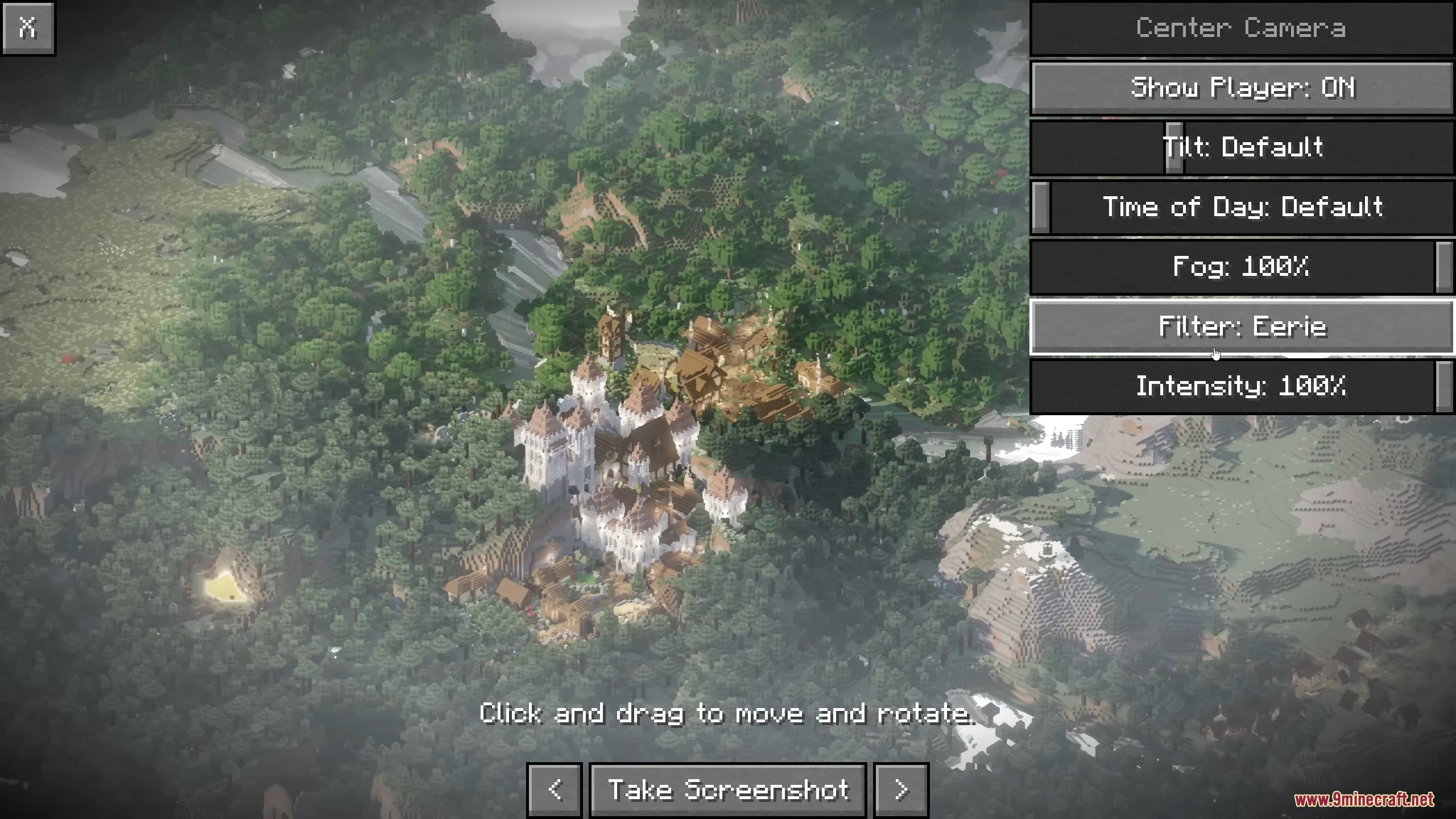
- Apply filters to make screenshots look unique.
Configuration:
- Disable Picture Mode in specific dimensions.
- Add dimension type to the ‘picturemode:disabled’ tag.
Screenshots:
Picture Mode Mod Download Links
Quick facts
- Edition: Minecraft Java
- File type: .jar
- Minecraft version listed: 1.20.1
- How to install: Install the matching mod loader (Forge, Fabric or NeoForge) for your Minecraft version. → Download the .jar. → Put it in the .minecraft/mods folder and launch that loader profile.
- Where to get it: Opens on the file's original source — not every file is mirrored on our own servers.
Install steps are the general flow for this file type — How to install Minecraft Java mods & modpacks walks through it step by step.
Picture Mode Mod (26.2, 1.20.1) – Capture Isometric Screenshots Easily is a free Minecraft Java mod. Compatible with Minecraft 1.20.1. Download it and open it directly in the game.