
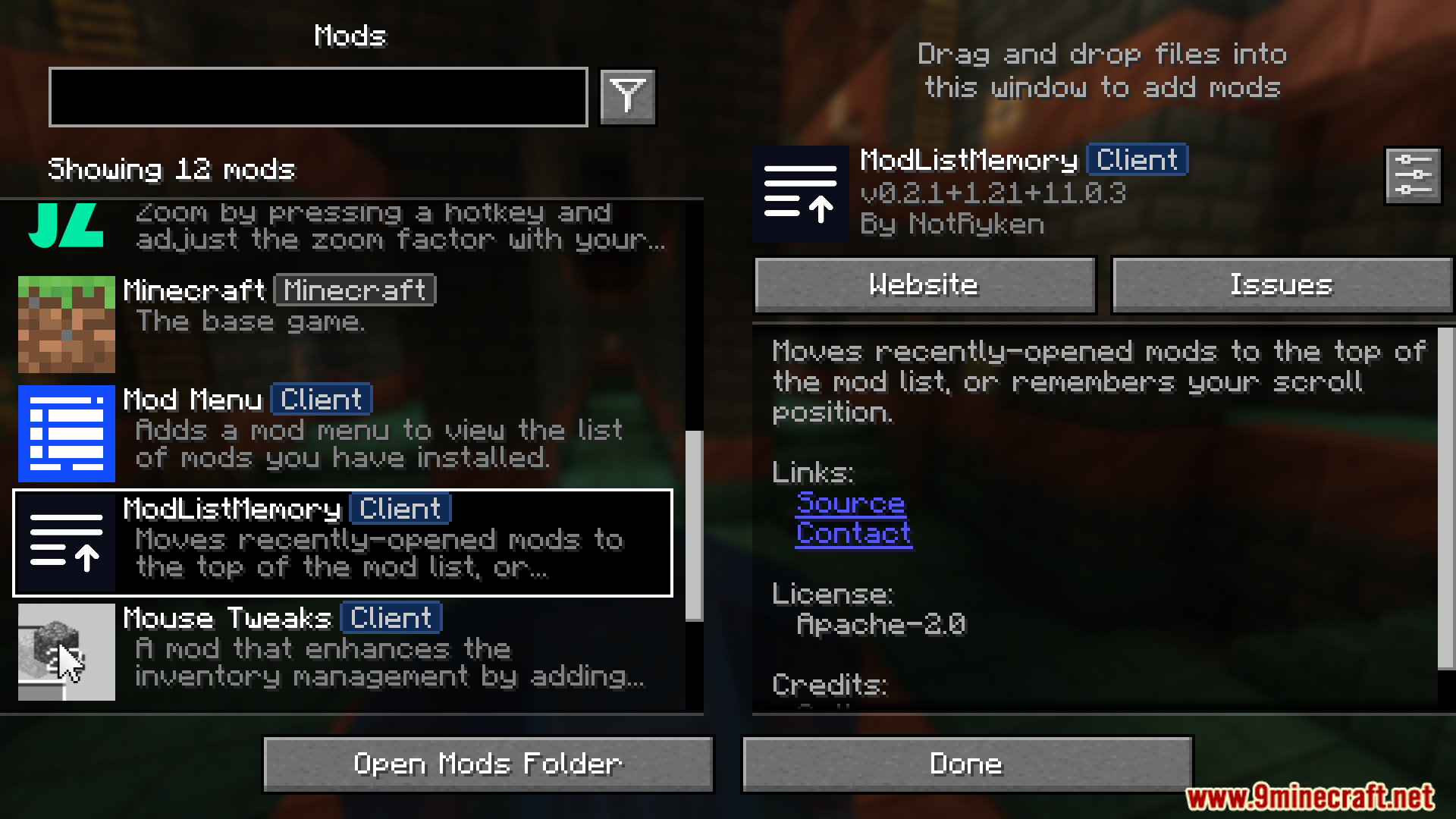
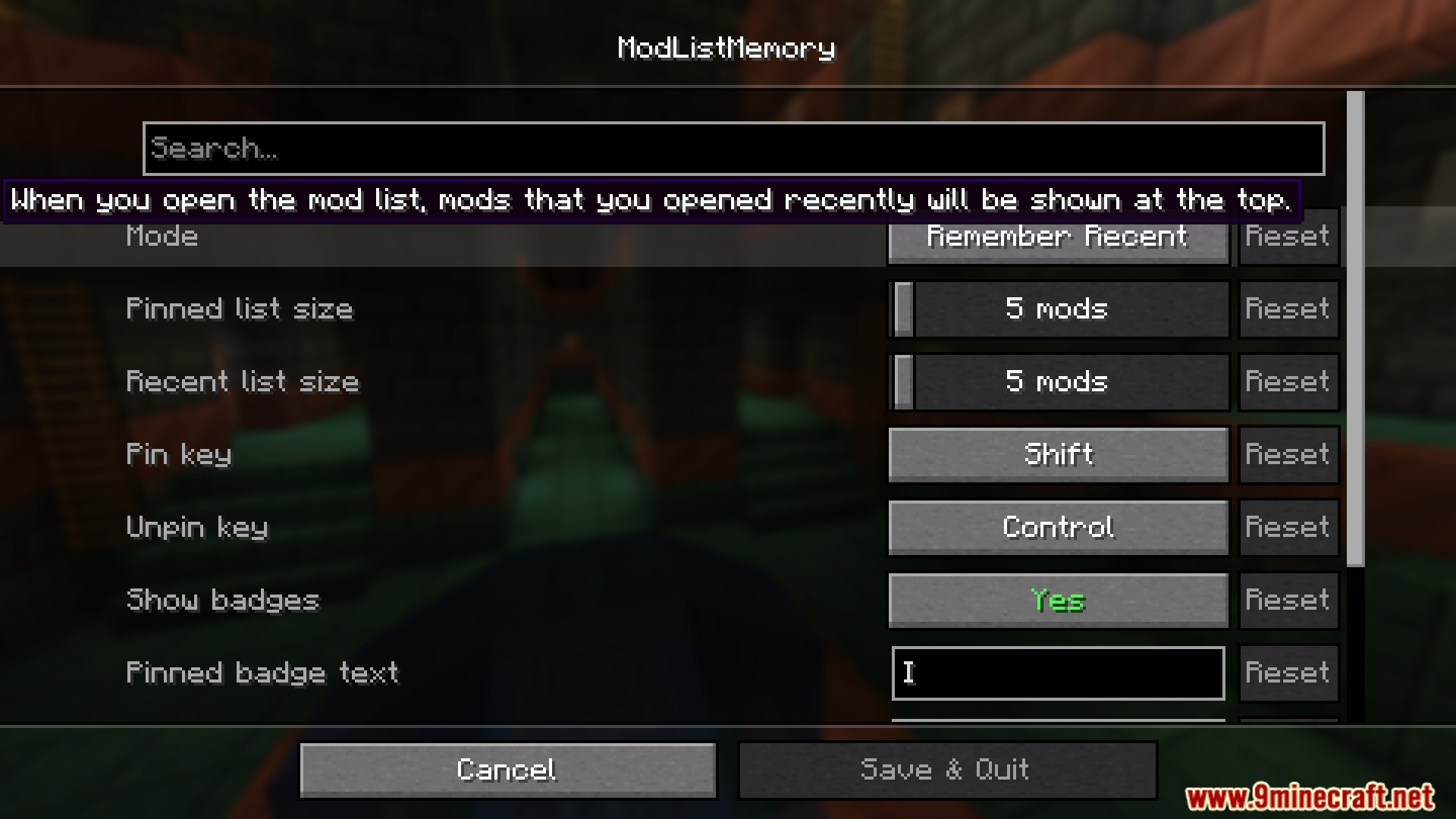
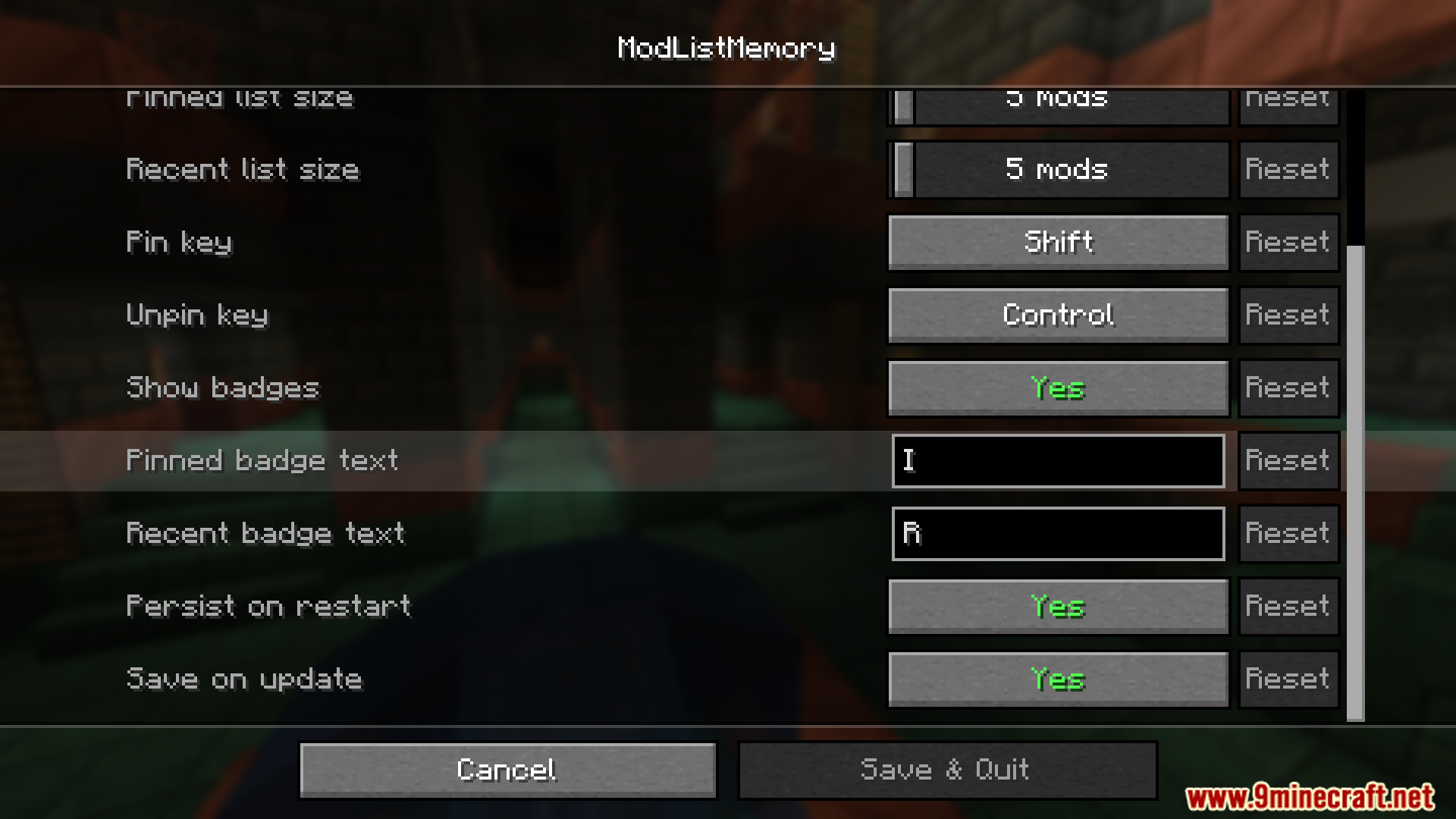
ModListMemory Mod enhances mod list management by remembering recently opened mods and preserving scroll position. Provides pinning functionality to keep specific mods at the top for easy access. Ensures persistence by saving mod list memory to a config file, even across game restarts. Improves user experience by maintaining a structured and efficient mod list arrangement.
Features:
- Moves recently opened mods to the top of the mod list.
- Saves scroll position and restores it upon reopening.
- Allows pinning mods to the top using a modifier key (default: Shift).
- Enables reordering of pinned mods with the same modifier key.
- Supports unpinning with an alternate modifier key (default: Control).
- Saves mod list memory to a config file for restoration after restarting the game.
- Updates memory when a mod is opened, preventing data loss from crashes.
- Ensures efficient performance with minimal processing time (~1ms for a memory size of 5).
Screenshots:
ModListMemory Mod Download Links
Quick facts
- Edition: Minecraft Java
- File type: .jar
- Minecraft version listed: 1.20.1
- How to install: Install the matching mod loader (Forge, Fabric or NeoForge) for your Minecraft version. → Download the .jar. → Put it in the .minecraft/mods folder and launch that loader profile.
- Where to get it: In MC Java Mods, or directly above on this page.
Install steps are the general flow for this file type — How to install Minecraft Java mods & modpacks walks through it step by step.
Verified by MCModsHub
- Downloads as 25375.mcaddon
- Download size: 56 KB
- Download link checked 22 Sept 2026 — working
- Mirrored on our own servers — the download does not depend on the original host
These come from our own check of the pack file, not from the source page.