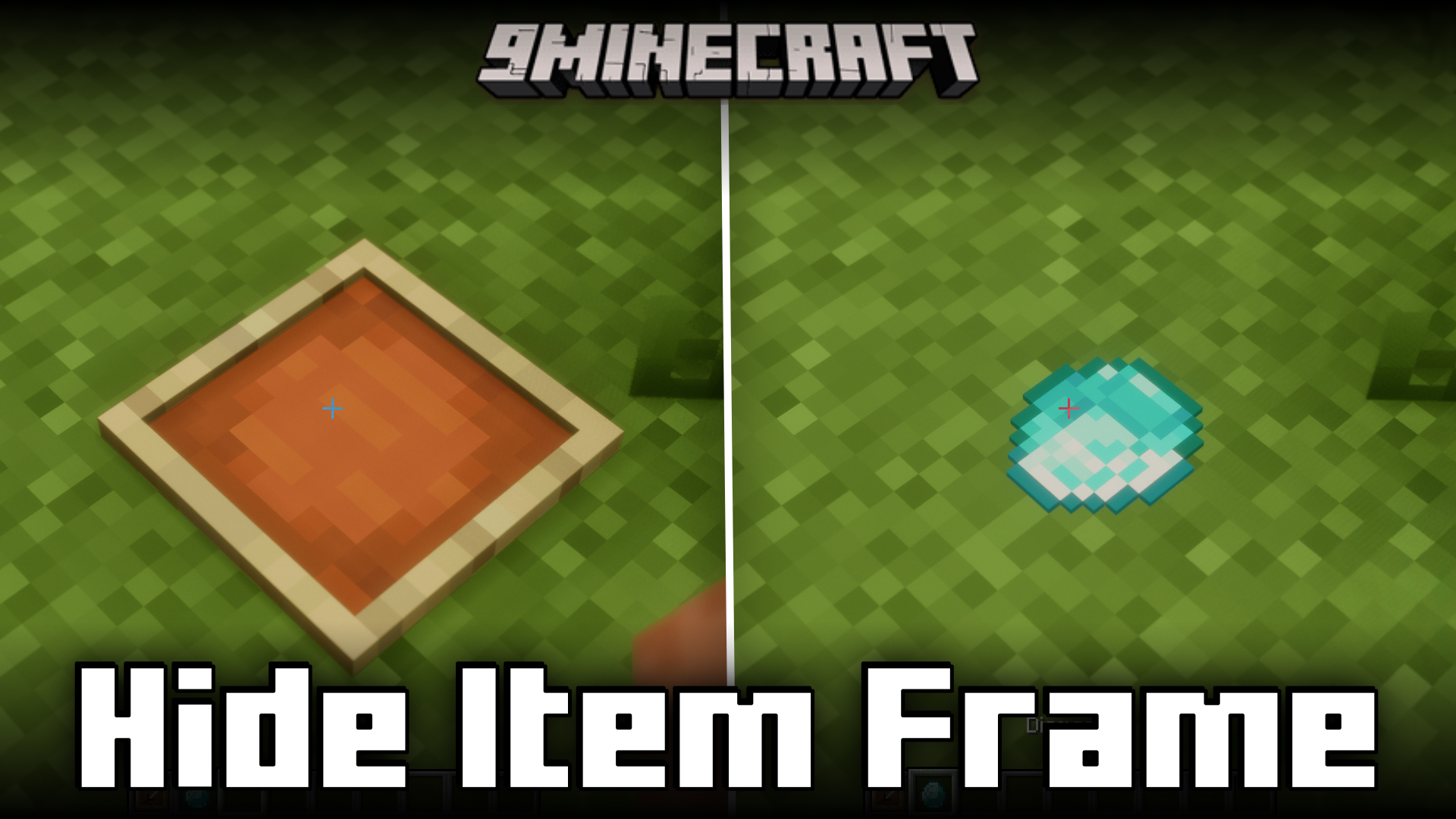
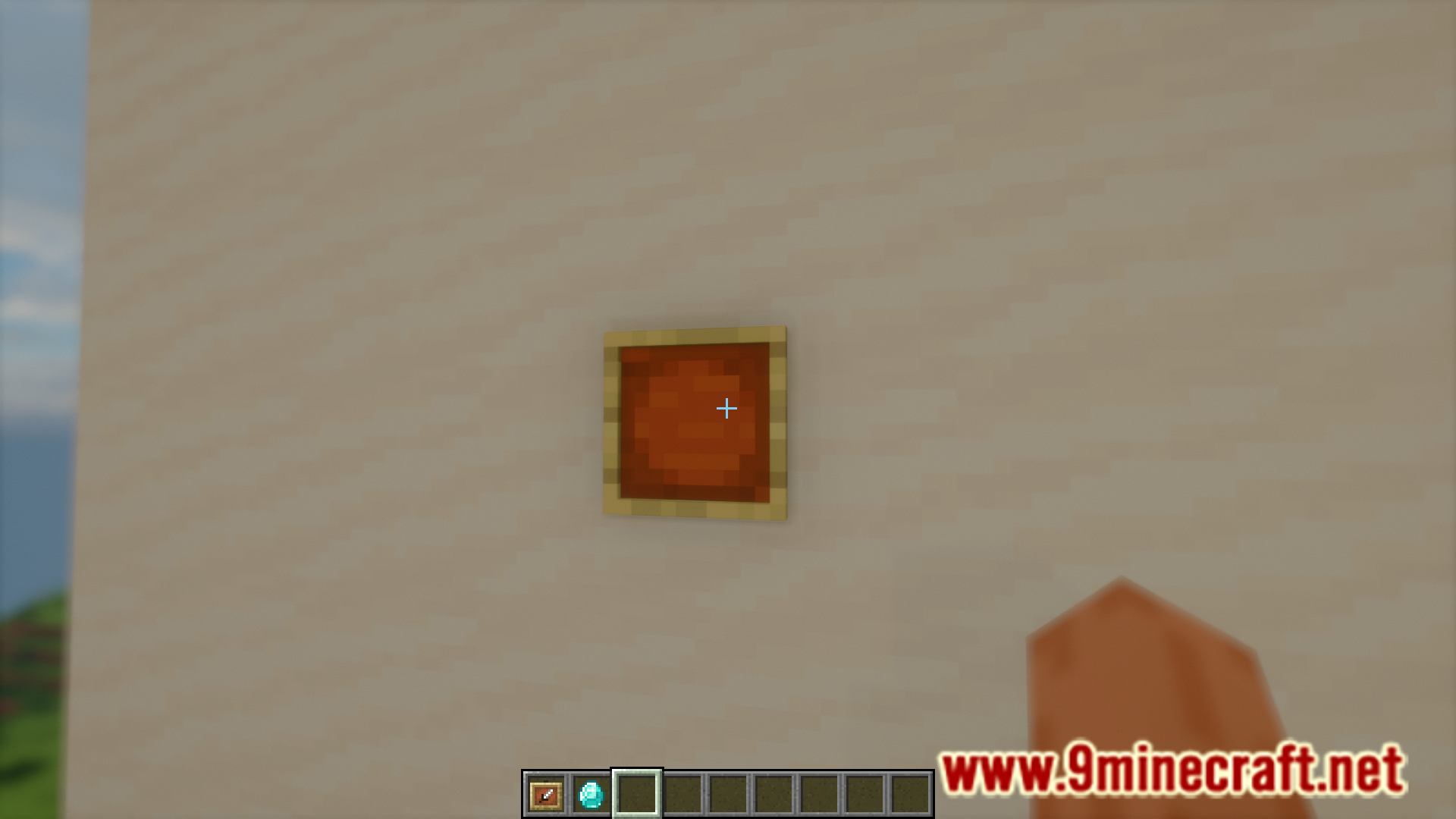
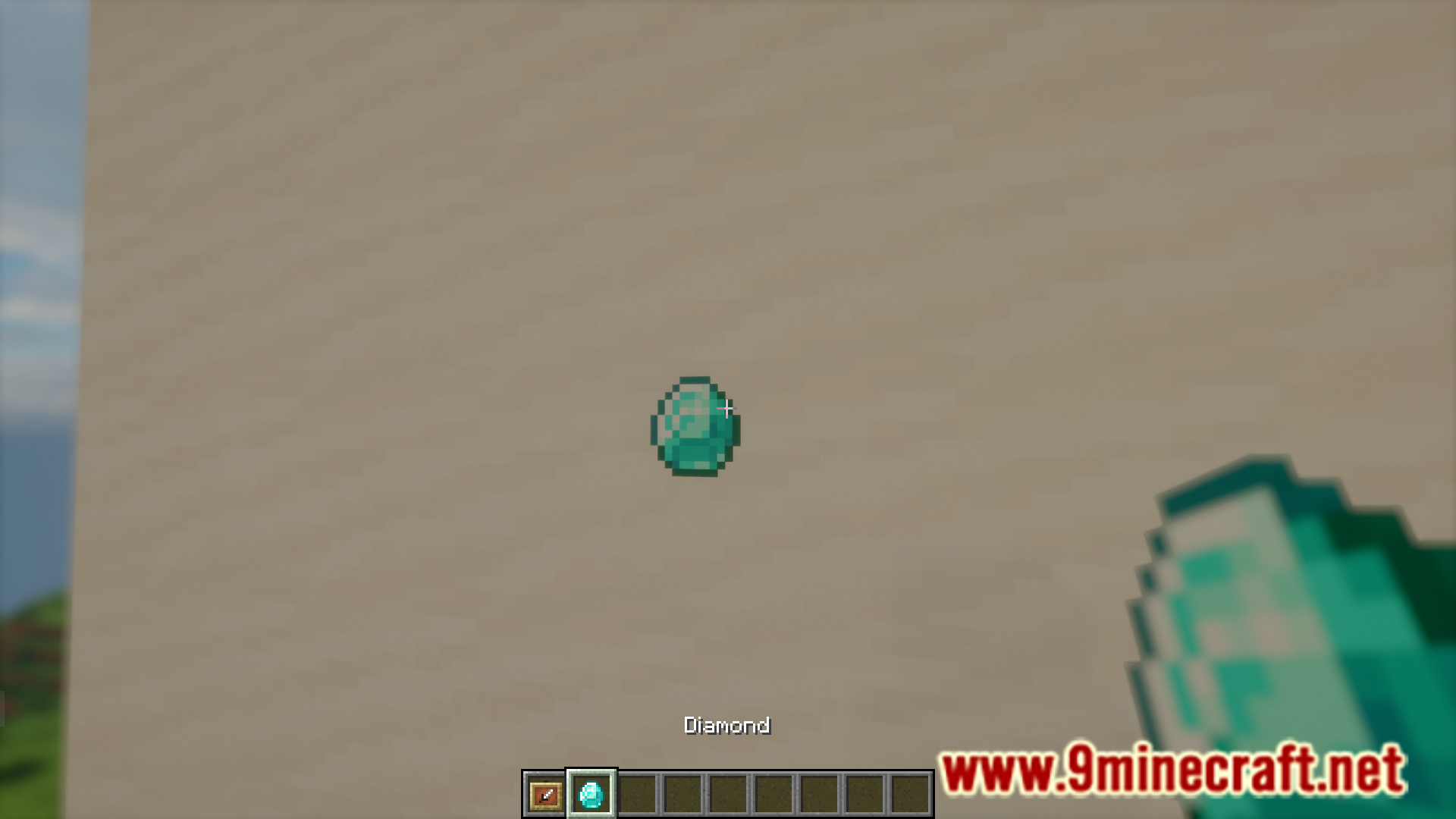
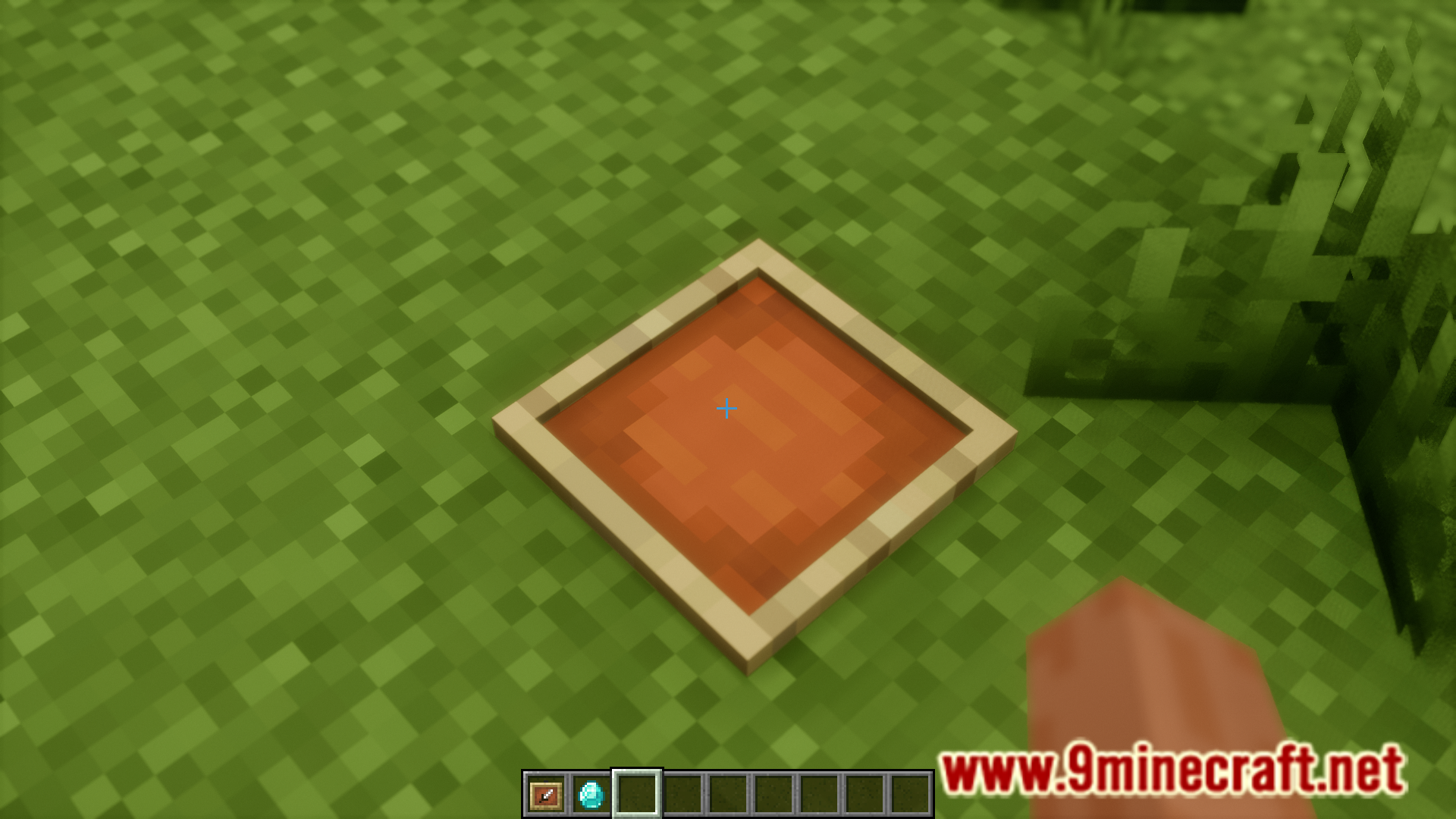
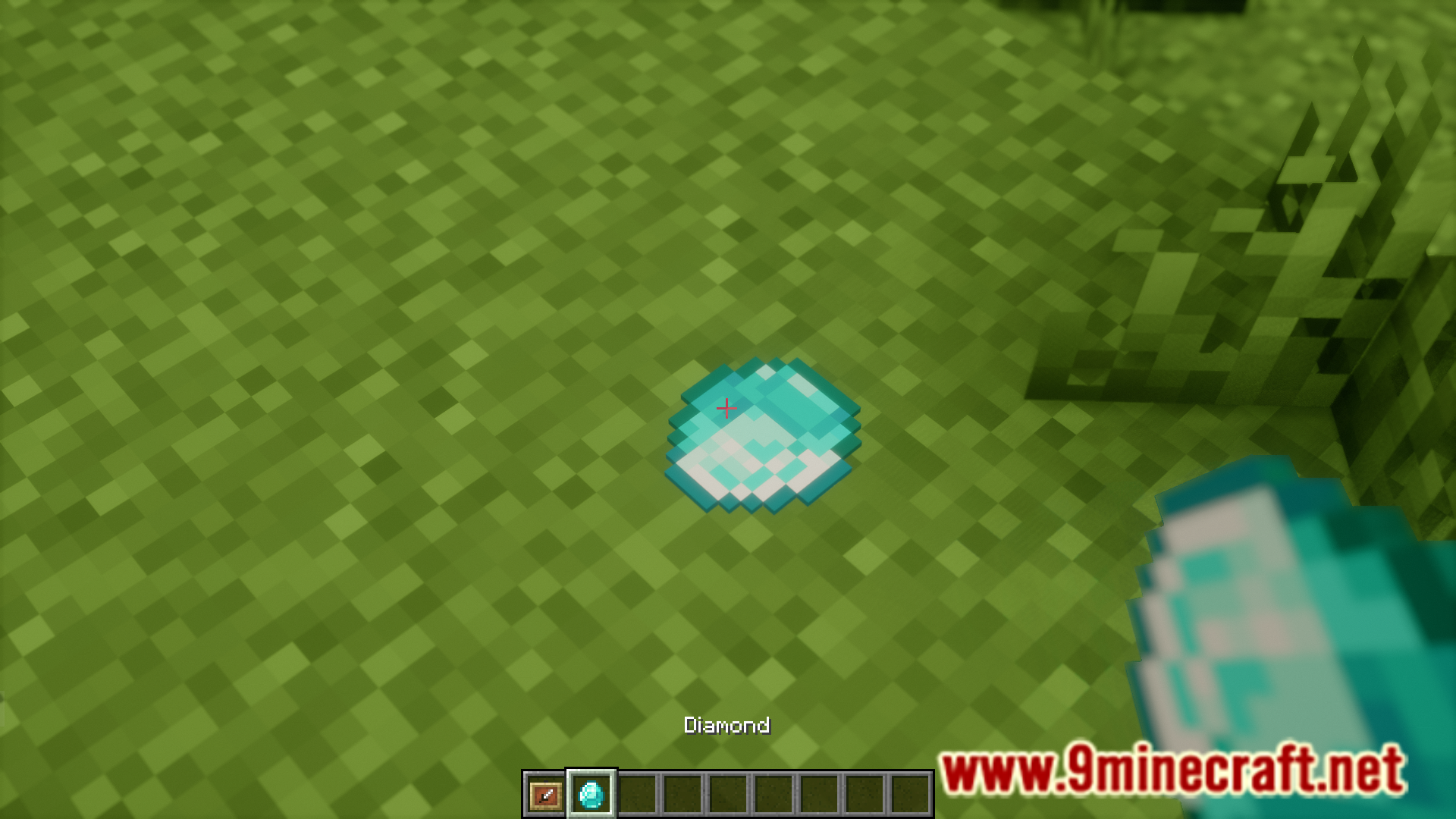

Items frames allow you to put items up for display. But the texture of the item frame itself is not very appealing and can ruin the aesthetics of your build. If you want to showcase your items without showcasing the ugly texture of the item frame itself, you can use a resource pack that makes item frames invisible. But the problem with this is that, if there is no item inside, you will have a hard time locating the frame. Hide Item Frame Mod is here with the solution. This mod makes it so that item frames will become invisible when you place items in them. If the item frame is empty, it will be visible.
Features:
- Convenient visible/invisible item frames.
- Empty item frames will be visible.
- Item frames with items equipped will turn invisible.
Screenshots:
Hide Item Frame Mod Download Links
- Edition: Minecraft Java
- File type: .jar
- Minecraft version listed: 1.20.1
- How to install: Install the matching mod loader (Forge, Fabric or NeoForge) for your Minecraft version. → Download the .jar. → Put it in the .minecraft/mods folder and launch that loader profile.
- Where to get it: In MC Java Mods, or directly above on this page.
Install steps are the general flow for this file type — How to install Minecraft Java mods & modpacks walks through it step by step.
- Downloads as 25376.mcaddon
- Download size: 55 KB
- Download link checked 25 Sept 2026 — working
- Mirrored on our own servers — the download does not depend on the original host
These come from our own check of the pack file, not from the source page.