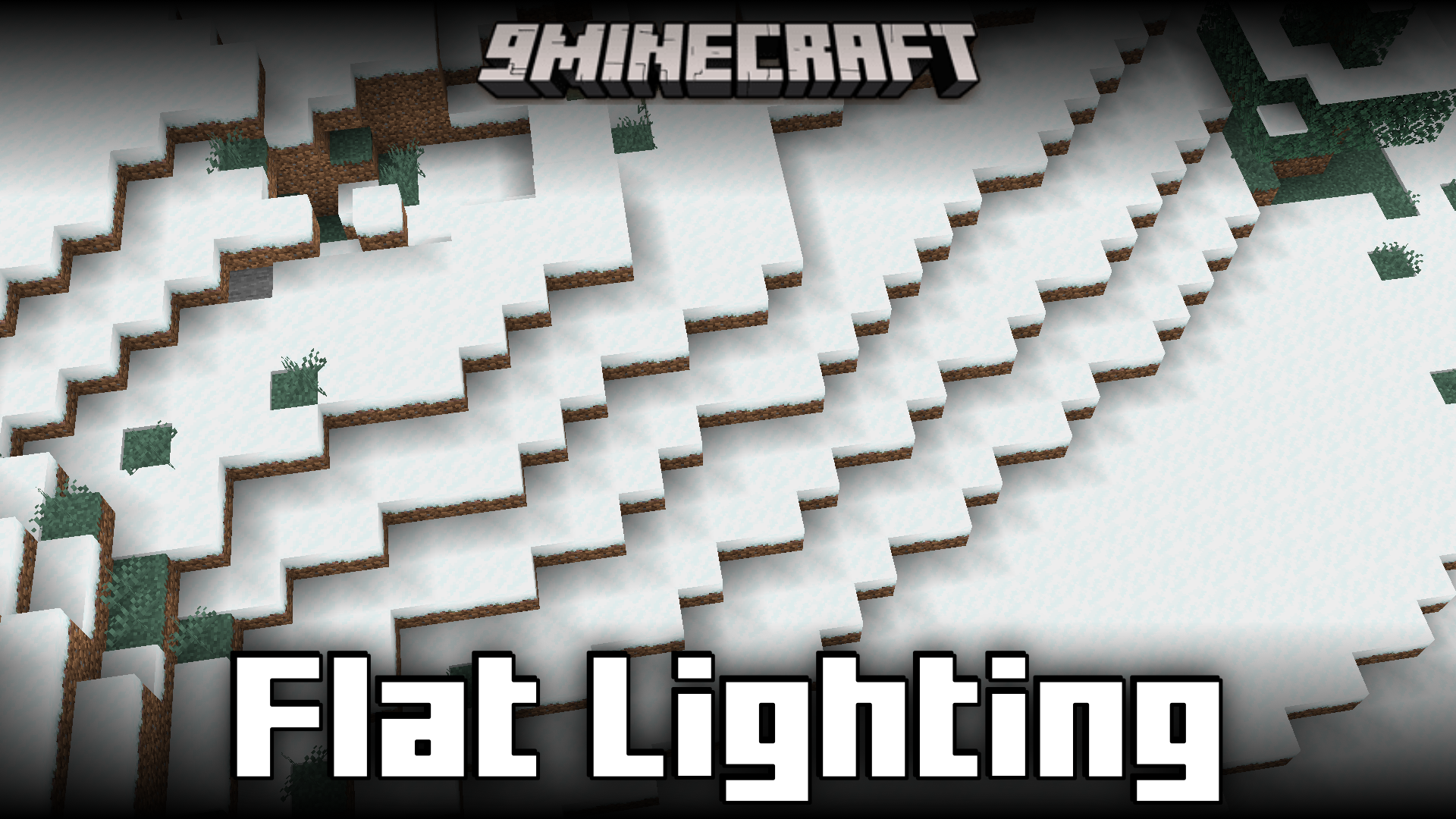
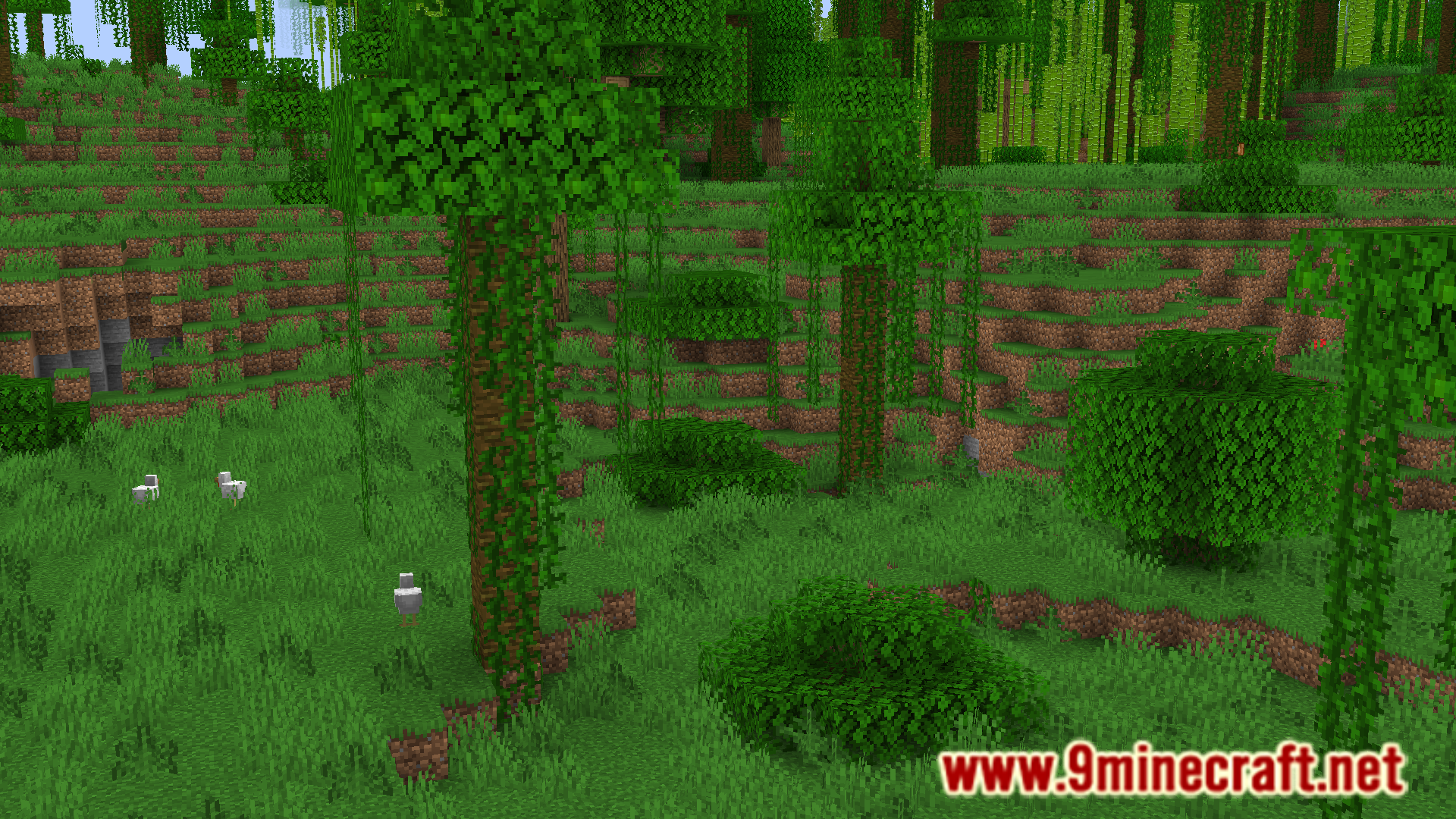
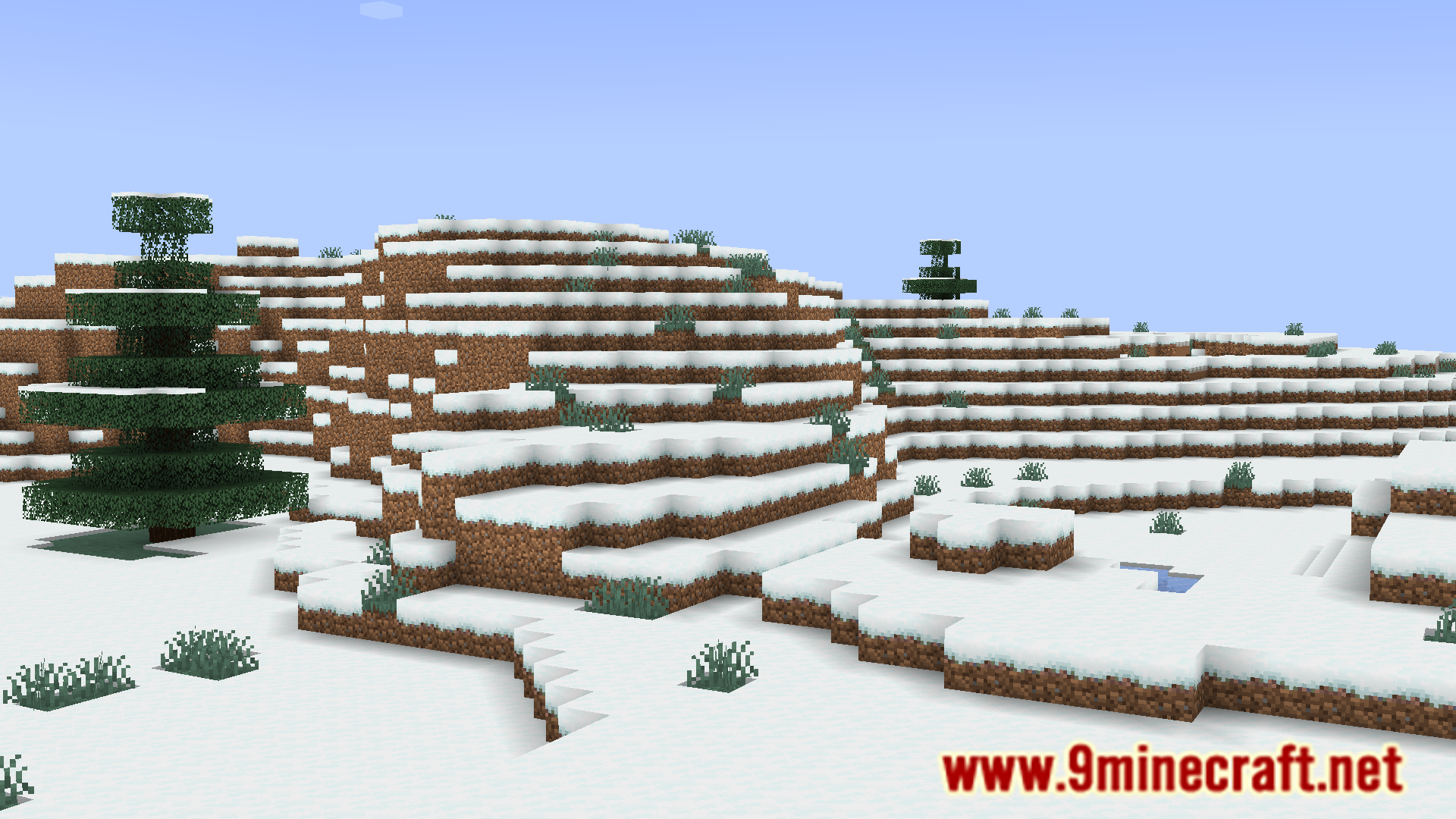
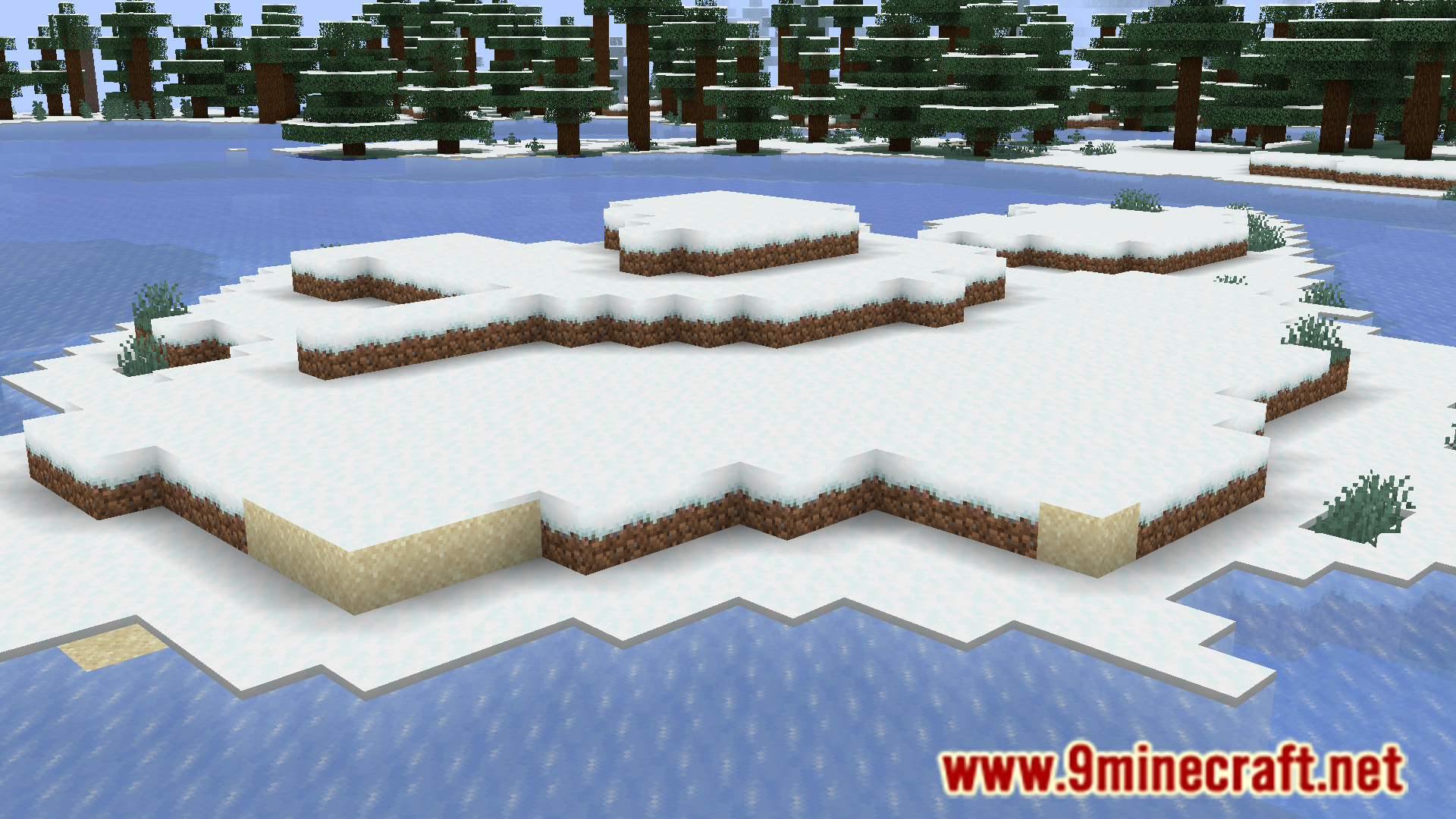
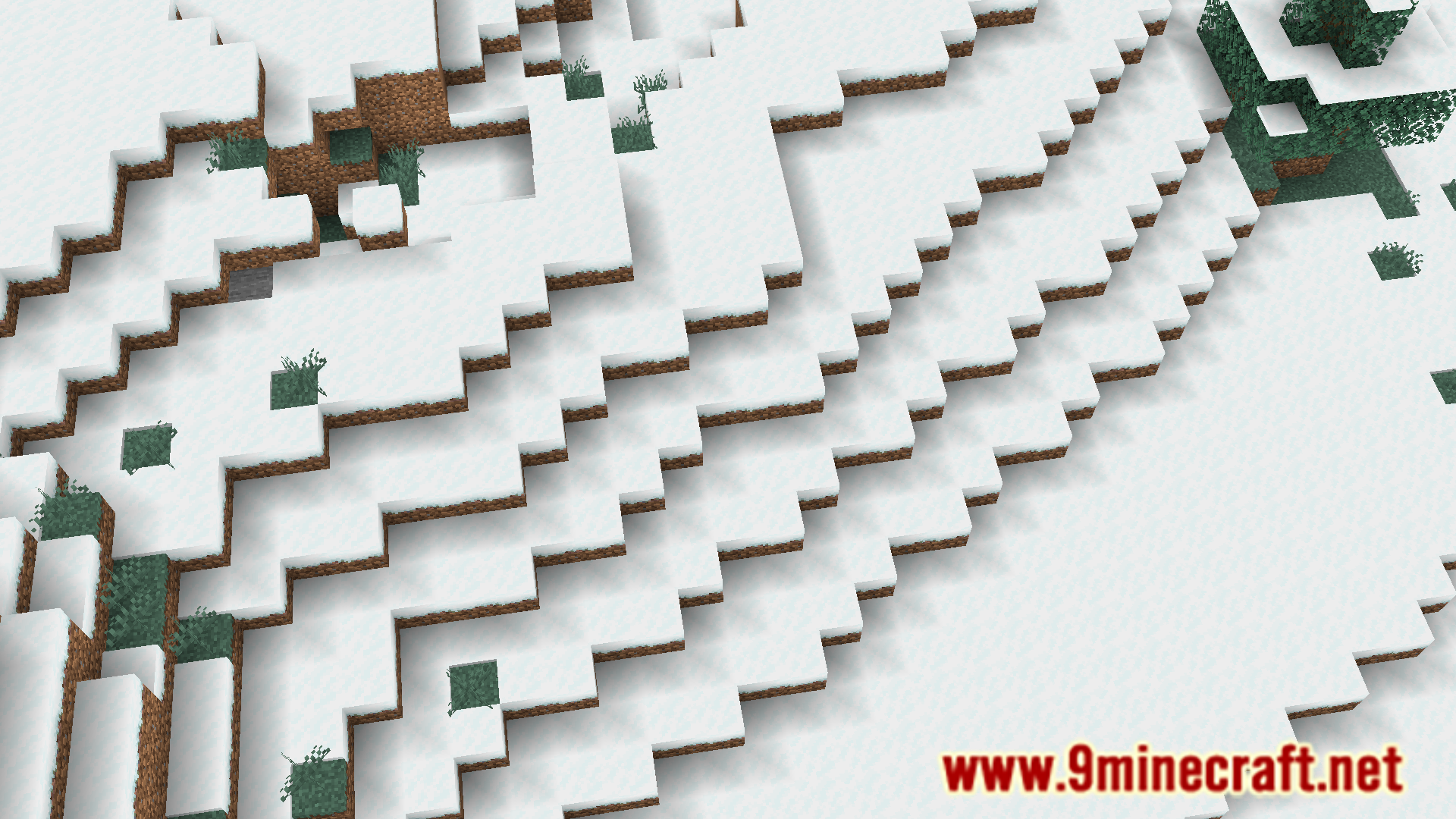
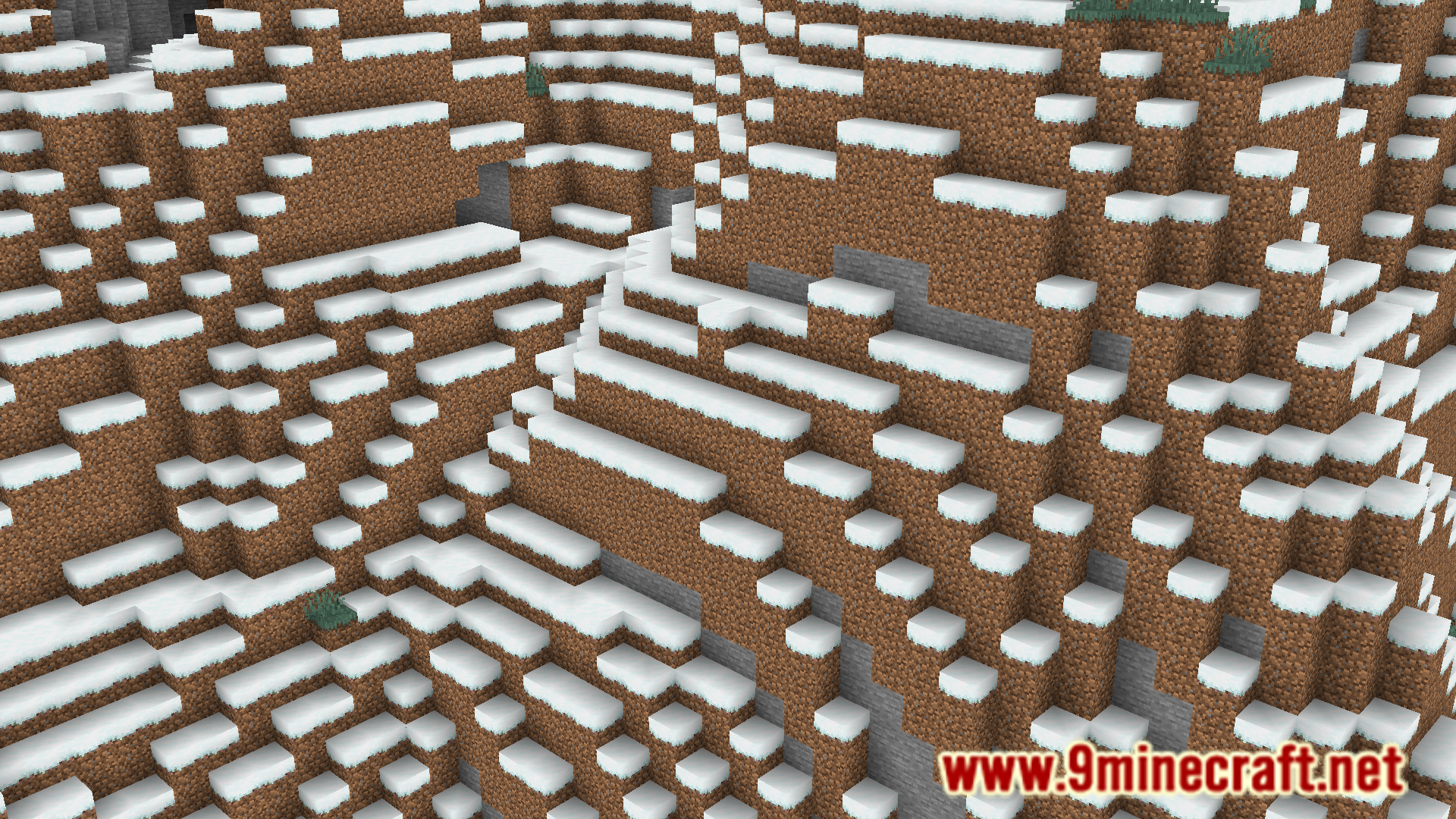
Minecraft adds shading onto the side faces of blocks to make the lighting appear more realistic even when shaders are disabled. However, many players find this visually displeasing. Flat Lighting Mod is for such players. This mod, as the name suggests, makes the lighting in the game appear a lot more flatter. This is done by essentially removing the shading effect on the side faces of all models.
Features:
- Makes Minecraft’s lighting look a lot more flatter.
- Removes the shading on the side faces of all models.
Screenshots:
Flat Lighting Mod Download Links
Quick facts
- Edition: Minecraft Java
- File type: .jar
- Minecraft version listed: 1.20.1
- How to install: Install the matching mod loader (Forge, Fabric or NeoForge) for your Minecraft version. → Download the .jar. → Put it in the .minecraft/mods folder and launch that loader profile.
- Where to get it: In MC Java Mods, or directly above on this page.
Install steps are the general flow for this file type — How to install Minecraft Java mods & modpacks walks through it step by step.
Verified by MCModsHub
- Downloads as 25384.mcaddon
- Download size: 17 KB
- Download link checked 25 Sept 2026 — working
- Mirrored on our own servers — the download does not depend on the original host
These come from our own check of the pack file, not from the source page.