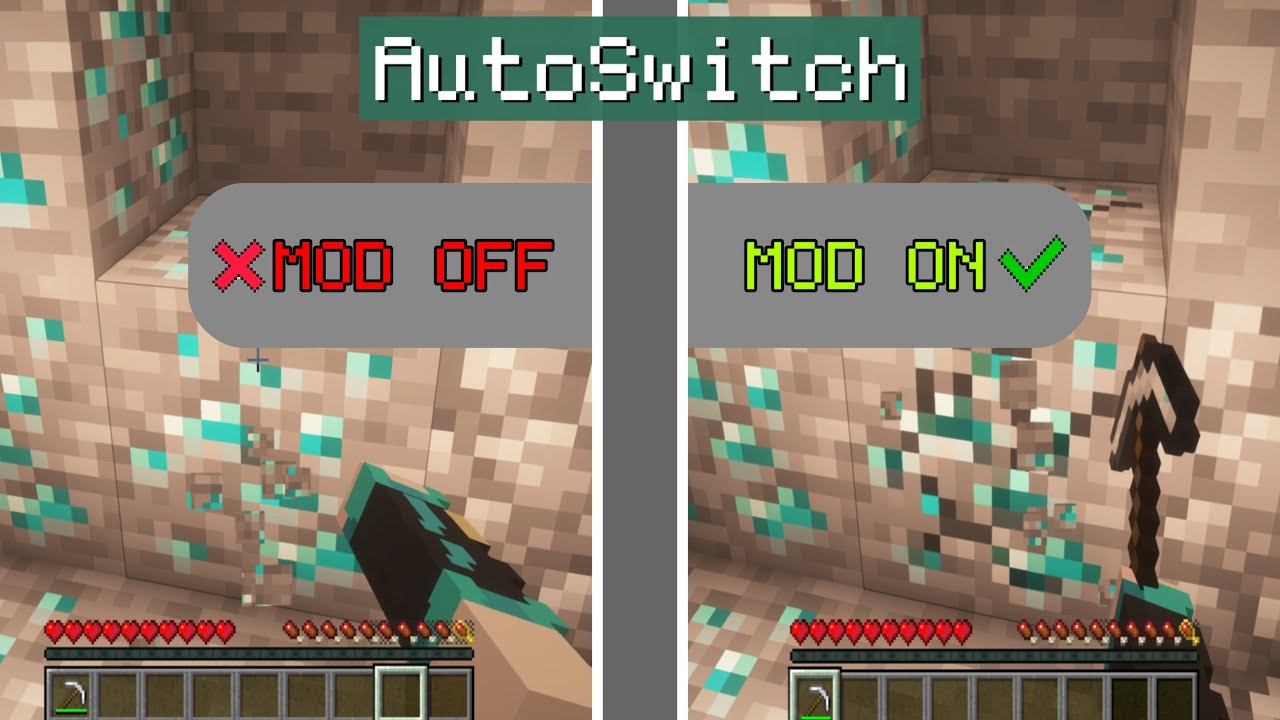
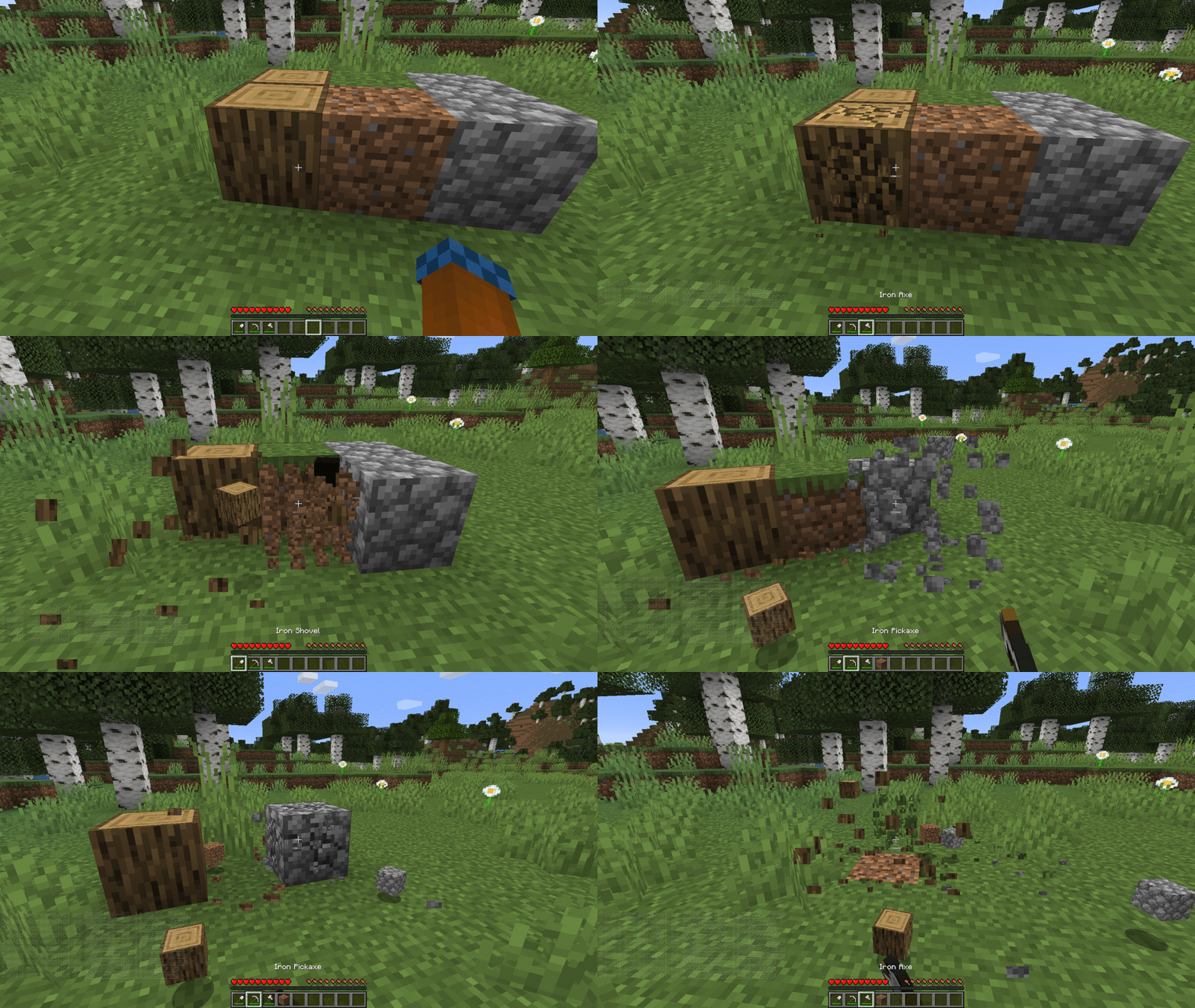
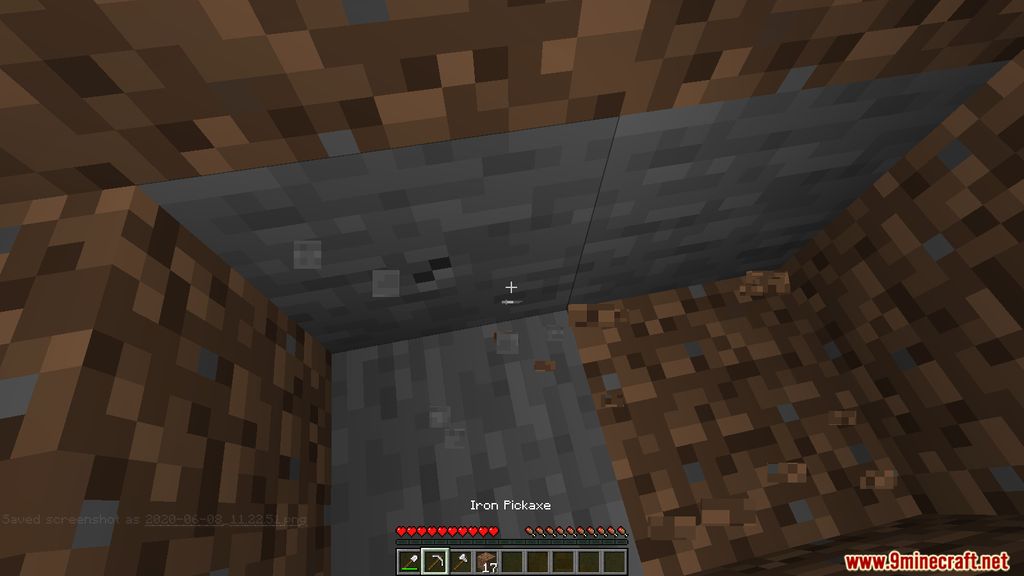
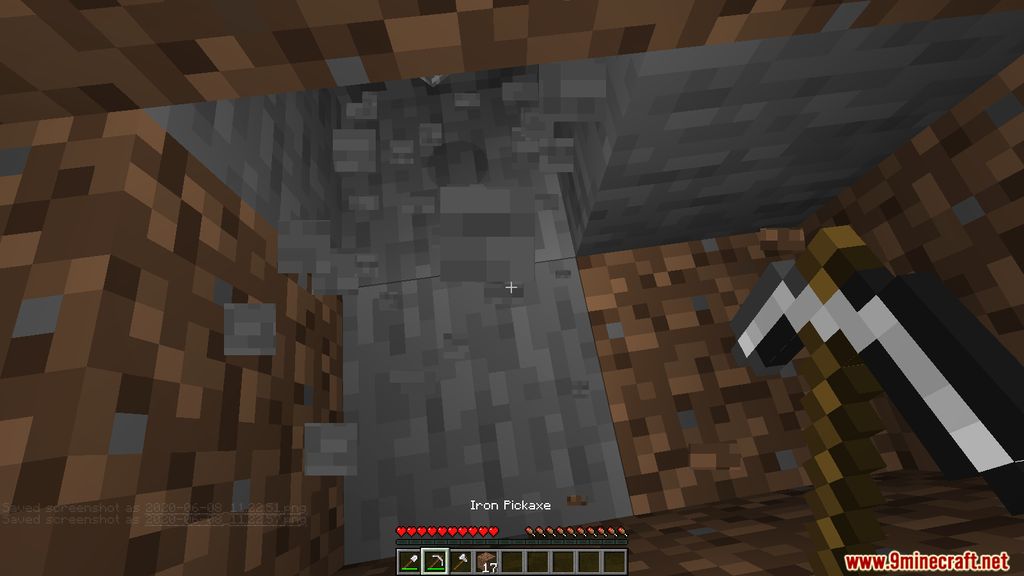
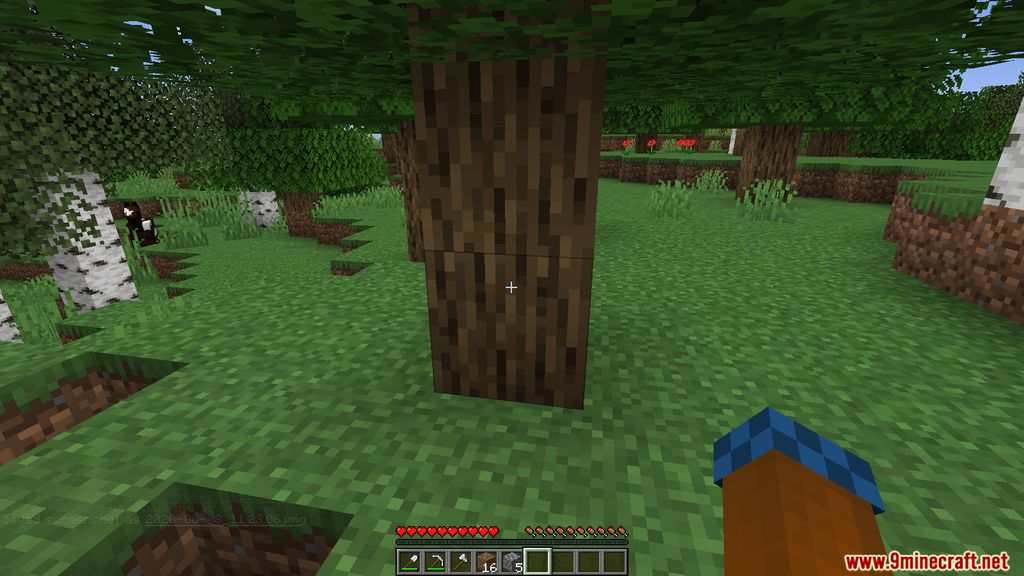
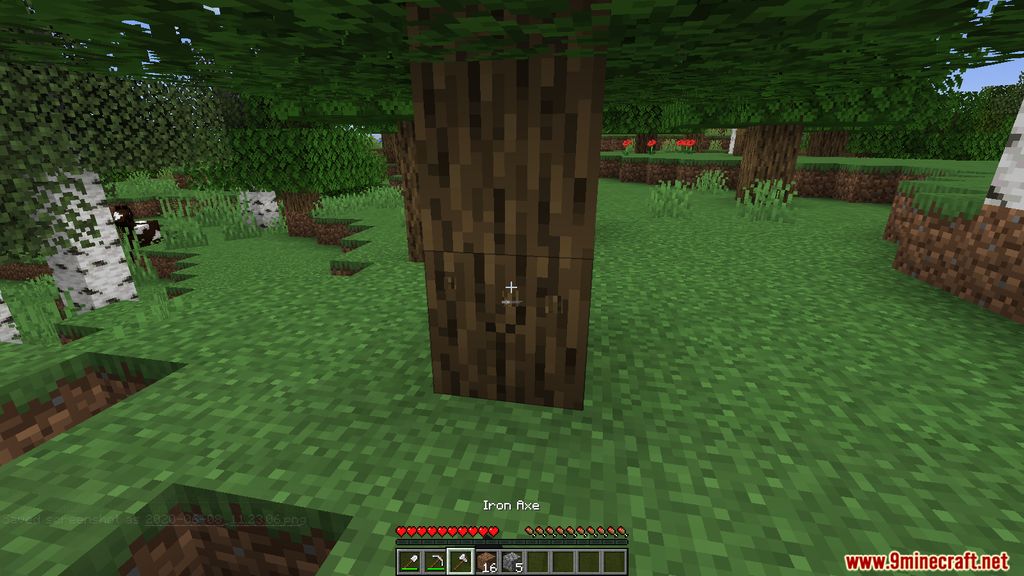
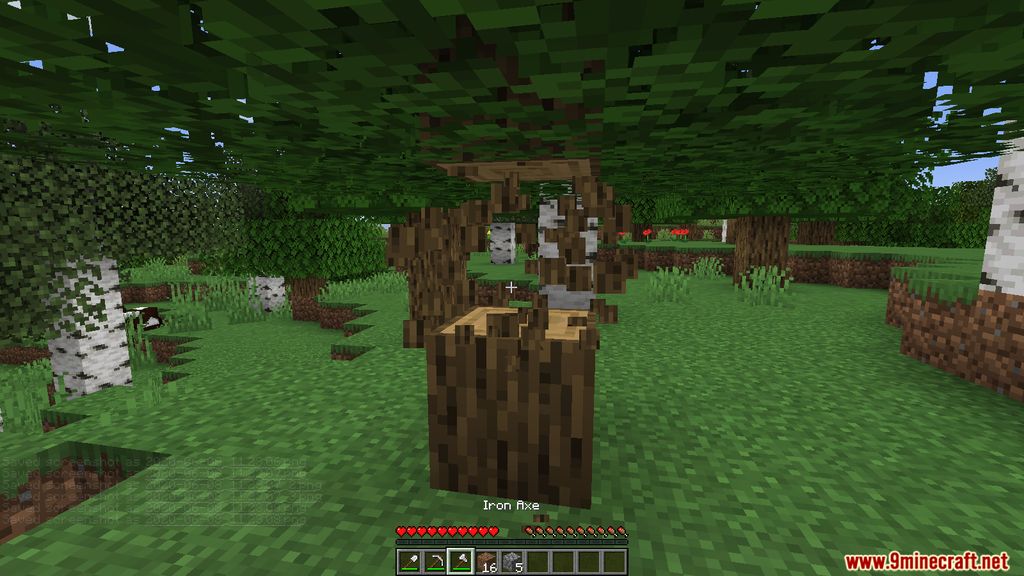
AutoSwitch Mod comes with a useful feature, which predicts the player’s next movement by indicating the player’s Hotbar, and switches to the best tool possible for the current actions. For a better explanation, if you were to hold a shovel while fighting zombies, the mod will automatically switch to your sword for better efficiency. The same goes for mining, tree chopping, and dirt removing. The mod is also fully configurable through config files in the folder. You can press R to quickly enable/disable the mod if you’re experiencing issues.
Features:
- Press R to Enable/Disable AutoSwitch
- AutoSwitch to the best tools available in your inventory for the current action.
Screenshots:
AutoSwitch Mod Download Links
- Edition: Minecraft Java
- File type: .jar
- Minecraft version listed: 1.20.1
- How to install: Install the matching mod loader (Forge, Fabric or NeoForge) for your Minecraft version. → Download the .jar. → Put it in the .minecraft/mods folder and launch that loader profile.
- Where to get it: In MC Java Mods, or directly above on this page.
Install steps are the general flow for this file type — How to install Minecraft Java mods & modpacks walks through it step by step.
- Downloads as 25390.mcaddon
- Download size: 972 KB
- Download link checked 25 Sept 2026 — working
- Mirrored on our own servers — the download does not depend on the original host
These come from our own check of the pack file, not from the source page.