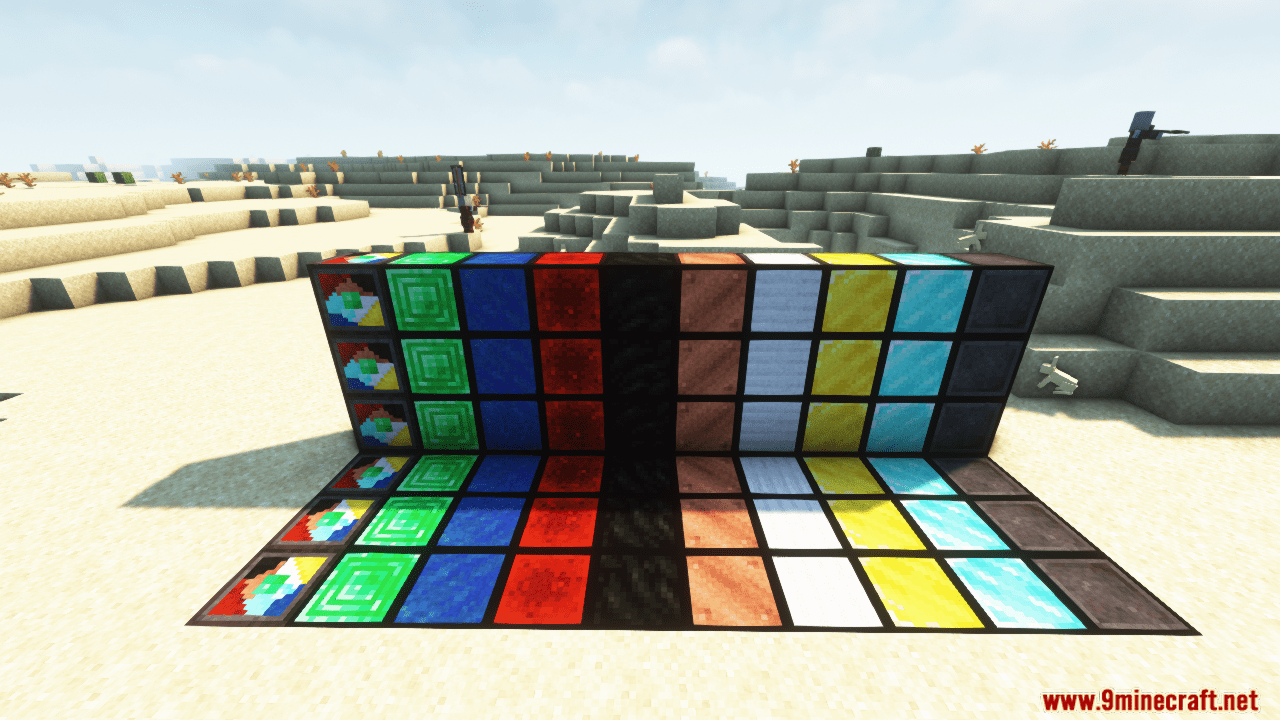
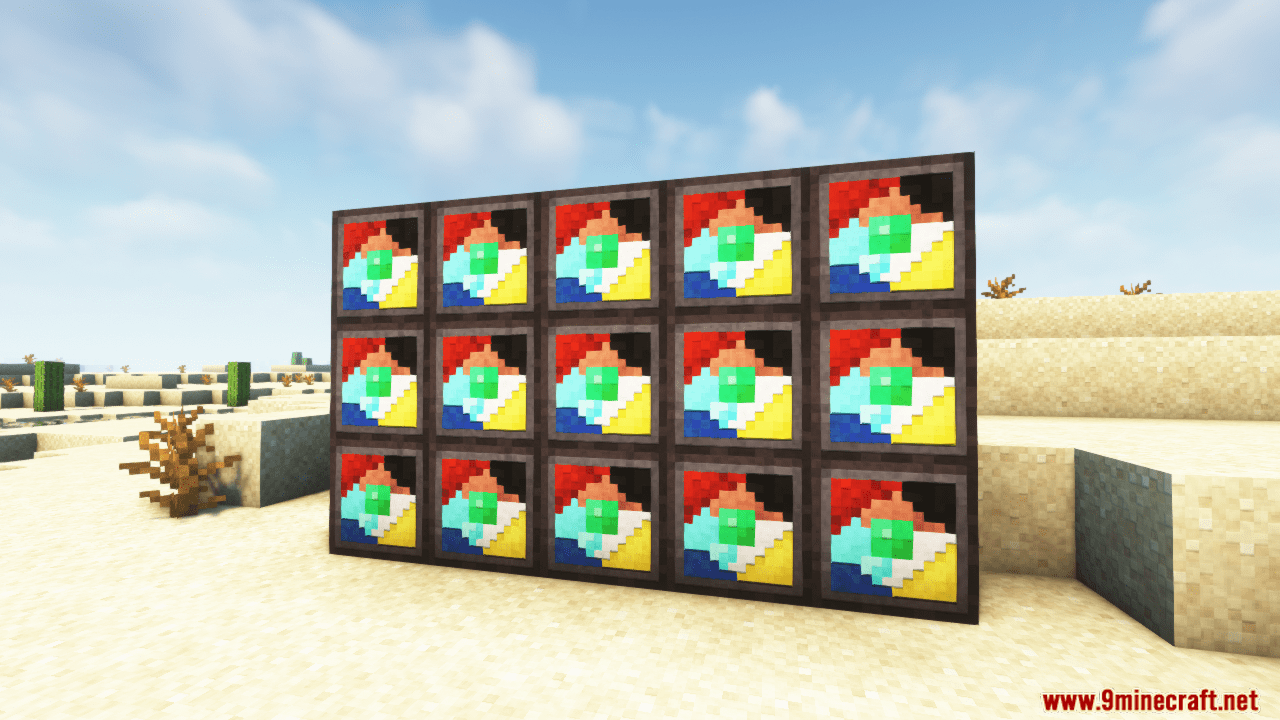
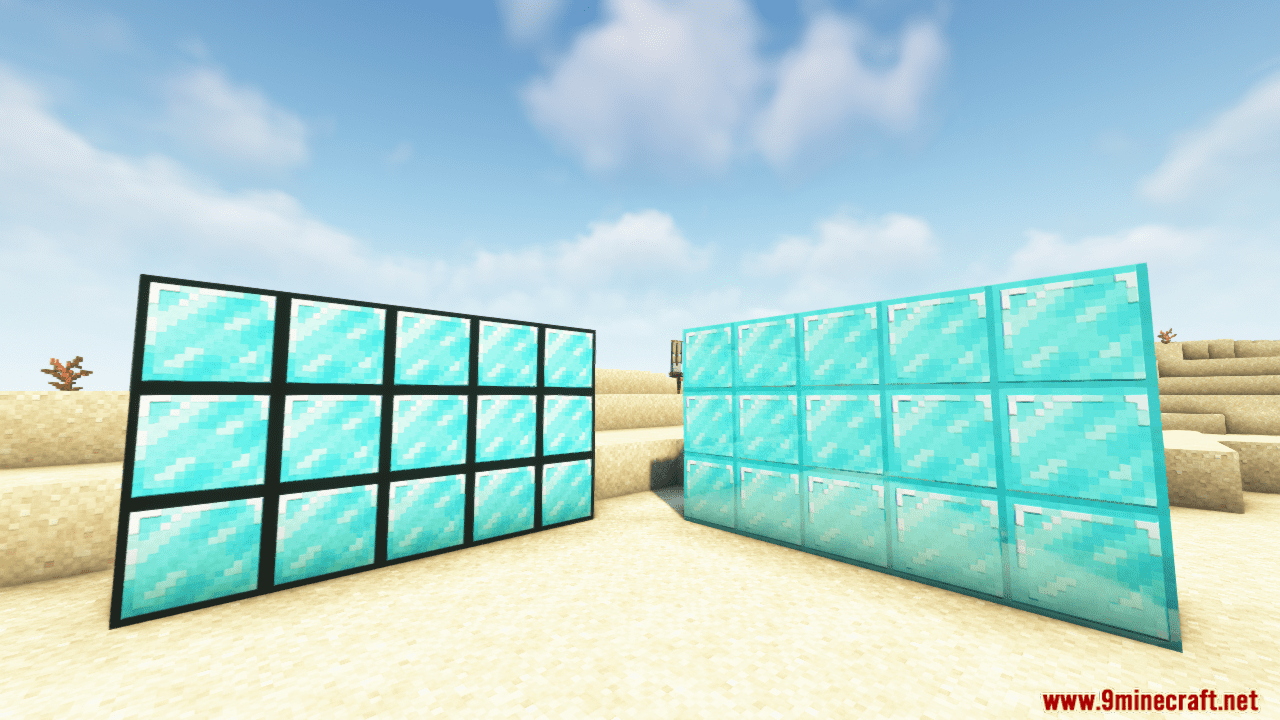
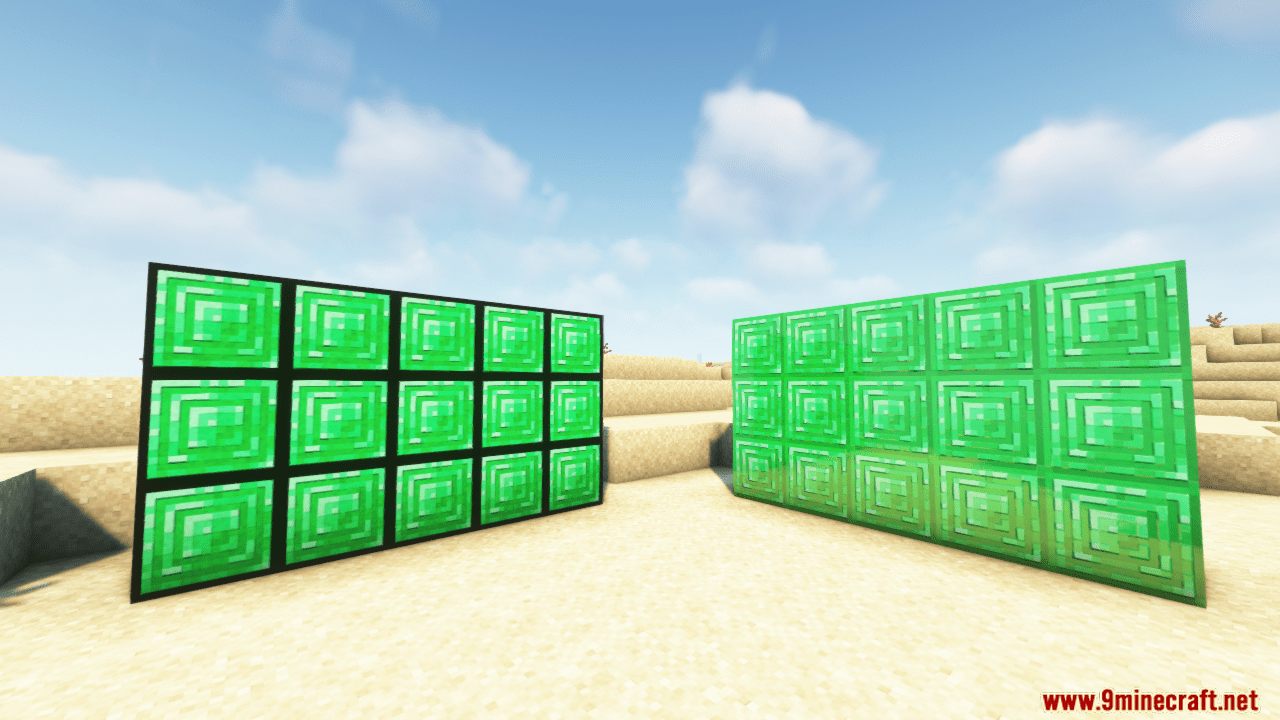
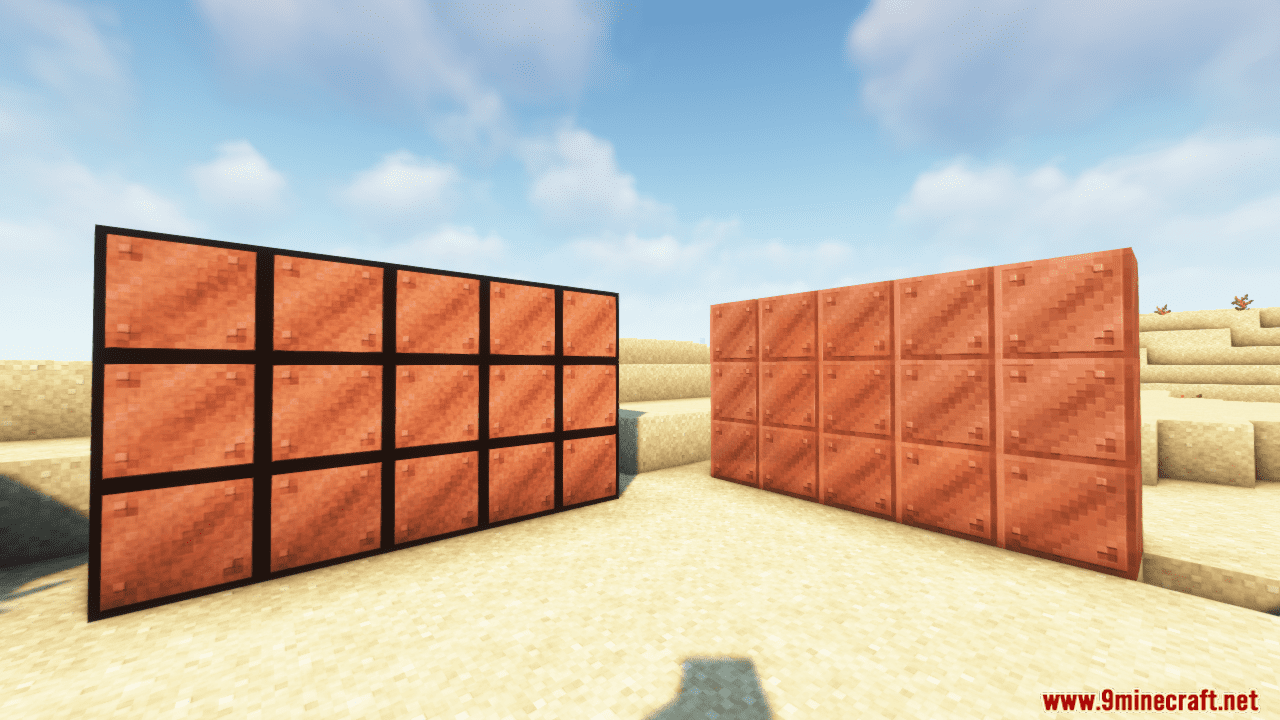
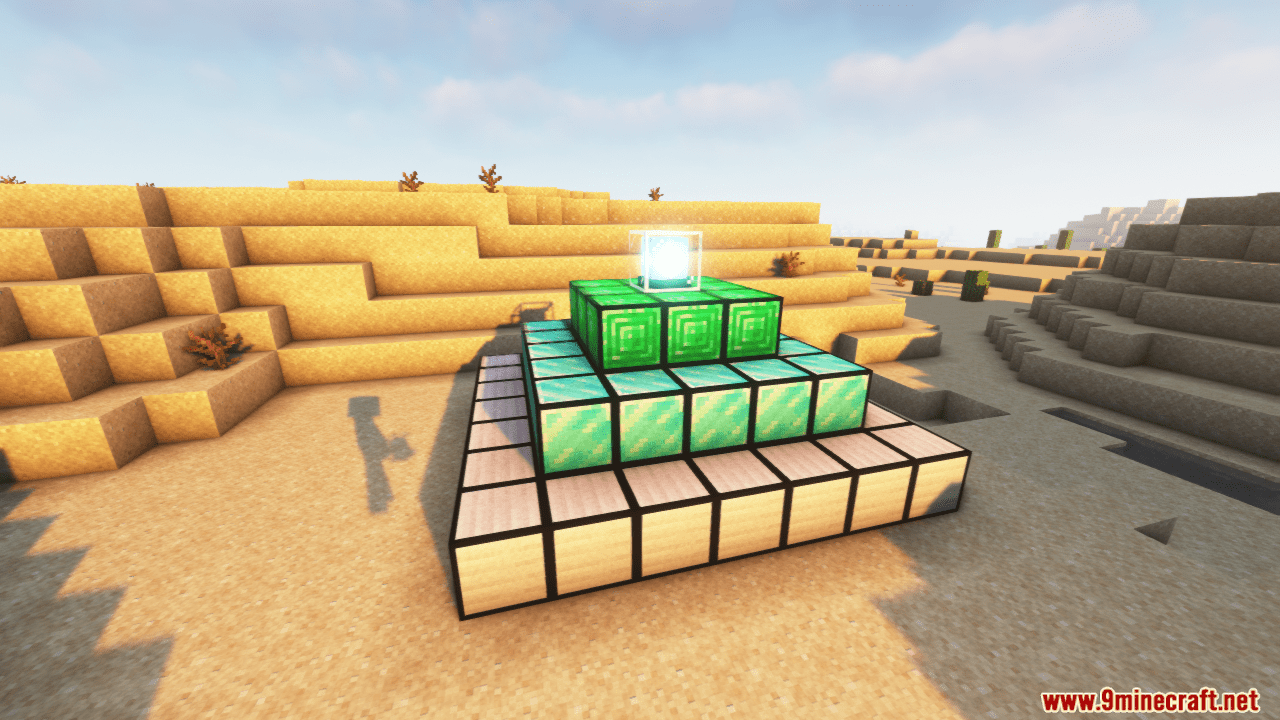
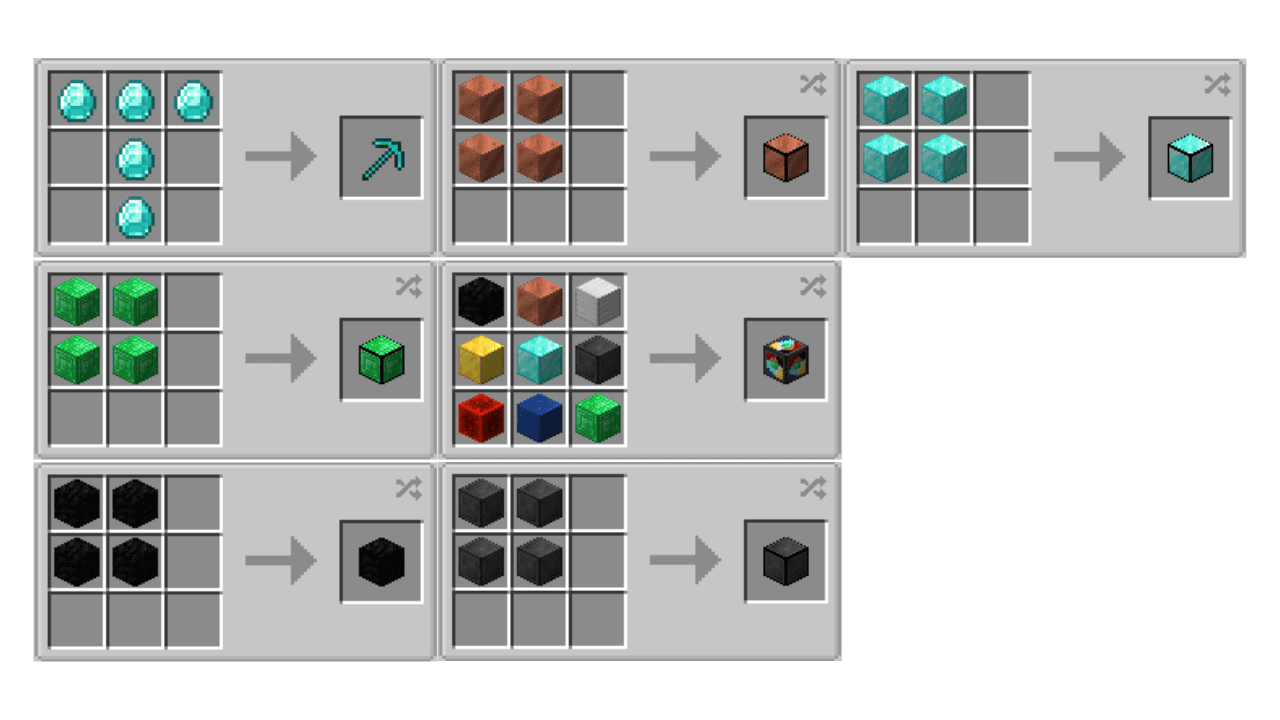
Super Ore Block Mod is a mod that offers us the possibility to create a super ore block that you can use both for storing ore blocks and for decorating our constructions. These super blocks have a black frame on the edges of the block. The mod allows us to combine four ore blocks into a super block. This can be done with coal, copper, iron, gold, lapis lazuli, redstone, emerald, diamond, and netherite blocks. Additionally, you can place one of each of these blocks in a crafting table to make the super ore block. Once a super block of a specific mineral or a super block with all the ore blocks has been created, it can be disassembled again to recover the original blocks. All you need to do is place the super block back in a crafting table.
Features:
- This mod is responsible for adding a super block of minerals, which basically will be very useful either to decorate or to facilitate the storage of these blocks. Actually, by joining 64 blocks of this mineral, you will actually be joining 64 blocks of each of the minerals necessary for its formation.
- Super ore block and Super tool added to the game.
- In the latest version, super blocks of nine ores have been added: coal, copper, iron, gold, lapis lazuli, Redstone, emerald, diamond, and Netherite.
Screenshots:
Crafting Recipes:
Super Ore Block Mod Download Links
- Edition: Minecraft Java
- File type: .jar
- Minecraft version listed: 1.20.1
- How to install: Install the matching mod loader (Forge, Fabric or NeoForge) for your Minecraft version. → Download the .jar. → Put it in the .minecraft/mods folder and launch that loader profile.
- Where to get it: Opens on the file's original source — not every file is mirrored on our own servers.
Install steps are the general flow for this file type — How to install Minecraft Java mods & modpacks walks through it step by step.
Super Ore Block Mod (26.1.2, 1.20.1) – For Storage and Construction is a free Minecraft Java mod. Compatible with Minecraft 1.20.1. Download it and open it directly in the game.