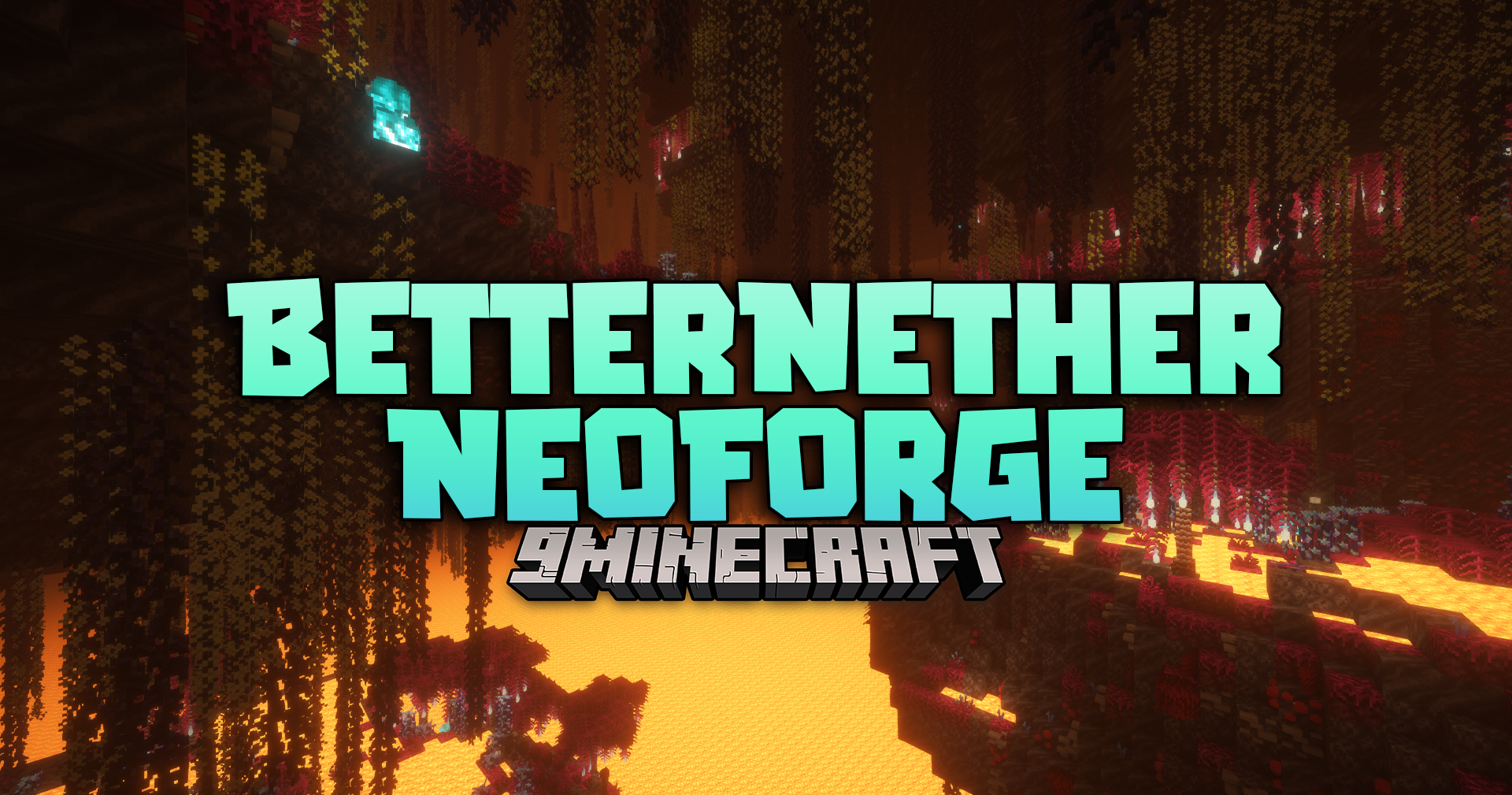
Betternether Neoforge Mod (26.1.2, 1.21.1) – Explore Lush Biomes And Giant
Java mod listed for Minecraft 1.21. Downloads from the MC Java Mods app on Android.
⬇ Download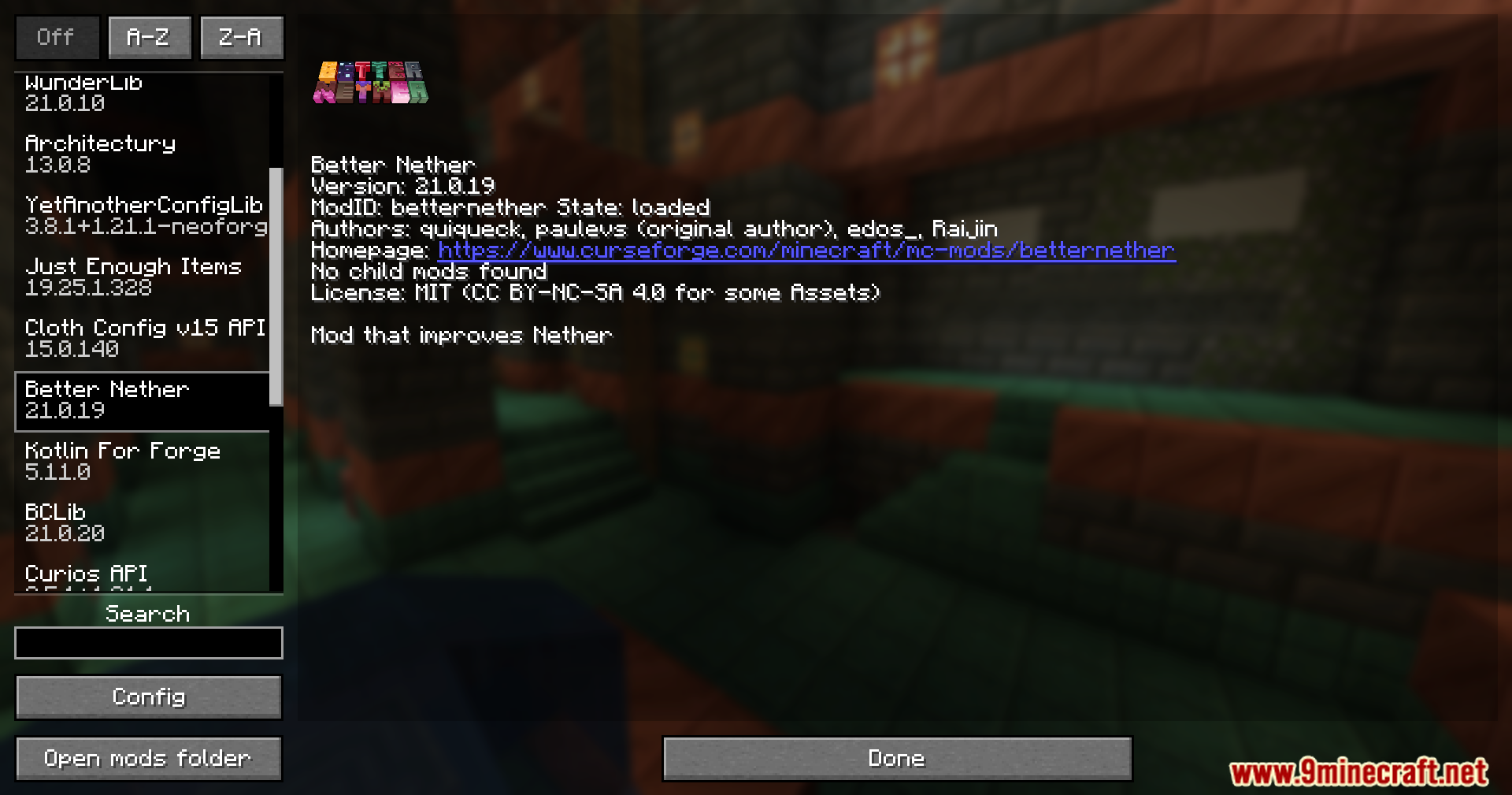
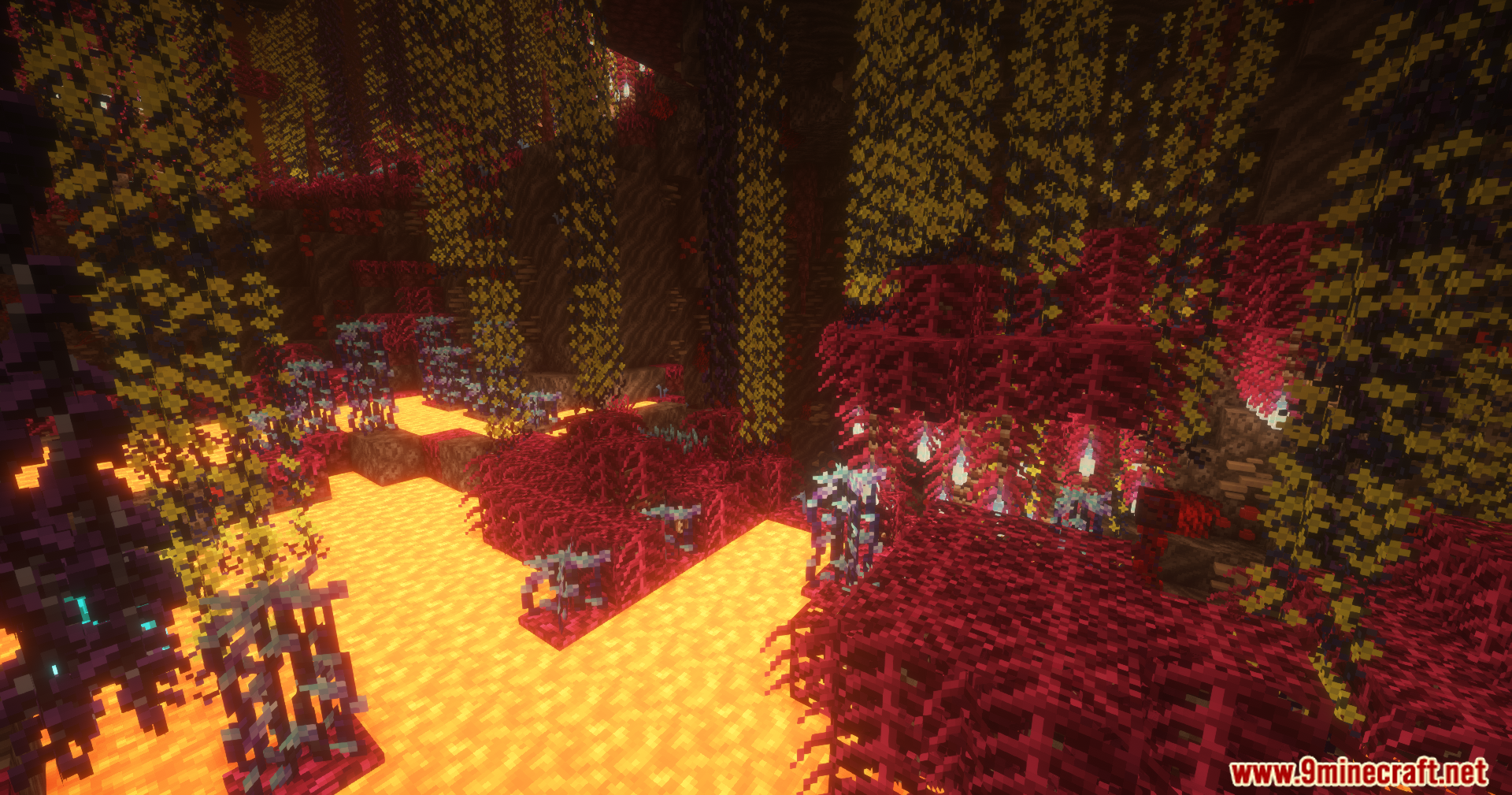
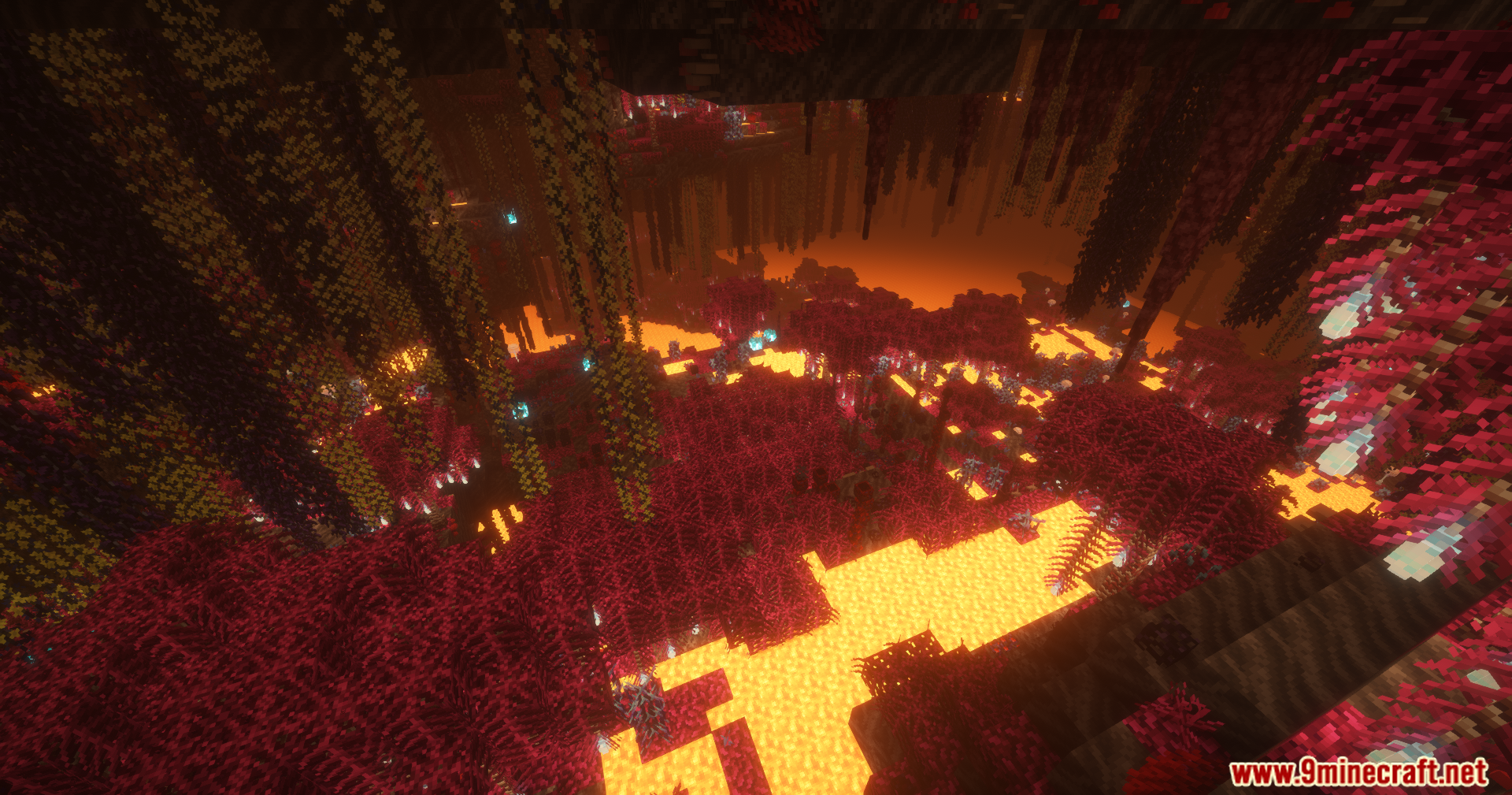
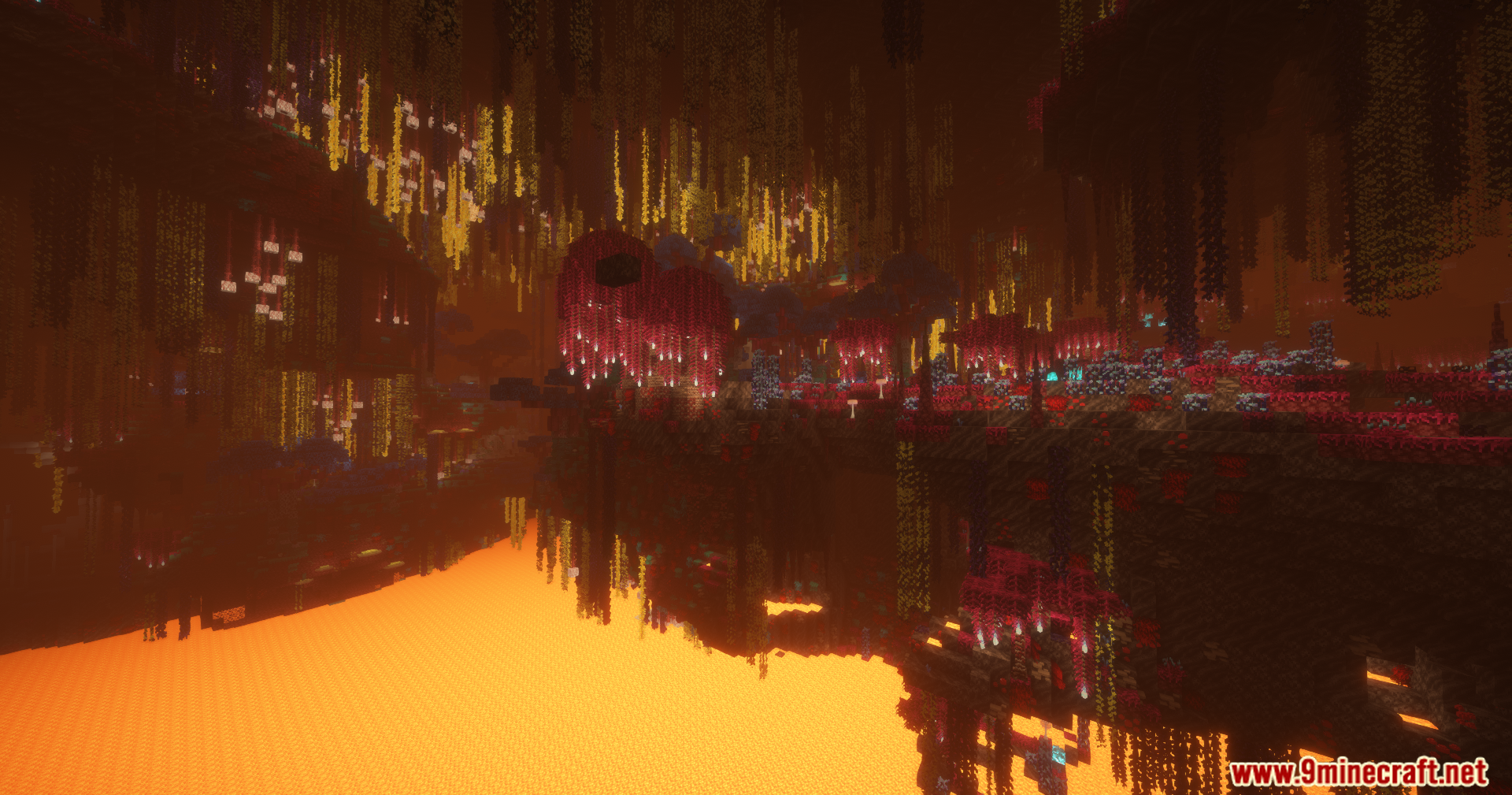
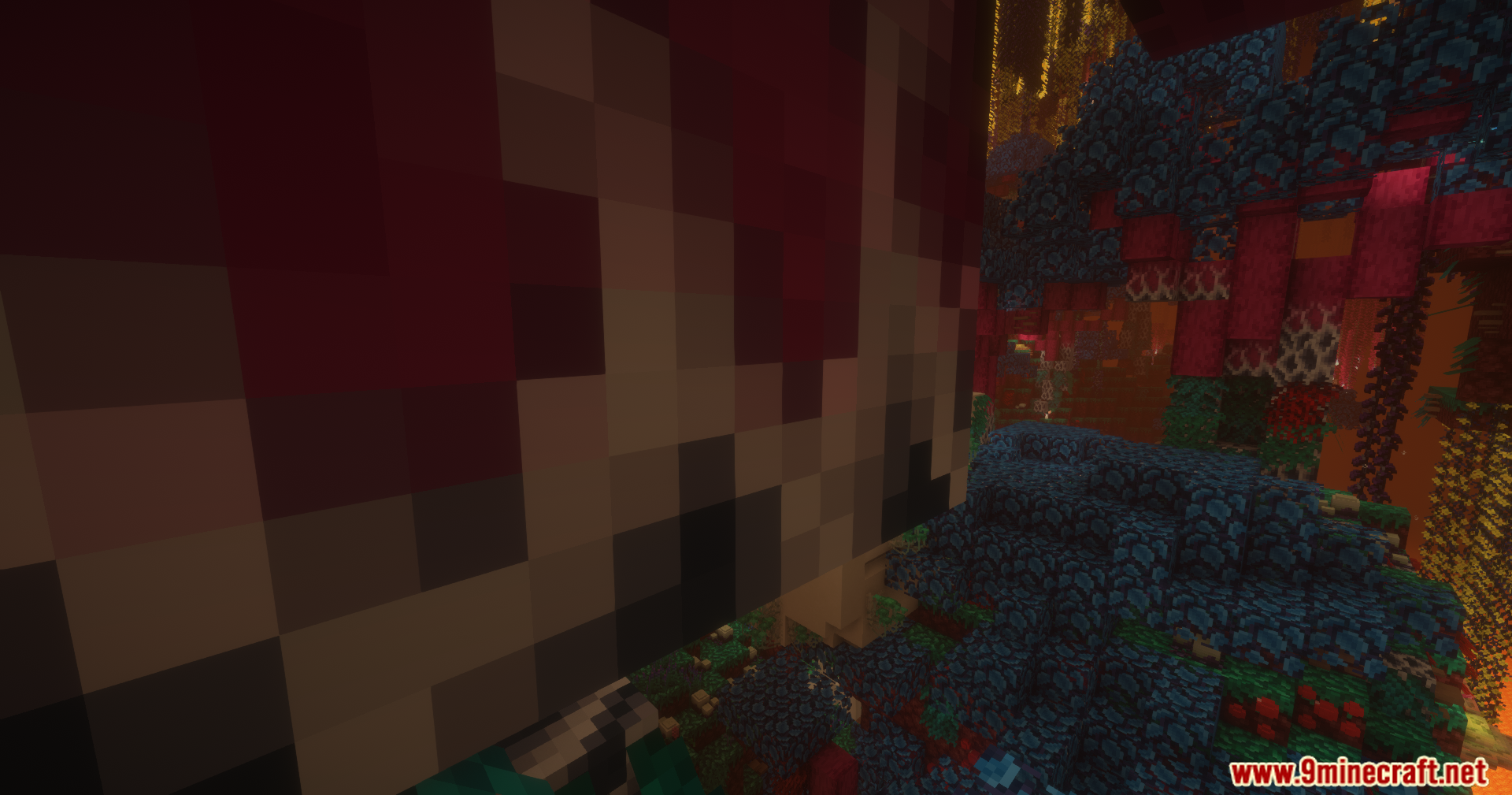
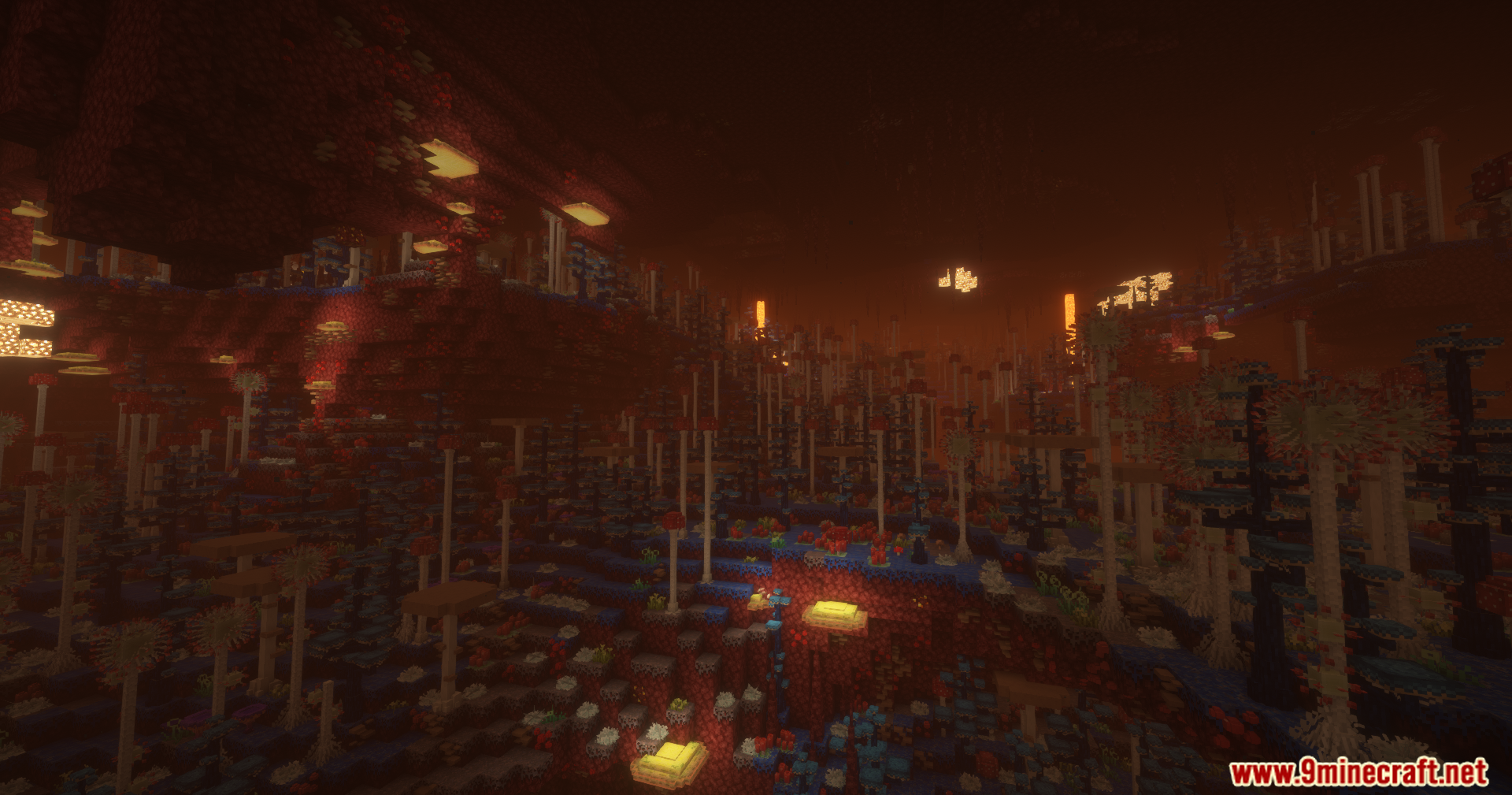
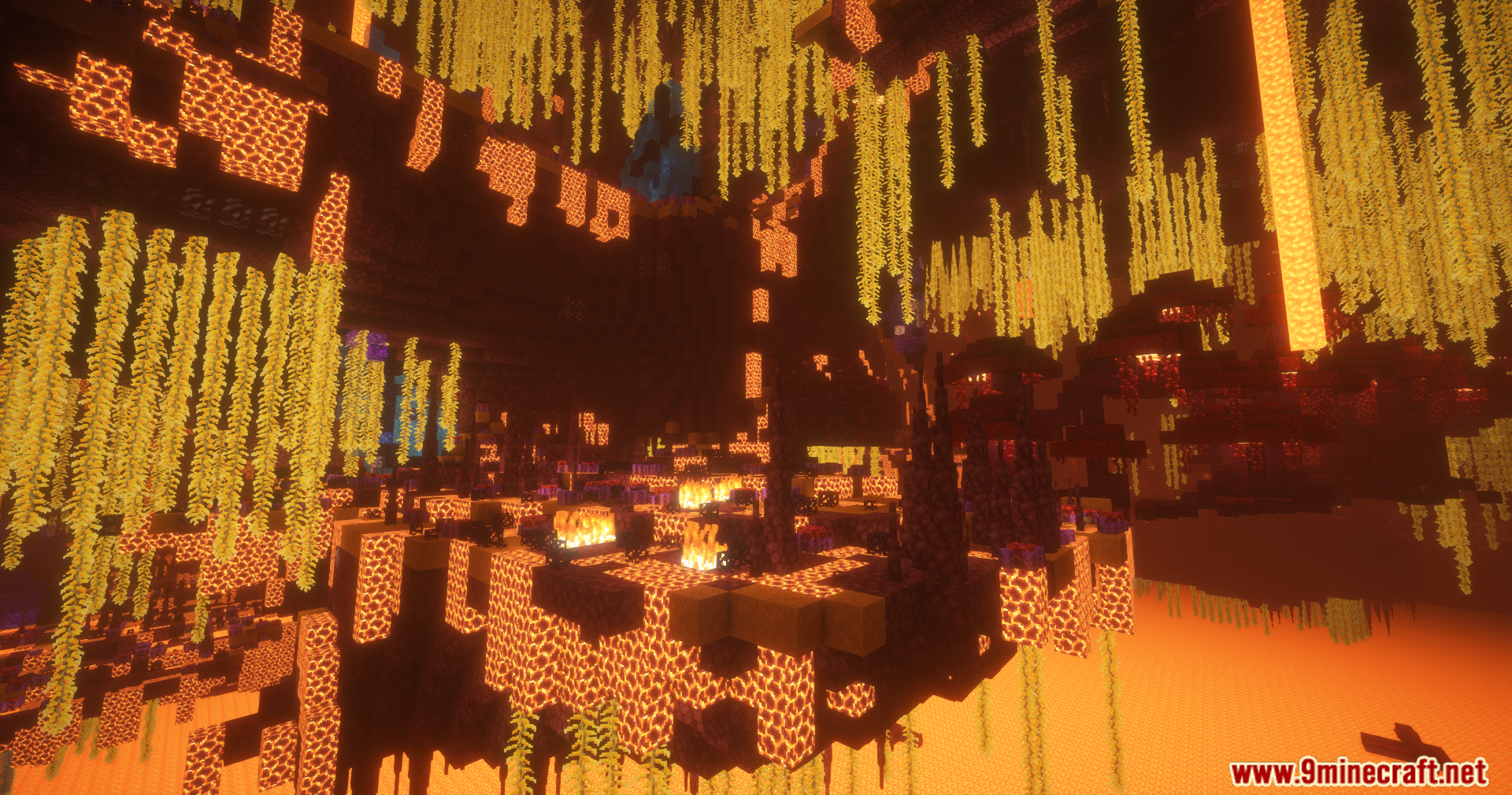
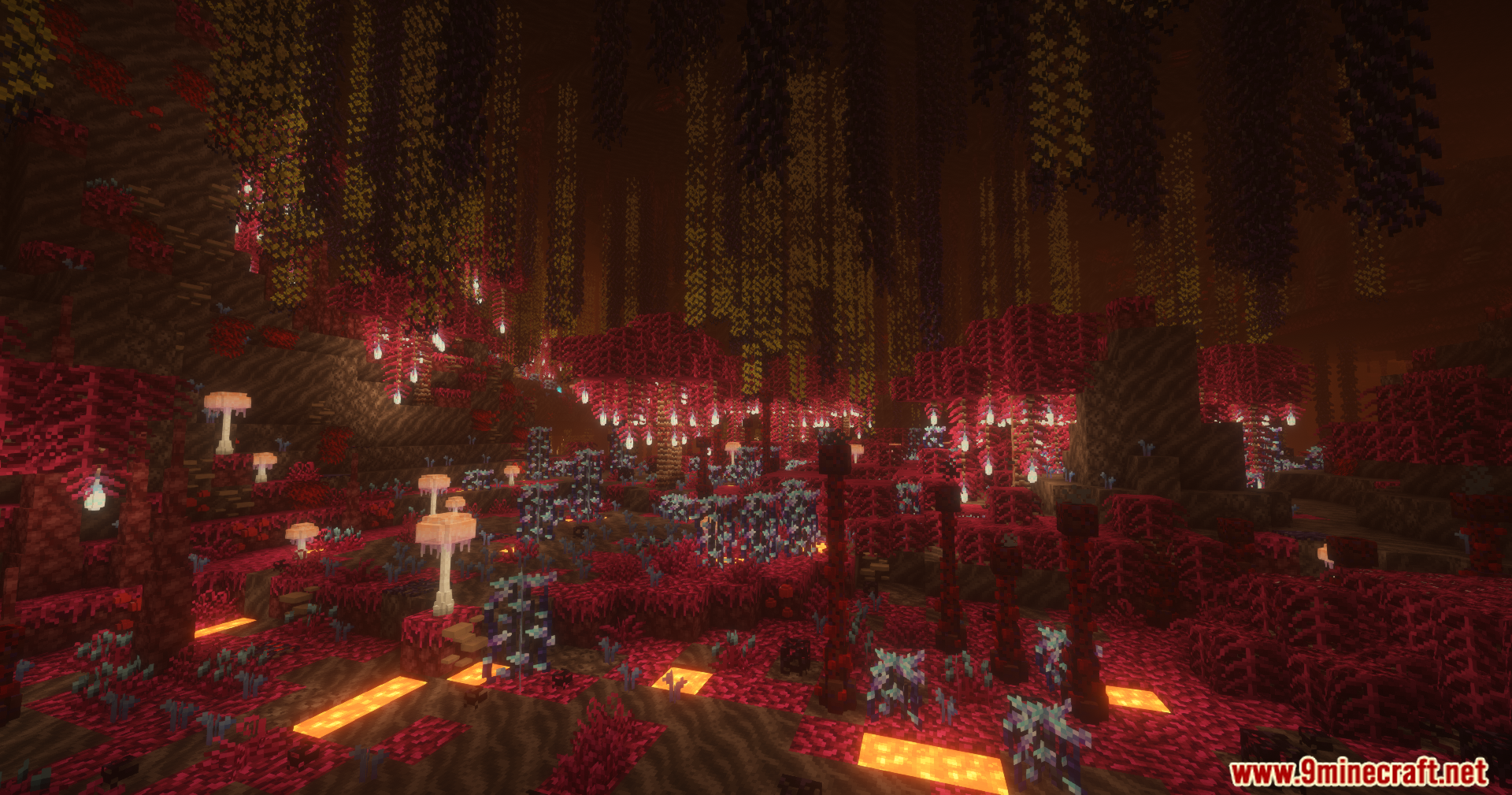
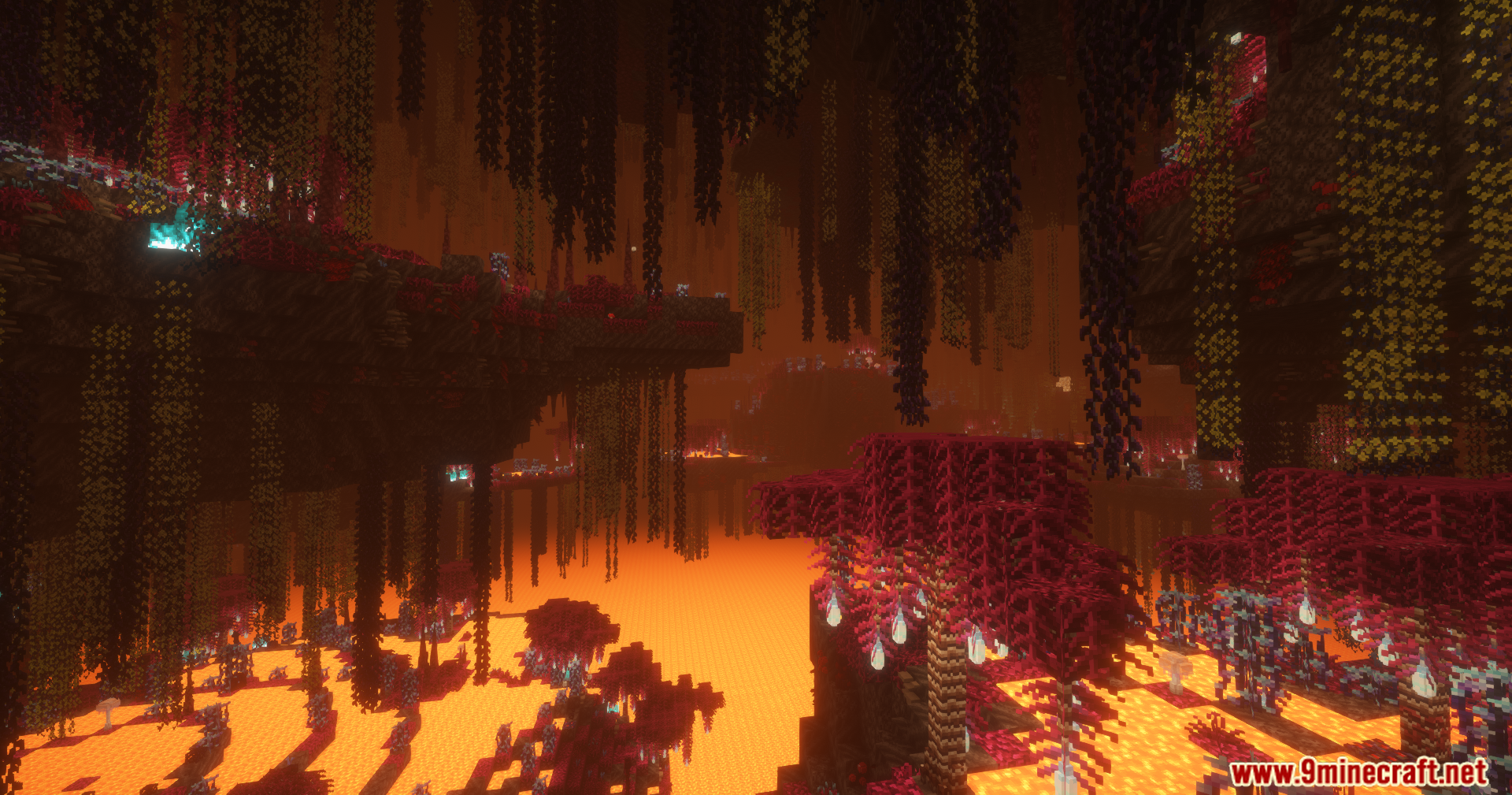
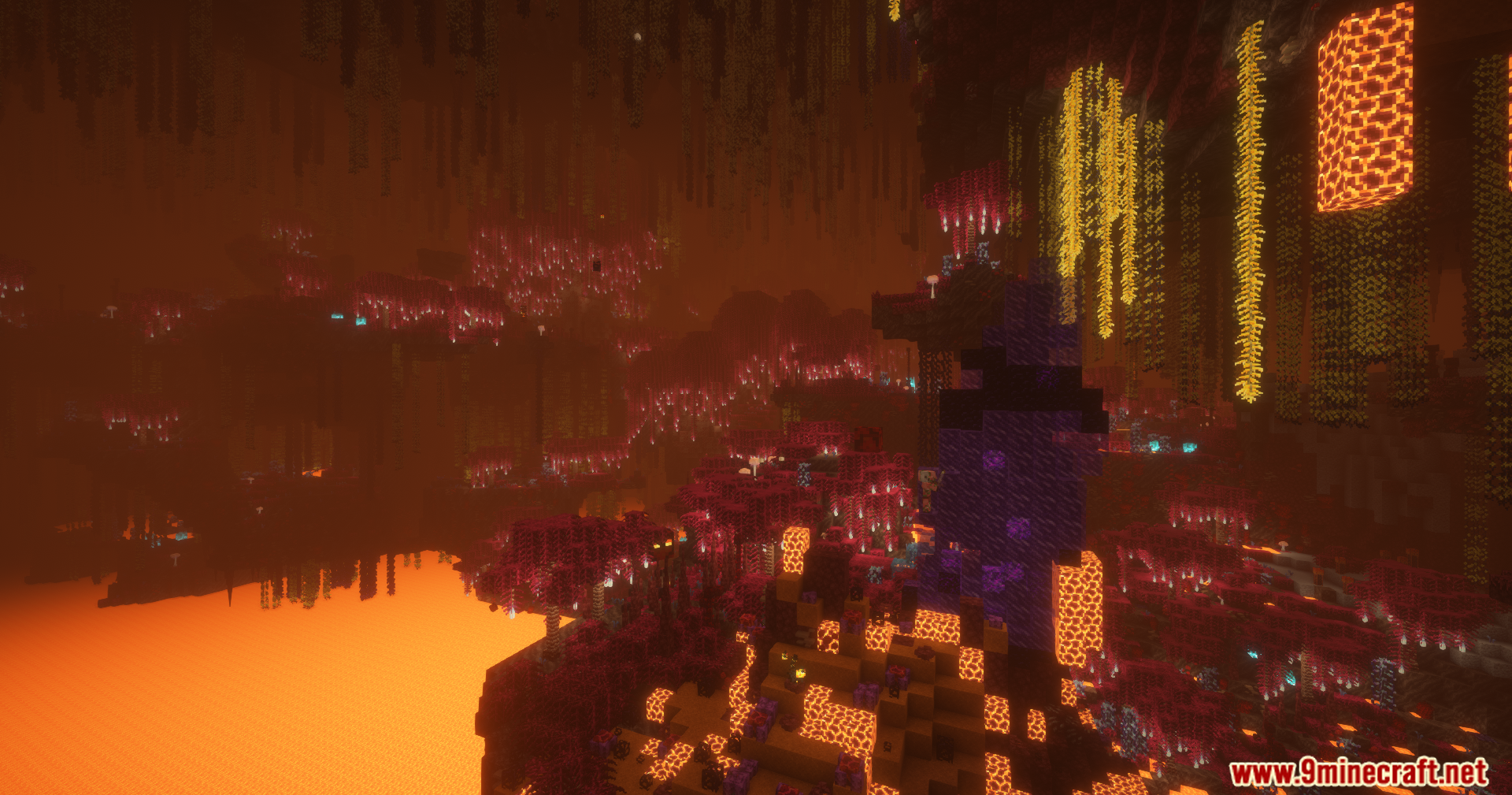
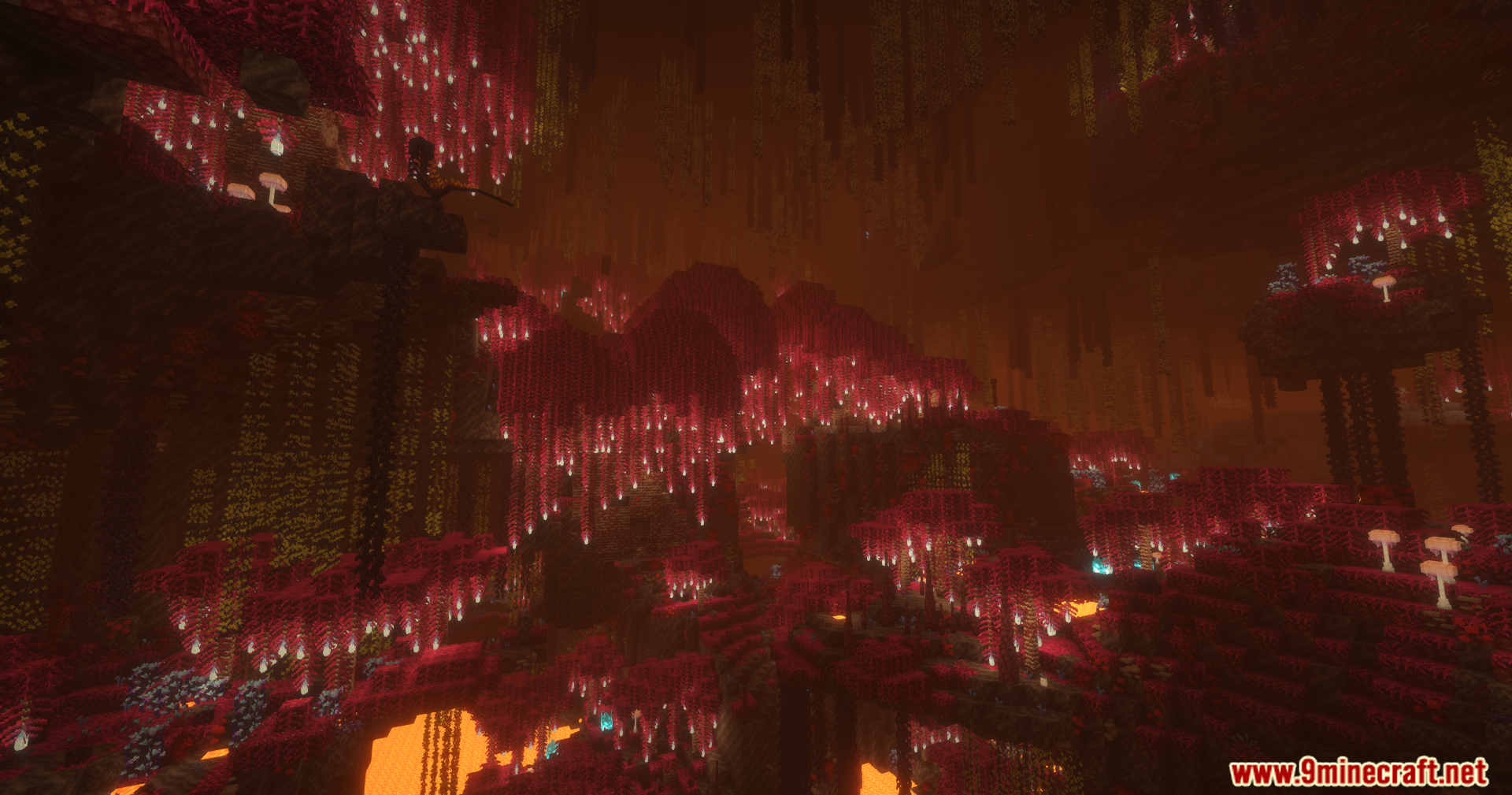
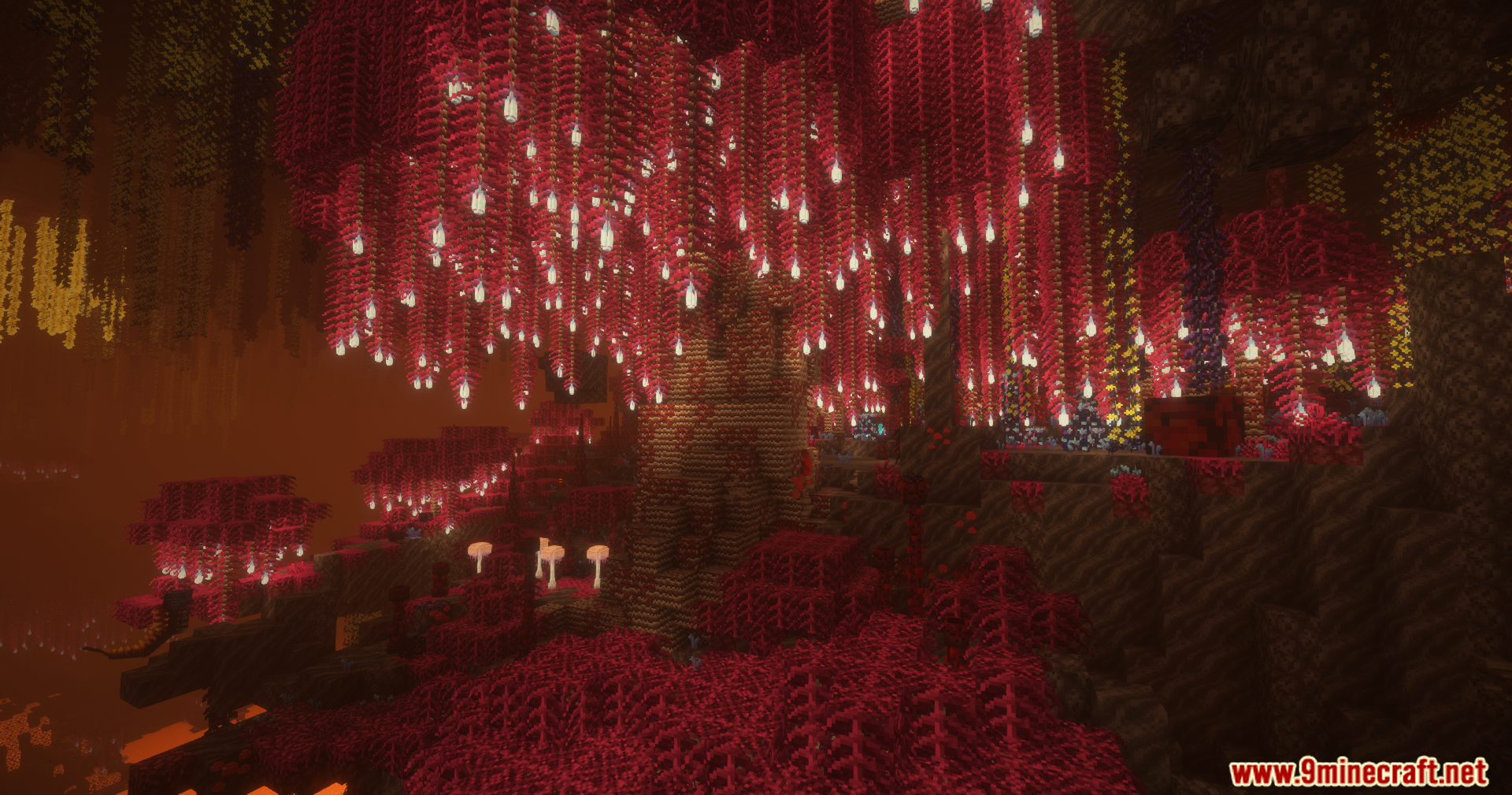
Betternether Neoforge Mod ports the famous BetterNether content over to the NeoForge loader. It transforms the fiery dimension into a deep world full of new biomes, strange plants, and hidden dangers. You face tough new monsters like the Naga while exploring dark dungeons and giant Nether Cities. The mod gives you unique tools, fresh food recipes and many building blocks to help you survive. It also includes special bug fixes and item balance changes specifically for this loader.
Features:
- Massive Structures: Generates dark dungeons and rare, giant Nether Cities for you to explore.
- New Nether Biomes: Adds unique biomes that generate vertically and fill the whole dimension.
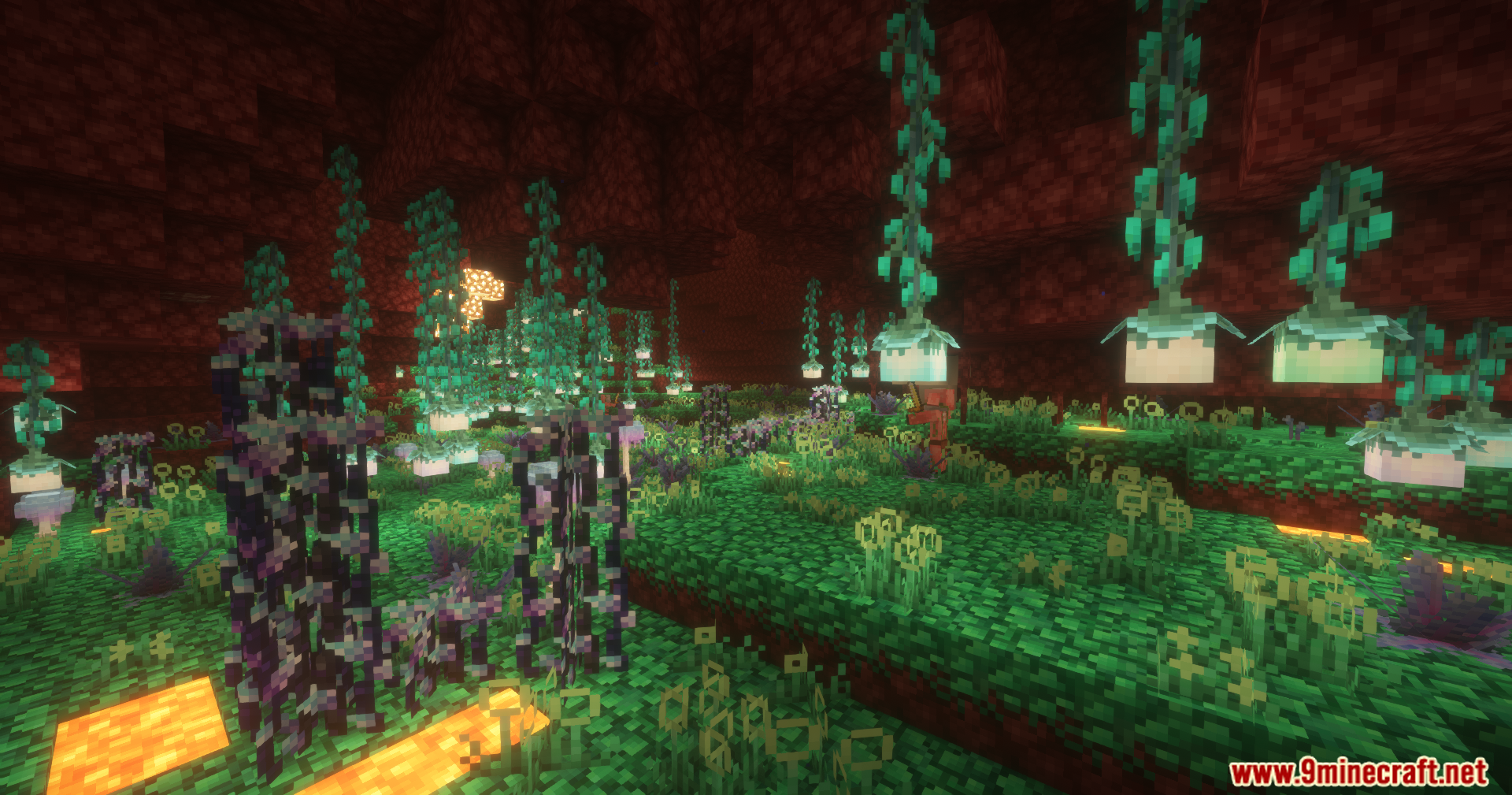
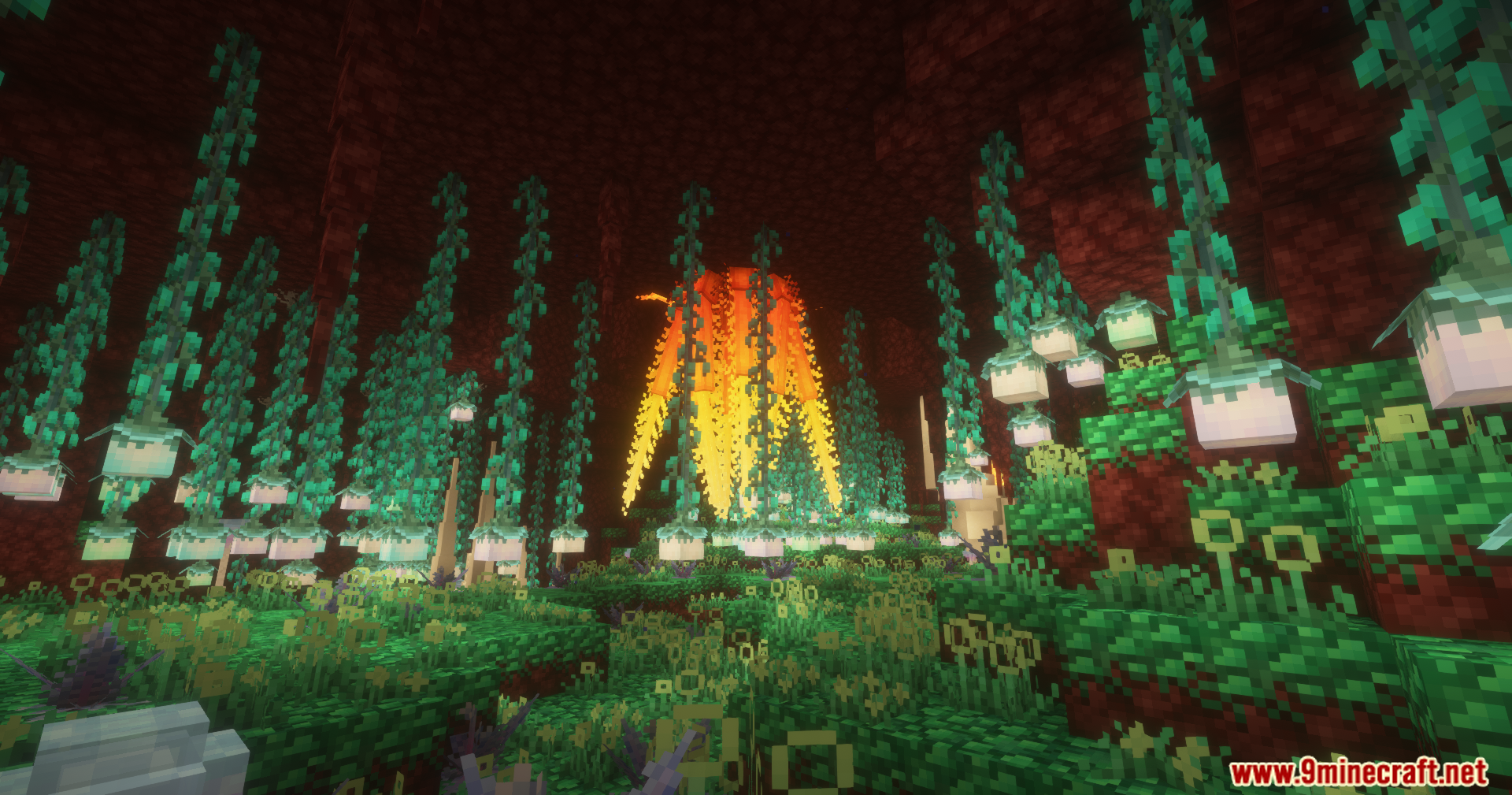
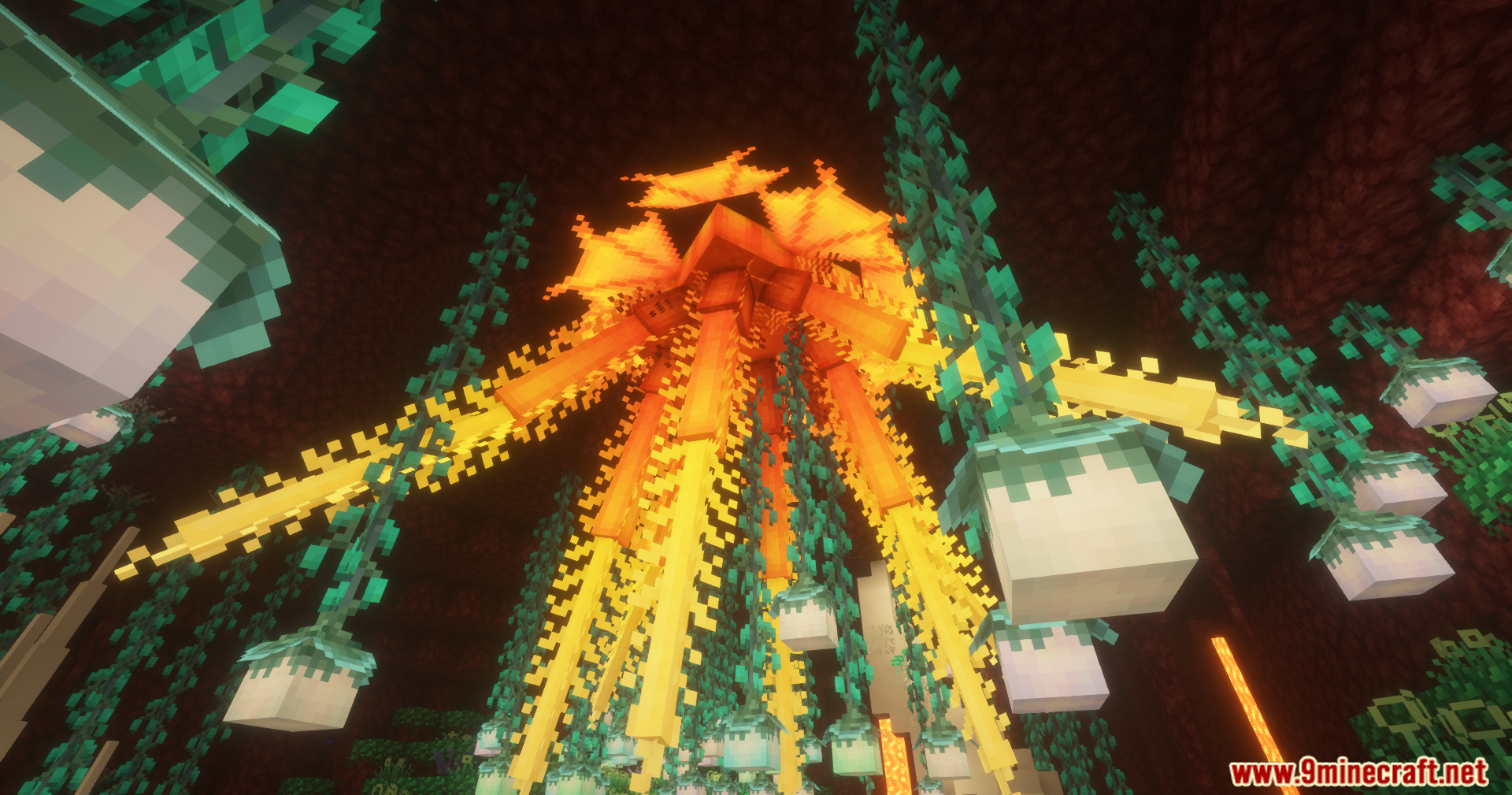
- Strange Plants: Spawns dozens of new plants that you can grow in your own farms.
- Tough Monsters: Adds new enemies like the dangerous Naga to fight.
- New Materials & Gear: Offers fresh recipes for food, tools, and weapons to help you survive.
- Fireruby Pickaxe Update: Prevents this special pickaxe from smelting ores if it has the Silk Touch enchantment.
- Faster Brewing: Makes the Nether Brewing Stand work twice as fast as normal.
- Loot Balance: Removes the Sculk Catalyst from early loot tables so players must work harder to get powerful gear.
- Fixed Block Drops: Ensures that items like Golden vines, Hook mushrooms, and Eye Plants drop correctly when broken.
- Updated Fire Bowls: Changes all fire bowl blocks to use a proper lit state instead of standard fire.
- Nether Willow: Renames the standard willow wood to Nether Willow to fit the dimension better.
- Spawner Fixes: Allows fireflies to spawn correctly from monster spawners.
Screenshots:
Betternether Neoforge Mod Download Links
- Edition: Minecraft Java
- File type: .jar
- Minecraft version listed: 1.21.1
- How to install: Install the matching mod loader (Forge, Fabric or NeoForge) for your Minecraft version. → Download the .jar. → Put it in the .minecraft/mods folder and launch that loader profile.
- Where to get it: In MC Java Mods, or directly above on this page.
Install steps are the general flow for this file type — How to install Minecraft Java mods & modpacks walks through it step by step.
- Downloads as 25442.mcaddon
- Download size: 22.5 MB
- Download link checked 24 Sept 2026 — working
- Mirrored on our own servers — the download does not depend on the original host
These come from our own check of the pack file, not from the source page.