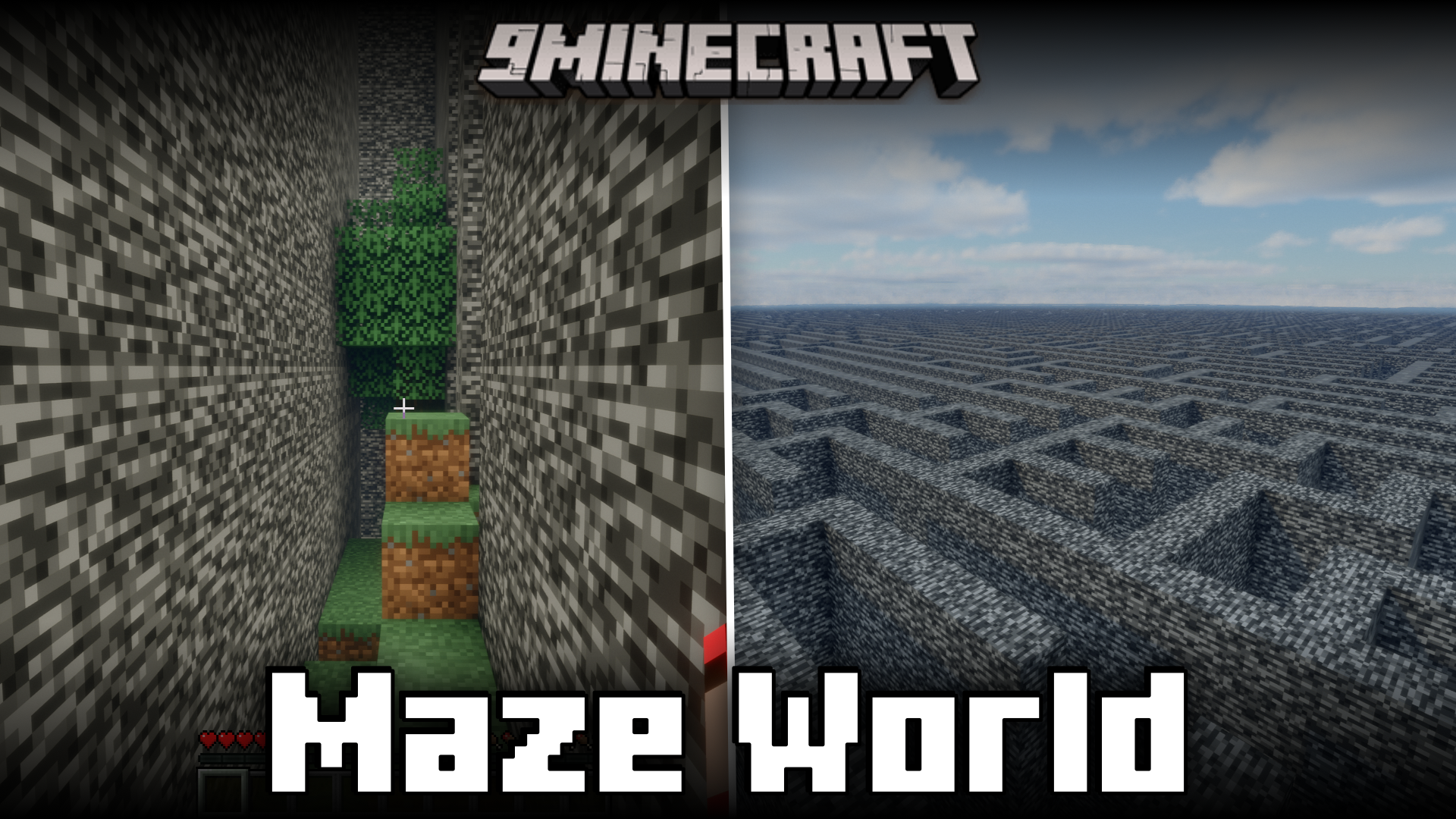
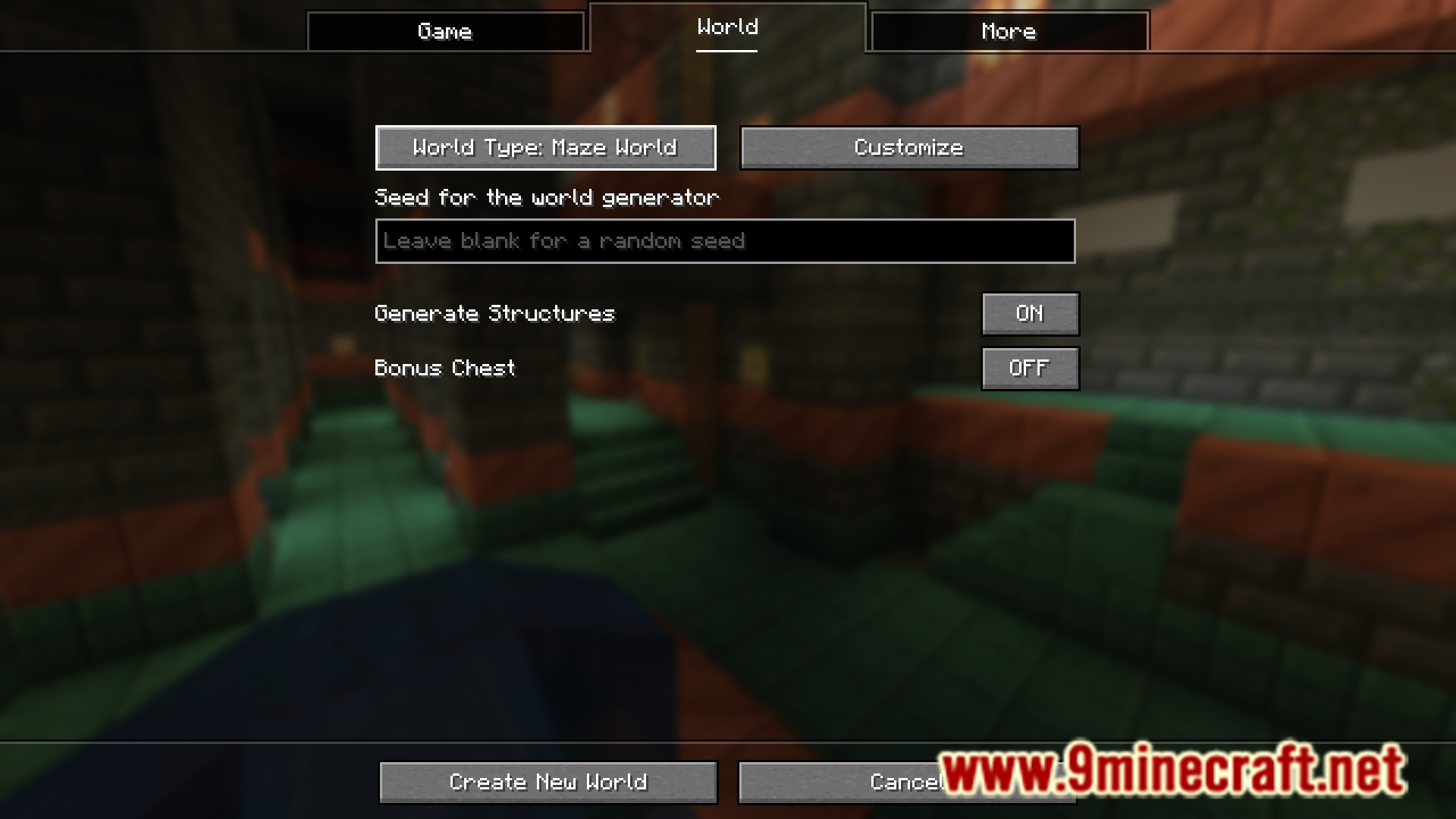
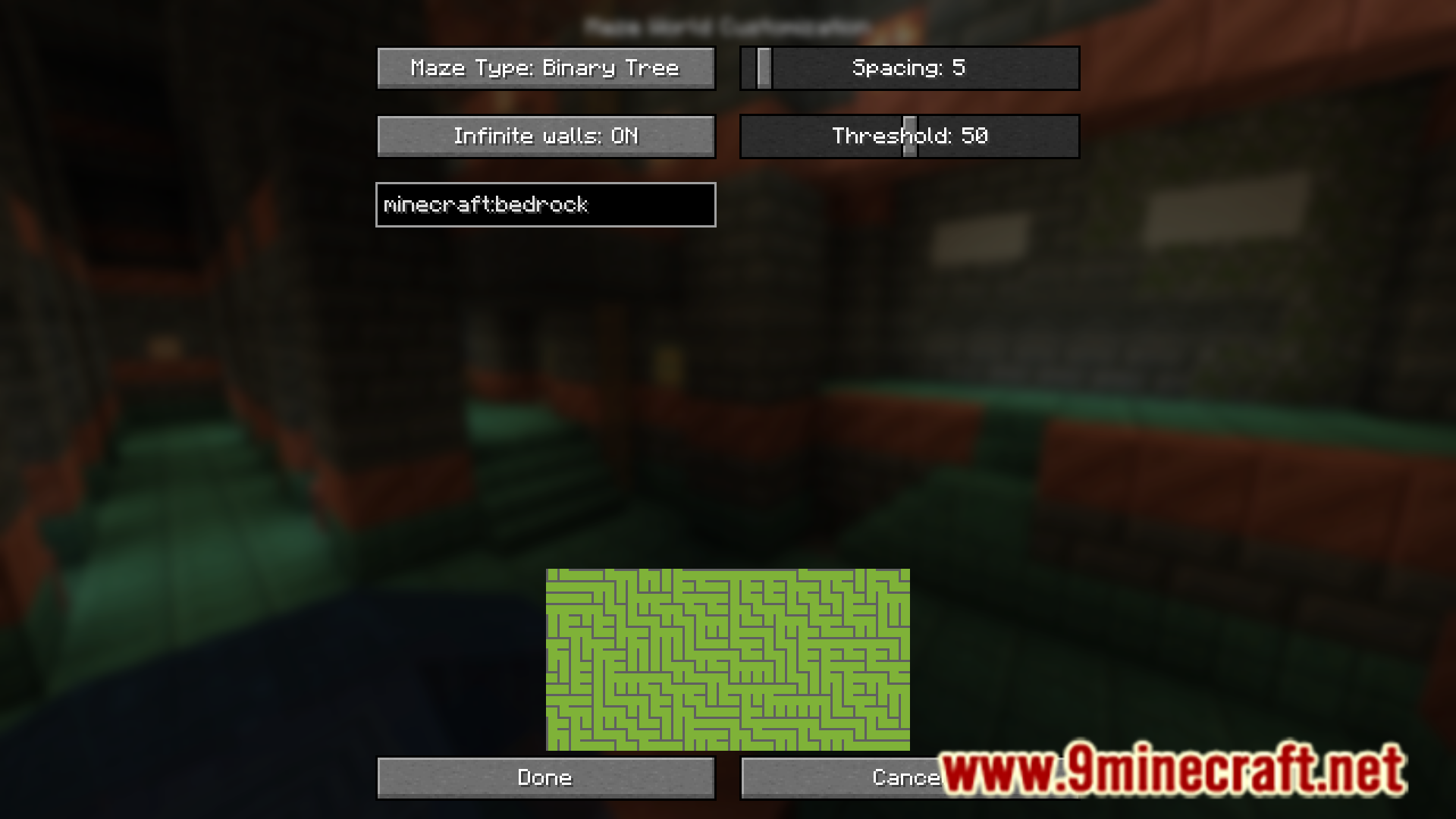
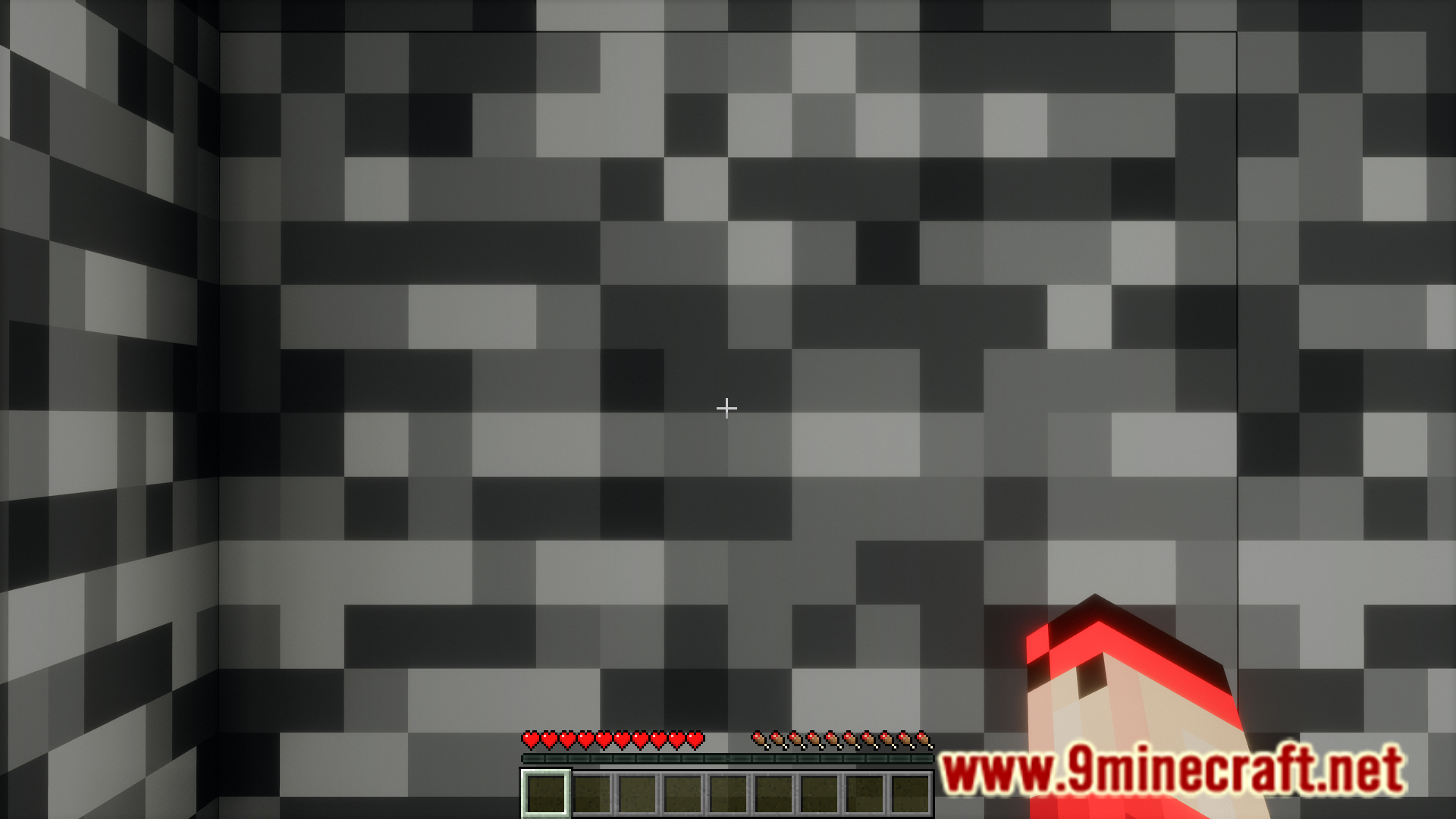
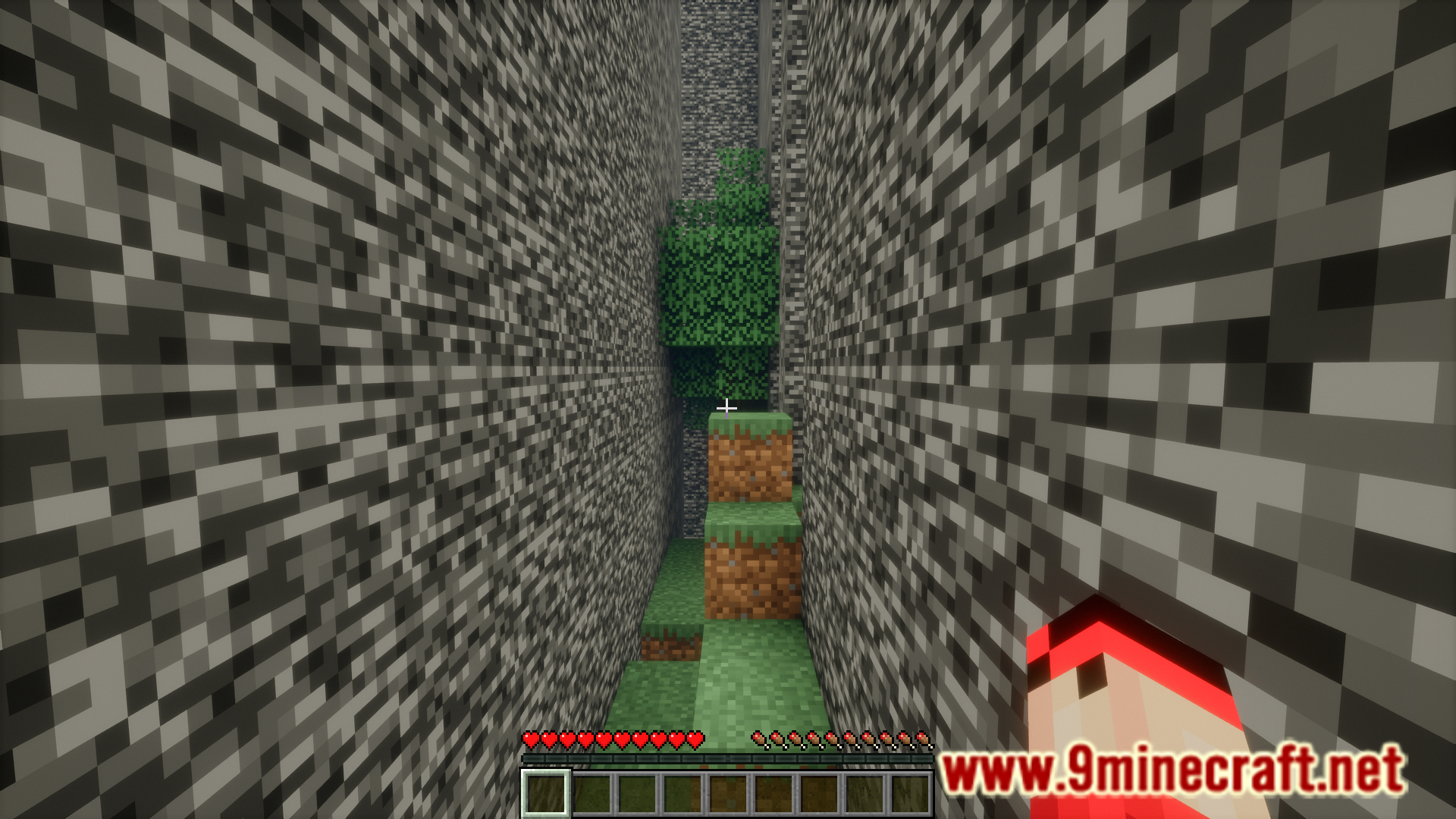
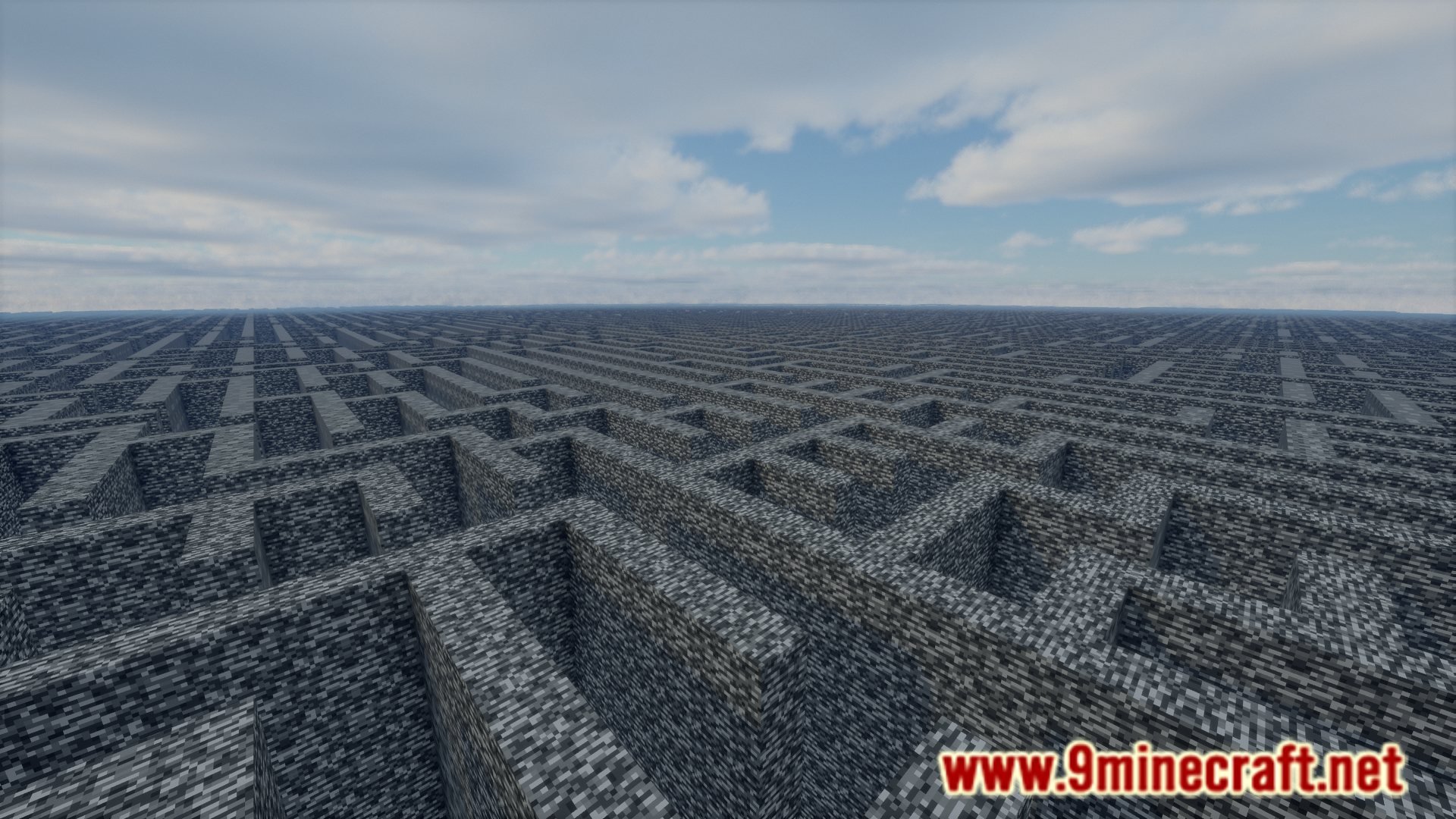
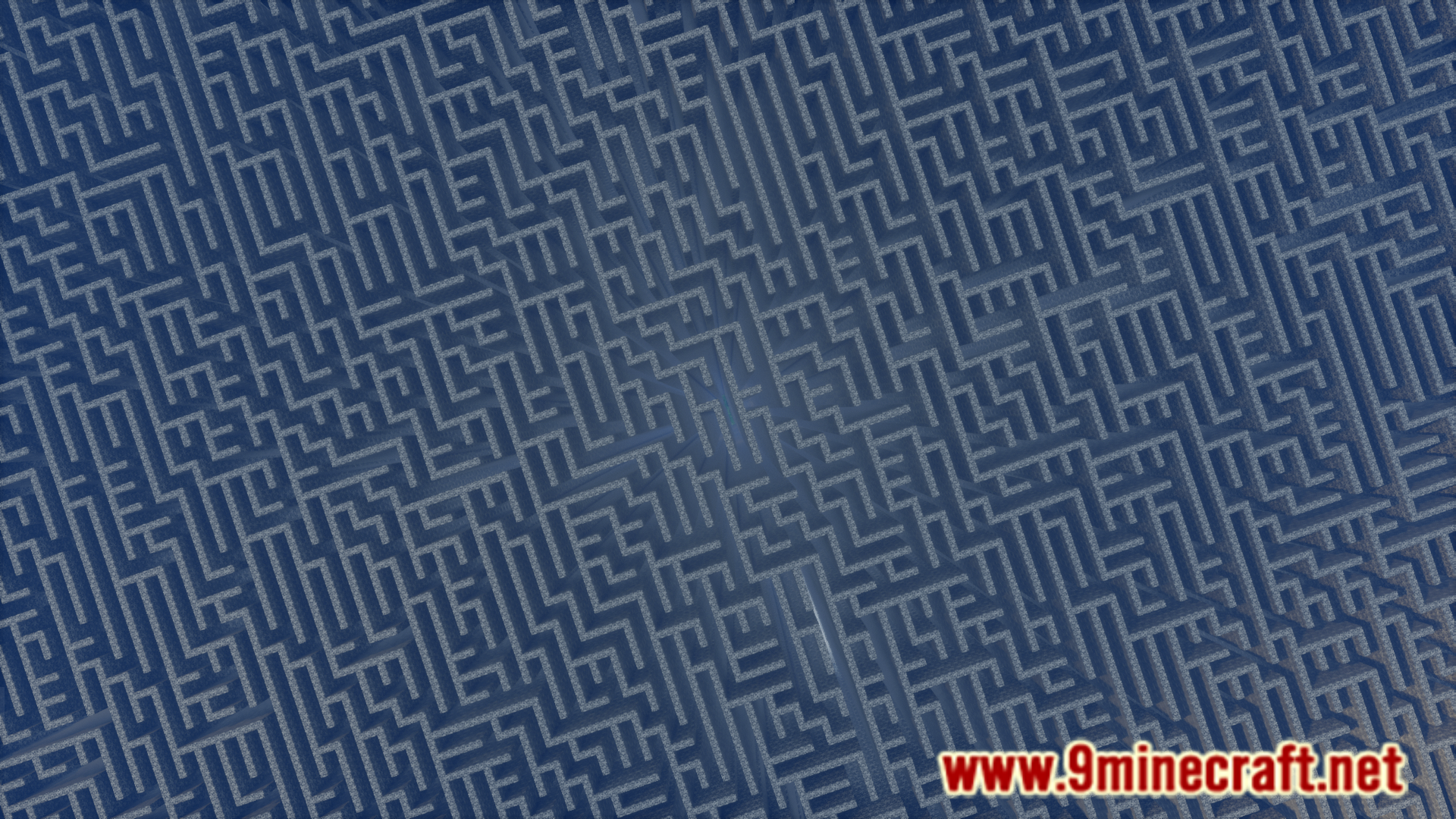
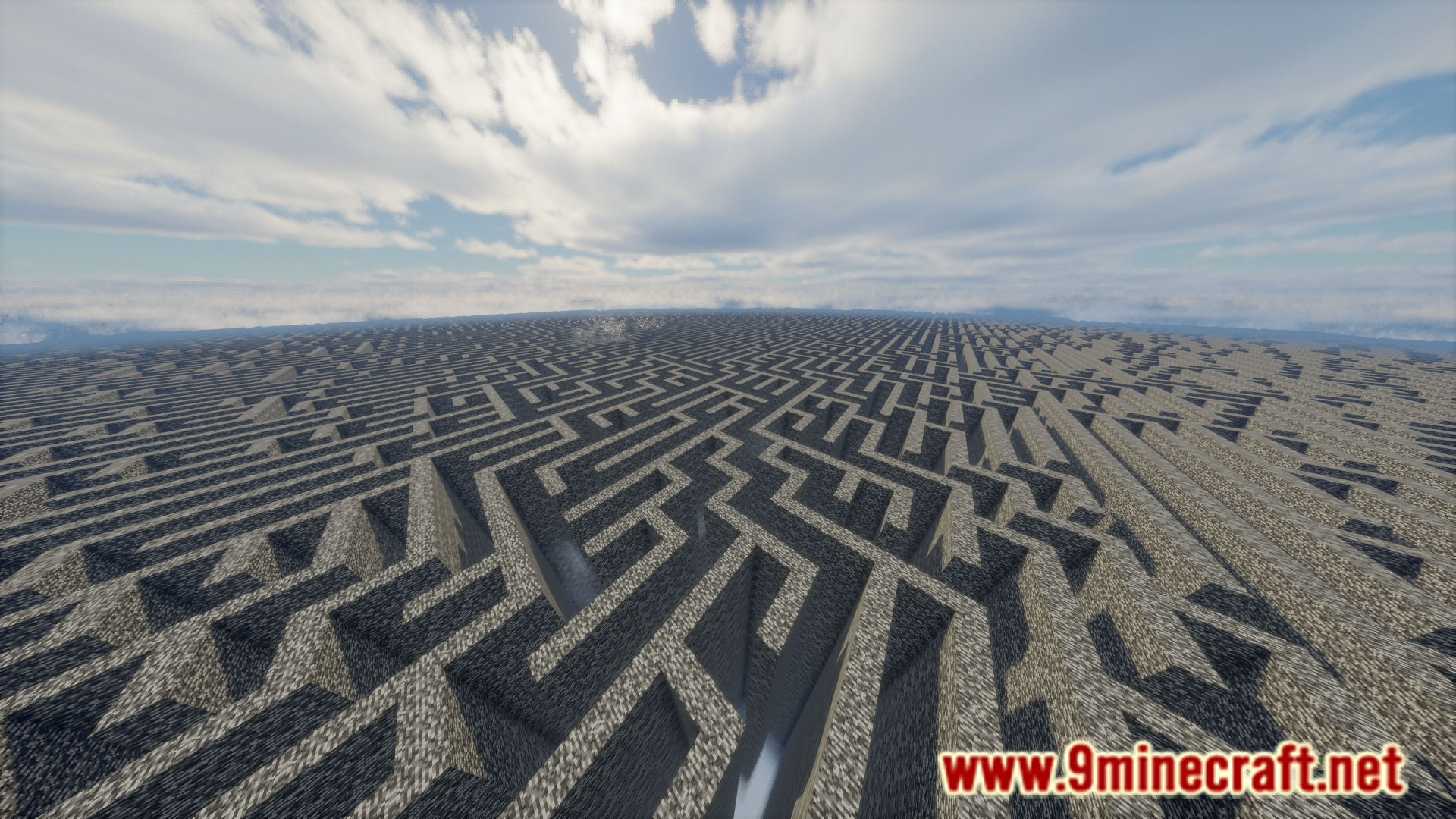
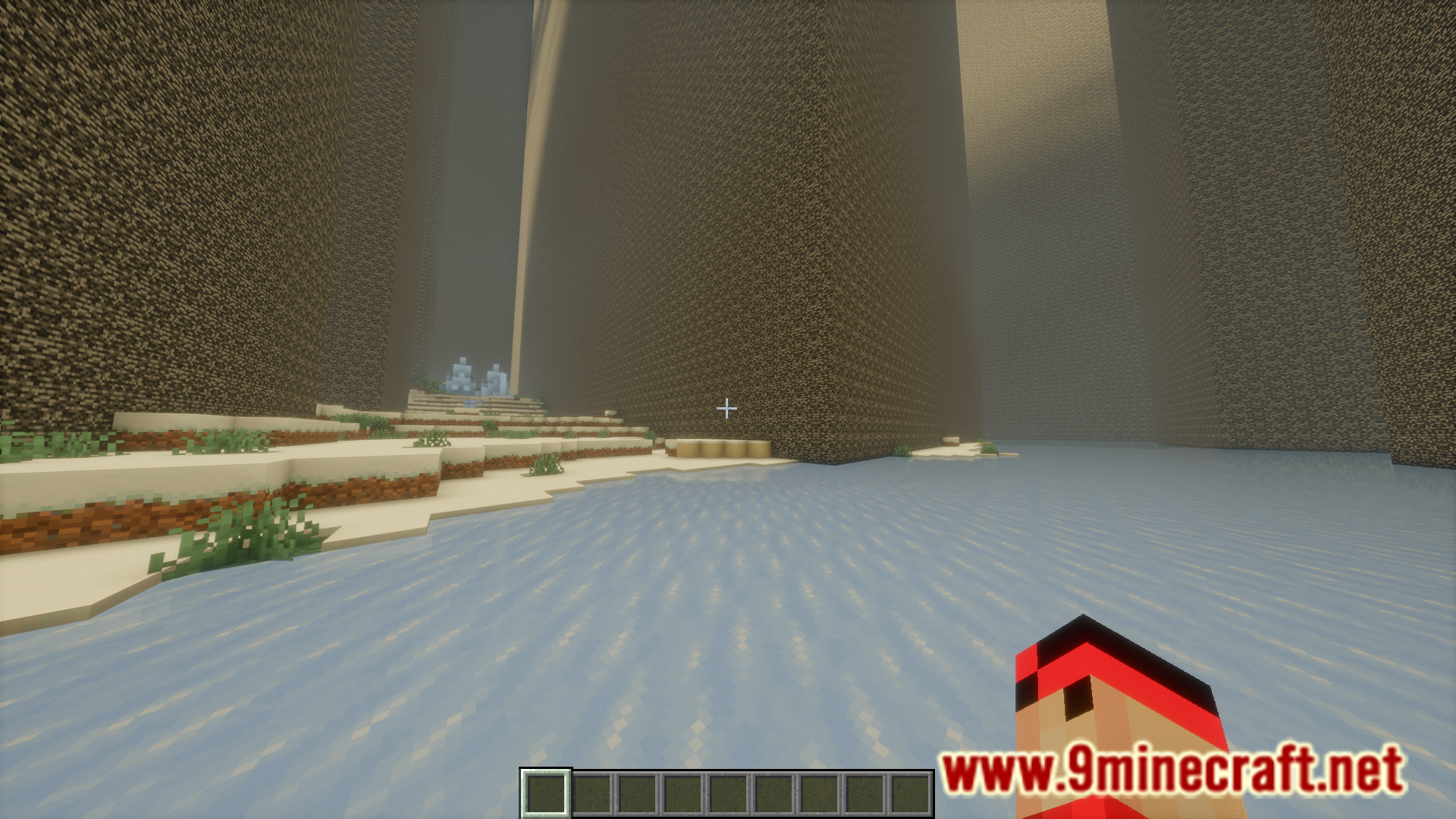
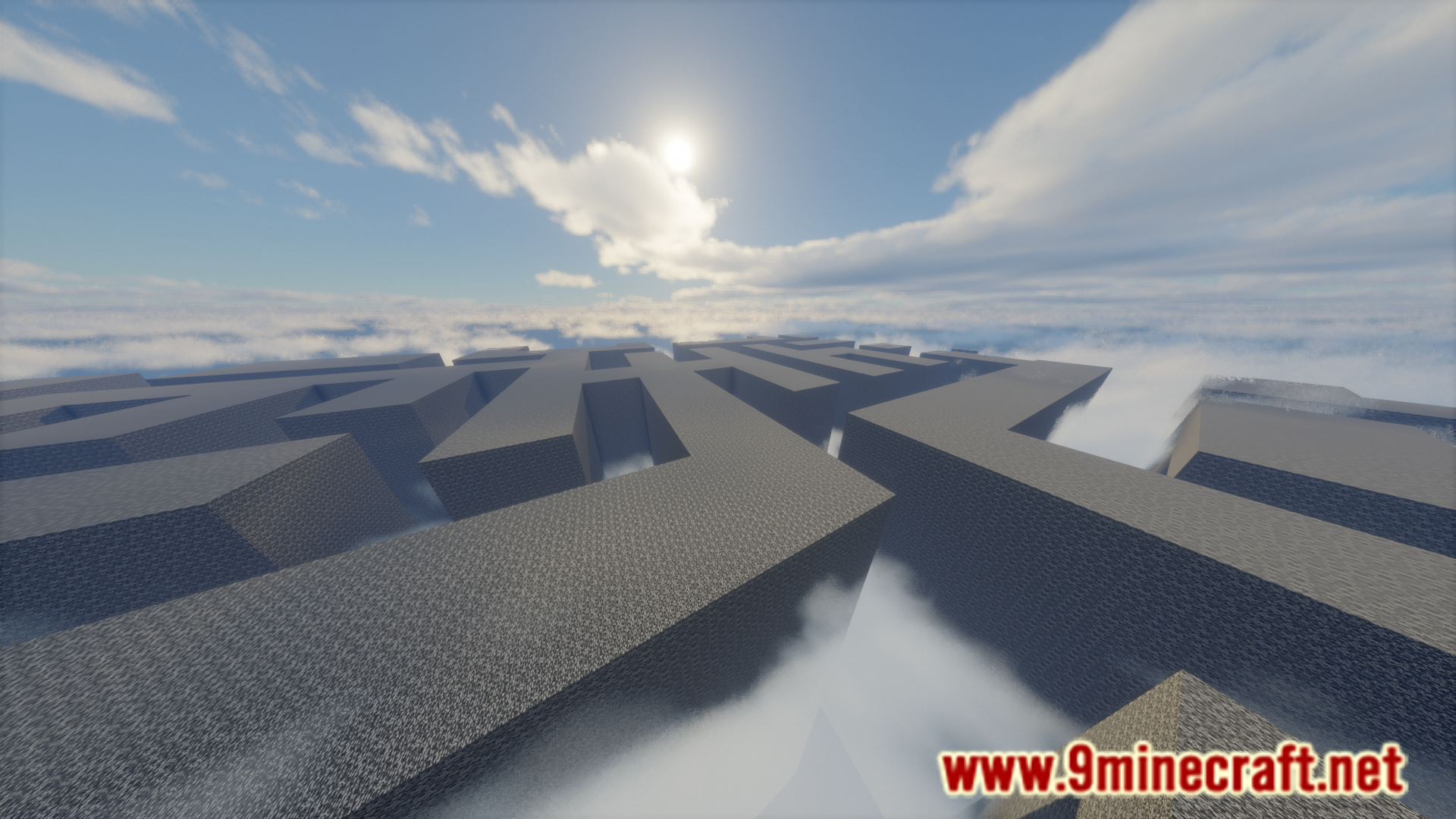
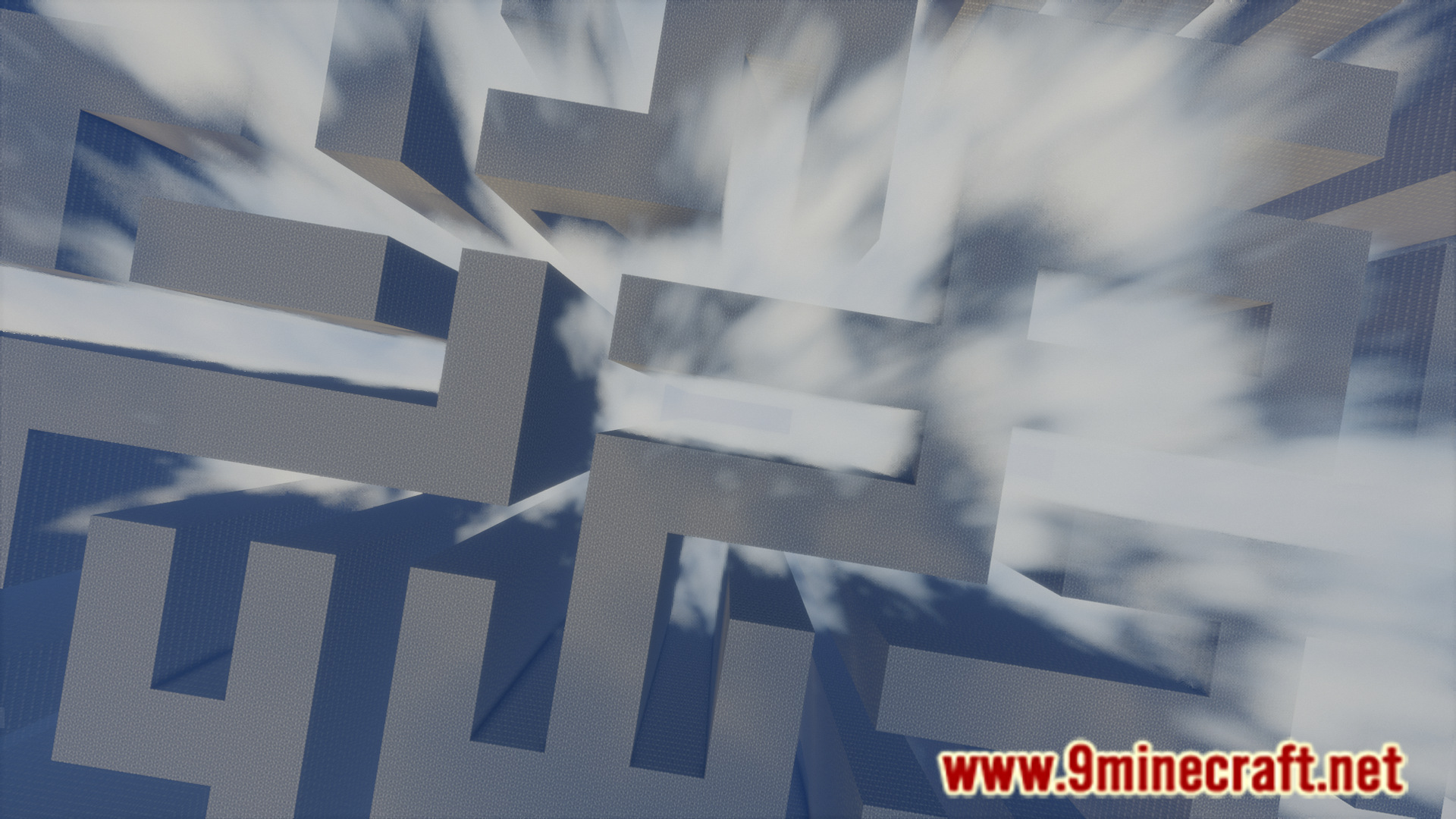
Replaceitem Maze World Mod, as understood from the name, turns your entire Minecraft world into a maze. With this mod installed, you have the option to choose the world type as “Maze World” in the world creation screen and once created, the world will appear as a large maze with bedrock walls spanning from the world height limit to the lowest bedrock layer of the overworld. The world creation screen also allows you to configure different aspects of the maze world like the maze type, spacing, maze threshold, wall material, etc.
Features:
- New world type – The Maze World.
- Worlds generated with a large bedrock maze superimposed in them.
- Configuration options for maze type, spacing, maze threshold, wall material, etc.
Screenshots:
Replaceitem Maze World Mod Download Links
Quick facts
- Edition: Minecraft Java
- File type: .jar
- Minecraft version listed: 1.20.1
- How to install: Install the matching mod loader (Forge, Fabric or NeoForge) for your Minecraft version. → Download the .jar. → Put it in the .minecraft/mods folder and launch that loader profile.
- Where to get it: In MC Java Mods, or directly above on this page.
Install steps are the general flow for this file type — How to install Minecraft Java mods & modpacks walks through it step by step.
Verified by MCModsHub
- Downloads as 25446.mcaddon
- Download size: 172 KB
- Download link checked 23 Sept 2026 — working
- Mirrored on our own servers — the download does not depend on the original host
These come from our own check of the pack file, not from the source page.