ModsJava
WynnIris Mod (1.21.11) – Play Wynncraft with Shaders Without Breaking Custom
Java mod listed for Minecraft 1.21. Downloads from the MC Java Mods app on Android.
⬇ Download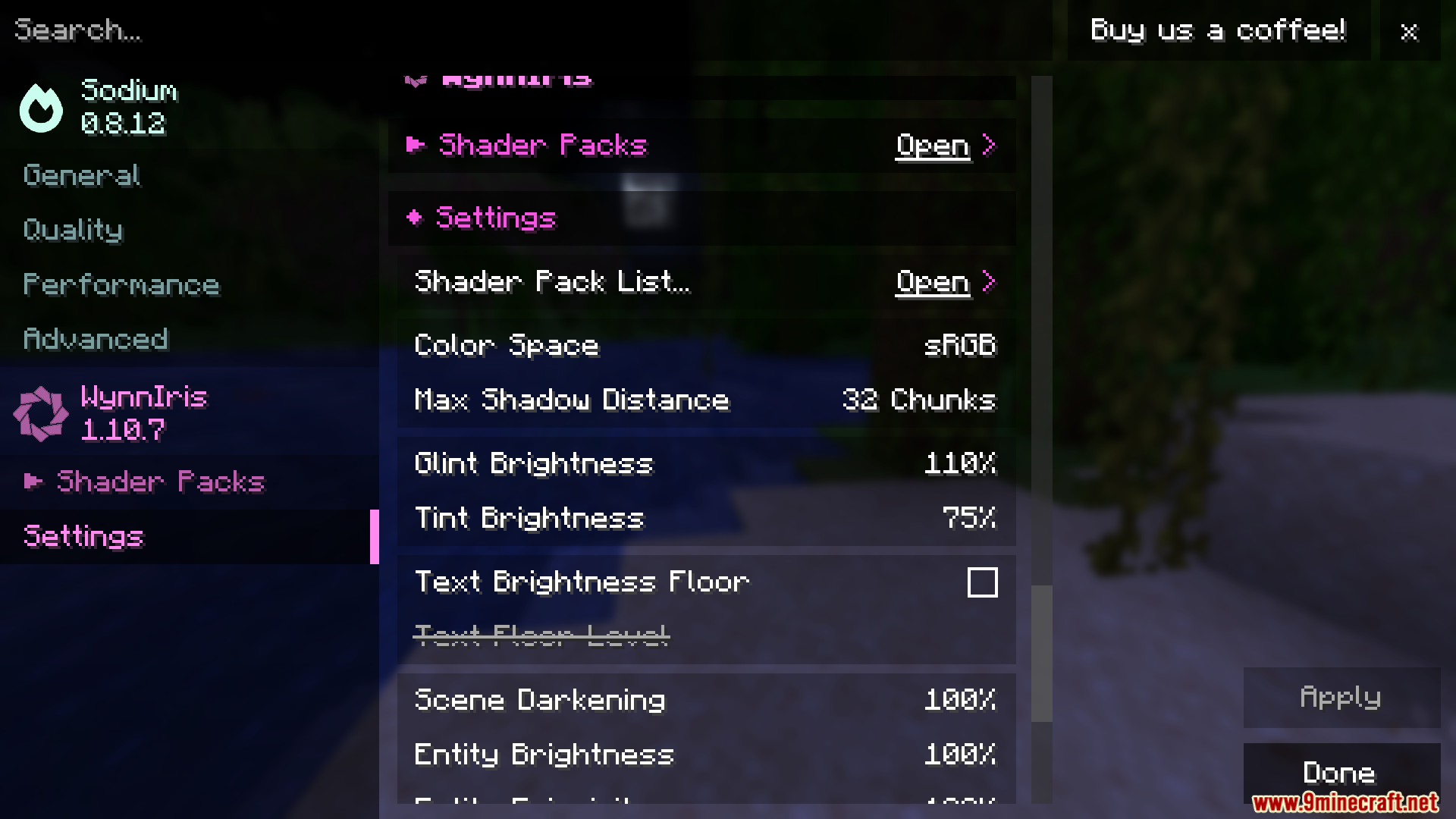
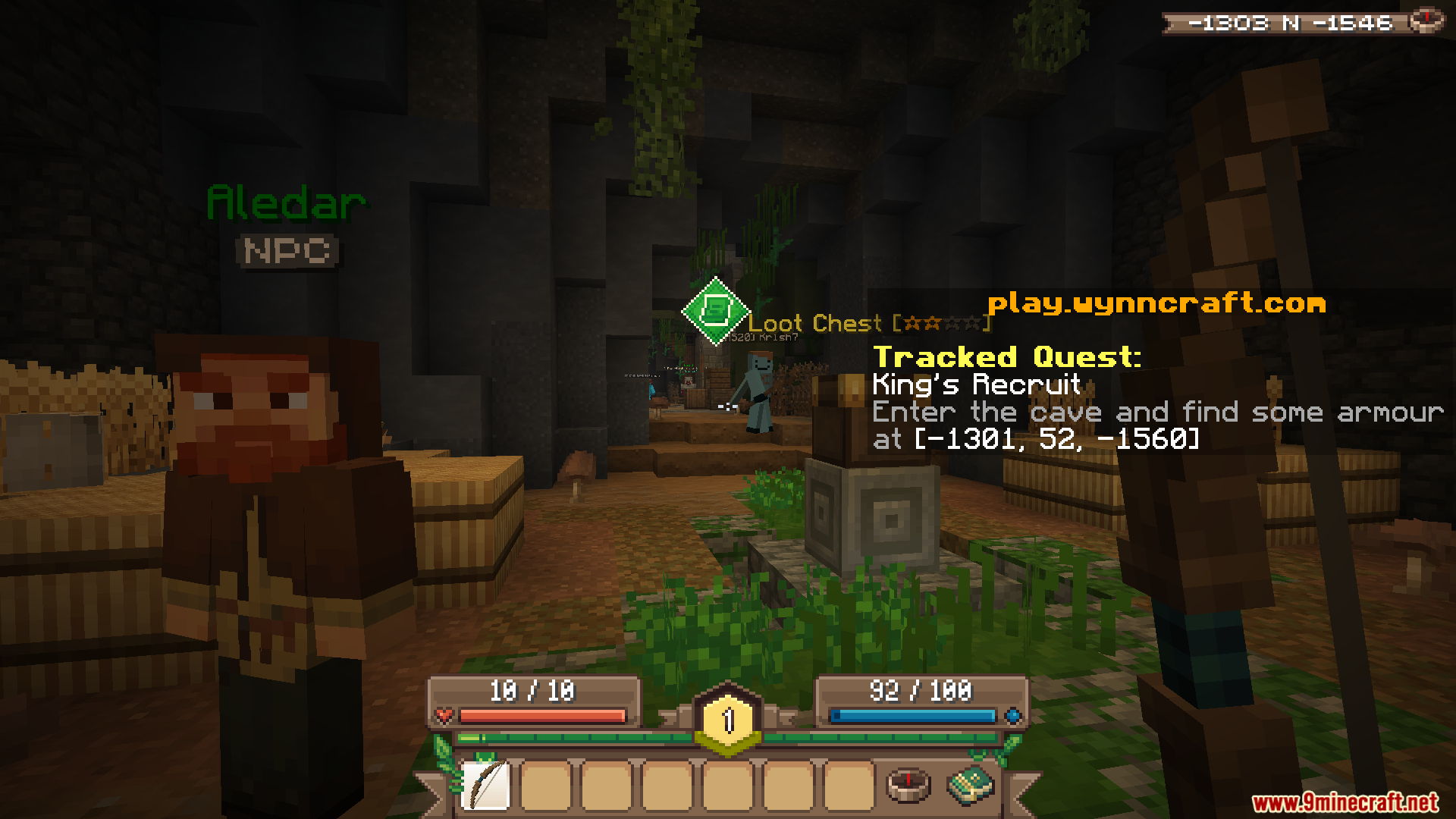
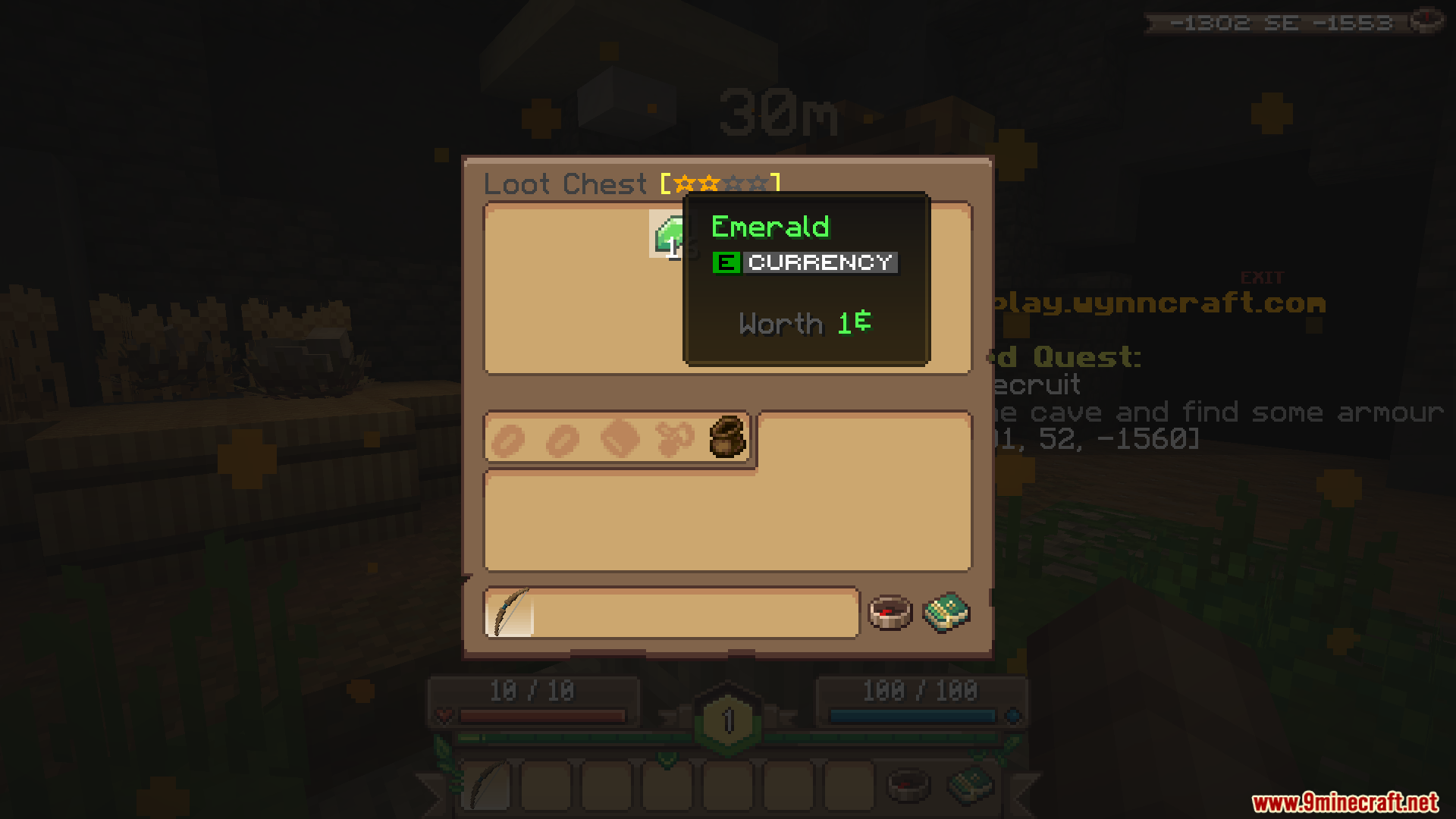
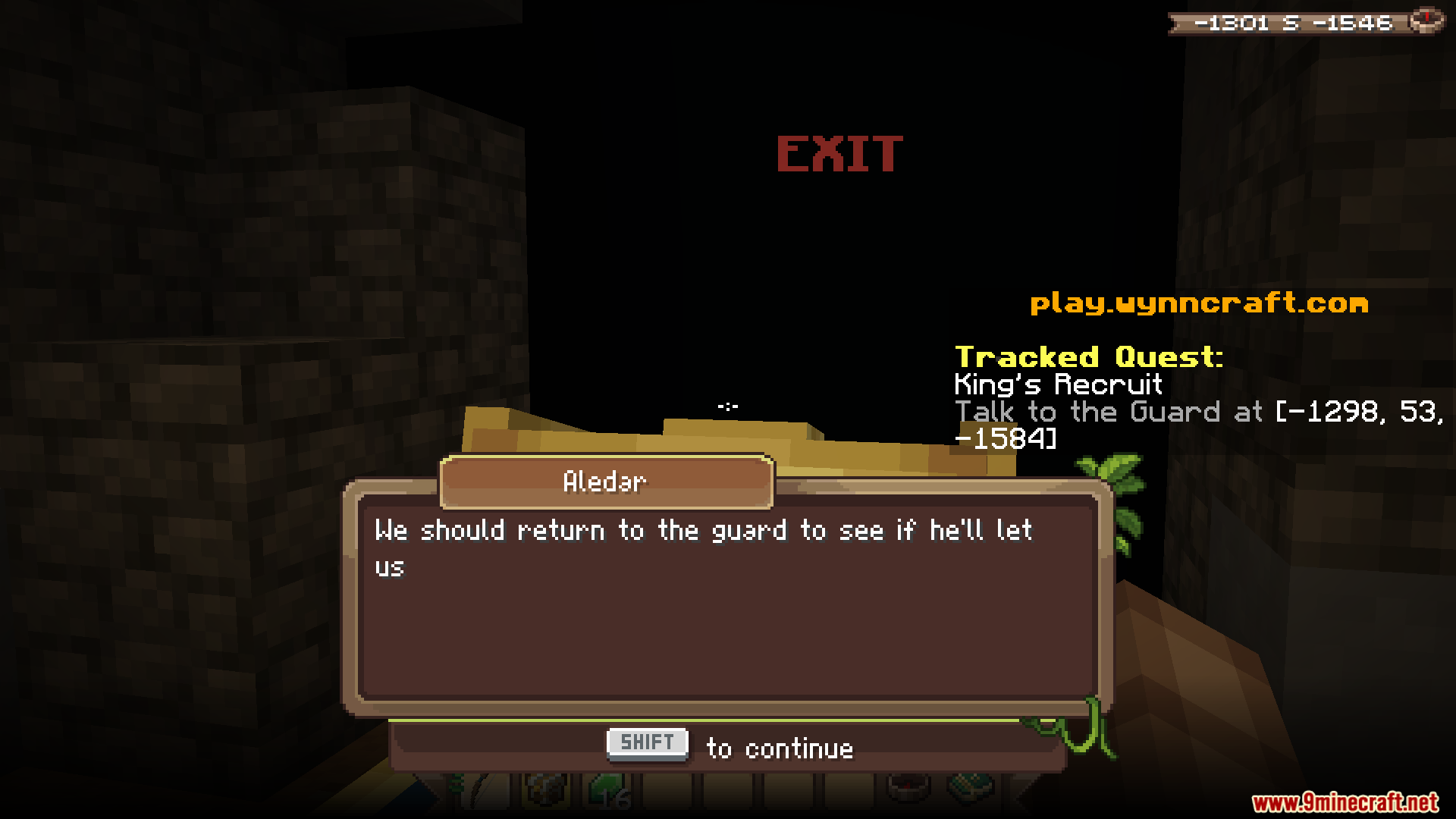
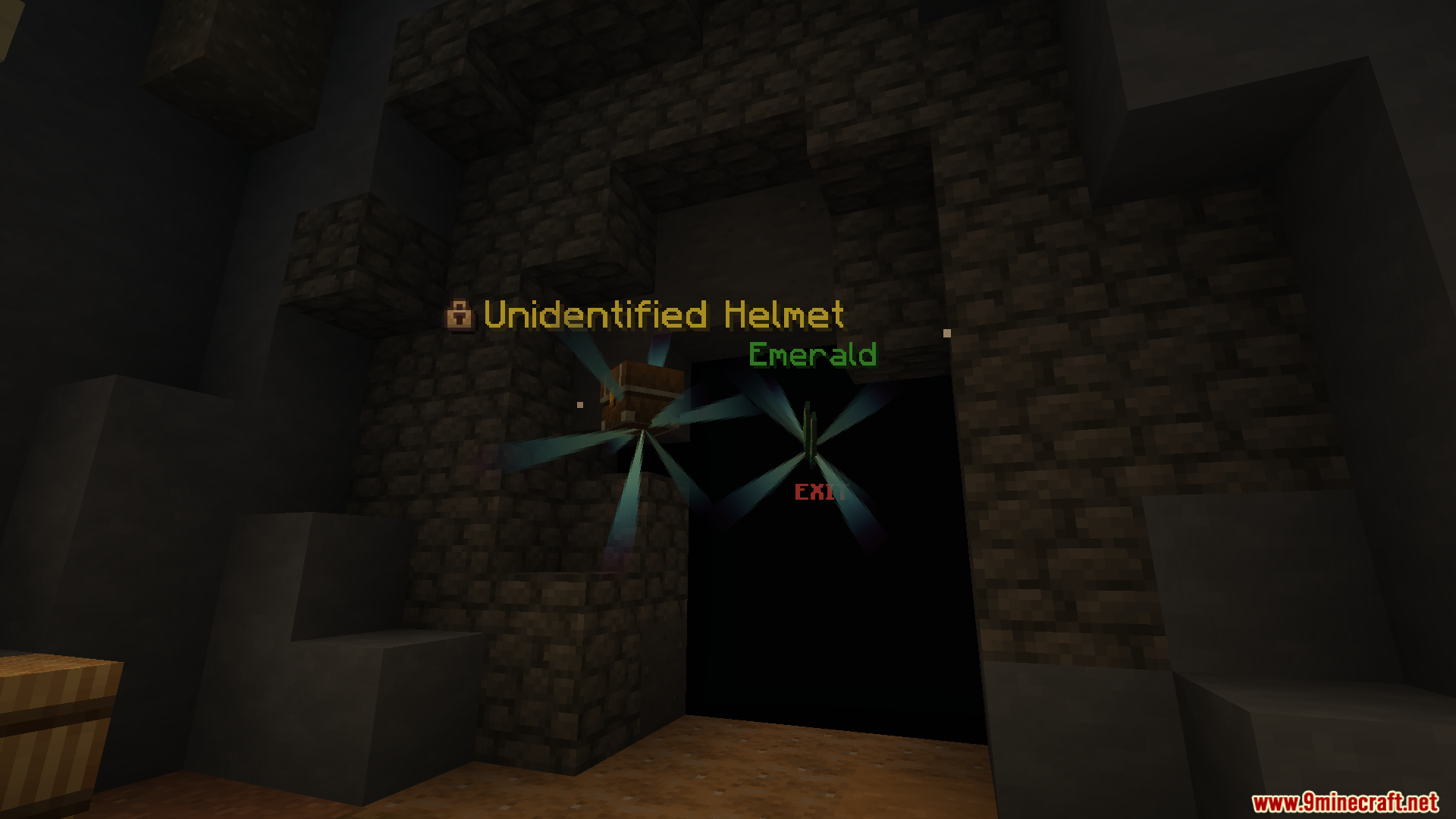
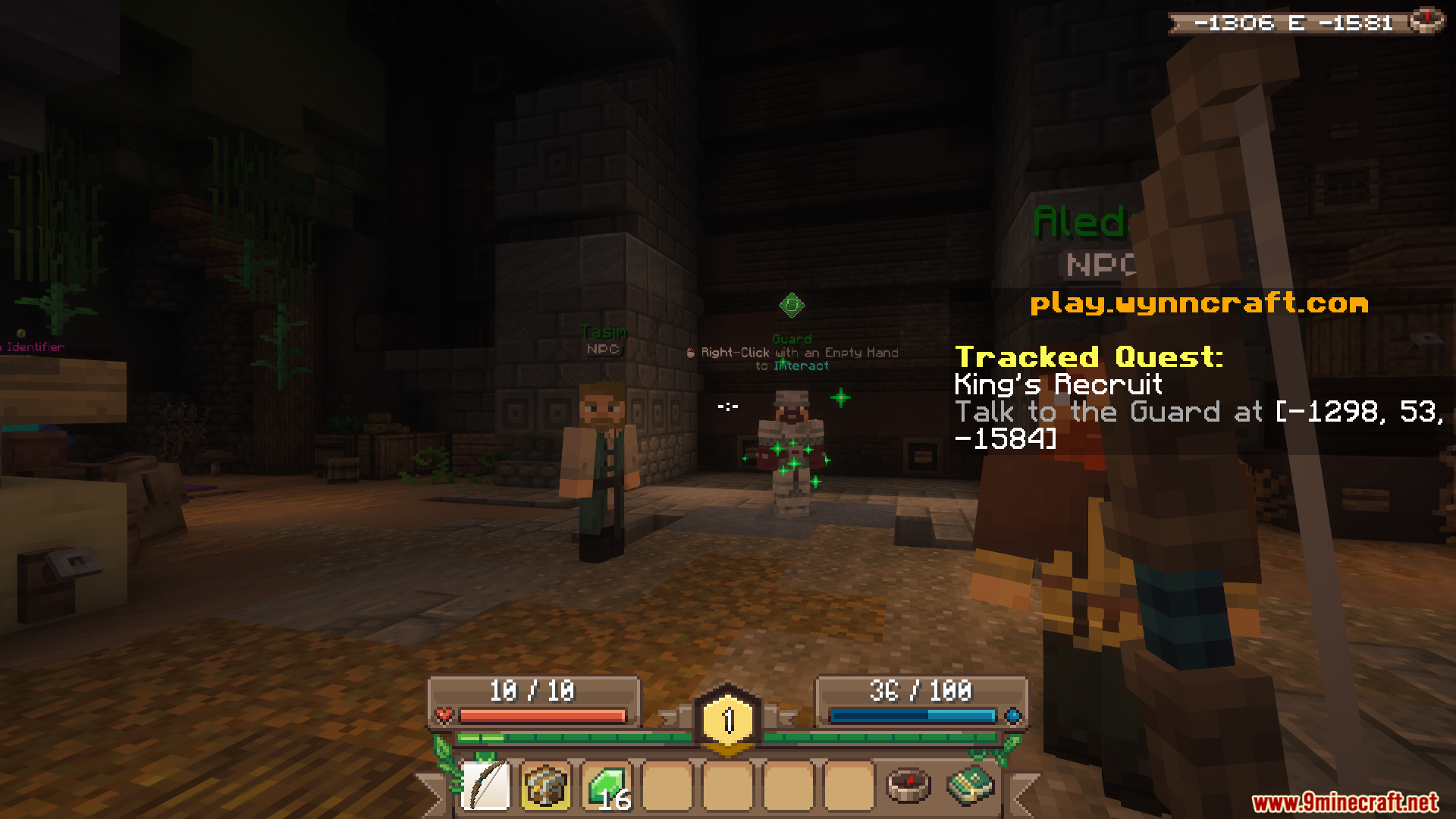
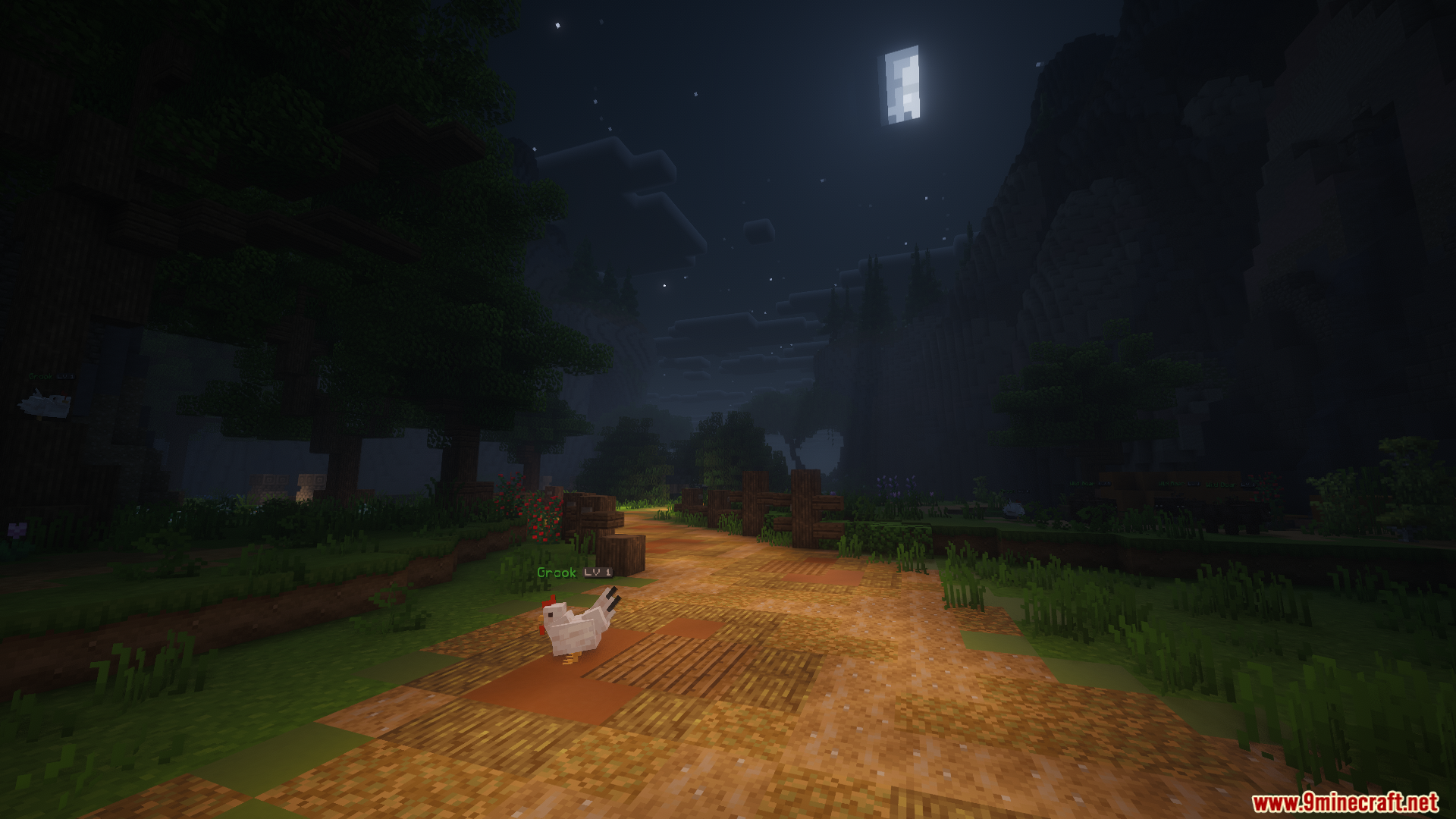
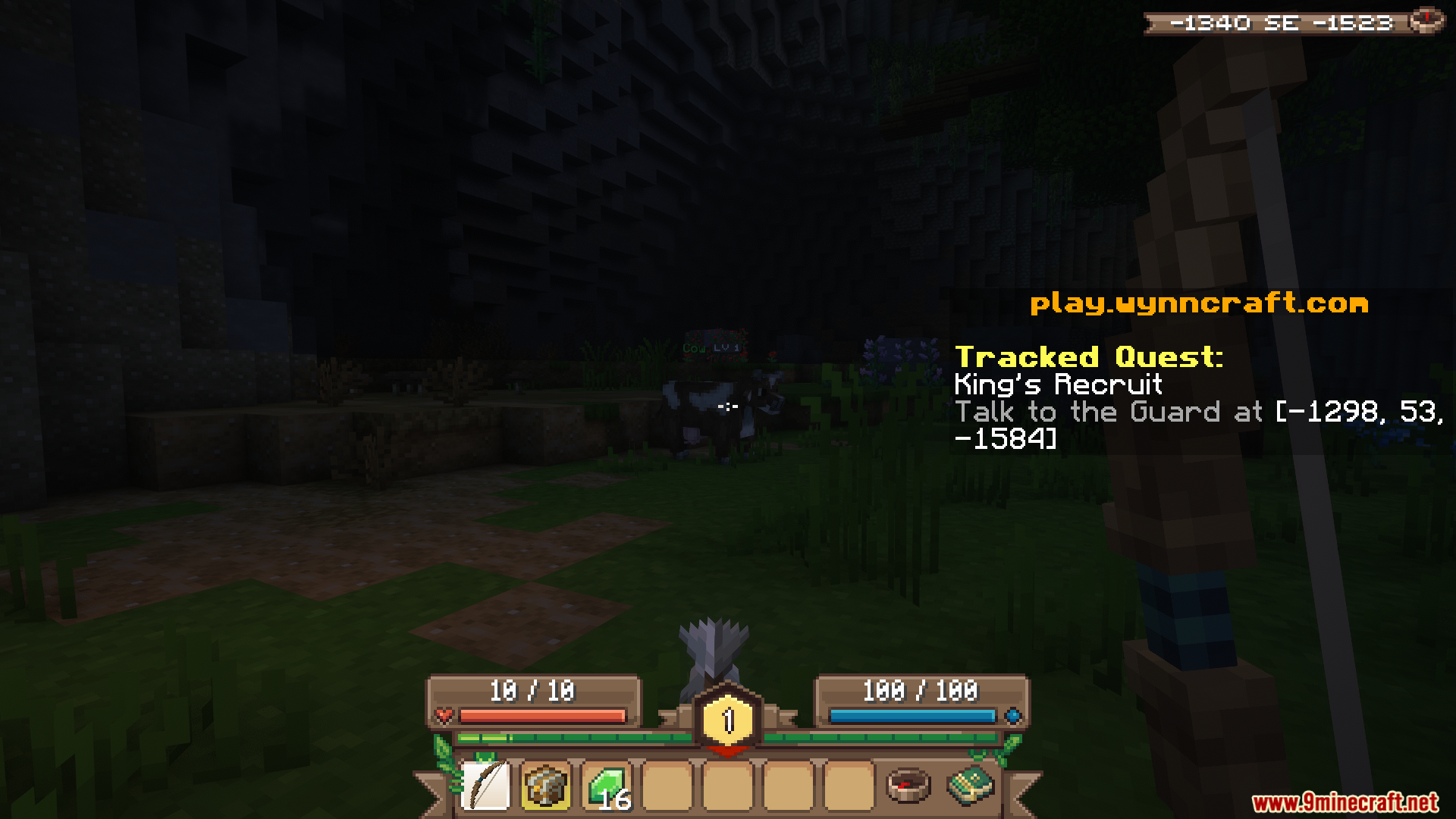
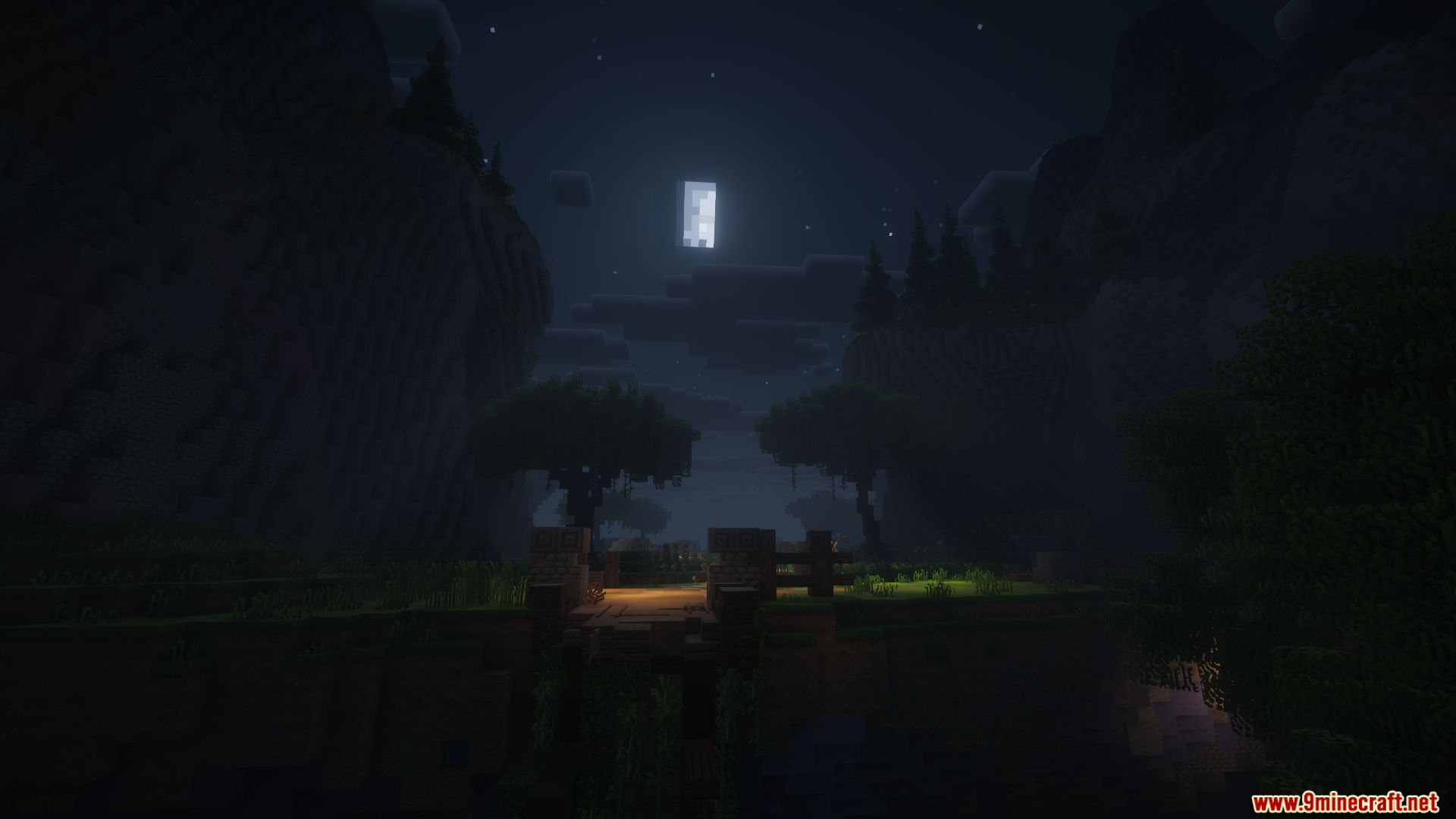
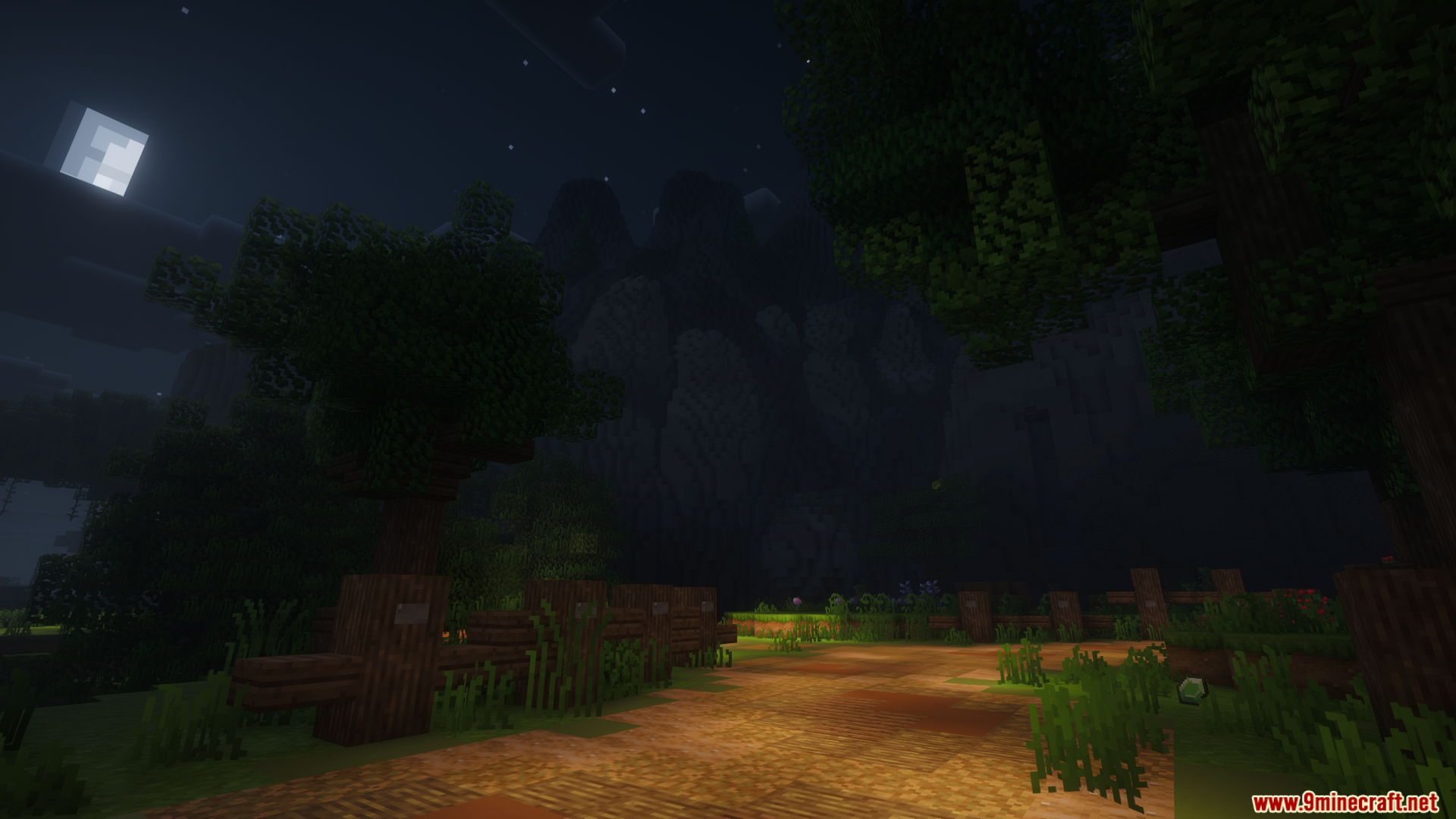
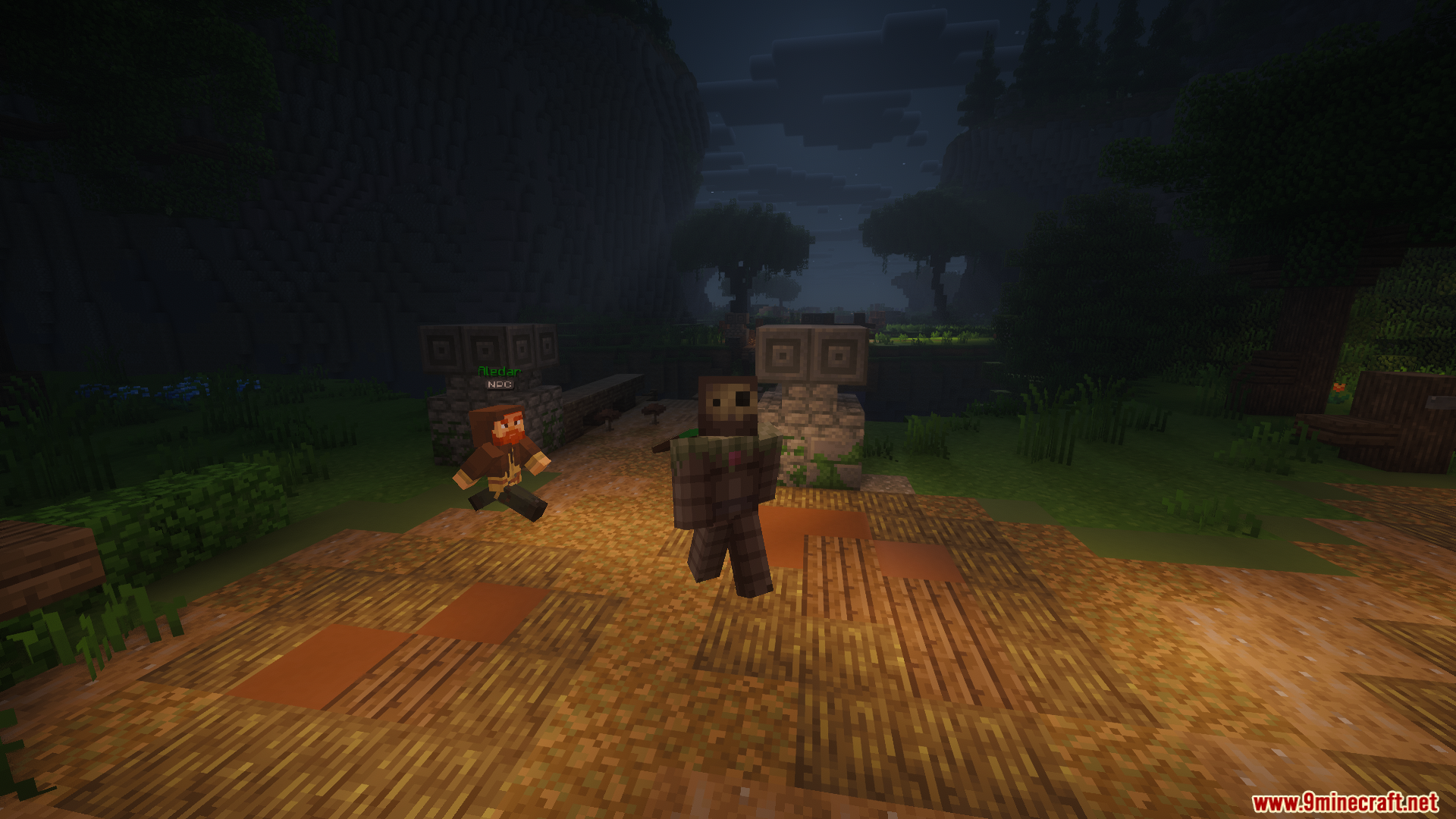
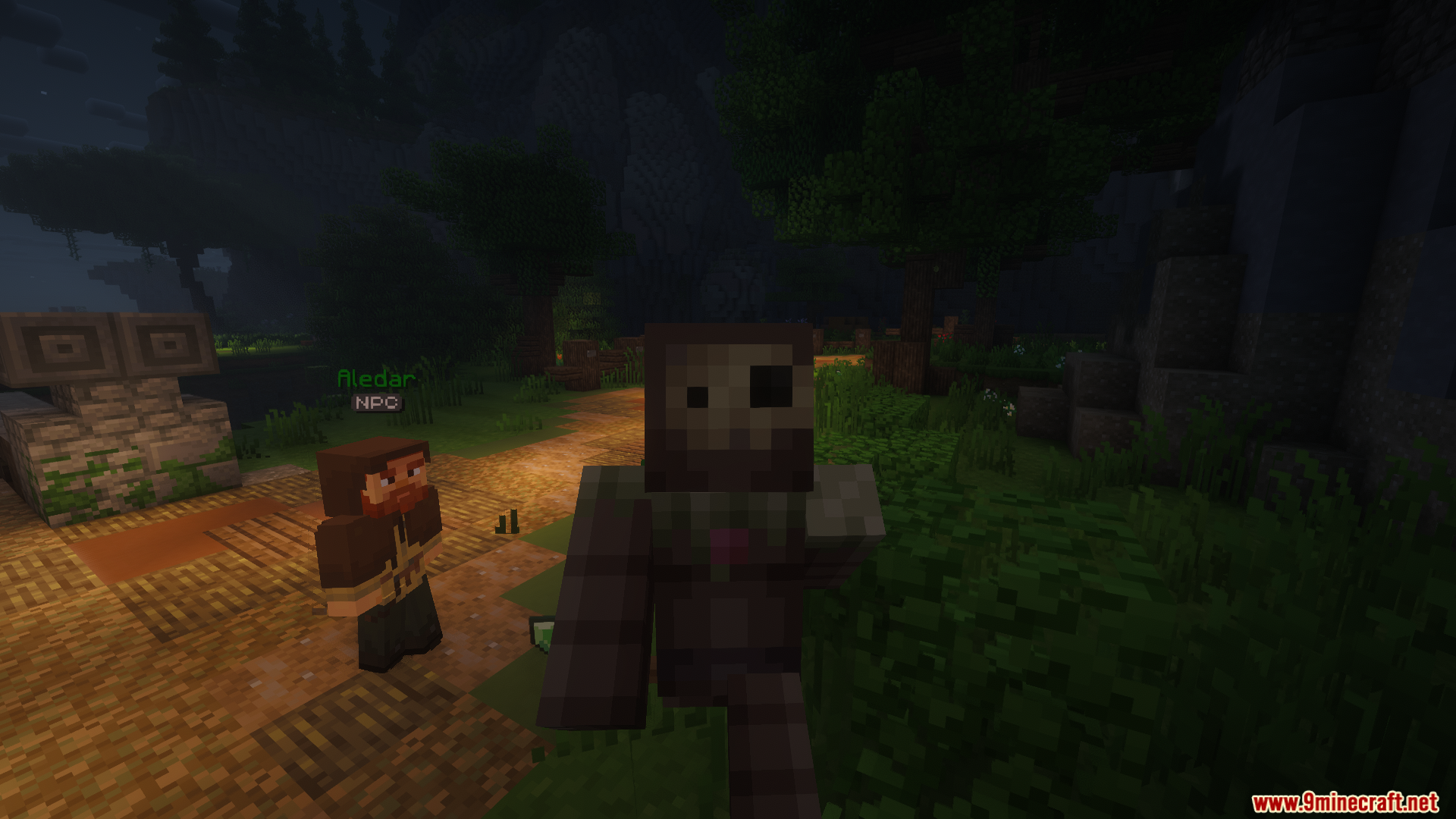
WynnIris Mod extends Iris Shaders with native support for Wynncraft visual effects. It renders custom skyboxes, weapon glints, and player emotes directly through your active shader pack. This mod acts as a direct replacement for the standard shader loader, allowing you to keep all the unique server visuals while running advanced graphics.
Features:
- Wynncraft Skyboxes: Renders region-specific skies like Memory Mist, Stormy, and Red Lightning with proper fog and ambient lighting.
- Weapon Glints: Shows special item effects including Rainbow, Glitch, Shadow, and Aurora directly over your gear.
- Emote Support: Fixes player animations and emotes so they display correctly when you turn on shaders.
- Works with popular forward-rendering shader packs like Complementary and BSL.
- Handles visual effects translucency for the Fruma region.
- Provides adjustment sliders for glint brightness, tint strength, and scene darkening.
- Replaces the standard shader loader using the exact same configuration files and folders.
Commands:
- Type
/toggle vfxalong with your preferred level (low, medium, high, or unlimited) to adjust the visual effects translucency.
How to Use:
- Remove the standard Iris mod from your mods folder, as they conflict with each other.
- Place this mod into your folder instead.
- Load up the game and join the Wynncraft server.
- Open your video settings to select and apply your chosen shader pack.
Screenshots:
WynnIris Mod Download Links
Quick facts
- Edition: Minecraft Java
- File type: .jar
- Minecraft version listed: 1.21.11
- How to install: Install the matching mod loader (Forge, Fabric or NeoForge) for your Minecraft version. → Download the .jar. → Put it in the .minecraft/mods folder and launch that loader profile.
- Where to get it: In MC Java Mods, or directly above on this page.
Install steps are the general flow for this file type — How to install Minecraft Java mods & modpacks walks through it step by step.
File checked by MCModsHub
- Downloads as 25463.mcaddon
- Download size: 2.9 MB
- Download link checked 23 Sept 2026 — working
- Mirrored on our own servers — the download does not depend on the original host
These come from our own check of the pack file, not from the source page.