ModsJava
WunderLib Neoforge Mod (26.2, 1.21.1) – Simplifies Mod Configs And Menus
Java mod listed for Minecraft 1.21. Downloads from the MC Java Mods app on Android.
⬇ Download
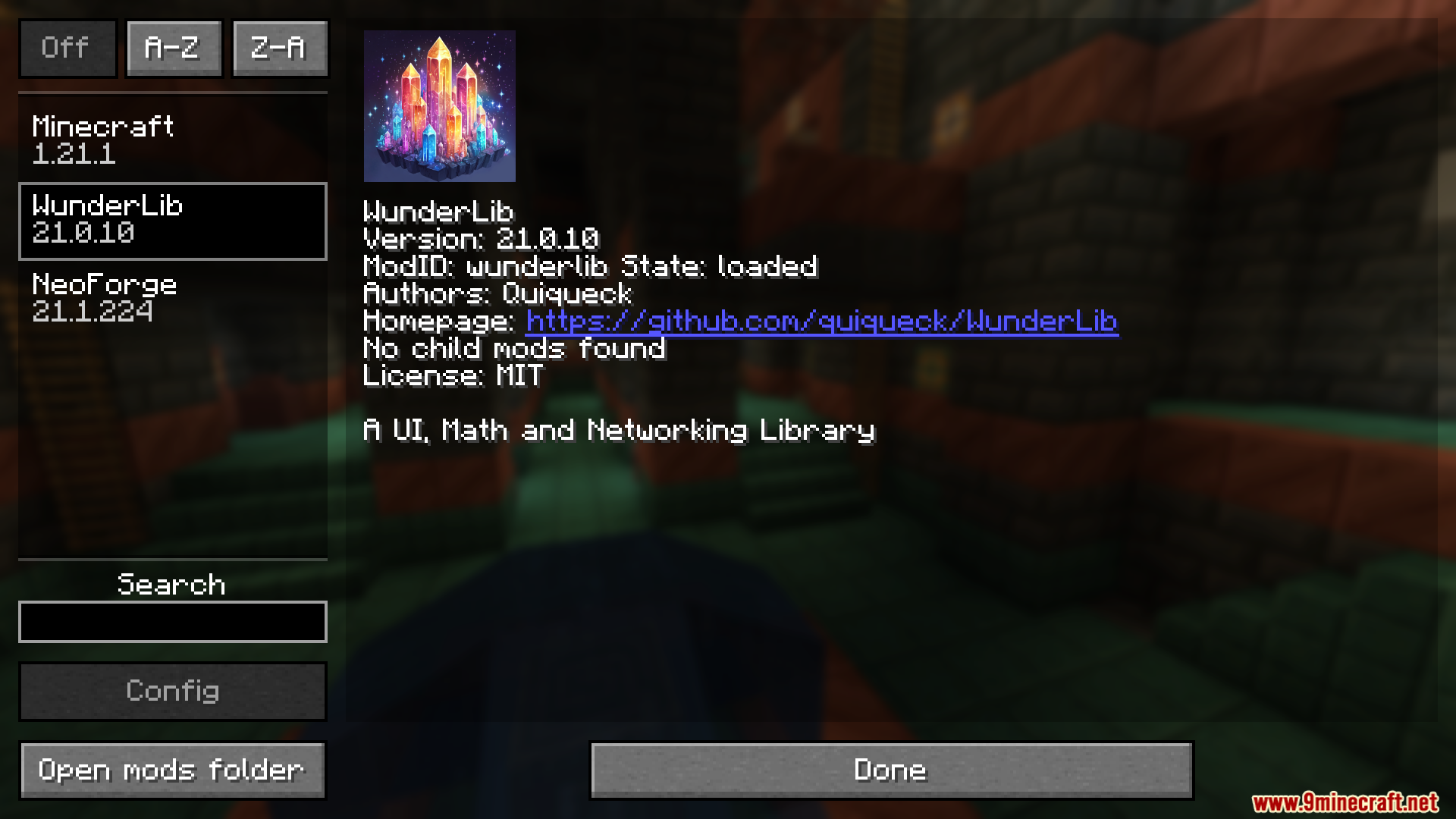
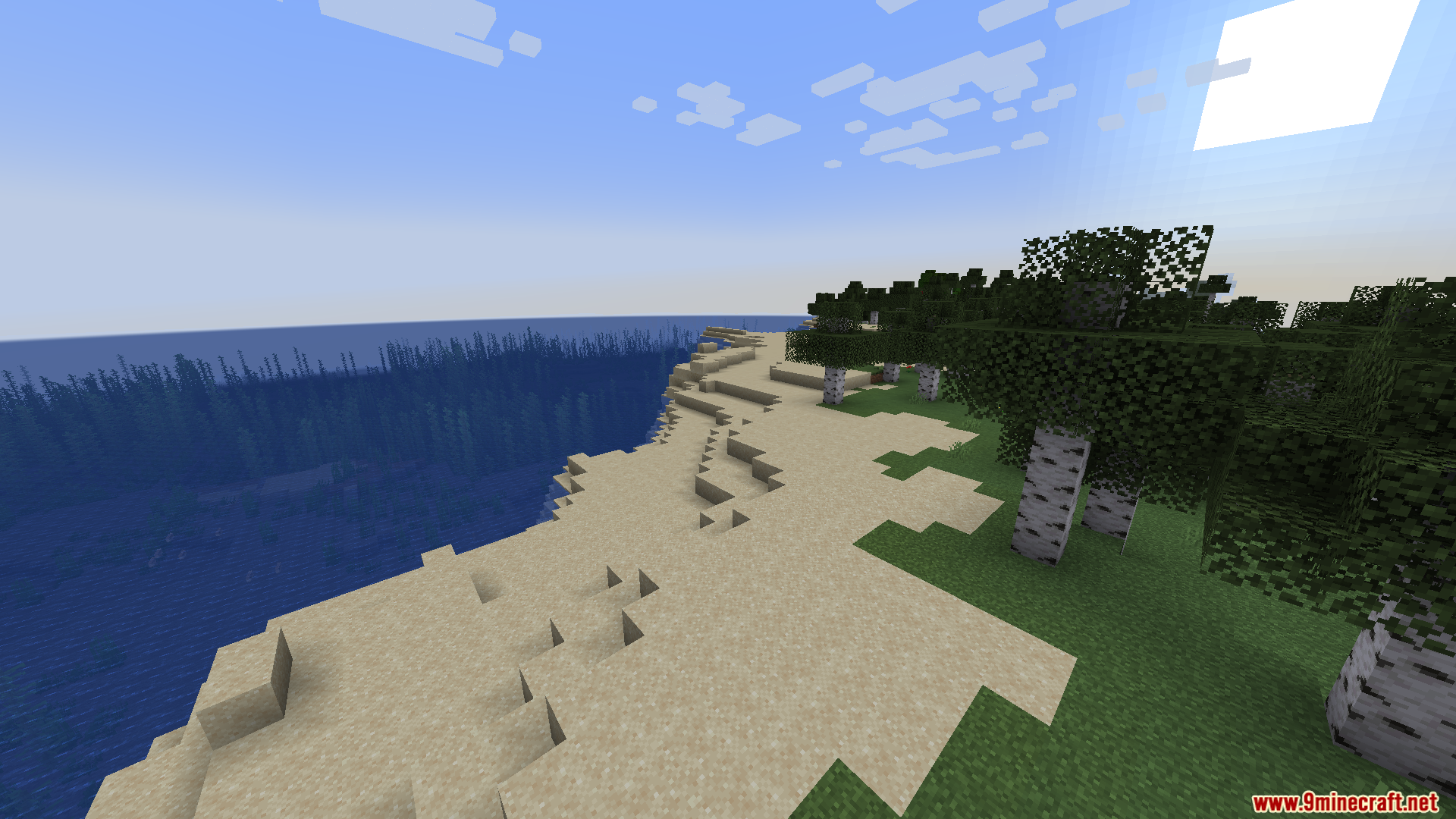



WunderLib Neoforge Mod brings the popular BetterX library to the NeoForge loader. It helps other mods work properly in modern Minecraft versions. This tool gives mod creators an easy way to build menus and manage game data.
Features:
- NeoForge Port: Moves the original Fabric library to the NeoForge loader.
- Automated UI: Creates settings menus automatically for different mods.
- Grid Layouts: Arranges screen menus using neat grid patterns.
- Network Management: Makes handling game connections much simpler.
- Original Functions: Keeps the same tools as the main mod.
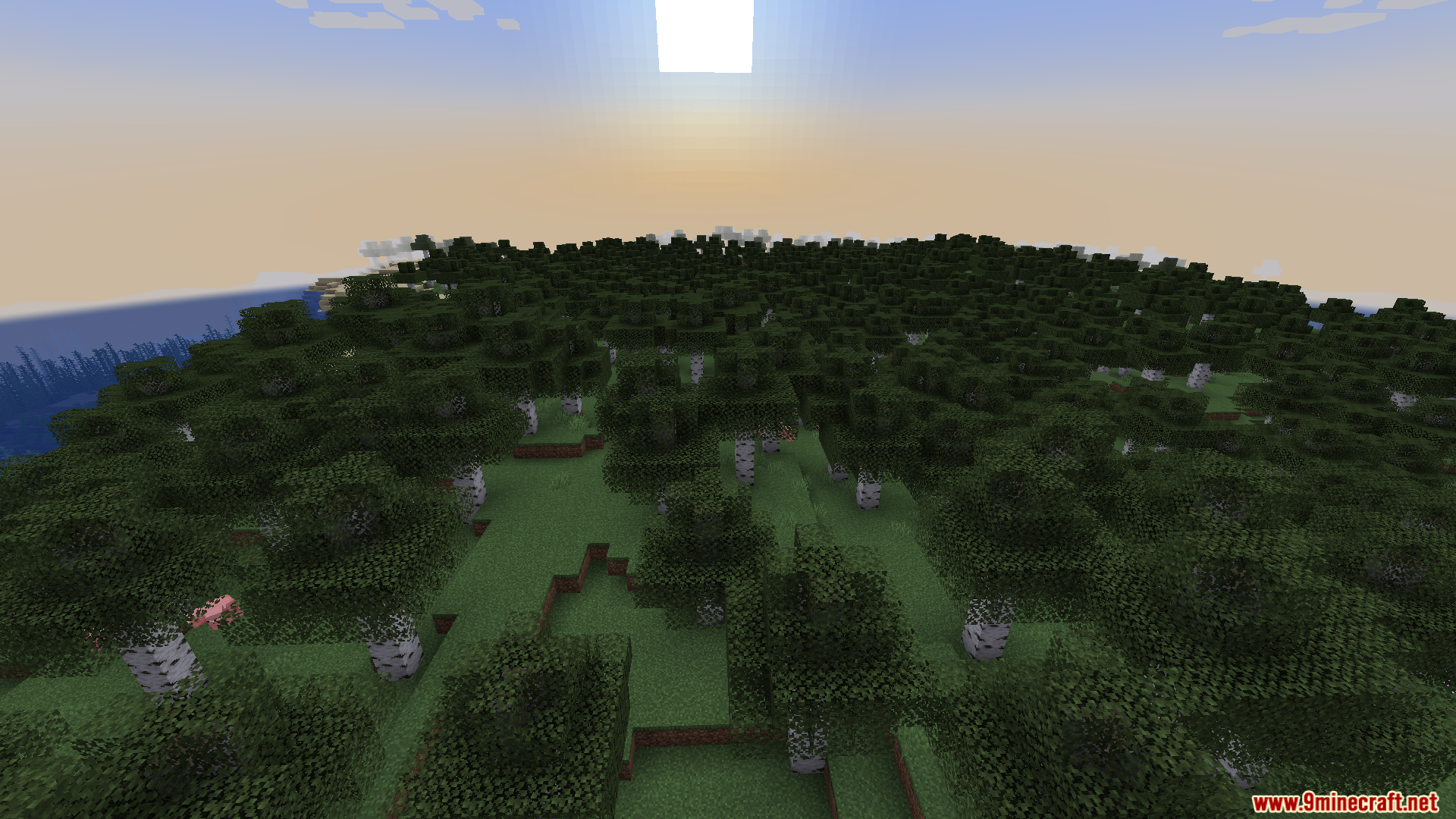
Screenshots:
WunderLib Neoforge Mod Download Links
Quick facts
- Edition: Minecraft Java
- File type: .jar
- Minecraft version listed: 1.21.1
- How to install: Install the matching mod loader (Forge, Fabric or NeoForge) for your Minecraft version. → Download the .jar. → Put it in the .minecraft/mods folder and launch that loader profile.
- Where to get it: In MC Java Mods, or directly above on this page.
Install steps are the general flow for this file type — How to install Minecraft Java mods & modpacks walks through it step by step.
File checked by MCModsHub
- Downloads as 25469.mcaddon
- Download size: 374 KB
- Download link checked 26 Sept 2026 — working
- Mirrored on our own servers — the download does not depend on the original host
These come from our own check of the pack file, not from the source page.