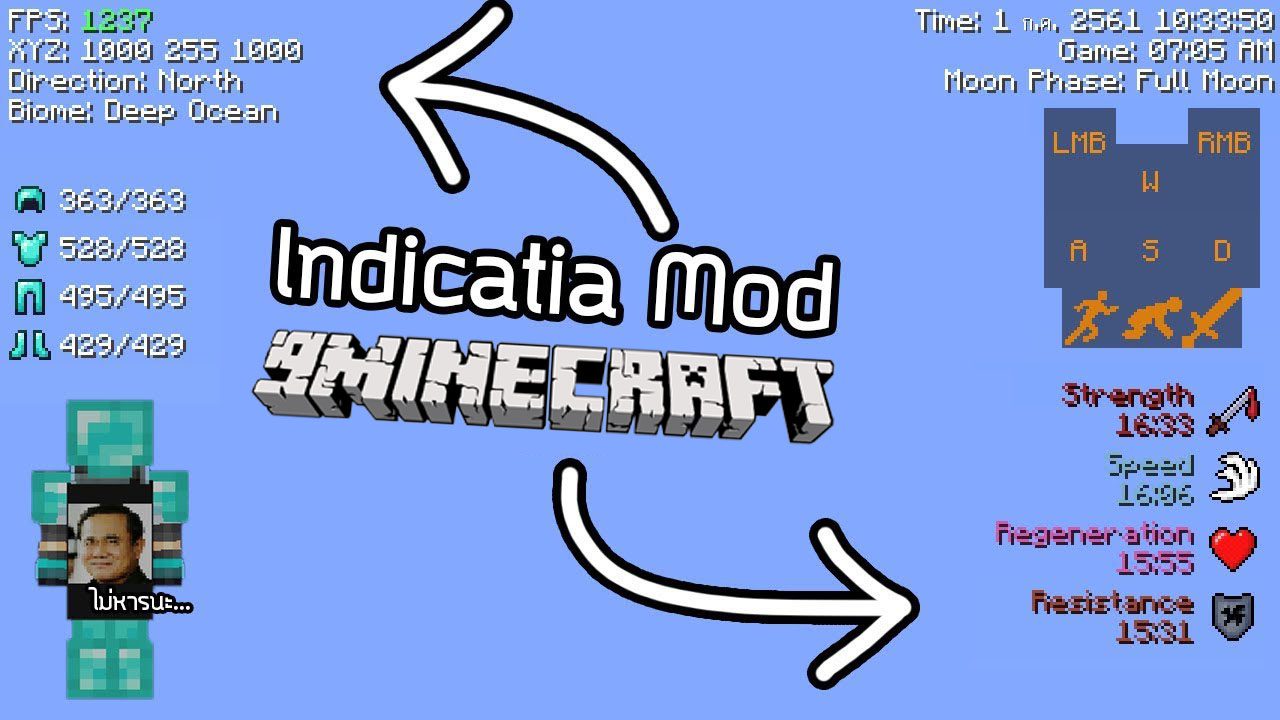
Indicatia Mod (26.2, 1.20.1) – Simple In-game Info and Utility
Java mod listed for Minecraft 1.20. Downloads from the MC Java Mods app on Android.
⬇ Download
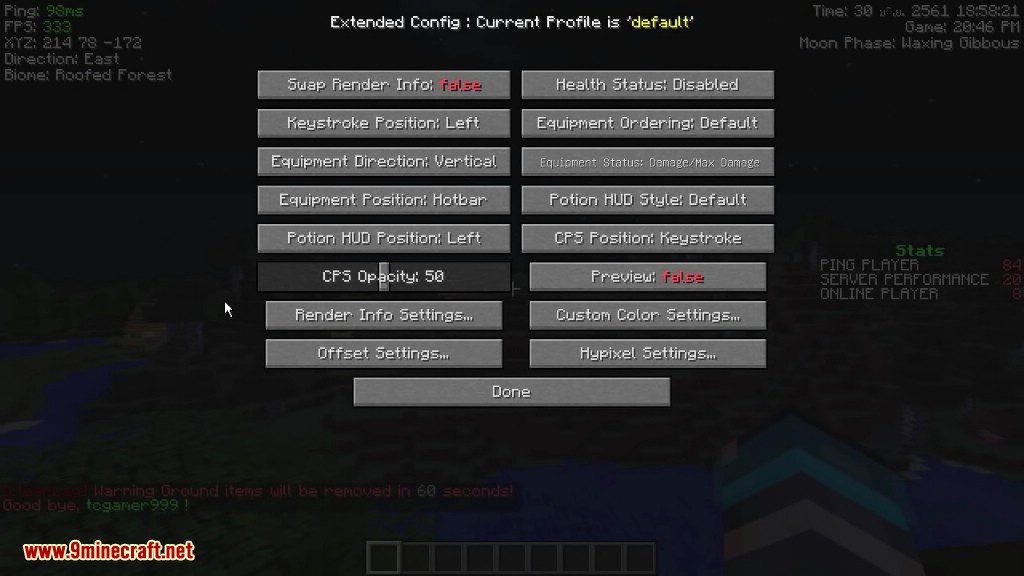
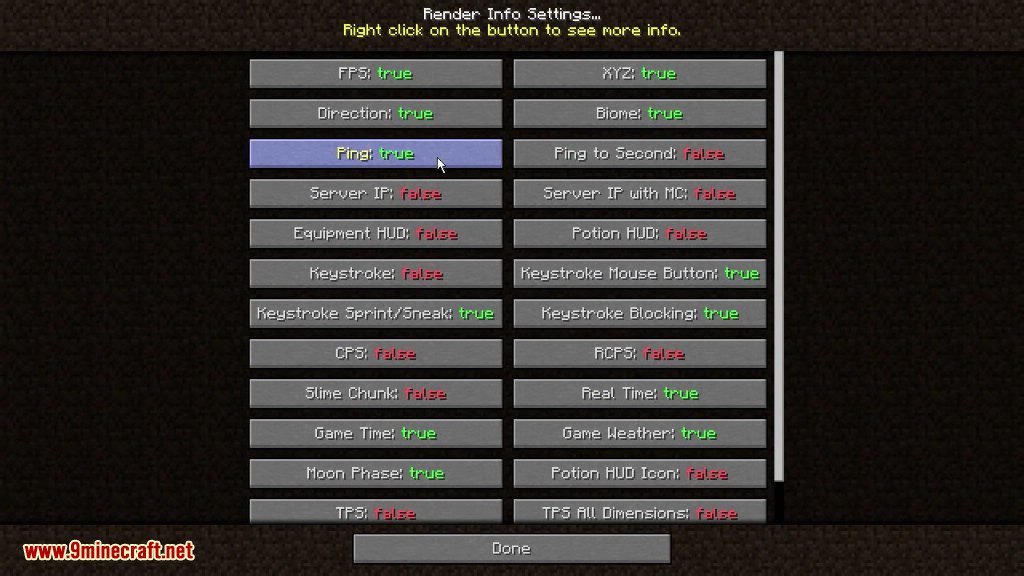
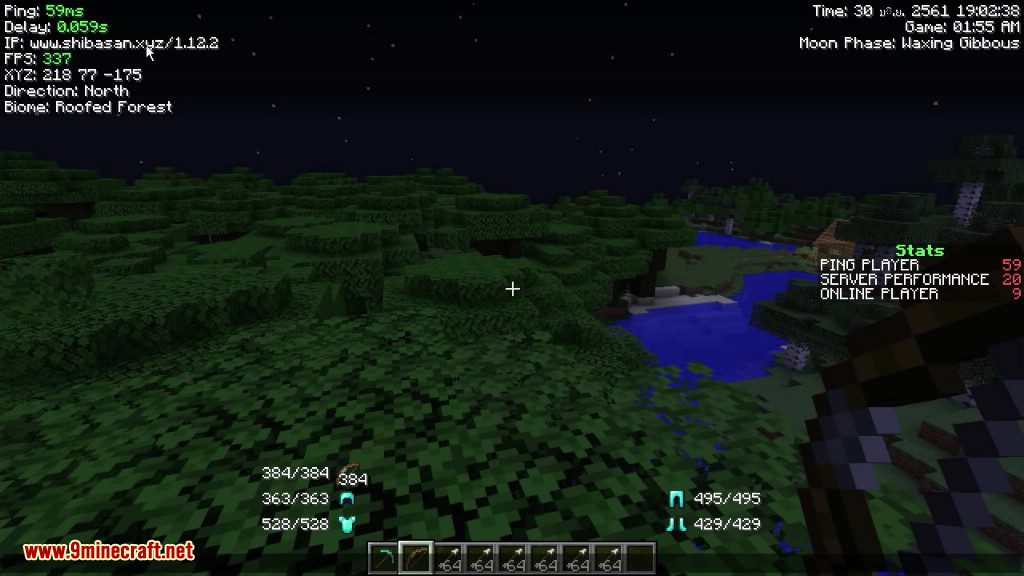

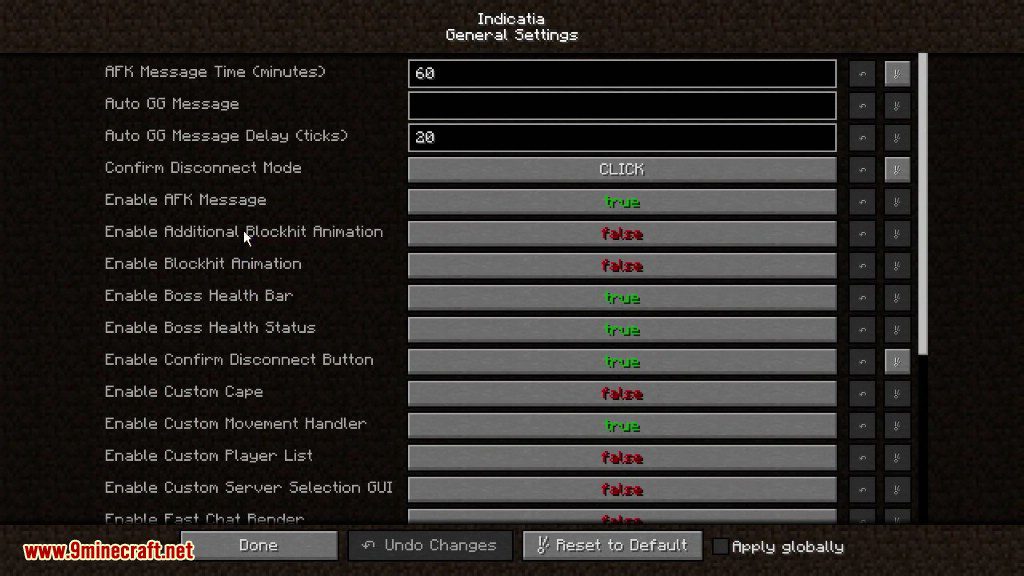
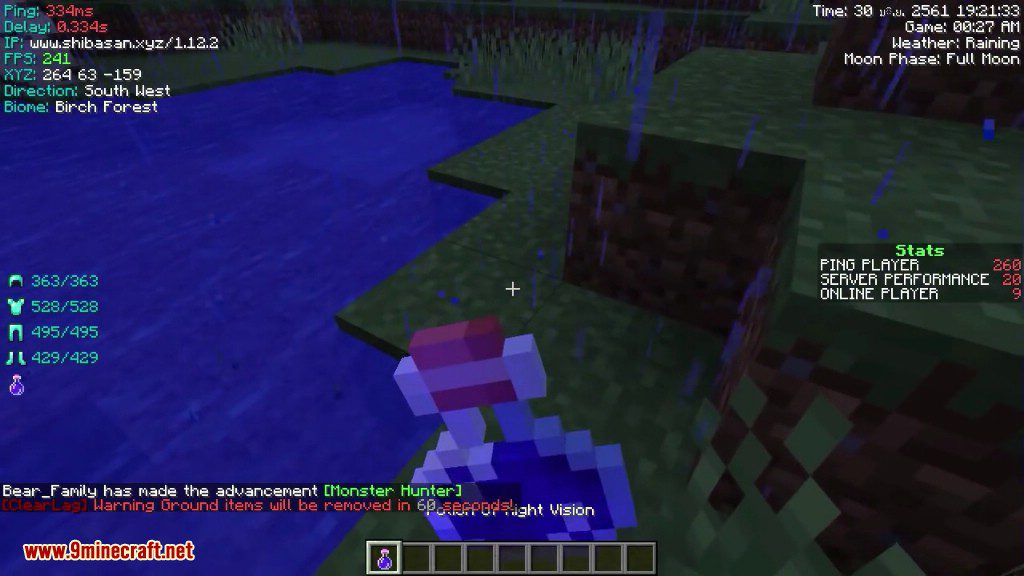
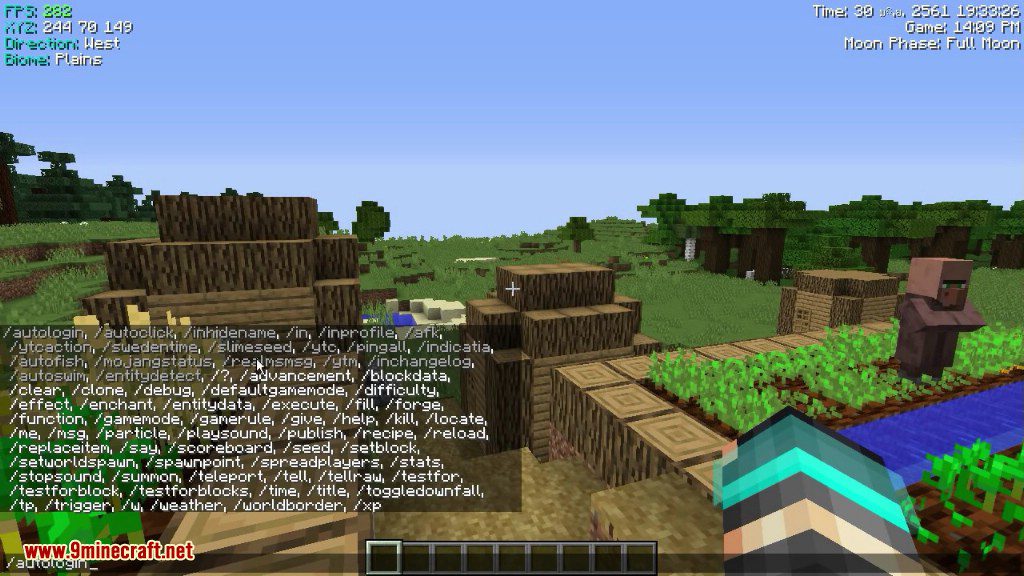
Indicatia Mod display some Game Info into In-Game HUD, also its half PvP Mod that contain some PvP features (might not better at all).
Features:
- In-game HUD
- XYZ
- FPS
- Biome
- Server IP (with Minecraft version)
- Ping
- Slime Chunk (need to use /slimeseed command to set world seed)
- CPS (Click per second)
- RCPS (Right click per second)
- Customize CPS HUD Position (Can be drag when in Chat GUI)
- Donator/Recent Donator list (For twitch streamlabs)
- Server TPS (Useful for testing TPS on client side)
- Real Life Time (Day/Month/Year and Current time)
- Game Time
- Game Weather
- Moon Phase
- Equipment HUD (Armor and Current held item)
- Recording Overlay (Show how long did you has been recorded. Default key: F9)
- In-game Potion HUD
- Keystroke
- Custom Player List (Show ping as number)
- Chat Depth Fix (This will fix Equipment HUD render if behind Chat GUI)
- Vanilla In-game Potion HUD disable option (only 1.10.2+)
- Boss Status disable option
- Sidebar Scoreboard disable option
- Health Status on entity
- 1.7 Blockhit Animation
- Auto detect Ping for nicked player in Hypixel
- Auto GG (Will work after game is end)
- AFK Feature
- Custom Cape (Only you can see your own cape)
- Simple Toggle Sprint/Sneak
- 1.7 Hurt Render for Armor
- Auto Login (Secure your password!)
- Auto Realms.
- Fast Chat Render (Disable Chat Background for better FPS)
- 1.7 Smooth Eye Height (When sneaking)
- Auto Kick Player (Party) when player is offline (Only for Hypixel)
- Mojang Status Checker (Available in Main Menu or using command)
- 1.7 Fishing Rod Render (Feel like 1.7)
- Render Info Profile (Save all your HUD info)
- Quick Skywars Button (Only show when you are in the Skywars Lobby, In Chat GUI)
- Hypixel Chat Mode Button (Only show when in Hypixel Server, In Chat GUI)
Screenshots:
Commands:
/afk (Usage: /afk <start:reason|stop|change_reason|mode…>)
- For who want to AFK.
/autologin (Usage: /autologin <add|remove|list> )
- This will auto process when joined to server, your password will be encoded automatically.
/profileiu (Usage: /profileiu <add|load|save|remove|list>)
- – Render Info Profile. Whatever your want to save, Example UHC, None, PvP, etc.
/autorealms (Usage: /autorealms )
- This will auto process when joined to realms server.
/indicatia (Usage: /indicatia <toggle_sprint|toggle_sneak|cps|gui|color_gui>)
- Contain sub-command, Set your own settings.
/mojangstatus
- Checking Current Mojang Status
/slimeseed (Usage: /slimeseed )
- Used for finding Slime Chunk in your world.
/inchangelog
- Full Mod Change Log
How to use:
- Simply press F4 for Config GUI.
Indicatia Mod Download Links
- Edition: Minecraft Java
- File type: .jar
- Minecraft version listed: 1.20.1
- How to install: Install the matching mod loader (Forge, Fabric or NeoForge) for your Minecraft version. → Download the .jar. → Put it in the .minecraft/mods folder and launch that loader profile.
- Where to get it: In MC Java Mods, or directly above on this page.
Install steps are the general flow for this file type — How to install Minecraft Java mods & modpacks walks through it step by step.
- Downloads as 25492.mcaddon
- Download size: 118 KB
- Download link checked 26 Sept 2026 — working
- Mirrored on our own servers — the download does not depend on the original host
These come from our own check of the pack file, not from the source page.